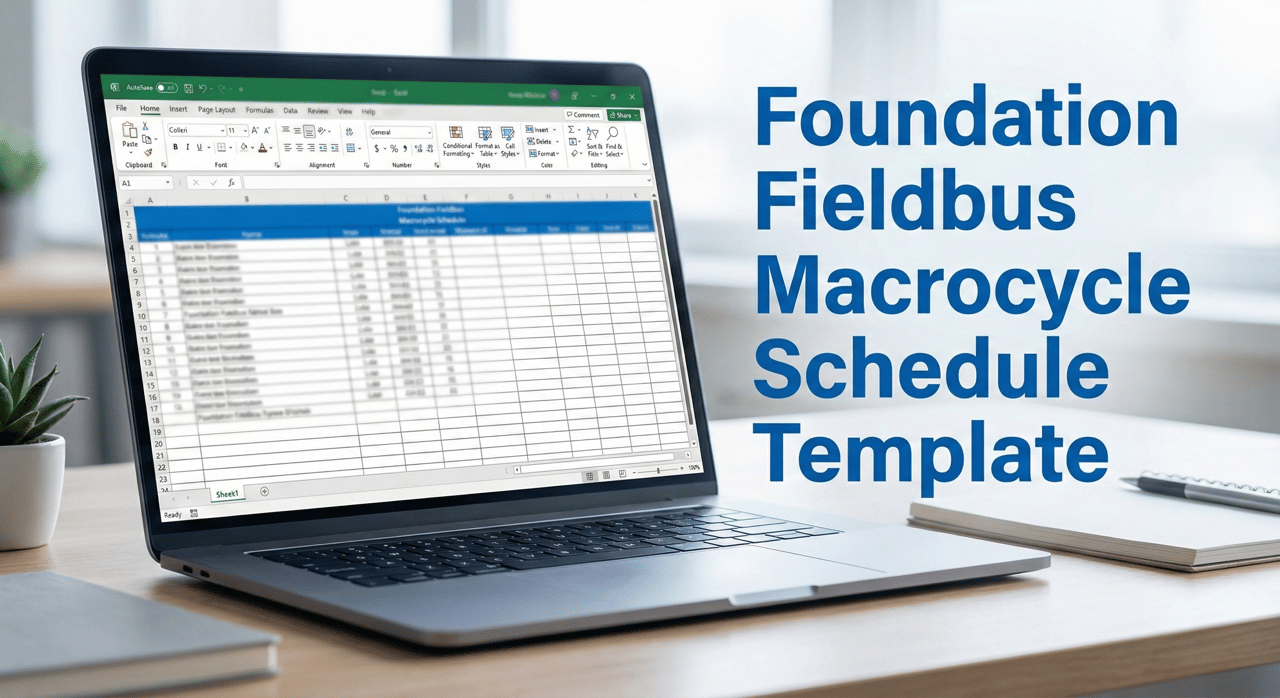

FOUNDATION Fieldbus Macrocycle Schedule Template
Know exactly how much bandwidth you're using before problems show up.
You've got a reliable H1 segment that's been running for years. Then someone adds a new loop or changes an execution rate, and suddenly everything's a little slower. Diagnostics take forever to load. Configuration changes time out. Nobody knows why because nobody tracked how much bandwidth was already allocated.
This is the invisible problem that makes brownfield FOUNDATION Fieldbus segments fragile.
What You Get:
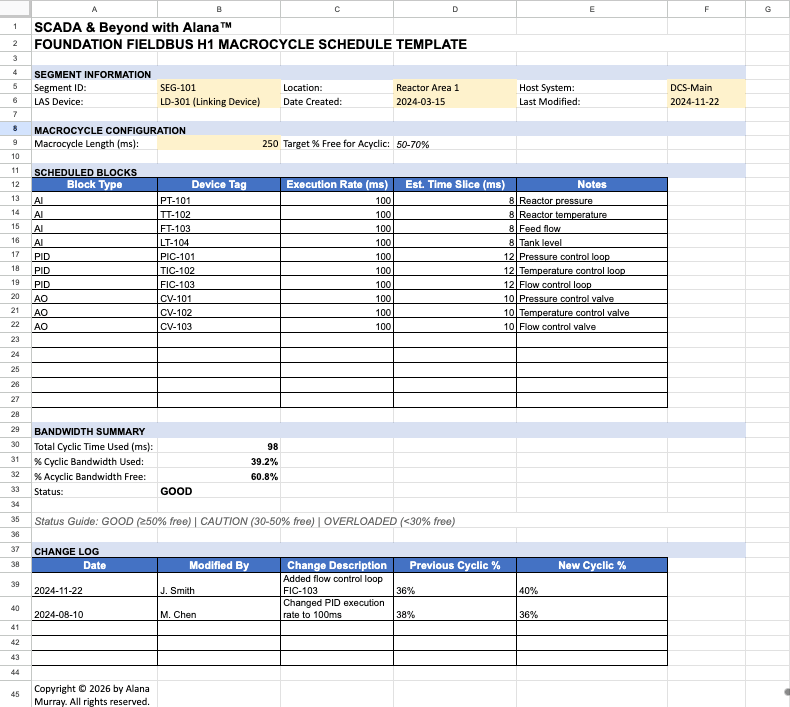
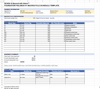
Professional Excel template for documenting H1 segment schedules:
- Segment information tracking (ID, location, host system, LAS device)
- Macrocycle configuration settings
- Scheduled blocks table (block type, device tag, execution rate, time slice)
- Automatic bandwidth calculations (% cyclic used, % acyclic free)
- Visual status indicators (GOOD/CAUTION/OVERLOADED)
- Change log for tracking modifications over time
- Realistic demo data showing a properly designed segment
The Problem This Solves:
Segments get loaded incrementally. Each new AI block, each PID loop, each valve positioner takes a slice of the macrocycle. Without explicit tracking, you hit capacity without realizing it. Then your troubleshooting takes three times longer because you don't have acyclic bandwidth for diagnostics.
This template gives you what experienced FF engineers maintain: a documented baseline you can reference when someone asks "can we add this loop?"
Who This Is For:
Automation engineers, maintenance technicians, and OT professionals managing FOUNDATION Fieldbus H1 segments. If you're responsible for keeping segments running or making changes without breaking things, this gives you the documentation framework to do it right.
Deliverable: Editable Excel file (.xlsx) with working formulas and demo data. No macros, ready to use immediately.
This product is for educational and informational purposes only. Users are responsible for adapting this tool to their specific operational requirements.