
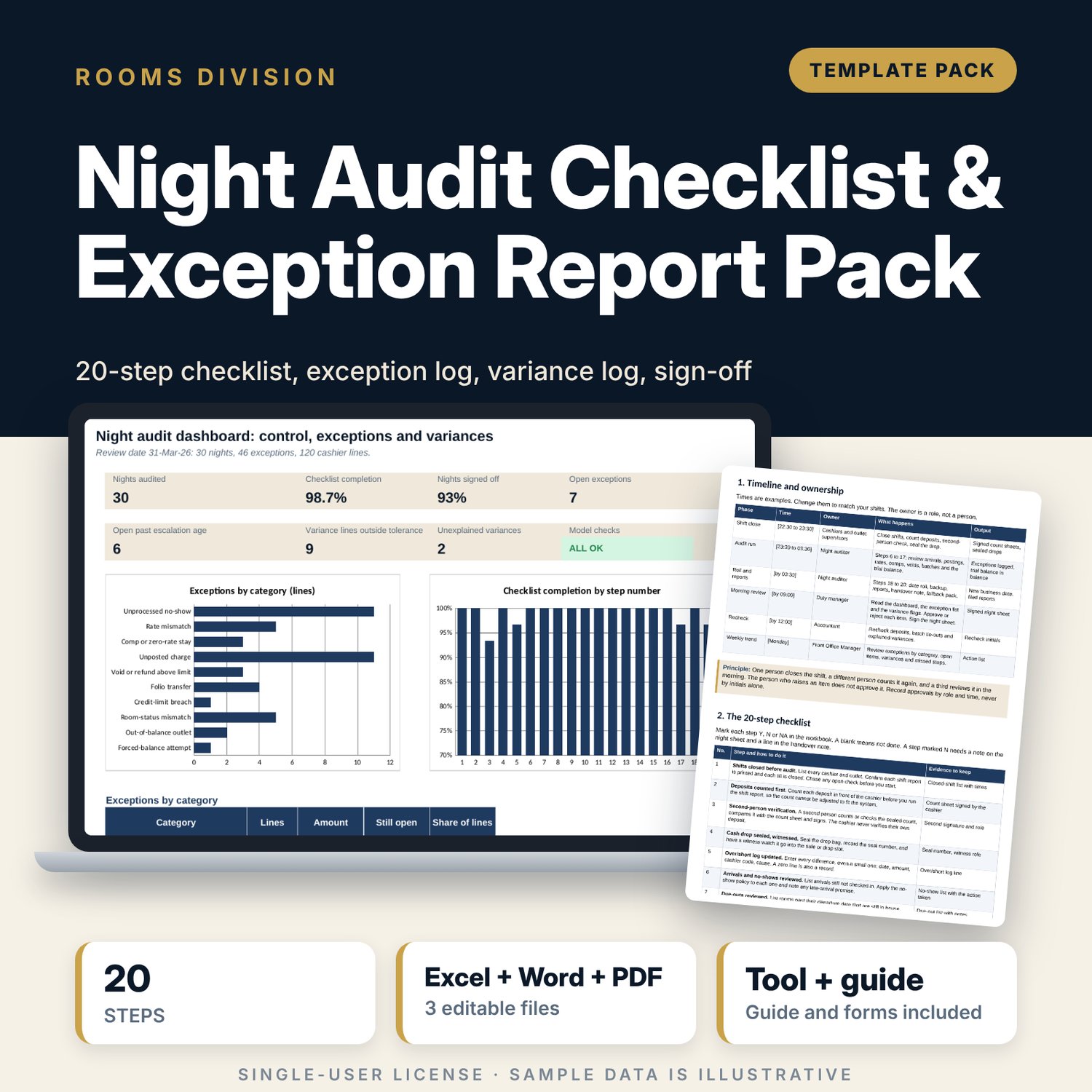
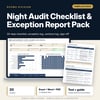
Night Audit Checklist & Exception Report Pack: Night Audit Procedure, Checklist and Exception Log
Full description
For night auditors, duty managers, front office managers and accountants who need one standard for closing the hotel day. The workbook logs each night with day statistics, the date-roll time and 20 checklist marks, records every exception with a category, an amount, a required approval level, an approver, an age and an escalation flag, and records each cashier or outlet variance as system total minus counted total. The Word procedure sets out the timeline, the steps, the 10 exception categories, the approval ladder and the forms to print.
What is inside
- Night_Audit_Pack.xlsx: 7 tabs, 1,526 formulas, 2 native charts, 22 drop-down and input rules
- Nightly Log: 30 sample nights with 20 checklist marks each, completion %, ADR, rooms sold, sign-off and a night flag, plus 12 spare rows
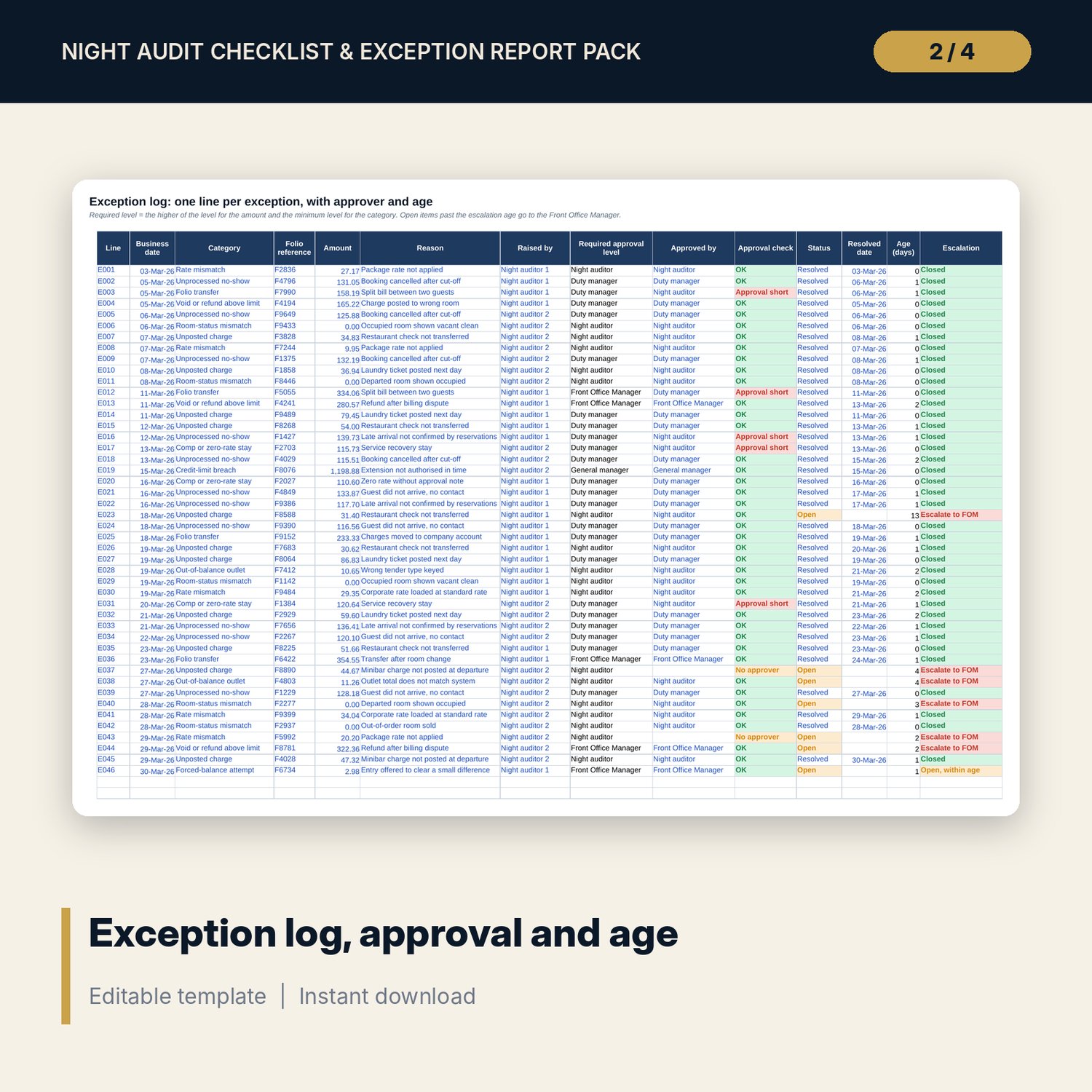
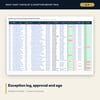
- Exceptions: 46 sample lines in 10 categories with required approval level, approval check, age and escalation, plus 34 spare rows
- Variance Log: 120 sample cashier and outlet lines with variance, tolerance check, cause and second signature, plus 60 spare rows
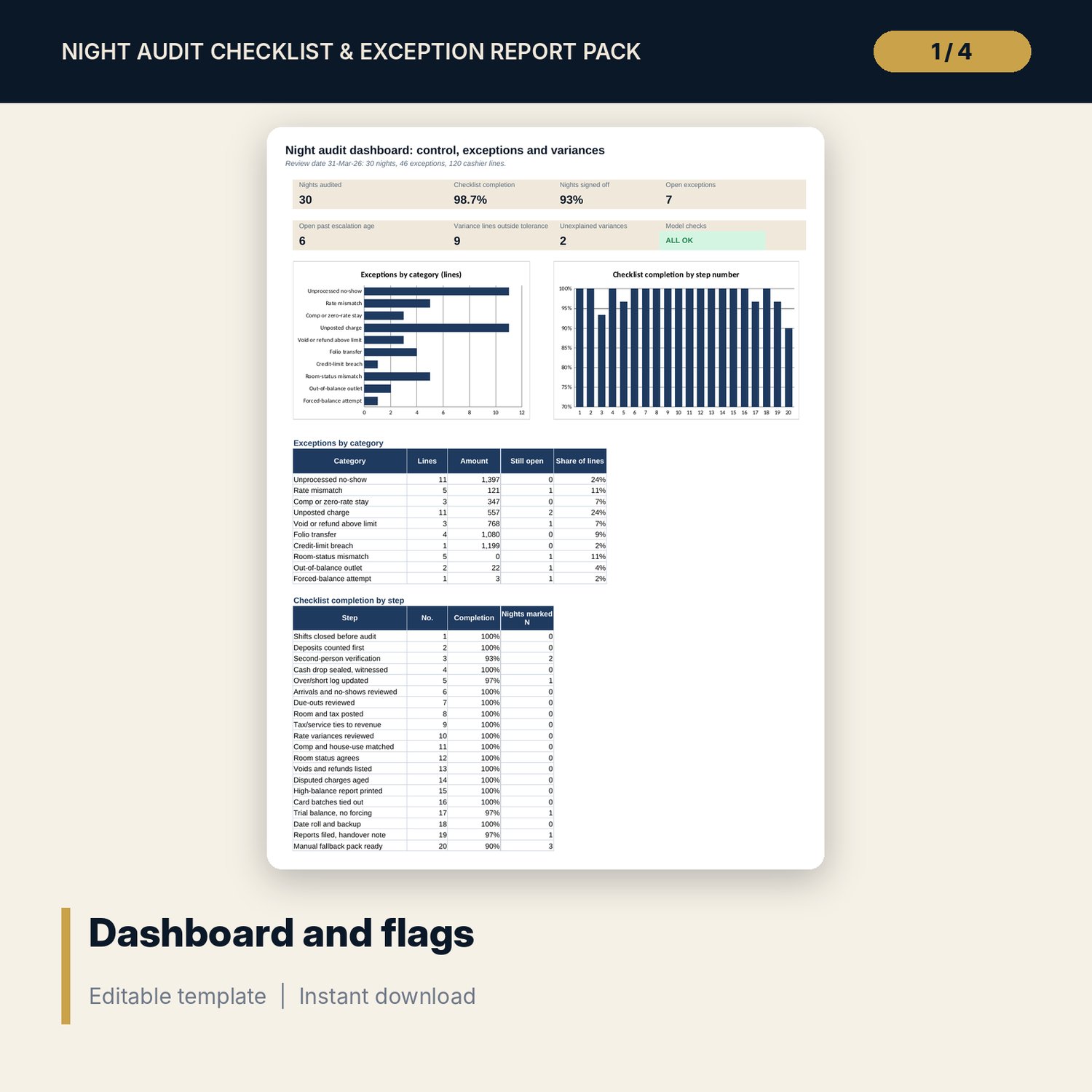
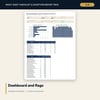
- Dashboard: 7 KPI tiles, a check tile and 2 charts; 8 integrity checks on the Checks tab
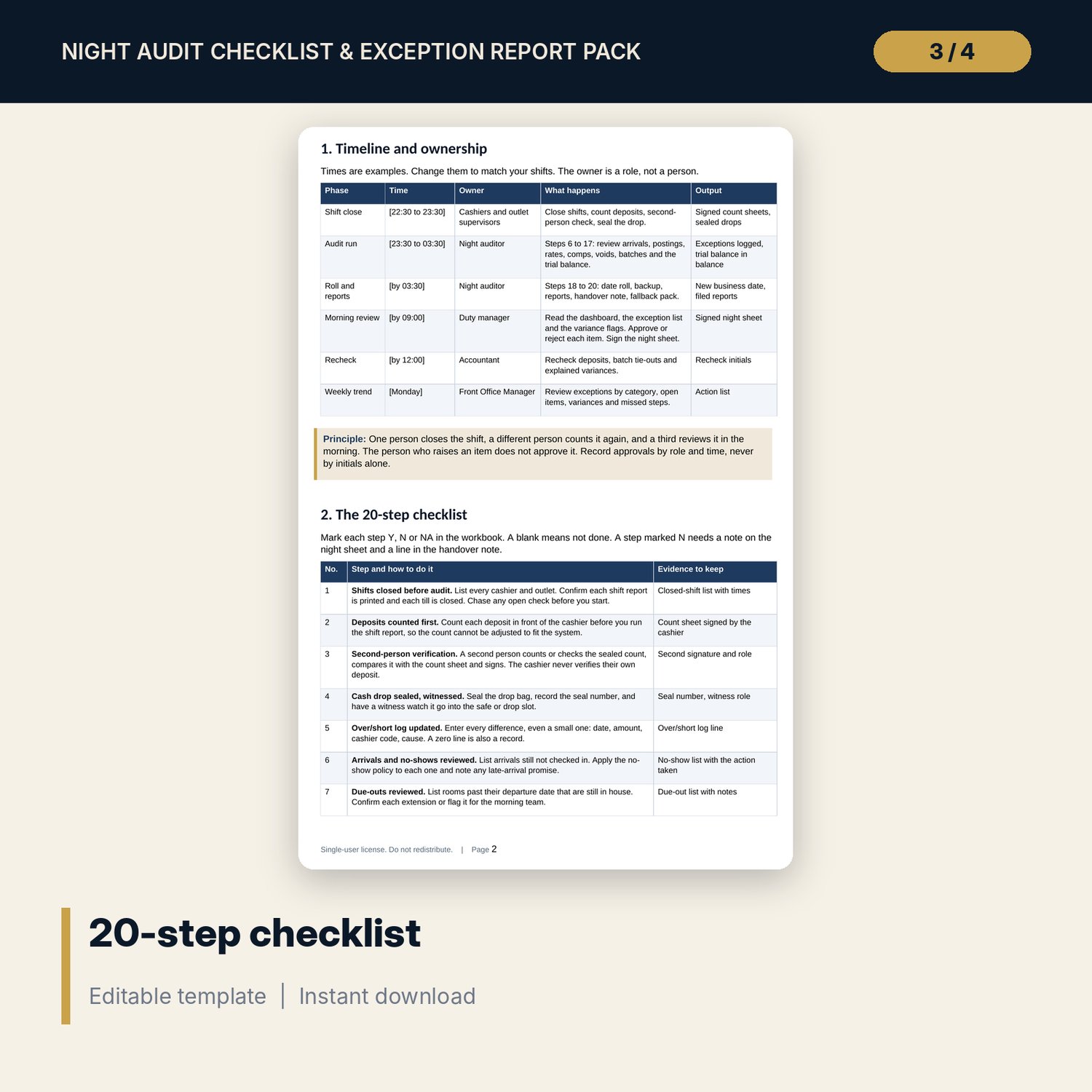
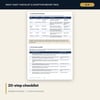
- Night_Audit_Procedure.docx and PDF: 10 pages with a timeline, 20 steps with evidence to keep, 10 exception categories, variance and approval rules, 4 forms, a fallback pack and a worked example
- README.txt and LICENSE-and-Terms.txt
How it works
- Set your tolerance, approval limits, date-roll target and escalation age on Settings.
- Each night, add a row on Nightly Log, mark all 20 steps Y, N or NA, and log each exception and cashier total.
- Read the flags: incomplete checklist, late roll, variance outside tolerance, approval short, escalate to the Front Office Manager.
- The duty manager reads Dashboard, signs the night sheet and returns anything unexplained.
- Review the trend weekly with the agenda in the procedure.
Details
- Formats: 1 Excel workbook (.xlsx), 1 procedure in Word (.docx) and PDF, English
- Software: Excel 2016 or later, or LibreOffice Calc 7 or later
- No macros, no external links, no data tables, no array formulas
- 3 files plus README and license; instant digital download
Good to know
- Sample data is illustrative. Replace it with your own figures.
- Limits, tolerance and times are your policy. These files are management tools, not legal, tax or accounting advice. Verify local requirements.
- The workbook records and flags. It does not connect to your property system.
- Single-user license. Do not redistribute.
FAQ
How many nights and exceptions does it hold?
30 nights, 46 exceptions and 120 cashier lines in the sample, with 12, 34 and 60 spare rows for your own data.
Can I change the approval limits?
Yes. The three limits, the tolerance, the escalation age and the date-roll target are inputs on Settings.
What counts as a late roll?
A date roll after the target time on Settings, for example 03:30. The night shows Late roll.
Can I rename the checklist steps and exception categories?
Yes. Edit the names on Settings. The dashboard and drop-down lists follow.
Do I need macros?
No. Every result is a standard worksheet formula.