
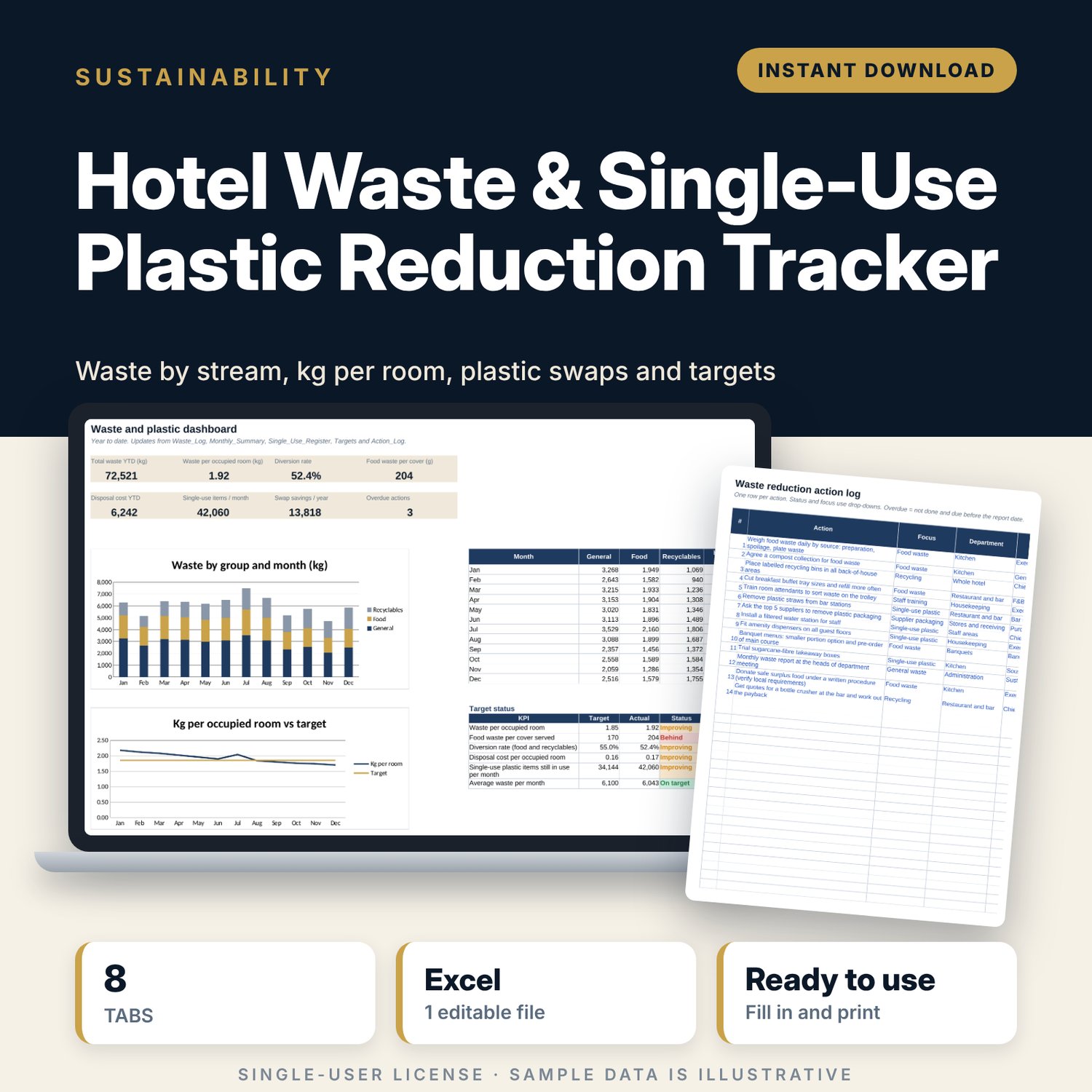
Hotel Waste & Single-Use Plastic Reduction Tracker: Hotel Waste Tracker Spreadsheet
Full description
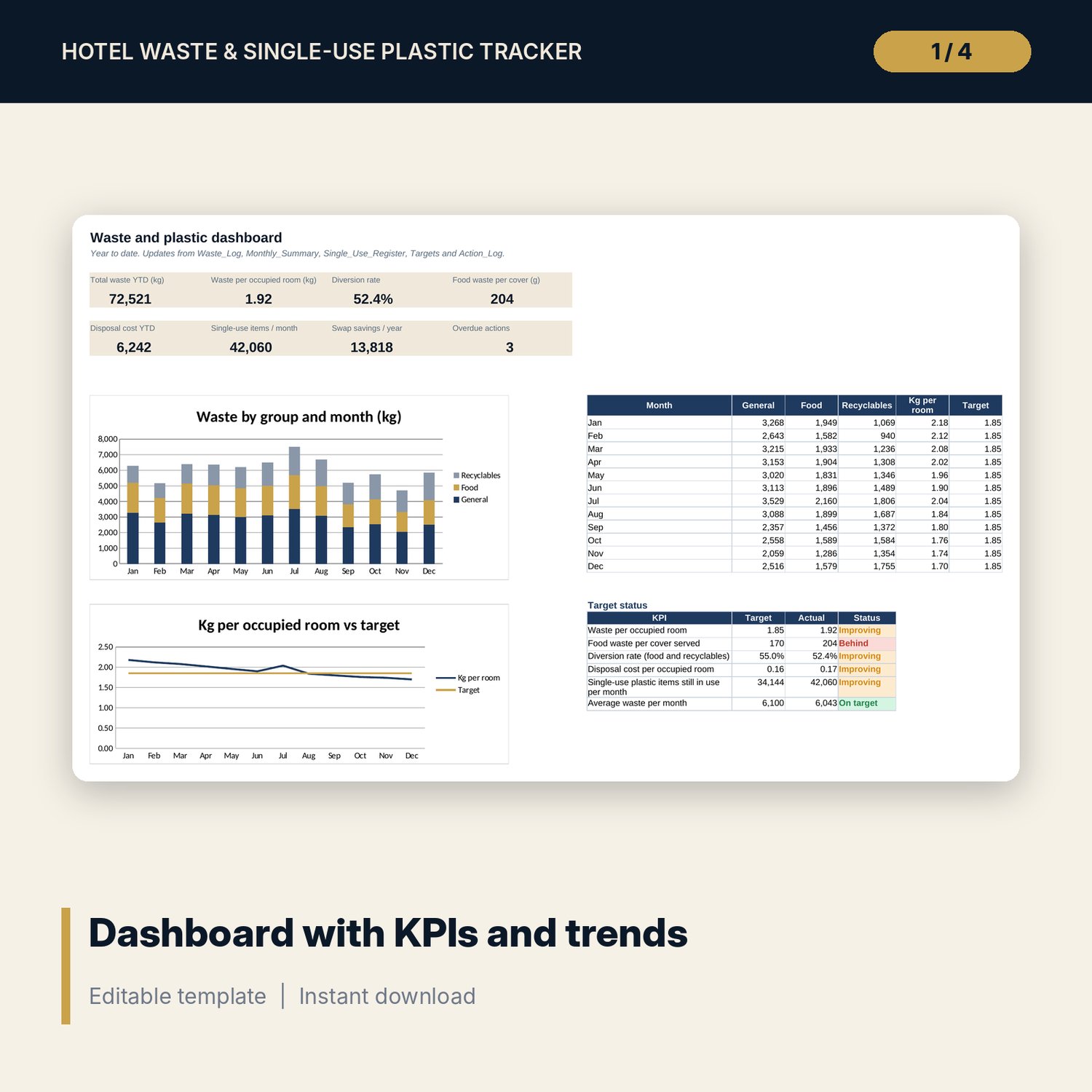
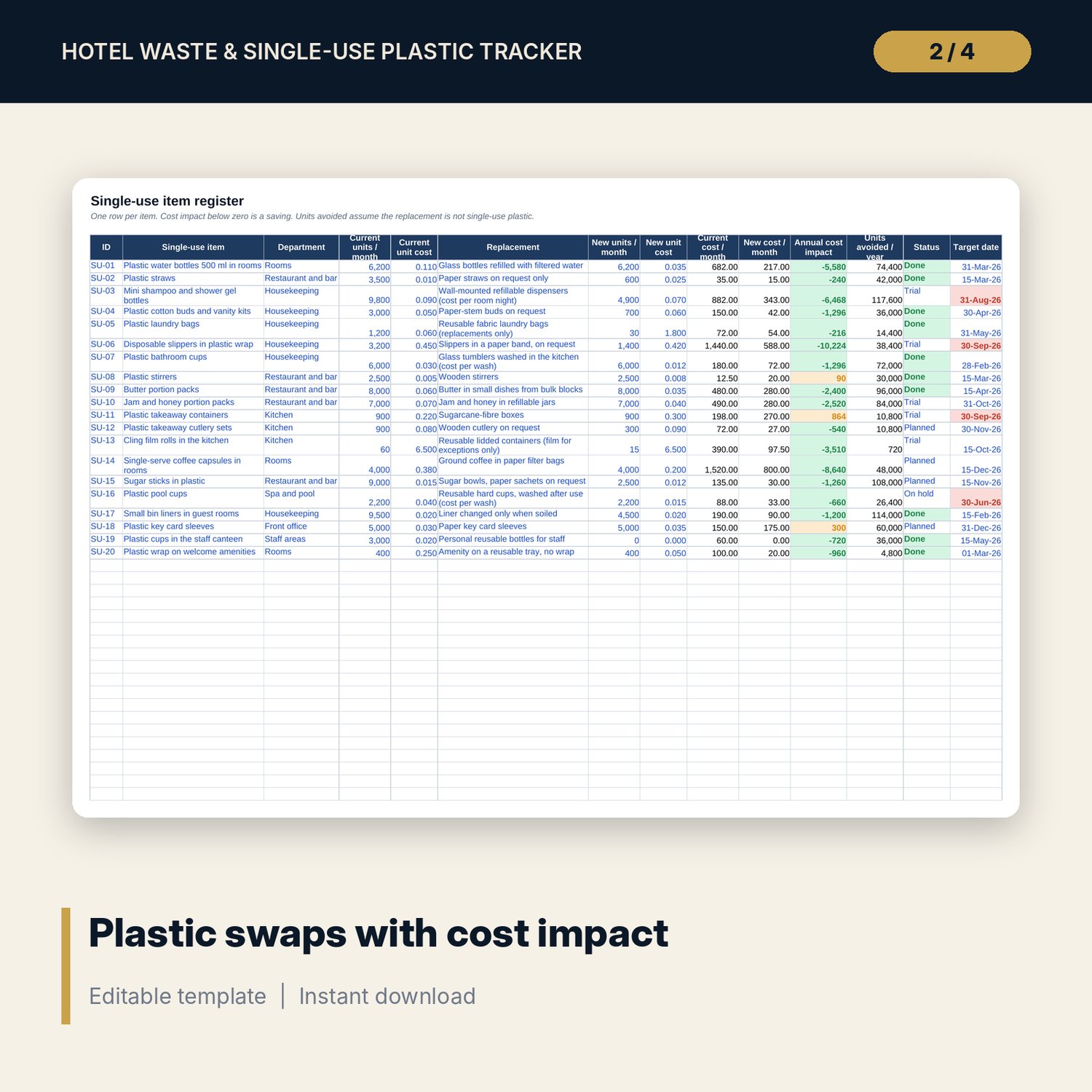
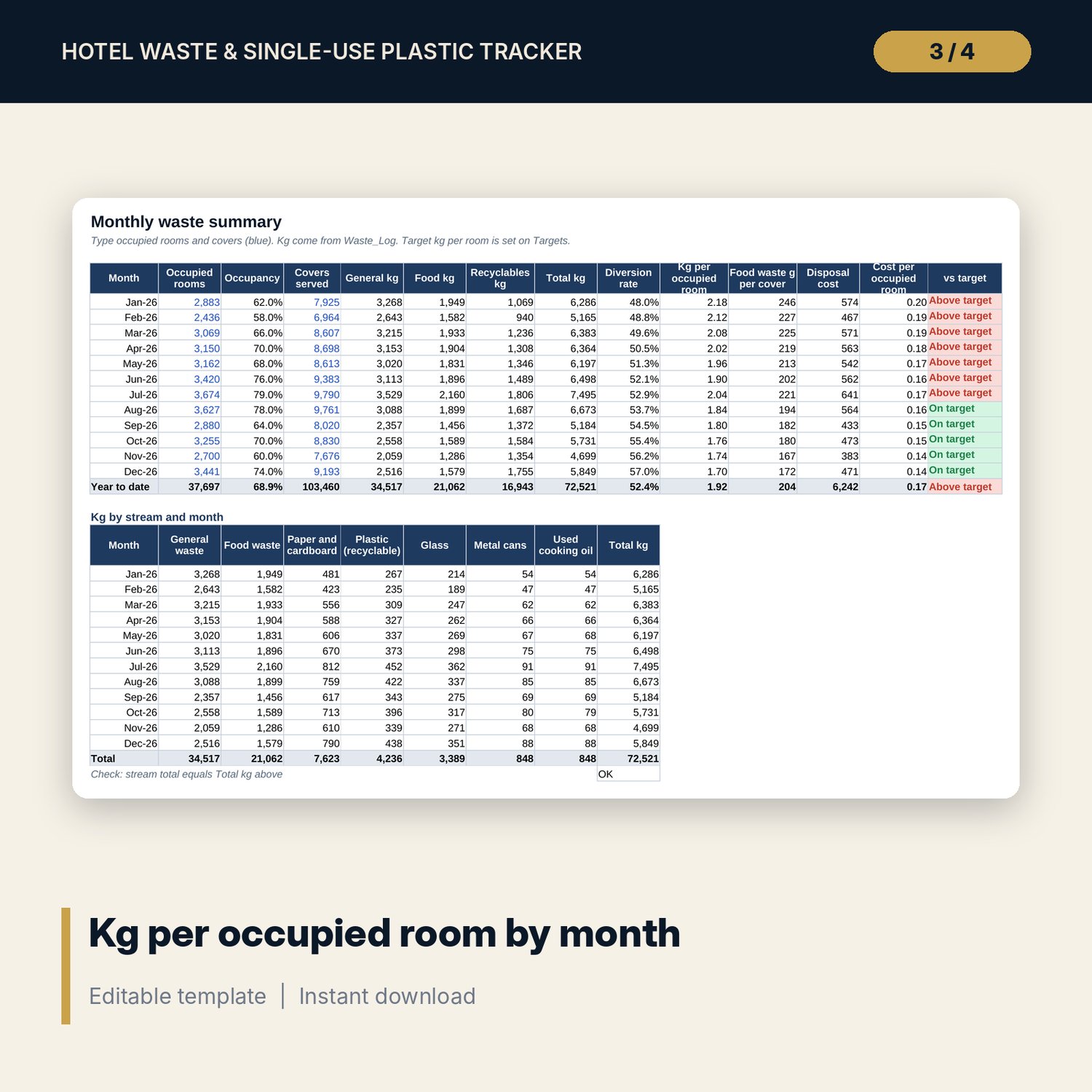
For hotel managers, chief engineers and sustainability leads who need to measure waste and show that it is going down. You log each weighing or hauler ticket, type the occupied rooms and covers for the month, and the workbook works out kg per occupied room, food waste per cover, diversion rate and disposal cost. A register lists every single-use plastic item with its replacement and shows the yearly cost impact of each swap. Targets, an action log with overdue flags and a one-page dashboard keep the heads of department meeting focused on the numbers.
Save with a bundle: this template is also in the Hotel Engineering, Safety & Compliance Bundle, 11 templates for $35 instead of $83. All 141 templates are in the All-Access Hospitality Template Library for $79.
What is inside
- Hotel_Waste_Plastic_Reduction_Tracker.xlsx: 8 tabs, 3,095 formulas, 2 native charts, 12 drop-down validations.
- Settings: year, rooms, currency label, report date; 7 waste streams with group, disposal route and cost per kg; 6 drop-down lists.
- Waste_Log: 600 rows (276 sample weighings). Group, route, month and cost calculate.
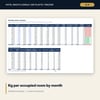
- Monthly_Summary: 12 months of occupancy, covers, kg by group, diversion rate, kg per occupied room, food waste per cover, disposal cost and a flag against target, plus kg by stream for each month.
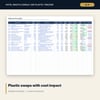
- Single_Use_Register: 40 rows with 20 example items, replacements, monthly units, unit costs, annual cost impact and units avoided.
- Targets: 6 KPIs with baseline, target, actual, gap and status.
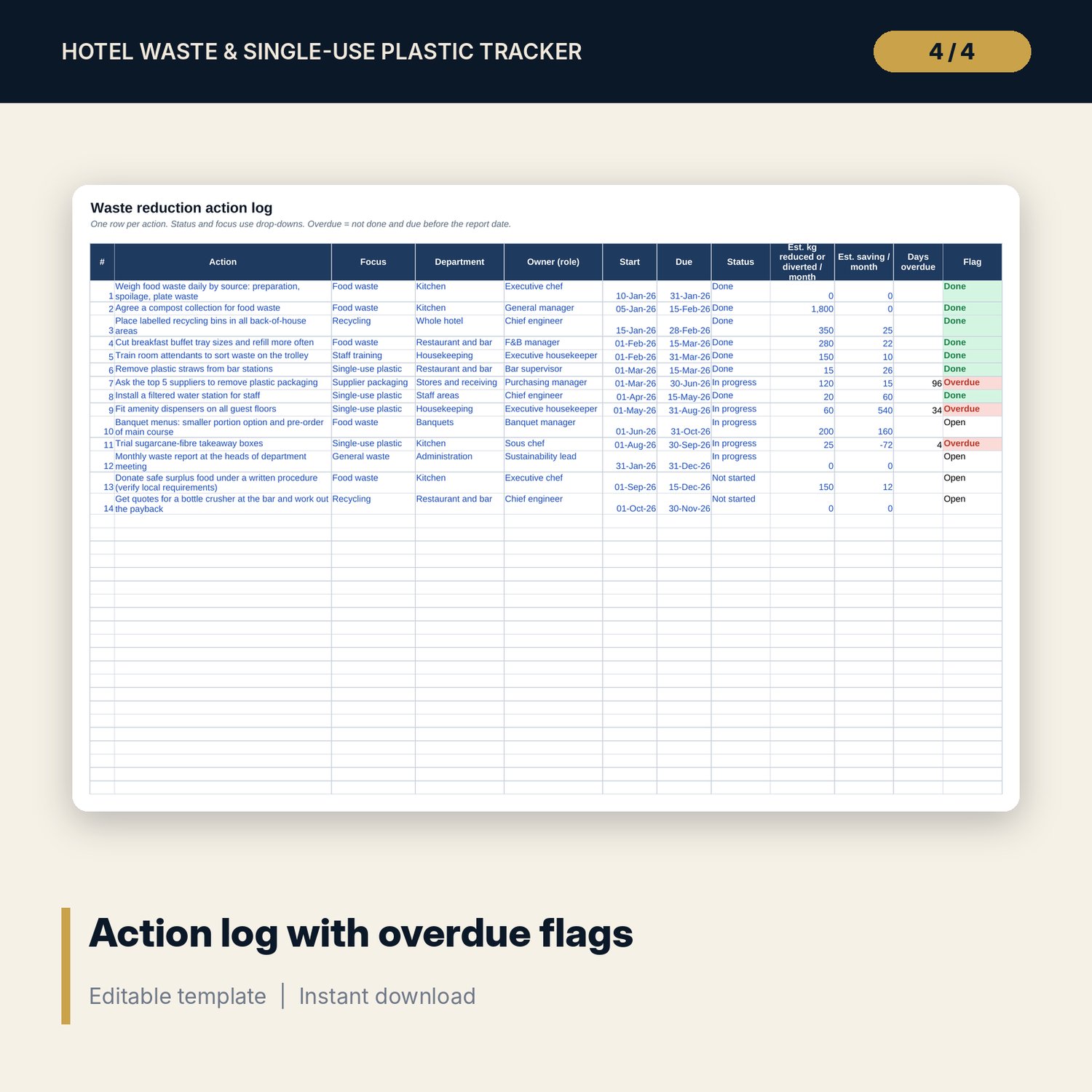
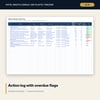
- Action_Log: 60 rows with 14 example actions, days overdue and status flags.
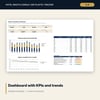
- Dashboard: 8 KPI tiles, a target status table and 2 trend charts.
- README.txt and LICENSE-and-Terms.txt.
How it works
- Enter the year, room count and the cost per kg for each waste stream in Settings.
- Log each weighing or collection ticket in Waste_Log.
- Type the occupied rooms and covers for each month in Monthly_Summary.
- List single-use items and their replacements, set baselines and targets, and log actions.
- Review the Dashboard each month and update the status of swaps and actions.
Details
- Format: Excel workbook (.xlsx).
- Language: English. Pages set up for A4 landscape printing.
- Software: Excel 2016 or later. Also opens in Google Sheets and other spreadsheet programs that read .xlsx (check charts and drop-downs after import).
- Delivery: instant digital download. Nothing is shipped.
Good to know
- All sample data is illustrative. Replace it with your own weights, rooms and costs.
- Disposal costs, routes and food donation rules depend on your location. Verify local requirements.
- Single-user license. Do not share or resell the file.
FAQ
Do I need scales for every stream?
No. You can enter the weights from your hauler's tickets or invoices, one row per ticket.
Can I rename or add waste streams?
Yes. Edit the stream table in Settings. Keep the group as General, Food or Recyclable so the monthly totals work.
How is the diversion rate calculated?
Food waste plus recyclables, divided by total waste. Food waste counts as diverted when it goes to compost, feed or digestion.
Can I use it for a restaurant without rooms?
Yes for the waste log, register and actions. The per-room figures need occupied rooms, so use food waste per cover instead.
What software do I need?
Excel 2016 or later, or another spreadsheet program that opens .xlsx files.