





Email Security Workbook — Lock Down the Account That Controls Every Password Reset | PDF
Email Security Workbook — Lock Down the Account That Controls Every Password Reset | PDF
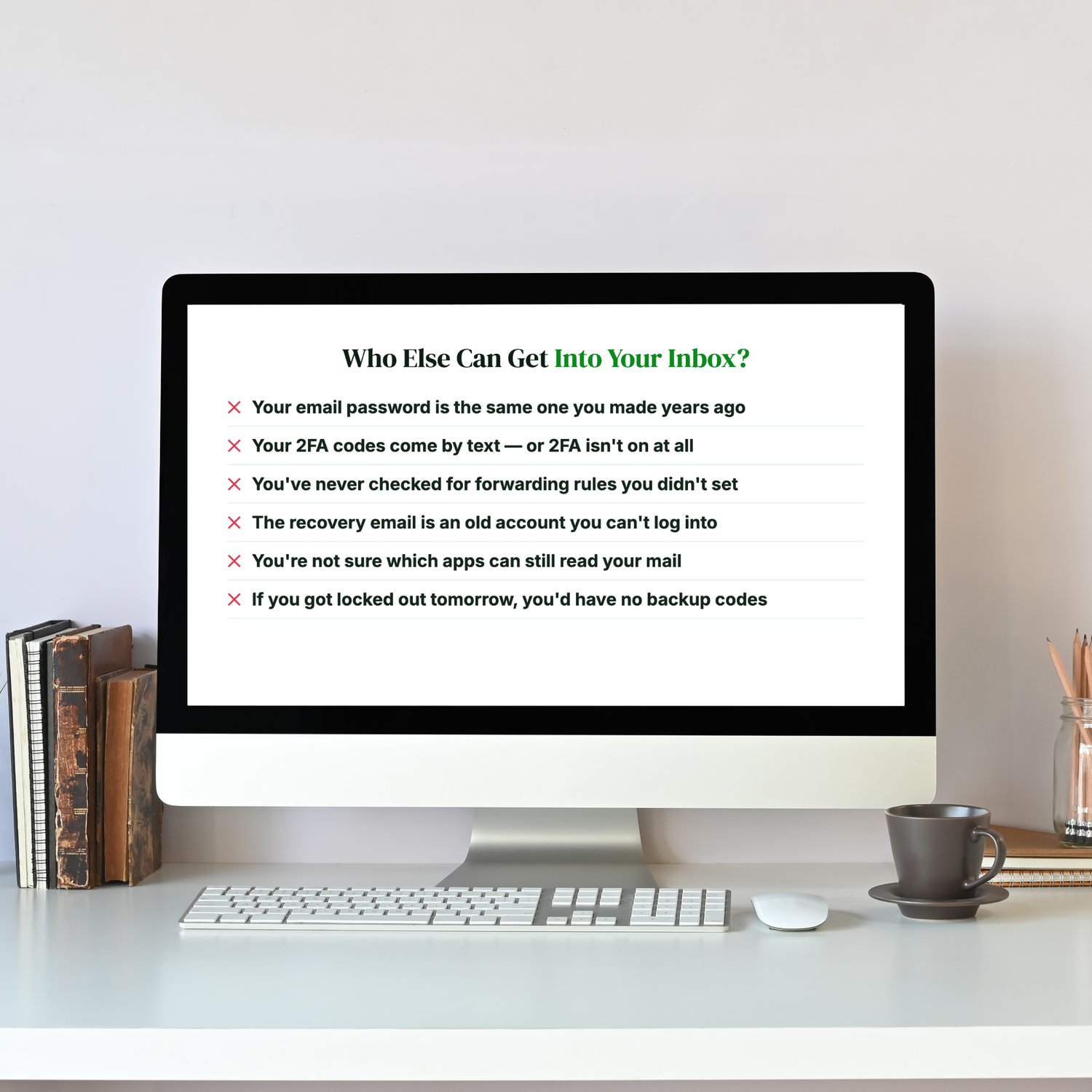
Who else can get into your inbox?
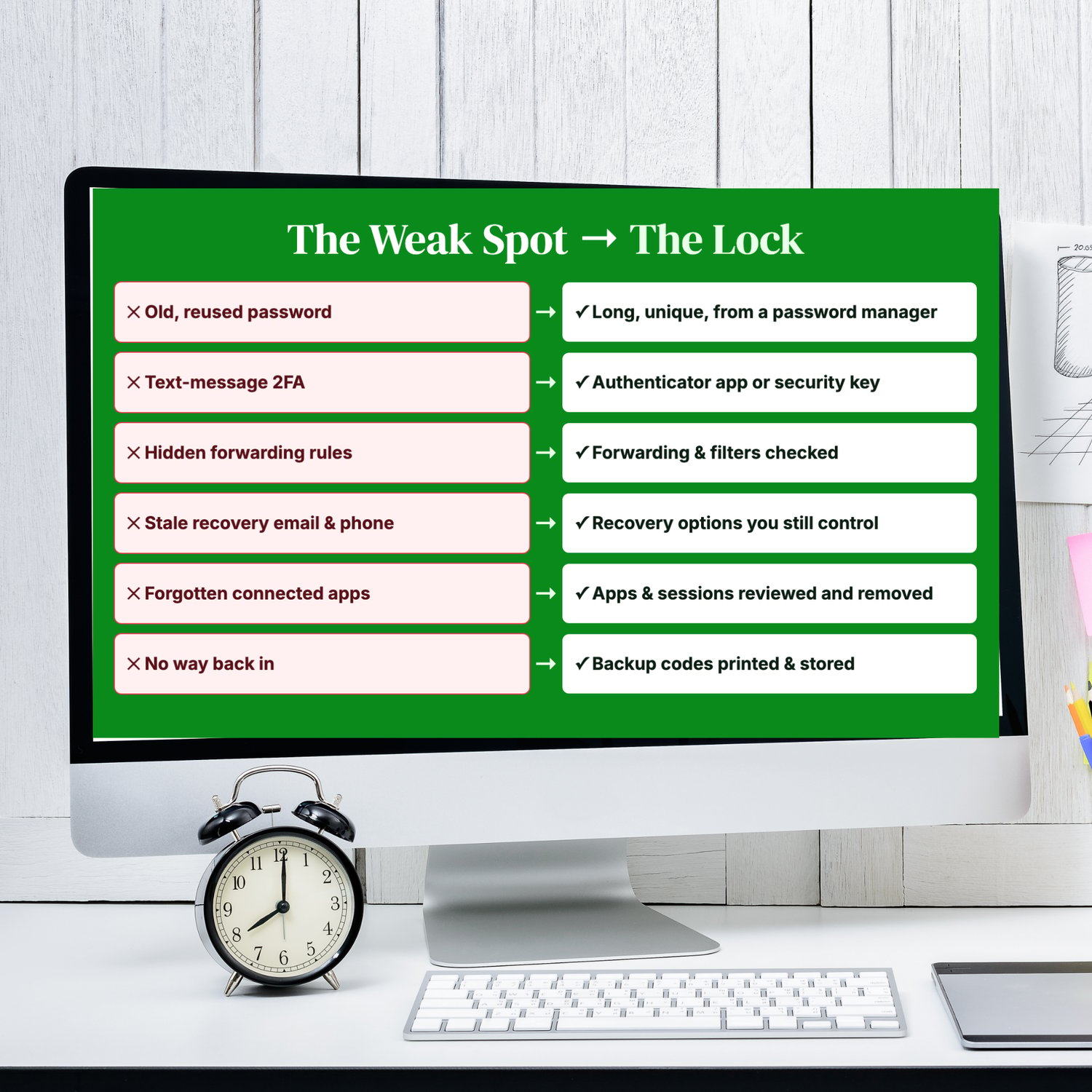
- Your email password is the same one you made years ago.
- Your two-factor (2FA) codes come by text, or 2FA isn't on at all.
- You've never checked for forwarding rules you didn't set.
- Your recovery email is an old account you can't even log into.
- You're not sure which apps can still read your mail.
- If you got locked out tomorrow, you'd have no backup codes.
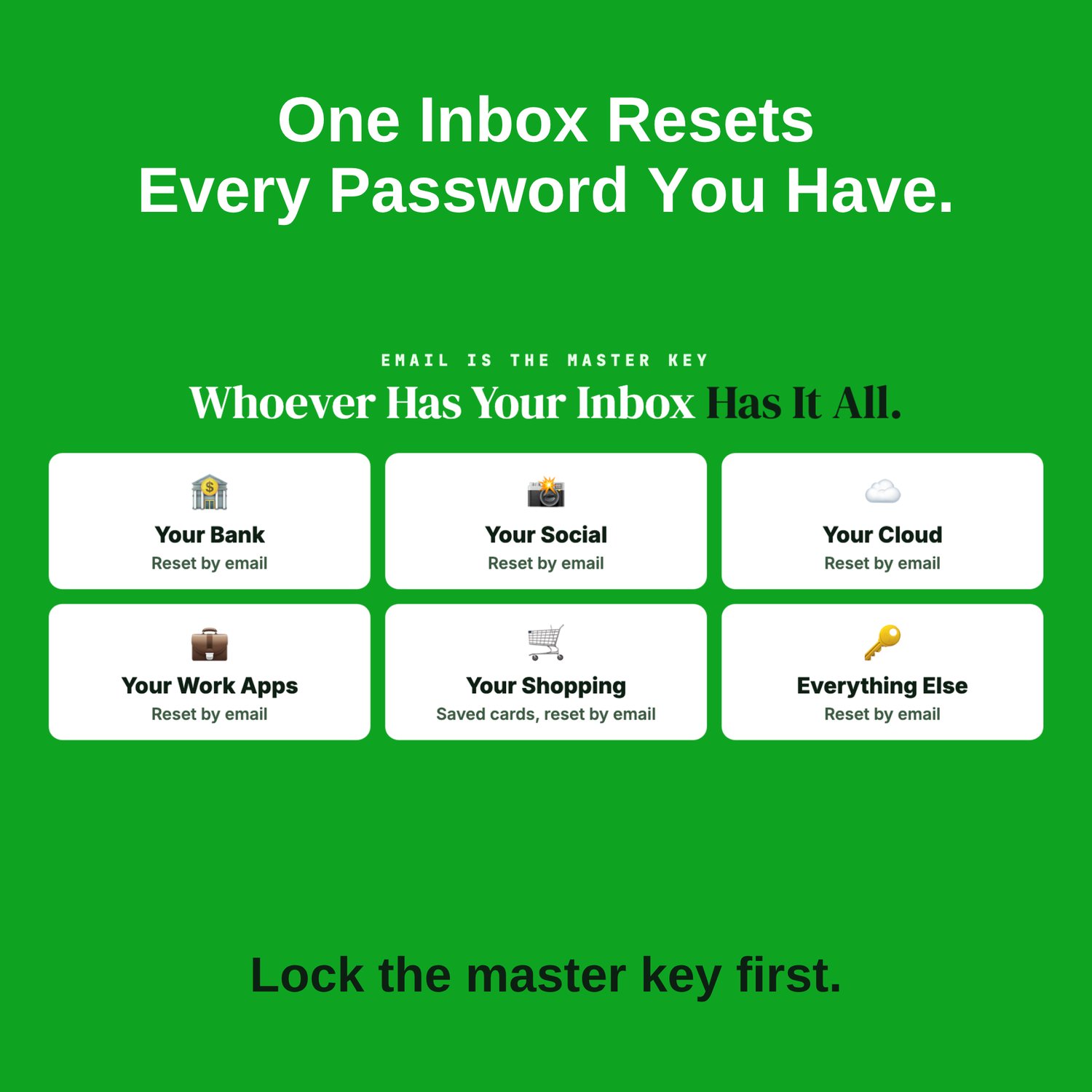
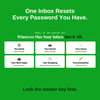
Your email is the master key. Whoever controls your inbox can reset the passwords on almost everything else: your bank, social media, cloud storage, work apps and shopping accounts. That makes it one of the most valuable accounts an attacker can take, and the one where "good enough" security isn't enough.
This workbook walks you through locking it down, once and properly.
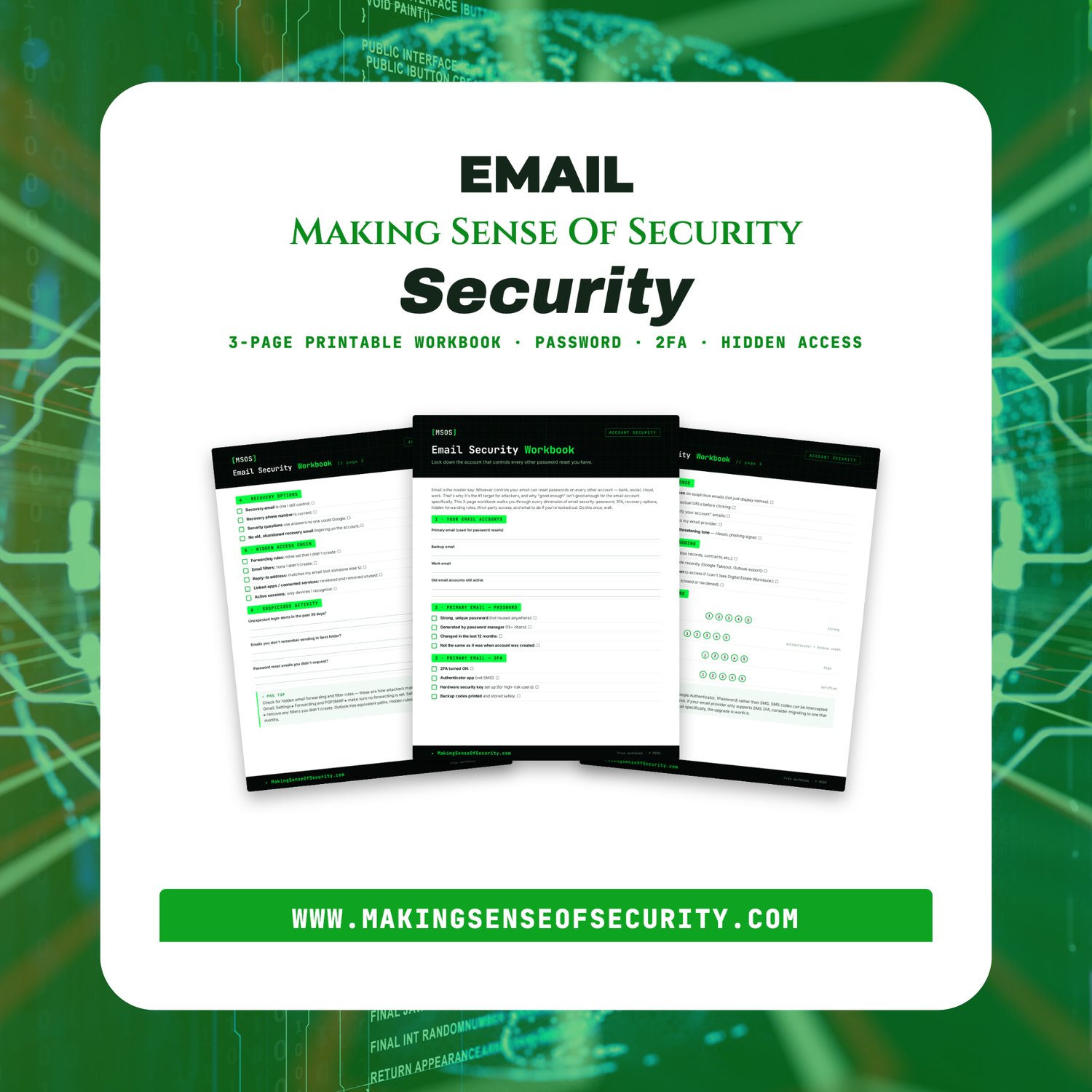
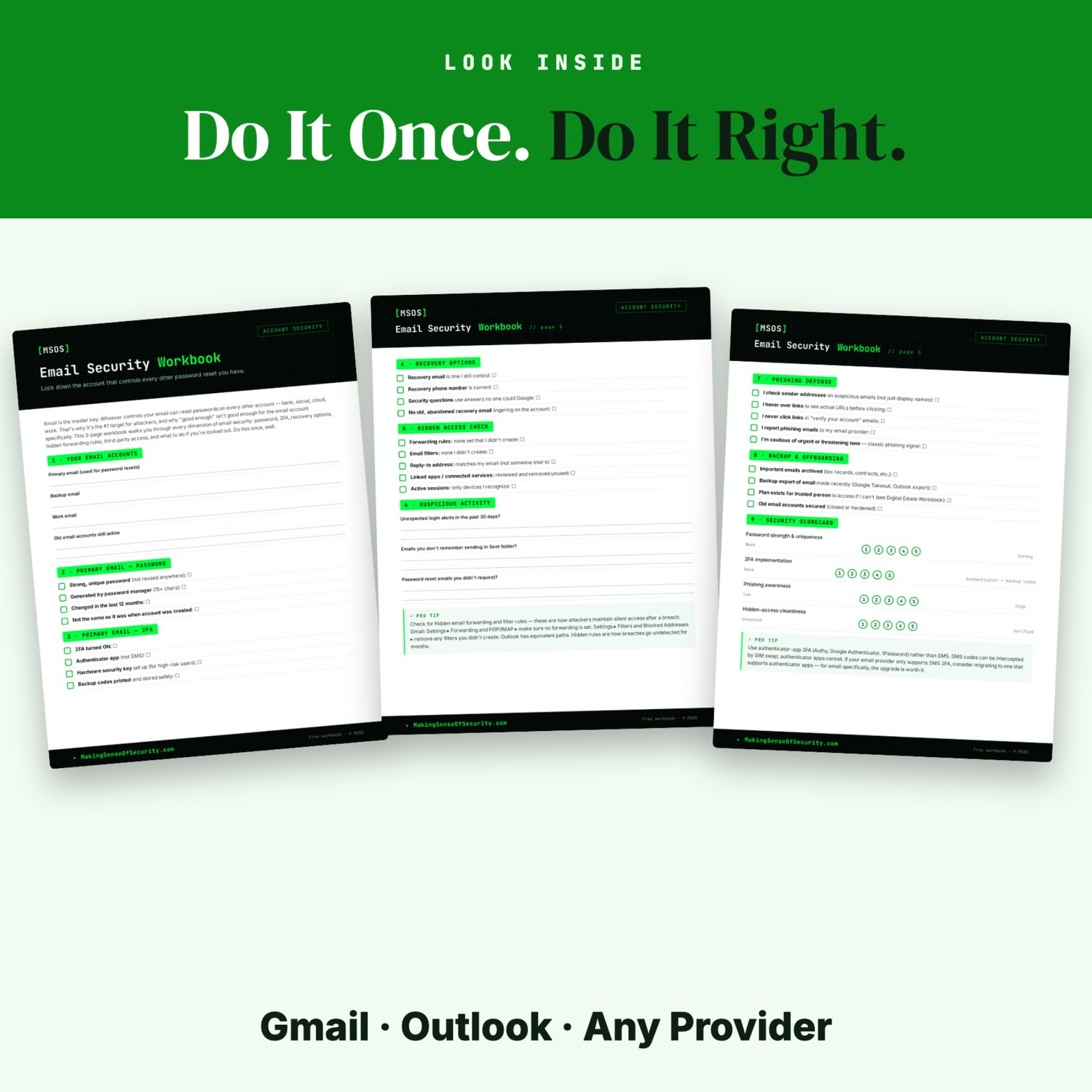
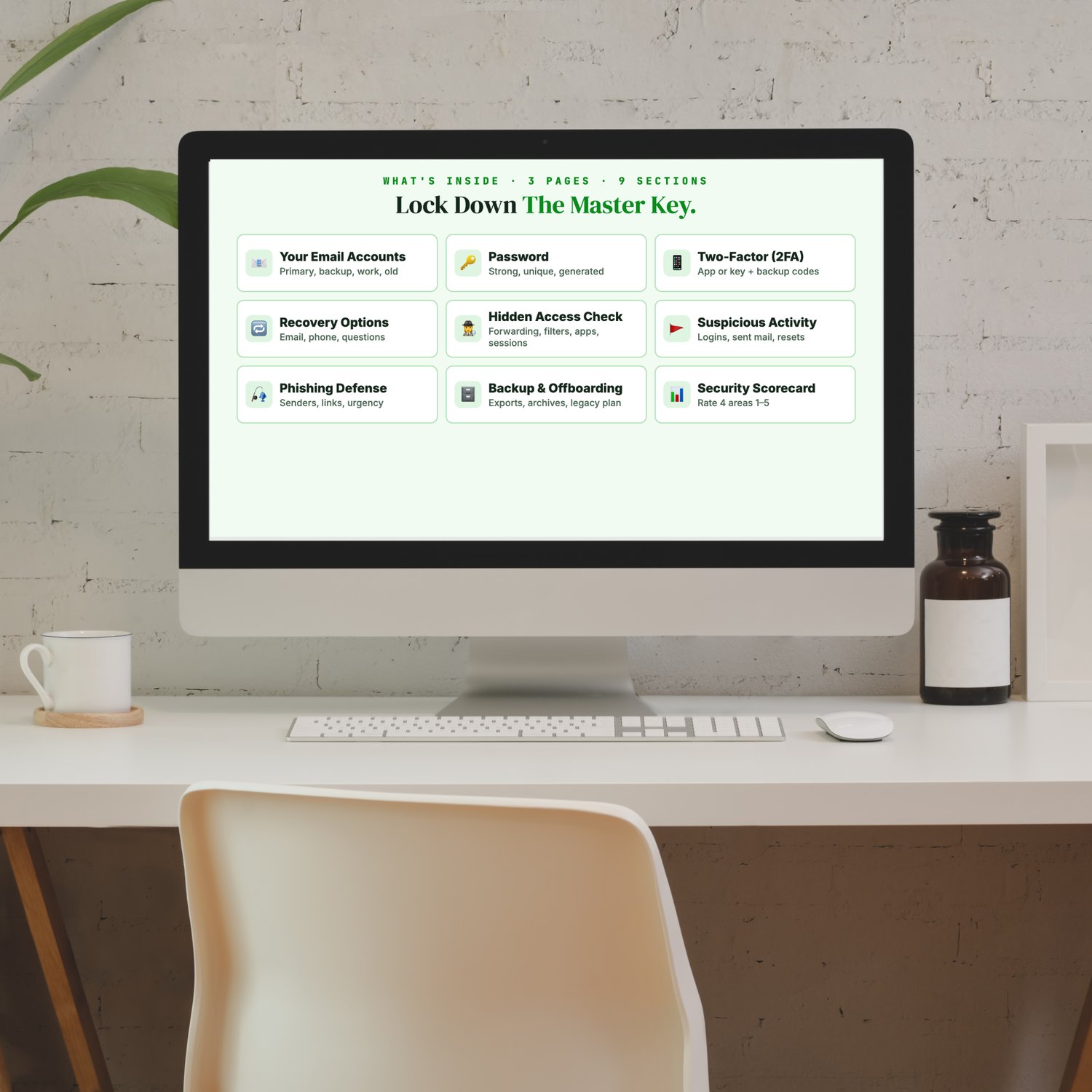
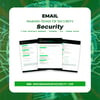
It's a 3-page printable workbook covering every part of email security:
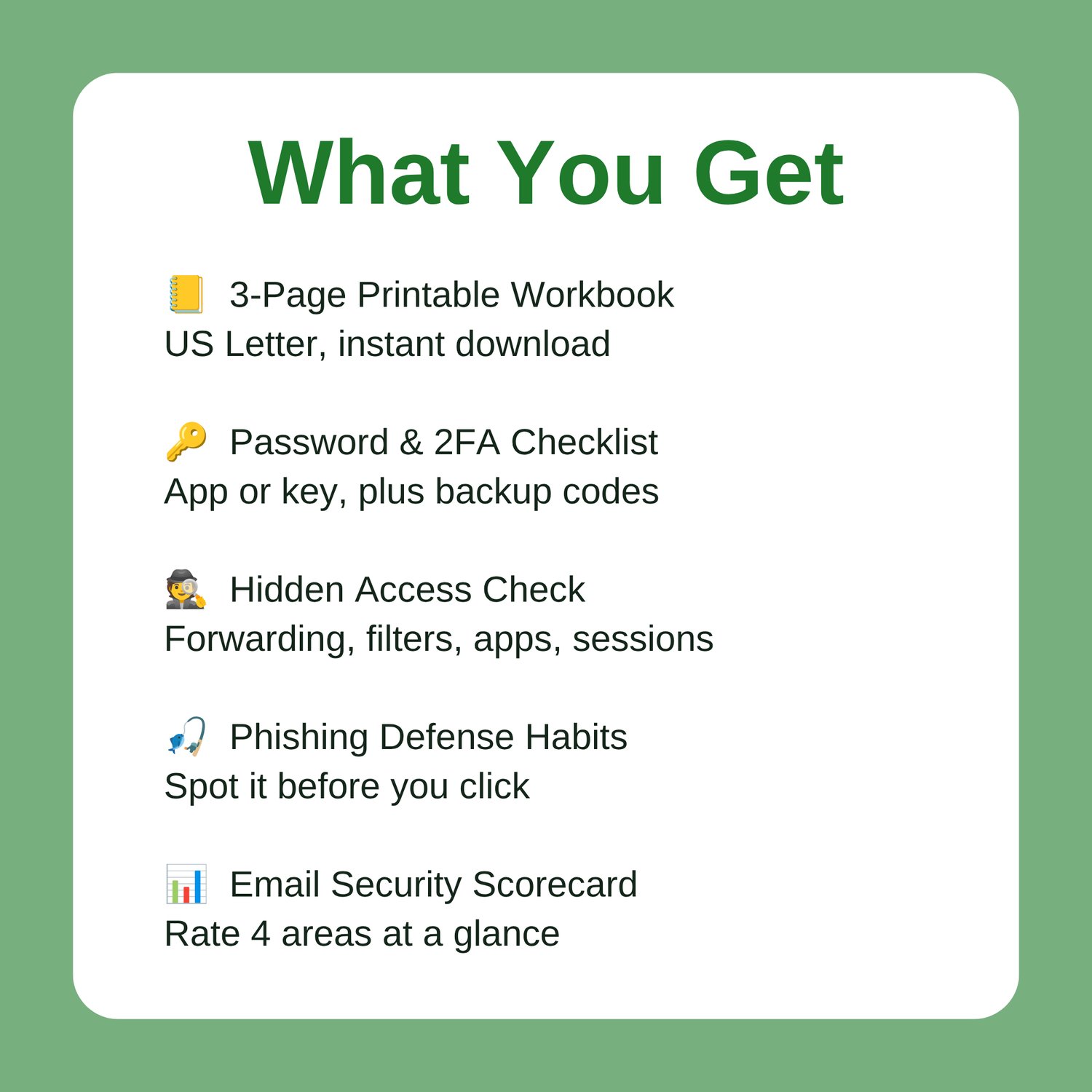
- 📧 Your Email Accounts: primary, backup, work, and old accounts that are still open
- 🔑 Password: strong, unique, generated by a password manager
- 📱 Two-Factor (2FA): an authenticator app or security key, plus printed backup codes
- 🔁 Recovery Options: a recovery email and phone you still control, and security answers no one can look up
- 🕵️ Hidden Access Check: forwarding rules, filters, reply-to address, connected apps, active sessions
- 🚩 Suspicious Activity: unexpected logins, sent mail you don't recognize, password resets you didn't ask for
- 🎣 Phishing Defense: check sender addresses, preview links before clicking, watch for "urgent" tone
- 🗄️ Backup & Offboarding: email exports, archived records, a plan for a trusted person
- 📊 Security Scorecard: rate four key areas from 1 to 5
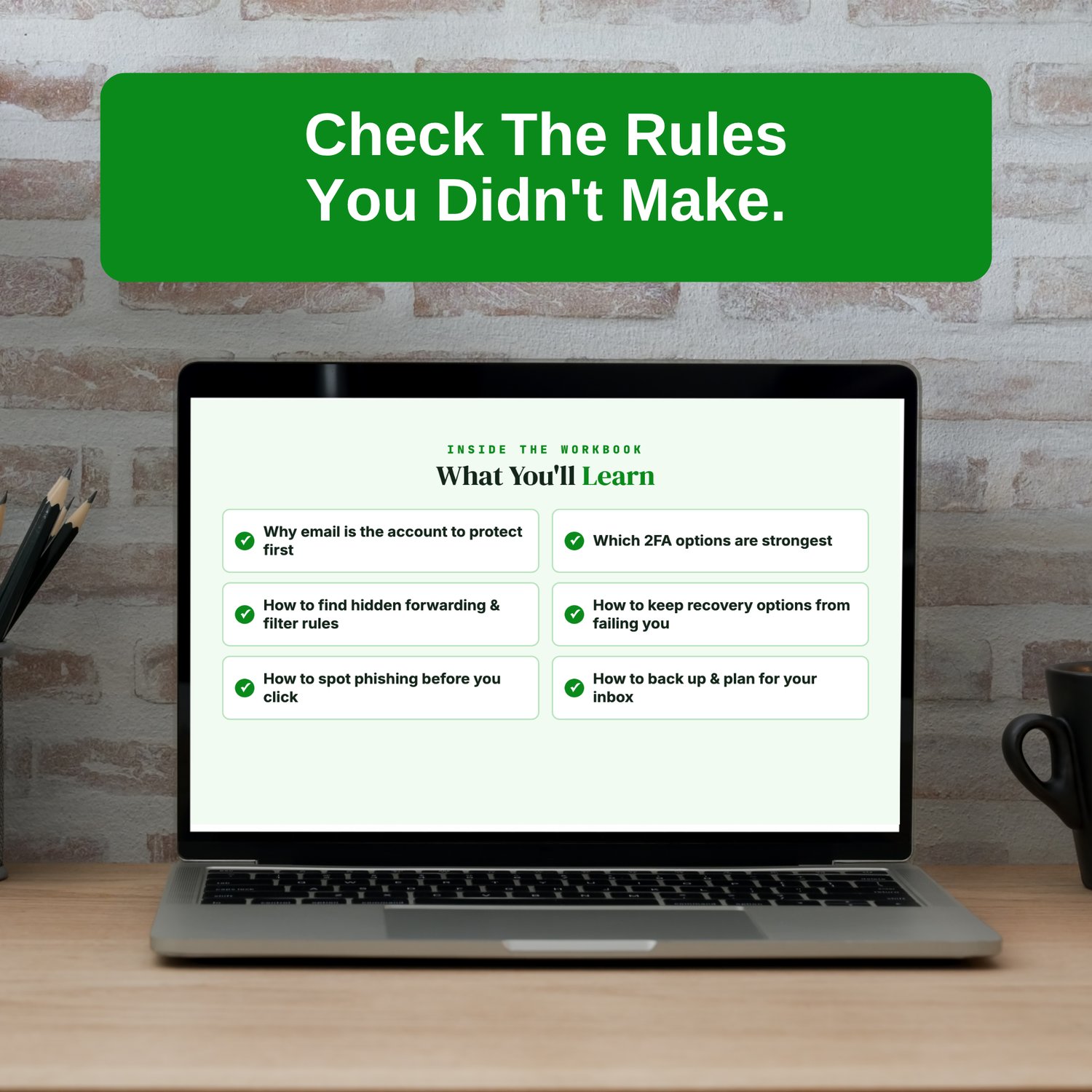
What you'll learn
- Why email is the account to protect first
- Which 2FA options are strongest
- How to find hidden forwarding and filter rules
- How to keep your recovery options from failing you
- How to spot phishing before you click
- How to back up your inbox and plan for it
Pro tip: check for forwarding and filter rules you didn't create. Attackers set them up to quietly keep copies of your mail even after you change your password. It only takes a couple of minutes in Gmail or Outlook settings.
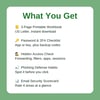
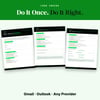
What you get: a 3-page printable PDF workbook, sized for US Letter and available as an instant download. It works for Gmail, Outlook or any other provider. Print it, sit down with your email settings, and lock it down in one session.
Great Companion Guides
- Phishing Email Detection Cheat Sheet
- Online Banking Safety Checklist
- Spotting Malicious Apps Cheat Sheet
- Identity Theft Warning Signs Checklist
- App Permissions Audit Cheat Sheet
- Mobile Banking App Safety Card
All Sales Final. Please reference this page for details.