

Private Practice Paperwork Kit — 43 Editable Therapist Forms
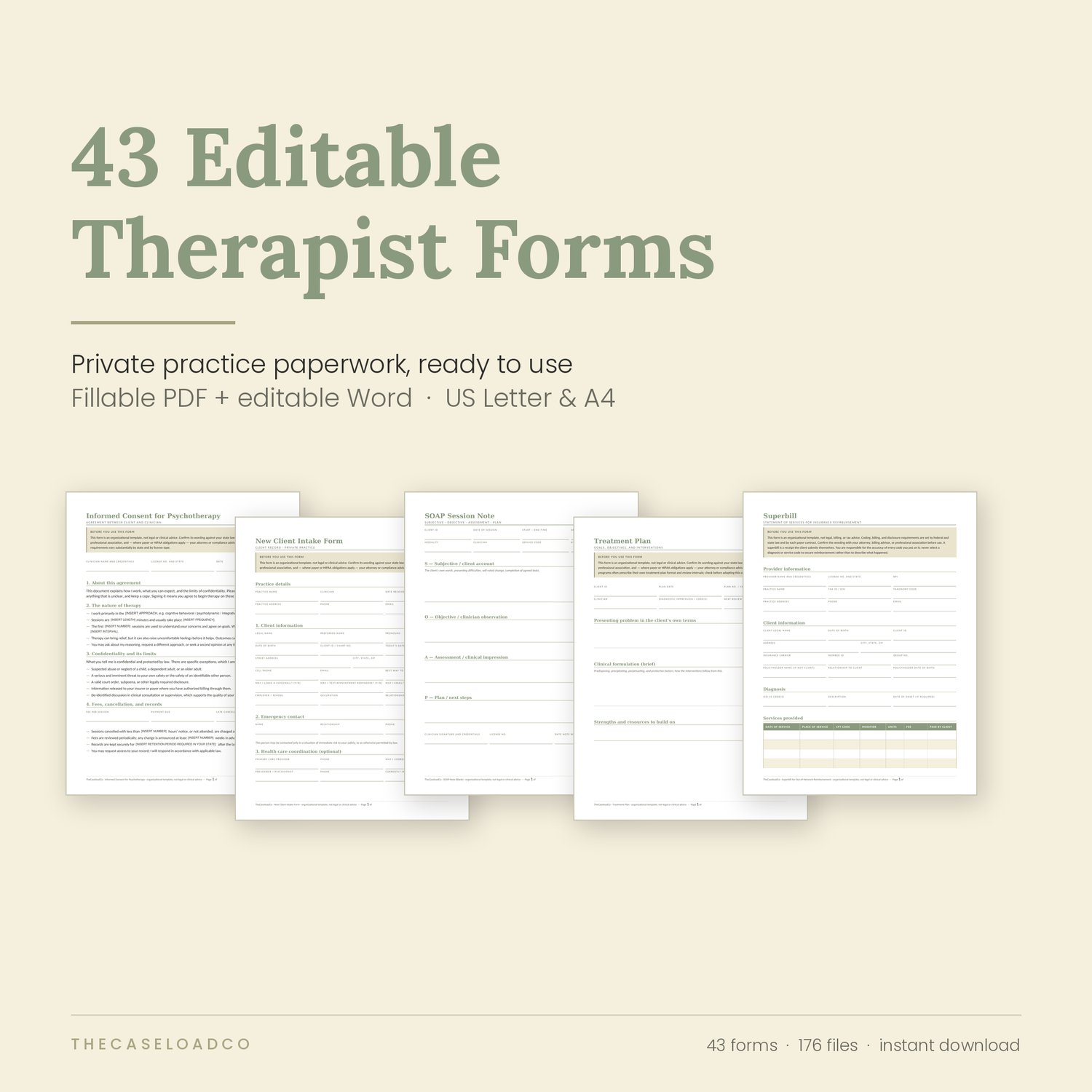
43 editable forms for therapists in private practice — intake, consent, session notes, treatment planning, records, and billing. Fillable PDF and editable Word, in US Letter and A4.
You did not open a practice to build forms
You trained for years to sit with people. Then you discovered that a practice runs on paperwork — and that nobody teaches it.
So you did what everyone does. Pulled an intake form off a blog. Borrowed a consent form from a colleague and changed the name. Wrote a cancellation policy in an email at eleven at night. Now your files are a collection of six different fonts, three different logos, and one document that still says [PRACTICE NAME] in the footer.
It works. It also quietly signals, to every new client, that the administrative side of your practice is held together with tape.
This kit replaces all of it in one afternoon.
What you get
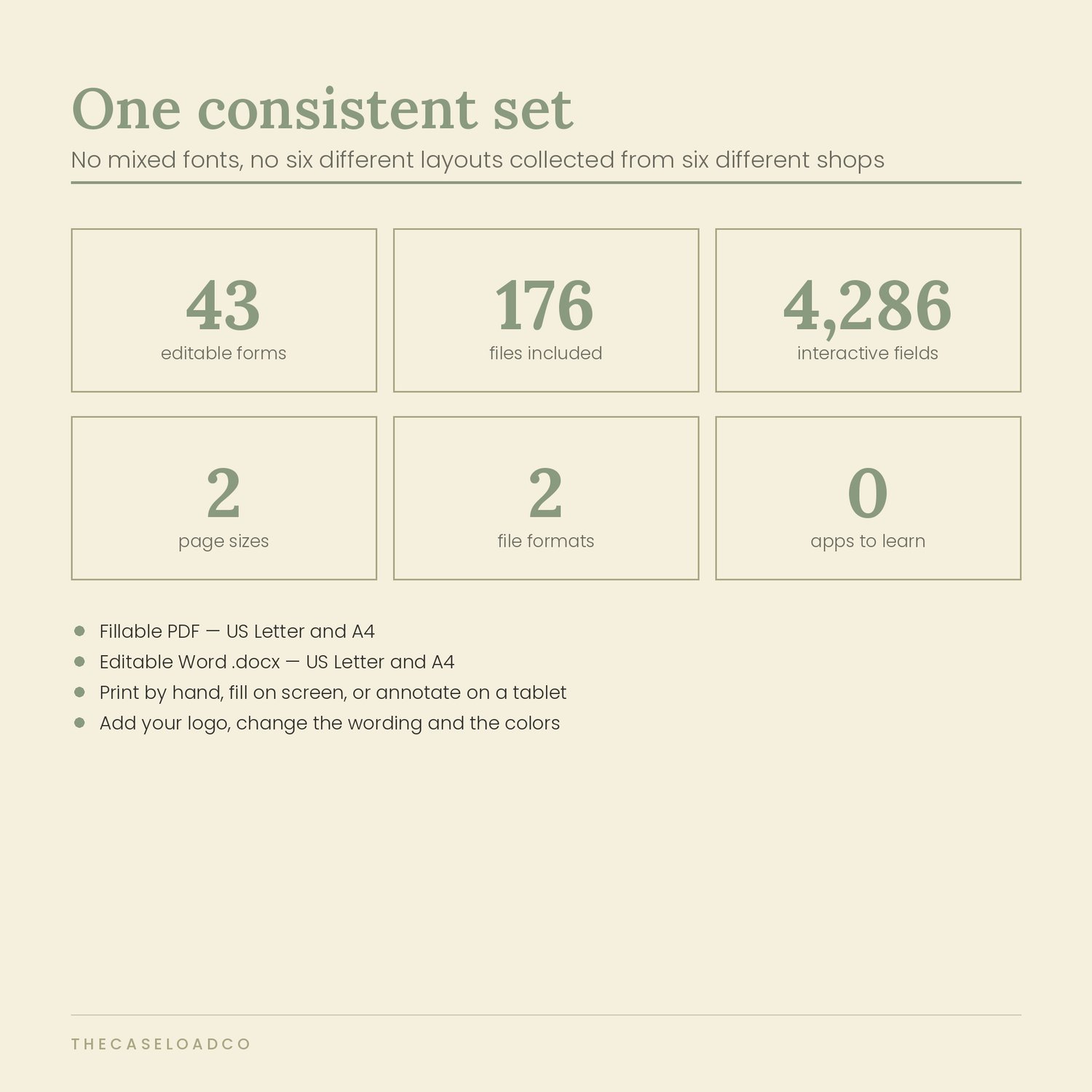
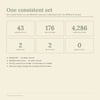
43 forms plus a Start Here index, each supplied four ways:
Fillable PDF,
US Letter — click any field and type, then save
Fillable PDF, A4
Editable Word .docx,
US Letter Editable Word .docx, A4
176 files. Over 4,200 clickable fields. Downloaded the moment you pay.
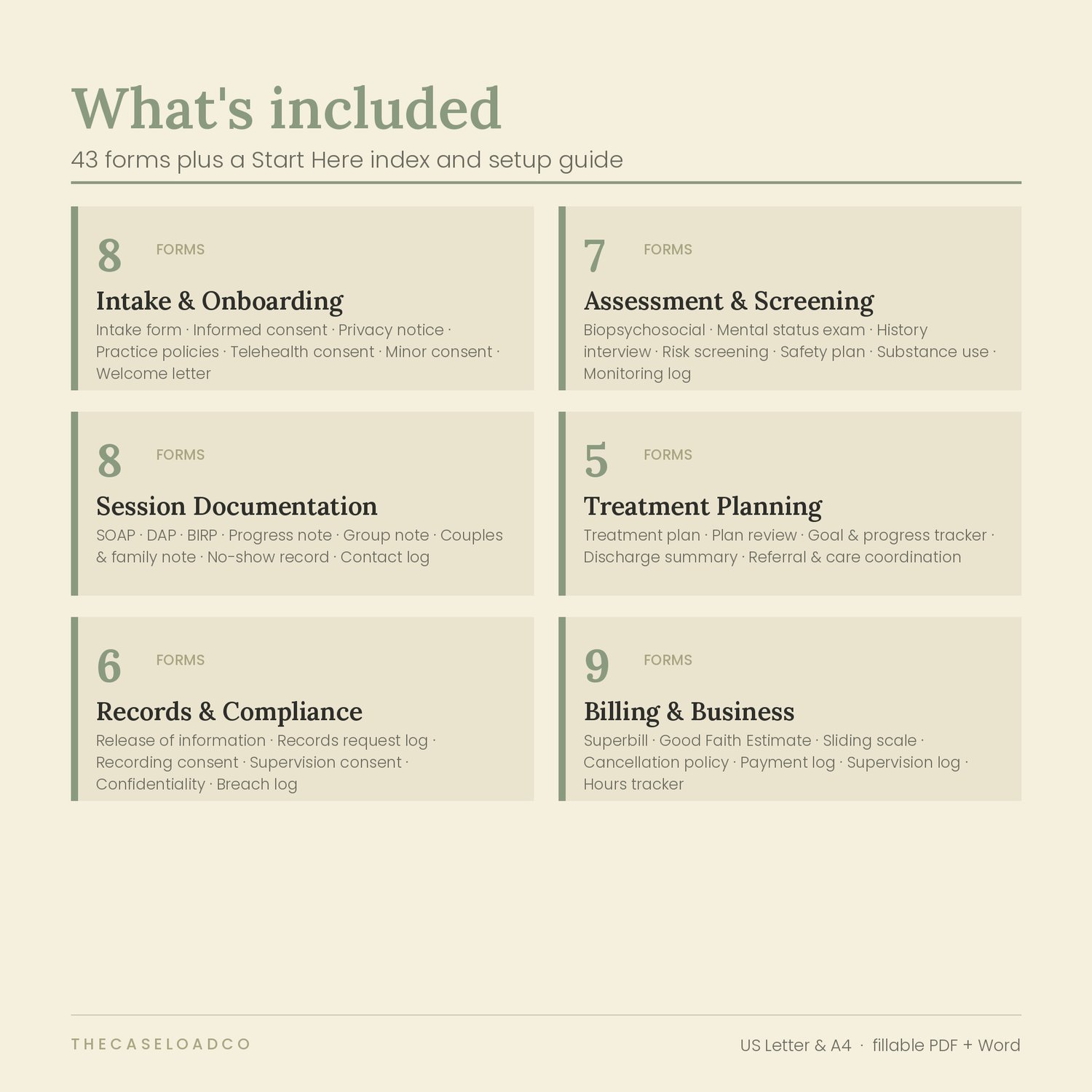
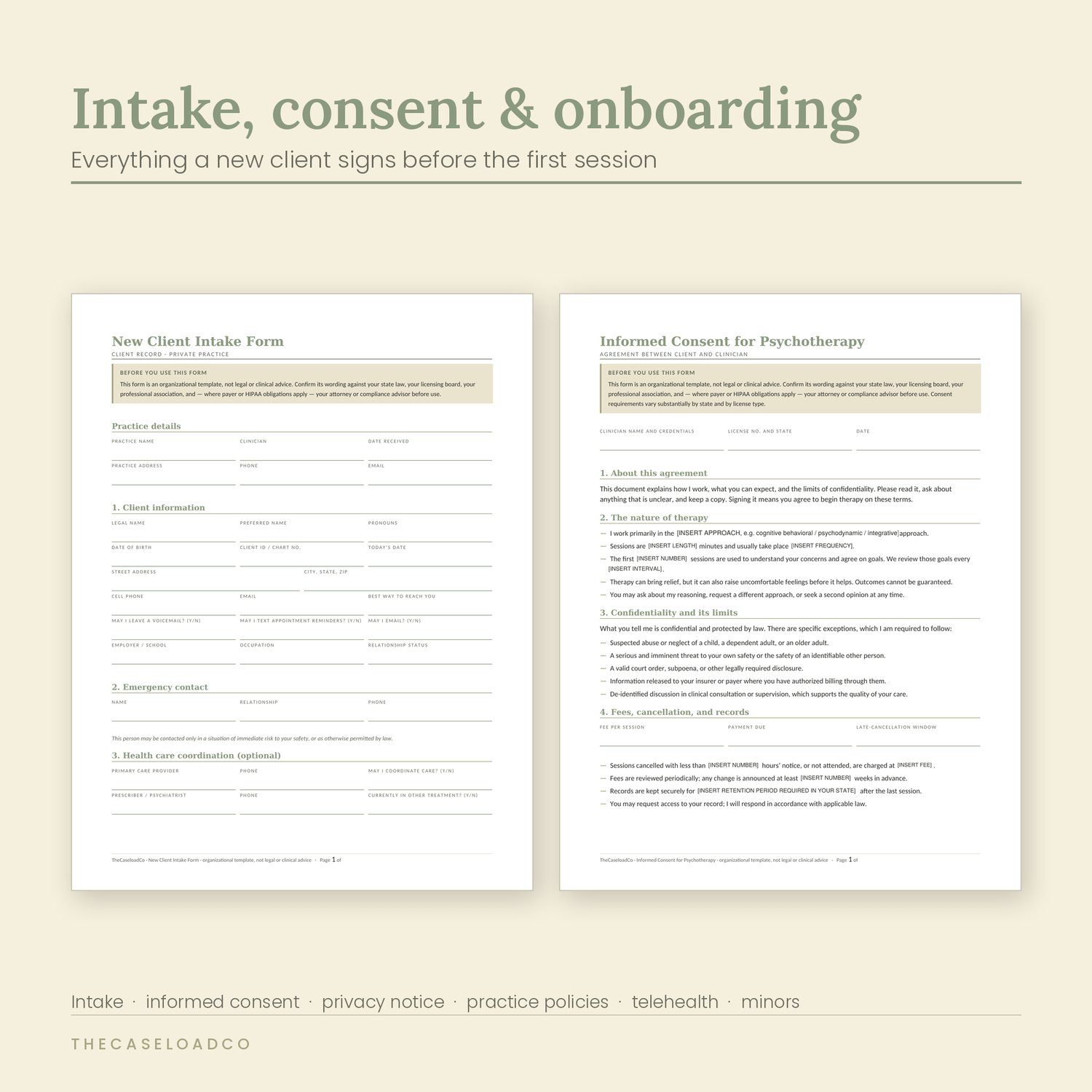
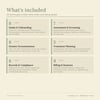
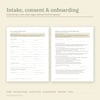
Intake and onboarding — 8 forms
New client intake · Informed consent for psychotherapy · Notice of Privacy Practices summary · Client rights and responsibilities · Practice policies and financial agreement · Telehealth informed consent · Consent for treatment of a minor · Client welcome letter
Assessment and screening — 7 forms
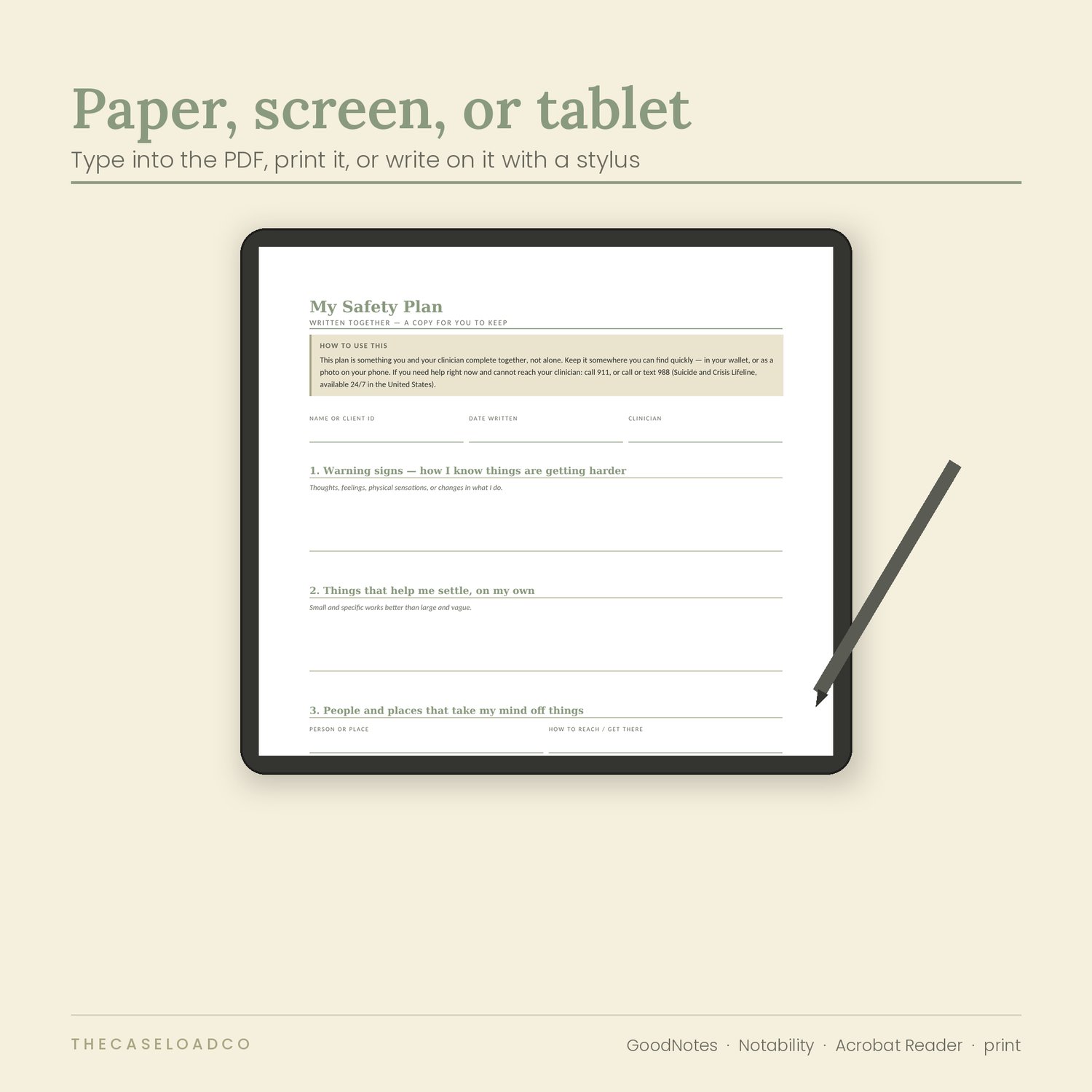
Biopsychosocial assessment · Mental status examination · Presenting problem and history interview · Risk screening and documentation record · Safety plan, client copy · Substance use screening record · Symptom and functioning monitoring log
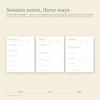
Session documentation — 8 forms
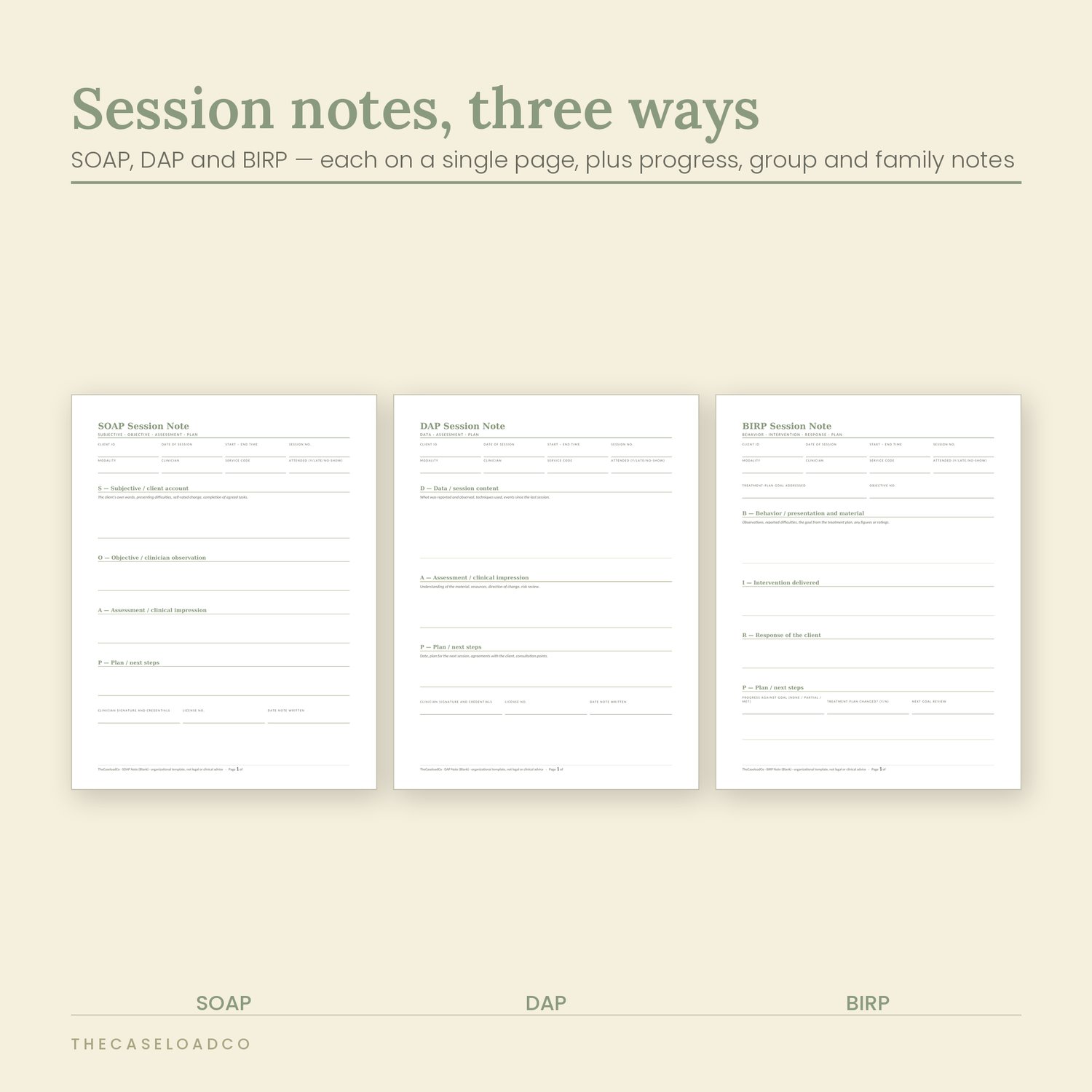
SOAP note · DAP note · BIRP note · Progress note · Group therapy note · Couples and family session note · Missed appointment and no-show record · Between-session contact log
Treatment planning — 5 forms
Treatment plan · Treatment plan review · Goal and progress tracker · Discharge and termination summary · Referral and coordination of care record
Records and compliance — 6 forms
Authorization for release of information · Records request log · Consent to record a session · Consent to discuss in supervision · Confidentiality and its limits acknowledgment · Privacy incident and breach log
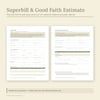
Billing and business — 9 forms
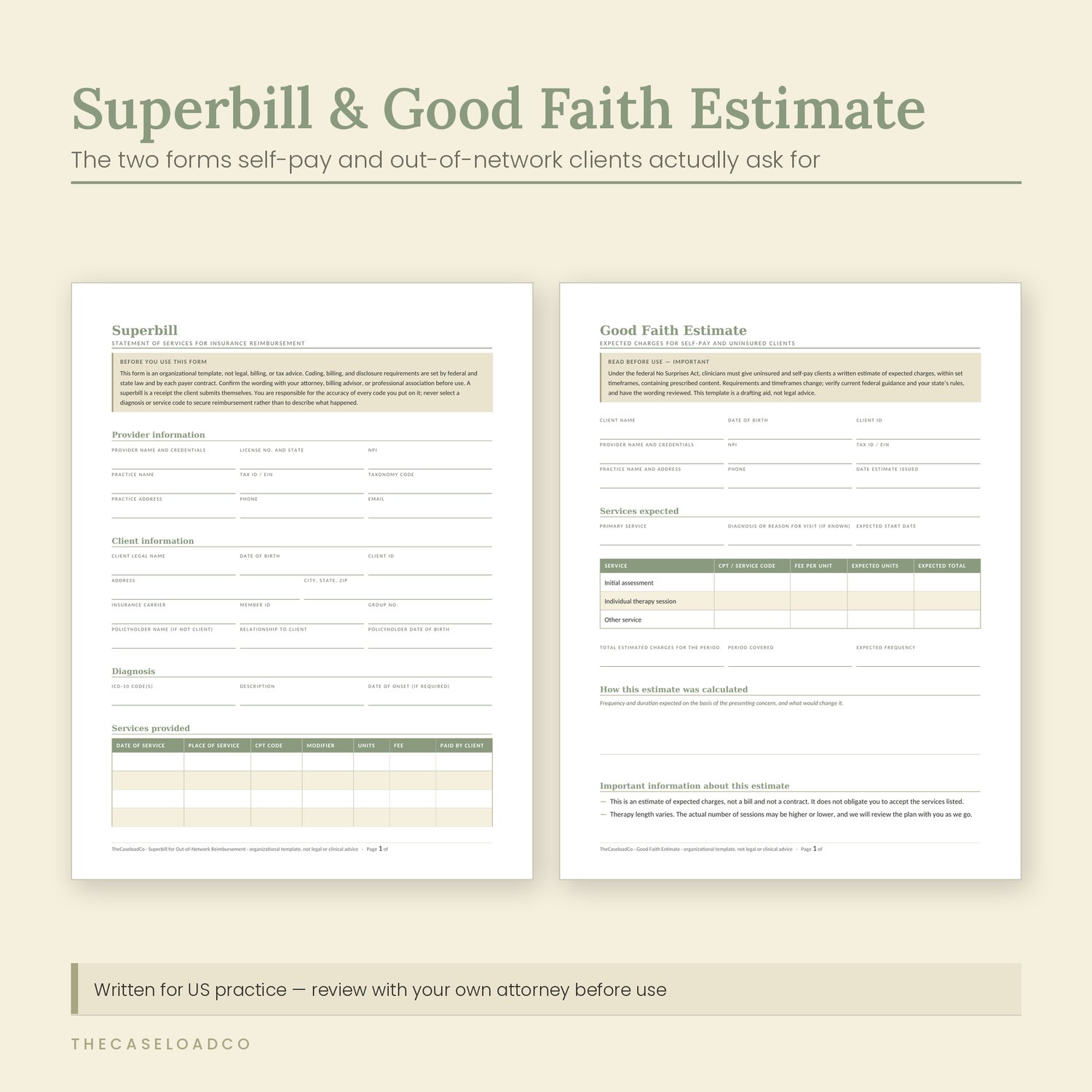
Superbill for out-of-network reimbursement · Good Faith Estimate · Sliding scale application and agreement · Cancellation and no-show policy · Payment and invoice log · Supervision and consultation log · Clinical hours tracker · Caseload snapshot and review · Absence and coverage notice
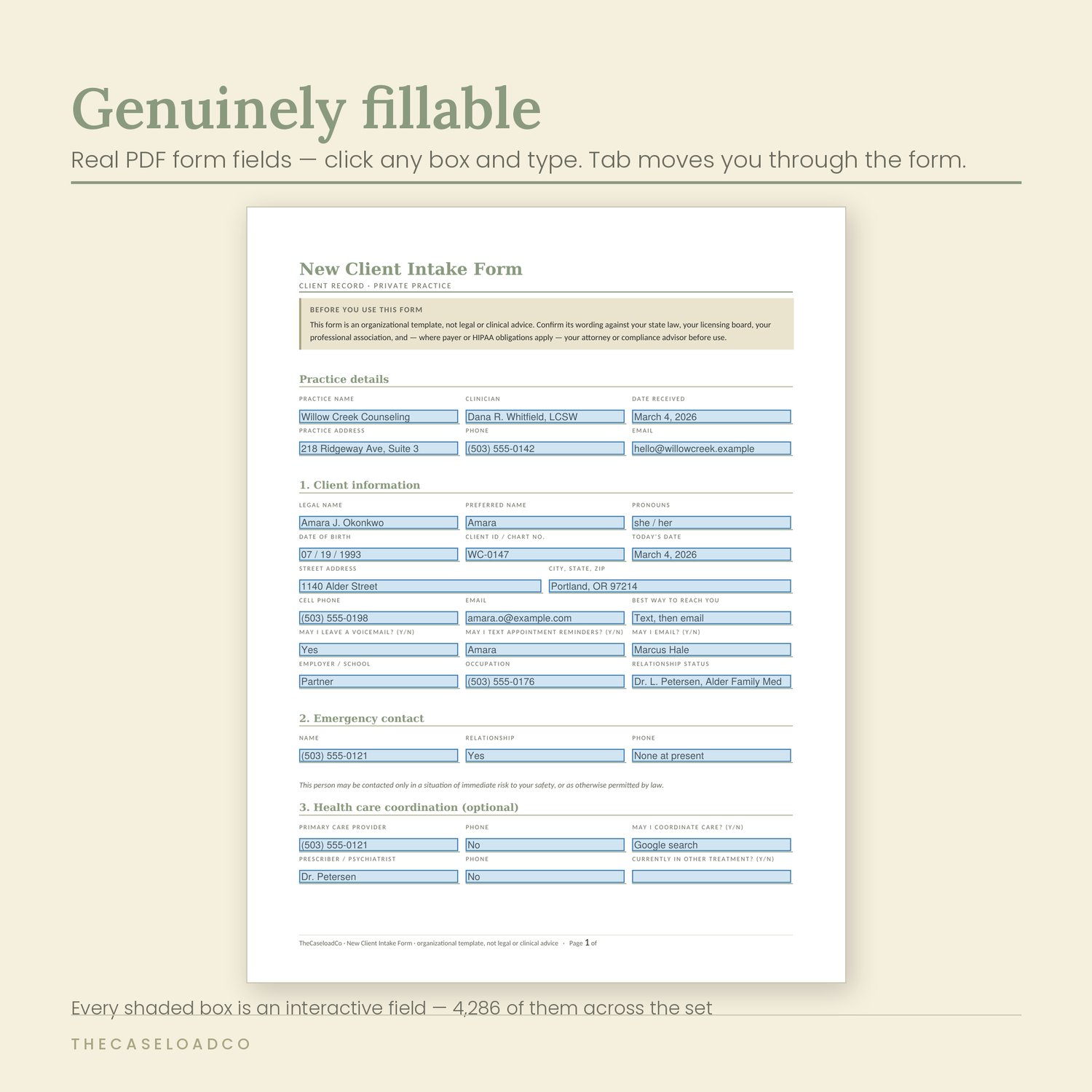
Genuinely fillable — not a picture of a form
Most template sets are flattened images with lines drawn on them. You print them, or you fight with a text box.
These have real PDF form fields. Click a box and type. Tab moves you through the form in reading order. The checkboxes are real checkboxes. Even the bracketed placeholders — the [INSERT LENGTH] and [INSERT FEE] items — are clickable fields, so setting up your own version means clicking and typing, not hunting through a document for square brackets.
And the Word versions are completely open. No locked fields, no protected template. Rewrite any wording, change the headings and colors, edit the footer, add your logo to the header so it repeats on every page.
Set it up once
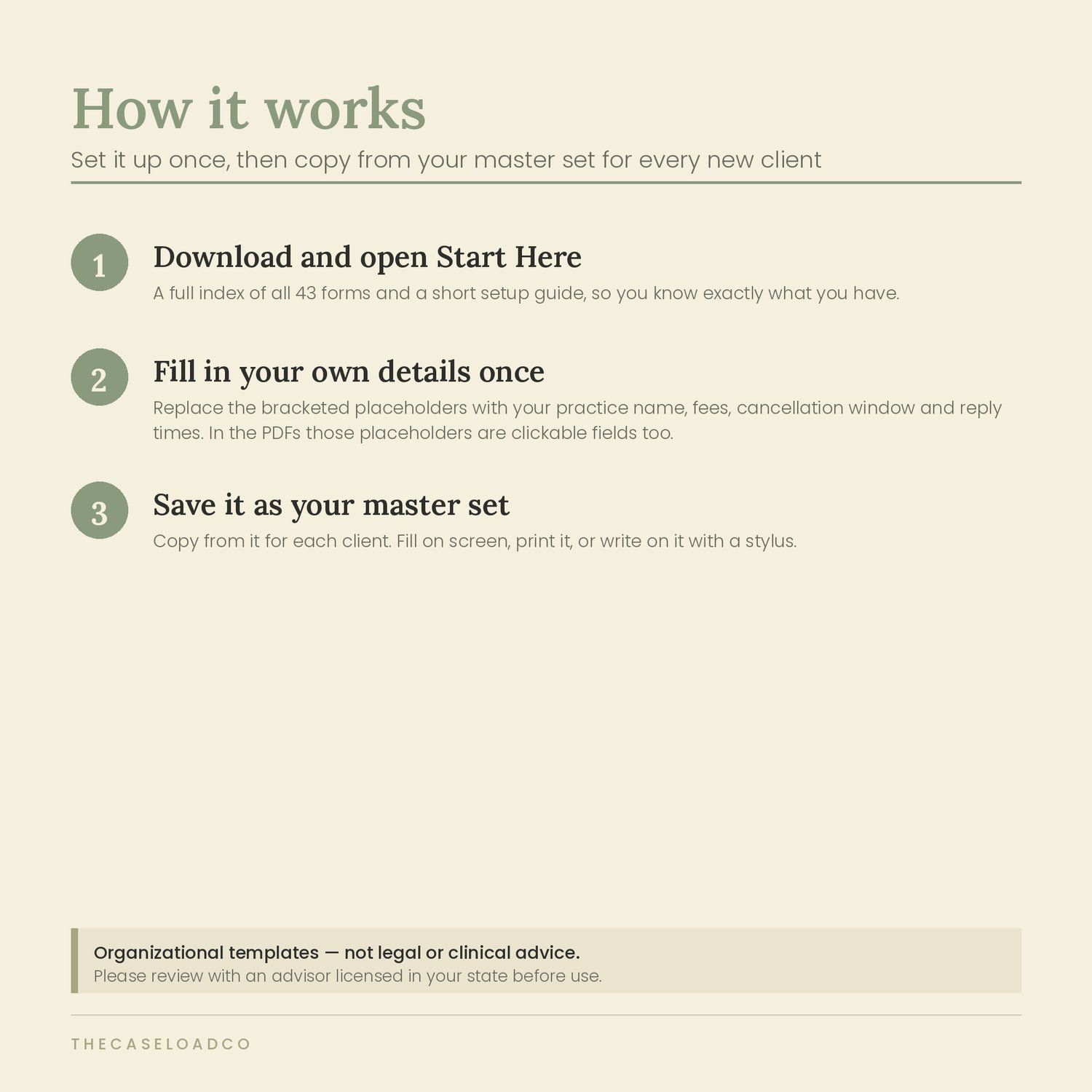
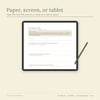
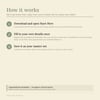
Open Start Here for the full index and setup steps. Replace every bracketed placeholder with your own details — practice name, fees, cancellation window, reply times. Twenty minutes, once. Save that as your master set and copy from it for each client. Fill on screen, print and complete by hand, or annotate on a tablet with a stylus.
Who this is for
Therapists, counselors, and social workers setting up or tidying a private practice
Pre-licensed clinicians who need a supervision log and an hours tracker alongside the clinical forms
Anyone who works out of network and needs a superbill and a Good Faith
Estimate that look professional
Group practice owners who want every clinician using the same paperwork
Who this is not for
Anyone looking for a compliance guarantee. These are well-built templates, not legal advice, and no template can be compliant with fifty different state laws out of the box. See the notice below.
Anyone who wants software. This is not a practice management system. If you need scheduling, billing, and a client portal, buy SimplePractice or TherapyNotes and use these forms alongside it.
Anyone who needs it in another language. Everything is written in US English for US practice.
Please read before buying
These are organizational templates. They are not legal, clinical, billing, or tax advice, and they do not replace professional judgment, supervision, or your own training.
Requirements for consent, privacy notices, record-keeping, disclosure, billing, and supervision are set by your state law, your licensing board, your professional association, and any payer contract you hold. Several documents carry content prescribed by federal and state law — the Notice of Privacy Practices, the Authorization for Release of Information, the Good Faith Estimate, the recording consent, and the breach log in particular.
Have those reviewed by an attorney or compliance advisor licensed in your state, and adapt the wording to your own jurisdiction, before using them with clients. Buying this set does not create a professional relationship between us.
I would rather tell you this plainly on the sales page than bury it in a footer.
14-day refund, no questions asked
If it is not what you expected, email me within 14 days and I will refund you in full. You do not have to explain, and you do not have to delete anything to prove it.
I can offer this because I know what is in the files. It is also the reason this page has no urgency timers.
Free updates
When I revise or add forms, you get the new version at no cost, at the same download link. State requirements change; so will these.
Frequently asked
Do I need Adobe Acrobat?
The free Adobe Acrobat Reader works, and so does Preview on a Mac and most browsers. If a field looks empty after you type in it, open the file in Acrobat Reader rather than a preview pane — some lightweight viewers do not render form fields.
Can I change the wording?
Yes. The Word versions are fully editable — text, headings, colors, footers. Add your logo to the header and it repeats on every page.
Will this make my practice HIPAA compliant?
No, and be wary of anyone who says their templates will. Compliance is about your practices, your systems, and your state's rules, not your stationery. These forms are written to support it and to be reviewed by your own advisor.
Can I use these with clients in a group practice?
Yes — the license covers a single practice, including clinicians you employ or contract. It does not cover reselling or sharing the files as a template product. I work outside the United States. The wording is US-specific. You can edit the Word files, but you would be doing real work, and I would rather you knew that before buying than after.
License
For use within a single practice, including clinicians you employ or contract. Edit freely and use with your own clients. Not for resale, redistribution, sharing, or publication as a template product, in whole or in part.