
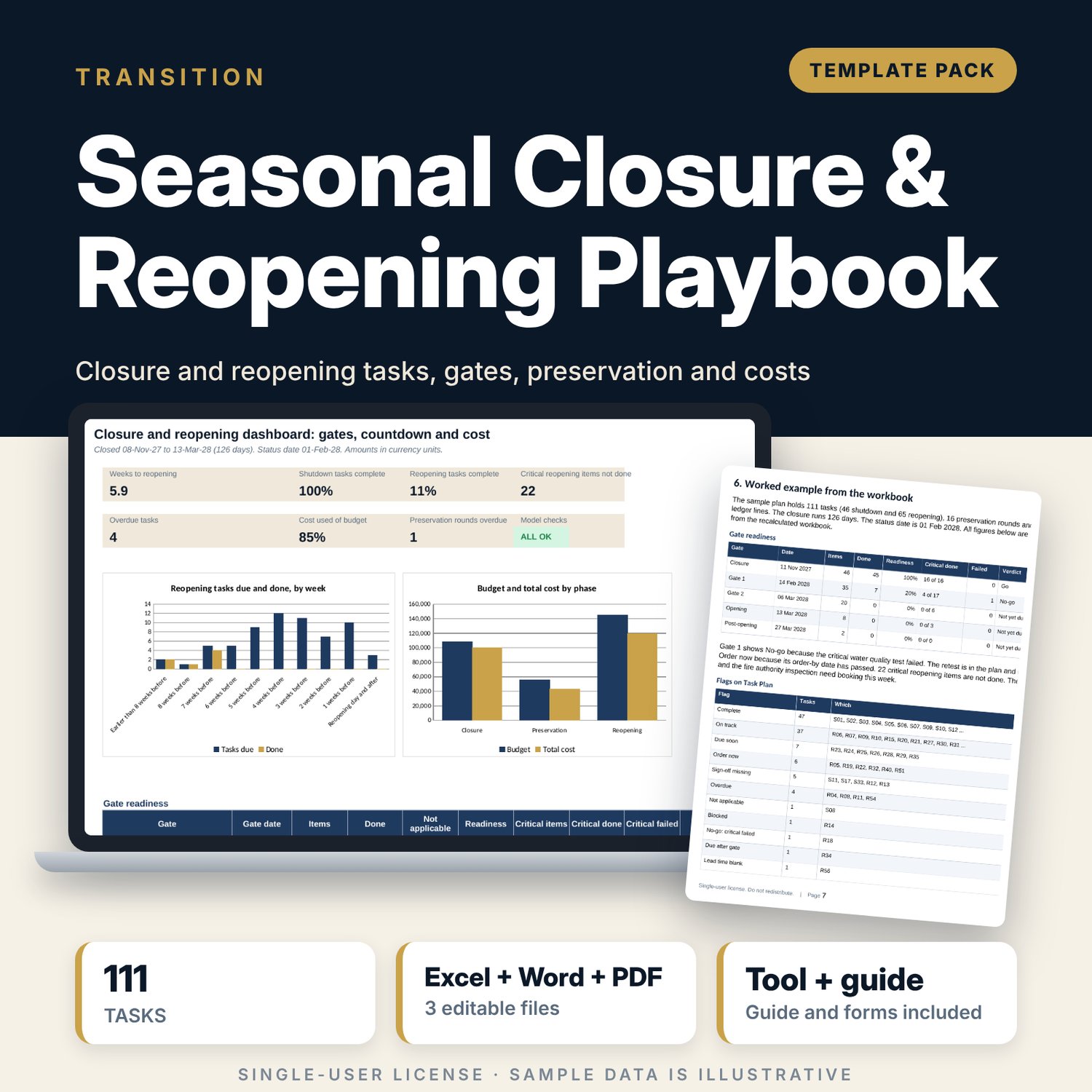

Seasonal Closure & Reopening Playbook: Hotel Closure Checklist, Reopening Countdown and Cost Tracker
Full description
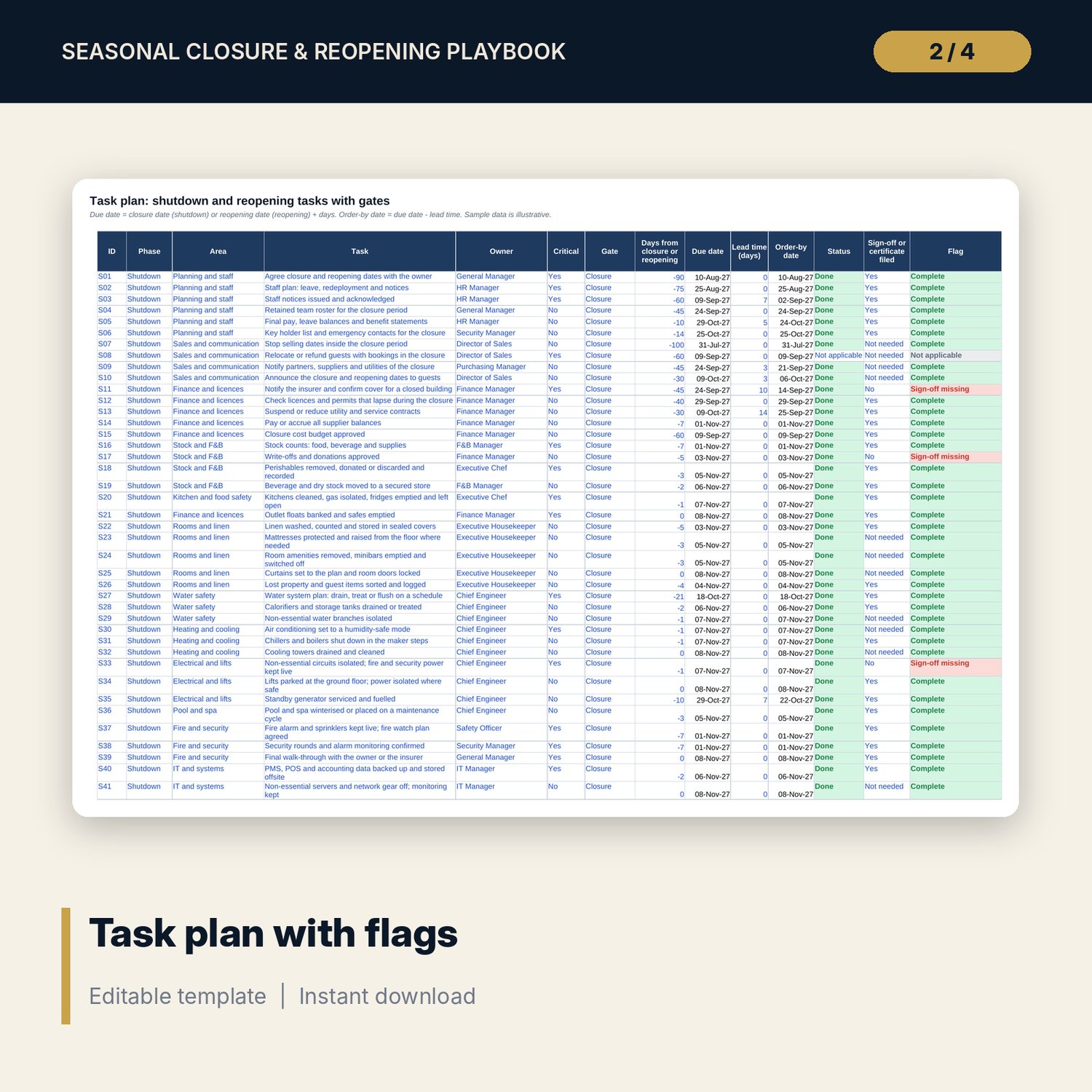
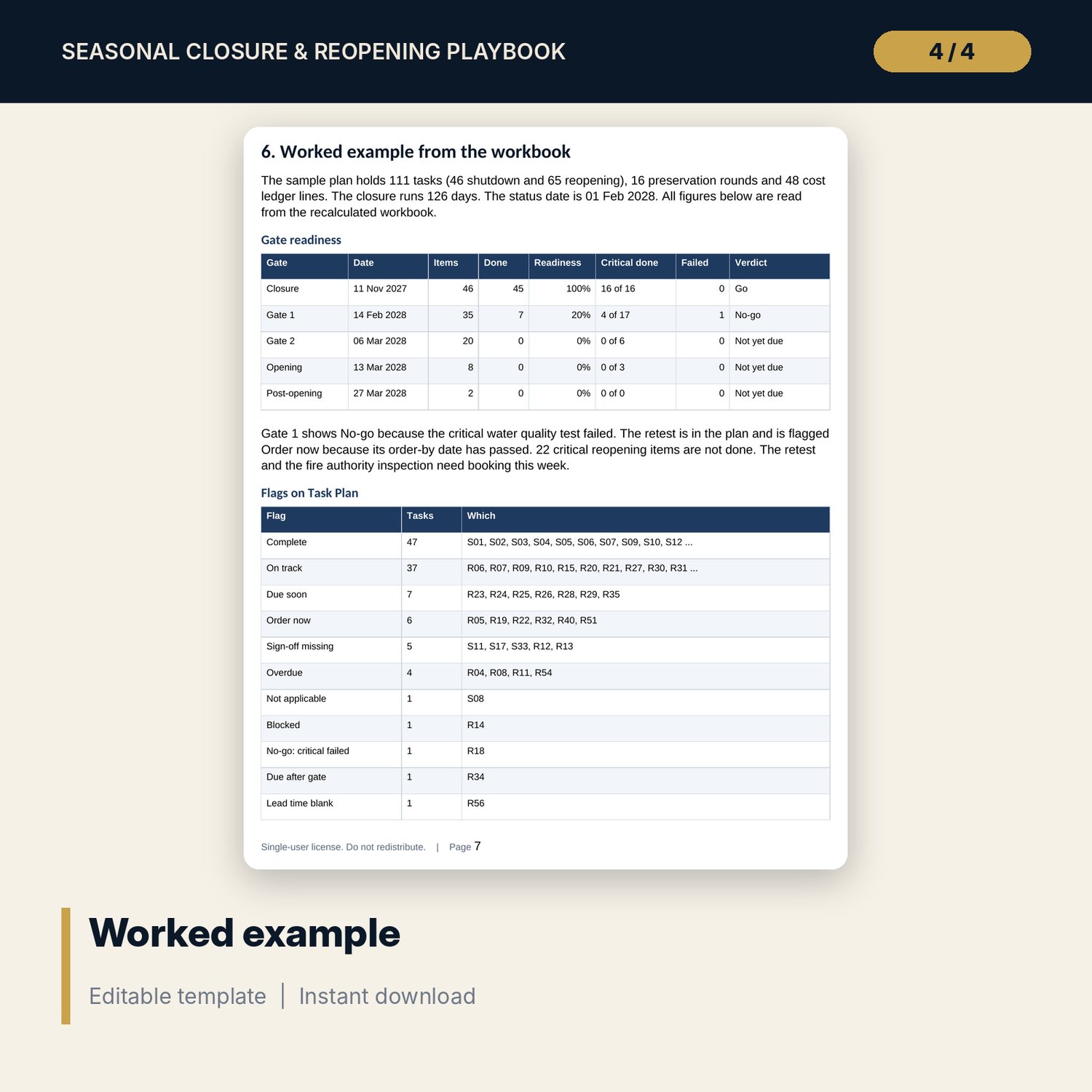
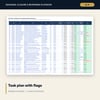
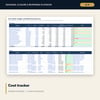
For general managers, chief engineers and owners of seasonal hotels and resorts that close for weeks or months. Task Plan holds 46 shutdown tasks and 65 reopening tasks across 13 areas, each with an owner, a critical flag, a gate, a due date counted from the closure or reopening date, a lead time and an order-by date, a sign-off column and one flag. Gate readiness is done divided by applicable items, and a gate is No-go when a critical item fails. Preservation schedules 16 recurring rounds with rounds, staff-hours, labour cost and next due date. Cost Tracker compares budget, committed and actual cost for 14 categories from a ledger. The Word document sets shutdown standards by system, a restart sequence, gate sheets and printable forms.
What is inside
- Closure_and_Reopening_Playbook.xlsx: 7 tabs, 890 formulas, 2 native charts, 23 drop-down and input rules
- Task Plan: 111 sample tasks (46 shutdown, 65 reopening), 14 columns, 14 spare rows, 5 gates with dates from Settings
- Preservation: 16 recurring rounds with rounds in the closure, staff-hours, labour cost, last done, next due and status
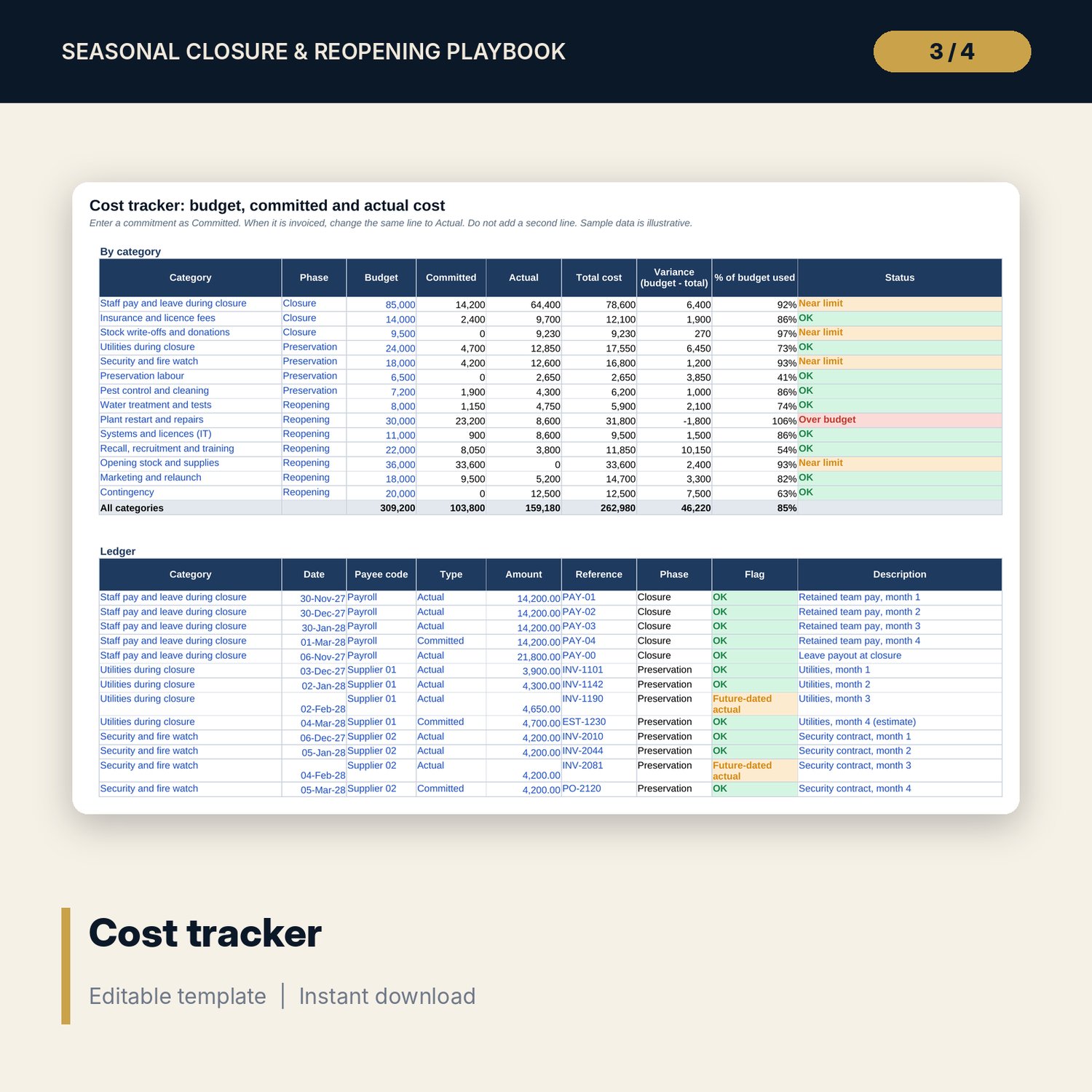
- Cost Tracker: 14 budget categories and a ledger of 48 sample lines with 30 spare rows
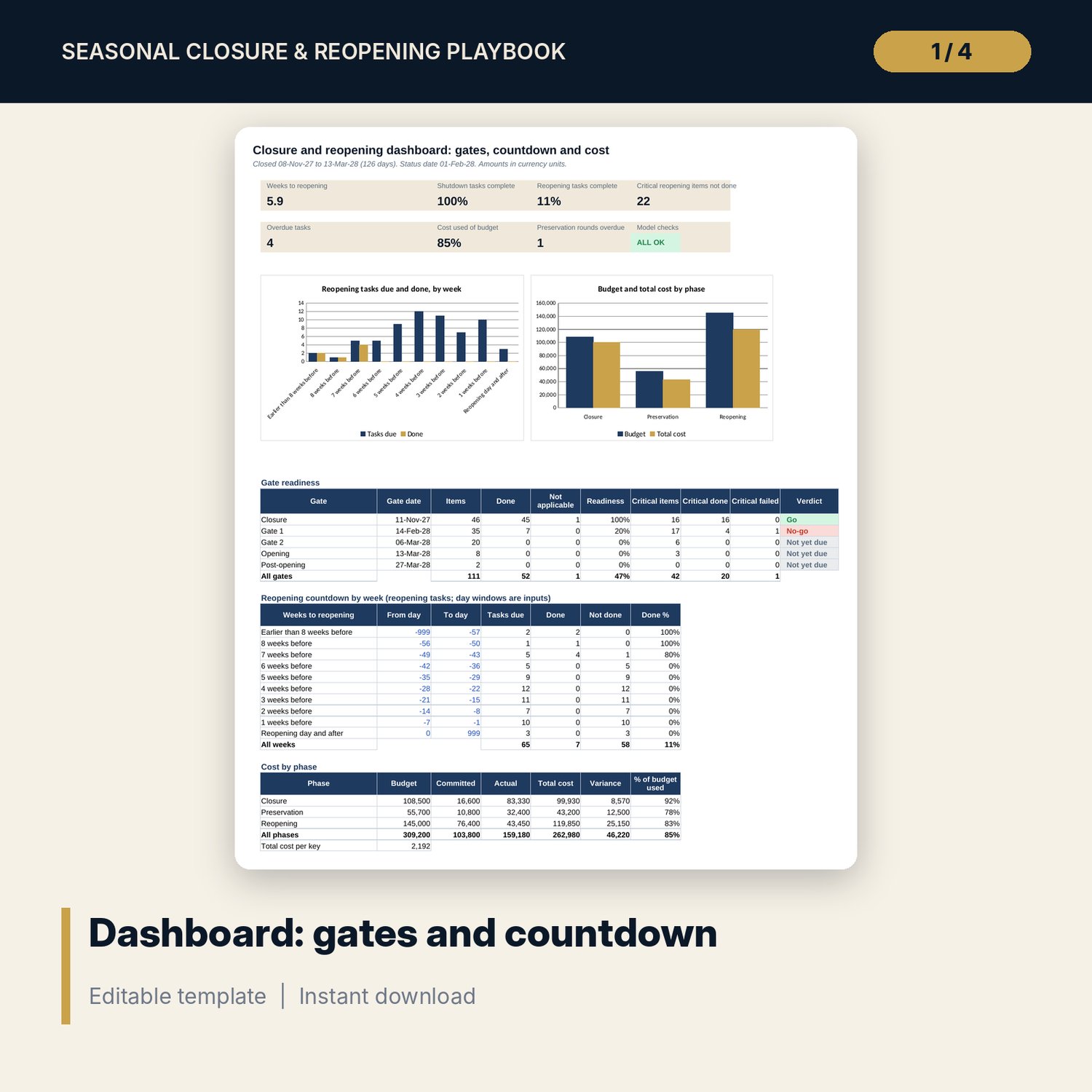
- Dashboard: 7 KPI tiles, a check tile, 2 charts, gate readiness with go or no-go, a reopening countdown by week and cost by phase; 8 integrity checks on the Checks tab
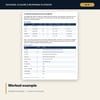
- Closure_and_Reopening_Procedures.docx and PDF: 8 pages with a closure plan, shutdown standards for 10 systems, a preservation sheet, restart sequence, water, commissioning and room release forms, gate sheets and a worked example
- README.txt and LICENSE-and-Terms.txt
How it works
- Set the closure, reopening and status dates, the gate weeks and the readiness limit on Settings.
- List shutdown and reopening tasks with owner, days, lead time, gate and sign-off. Update status as work finishes.
- Log preservation rounds and enter every commitment and invoice in the ledger.
- Read the Flag column weekly and take each gate decision from the Dashboard gate table.
Details
- Formats: 1 Excel workbook (.xlsx), 1 Word procedures document (.docx) and PDF, English
- Software: Excel 2016 or later, or LibreOffice Calc 7 or later
- No macros, no external links, no data tables, no array formulas
- 3 files plus README and license; instant digital download
Good to know
- Sample data is illustrative. Replace it with your own figures.
- Gate weeks, lead times, readiness limits and budgets are examples. Verify local requirements for water safety, fire, lifts, gas, food safety and insurance.
- These files are management tools, not engineering, legal or insurance advice.
- Single-user license. Do not redistribute.
FAQ
How is a gate decided?
Readiness is done tasks divided by applicable tasks for the gate. A gate is Go when every critical item is done and readiness meets the limit on Settings. Any failed critical item makes it No-go.
What is the order-by date?
Due date less lead time. A task not started on or after its order-by date shows Order now, so a long lead time is not missed.
How are preservation rounds planned?
Rounds are the days closed divided by the interval, rounded down. Staff-hours are rounds times minutes per round, and cost uses the labour rate on Settings.
How should I enter an order that is later invoiced?
Enter it as Committed. When the invoice arrives, change the same line to Actual. The tracker never counts it twice.
Do I need macros?
No. Every result is a standard worksheet formula.