
Text Animation Presets Pack
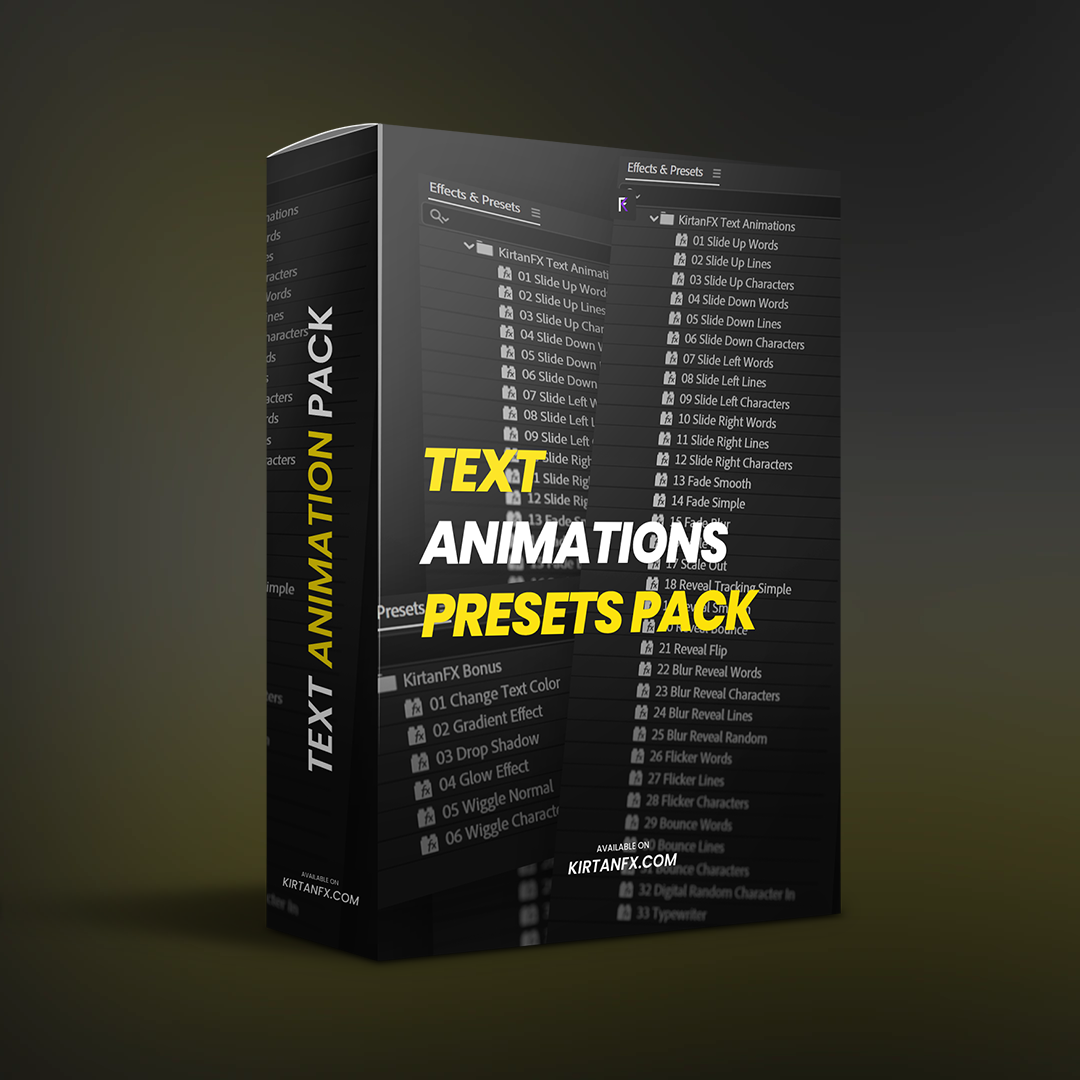
42 Smooth Text Animations for After Effects
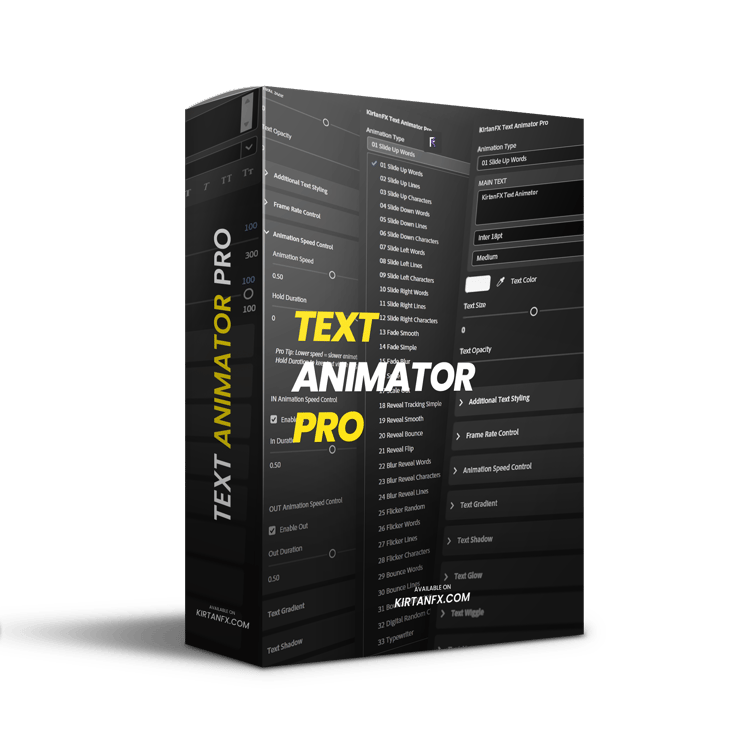
Designed for editors who want clean, modern, and professional text animations — the KirtanFX Smooth Text Animations Pack includes 42 high-quality presets + bonus effects to speed up your workflow.
Whether you’re creating Reels, YouTube videos, client work, or cinematic edits, these presets help you achieve smooth, polished typography in seconds.
No complex setup. Just drag, drop, and customize.
What’s Inside
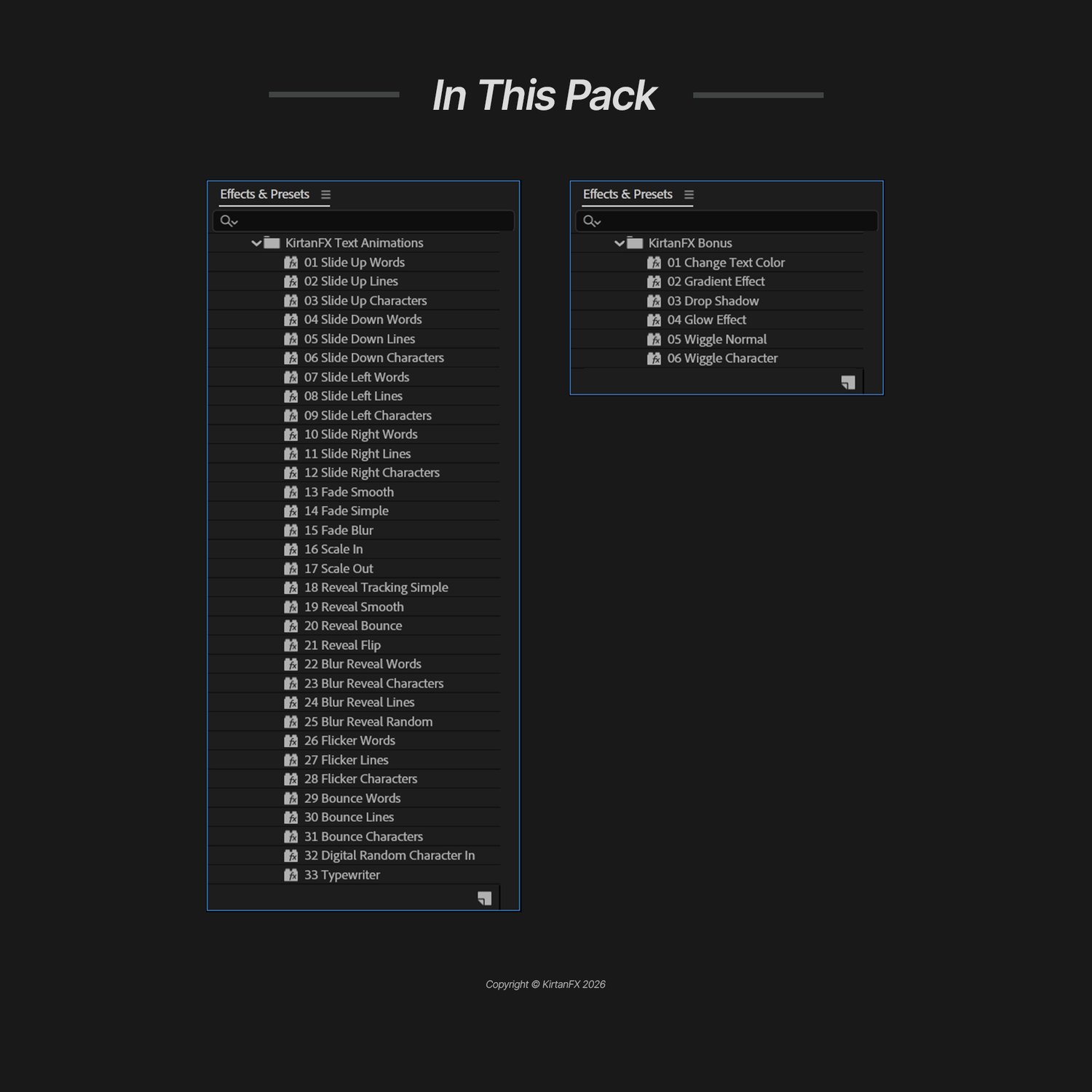
- 42 Smooth Text Animation Presets (.ffx)
- Bonus Effects Presets:
- Color Control
- Gradient Effect
- Drop Shadow
- Glow
- Wiggle (Normal & Character)
- Fully customizable animations
- Clean and organized folder structure
- README + Video Tutorial included
Preview All Animations
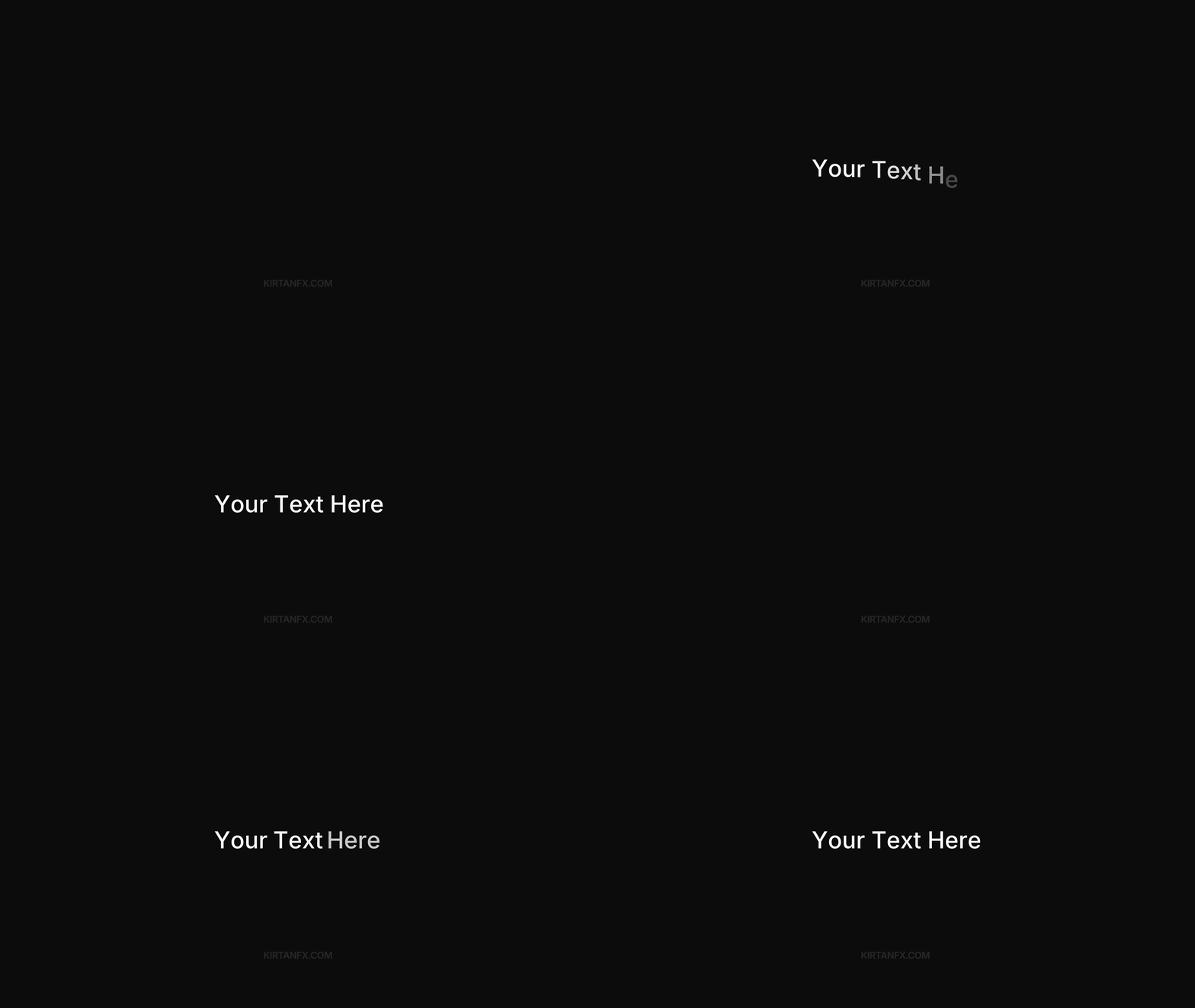
Slide Text Animations
Clean and smooth slide animations for modern edits.
Includes:
• Slide Up (Words, Lines, Characters)
• Slide Down variations
• Slide Left & Right variations
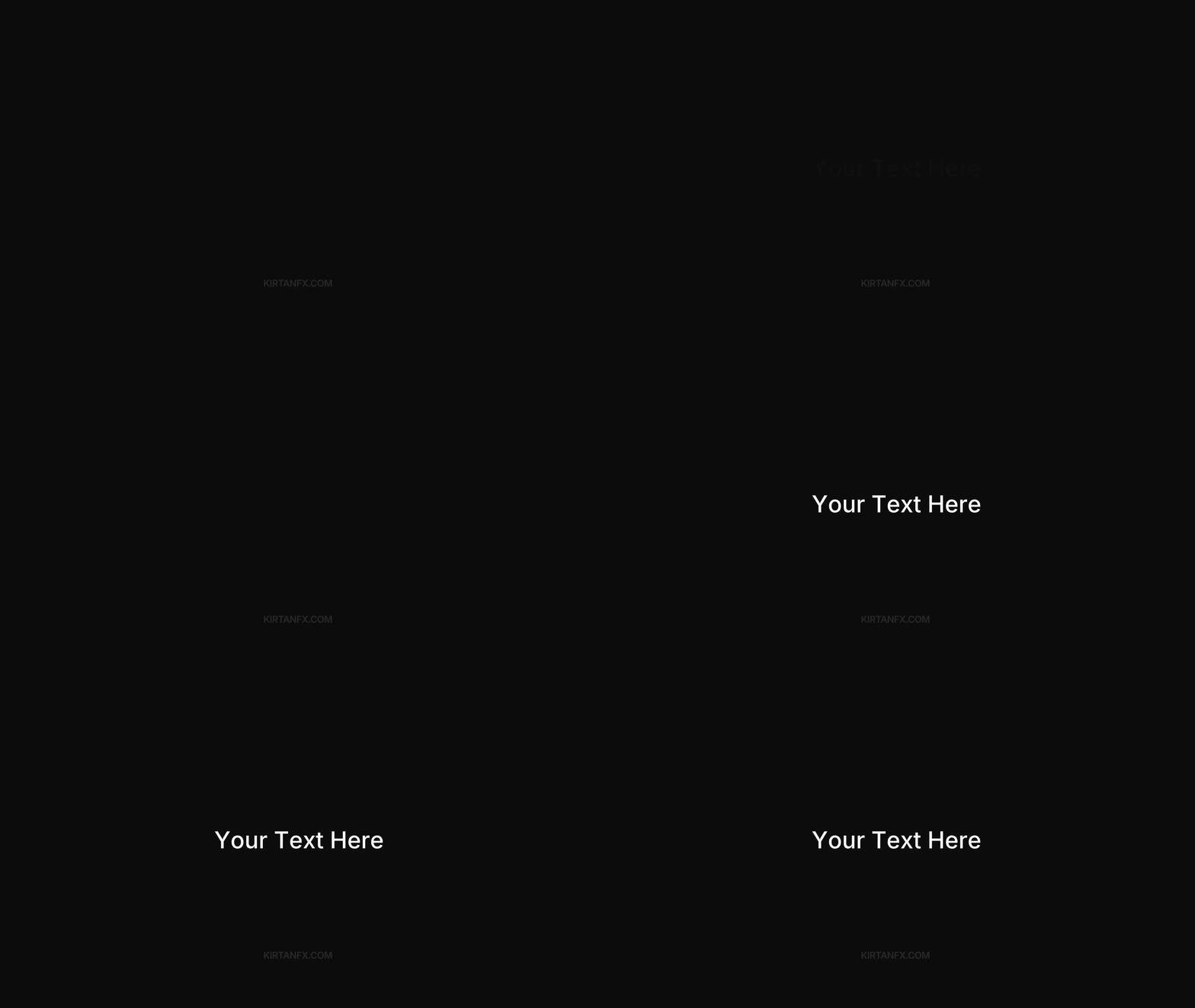
Fade & Scale Animations
Simple animations for clean and polished text.
Includes:
• Fade (Smooth, Simple, Blur)
• Scale In & Scale Out
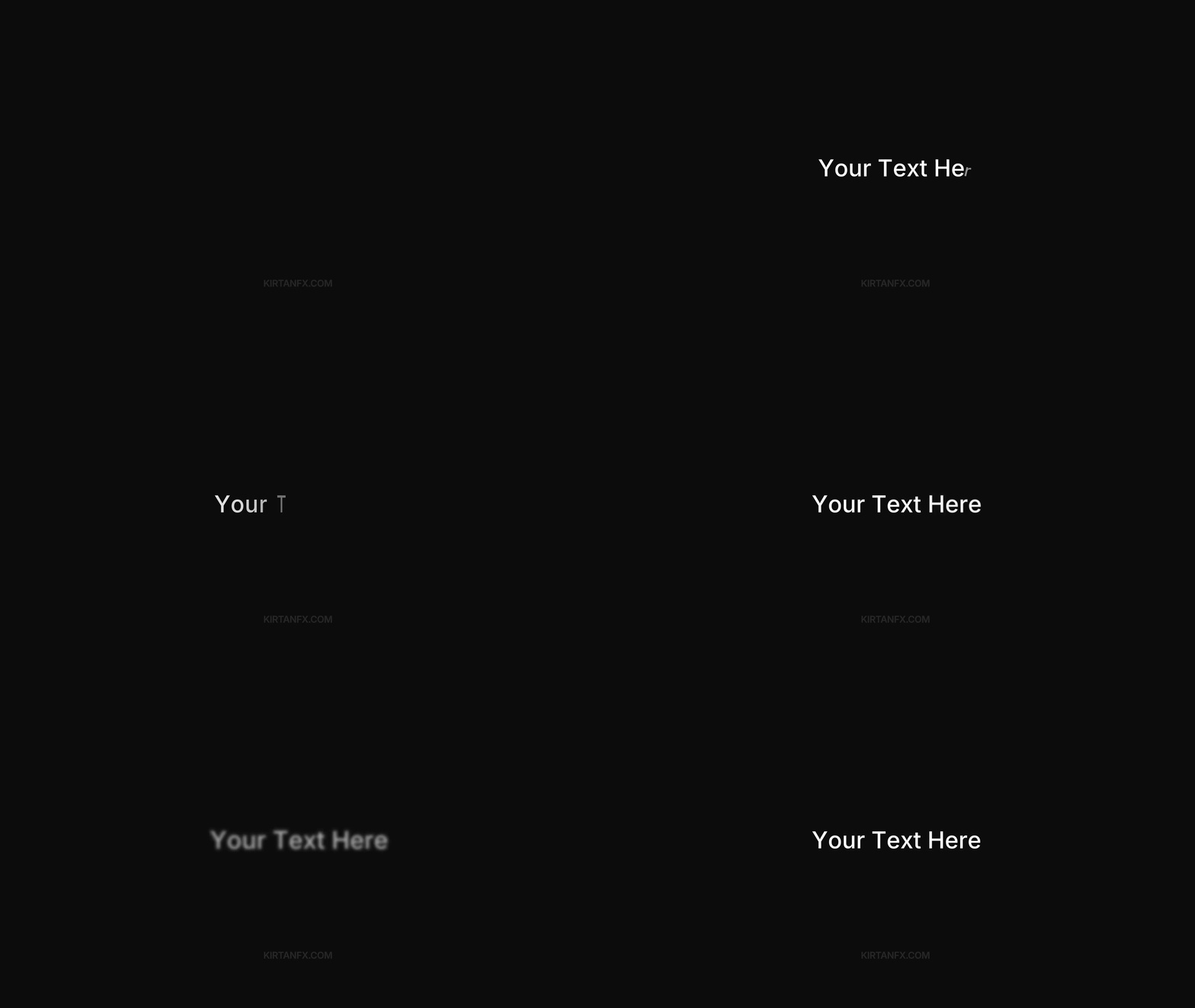
Reveal & Blur Reveal Animations
Stylish reveal animations for modern text motion.
Includes:
• Reveal (Tracking, Smooth, Bounce, Flip)
• Blur Reveal (Words, Lines, Characters, Random)
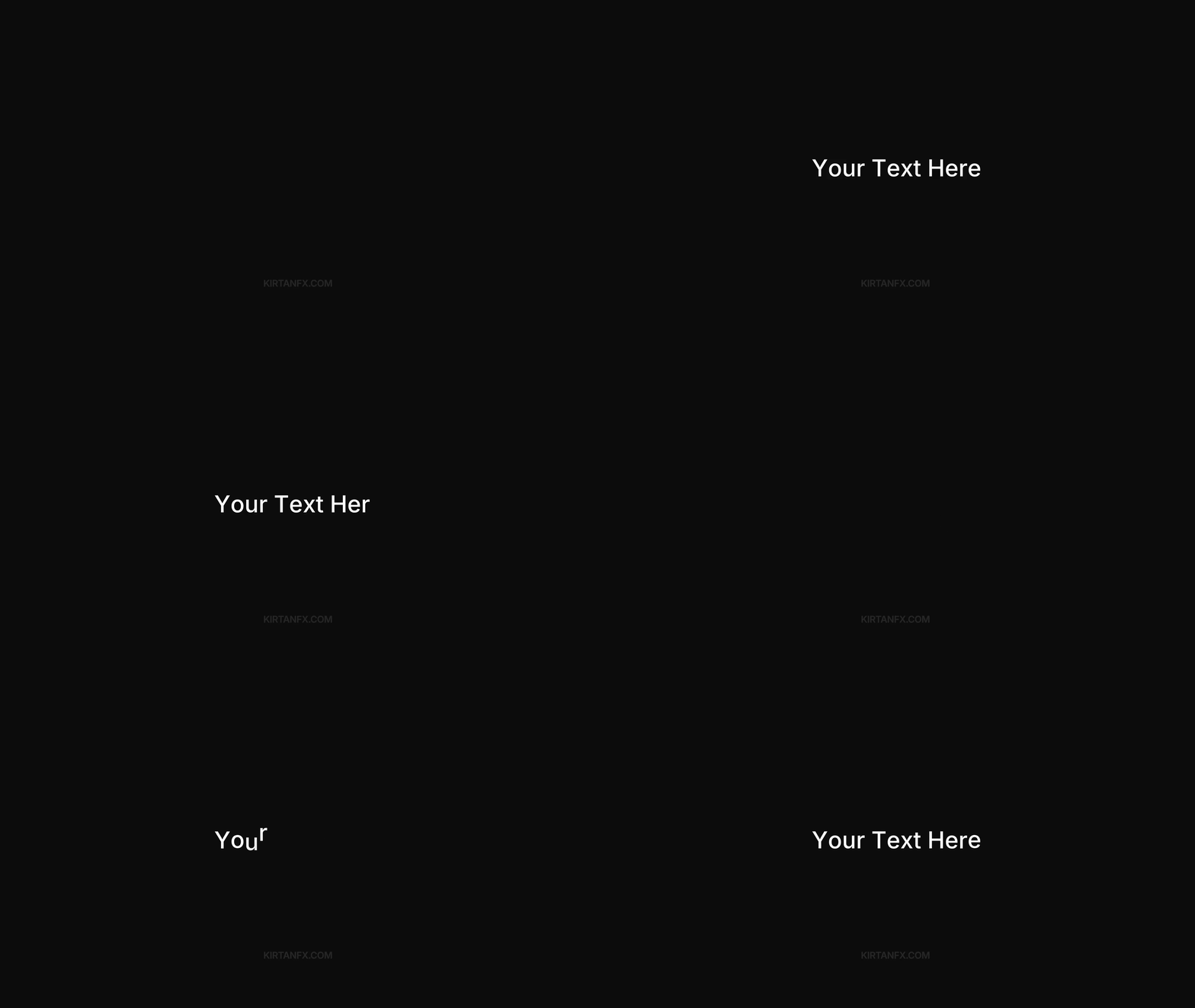
Flicker & Bounce Animations
Fast and energetic animations for impact.
Includes:
• Flicker (Words, Lines, Characters)
• Bounce (Words, Lines, Characters)
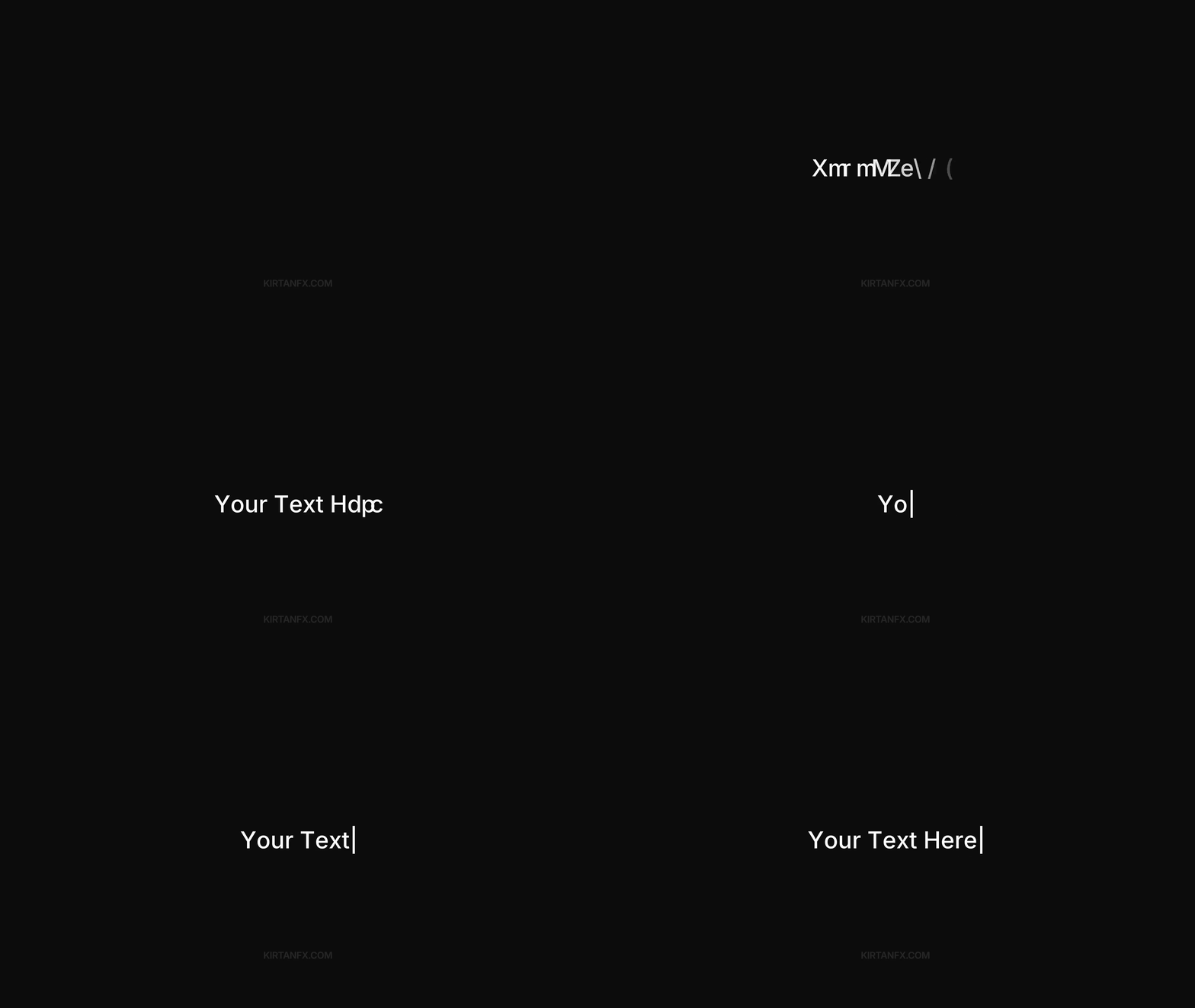
Advanced Text Effects
Creative animations for unique text styles.
Includes:
• Digital Random Character In
• Typewriter Animation
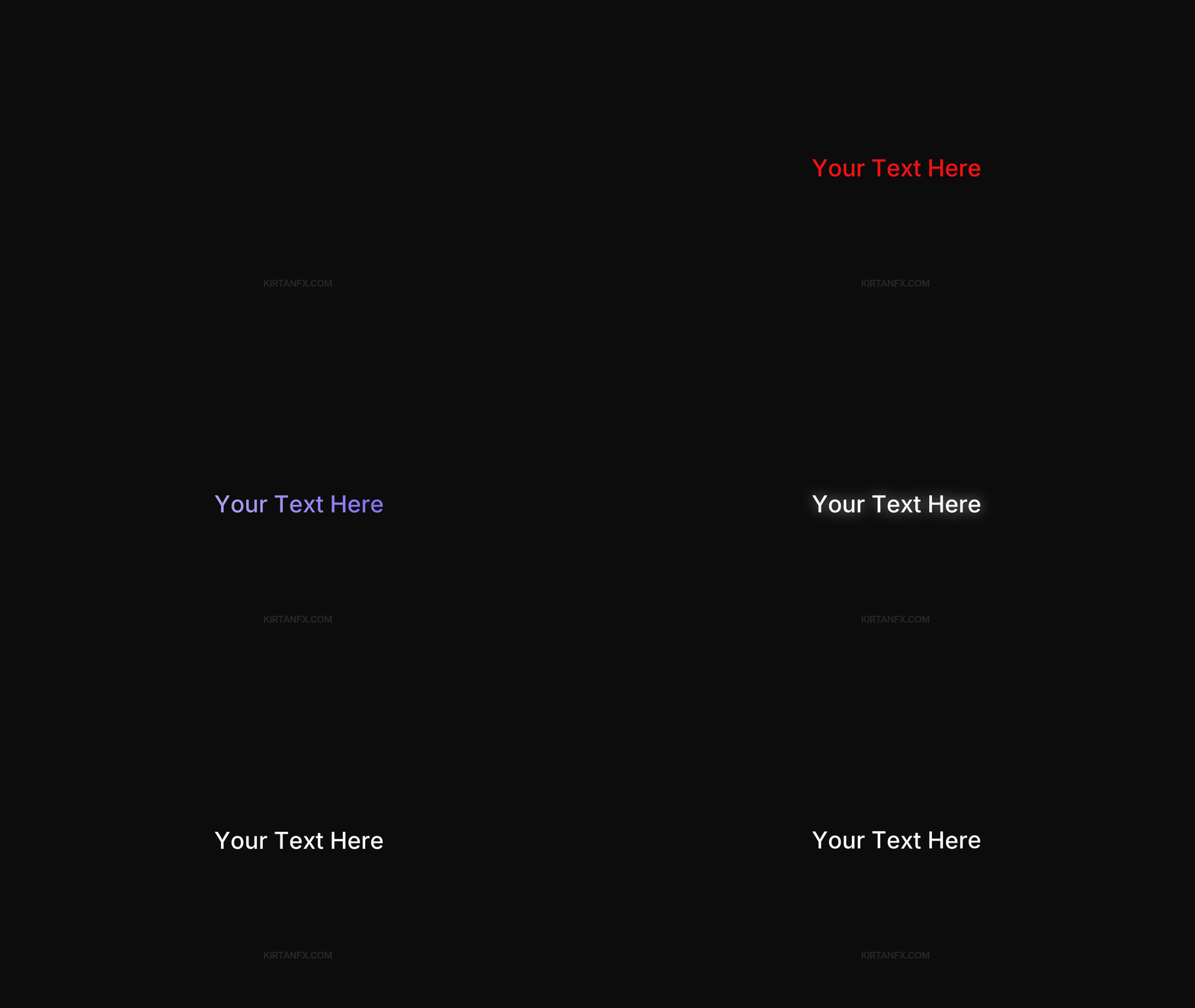
Bonus Effects & Customization
Built-in effects to customize your text.
Includes:
• Color Control
• Gradient Effect
• Drop Shadow
• Glow
• Wiggle (Normal & Character)
Compatibility

This pack works seamlessly with:
- Adobe After Effects 2019 and above (tested till 2026)
- Windows & Mac
- No plugins required (100% native)
Adobe Premiere Pro version is currently out of stock and will be released soon.
All customers will receive it as a free Email update once available.
Download & Instructions
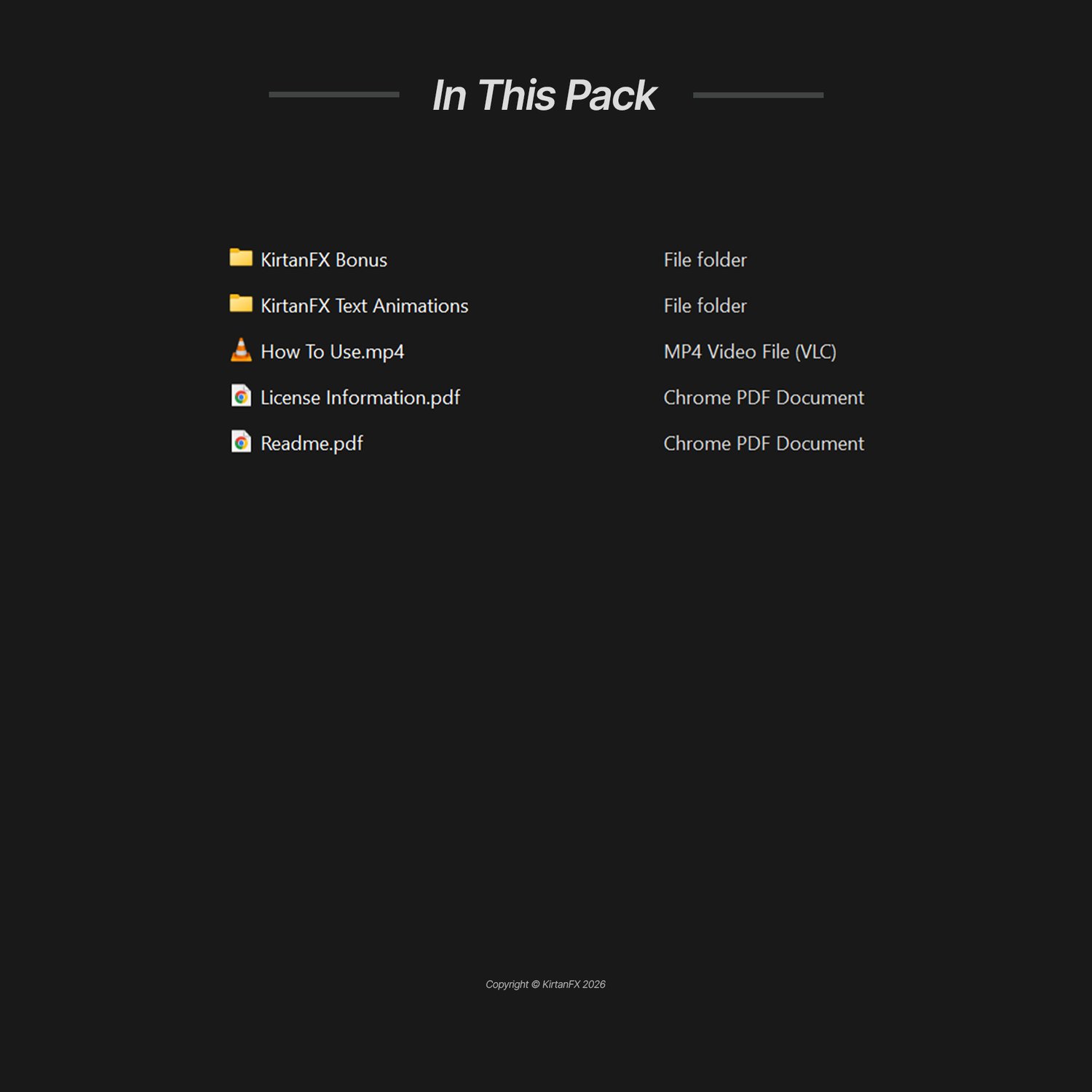
After purchase, you will receive a ZIP file containing all presets, neatly organized into folders.
Getting started is simple:
- Extract the ZIP file
- Apply presets directly in Adobe After Effects
- Watch the included How To Use.mp4 for step-by-step guidance
- Instant download available after purchase
- Delivered as a ZIP file (extraction required)
Frequently Asked Questions (FAQ)
Q: Do I need After Effects to use this pack?
A: Yes, this pack is designed for Adobe After Effects (2019 and above).
Q: Are plugins required?
A: No. Everything works 100% natively inside After Effects — no plugins needed.
Q: Can I use this for client and commercial projects?
A: Yes. Commercial use is included — use it in client work, YouTube, ads, and more.
Q: Are plugins required?
A: No plugins are required. Everything works natively inside Premiere Pro.
Q: Does this work on Windows and Mac?
A: Yes, fully compatible with both Windows and macOS.
Q: Is the Premiere Pro version included?
A: Not yet. The Premiere Pro version is currently out of stock and will be released soon.
All customers will receive it as a free Email update.
Q: How do I install and use the presets?
A: A full video tutorial (How To Use mp4) is included that covers everything:
- Installation
- Applying presets
- Customization
- Using bonus effects
Q: What if I face any issues?
A: You can contact us via kirtanfx.com/contact or join our Discord community for support — we provide fast and reliable help.
Plus (Discord / Support)
- Future Updates Included
- 24/7 Support Discord*
- Join our Discord to unlock a Special Role and stand out in the community!
Having trouble with checkout?