
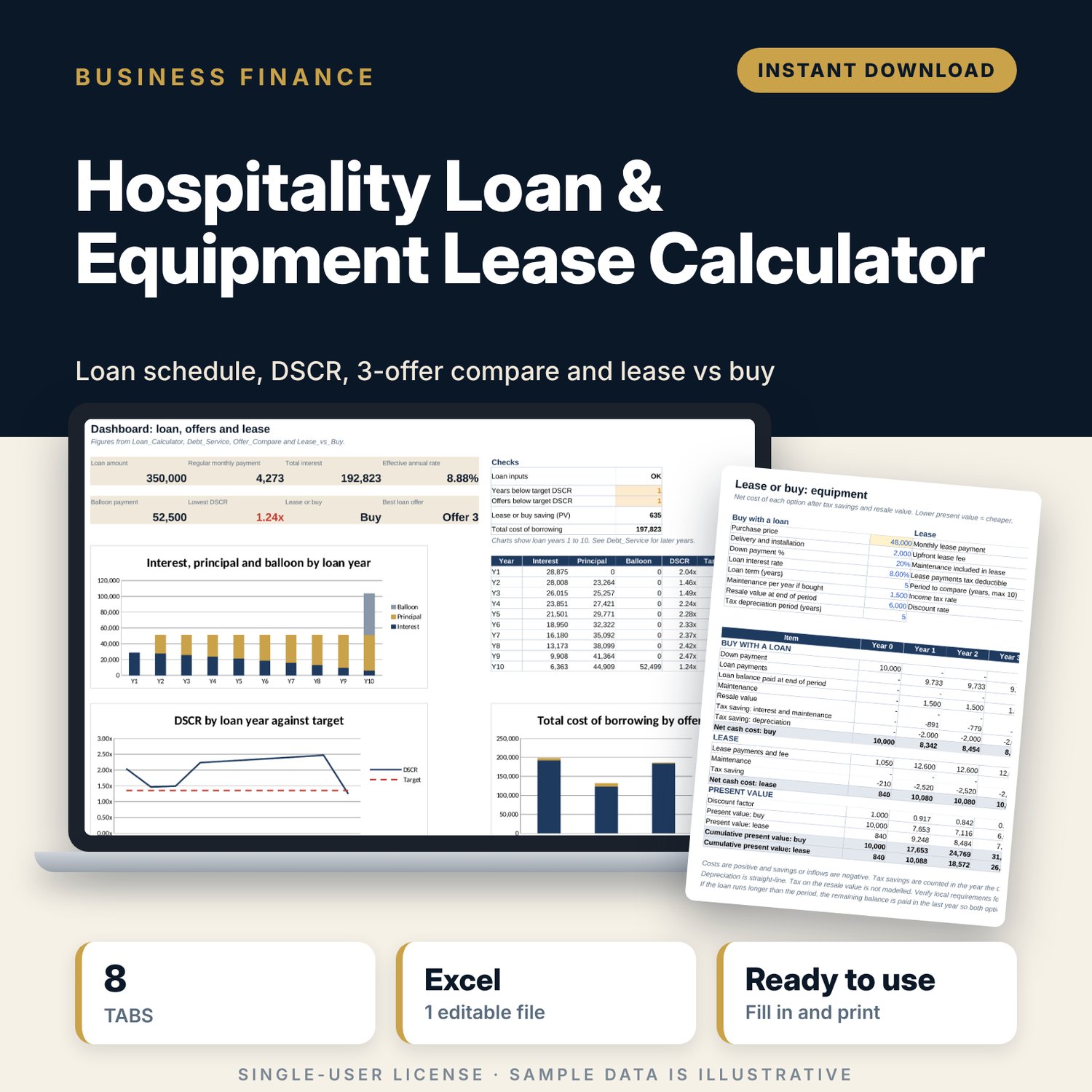
Hospitality Loan & Equipment Lease Calculator: Loan Amortization and Lease vs Buy Spreadsheet
Full description
For hotel, restaurant and café owners, general managers and finance managers who are financing a renovation, new equipment or a vehicle and need to judge an offer before signing. You enter the loan terms once, including a grace period and a balloon, and get the monthly payment, a full payment schedule, total interest and the effective rate including fees. The workbook then tests the payments against your operating profit year by year, ranks three lender offers on cost and cover, and shows whether leasing or buying a piece of equipment costs less after tax savings and resale value.
Save with a bundle: this template is also in the Hotel Finance, Development & Pre-Opening Bundle, 10 templates for $35 instead of $76. All 141 templates are in the All-Access Hospitality Template Library for $79.
What is inside
- Hospitality_Loan_Equipment_Lease_Calculator.xlsx: 8 tabs, 4,178 formulas, 5 native charts, 16 drop-down or number rules.
- Settings: currency label, income tax rate, discount rate, target DSCR, 6 offer types and a Yes or No list.
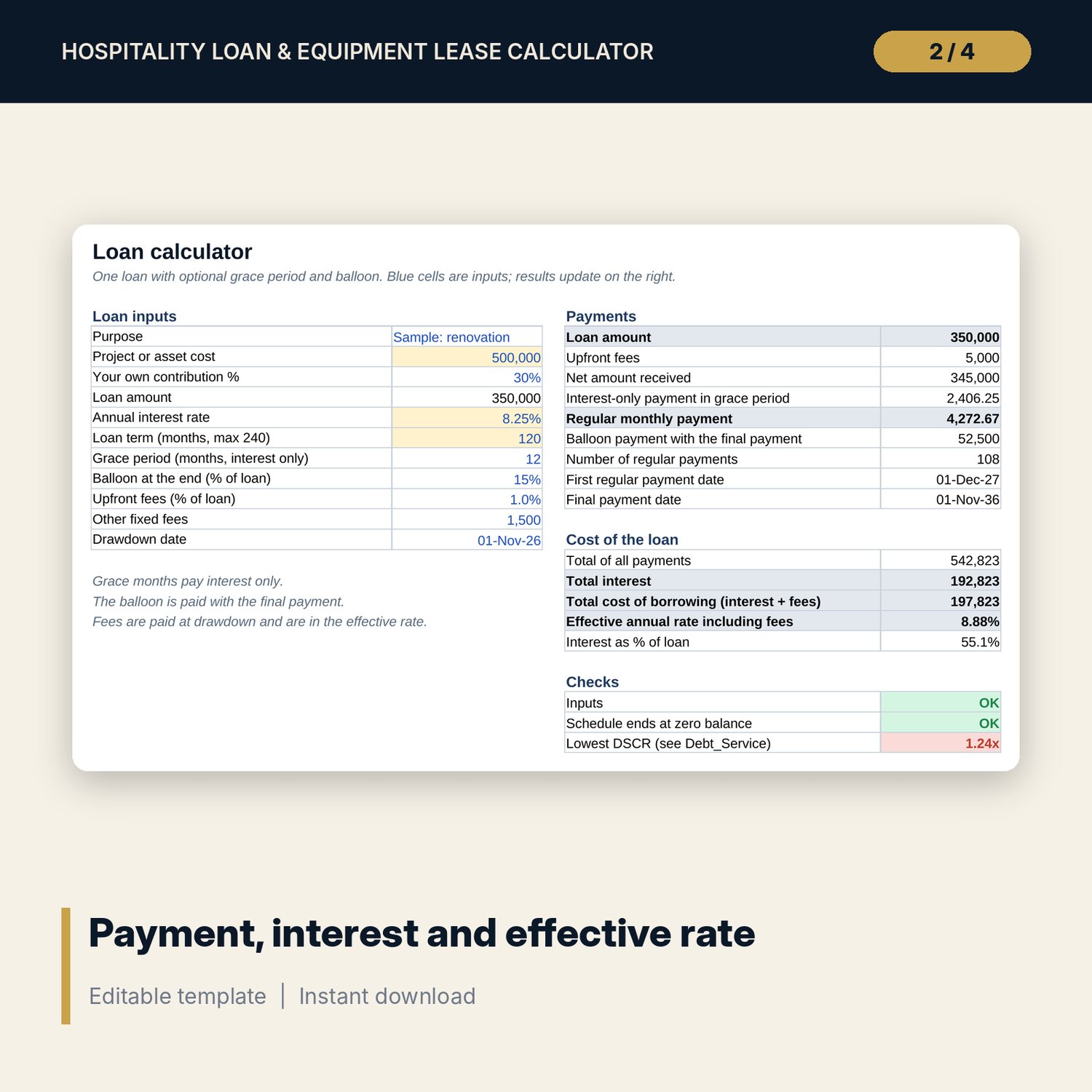
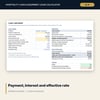
- Loan_Calculator: 11 inputs (cost, own contribution, rate, term, grace period, balloon, fees, drawdown date) and 17 results with checks.
- Payment_Schedule: month-by-month schedule for up to 240 months with interest, principal, balloon, balance and cash flow.
- Debt_Service: up to 20 loan years of debt service against operating profit, DSCR, a status flag and the highest payment your profit supports.
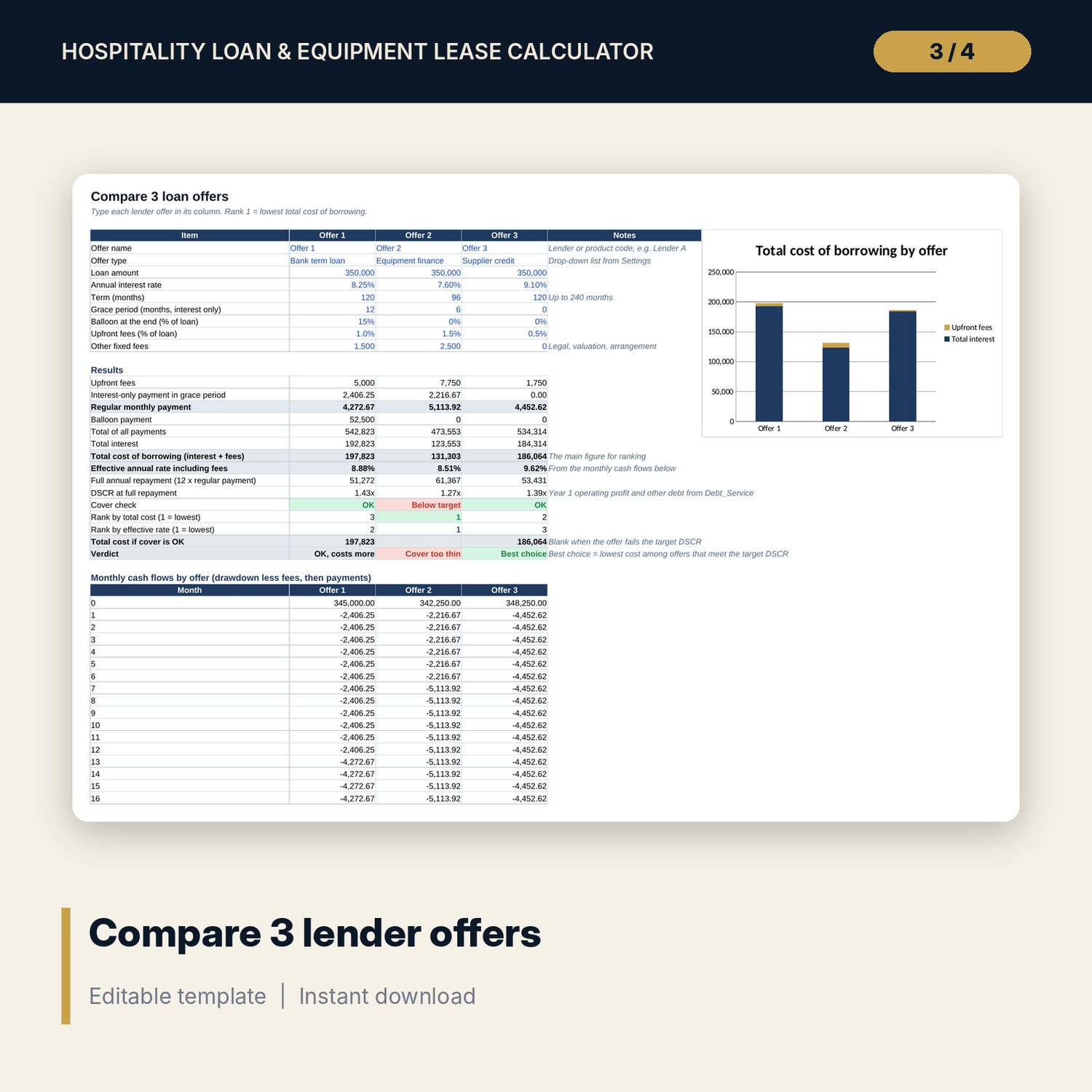
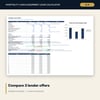
- Offer_Compare: 3 offers side by side with 9 inputs and 15 results each, a ranking, a verdict, monthly cash flows and a chart.
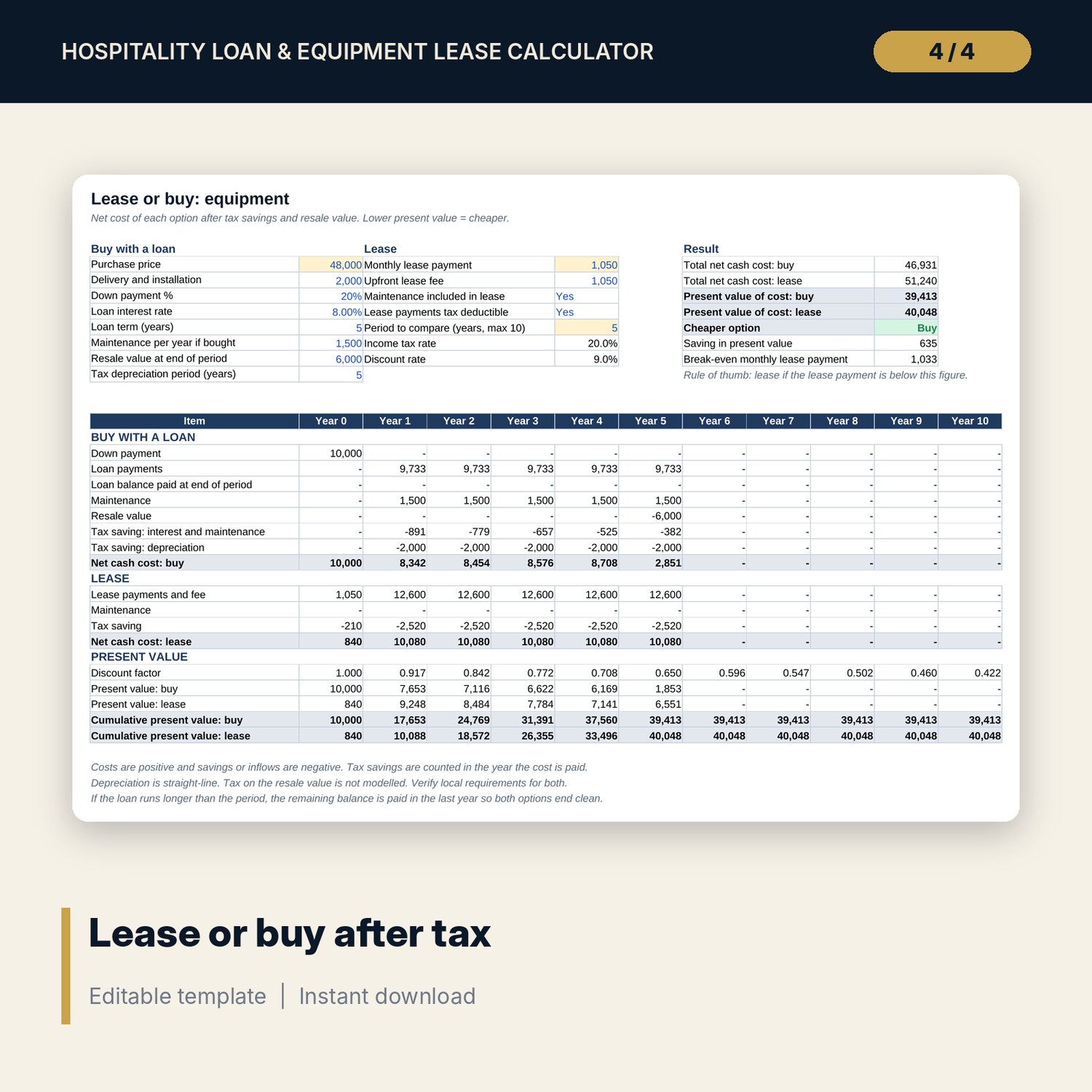
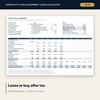
- Lease_vs_Buy: 15 inputs, a 10-year table of buy and lease costs after tax savings, present values, a break-even lease payment and a chart.
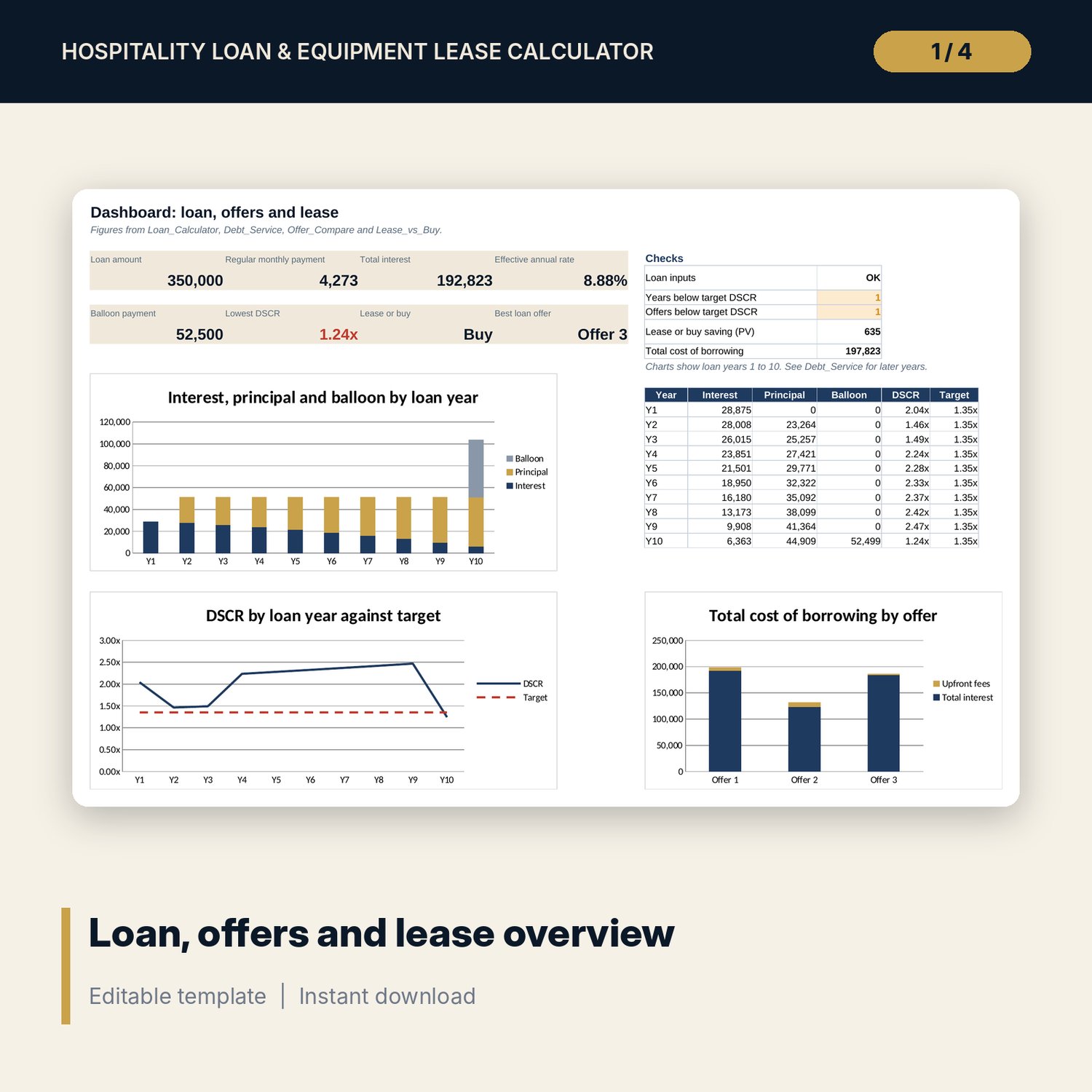
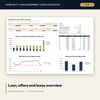
- Dashboard: 8 KPI tiles, 5 checks and 3 charts.
- README.txt and LICENSE-and-Terms.txt.
How it works
- Set your currency, tax rate, discount rate and target DSCR on Settings.
- Enter the project cost and loan terms on Loan_Calculator and read the payment and total interest.
- Add your operating profit on Debt_Service and check the DSCR for every year.
- Type up to 3 lender offers on Offer_Compare and see which one costs least while keeping cover above target.
- For equipment, compare lease and buy on Lease_vs_Buy, then review the Dashboard.
Details
- Format: Excel workbook (.xlsx). No macros.
- Language: English. Currency is a label you choose.
- Software: Excel 2016 or later, or a spreadsheet program that opens .xlsx files.
- Delivery: instant digital download. Nothing is shipped.
Good to know
- All sample loan terms, prices and profits are illustrative. Replace them with your own offers.
- Payments are monthly, at the end of each month. Some lenders calculate interest daily, so their figures can differ slightly.
- Tax treatment of interest, depreciation and lease payments differs by country. The tax rate is an editable input; verify local requirements.
- This is a planning tool, not financial, tax or lending advice.
- Single-user license. Do not share or resell the files.
FAQ
Can it handle an interest-only period and a balloon payment?
Yes. Enter the grace months and the balloon as a % of the loan. The schedule and all totals adjust.
What is DSCR and why does it matter?
Debt service coverage ratio is operating profit divided by all loan payments in the year. Lenders use it to test whether the business can carry the debt. The target is an input.
Does the lease vs buy comparison include tax?
Yes. It applies your tax rate to interest, depreciation, maintenance and lease payments, then discounts every year to present value.
Does it work in Google Sheets?
It opens in Google Sheets and the formulas calculate. Check the drop-downs after import.
Is this a physical product?
No. It is a digital download. Refund terms follow the store policy at the time of purchase.