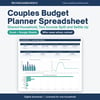
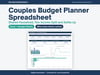
Couples Budget Planner Spreadsheet, Shared Household, Two Income Split and Settle Up, Excel and Google Sheets
For two-income households that want a fair split of shared bills and a clear settle-up of who owes whom, without mixing in personal spending.
Shared bills get messy when two people earn different amounts and take turns paying. This workbook logs both take-home incomes and splits each shared expense the way you choose. It records who actually paid and keeps a running balance of who owes whom. Personal spending stays on its own tab and is never part of settle-up.
WHAT YOU GET
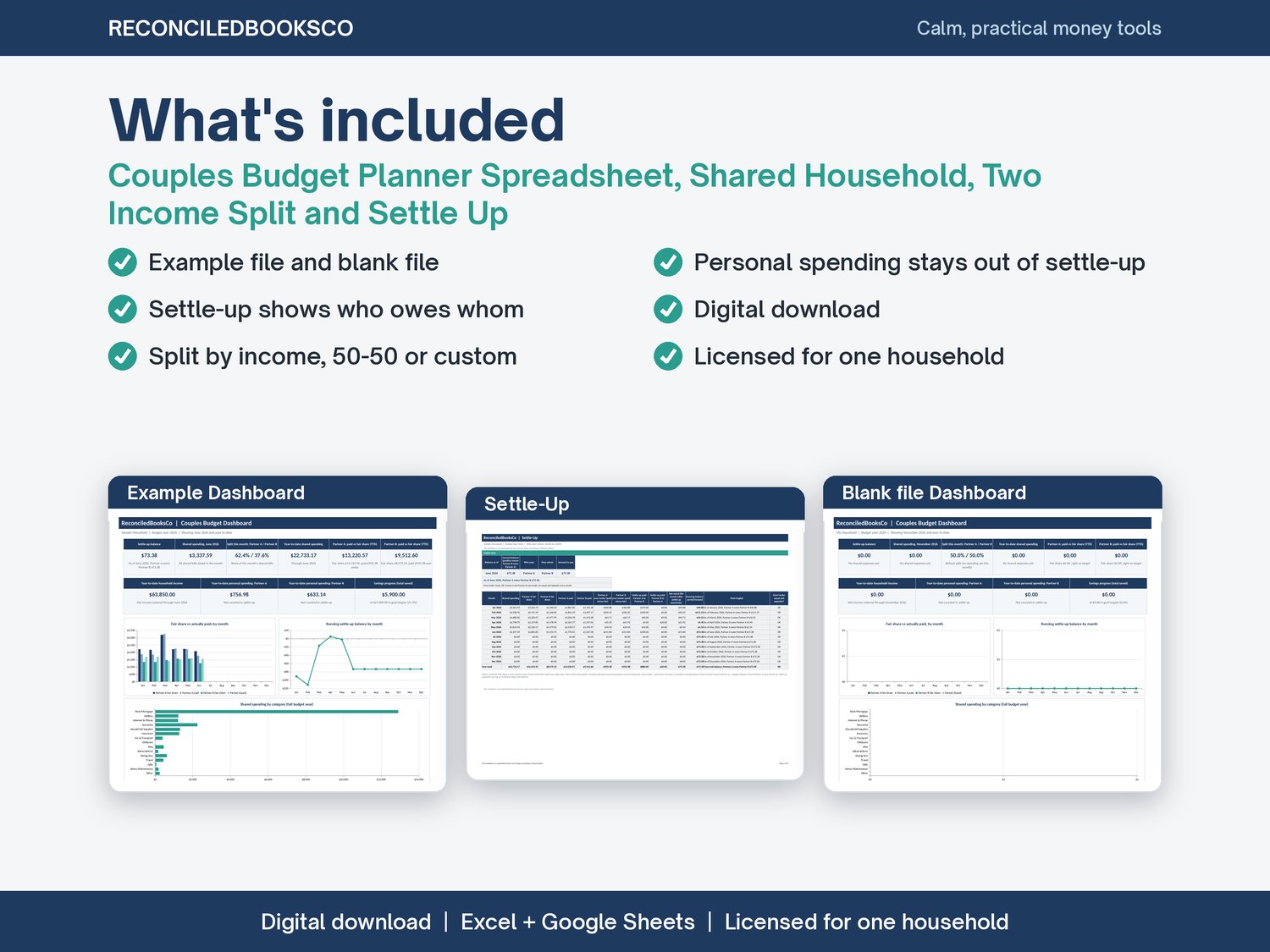
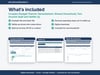
• One Example Excel workbook with six months of sample data, so you can see how settle-up reads before you enter your own numbers
• One Blank Excel workbook with the same layout, ready for your household
• Works in Excel and Google Sheets (tested November 14, 2026)
SPECS
• Files: Example workbook and Blank workbook
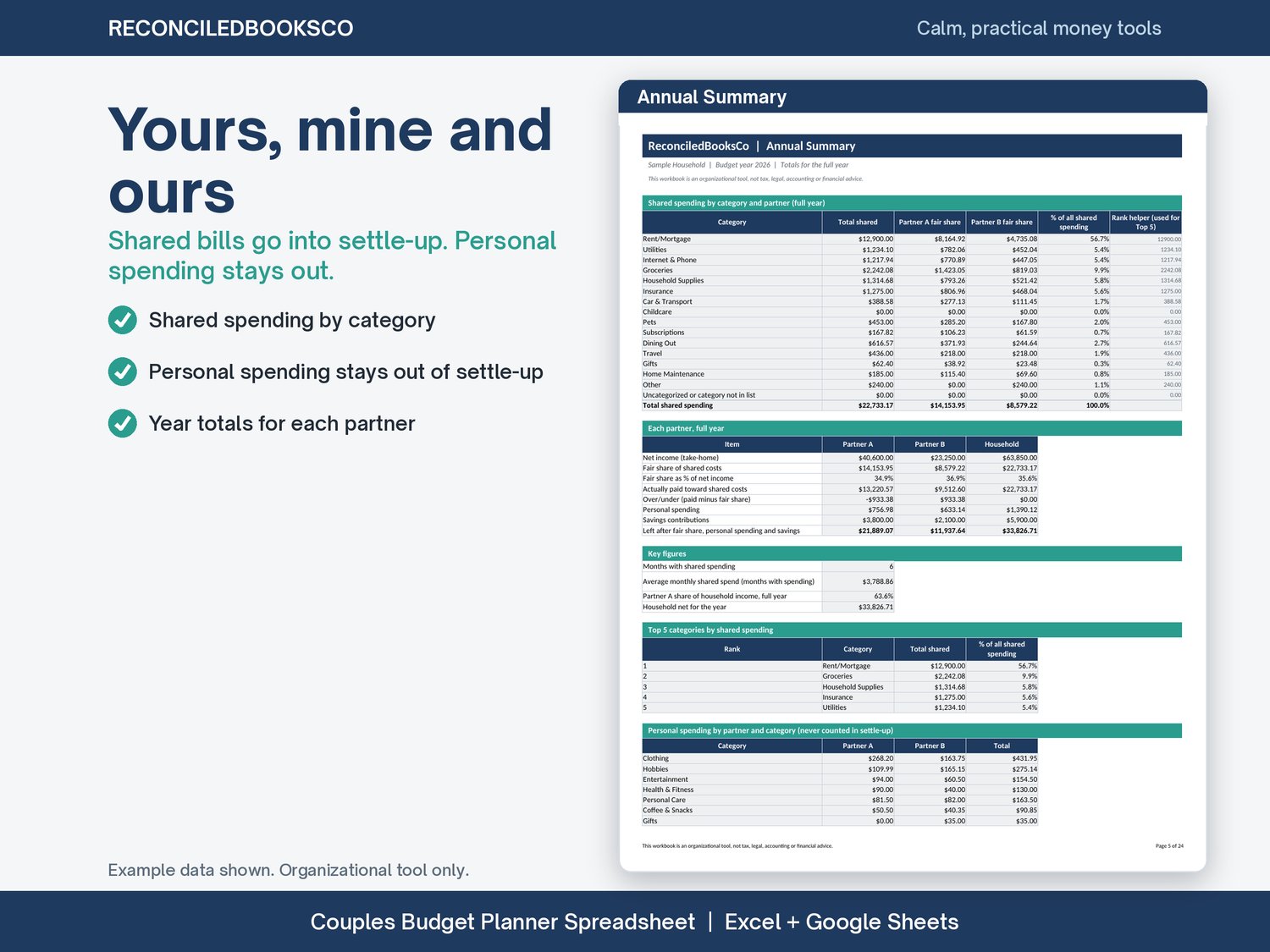
• Summaries: Dashboard, Settle-Up, Monthly Summary, and Annual Summary
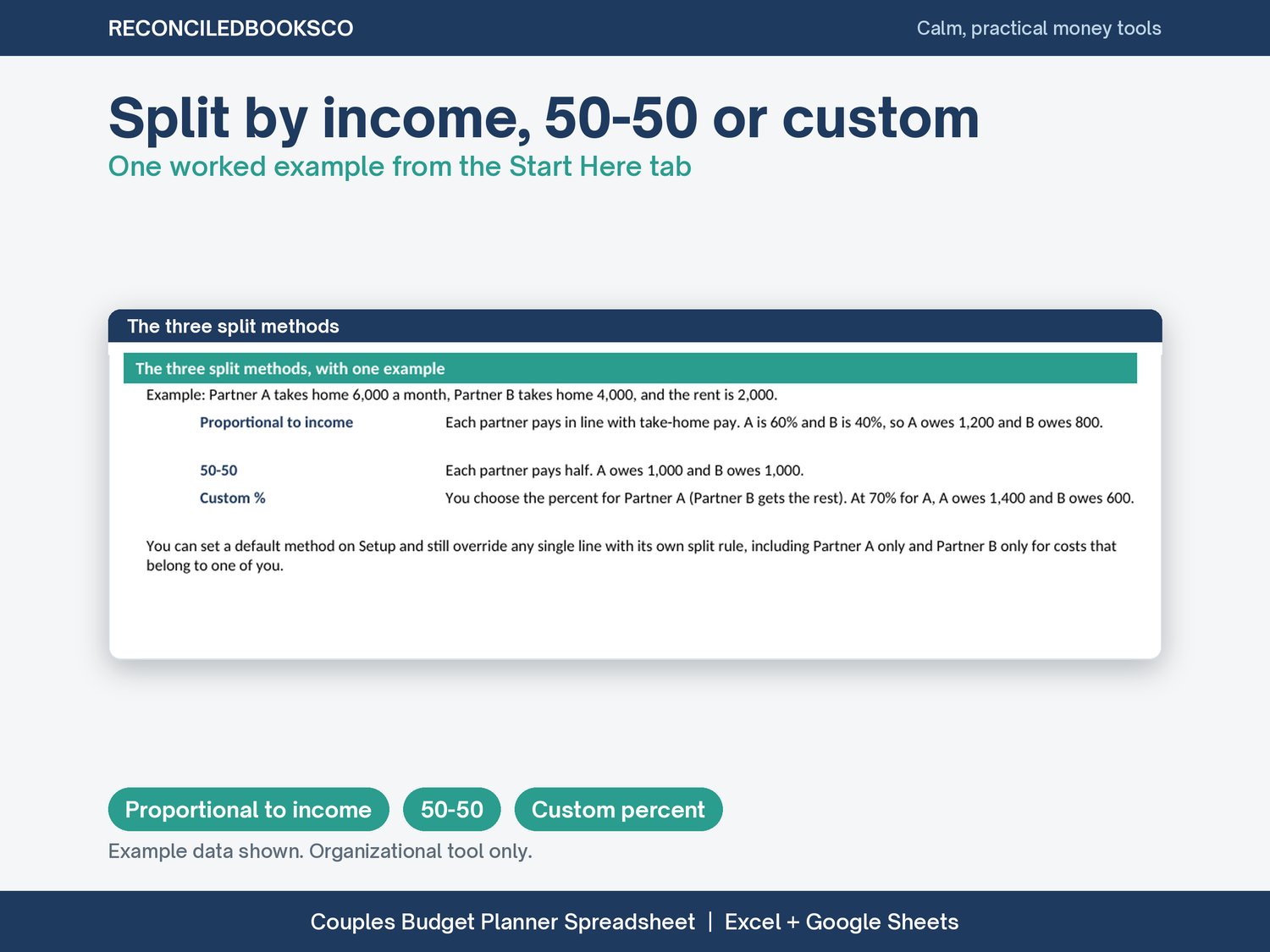
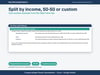
• Split methods: by income (proportional), 50-50, or a custom percent, with a default on Setup and an optional override on any single bill
• Shared expenses: log each bill, who paid it (Partner A, Partner B, or a joint account), and the split rule
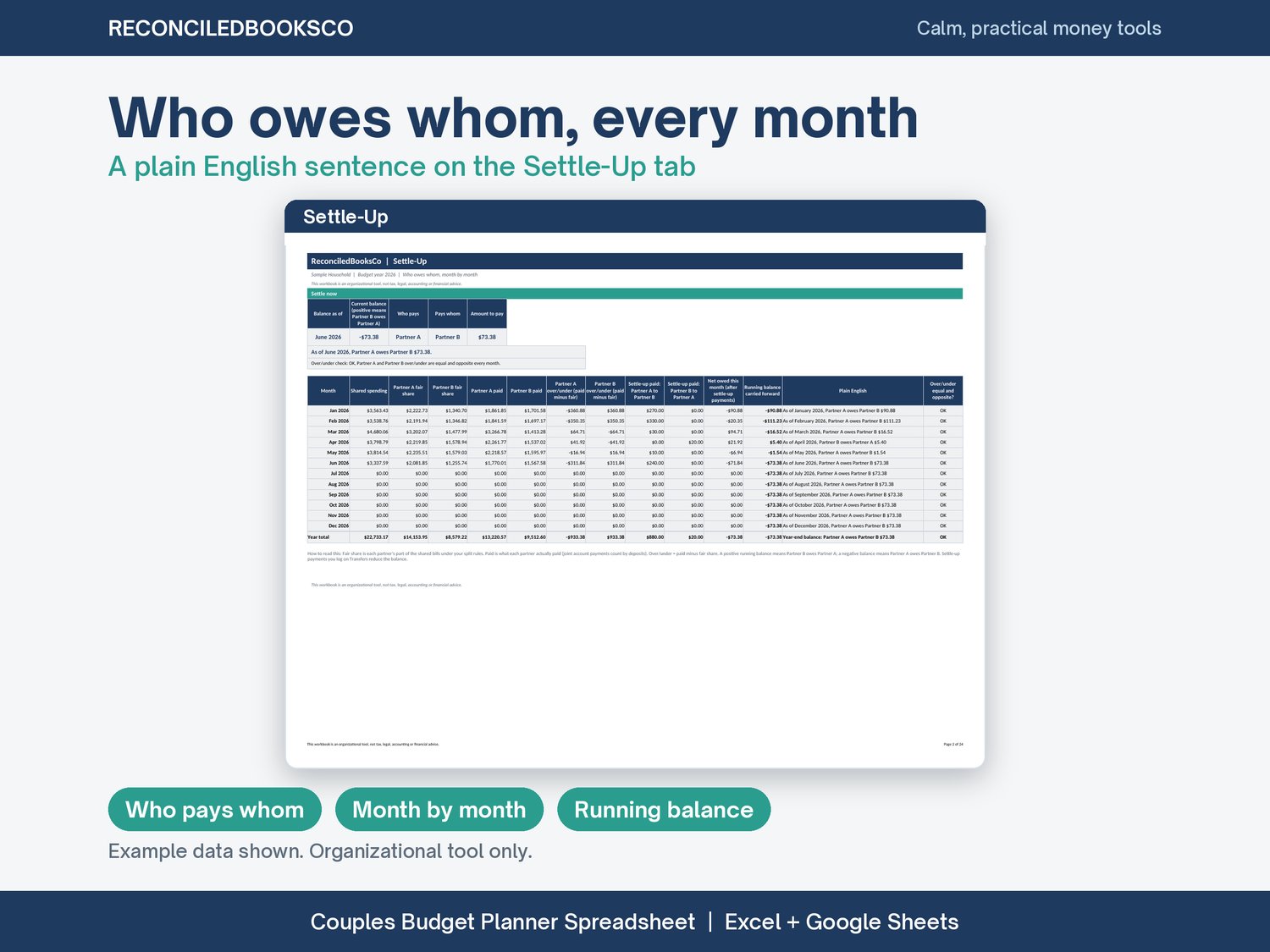
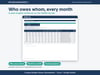
• Settle-up: a plain-English box that says who pays whom and how much, plus a running balance
• Income: log each partner's take-home pay. Proportional splits use these amounts
• Transfers: deposits to a joint account, settle-up payments between you, and savings-goal contributions
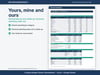
• Personal spending: yours-and-mine purchases, kept out of settle-up
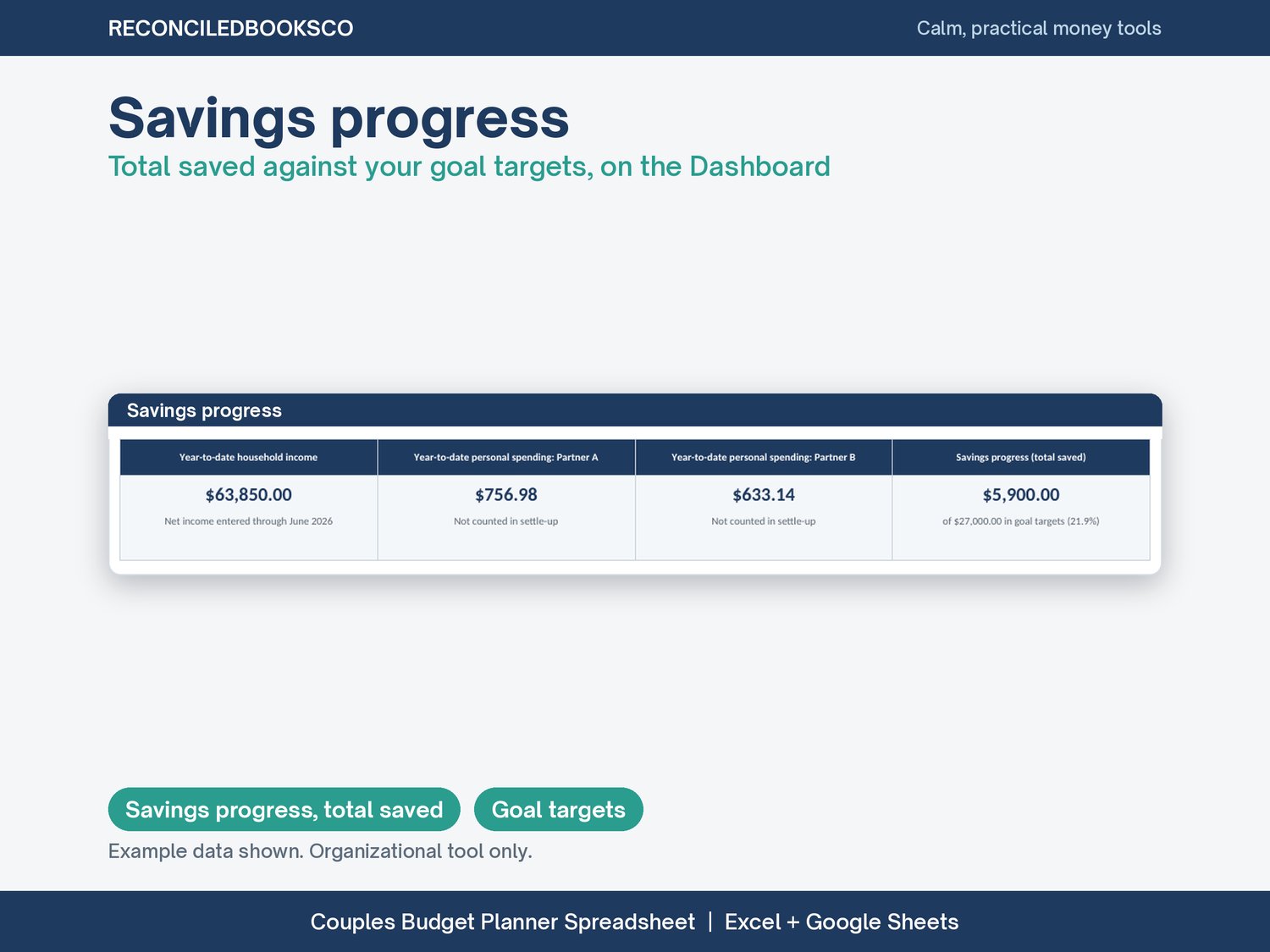
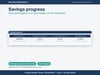
• Savings goals: shared targets with a suggested monthly amount for each partner
• Start Here and Setup: setup steps, how to clear the sample, and your household names, year, and default split
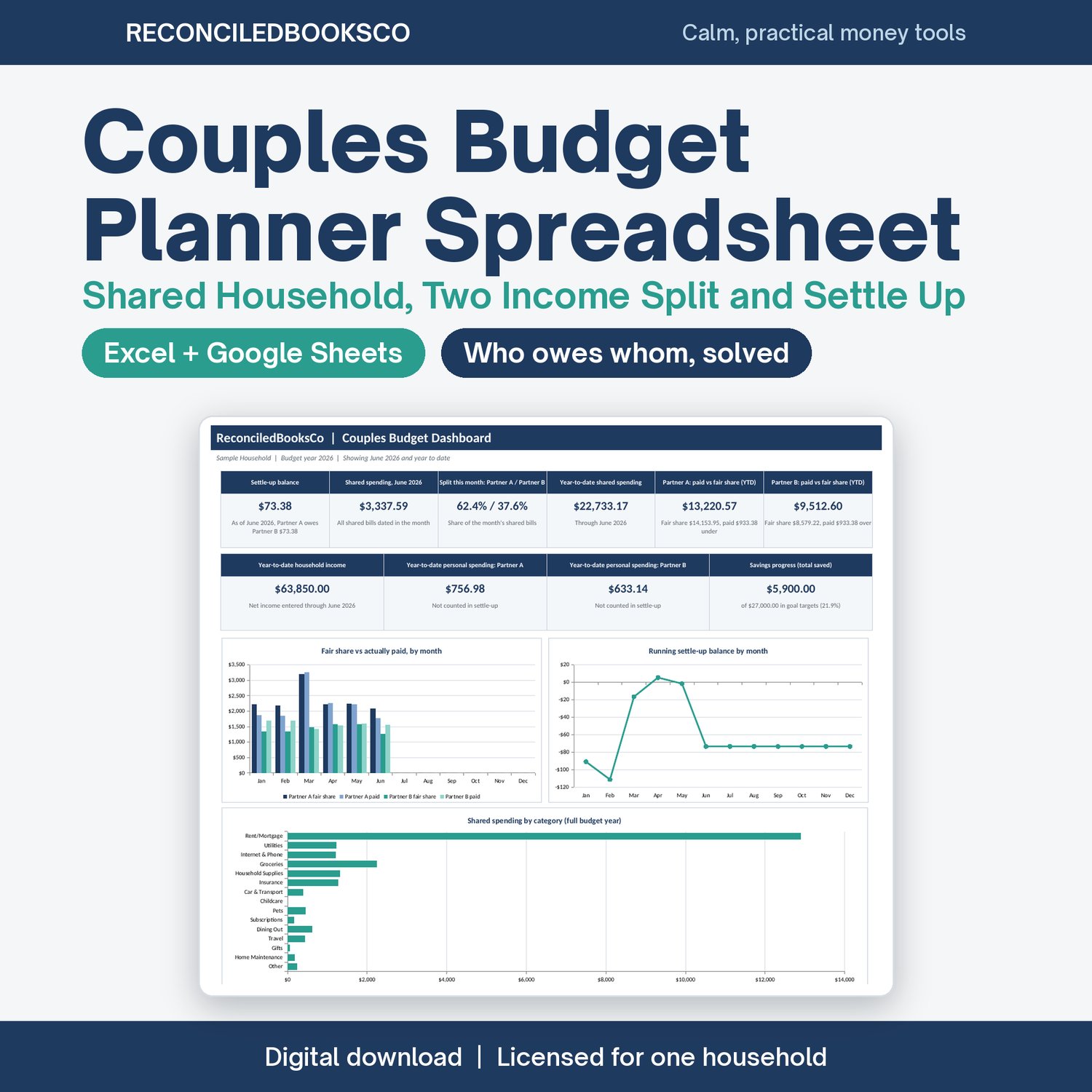
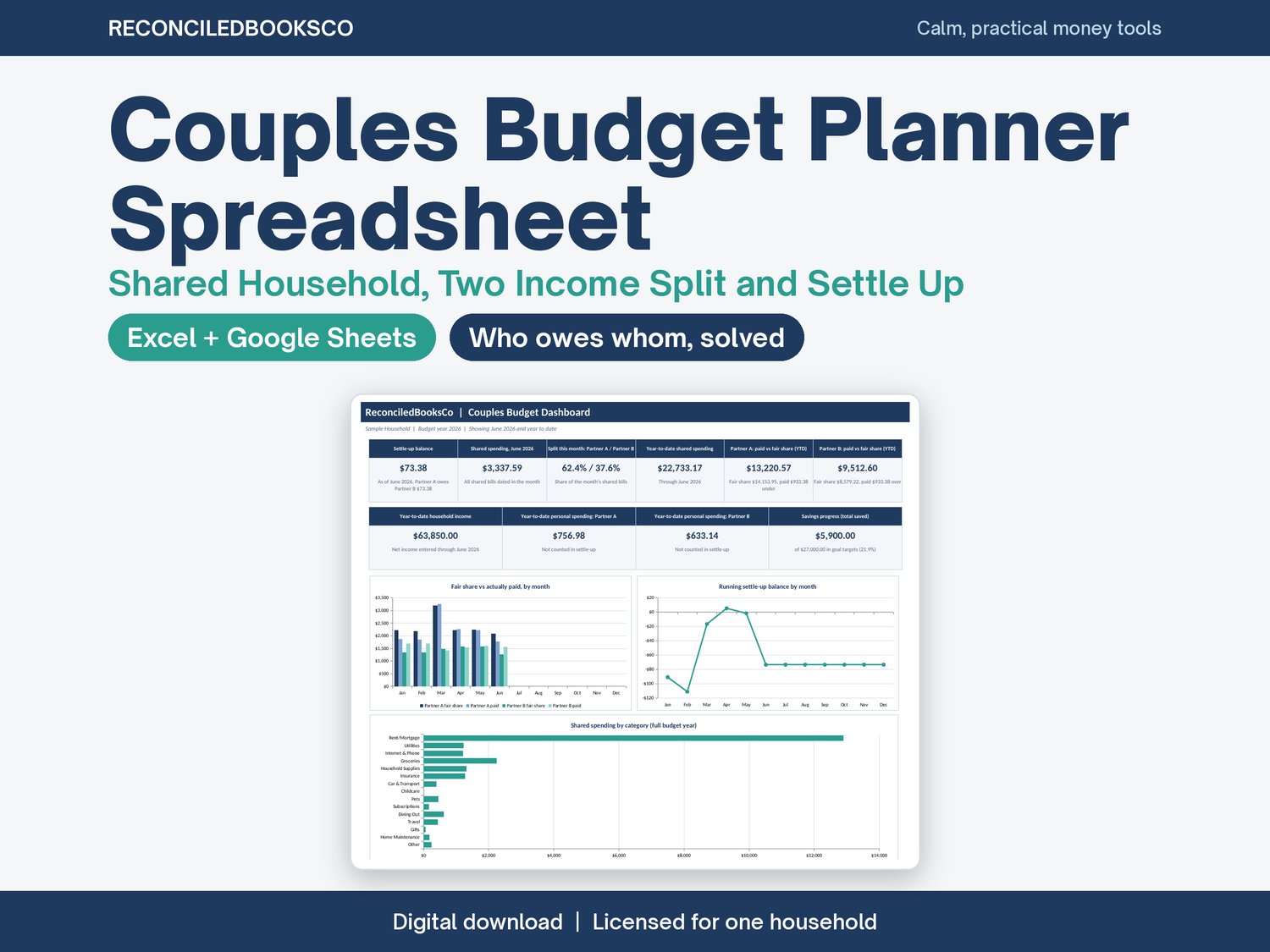
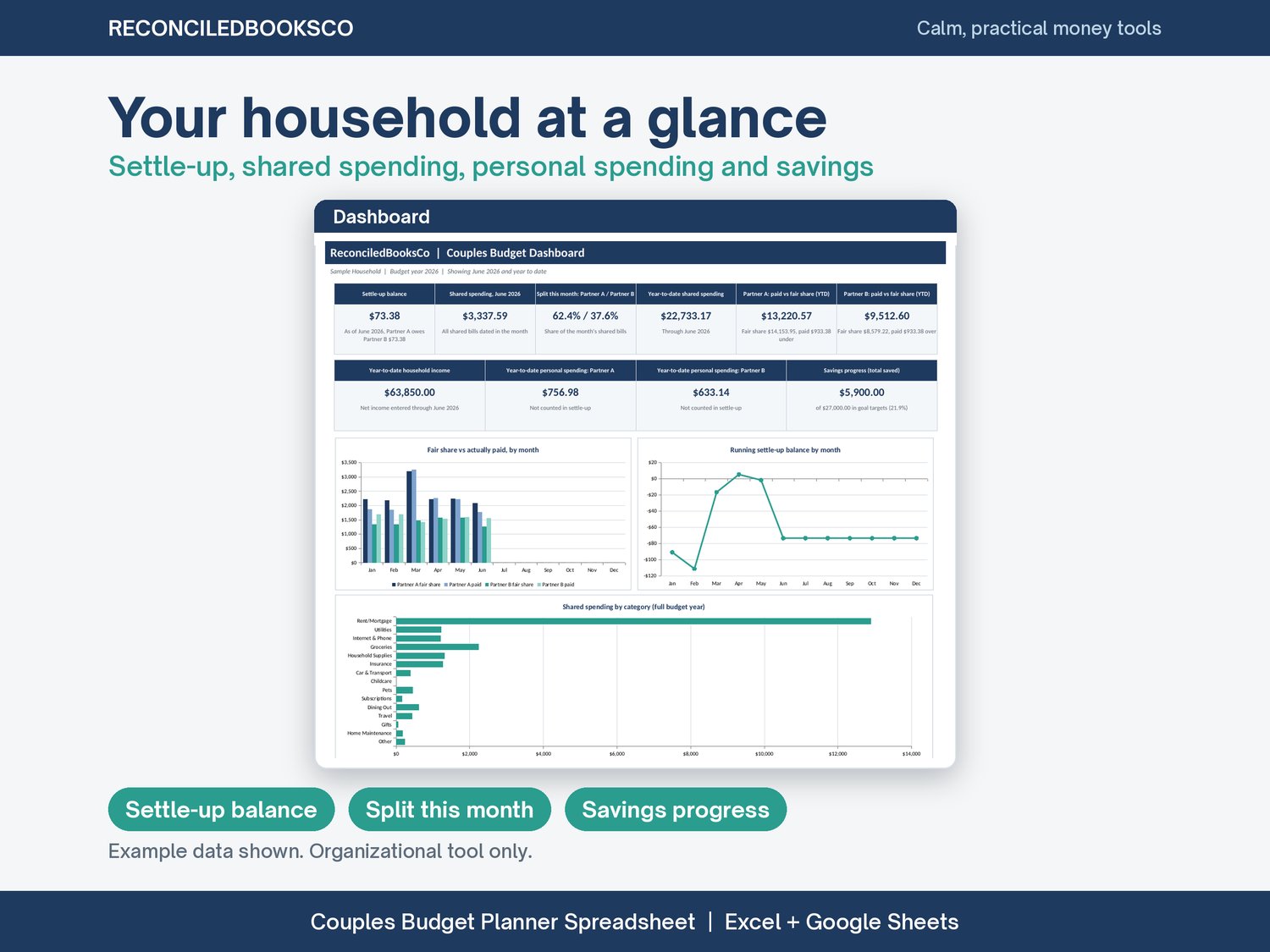
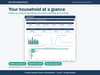
The Dashboard shows the current settle-up balance, shared spending, each partner's share, year-to-date income, and savings progress. The Settle-Up tab is the page you check each month. When you pay each other, log it as a settle-up payment on Transfers and the balance drops.
GETTING STARTED
Open the Example file first to see the sample household, then use the Blank file for your own records. Or, in the Example file, follow Start Here and clear the six named sample ranges (contents only, never delete rows), then change the household label on Setup.
Works in Excel and in Google Sheets. To use Google Sheets, upload the .xlsx to Google Drive, open it with Google Sheets, and choose File > Save as Google Sheets (or File > Make a copy). Dropdowns, named ranges, formulas, and charts carry over.
FAQ
Does this mix personal spending into who owes whom?
No. Personal spending stays on its own tab and is never part of settle-up. Only shared bills and settle-up payments affect the balance.
Can we split some bills 50-50 and others by income?
Yes. Set a default method on Setup, then override any single line with its own rule, including Partner A only or Partner B only for a cost that belongs to one of you.
What if we pay some bills from a joint account?
Log those lines as paid by the joint account, and log deposits to the joint account on Transfers. Start Here explains how joint payments are counted.
Can I remove the sample data?
Yes. Use the Blank file, or clear the six named ranges listed on Start Here. Select each range and press Delete. Clear contents only, and never delete rows.
INSTANT DOWNLOAD · DIGITAL ONLY
This is a digital download. Nothing ships. Files are available immediately after purchase. Licensed for use by one household. Please don't share or resell the file. Because this is a digital download, sales are final (see shop policies).
Please note: This workbook is an organizational tool, not tax, legal, accounting or financial advice. Always check figures with a qualified professional before you make financial decisions.