
Receipt Organizer for Windows | Local File & Receipt Sorting App
A local-first Windows desktop app for organizing receipts, invoices, statements, contracts, screenshots, and downloaded files without cloud upload, login, or telemetry.
Receipt Organizer for Windows is a simple local-first desktop app for cleaning up messy receipt, invoice, statement, contract, screenshot, and downloaded-file folders.
It is built for freelancers, small business owners, creators, students, and anyone who wants a calmer way to organize files without uploading private documents to the cloud.
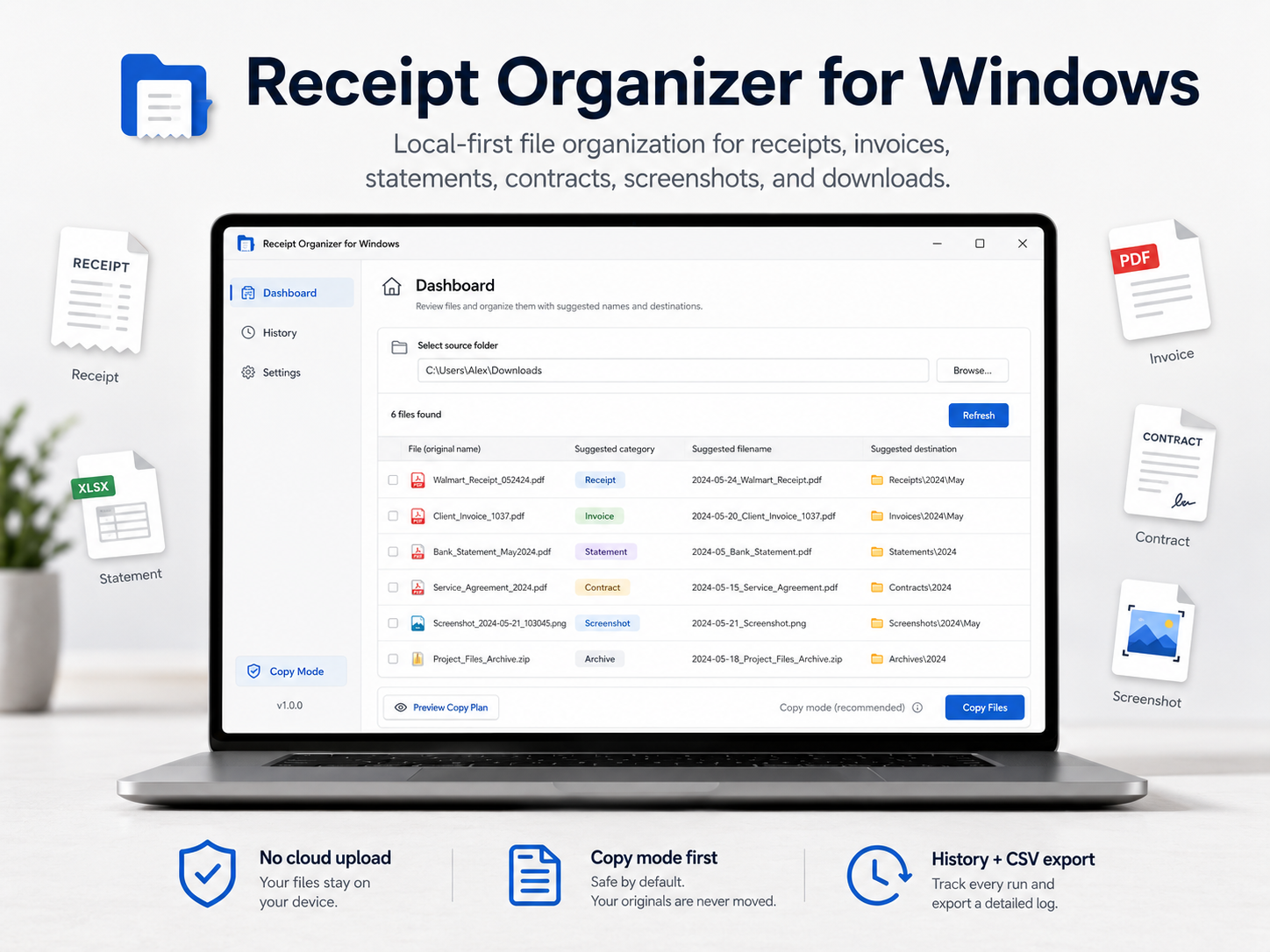
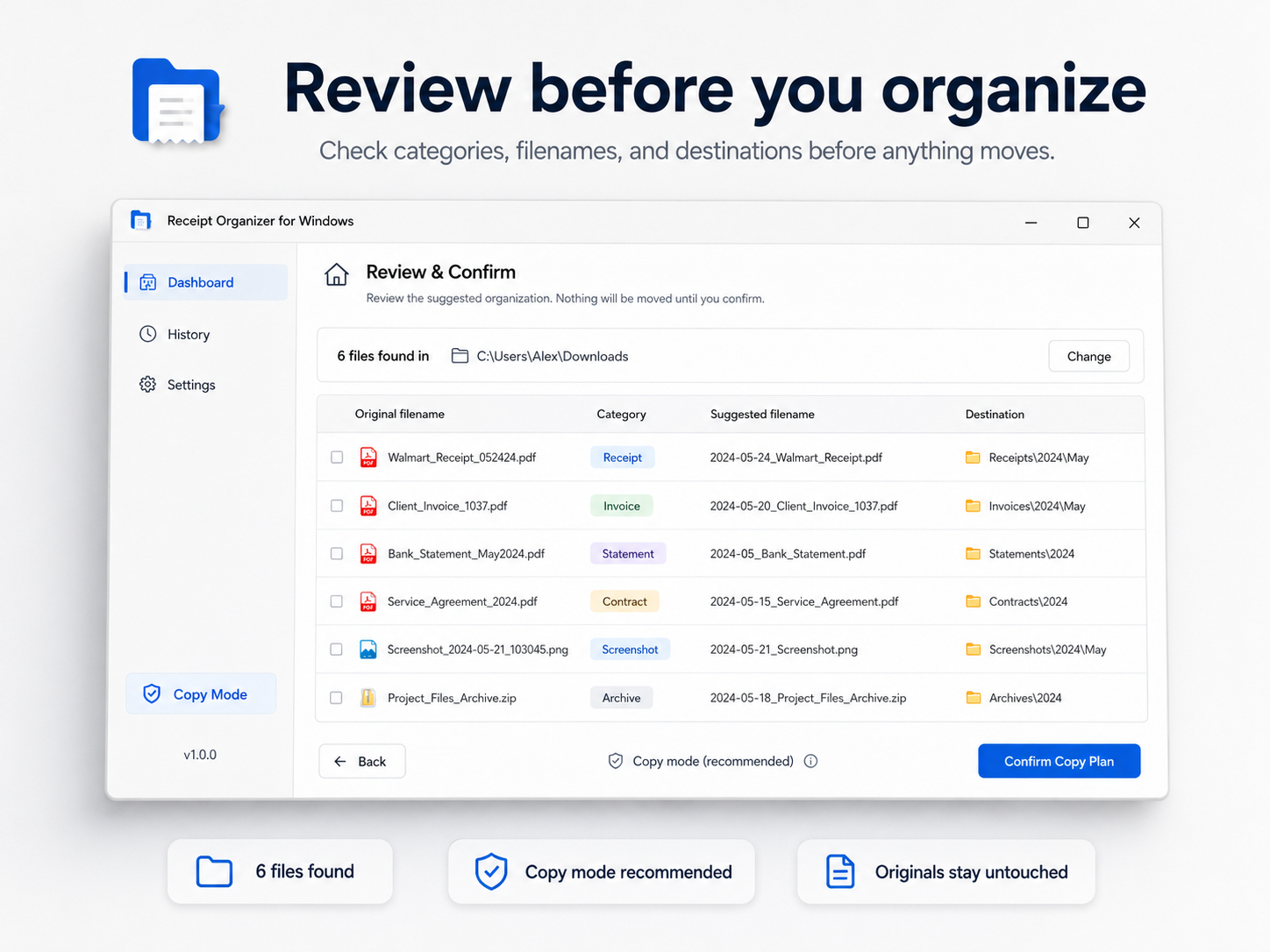
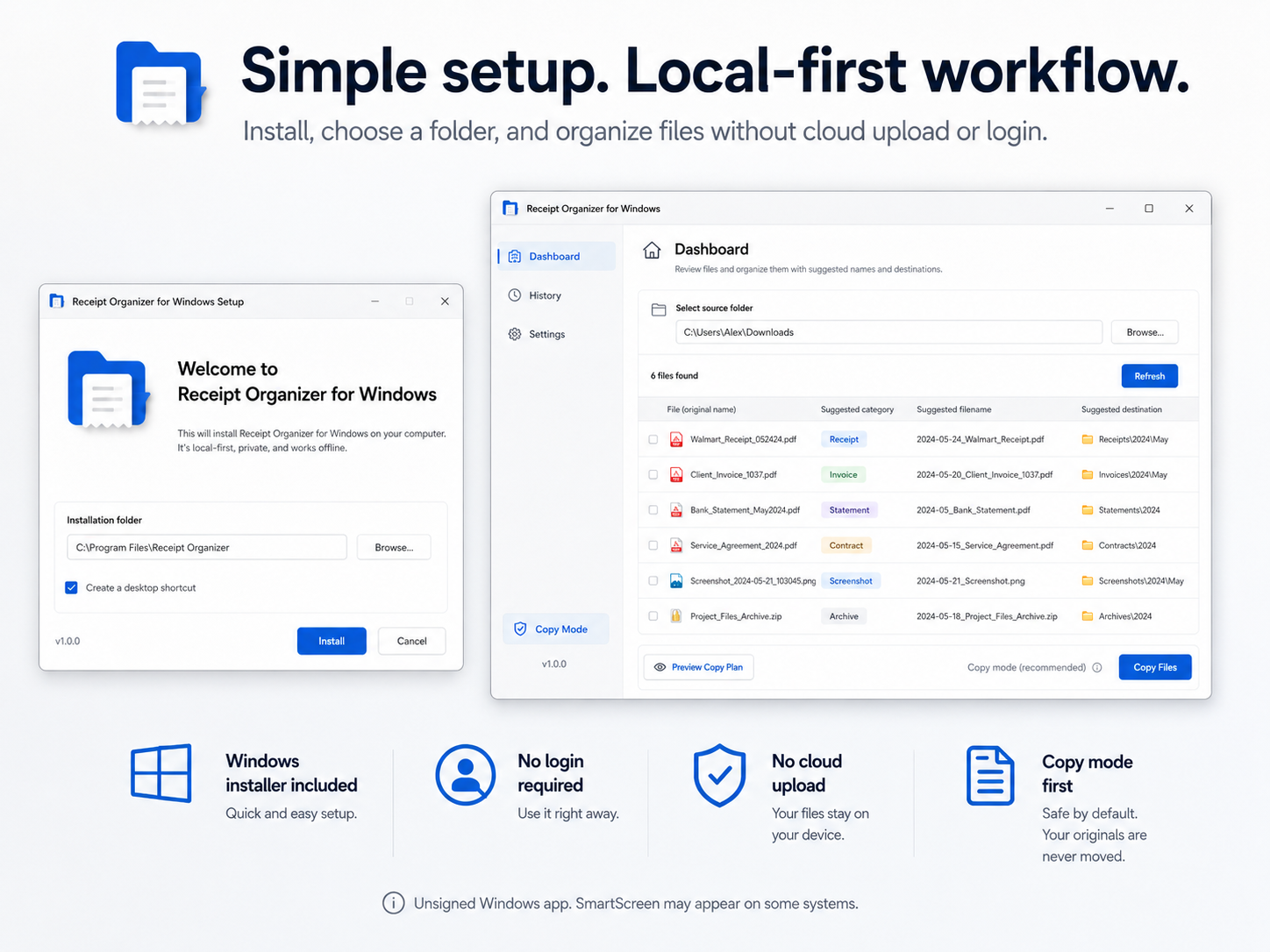
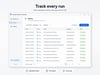
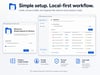
The app lets you select a folder, review suggested categories, filenames, and destinations, then organize files using Copy mode first. History is included, and you can export your operation history as a CSV file.
What it does:
- Scans a folder you choose
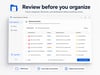
- Shows a review table before organizing
- Suggests file categories
- Suggests cleaner filenames
- Suggests organized destination folders
- Copies files by default
- Keeps originals untouched when using Copy mode
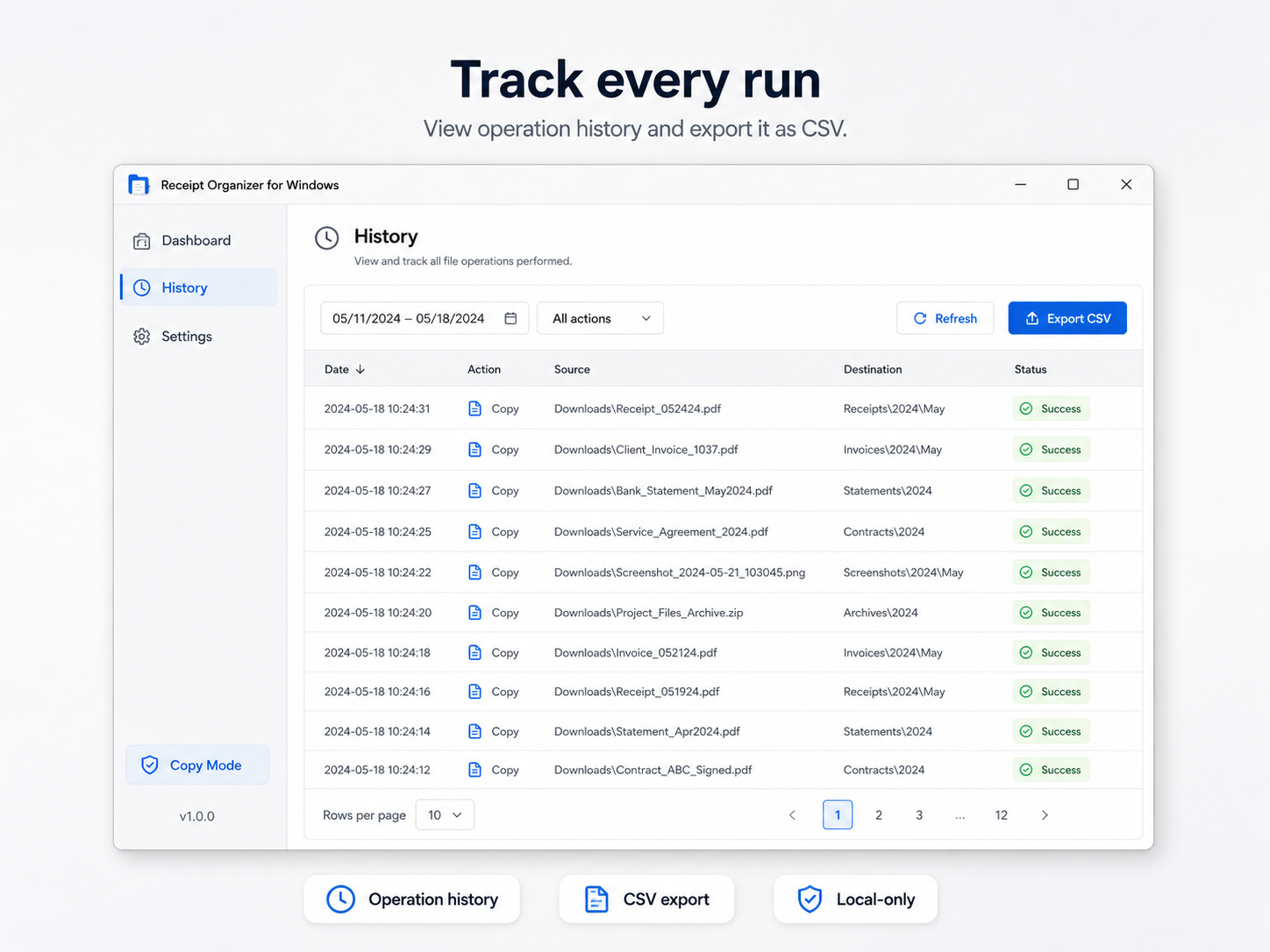
- Shows operation History
- Exports History to CSV
- Works locally on Windows
Good for:
- Receipts
- Invoices
- Bank statements
- Tax-related documents
- Contracts
- Screenshots
- Downloaded files
- Small business admin cleanup
- Freelancer file organization
- Messy Downloads/Desktop-style folders
Included in your download:
- Windows installer
- Portable Windows EXE
- SHA256 checksum file
- Quick start guide
- Buyer README
- Known limitations
- Privacy notice
- Release notes
Privacy:
Receipt Organizer is local-first. There is no login, no cloud upload, no telemetry, no bank connection, and no API key required. Your selected files stay on your computer.
Important: This is an unsigned Windows app. Windows SmartScreen may appear on some systems. Please test first with copied files. Undo UI is not available in v0.1.0.
Important limitations:
- Windows only
- The app is currently unsigned, so Windows SmartScreen may appear on some systems
- Undo UI is not available in v0.1.0
- OCR is not included
- No cloud sync
- No email scanning
- No bank connection
- No tax, legal, accounting, or financial advice
- Move mode removes originals and should be used carefully
- Always test first with copied files
Recommended first use:
Create a test folder with copies of a few files. Use Copy mode first. Review the History page and exported CSV before using it on important folders.
This is a practical, quiet desktop utility for local file organization — not a tax app, accounting app, or cloud document manager.