
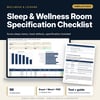
Sleep & Wellness Room Specification Checklist: Sleep Room Audit Template and Specification
Full description
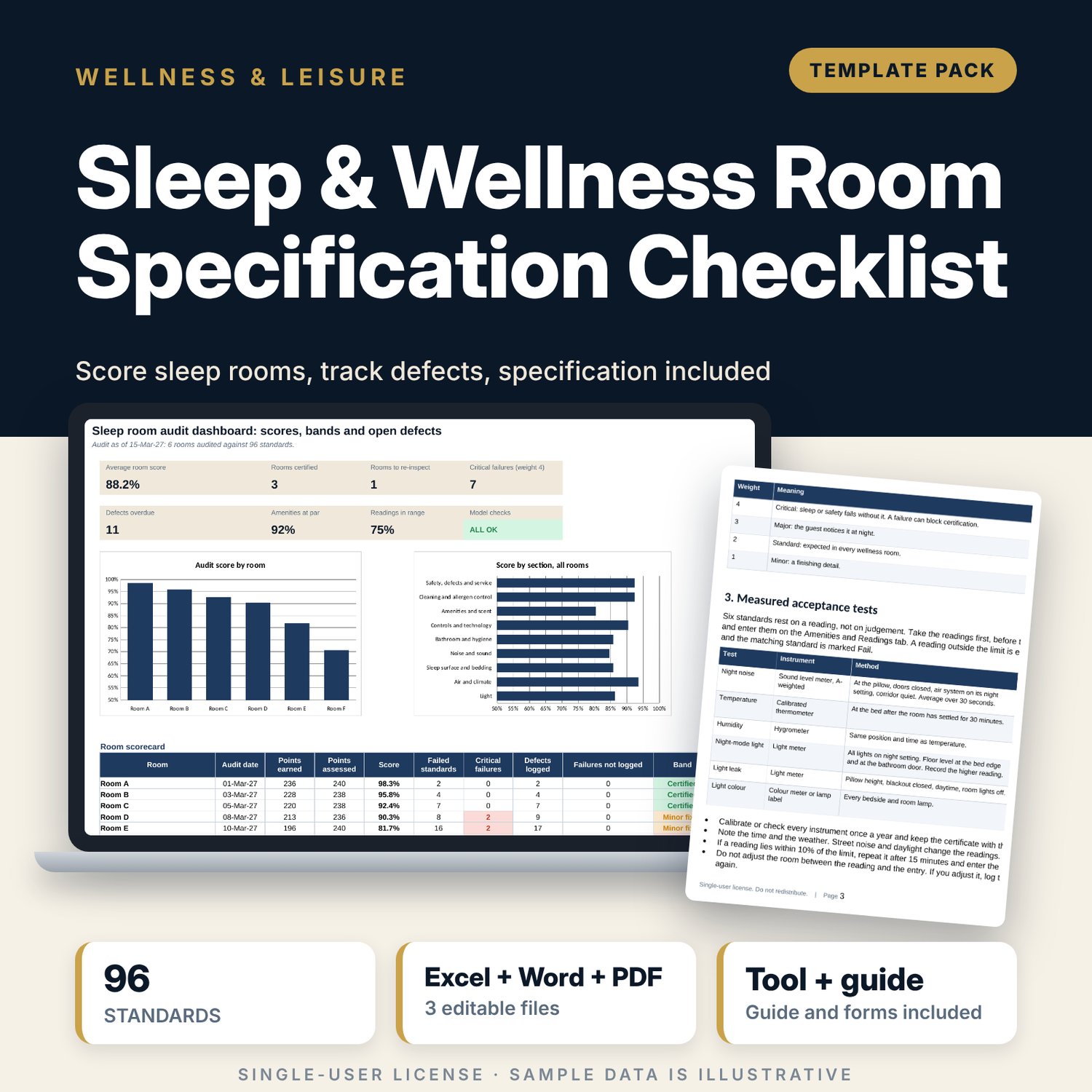
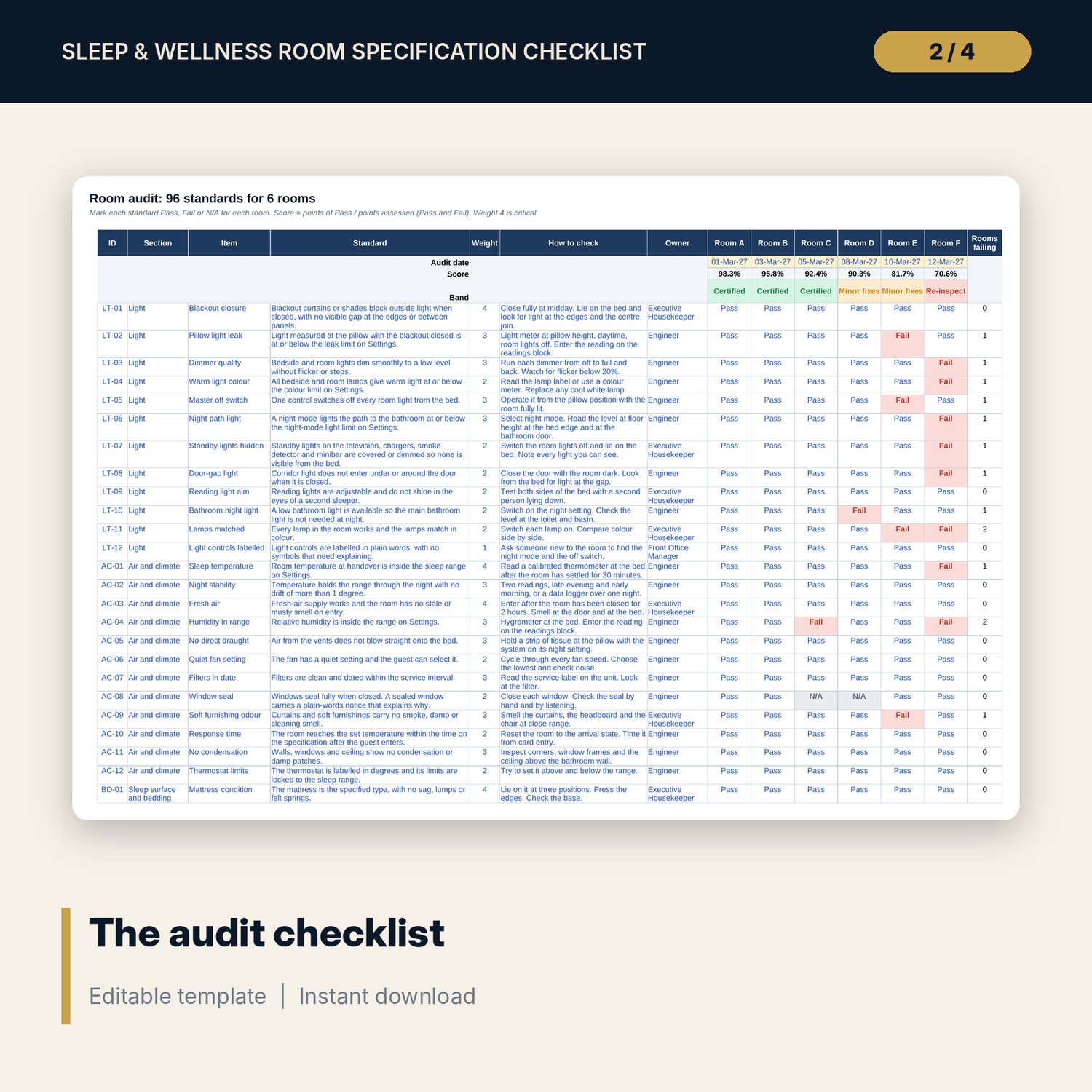
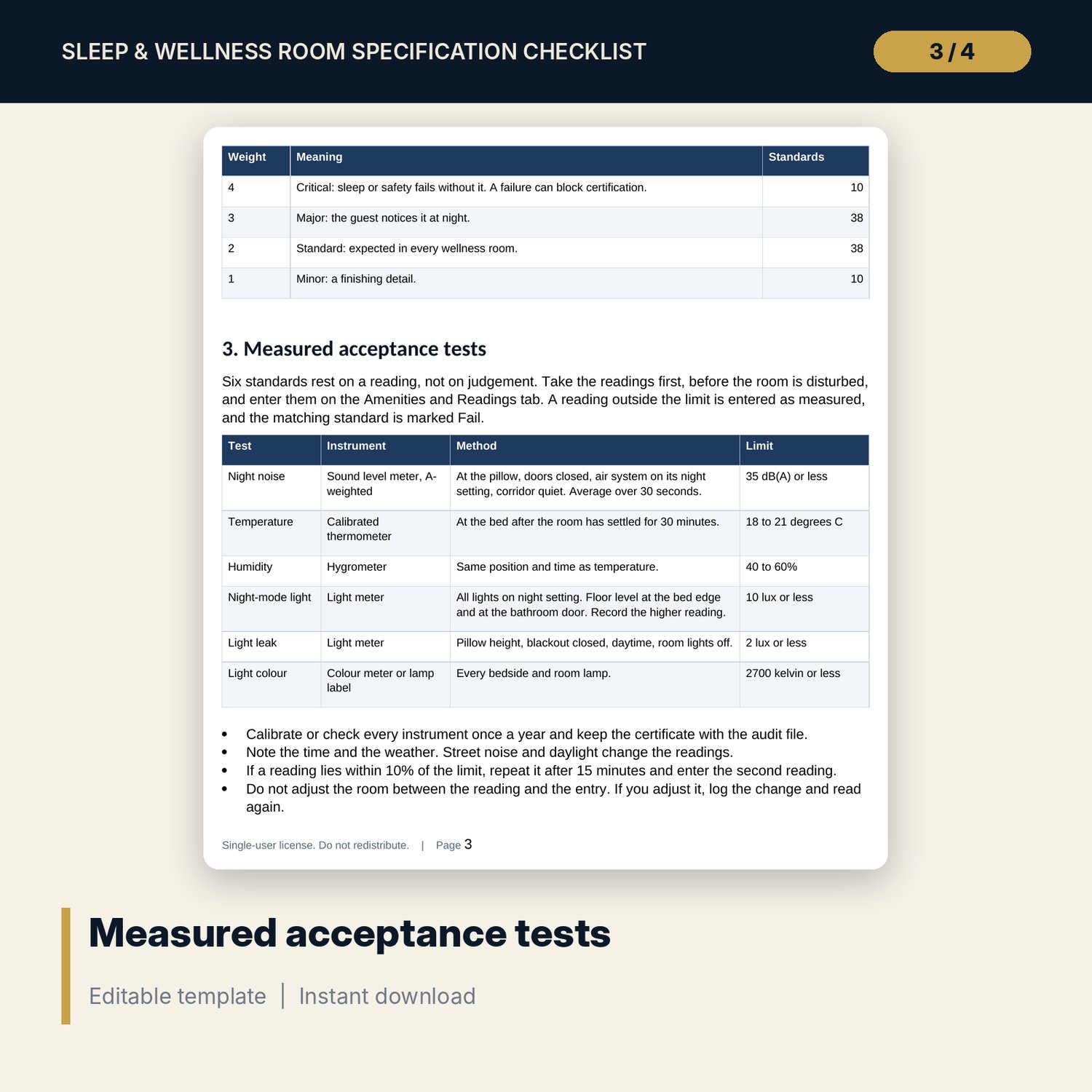
For executive housekeepers, engineers and general managers who sell sleep or wellness rooms and need to prove that every room is the same every night. The workbook holds 96 standards in 9 sections (light, air, bedding, noise, bathroom, controls, amenities, cleaning, safety), each with a weight from 1 to 4, a way to check it and an owner. You mark Pass, Fail or N/A for 6 rooms, and the score is points earned over points assessed. A band follows the score, and any weight-4 failure can block certification. Six measured readings are tested against your limits, 24 amenities are counted against par, and the defect log ages every open item against a target and flags repeat faults. The Word specification gives the design intent, test methods, audit procedure, defect rules, forms and a worked example.
What is inside
- Sleep_Wellness_Room_Audit.xlsx: 7 tabs, 858 formulas, 2 native charts, 18 drop-down and input rules
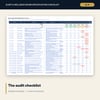
- Room Audit: 96 standards with ID, section, weight, how to check and owner, 6 room columns, plus 8 spare rows
- Amenities and Readings: 24 amenities with par and expiry control, six readings per room tested against limits
- Defect Log: 69 sample defects with age, target, overdue and repeat-fault flags, plus 31 spare rows
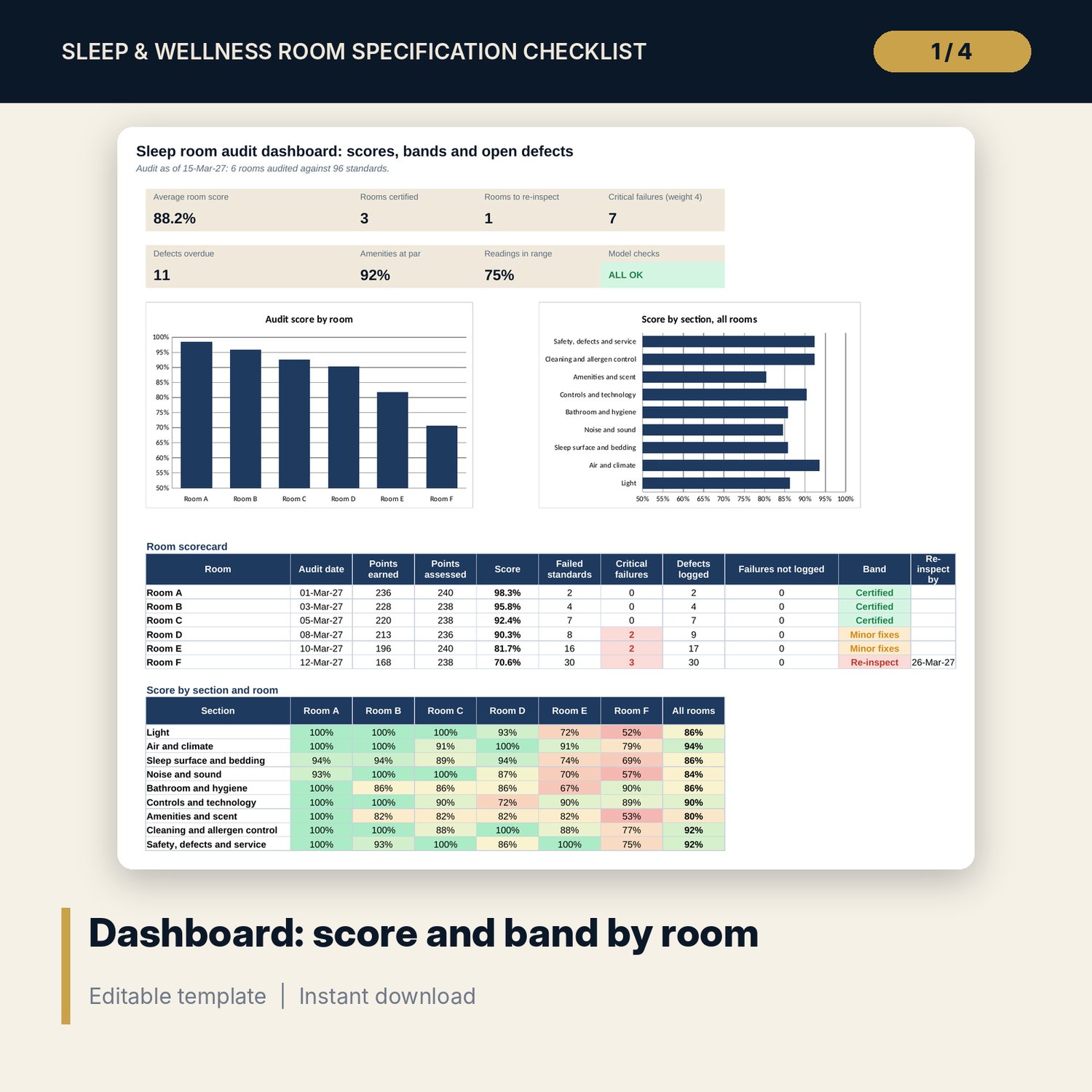
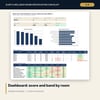
- Dashboard: 7 KPI tiles, a check tile, a room scorecard, a section-by-room heat map and 2 charts
- 8 integrity checks on the Checks tab
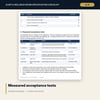
- Sleep_Wellness_Room_Specification.docx and PDF: 7 pages with design intent, six measured tests, a room settings record, audit procedure, scoring bands, defect rules, forms and a worked example
- README.txt and LICENSE-and-Terms.txt
How it works
- Set the audit date, score bands, defect targets and measured limits on Settings.
- Audit each room: mark every standard Pass, Fail or N/A, count the amenities and enter the six readings.
- Log every failure on the Defect Log with its date, then update status and fixed date as work is done.
- Read the dashboard for each room's score, band and re-inspection date, and use the Word forms to run the audit.
Details
- Formats: 1 Excel workbook (.xlsx), 1 specification in Word (.docx) and PDF, English
- Software: Excel 2016 or later, or LibreOffice Calc 7 or later
- No macros, no external links, no data tables, no array formulas
- 3 files plus README and license; instant digital download
Good to know
- Sample data is illustrative. Replace it with your own figures.
- Limits for noise, temperature, humidity and light are examples. Use your brand standard and verify local requirements.
- The files are management tools, not legal, engineering or health advice.
- Single-user license. Do not redistribute.
FAQ
How is the room score calculated?
Each standard has a weight from 1 to 4. A Pass earns its weight. Score = points of Pass divided by points of Pass and Fail. N/A rows are left out.
What does a critical failure do?
A failed standard of weight 4 blocks the Certified band when the Settings switch is Yes. The room is banded Minor fixes until the item passes.
Can I add or change standards?
Yes. Edit the wording, weights, how to check and owner, or use the 8 spare rows. Formulas read every row down to the end of the table.
Are the noise, temperature and light limits official values?
No. They are examples that you change on Settings. Use your brand standard and verify local requirements.
Do I need macros?
No. Every result is a standard worksheet formula.