



Routine Sequencer | Visual Routines, Picture Tiles & Activity Timers
A clear picture of what comes next.
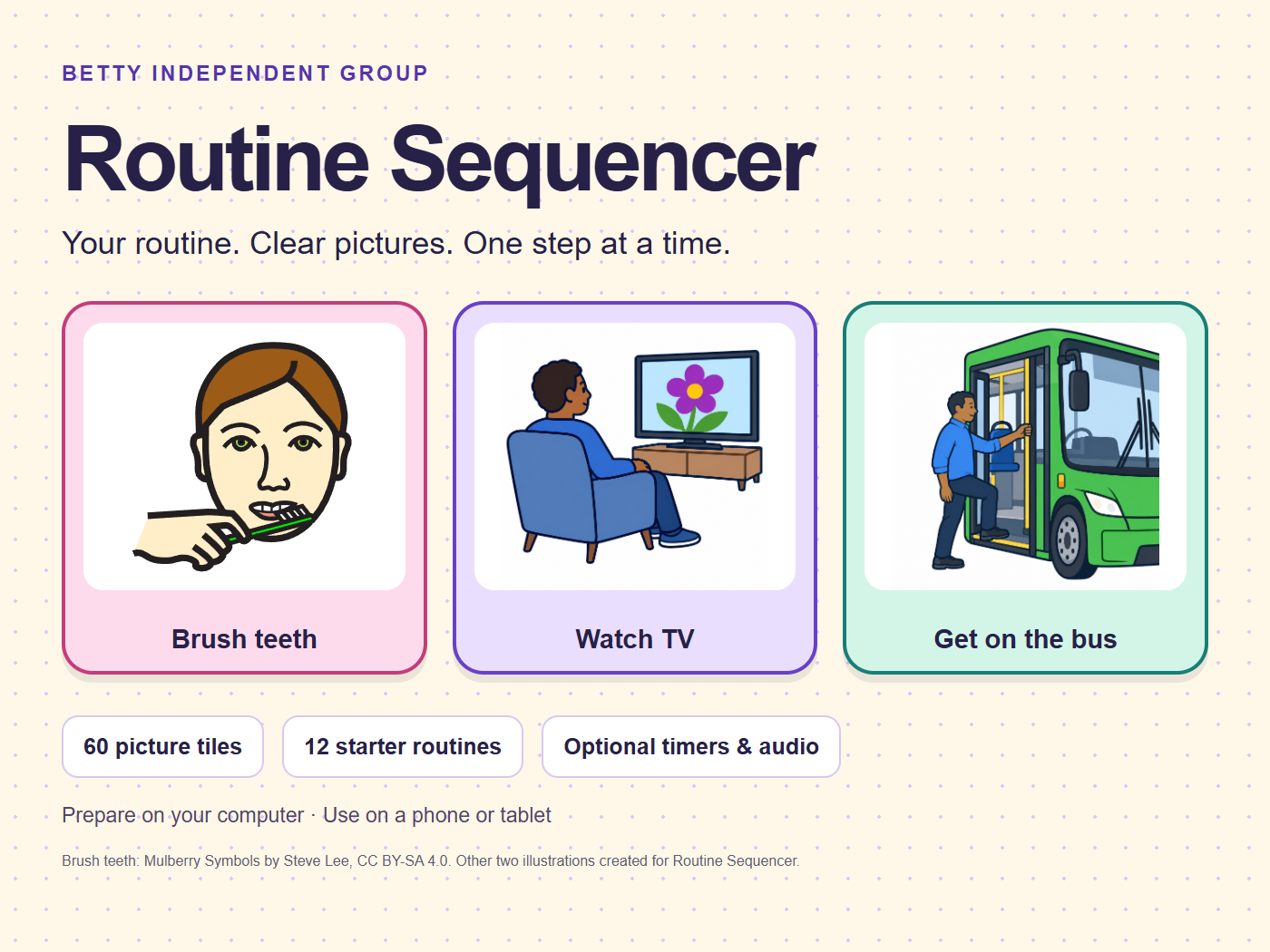
Routine Sequencer helps someone follow a familiar daily routine with colourful picture tiles, optional spoken prompts and activity timers. Start with something ready-made, then change only what needs to fit the person.
A$19.95 once, including Australian GST. No subscription for this version.
LESS STARTING FROM SCRATCH
• 60 picture tiles across eight everyday categories.
• 12 starter routines. Preview one and leave out unwanted steps.
• Change titles, pictures, spoken instructions and optional timers.
• Add your own permitted photos or familiar voice recordings.
• Choose Bright & playful, Bold contrast, or Plain & calm, with optional still patterns.
• Use One step, My day or Home display. Done, Later, Help and Undo support changing choices.
WATCH HOW IT WORKS
A short captioned walkthrough using the real app and fictional routines:
https://bettyindependent.com.au/routine-sequencer/#walkthrough
WHAT YOU RECEIVE
Routine Sequencer 0.5.0, a buyer access link, PDF quick-start guide, detailed instructions, picture credits and an optional static app archive. Open the app from your guide in a browser. No coding tools are needed for ordinary hosted use. One purchase covers one household or one supported person and the people helping them.
DEVICES AND COMPATIBILITY
Prepare on a computer and use a phone or tablet layout. Current checks cover desktop Chromium, emulated phone/tablet sizes and offline reopening. Physical phones/tablets and Safari have not yet been verified for this release. First loading and updates need internet. Installation, speech voices, recordings and screen-awake behaviour depend on the device and browser.
KEEPING YOUR ROUTINE
Each device saves separately in its browser. Move routines, photos and recordings with a private transfer file; later edits need another transfer. There is no account, cloud sync or remote carer dashboard. Keep full backups after important changes. Clearing browser data or losing a device can lose the local copy. Backups are not encrypted. The setup PIN separates controls; it is not encryption or a replacement for device security.
PICTURES, TIMERS AND CHOICES
Check picture recognition together and replace unfamiliar symbols with familiar photos. Timers are optional and never mark an activity done. Keep the app open for the end sound; it is not a reliable background or locked-screen alarm. I need help records a choice but does not contact anyone. Done records a selection, not proof an activity happened. This is an everyday routine tool, not an emergency, medication-monitoring or supervision system.
PURCHASE INFORMATION
Read the full terms before buying:
https://bettyindependent.com.au/routine-sequencer/terms/
Future features or release dates are not promised. Australian Consumer Law rights remain. No NDIS approval, funding eligibility or particular independence outcome is claimed.
Support: support@bettyindependent.com.au. Use fictional examples when asking for help; do not send private participant records.
Picture credits: 56 unchanged Mulberry Symbols by Steve Lee, CC BY-SA 4.0 (https://creativecommons.org/licenses/by-sa/4.0/), plus four original generated illustrations. Individual sources and licence notices are supplied in the app and buyer files.