
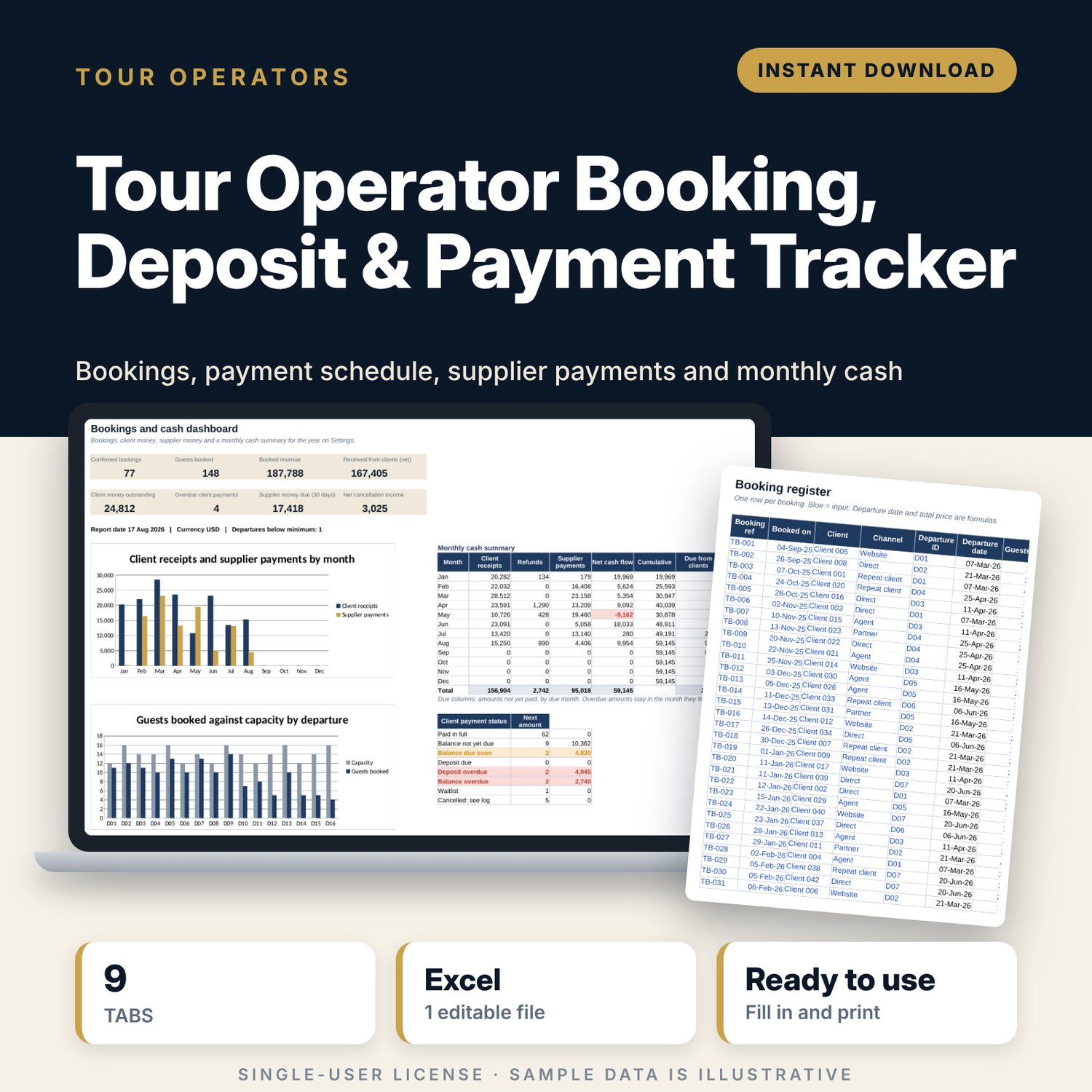
Tour Operator Booking, Deposit & Payment Tracker: Tour Booking and Payment Schedule Spreadsheet
Full description
For small tour operators, destination companies and travel agencies that sell scheduled departures and collect deposits and balances. You enter your tours, departures and bookings once. The workbook sets each booking's deposit and balance due dates from the booking and departure dates, flags overdue client and supplier payments, shows load and minimum numbers for each departure, prints a guest manifest, works out cancellation fees and refunds from your scale, and sums cash in and out by month.
Save with a bundle: this template is also in the Tour & Travel Business Bundle, 12 templates for $29 instead of $76. All 141 templates are in the All-Access Hospitality Template Library for $79.
What is inside
- Tour_Operator_Booking_Payment_Tracker.xlsx: 9 tabs, 14,604 formulas, 2 native charts, 17 drop-down or number rules.
- Settings: 9 general inputs (report date, deposit %, deposit and balance due days, supplier payment days, warning windows), a 4-band cancellation fee scale, 5 tours with price, single supplement and group limits (3 spare rows), 6 drop-down lists.
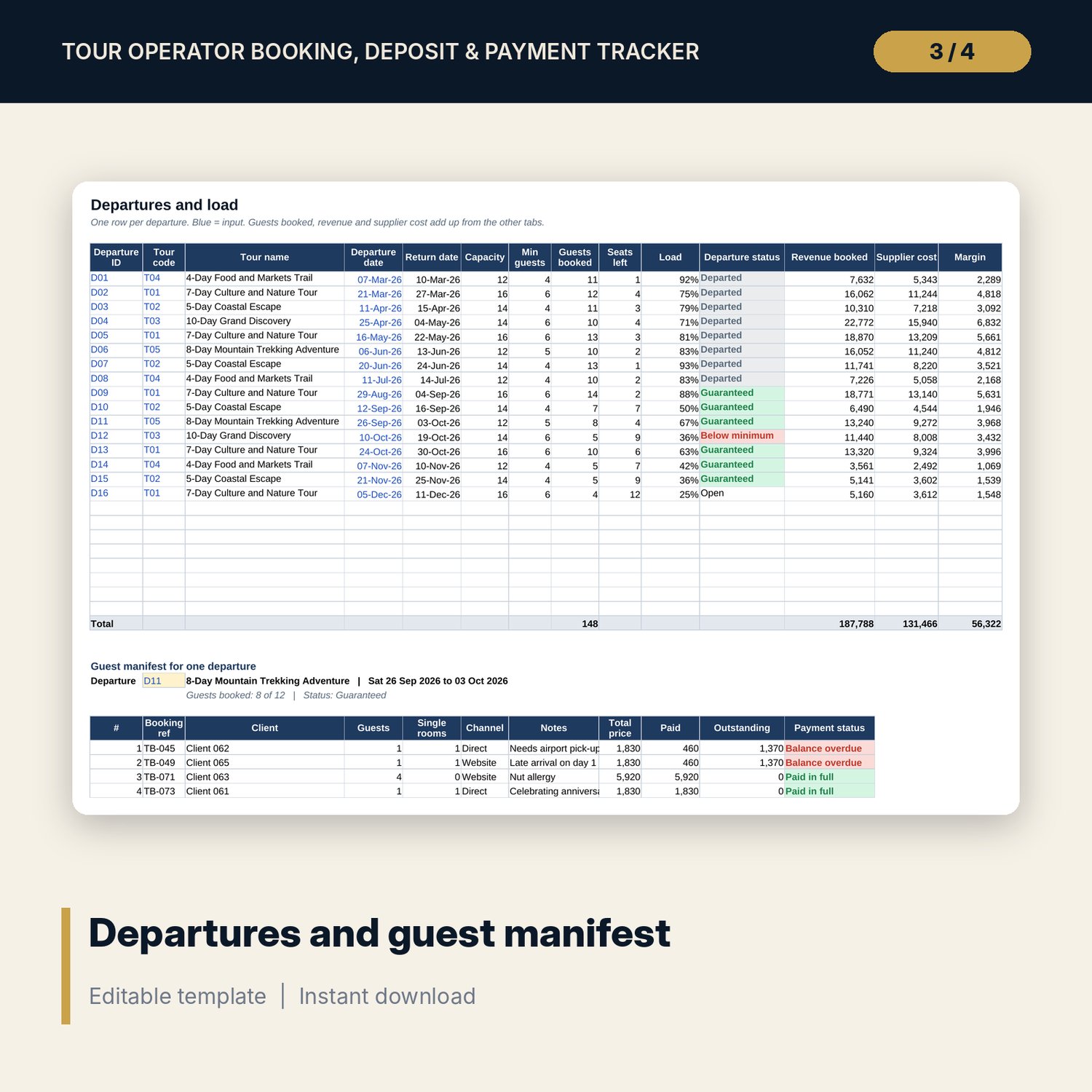
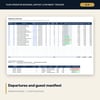
- Departures: room for 24 departures (16 sample rows) with capacity, guests booked, seats left, load, status, revenue, supplier cost and margin, plus a printable guest manifest for up to 30 bookings on any departure.
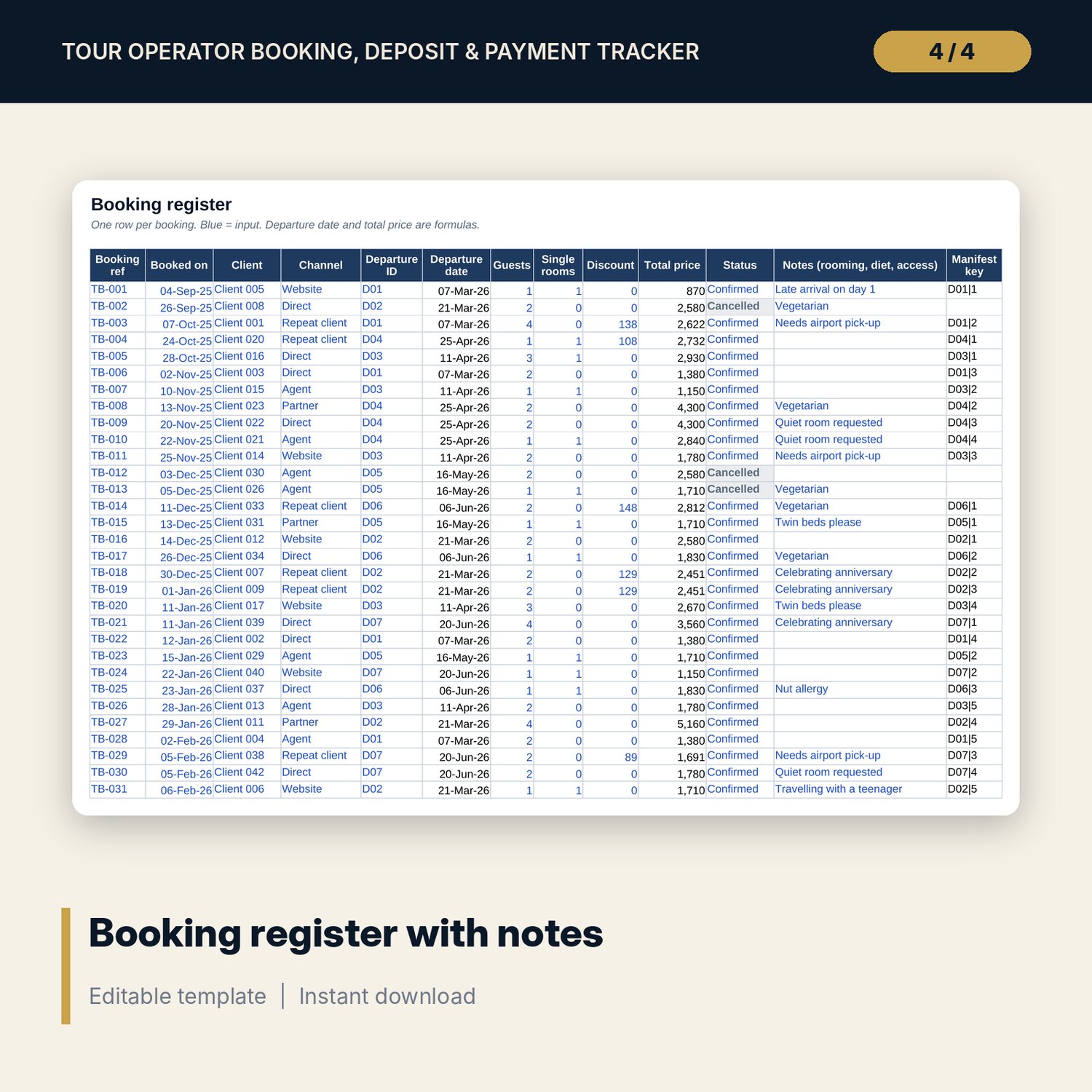
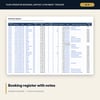
- Bookings: room for 400 bookings (83 sample rows) with client code, channel, departure, guests, single rooms, discount, status and notes. Total price calculates.
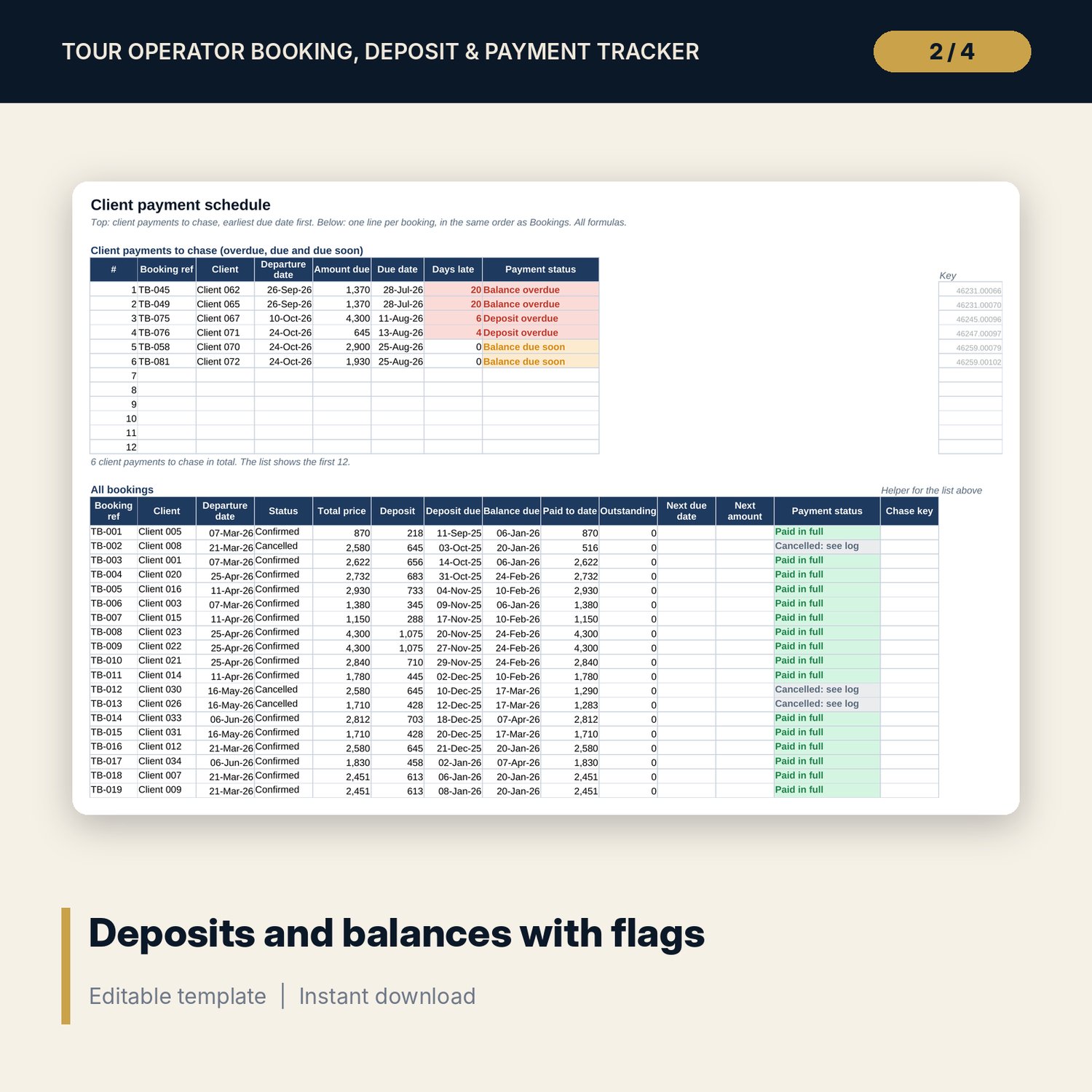
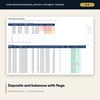
- Payment_Schedule: a chase list of the next 12 client payments due or overdue, earliest first, then one line per booking with deposit, deposit due, balance due, paid to date, outstanding, next amount and date, and 8 payment statuses.
- Payments: room for 800 client payments and refunds (133 sample rows).
- Supplier_Payments: room for 800 supplier lines (231 sample rows) with due dates from the departure date or an override, amounts paid and an overdue flag.
- Cancellations: room for 60 cancellations (5 sample rows) with days before departure, fee from the scale, refund due, amount owed, supplier charges and net cancellation income.
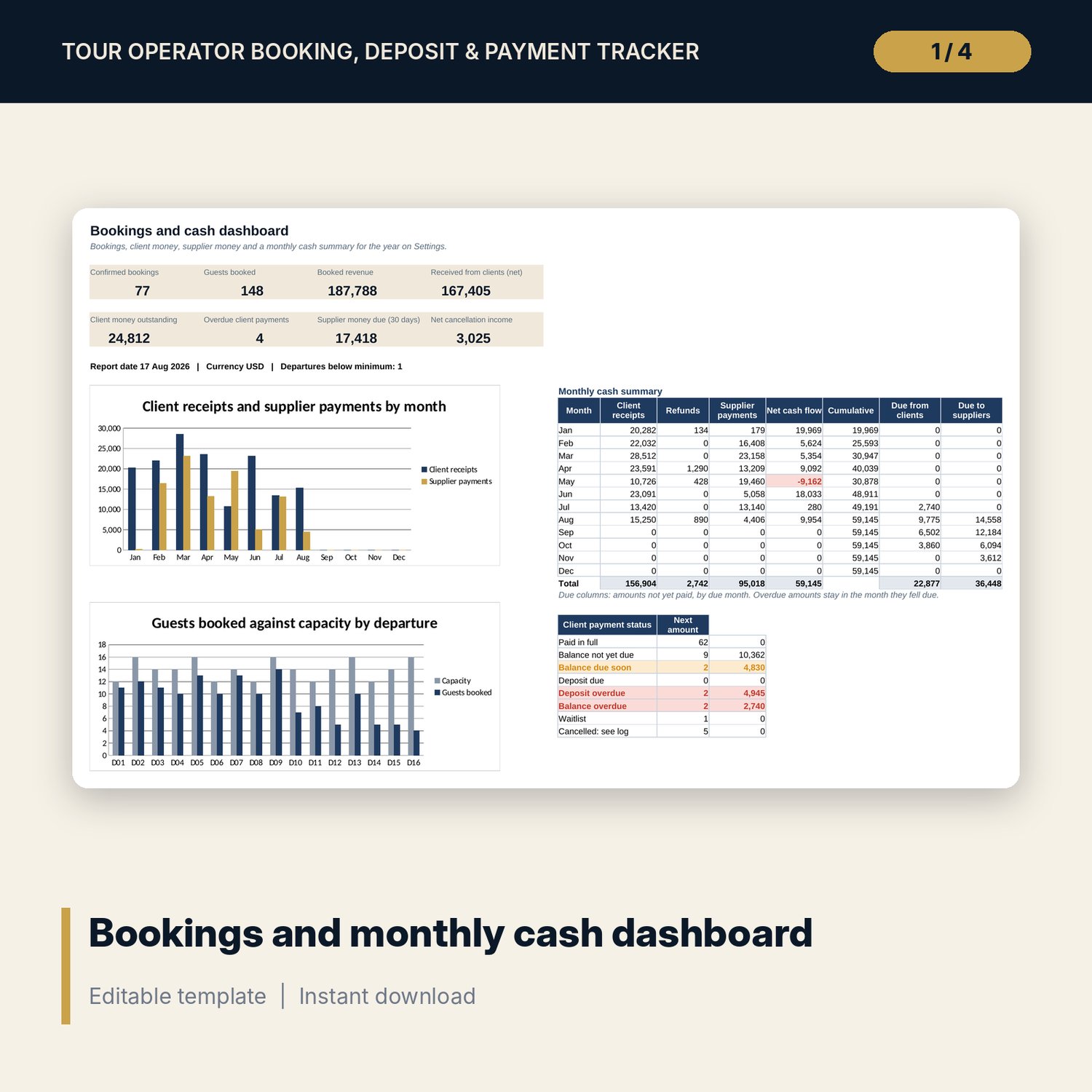
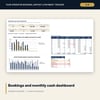
- Dashboard: 8 KPI tiles, a 12-month cash summary (receipts, refunds, supplier payments, net and cumulative cash, amounts due), a payment status table and 2 charts.
- README.txt and LICENSE-and-Terms.txt.
How it works
- Enter your payment rules, cancellation scale and tours on Settings.
- List your departures, then log each booking and every payment received.
- Add what you owe each supplier per booking and record payments as you make them.
- Each week, chase the red lines on Payment_Schedule and Supplier_Payments and check departures below minimum.
- Print the manifest before each departure and read the monthly cash summary on the Dashboard.
Details
- Format: Excel workbook (.xlsx). No macros.
- Language: English. Currency is a label you choose.
- Software: Excel 2016 or later, or a spreadsheet program that opens .xlsx files.
- Delivery: instant digital download. Nothing is shipped.
Good to know
- All sample tours, bookings, payments and supplier amounts are illustrative. Replace them with your own data.
- Rules on client deposits, cancellation charges and client money protection differ by place. Verify local requirements. This is a record-keeping tool, not legal or tax advice.
- Flags use the report date on Settings. Type =TODAY() there to keep it current.
- Single-user license. Do not share or resell the files.
FAQ
How are the due dates set?
The deposit is due a set number of days after booking and the balance a set number of days before departure. Bookings made inside the balance period pay in full at booking.
What happens when a booking cancels?
Set its status to Cancelled and add it to the cancellation log. The fee comes from your scale, and the refund due updates when you log the refund.
Does it work in Google Sheets?
It opens in Google Sheets and the formulas calculate. Check the drop-downs after import.
Can I change the cancellation scale?
Yes. Edit the days and fee % on Settings. Keep the days in ascending order.
Is this a physical product?
No. It is a digital download. Refund terms follow the store policy at the time of purchase.