
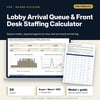
Lobby Arrival Queue & Front Desk Staffing Calculator: Front Desk Staffing Calculator with Queue Formulas
Full description
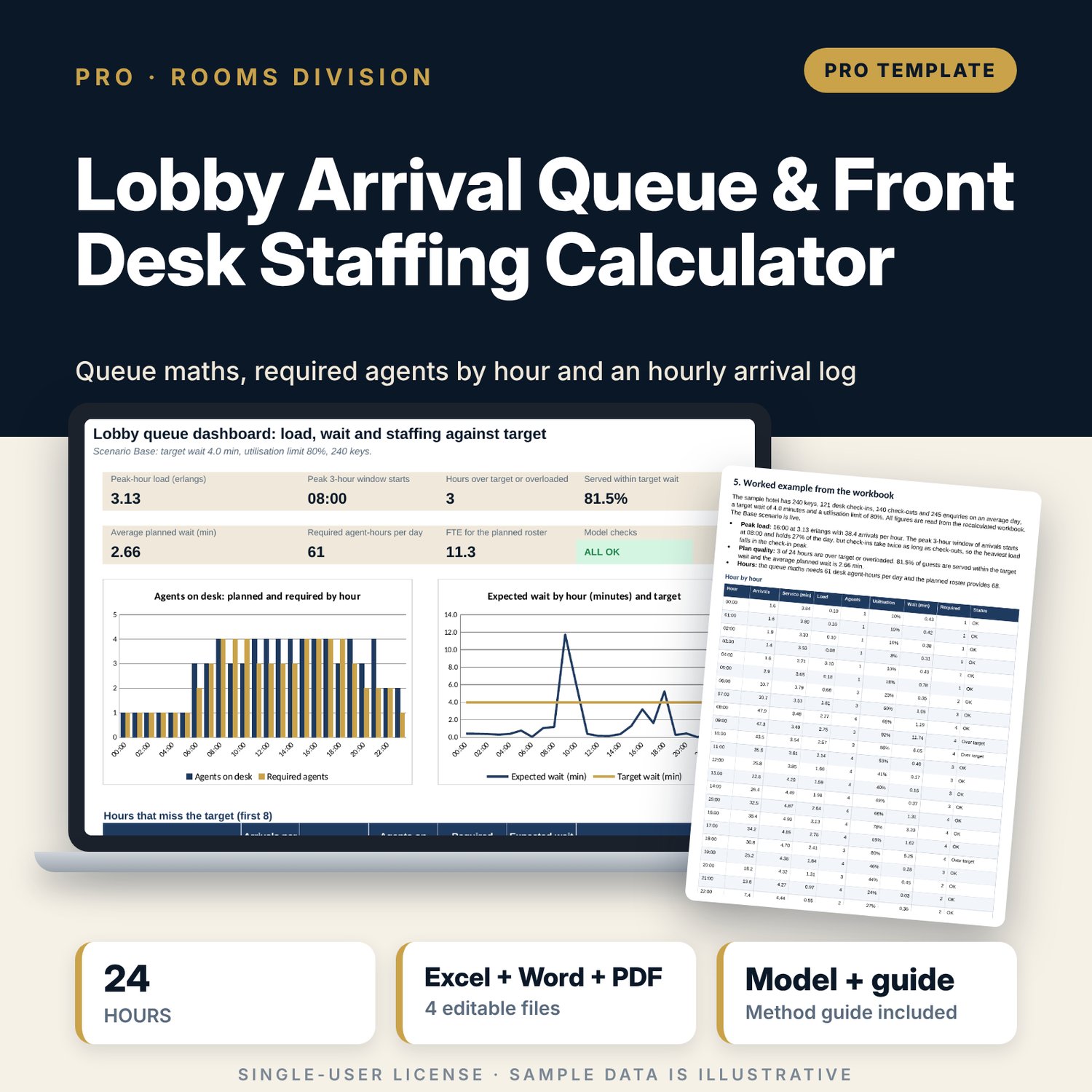
For front office managers, duty managers, rooms division heads and general managers who set desk staffing and want it based on arrivals, not on keys alone. The calculator takes daily volumes by transaction type, hourly shares and service times, then computes offered load, utilisation, the probability of waiting and the expected wait for each hour with the multi-server queue formula (Erlang C). It finds the lowest number of agents that meets your target wait and utilisation limit, compares that with your shifts and breaks, and converts both into FTE for seven-day cover. The companion hourly arrival log collects the data. The Word guide gives the method, a worked example and the weekly review.
What is inside
- Lobby_Queue_Staffing_Calculator.xlsx: 11 tabs, 1,892 formulas, 2 native charts, 21 drop-down and input rules
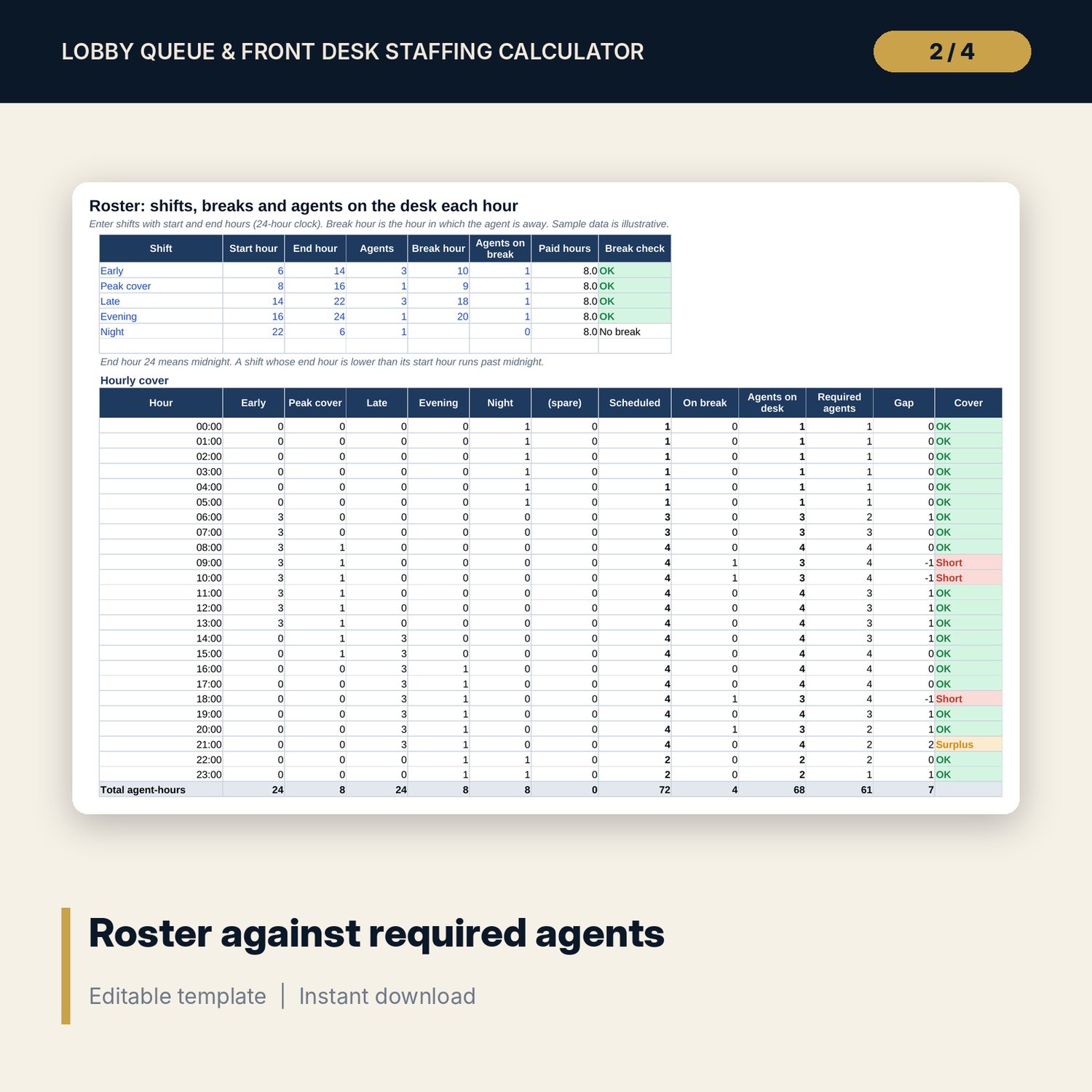
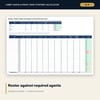
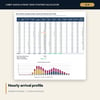
- Assumptions with 3 scenarios (Base, Busy, Quiet), Demand Profile with 24 hourly shares for 3 transaction types, Roster with 5 sample shifts and breaks
- Queue Engine: 24 hourly rows with offered load, utilisation, probability of waiting, expected wait and service level
- Agent Search: expected wait for 1 to 12 agents in each of 24 hours, and the lowest agents that meet target
- Sensitivity: 3 grids of closed-form peak-hour results; Weekly Review: observed against planned wait for up to 8 weeks
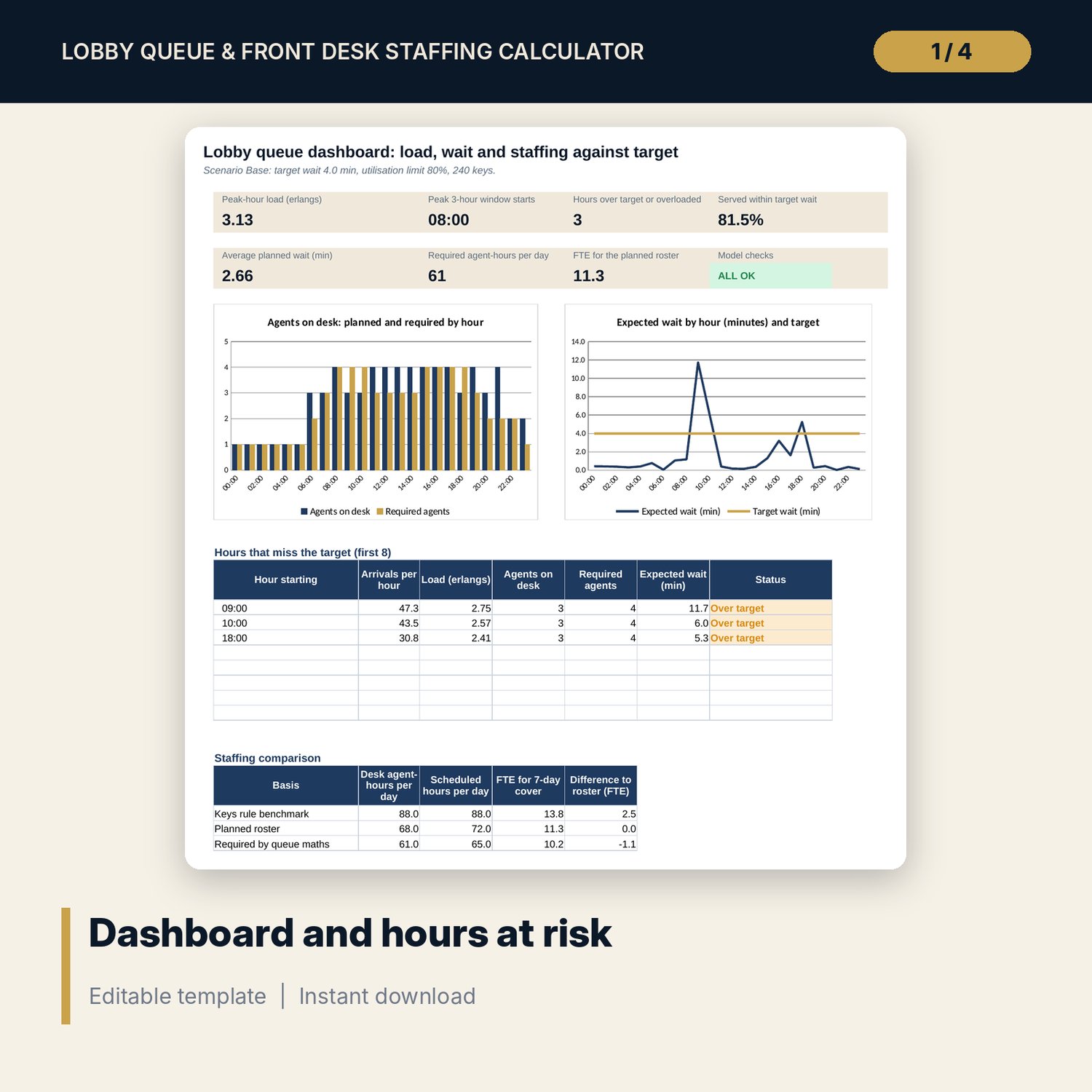
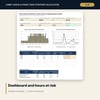
- Dashboard: 8 tiles including a check tile, 2 charts, the hours that miss target and a staffing comparison; 11 integrity checks; Method tab with 14 rows
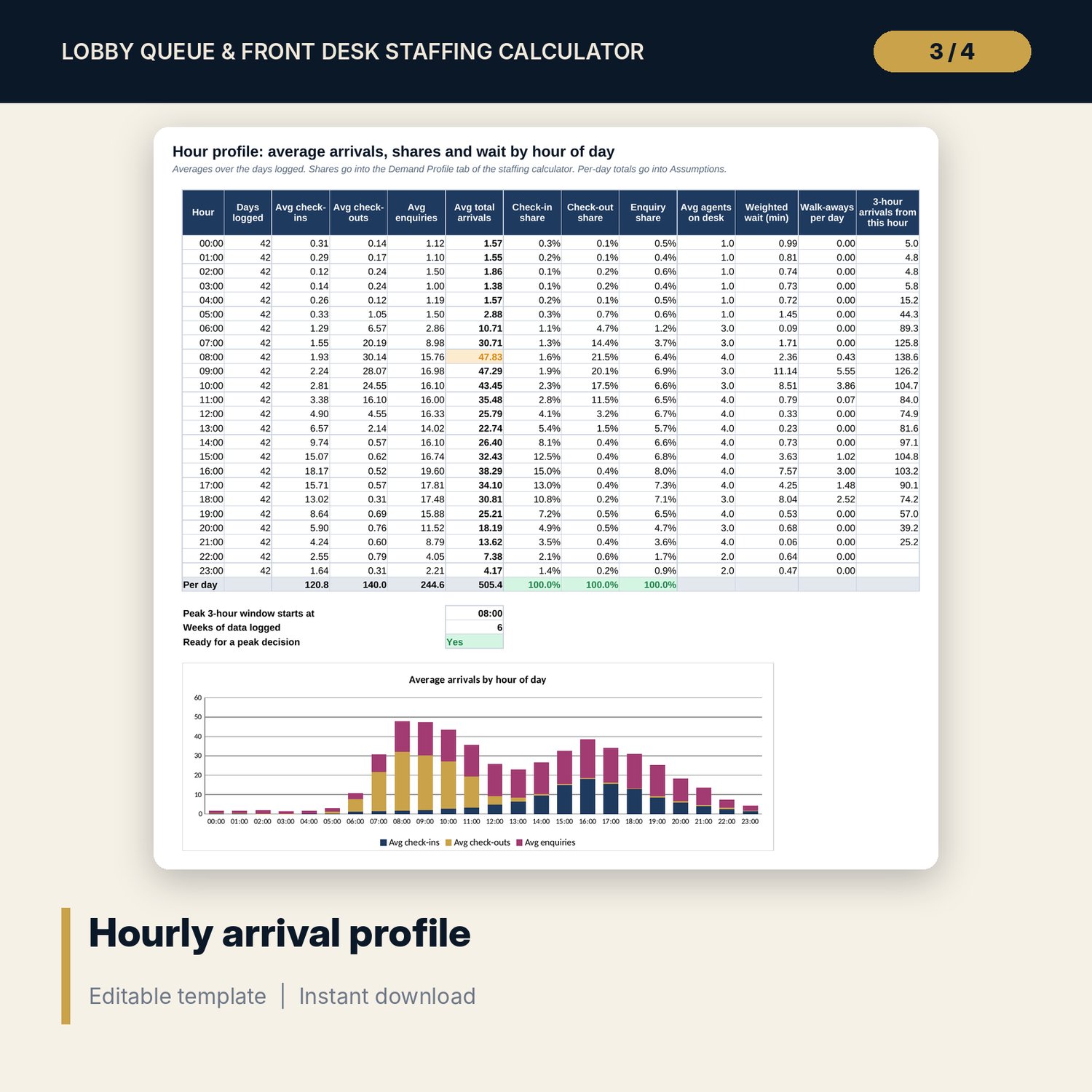
- Lobby_Queue_Hourly_Arrival_Log.xlsx: 4 tabs, 8,490 formulas, 1,008 sample hourly rows over 6 weeks, Hour Profile, Weekly Summary and 5 checks
- Lobby_Queue_Staffing_Guide.docx and PDF: 9 pages with the method, equations in plain text, a worked example, actions by status, 10 standards, a weekly review form and a checklist
- README.txt and LICENSE-and-Terms.txt
How it works
- Log arrivals, agents on duty, waits and walk-aways every hour for four weeks in the companion workbook.
- Copy the daily volumes and hourly shares into the calculator and enter service times, target wait, shifts and breaks.
- Read the expected wait, status and required agents for each hour, then fix the hours marked Over target or Overloaded.
- Test the plan with the Busy scenario and the sensitivity grids, and review observed against planned wait each week.
Details
- Formats: 2 Excel workbooks (.xlsx), 1 guide in Word (.docx) and PDF, English
- Software: Excel 2016 or later, or LibreOffice Calc 7 or later
- No macros, no external links, no data tables, no array formulas
- 4 files plus README and license; instant digital download
Good to know
- Sample data is illustrative. Replace it with your own figures.
- Queue formulas assume random arrivals and one shared queue. Treat results as a planning aid and compare them with logged waits.
- Working days per FTE and labour rules are inputs. Verify local requirements.
- The workbook does not connect to your property system or scheduling tool.
- Single-user license. Do not redistribute.
FAQ
What queue method does it use?
The multi-server queue formula known as Erlang C, built from standard Poisson functions in worksheet formulas. Every step has its own column.
Does it need hourly data?
It works with estimates, but the companion log is built to collect four weeks of hourly counts, which give the daily volumes and hourly shares.
Can it handle breaks and shift changes?
Yes. The Roster tab nets breaks out of each shift for every hour and flags hours where cover is short.
Can I test a busier day?
Yes. Choose the Busy scenario or change the arrival factor. Sensitivity shows peak-hour wait for changes in arrivals, service time and agents.
Do I need macros?
No. Every result is a standard worksheet formula.