
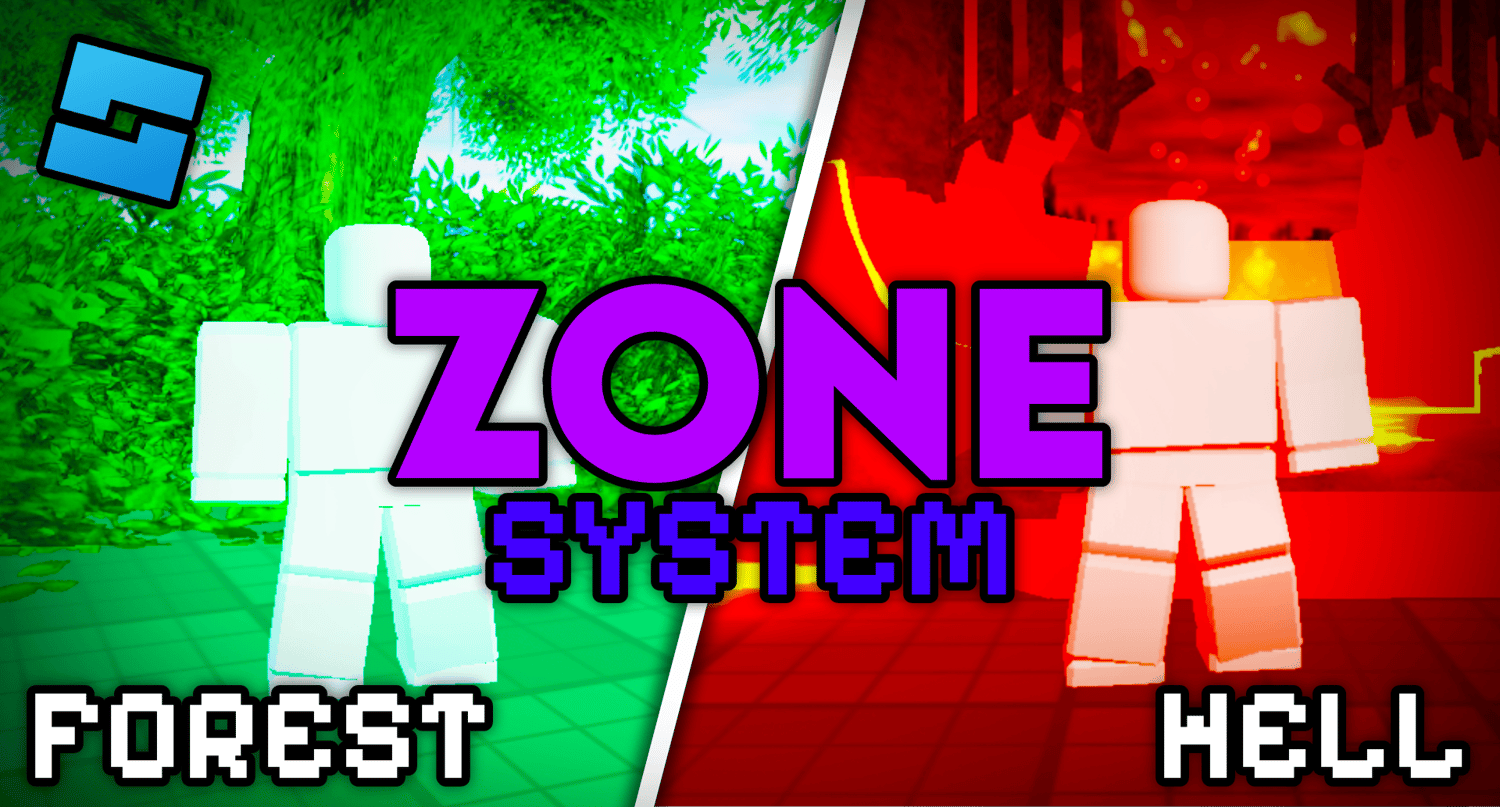
Advanced Zone System V2.0
On Sale
$2.99
$2.99
IMPORTANT: This Advanced Roblox Zone System includes a comprehensive step-by-step implementation guide, making it extremely easy to add professional, dynamic area effects to your game in minutes.
🗺️ What’s Included in This Roblox Zone System
This high-quality, performance-optimized zone system for Roblox is designed for developers who want immersive environments without a complicated setup. Unlike standard systems, this uses Spatial Queries (API) instead of laggy touch events.
- ✔ Plug-and-Play ModuleScript: Centralized logic for easy management.
- ✔ Dynamic UI System: Automatic Zone Name and Description pop-ups with smooth fade animations.
- ✔ Atmospheric Lighting Control: Auto-transition Ambient colors, Brightness, and ClockTime per zone.
- ✔ Immersive Audio & Skyboxes: Seamlessly swap background music and sky textures when entering specific areas.
- ✔ Performance Optimized: Built with GetPartBoundsInBox for 0% server strain.
- ✔ Clear Documentation: In-depth guide included for instant setup.
🎮 Why Use This Roblox Zone System?
- Create Unique Biomes: Effortlessly transition from a sunny field to a dark, foggy cave.
- Improve Player Retention: Professional UI and high-fidelity transitions give your game a "AAA" feel.
- Multi-Purpose Utility: Perfect for RPG region names, Safe Zones, Music Areas, or Horror Game atmosphere.
- Expandable Code: Clean, modular Luau code that developers can easily customize or build upon.
💎 Quality & Delivery
- Professional Grade: Used by top-tier developers to ensure reliability and scalability.
- Instant Delivery: Receive your .rbxm file immediately upon purchase.
- Universal Compatibility: Works flawlessly with existing projects, whether they are R6 or R15.
🛠️ Easy Setup Instructions
- Import the file.
- Drag and drop folders into ServerScriptService, ReplicatedStorage, and SoundService.
- Create your zone parts in Workspace.
- Done! Your game is now fully immersive.