

Hotel Engineering & Preventive Maintenance Toolkit: PPM Schedule Template
Full description
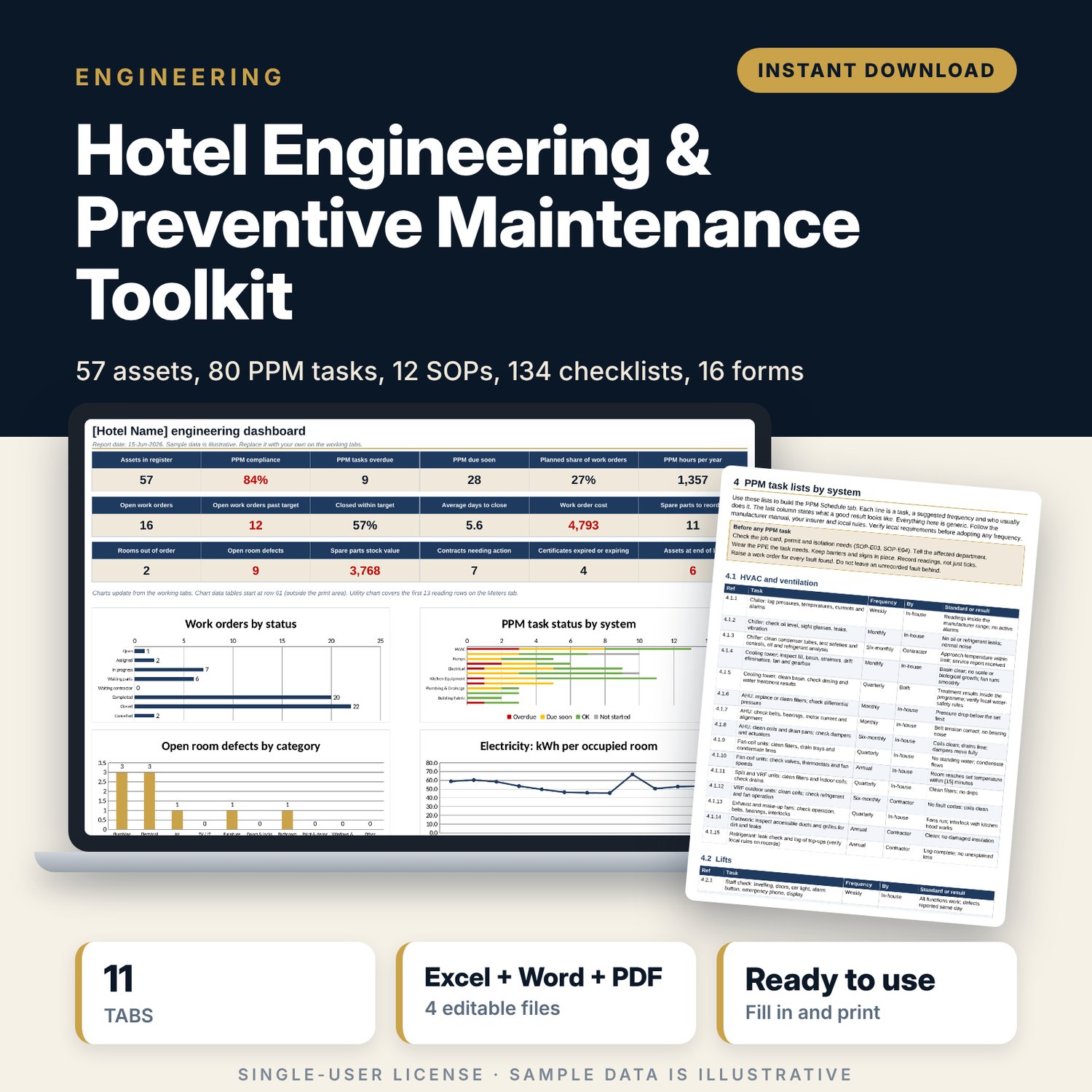
This toolkit is for chief engineers, technical managers and general managers who run engineering in a hotel and want one organised system instead of scattered spreadsheets and paper. The workbook tracks assets, planned maintenance, work orders, room defects, spare parts, contracts, utility meters and replacement planning. The Word manual gives you written SOPs and task lists to issue to your team. The forms print on A4 and are ready for the plant room, the engineering office and the contractor gate.
Save with a bundle: this template is also in the Hotel Engineering, Safety & Compliance Bundle, 11 templates for $35 instead of $83. All 141 templates are in the All-Access Hospitality Template Library for $79.
What is inside
Engineering_PPM_Workbook.xlsx (11 tabs)
- Start Here: tab guide, five-step how-to, colour legend.
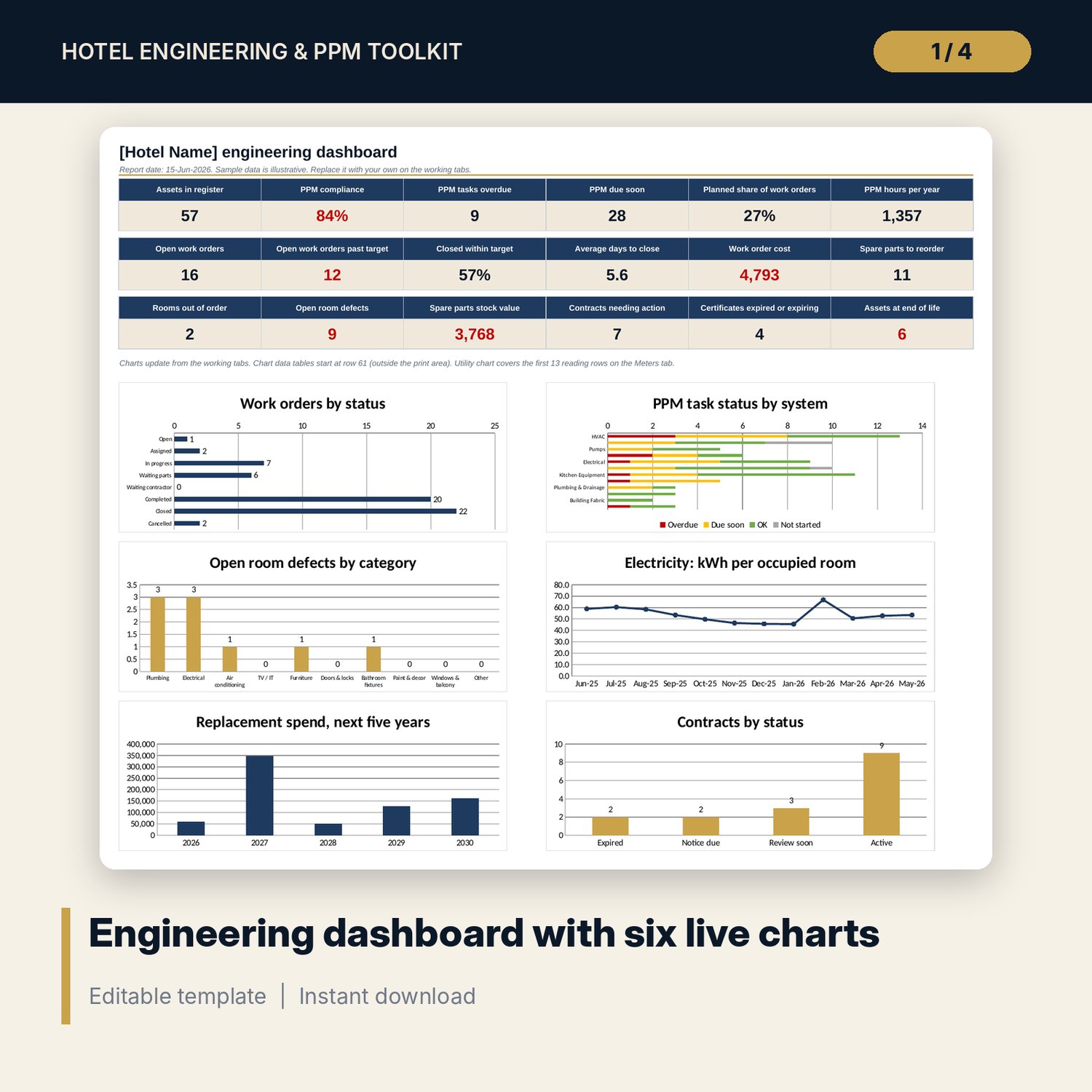
- Dashboard: 18 KPI tiles and 6 native charts (work orders by status, PPM status by system, open room defects, kWh per occupied room, replacement spend, contracts by status).
- Settings: report date, windows, labour rate, and every drop-down list, including the PPM frequency table and work order priority targets.
- Asset Register: 57 sample assets across 12 systems (capacity 100 rows).
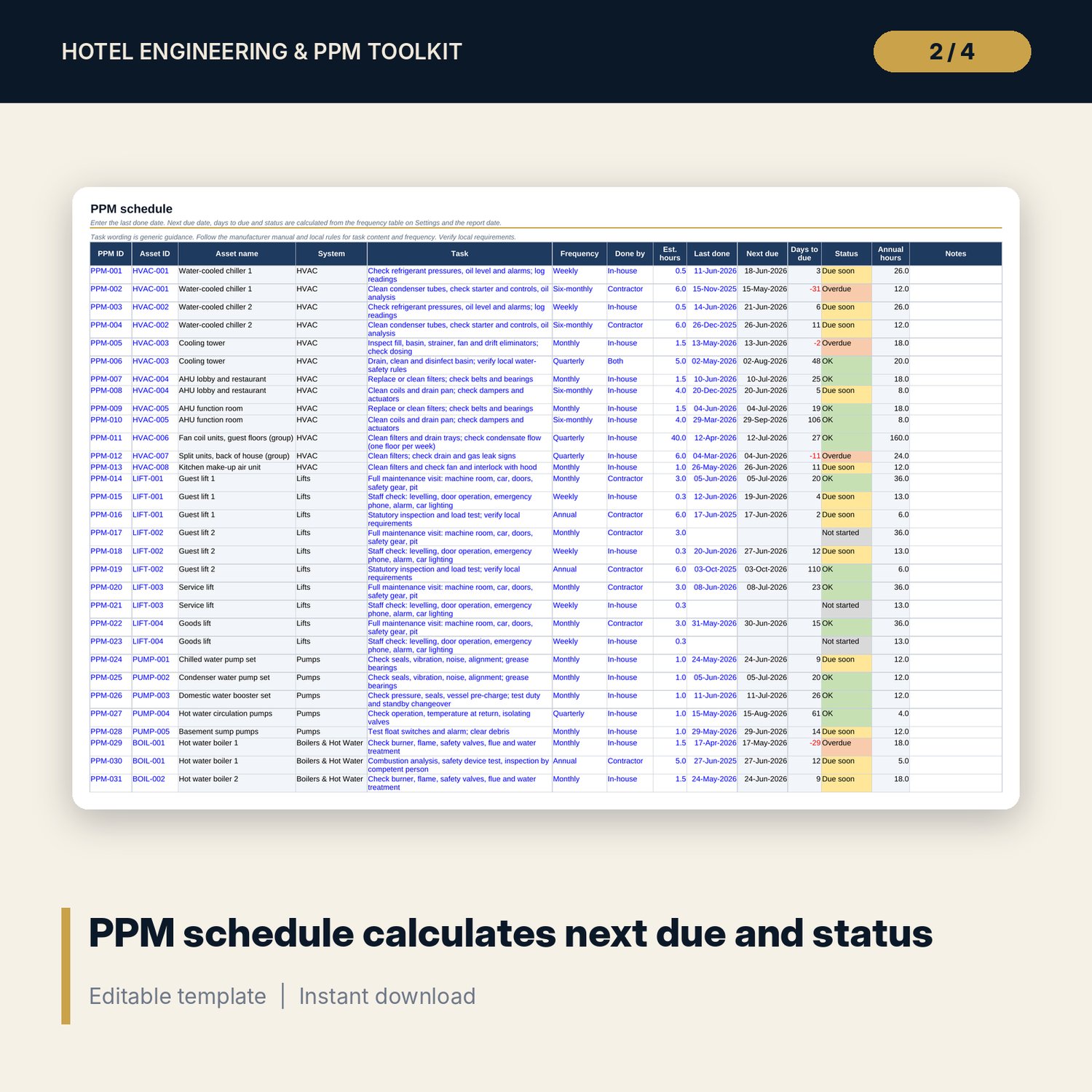
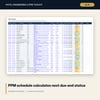
- PPM Schedule: 80 sample tasks (capacity 150). Calculates next due date, days to due, status and annual labour hours from the last done date and frequency.
- Work Orders: 60 sample jobs (capacity 200). Calculates open status, age in days, total cost and result against the target days for each priority.
- Room Defects: 45 sample defects (capacity 150). Flags rooms that must show as Out of order and counts days open.
- Spare Parts: 34 sample items (capacity 100). Flags Reorder and Out of stock and totals the suggested order value.
- Contracts: 16 sample contracts and certificates (capacity 50). Notice deadline, expiry and certificate flags.
- Meters: 13 monthly readings. Consumption, kWh and water per occupied room, chiller share and a variance flag.
- Lifecycle: age, remaining life, planned replacement year and inflated replacement cost for every asset, with a five-year spend summary.
Engineering_SOP_and_PPM_Checklists.docx (30 pages)
- 12 SOPs in one standard format: work orders, PPM, permit to work, lock-out and tag-out basics, contractor control, room defects, emergency breakdown response, spare parts, utility meters, asset lifecycle, shift handover and plant round, statutory inspections.
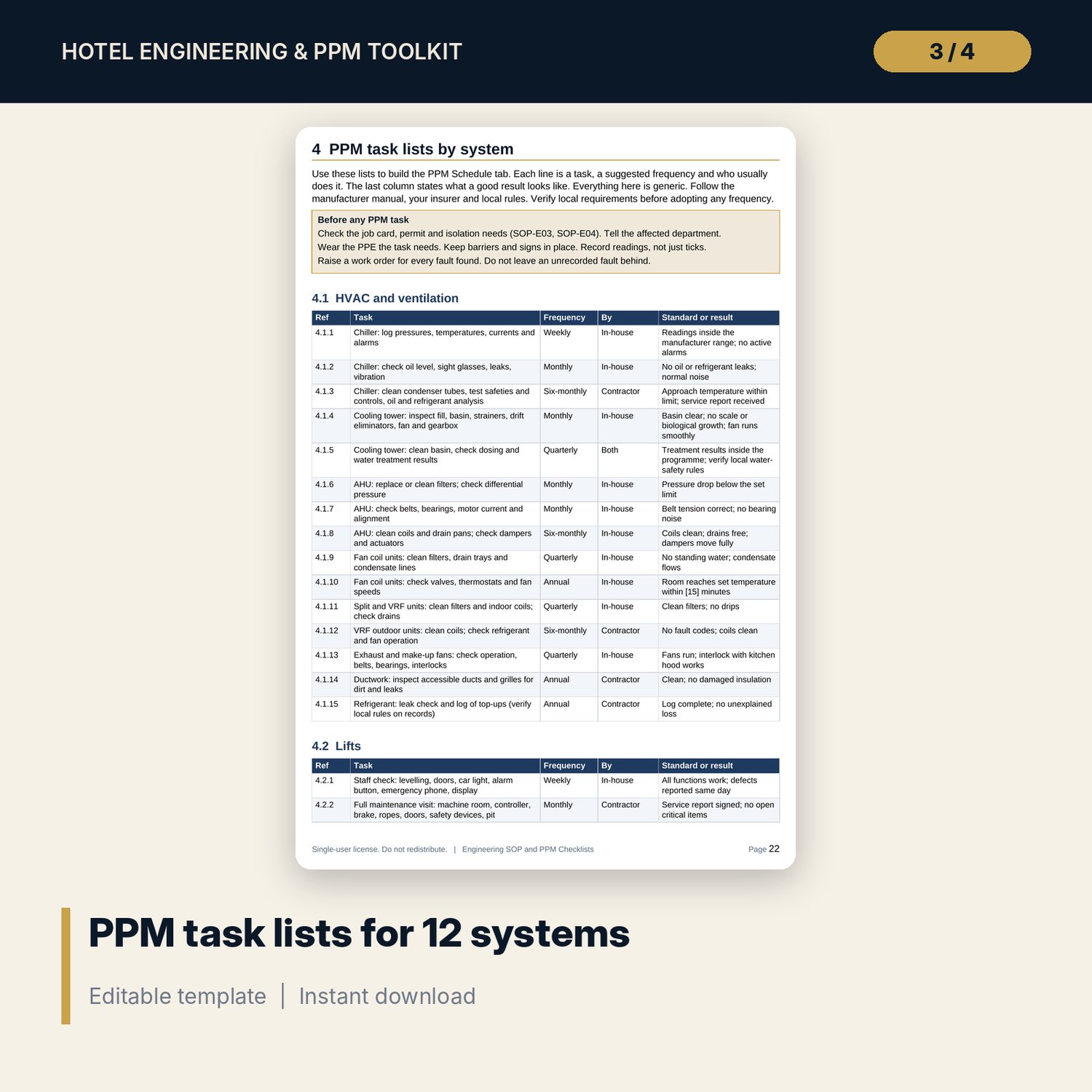
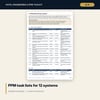
- 134 PPM tasks in 12 system lists: HVAC, lifts, pumps, boilers and hot water, electrical, fire systems, kitchen equipment, pool and spa, plumbing and water safety, laundry, building fabric and rooms, BMS and access control.
- Priority and response table, KPI definitions, weekly meeting agenda, record retention table, equipment life table, cause and action codes, annual PPM calendar, glossary.
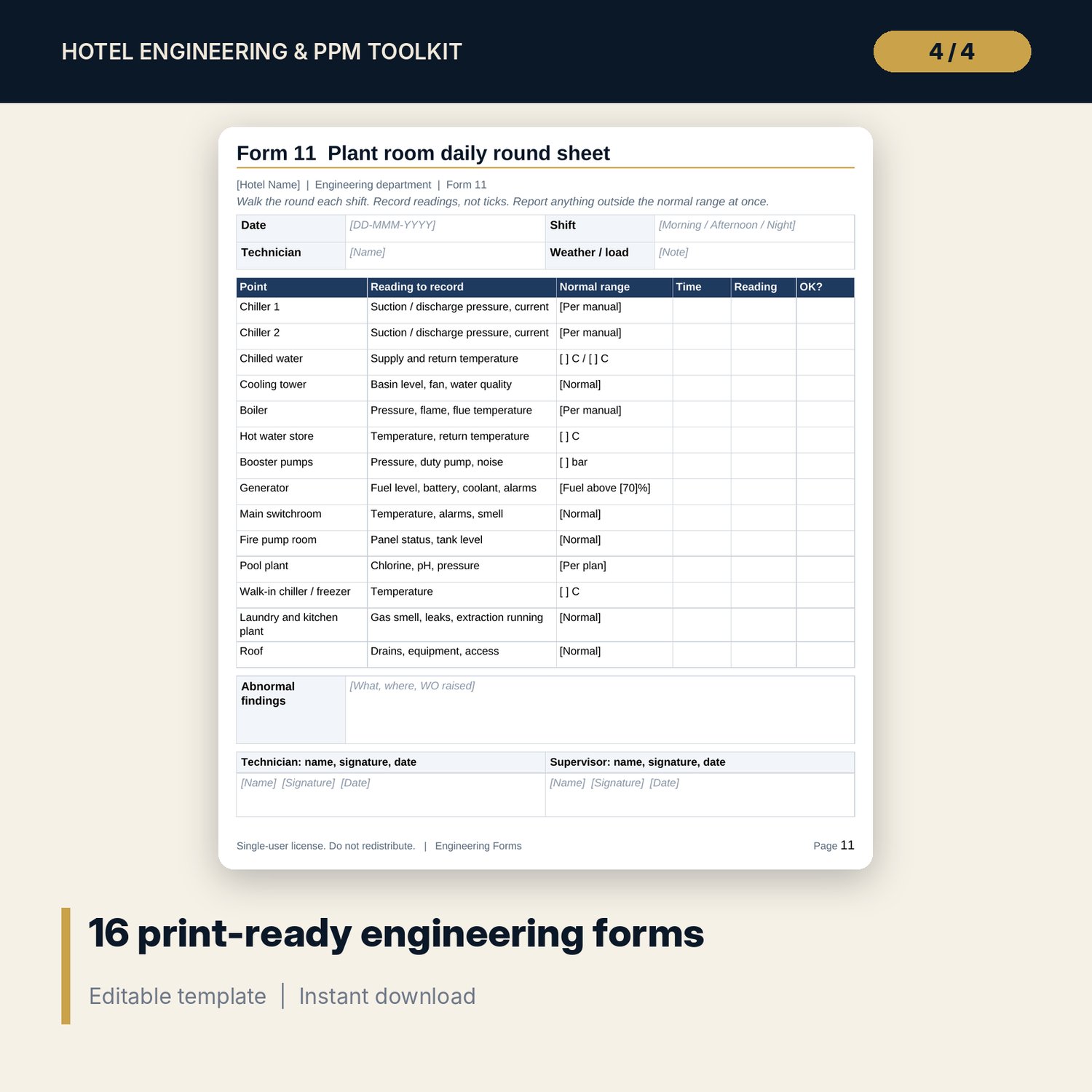
Engineering_Forms.docx and Engineering_Forms.pdf (16 forms, 16 pages)
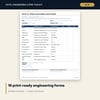
- Work request, job card, PPM completion sheet, room defect report, general permit to work, hot work permit, lock-out record, contractor induction and sign-in, weekly room inspection, meter reading sheet, plant room round sheet, parts issue slip, shift handover log, breakdown and incident report, contractor performance review, asset replacement justification.
Also included: README.txt and LICENSE-and-Terms.txt.
How it works
- Open Settings and set the report date, the due-soon window and your labour rate.
- Replace the sample assets with your own on the Asset Register.
- On the PPM Schedule, choose the asset, the frequency and enter the last done date. Next due date and status calculate.
- Log work orders, room defects, parts counts, contracts and meter readings with the drop-downs.
- Review the Dashboard each week. Use the SOPs and forms to run the work.
Details
- Formats: XLSX (Excel), DOCX (Word), PDF (forms). A4 paper, landscape sheets set to fit one page wide.
- Language: English. Currency is a label you set yourself.
- Software: Excel 2010 or later for the workbook (formulas, drop-downs, conditional formatting and native charts). Word or any editor that opens .docx.
- Delivery: instant digital download. No physical item is shipped.
Good to know
- All sample data (assets, makes, providers, costs, dates, readings) is illustrative. It is not a benchmark or a recommendation.
- Anything that depends on local law or rates (statutory inspections, permits, water safety, labour rates, certificate validity) is an editable input. Verify local requirements.
- These are working tools, not professional engineering, safety or legal advice.
- Single-user license: you may edit and use the files for your own property. You may not resell or share them.
FAQ
What software do I need? Excel 2010 or later for the workbook, and Word or a .docx editor for the manual and forms. The PDF forms open in any PDF reader.
Does it work in Google Sheets? You can upload the workbook to Google Sheets and most formulas, drop-downs and flags will work. Charts and some formatting may look different. The file is built and tested in Excel format.
Can I edit it? Yes. Every input is editable, lists are on the Settings tab, and the Word files are fully editable. Numbers in [square brackets] in the manual are placeholders for your own standards.
Is this a physical product or a subscription? Neither. It is a one-time digital download. Refunds follow the store's digital-product policy.
Who is it for? Chief engineers, assistant chief engineers, technical managers and general managers of hotels, resorts and serviced apartments. It also suits owners who want to check that planned maintenance is being done.
Does it replace a CMMS? It is a spreadsheet system. It gives you structure, due dates, flags and a dashboard without software costs. If you already run a maintenance system, use the SOPs, task lists and forms with it.