

Canva AI Images Made Simple Guide
Canva AI Images Made Simple Guide - Free Download!
If Canva AI feels a bit confusing or overwhelming, this simple guide will help you get started.
Inside, I walk you through how to create AI images in Canva and actually use them for your business content. No techy jargon, no overcomplicated steps, just a simple way to get better results.
Perfect if you’re a small business owner who wants to save time and make content creation feel easier.
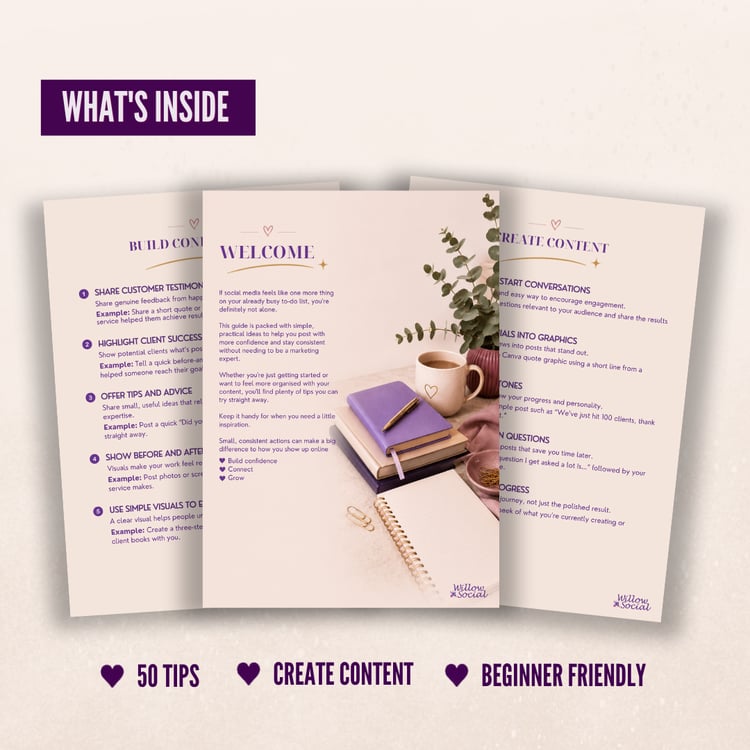
What’s inside:
- A simple introduction to Canva AI image tools
- How to write better prompts (without overthinking it)
- 10 easy prompt ideas to try
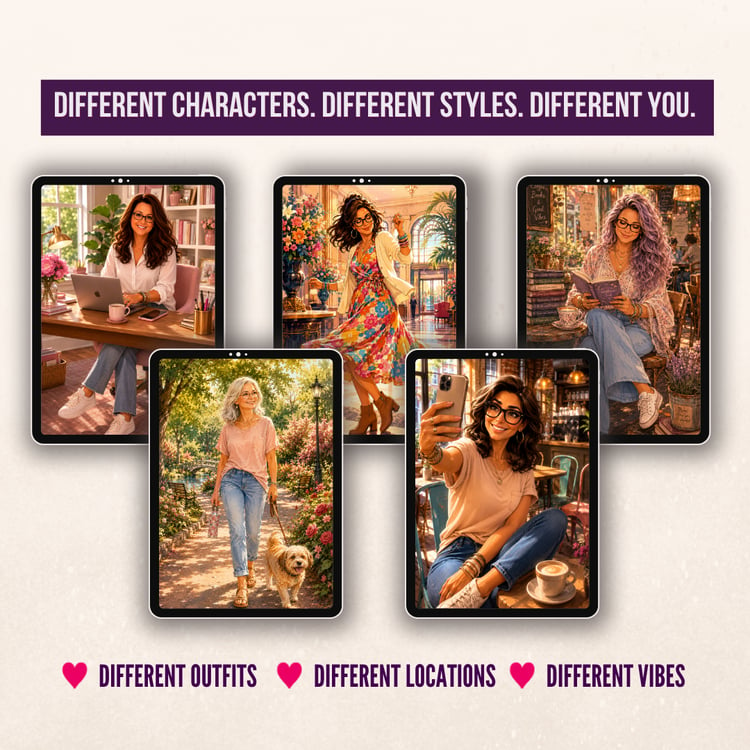
- A real example showing how prompts improve your results
- How to turn your AI images into social media content
- Common mistakes and how to fix them
Why you’ll love it:
- Beginner-friendly and easy to follow
- Designed for non-techy business owners
- Helps you create content faster
- Gives you confidence to actually use Canva AI
What You Will Receive
A4 digital PDF guide
Instant download – no waiting around, open your file and get started straight away.
Important Information:
- This is a digital product – no physical item will be shipped
- Due to the nature of instant downloads, returns, exchanges, or cancellations aren’t available
- For personal use only – this file may not be shared, resold or redistributed
- If you have any issues with your download, please don’t hesitate to get in touch – I’ll be happy to help!