
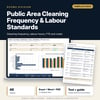
Public Area Cleaning Frequency & Labour Standards: Housekeeping Labour Standards Workbook and Cleaning Checklists
Full description
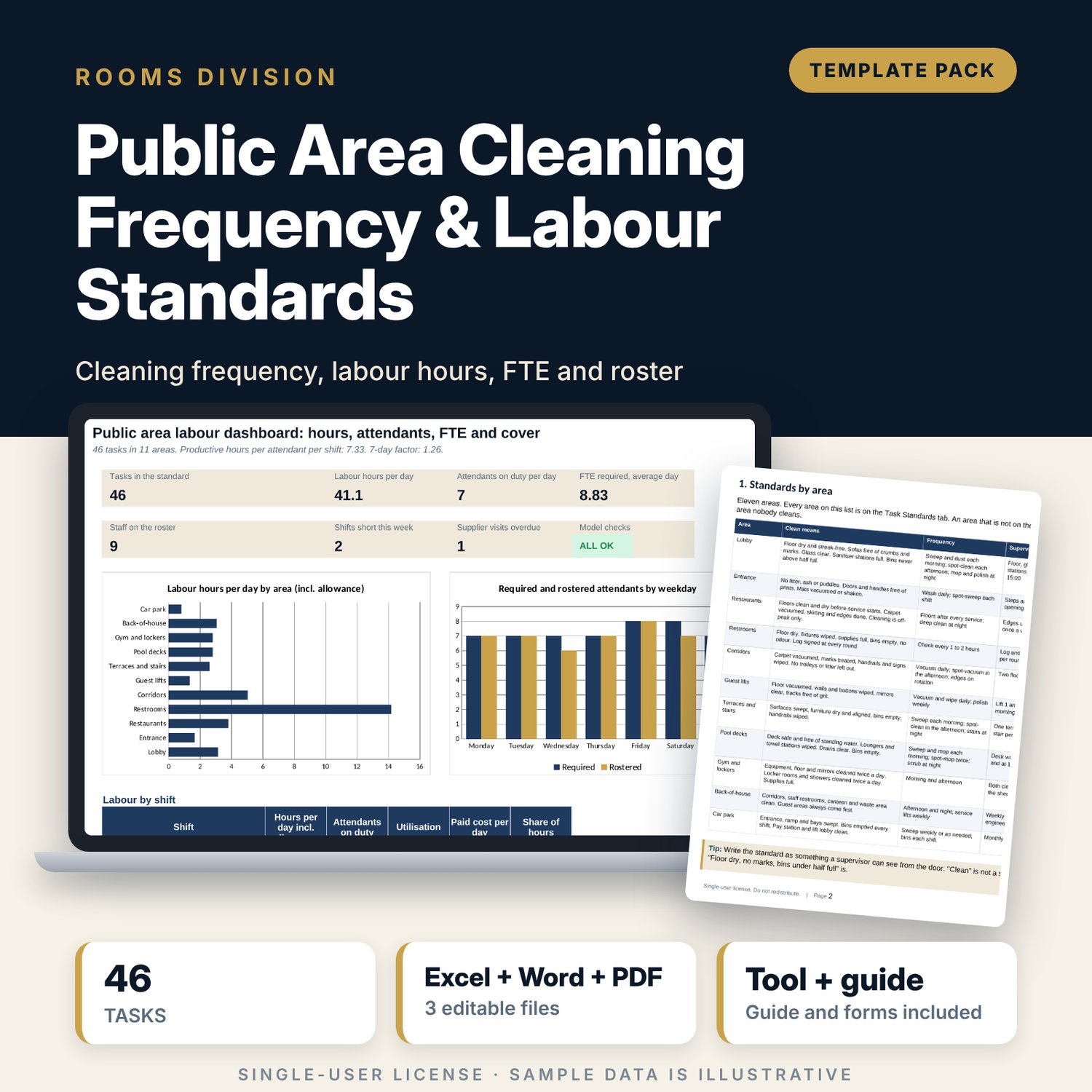
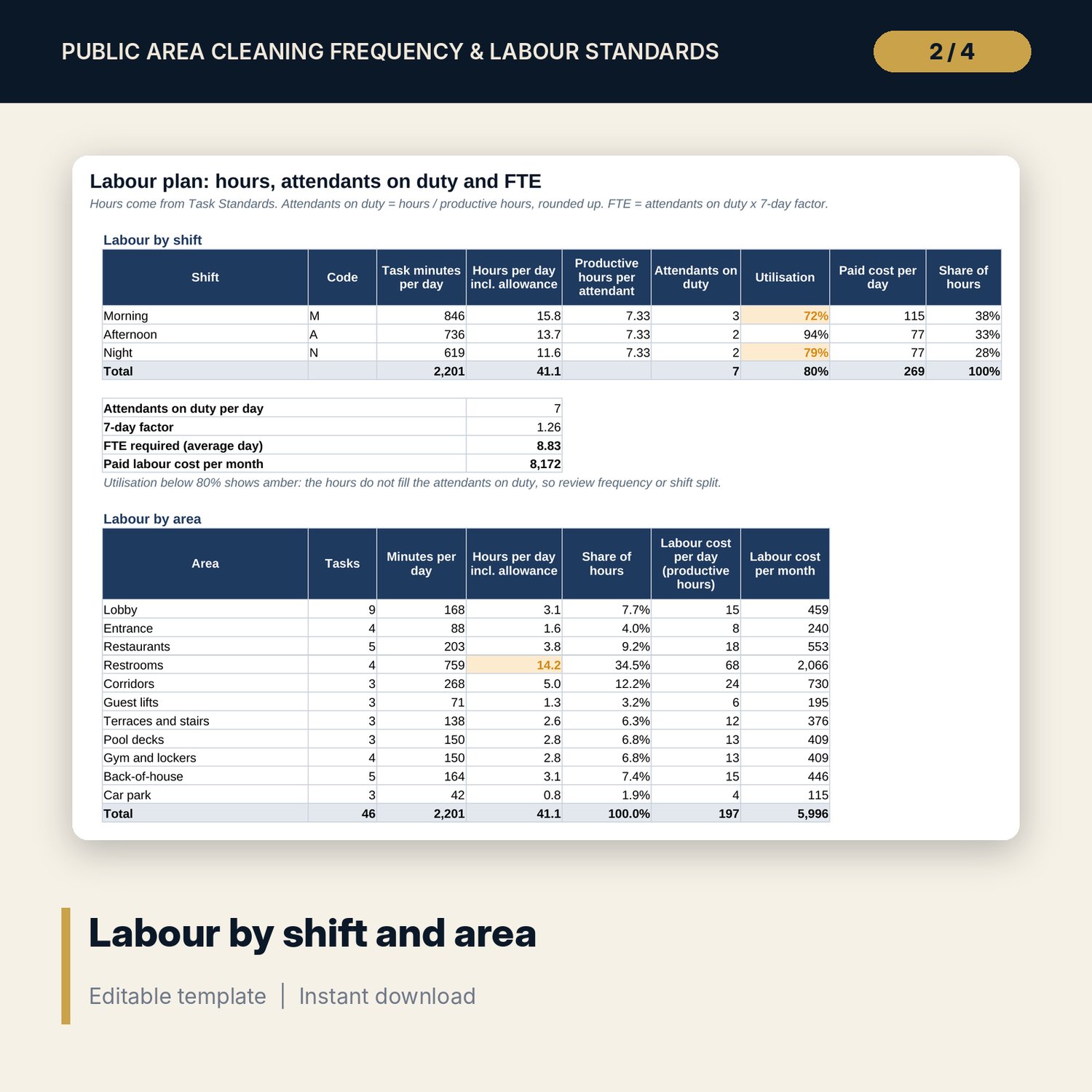
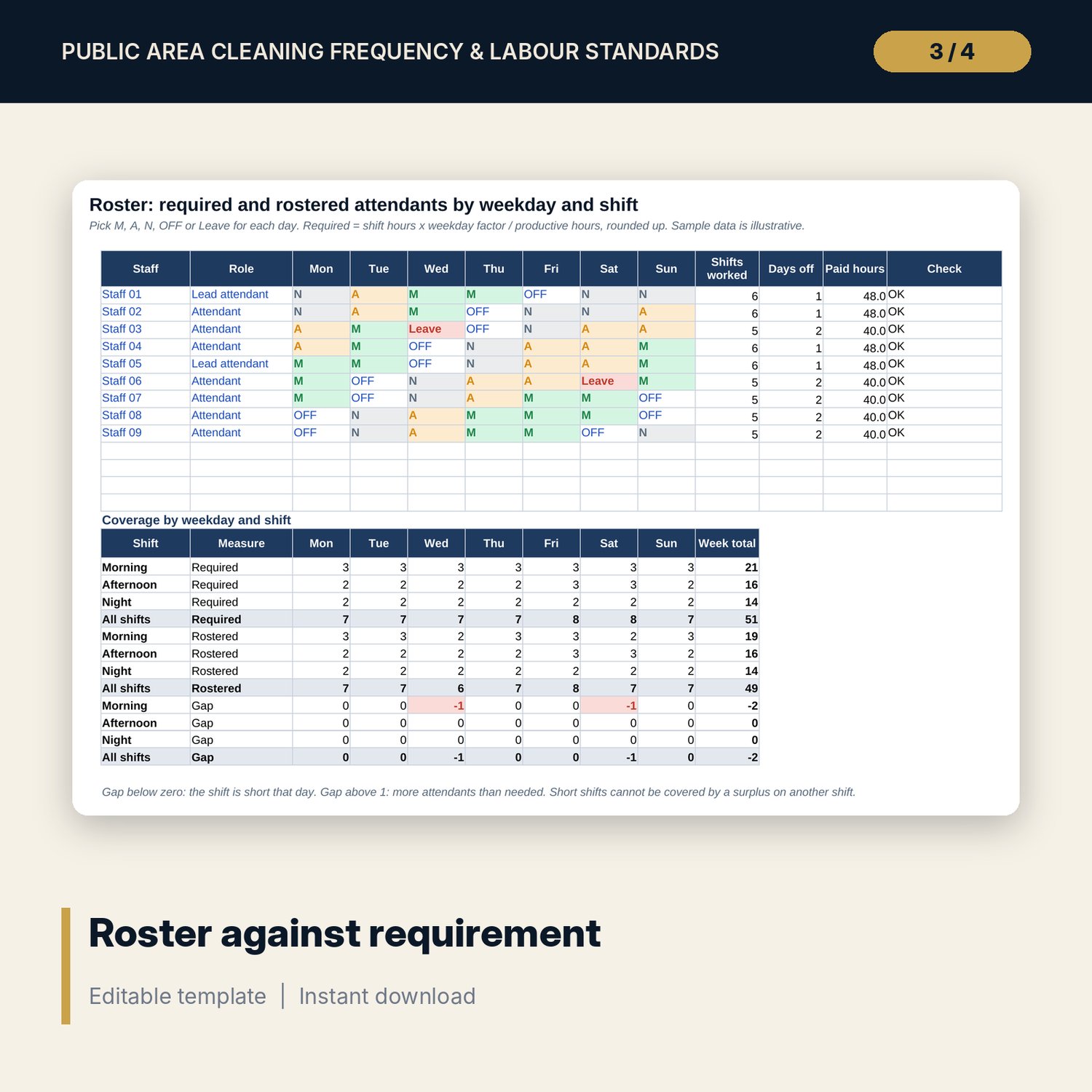
For executive housekeepers, housekeeping managers and hotel operations managers who must staff lobbies, restrooms, corridors, pool decks and back-of-house areas. The workbook lists 46 sample tasks in 11 areas. Each task has a shift, units, how often, minutes per unit and a short standard. Visits per day, minutes per day and hours per day follow, with an allowance for walking and interruptions. Labour Plan gives hours and attendants on duty by shift, FTE with the 7-day factor, and hours and cost by area. Roster tests a seven-day team against the attendants required for each shift and weekday. Settings also tracks a supplier visit schedule for pest control, landscaping and scent systems. The Word pack gives you standards for 11 areas, three shift sheets, a special task list, a handover note, a restroom log and a worked example.
What is inside
- Public_Area_Labour_Standards.xlsx: 7 tabs, 615 formulas, 2 native charts, 14 drop-down and input rules
- Task Standards: 46 sample tasks plus 14 spare rows, with visits per day, minutes per day, hours and share of total
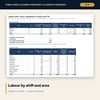
- Labour Plan: hours, attendants on duty, utilisation and cost for 3 shifts, and hours and cost for 11 areas
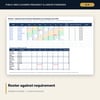
- Roster: 9 sample staff plus 4 spare rows, 7 weekdays, required against rostered by shift with gap flags
- Settings: labour inputs, frequency basis, weekday factors, shifts, a 7-line supplier visit schedule and drop-down lists
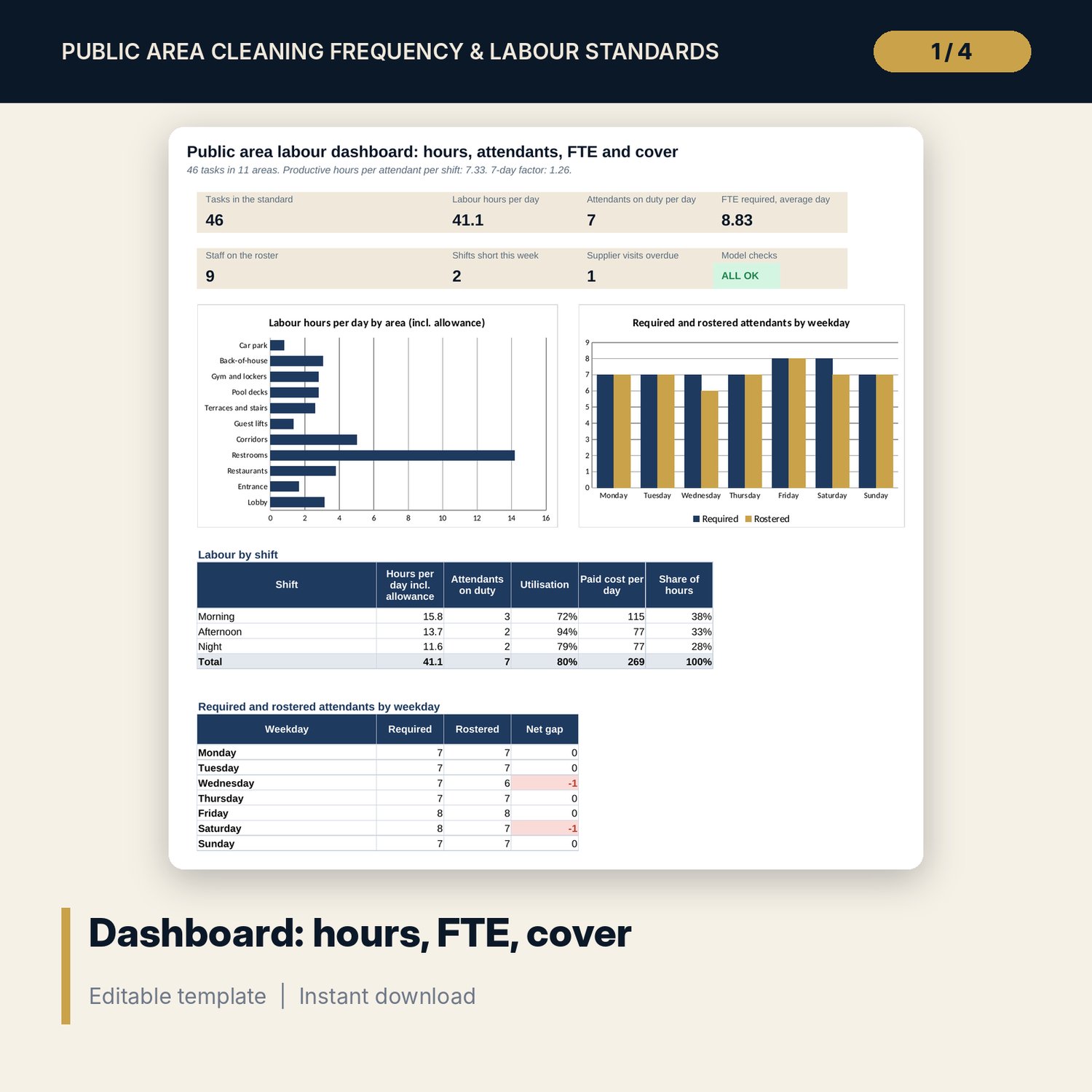
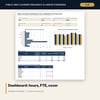
- Dashboard: 7 KPI tiles, a check tile, 2 tables and 2 charts; 8 integrity checks on the Checks tab
- Public_Area_Cleaning_Standards_and_Shift_Sheets.docx and PDF: 10 pages with area standards, 3 shift sheets, special task list, handover note, restroom log, supplier check sheet and a worked example
- README.txt and LICENSE-and-Terms.txt
How it works
- Set paid hours, break, handover, allowance, working days and cost per hour on Settings.
- List each public-area task with its shift, units, frequency and timed minutes on Task Standards.
- Read Labour Plan for attendants on duty, FTE and cost, and Roster for gaps by weekday and shift.
- Print the shift sheets and forms, and review overdue tasks and supplier visits each month.
Details
- Formats: 1 Excel workbook (.xlsx), 1 standards and shift sheets pack in Word (.docx) and PDF, English
- Software: Excel 2016 or later, or LibreOffice Calc 7 or later
- No macros, no external links, no data tables, no array formulas
- 3 files plus README and license; instant digital download
Good to know
- Sample data is illustrative. Replace it with your own timed minutes and local rules.
- Working time, rest rules, safety and pest control requirements differ by place. Verify local requirements and verify with your supplier.
- The files are management tools, not legal advice.
- Single-user license. Do not redistribute.
FAQ
How do I enter a weekly or monthly task?
Enter how many times and pick Day, Week, Fortnight or Month under Per. The sheet converts it to visits per day.
What is the 7-day factor?
Operating days divided by working days per attendant. It converts attendants on duty each day into employees. The sample uses about 1.26.
How are attendants on duty calculated?
Hours for the shift divided by productive hours per attendant, rounded up. Productive hours are paid hours less meal break and handover.
Can I change the shifts and weekday factors?
Yes. Shift names, codes and weekday factors are inputs on Settings.
Do I need macros?
No. Every result is a standard worksheet formula.