
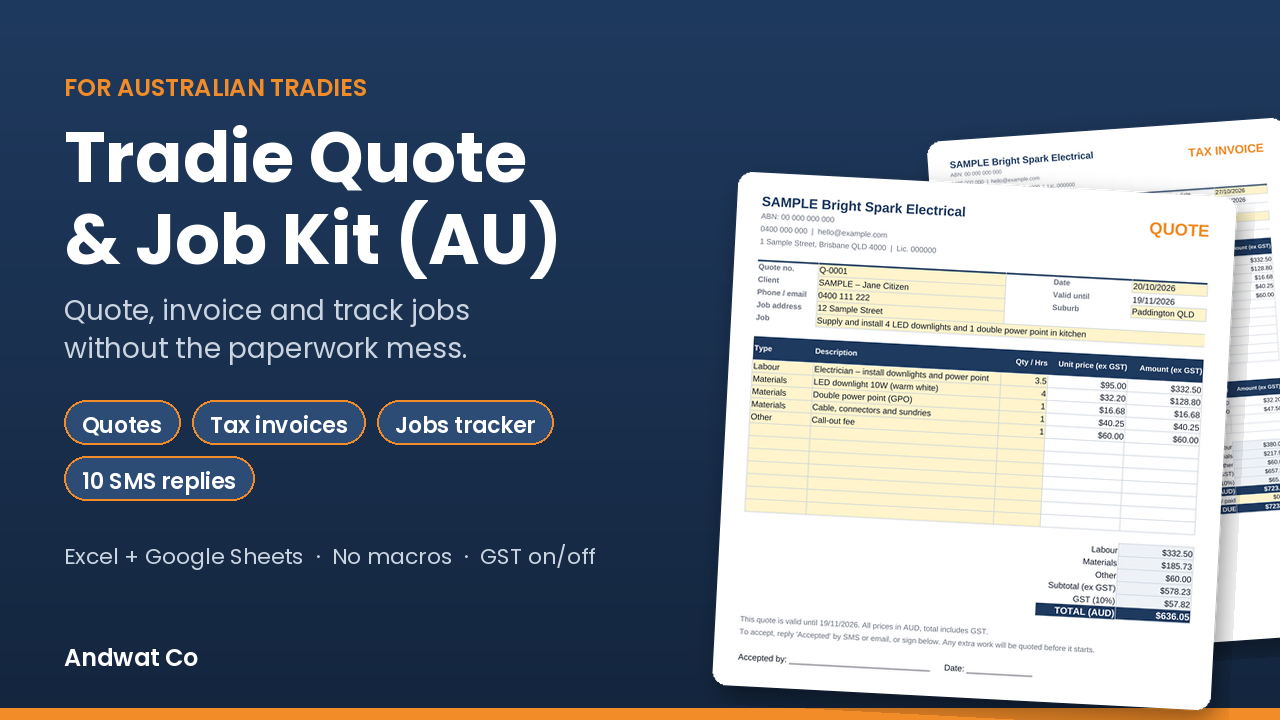
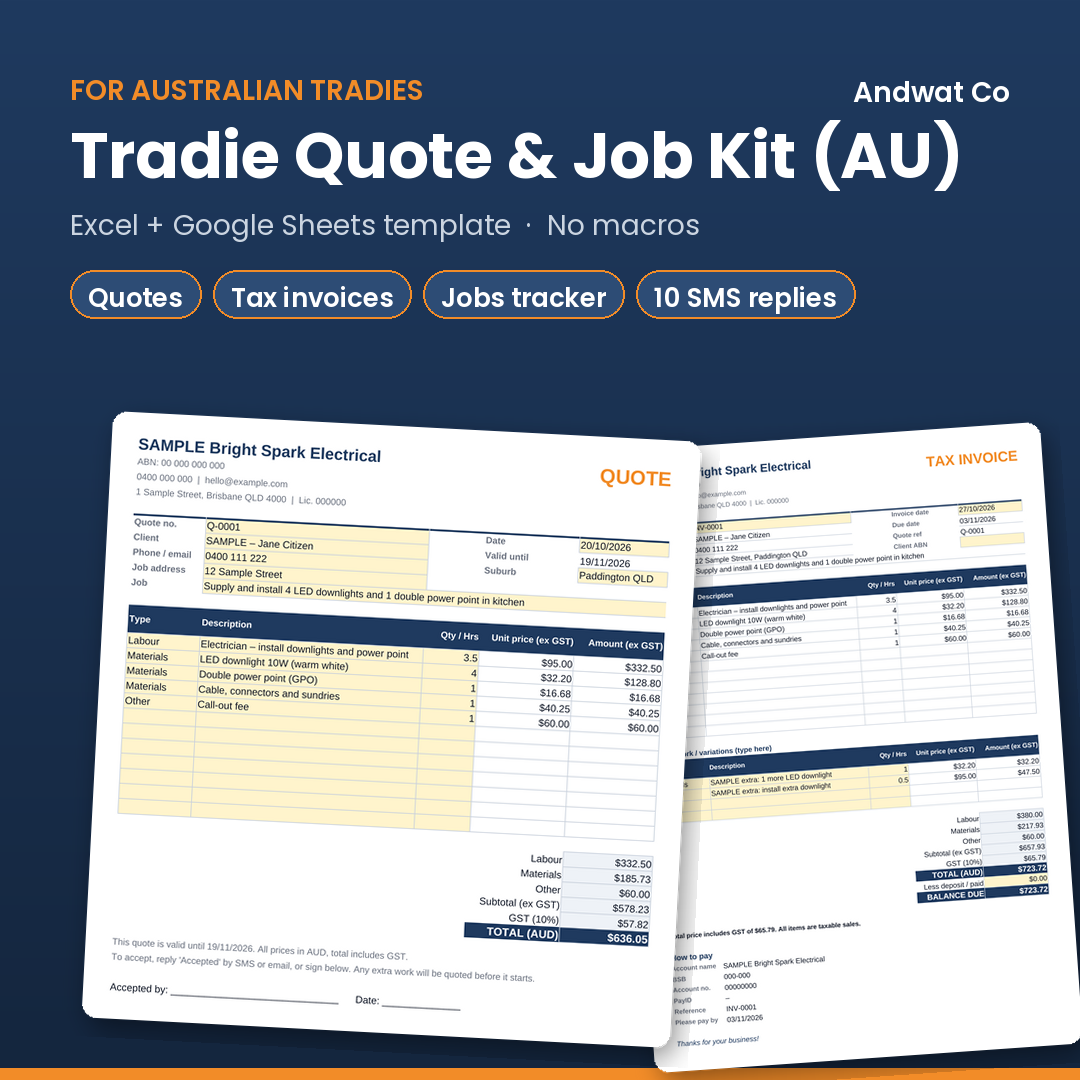

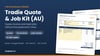
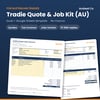

Tradie Quote & Job Kit (AU) – Quote, Invoice & Job Tracker Spreadsheet for Excel + Google Sheets
Still writing quotes on the back of a docket or sending prices by text? This is a simple spreadsheet kit built for Australian tradies – sparkies, plumbers, landscapers, handymen – who want tidy quotes and invoices without paying for job-management software.
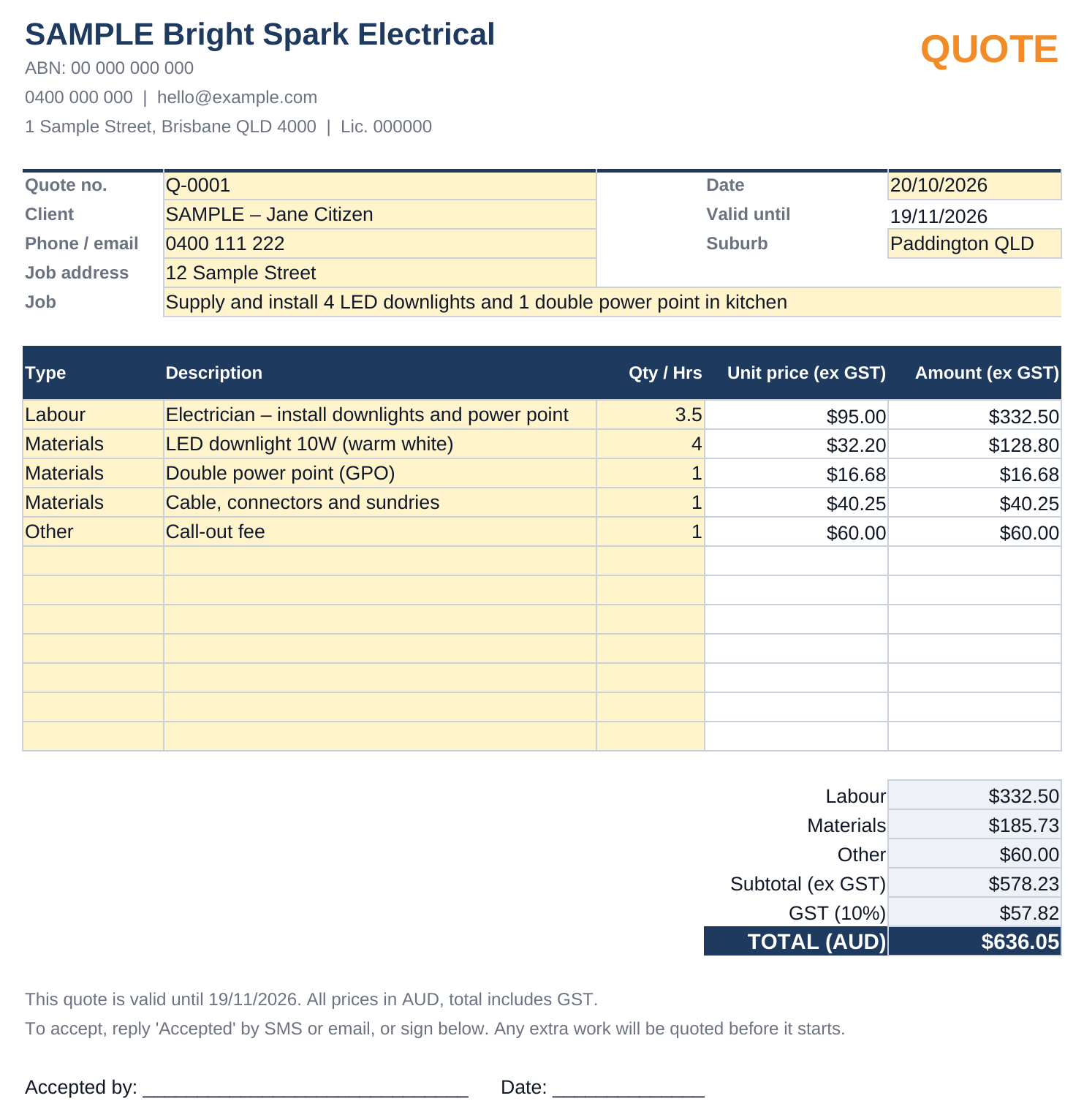
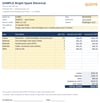
Fill in your business details once. Then write a quote (labour hours × your rate, materials × price, optional markup), turn it into an invoice in a couple of clicks, and track every job from "Quoted" to "Paid" – with overdue invoices highlighted automatically.
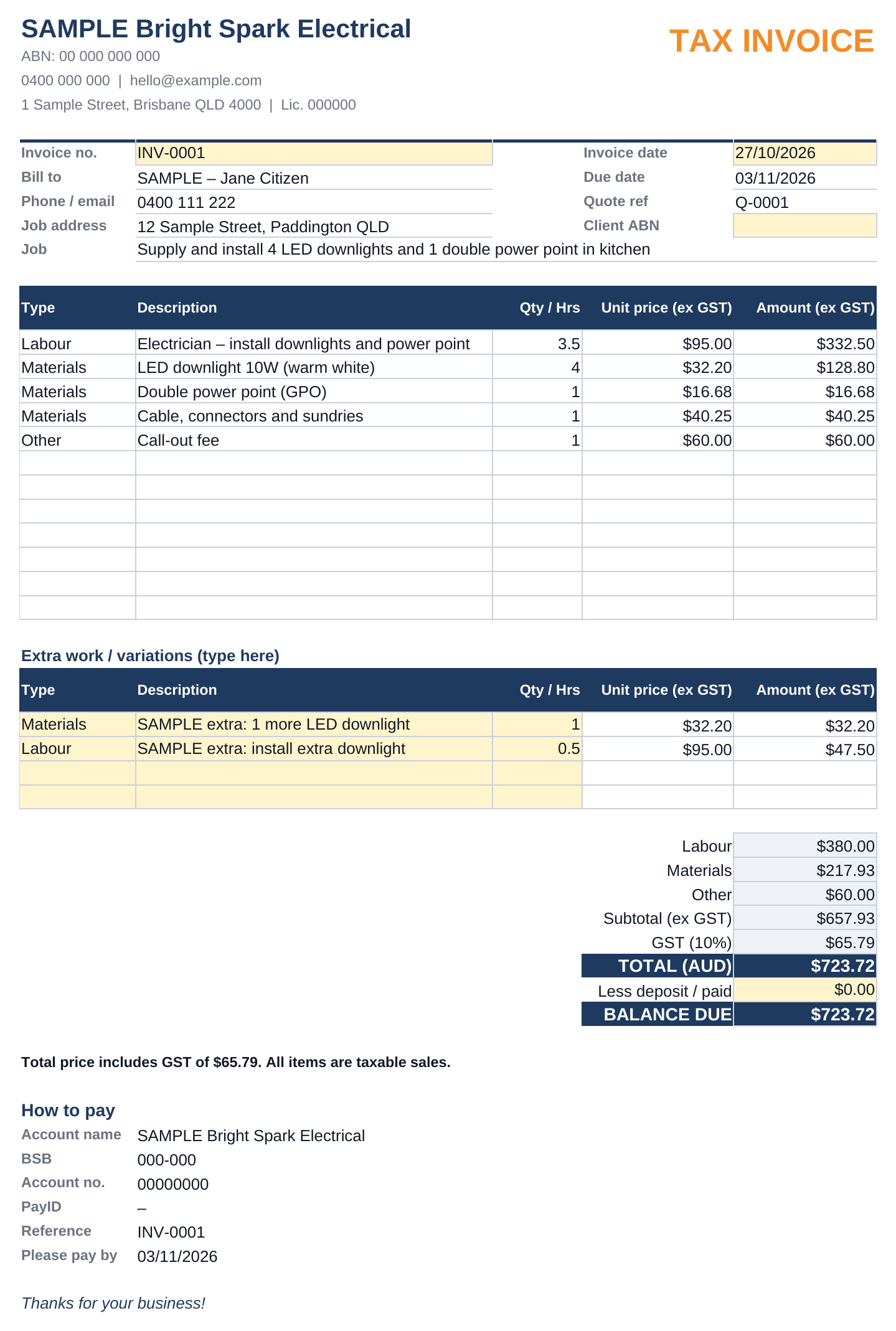
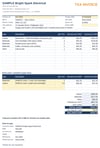
GST is handled for you: if you're GST registered, 10% GST is added and the invoice is titled "TAX INVOICE" with the GST amount shown. If you're not registered, no GST is added and it's titled "INVOICE". A built-in checklist reminds you of the ATO's tax invoice details, including the buyer's identity for sales of $1,000 or more.
Works in Microsoft Excel and the free version of Google Sheets. No macros, no add-ons, no subscription.
WHAT'S INCLUDED
Tradie_Quote_and_Job_Kit_AU.xlsx – 6 tabs: Start Here (step-by-step instructions); Settings (business name, ABN, GST Y/N, hourly rate, markup %, payment terms, quote validity, bank details / PayID); Quote (up to 12 line items, labour × rate, materials × price with optional markup, GST only if registered, valid until date); Invoice (pulls from the Quote, due date from your terms, extra work / variation lines, deposit and balance due, tax invoice checklist); Jobs (status dropdown, invoice details, days overdue – orange = overdue, red = 15+ days, summary totals); SMS Replies (10 polite copy-paste texts).
Quick Start Guide (PDF, 2 pages). Comes with clearly labelled SAMPLE data so you can see how it works.
FEATURES
Quote → invoice without retyping. 10% GST switches on/off with one Y/N setting. "TAX INVOICE" vs "INVOICE" title set automatically. Tax invoice checklist based on ATO requirements. Your materials markup stays off the printed quote. Due dates and overdue days calculated for you. Status dropdown: Quoted, Booked, In progress, Done, Invoiced, Paid, Lost. 10 SMS templates. Print or save as PDF straight from Excel or Google Sheets. Excel + Google Sheets (free) – formulas only, no macros.
FAQ
Does it work on my phone? You can view and edit it in the Google Sheets or Excel mobile apps, but it's easiest to set up and write quotes on a laptop or tablet.
Do I need Excel? No. Upload the .xlsx to Google Drive and open it with Google Sheets (free). It also works in Microsoft Excel.
I'm not registered for GST. Can I use it? Yes. Set "GST registered" to N in Settings.
Is this accounting software? No. It's a spreadsheet template for quotes, invoices and job tracking. It doesn't lodge BAS, connect to your bank or replace your bookkeeping software.
Is it a digital download? Yes. You'll get a .zip with the spreadsheet and the PDF guide straight after purchase. Nothing is posted.
This kit is a general spreadsheet template only and is not tax, legal, accounting or financial advice. It assumes all items sold are taxable at the standard 10% GST rate. You are responsible for checking that your quotes and invoices meet the requirements for your business, trade and state (e.g. licence or contract rules). For tax invoice rules see ato.gov.au, or ask your accountant or BAS agent. Sample names, ABN and bank details in the file are placeholders.
Because this is a digital download, please read the description and FAQ before buying. If something doesn't open or work, contact me through the store and I'll help.