
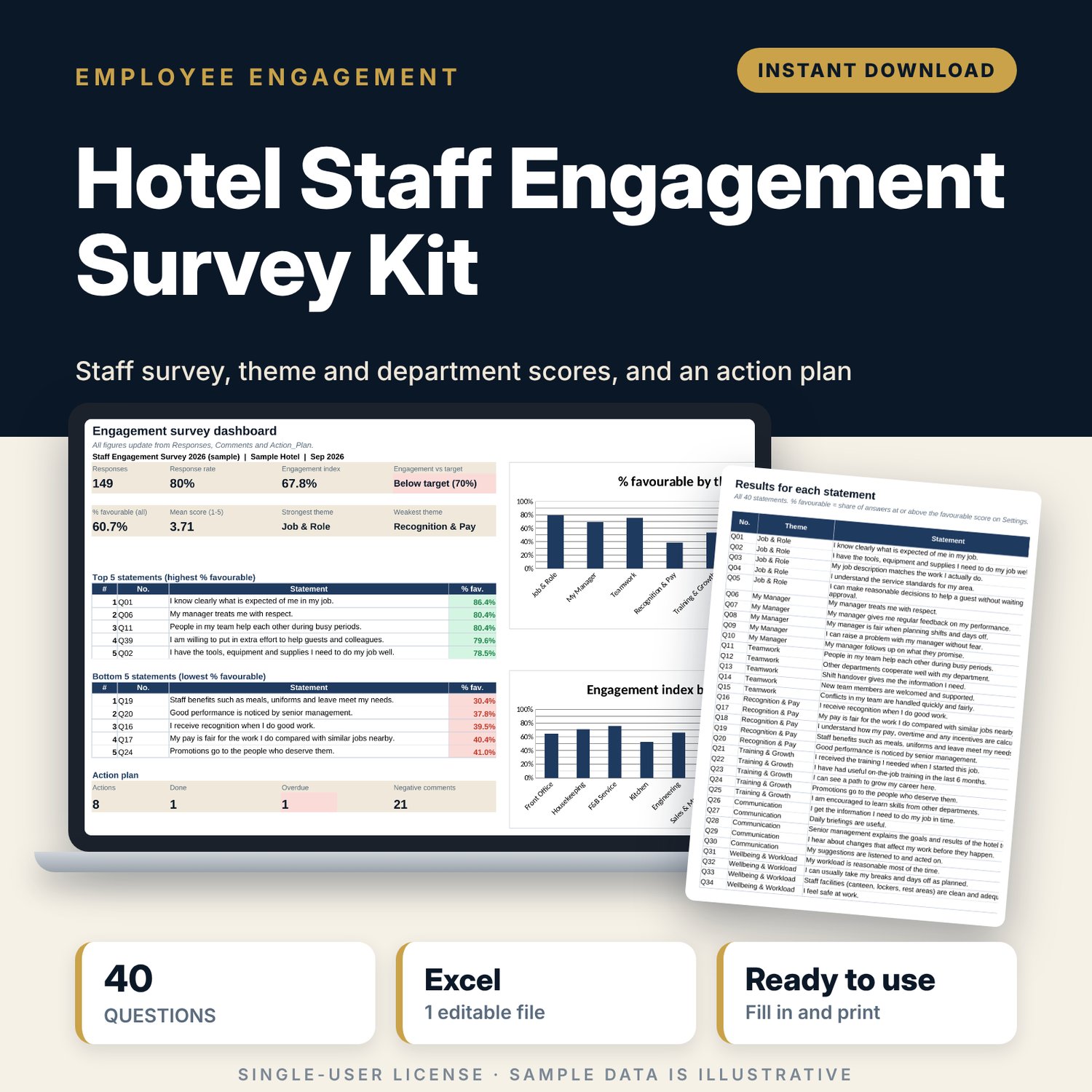
Hotel Staff Engagement Survey Kit: Employee Survey and Results Spreadsheet
Full description
For general managers, HR managers and department heads who want to measure how hotel staff feel about their work and act on the results. You print the questionnaire, type each completed form as one row and code the written comments. The workbook calculates the engagement index, % favourable for every statement and theme, scores by department and by length of service, and lists the top and bottom 5 statements. Small groups are hidden so answers stay anonymous. An action plan tracks what you promised to fix, with owners and due dates.
Save with a bundle: this template is also in the Hotel People & Leadership Bundle, 10 templates for $29 instead of $69. All 141 templates are in the All-Access Hospitality Template Library for $79.
What is inside
- Hotel_Staff_Engagement_Survey_Kit.xlsx: 9 tabs, 3,837 formulas, 4 native charts, 11 drop-down or number rules.
- Settings: 12 scoring and survey inputs (favourable cut-off, minimum group size, engagement target), 10 departments with staff invited, 8 theme names and the drop-down lists.
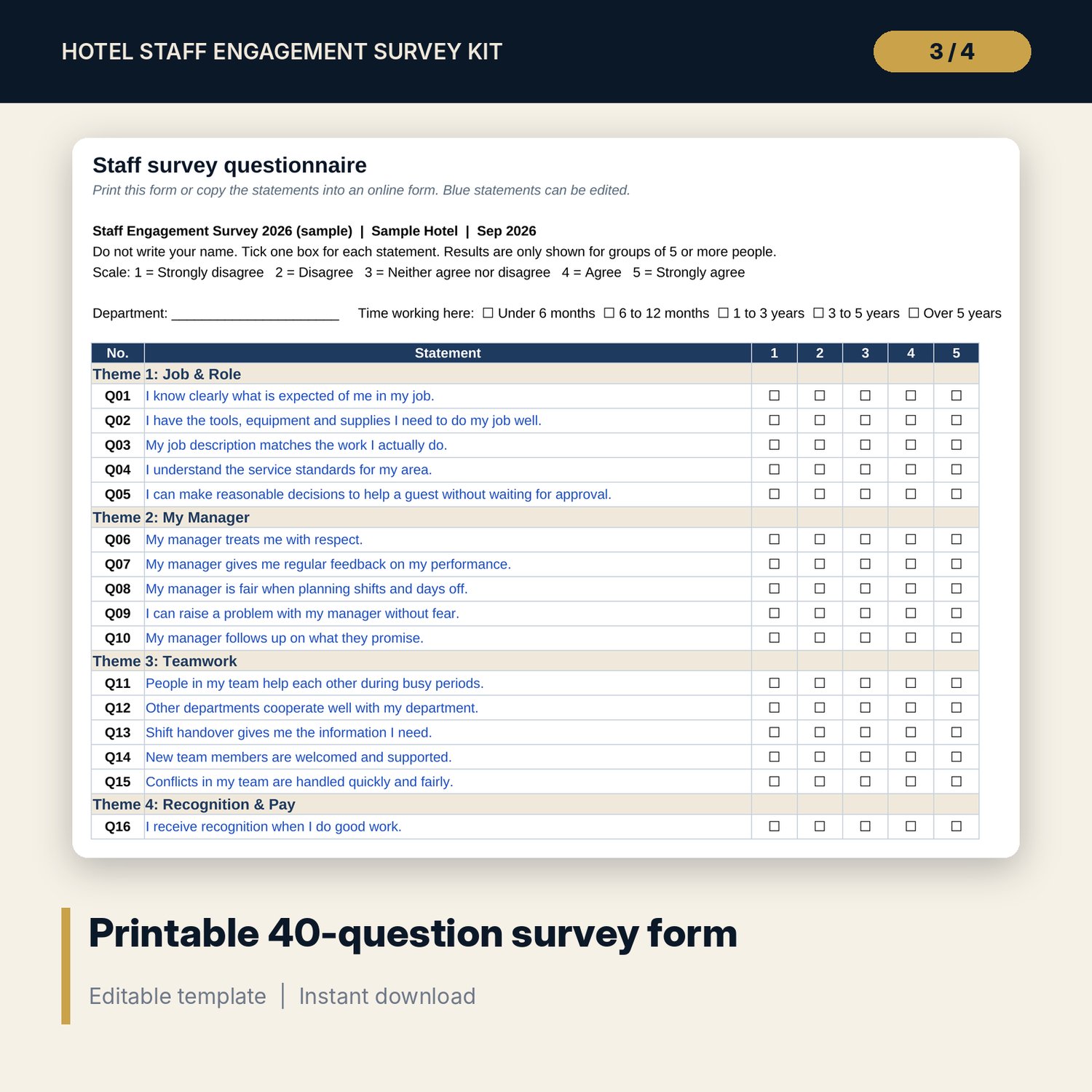
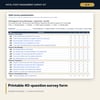
- Survey_Form: printable questionnaire with 40 statements in 8 themes, a 5-point scale and 3 open questions. Statements are editable.
- Responses: room for 200 forms (149 sample rows). Answered count, mean, 8 theme means, engagement items and a completeness check calculate per row.
- Comments: log for 150 comments (38 sample rows) with code, tone and action flag, plus a summary by theme and tone.
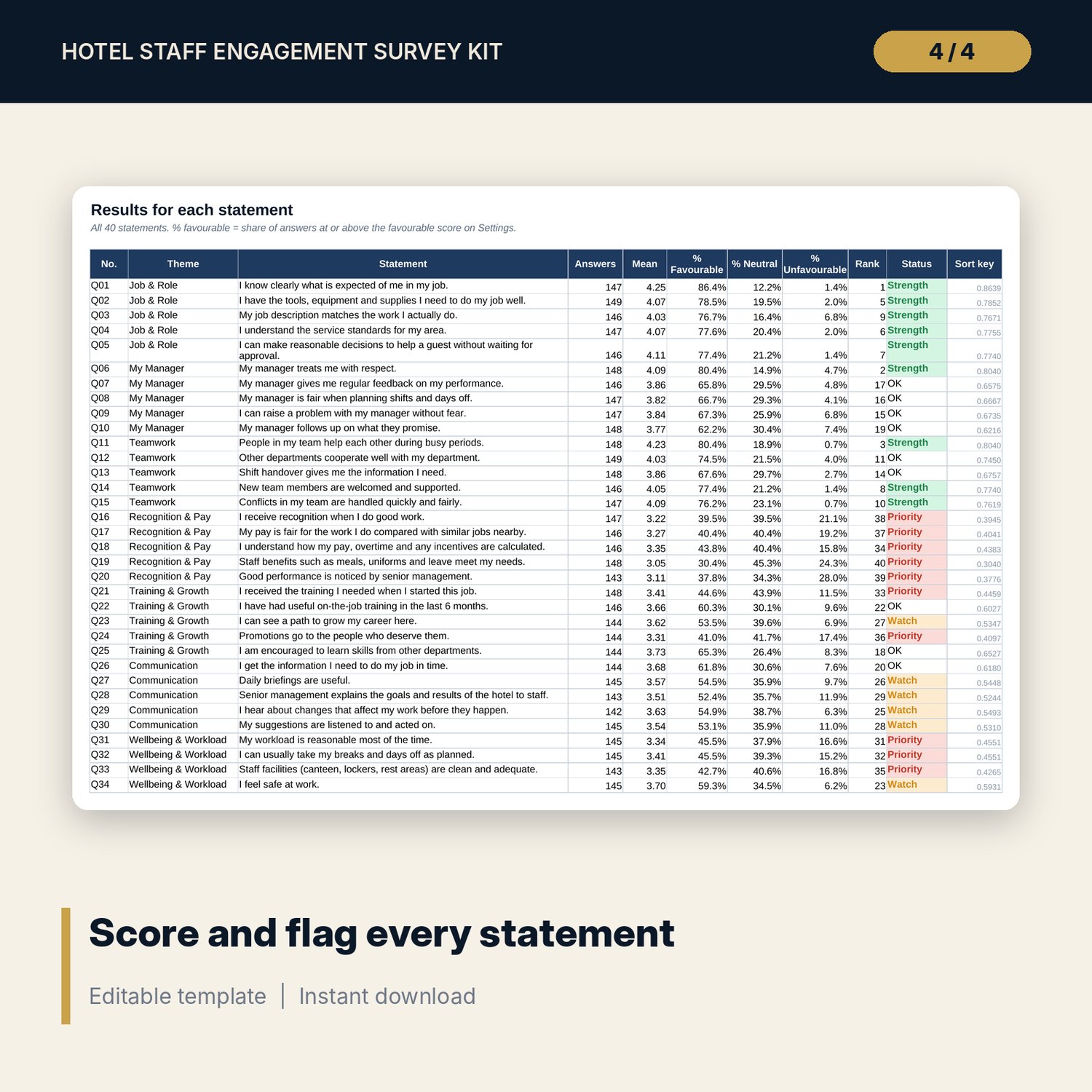
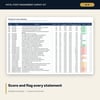
- Item_Analysis: all 40 statements with answers, mean, % favourable, % neutral, % unfavourable, rank, status flag and a chart.
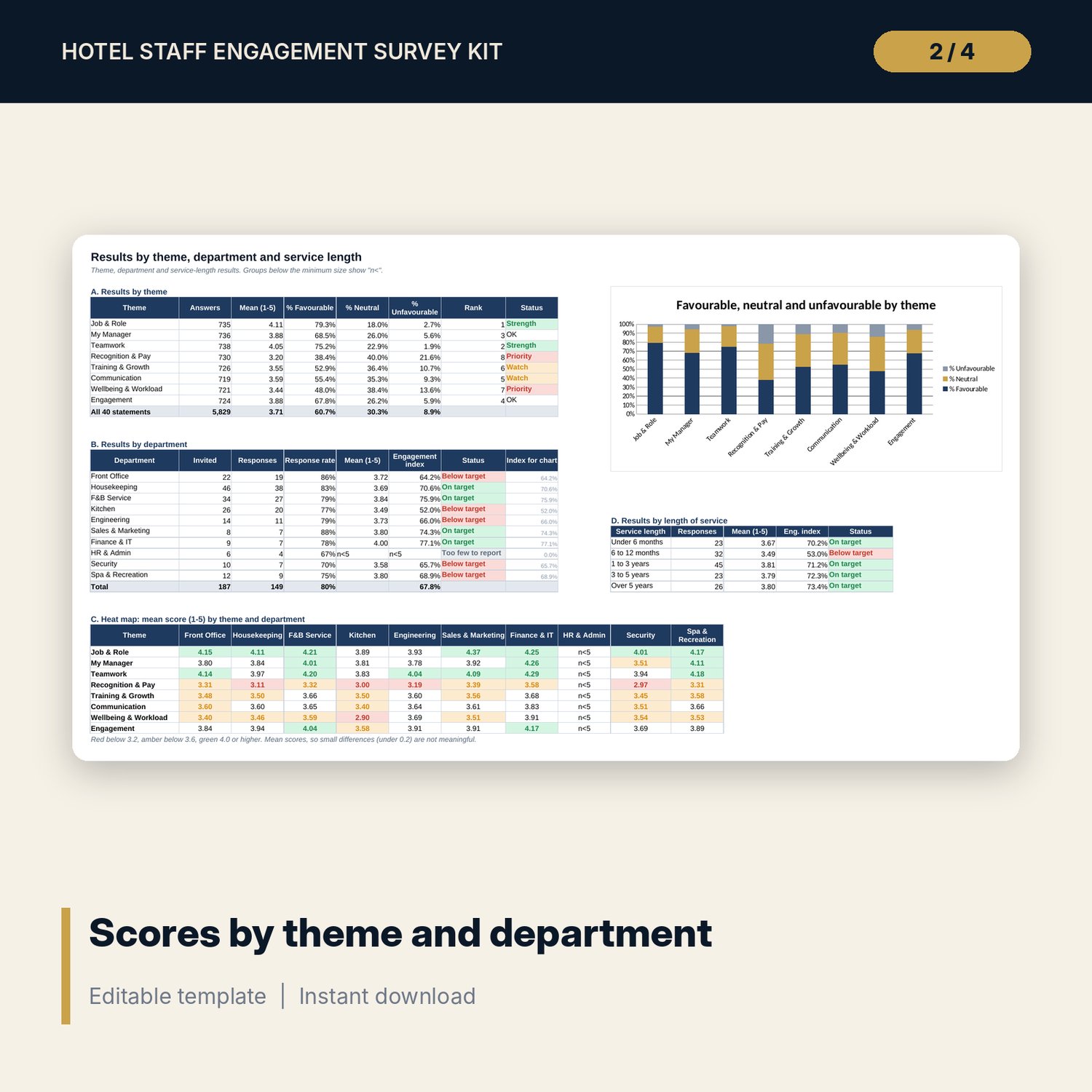
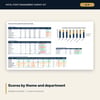
- Theme_Dept: results by theme with a stacked chart, results for 10 departments with response rate and engagement index, a theme by department heat map, and results for 5 service-length groups.
- Action_Plan: room for 40 actions (8 sample rows) with owner, due date, status, progress and an overdue flag.
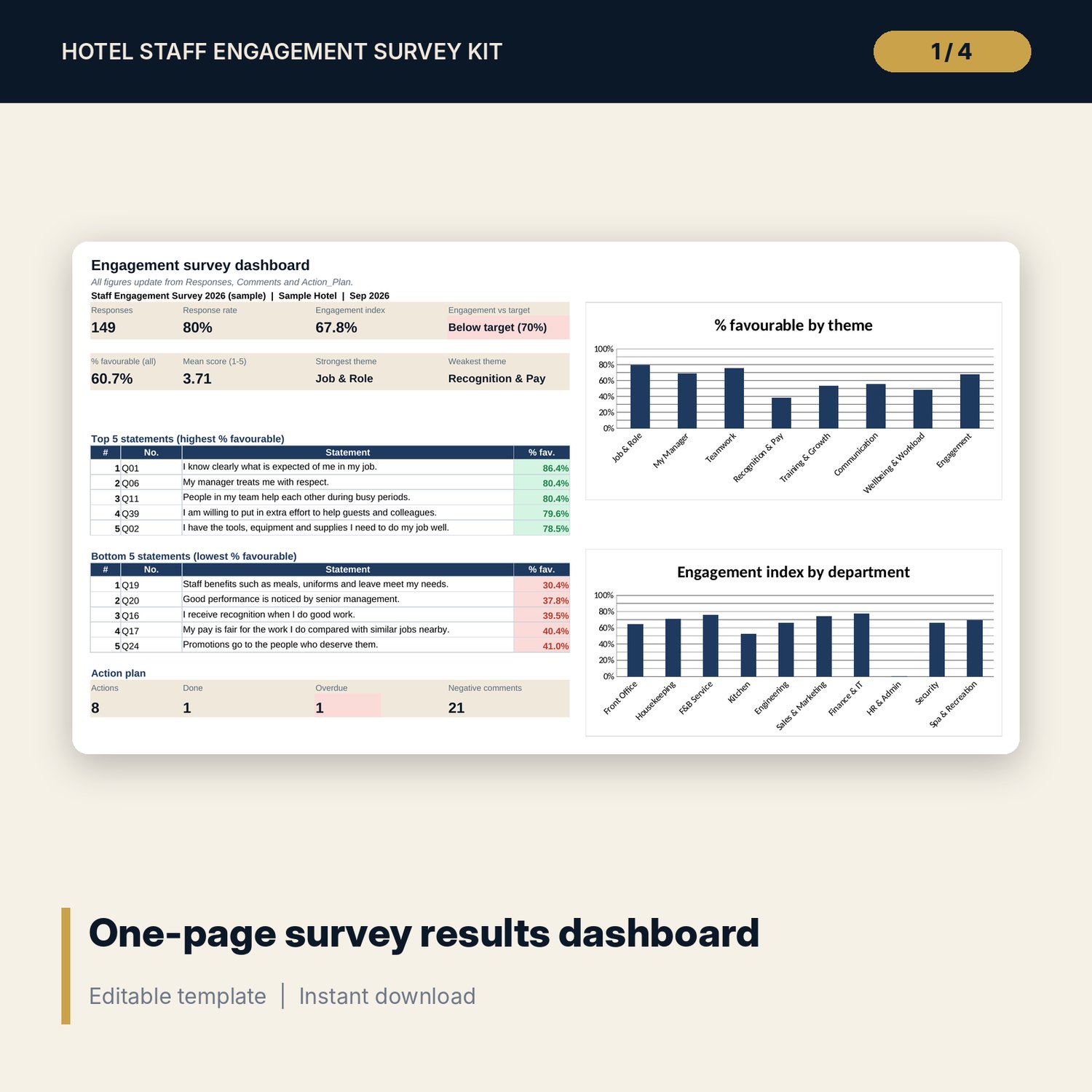
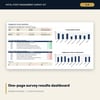
- Dashboard: 8 KPI tiles, top 5 and bottom 5 statements, action plan counts and 2 charts on one printable page.
- README.txt and LICENSE-and-Terms.txt.
How it works
- Enter your departments, staff invited and scoring rules on Settings.
- Print Survey_Form or copy the statements into an online form. Collect forms without names.
- Type each form as one row in Responses and copy written comments into Comments.
- Read Dashboard, Item_Analysis and Theme_Dept, then agree actions on the weakest themes.
- Track the actions in Action_Plan and share the results with staff.
Details
- Format: Excel workbook (.xlsx). No macros.
- Language: English.
- Software: Excel 2016 or later, or a spreadsheet program that opens .xlsx files.
- Delivery: instant digital download. Nothing is shipped.
Good to know
- All sample responses, comments and actions are illustrative. Clear them before you enter your own survey.
- Favourable means a score of 4 or 5 by default. You can change the cut-offs on Settings.
- Departments with fewer responses than the minimum group size show "n<5" instead of a score.
- This is a survey and reporting tool, not HR or legal advice. Check local rules on staff consultation and data privacy.
- Single-user license. Do not share or resell the files.
FAQ
Can I change the questions?
Yes. The 40 statements on Survey_Form are blue input cells. Edit the wording and every results tab picks up the new text.
Can staff answer online instead of on paper?
Yes. Copy the statements into any online form tool, export the answers and paste them into Responses as scores 1 to 5.
How is the engagement index calculated?
It is the % of favourable answers (4 or 5) on the 5 Engagement statements, Q36 to Q40.
Does it work in Google Sheets?
It opens in Google Sheets and the formulas calculate. Check the drop-downs and charts after import.
Is this a physical product?
No. It is a digital download. Refund terms follow the store policy at the time of purchase.