

Elite Cyborgs Force - Witness
On Sale
$7.00
Pay what you want:
(minimum $7.00)
$
*** PAY ATTENTION***
You Will Need Wallpaper Engine To Use This Wallpaper
Get it from Steam or from their website Here
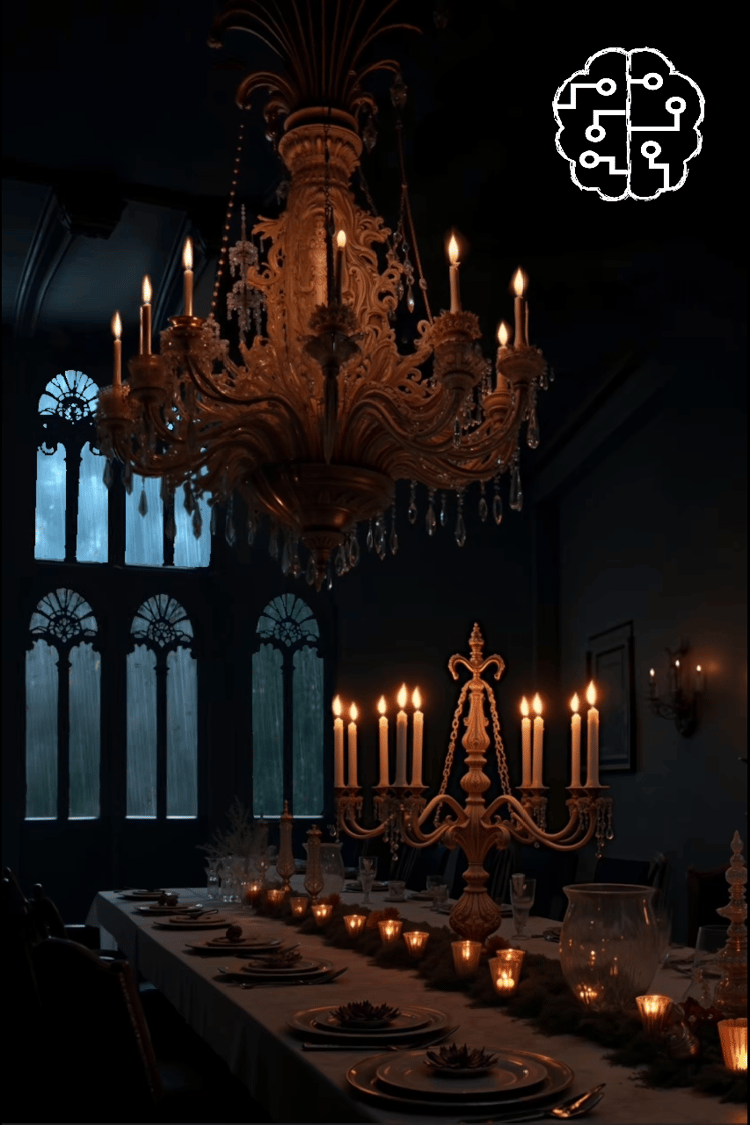
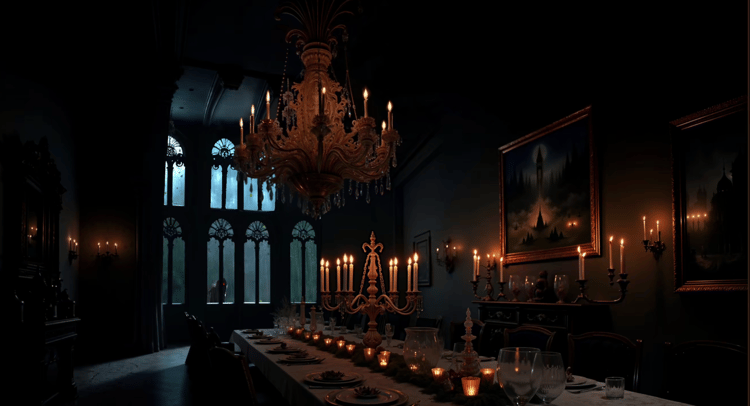
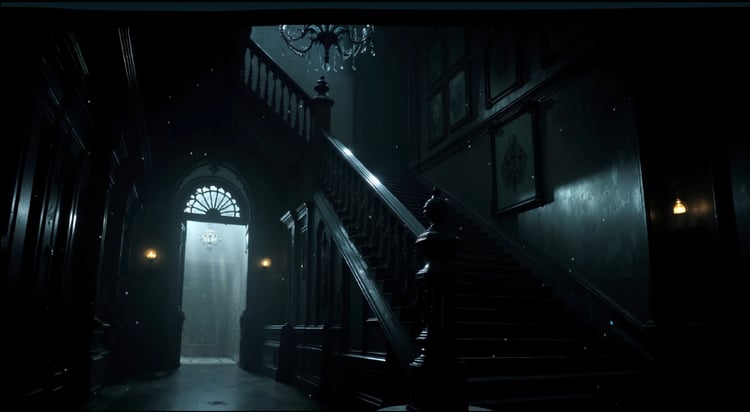
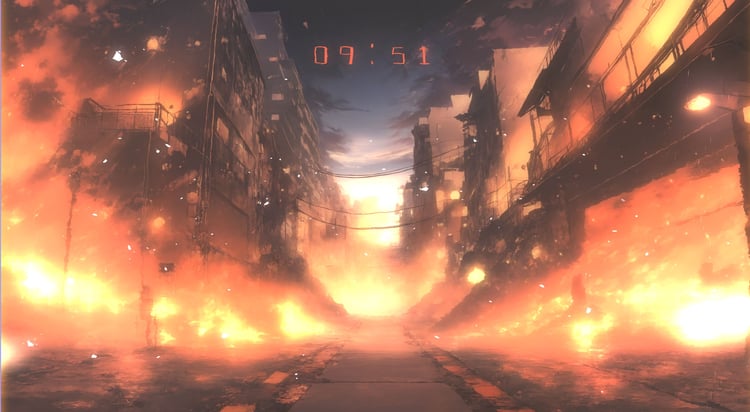
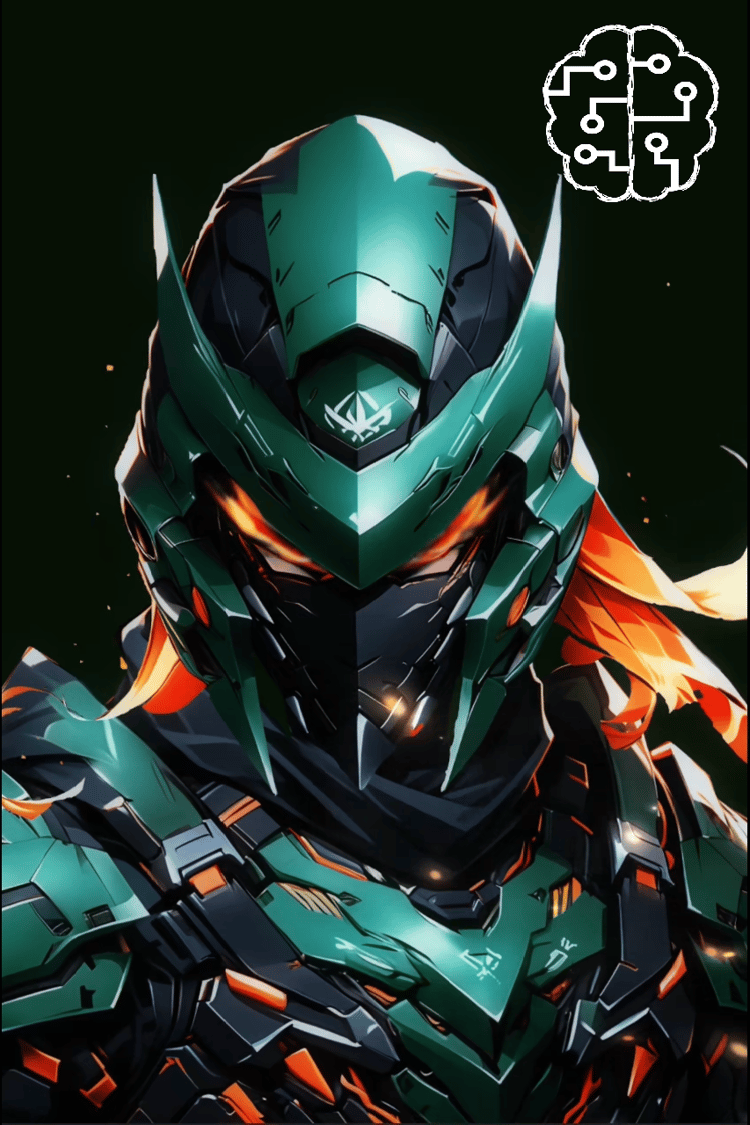
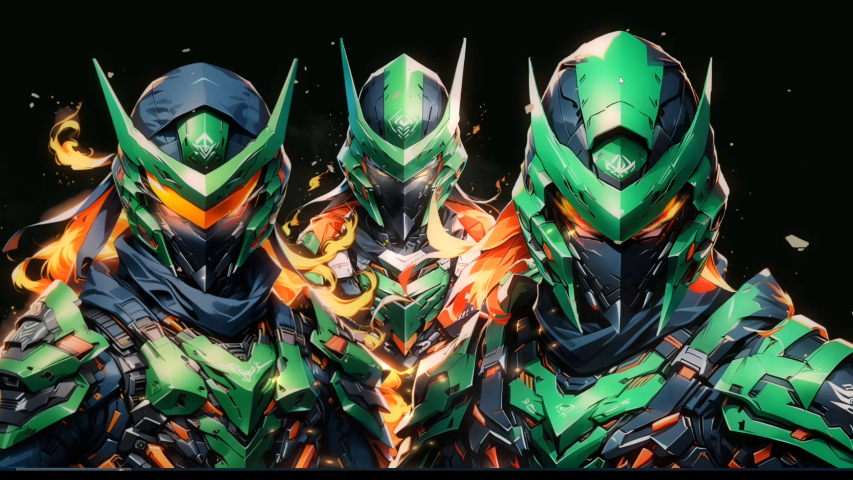
Introducing the "Cyborg Elite Force - Witness" wallpaper, designed specifically for Wallpaper Engine. Immerse yourself in a futuristic world where human and machine coexist in perfect harmony. This stunning 4K resolution wallpaper features a sleek and modern cyborg design, with intricate details and bold colors that will transform your desktop into a cutting-edge hub.
The cyborg elite force theme is brought to life with a combination of metallic and neon accents, set against a dark and gritty background that evokes a sense of high-tech sophistication. The level of detail is impressive, with subtle animations and effects that create a truly immersive experience.
Key features of this wallpaper include:
- 4K resolution (3840 x 2160) for crystal-clear visuals
- Cyborg elite force theme with a unique blend of human and machine elements
- Intricate details and bold colors that create a futuristic atmosphere
- Compatible with Wallpaper Engine for a seamless and interactive experience
- Customization options for a personalized experience
- Show or hide any of the 3 cyborgs, allowing you to create a unique composition that suits your mood
- Change the lighting color, intensity, and bloom to match your preferred atmosphere
- Activate or deactivate the parallax effect, adding a new layer of depth and immersion to the scene
- Toggle on or off a range of special effects, including:
- Glowing eyes that pierce through the darkness
- Smoke effects that add a sense of grit
- Ash effects that create a post-apocalyptic ambiance
- Amber effects that add a warm, golden glow to the scene
Get ready to upgrade your desktop with this premium wallpaper, available for just $5. Experience the thrill of being part of an elite cyborg force, and discover a new level of visual excellence with this stunning 4K wallpaper.
Installation
- Download the file
- Un pack the file inside {myprojects} folder of Wallpaper Engine, {your installation path}\wallpaper_engine\projects\myprojects
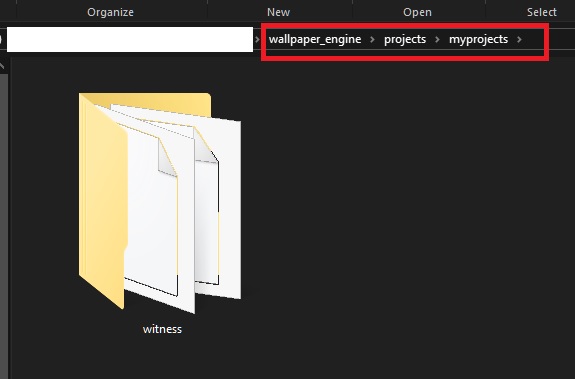
- Run Wallpaper Engine, the Elite Cyborgs wallpaper will be now available in your library
- Select the wallpaper to apply it (see customization in the video above)
If you purchased the wallpaper from Steam, you can find the wallpaper folder following these steps
- Open Steam and go to your library
- Right Click on Wallpaper Engine and select "Properties"
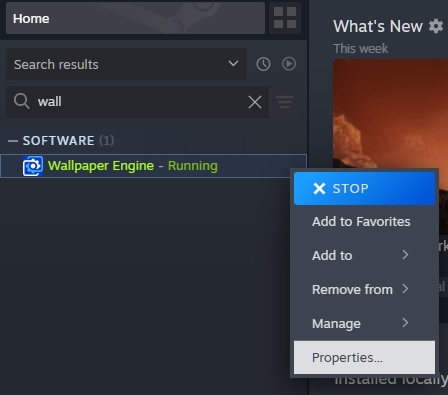
- Select "Installed Files" then click "browse", this will open the location to where Wallpaper Engine is Installed.
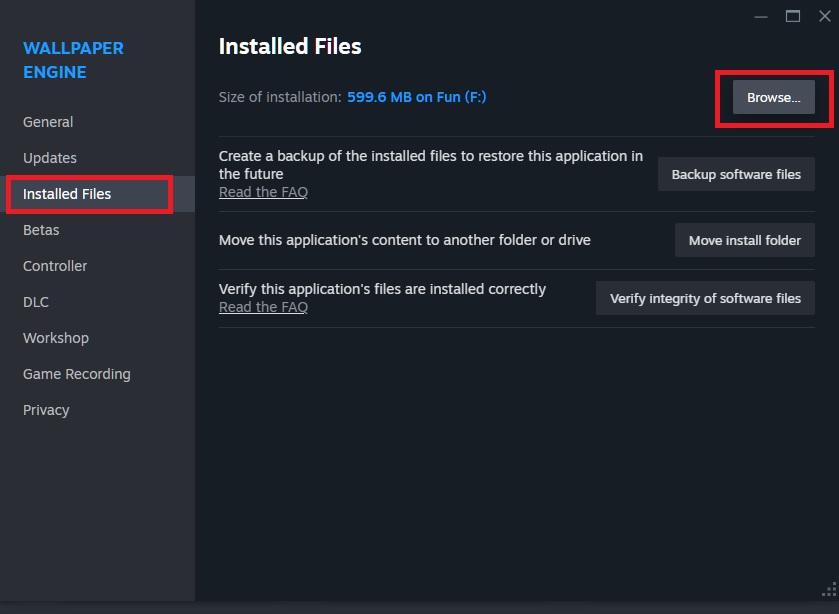
- Go to projects>myprojects and unpack the downloaded file there
- Run Wallpaper Engine, the Elite Cyborgs wallpaper will be now available in your library
- Select the wallpaper to apply it (see customization in the video above)