






Client Portal Spreadsheet — Clients, Approvals & Invoices in One Hub
🔥 Client Portal Spreadsheet: Instant Download
Keep clients, onboarding, deliverables, approvals and invoices in one calm hub, without another login.
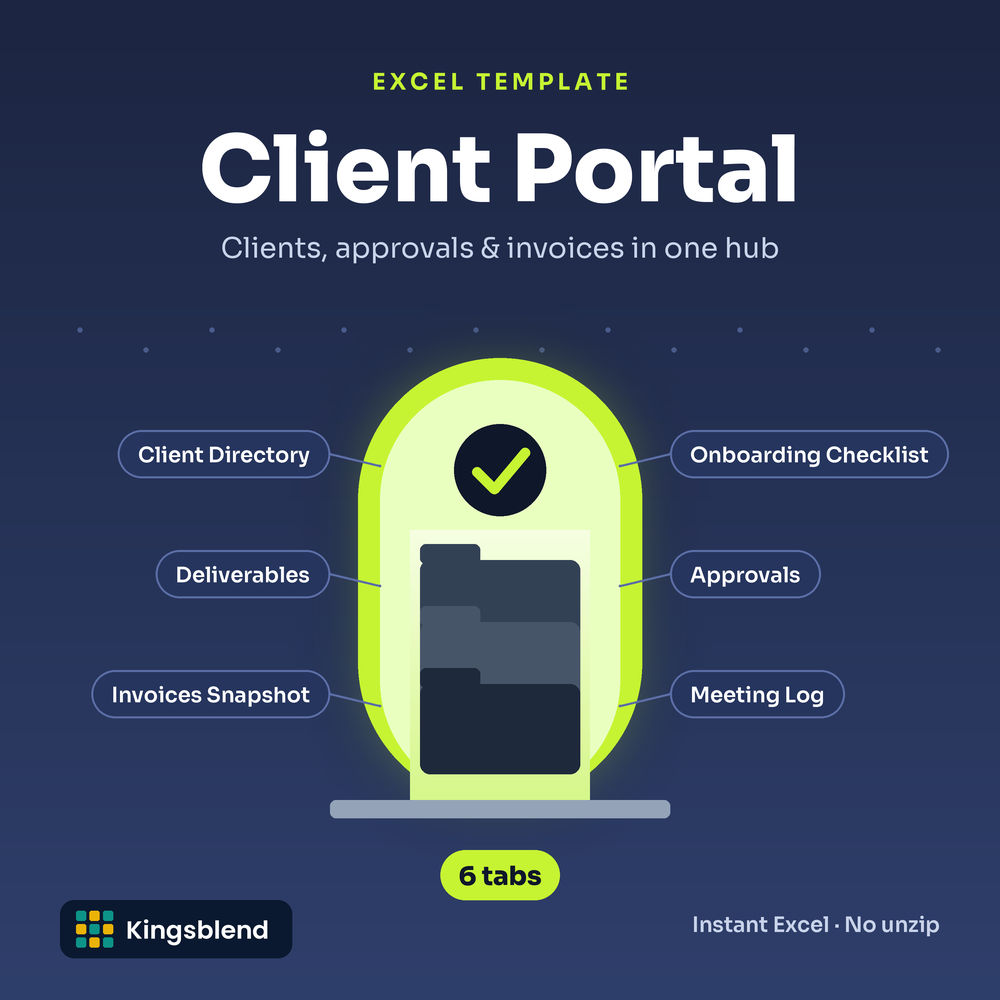
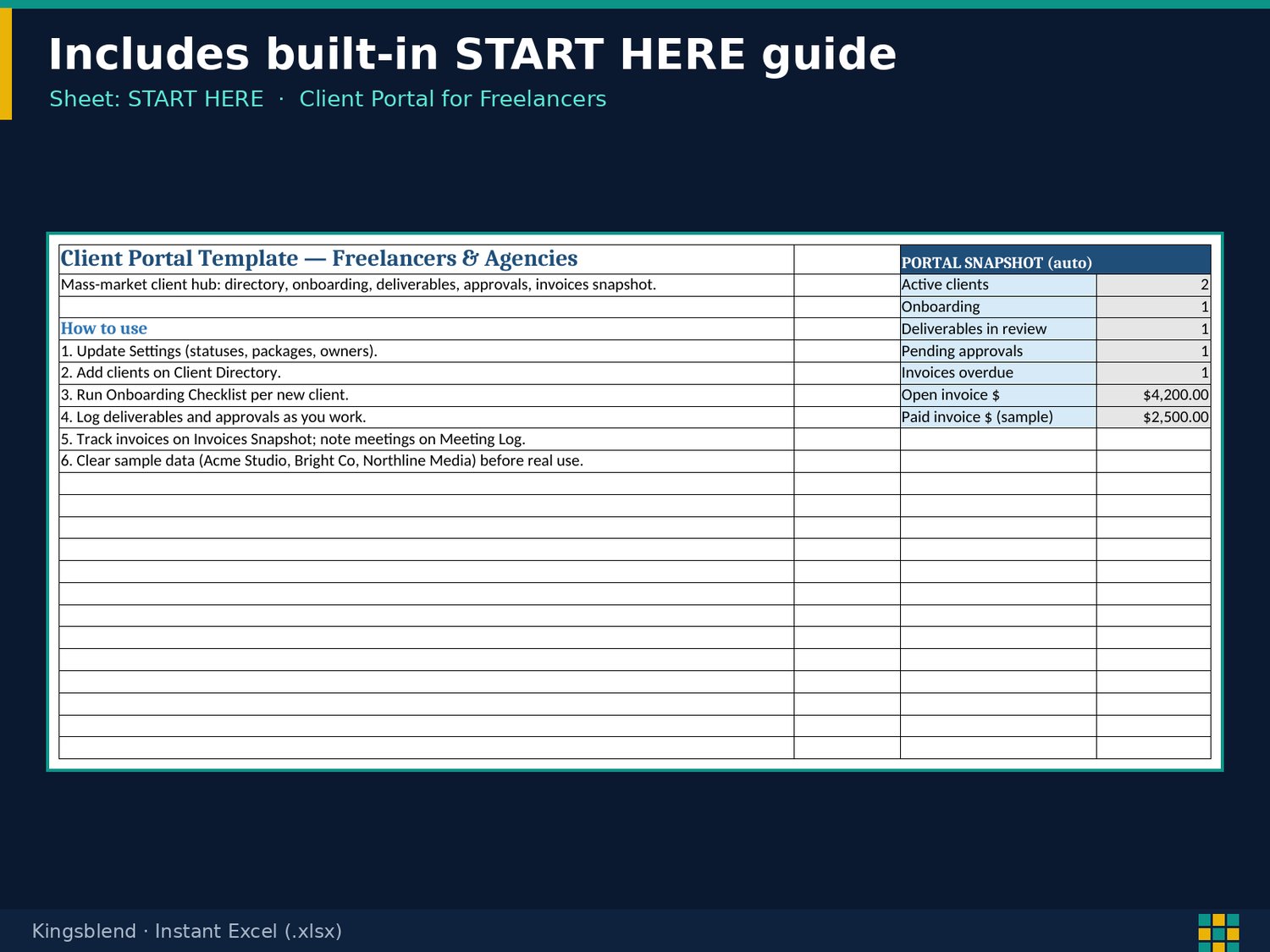
A START HERE snapshot pulls in active clients, deliverables in review, pending approvals and overdue invoices: 6 working tabs plus START HERE and Settings, in one file that is yours to keep.
✨ What It Does for You
- See client status at a glance on the START HERE snapshot
- Stop missing sign-offs: pending approvals past due are flagged
- Know which invoices are late: aging days and balance due calculate for you
- Keep meetings actionable: notes with next actions in the Meeting Log
📦 What's Inside
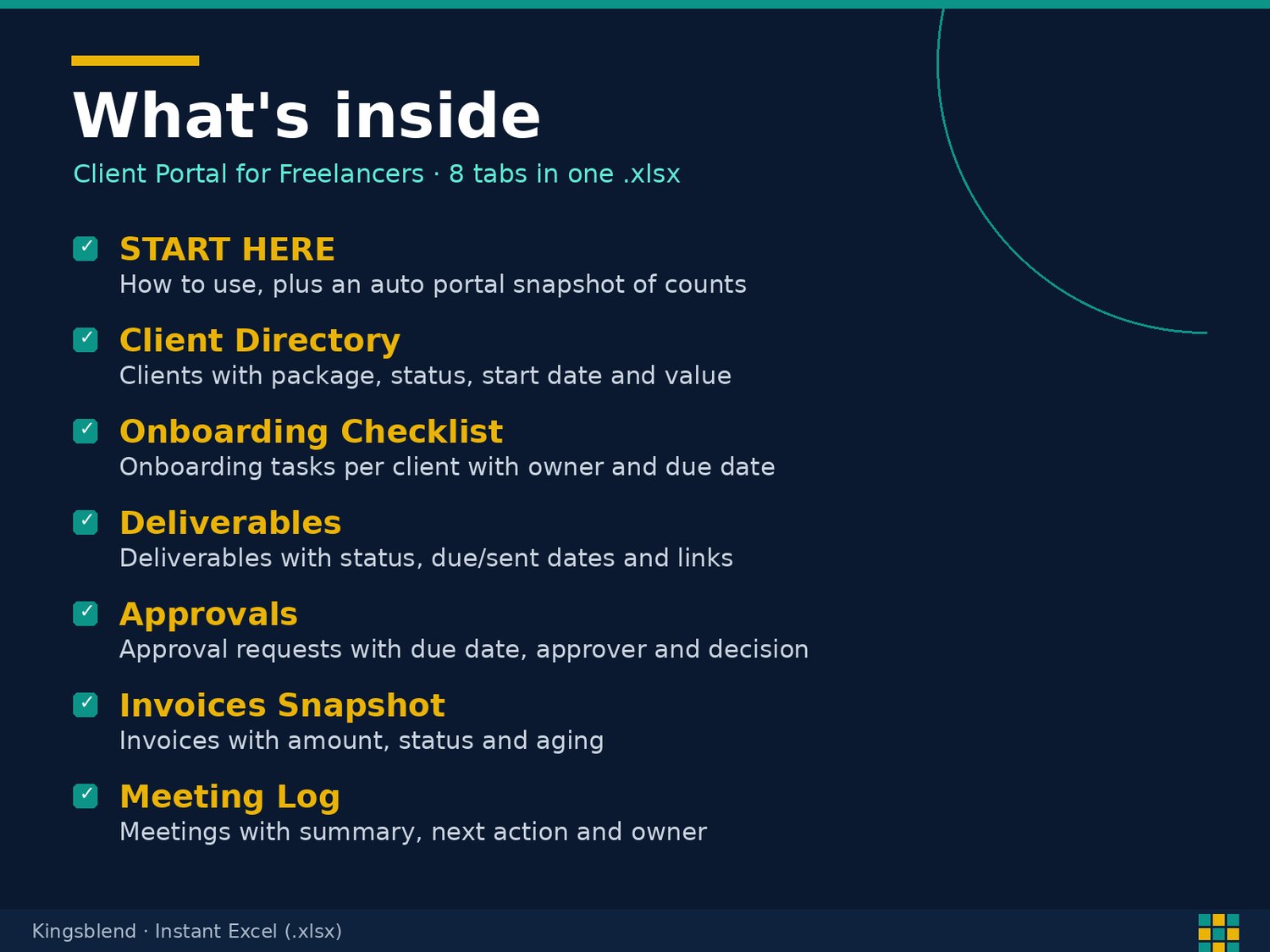
- START HERE: a 6-step how-to and a live snapshot: active and onboarding clients, deliverables in review, pending approvals, overdue invoices, and open vs paid invoice totals
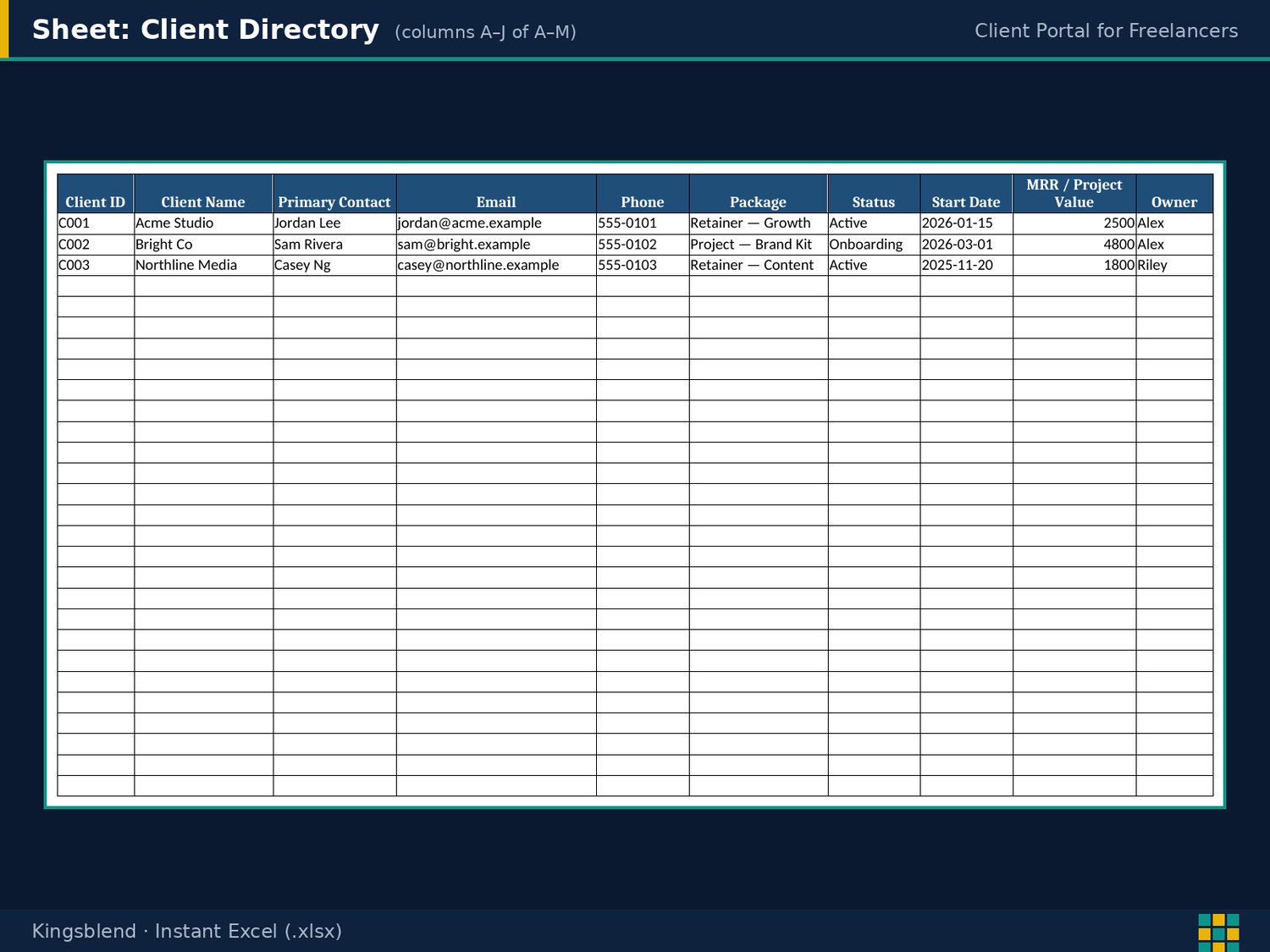
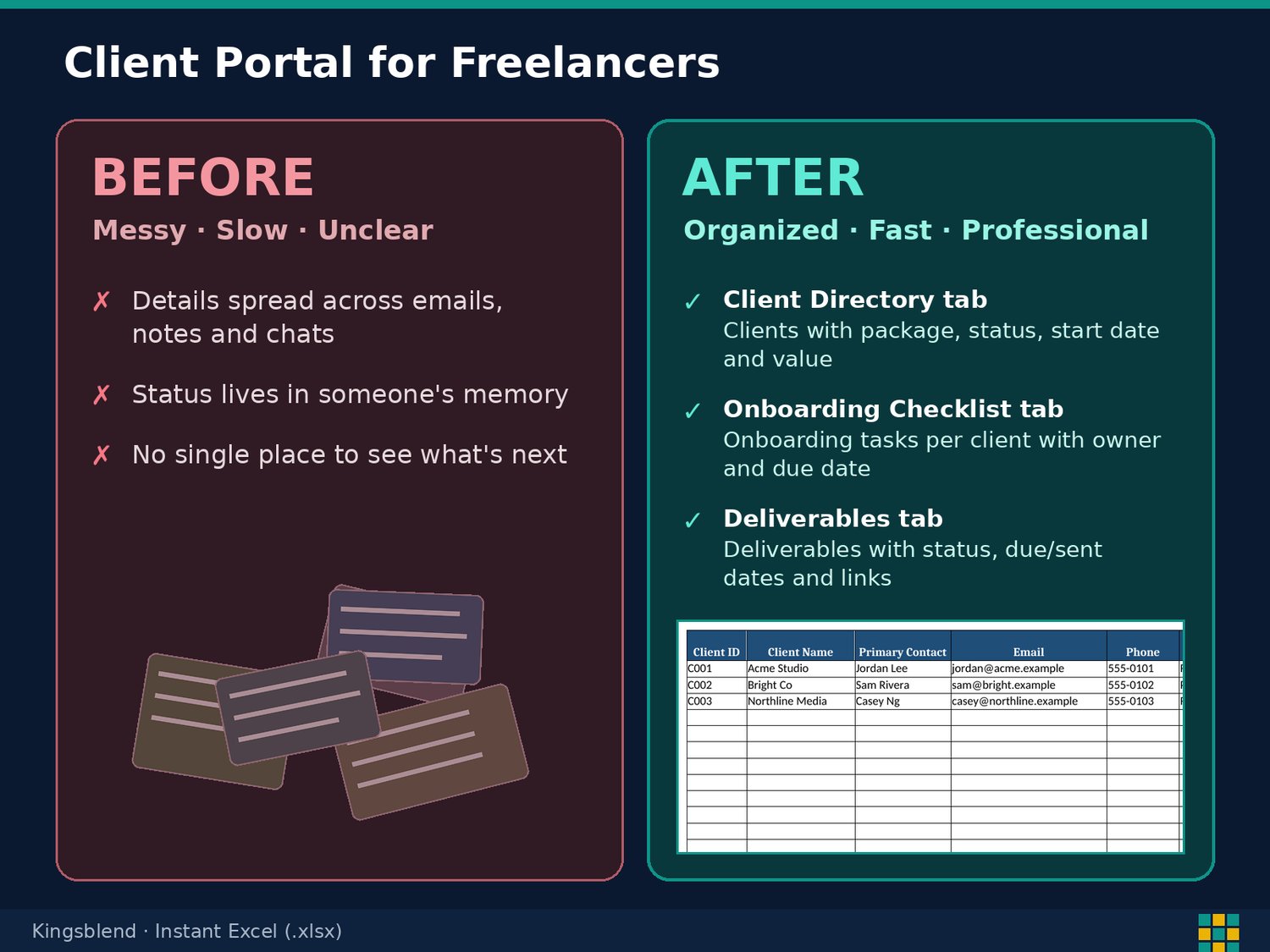
- Client Directory: contact, package, status, start date, MRR / project value, owner, and portal link
- Onboarding Checklist and Deliverables: 6 onboarding tasks per client, plus deliverables with status, due and sent dates, link, and days to due
- Approvals: requested and due dates, approver, and decision notes, with pending items past due flagged
- Invoices Snapshot: issue and due dates, amount, and status, with aging days and balance due calculated
- Meeting Log and Settings: meeting notes with next actions, plus editable lists for statuses, packages, and owners
💡 Who This Is For
- Freelancers managing several clients at once
- Boutique agencies and studios tracking deliverables and approvals
- Service providers who want client status at a glance
🔄 Before and After
- Before: Client info spread across email, drives, and notes. After: One Client Directory with package, status, value, and portal link
- Before: Approvals slipping past their due date. After: An Approvals tab that flags pending items past due
- Before: Guessing which invoices are late. After: An Invoices Snapshot that calculates aging days and balance due
⚡ Get Started in Minutes
- Download the .xlsx and open it in Excel or Google Sheets
- Read the first tab for the setup steps
- Replace the sample rows with your own
Sample data is fictional. Replace it with yours.
🔒 Instant Access
Once you purchase, you get immediate access to your file. It is yours to keep.
We’re a new store, but our digital tools are built to save you time, simplify your workflow, and help your business grow. Your trust matters — and every product is designed to deliver real results.
Thank you for supporting a growing brand.
— Kyle P. Herrick, Founder
✔️ Satisfaction Guarantee
If this template doesn’t help you save time or improve your workflow, message me and I’ll make it right. Your success matters.
💬 Need Help?
Message me anytime. I’m here to help you get the most out of your templates. Email herrickkyle87@outlook.com.
Set up your client hub today. Click Buy Now.