
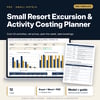
Small Resort Excursion & Activity Costing Planner: Resort activity costing and pricing workbook with booking sheet
Full description
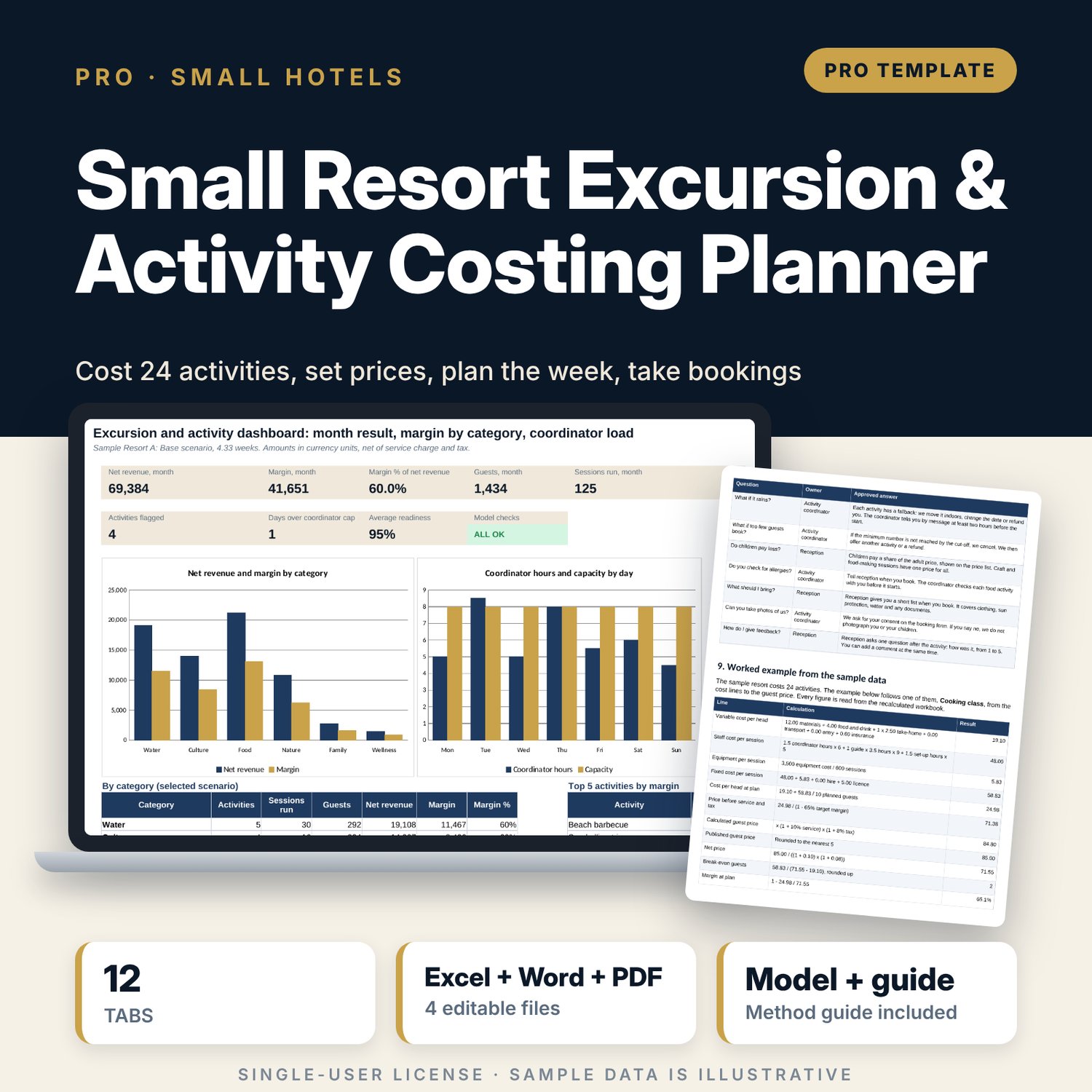
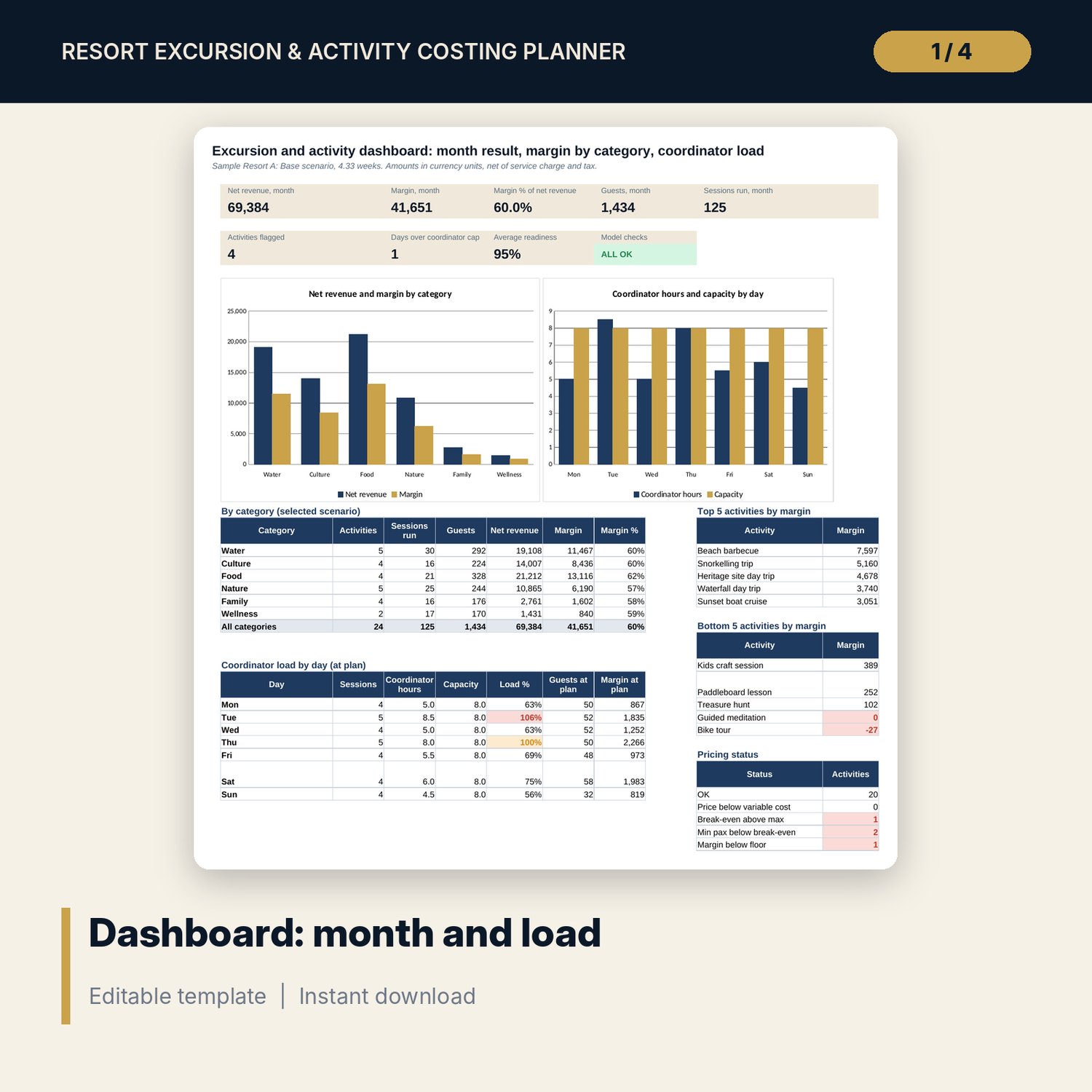
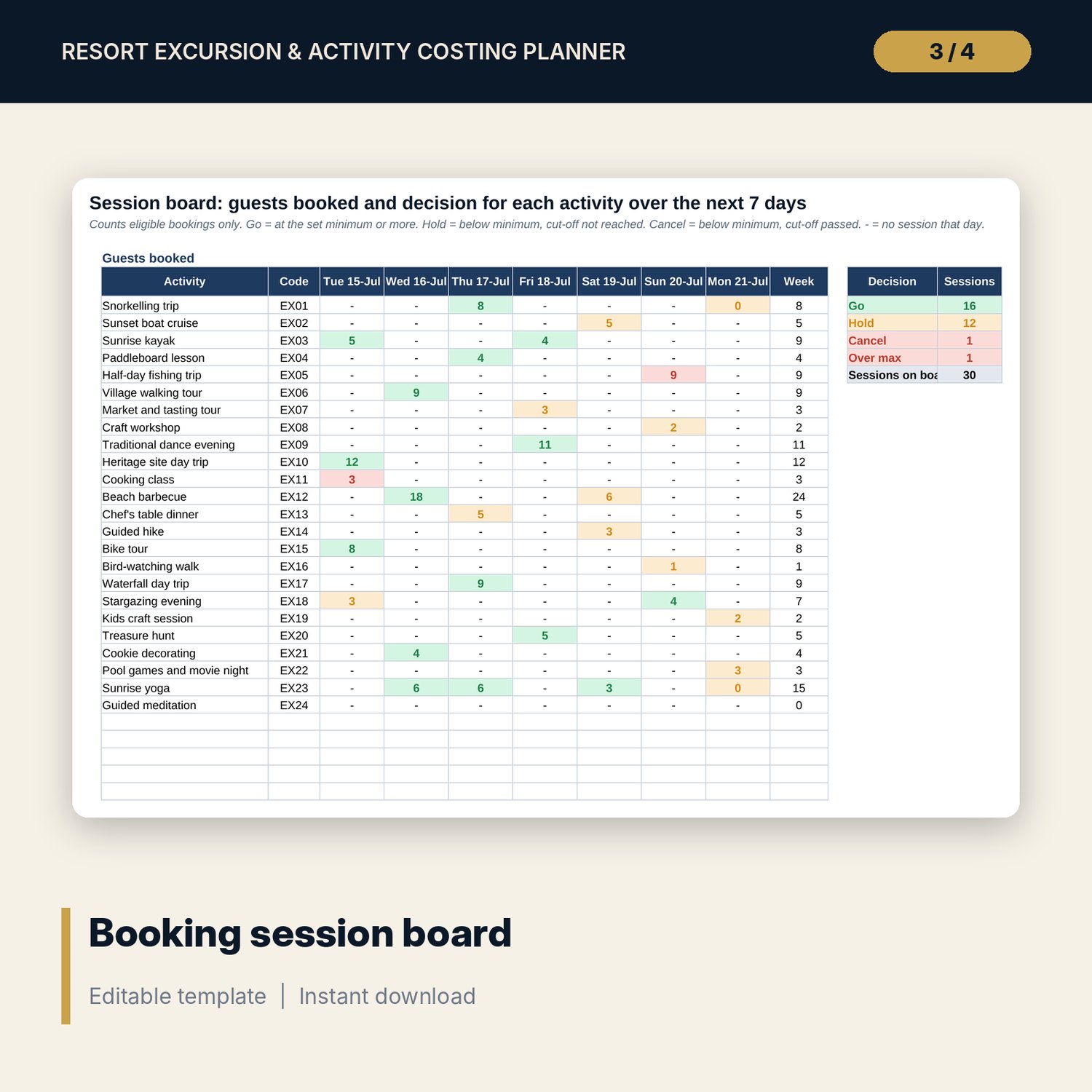
For resort managers, activity coordinators and revenue managers who sell excursions and activities and need to know what each one costs, what to charge and how many guests it takes to pay for a session. The costing workbook builds variable cost per head and fixed cost per session for 24 activities, sets the guest price from a target margin, adds service charge and tax, rounds to a price step and finds the break-even group size. It flags weak prices, places the activities in a weekly grid with a coordinator load check and plans the month under three scenarios. A booking workbook prices each booking, checks age and cut-off rules and shows which sessions go, hold or cancel. A 12-page Word guide gives the method, pricing rules, schedule rules, forms and a worked example.
What is inside
- Small_Resort_Excursion_Costing_Planner.xlsx: 12 tabs, 2,289 formulas, 2 native charts, 13 integrity checks, 23 drop-down and input rules
- Activities and Cost Build: 24 sample activities in 6 categories and 6 spare rows, with 7 per-head and 8 per-session cost lines
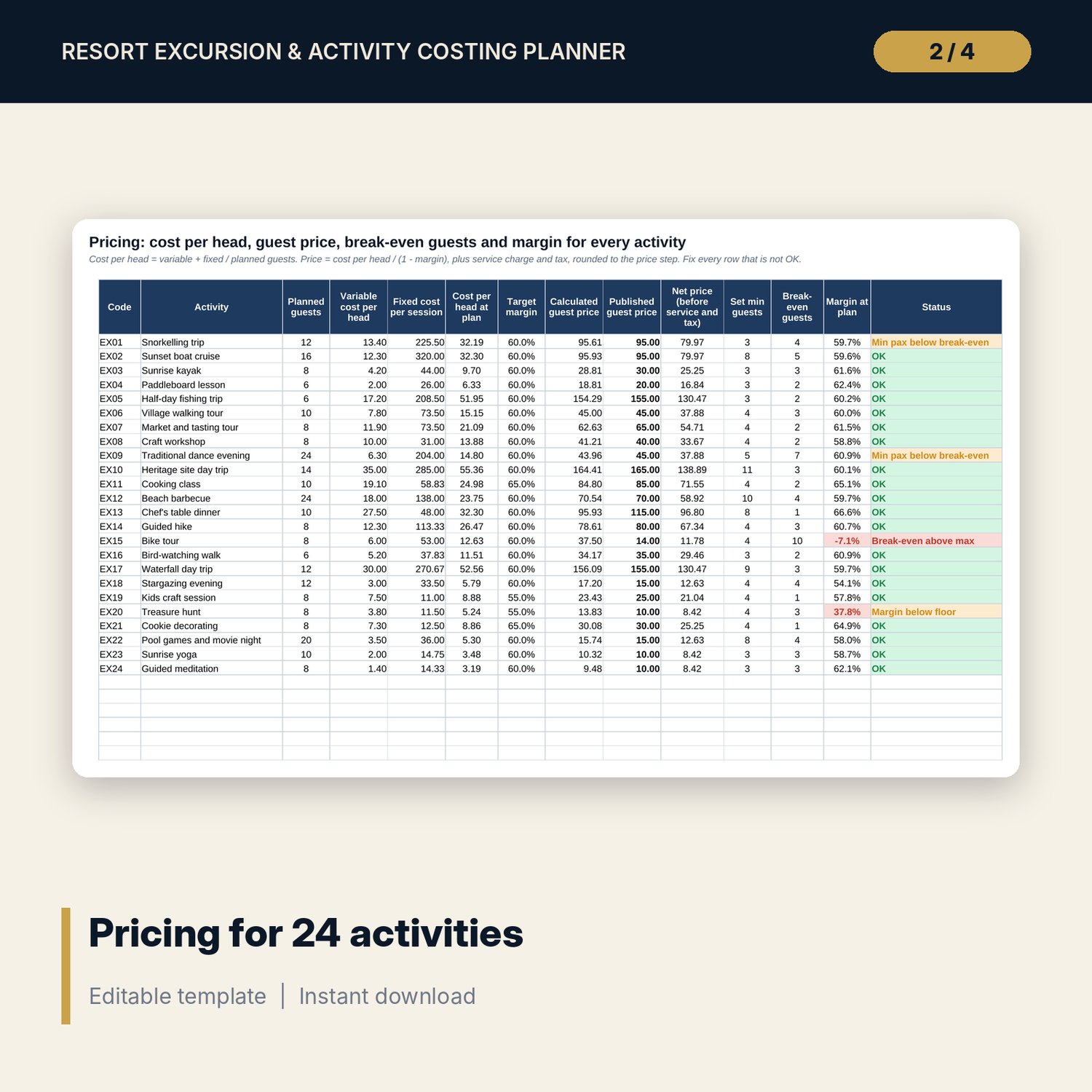
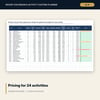
- Pricing: calculated and published price, net price, break-even guests, margin and a five-way status flag for every activity; 4 sample rows trip a flag
- Schedule: 5 slots by 7 days grid, sessions per activity, coordinator hours against capacity; Monthly Plan with 3 scenarios (Base, Peak, Low)
- Sensitivity: 3 grids for any activity and a margin map of every activity at 7 group sizes; Readiness: 13 checks per activity
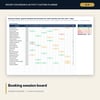
- Small_Resort_Excursion_Costing_Booking_Sheet.xlsx: 5 tabs, 1,548 formulas, 9 checks; 63 sample bookings, 7-day session board, next-day list
- Small_Resort_Excursion_Costing_Guide.docx and PDF: 12 pages with the costing method, cost lines, pricing and schedule rules, booking sequence, activity sheet, 18-item checklist, 10 guest answers and a worked example
- README.txt and LICENSE-and-Terms.txt
How it works
- Set the service charge, tax, target margin, staff rates and coordinator hours on Assumptions.
- Replace the sample activities and costs with your own.
- Read Pricing and fix every flagged row. Place the activities on the weekly grid.
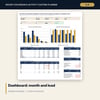
- Read the monthly plan under each scenario and the dashboard.
- Copy the prices into the booking workbook and run the booking sequence.
Details
- Formats: 2 Excel workbooks (.xlsx), 1 guide in Word (.docx) and PDF, English
- Software: Excel 2016 or later, or LibreOffice Calc 7 or later
- No macros, no external links, no data tables, no array formulas
- 4 files plus README and license; instant digital download
Good to know
- Sample data is illustrative. Activities, costs, prices, bookings and counts are invented. Replace them with your own.
- Tax, service charge, licence, insurance and safety rules differ by place. Verify local requirements with your adviser or insurer. This is not tax, legal, insurance or safety advice.
- The booking workbook is a working tool, not a payment or booking system.
- Single-user license. Do not redistribute.
FAQ
Can I add more activities?
Yes. Activities, Cost Build, Pricing, Monthly Plan and Readiness each have 6 spare rows. The formulas are already in place. Type a code and the costs.
How is the price calculated?
Cost per head at planned guests divided by one minus the target margin, then service charge and tax, rounded to the price step. You can override the margin or the price for one activity.
What is break-even guests?
The smallest group at which a session covers its fixed cost, after the variable cost of each guest. The set minimum should be at or above this number.
Does the booking workbook connect to my booking system?
No. It is a standalone sheet. You copy the prices in and enter the bookings by hand, or paste them from your system.
Do I need macros?
No. Both workbooks use no macros and no external links.