
Minimum Spend, Cover Charge & Reservation Deposit Policy Calculator: Reservation Deposit Policy Template
Full description
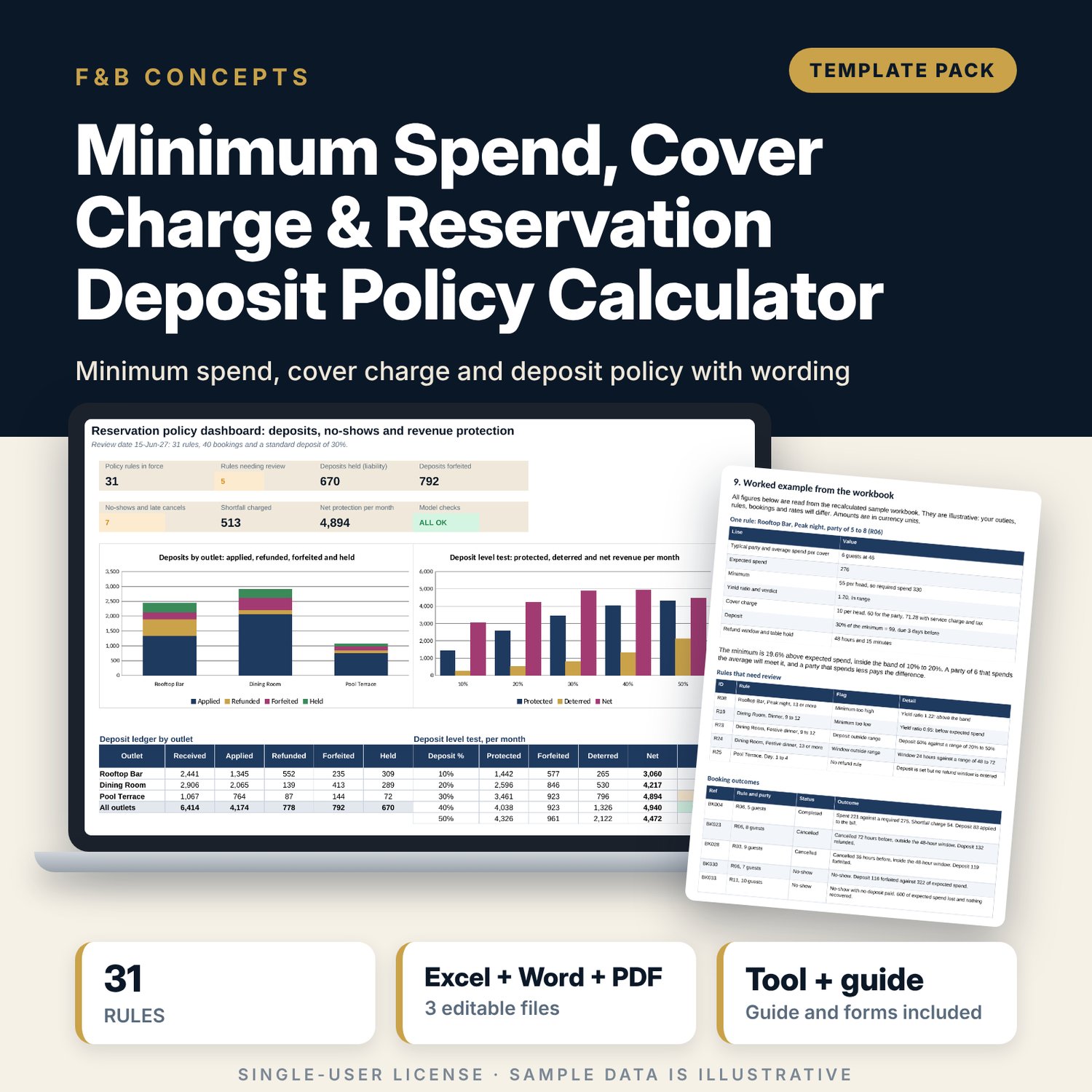
For food and beverage directors, reservations managers and outlet managers who want a written, tested policy for minimum spend, cover charge and deposits. The workbook holds 31 sample rules by outlet, daypart and party-size band and tests each minimum against expected spend. It tracks 40 sample bookings through to applied, refunded, forfeited or held deposits, charges any shortfall, and estimates the revenue a deposit policy protects at five deposit levels. A Word document gives you the policy wording, guest messages, a staff script, a group booking contract, an exception form and a deposit ledger.
What is inside
- Reservation_Policy_Calculator.xlsx: 7 tabs, 1,259 formulas, 2 native charts, 33 drop-down and input rules, 8 integrity checks
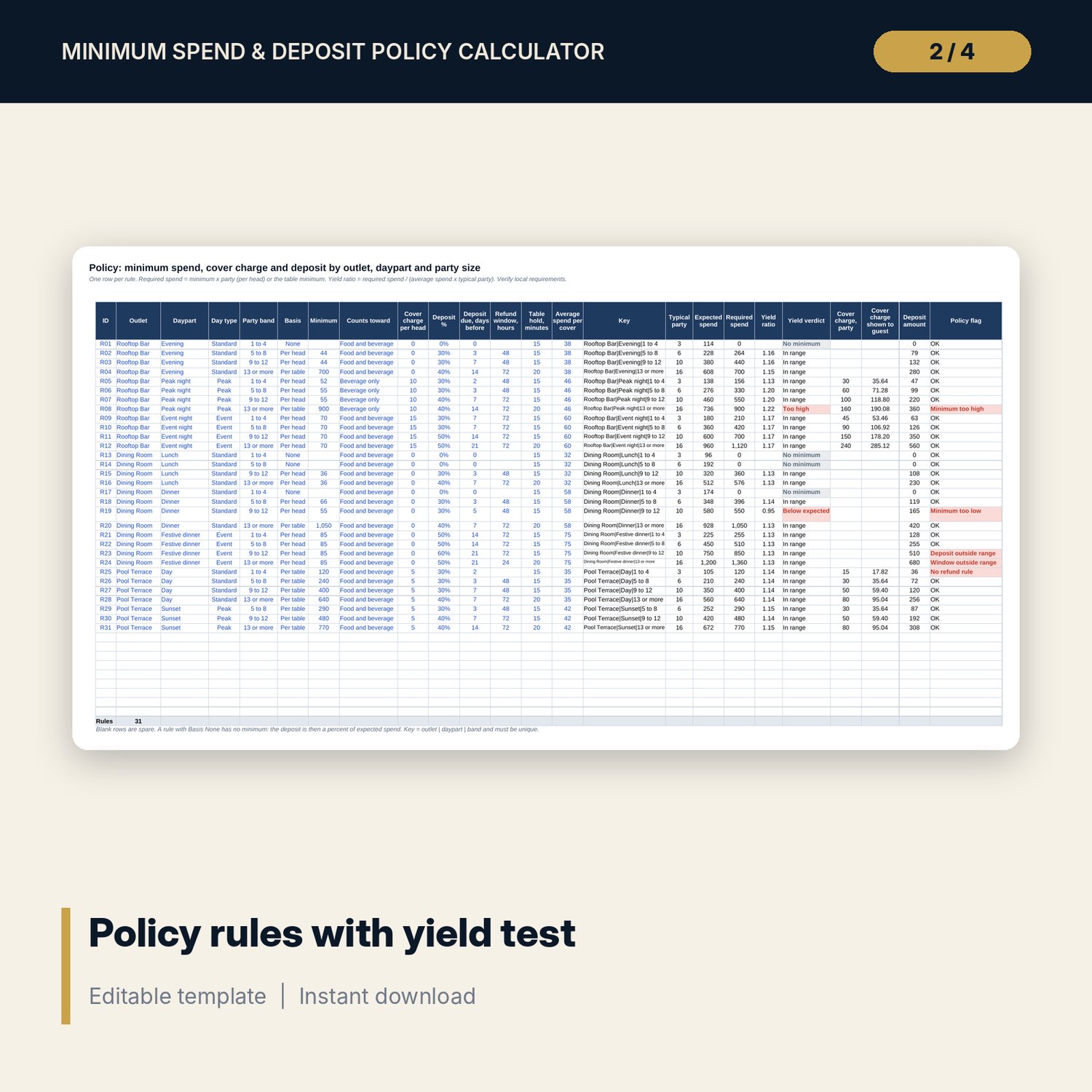
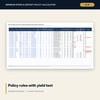
- Policy: 31 sample rules with 4 party-size bands, required spend, yield ratio and verdict, cover charge shown with service charge and tax, deposit amount and a flag, plus 9 spare rows
- Bookings: 40 sample bookings with status, cancellation notice, deposit received and qualifying spend, split into applied, refunded, forfeited and held, with shortfall charge and a flag, plus 12 spare rows
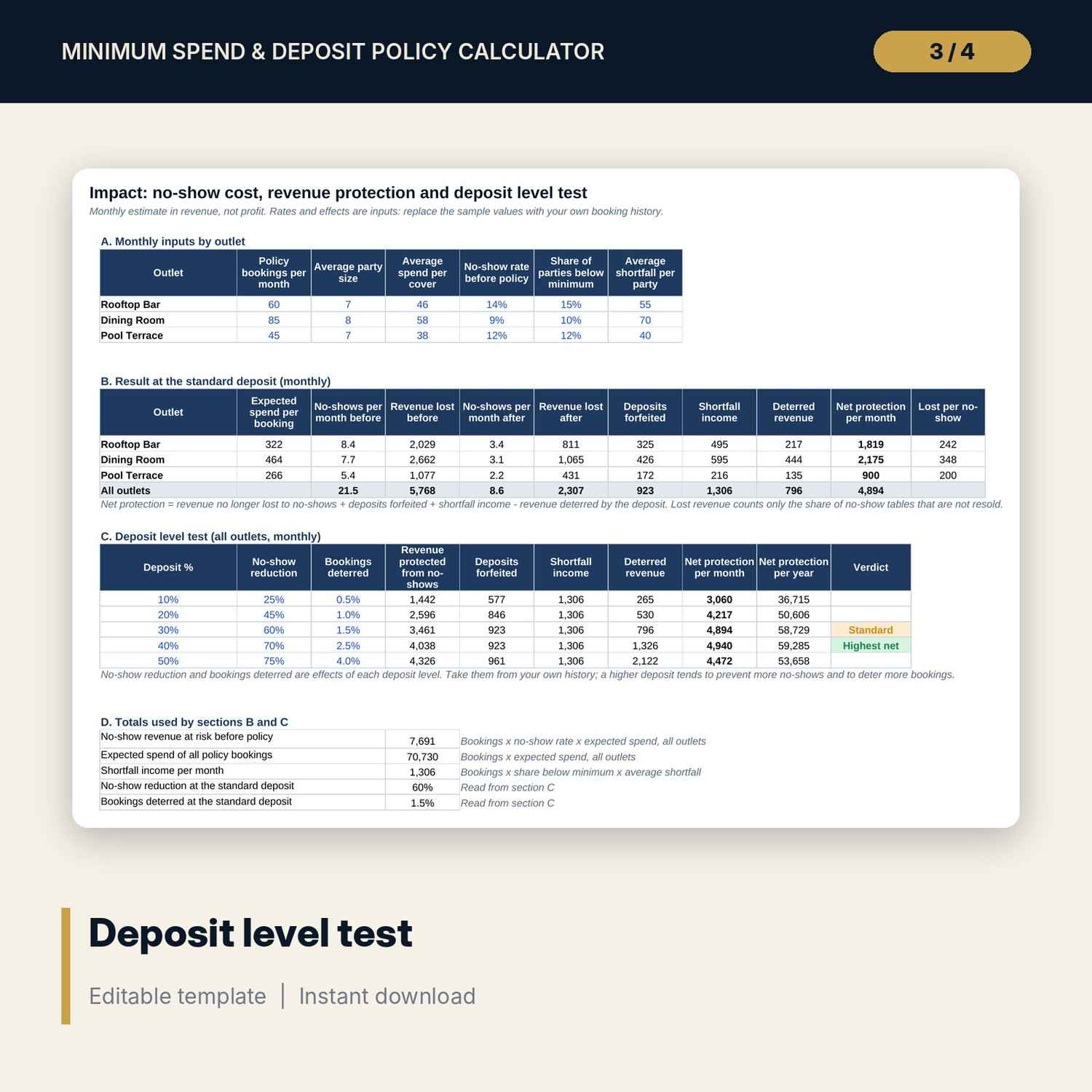
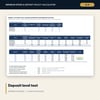
- Impact: no-show cost and revenue protection for 3 outlets and a test of 5 deposit levels
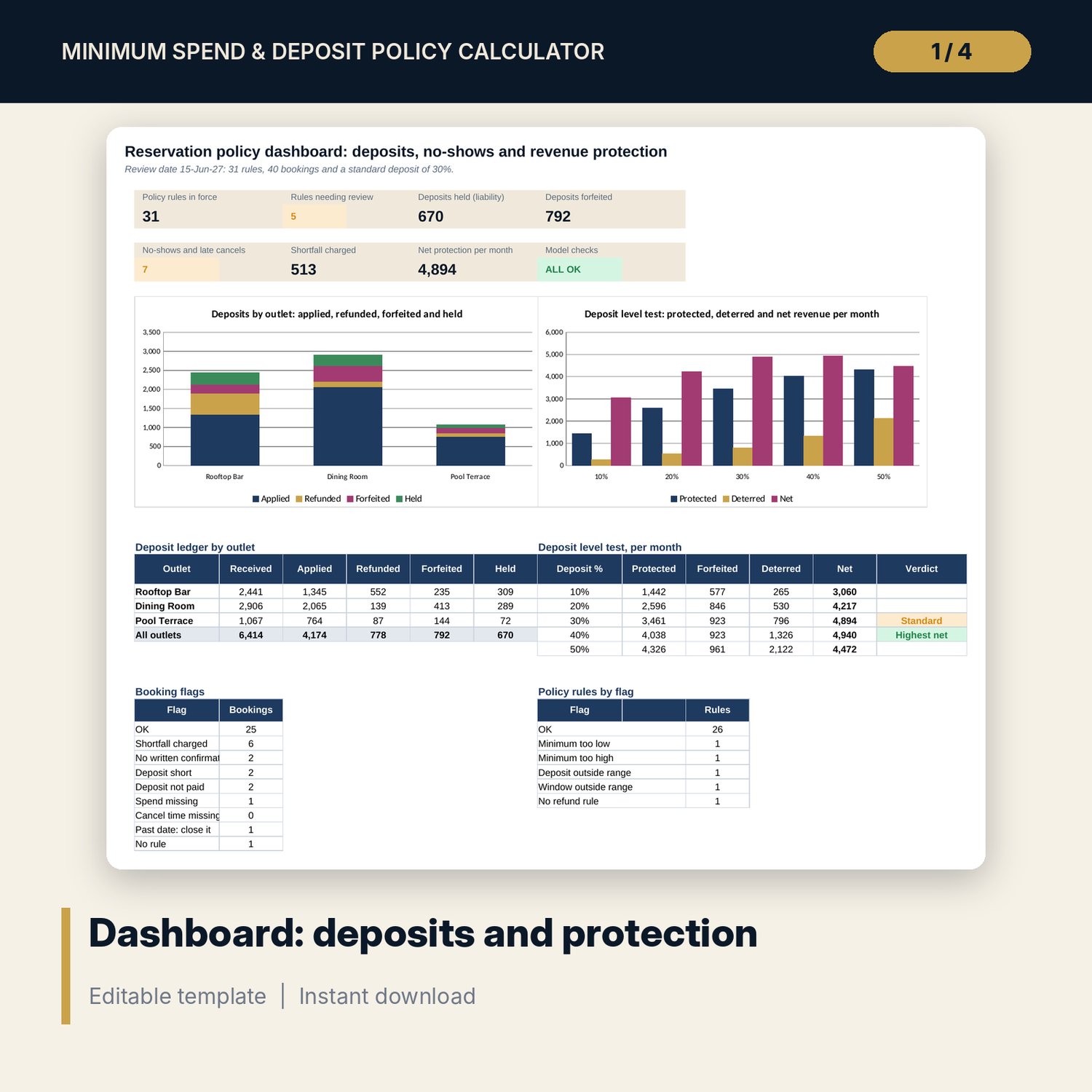
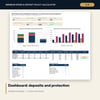
- Dashboard: 7 KPI tiles, a check tile, 2 charts, a deposit ledger by outlet, the deposit level test and flag counts
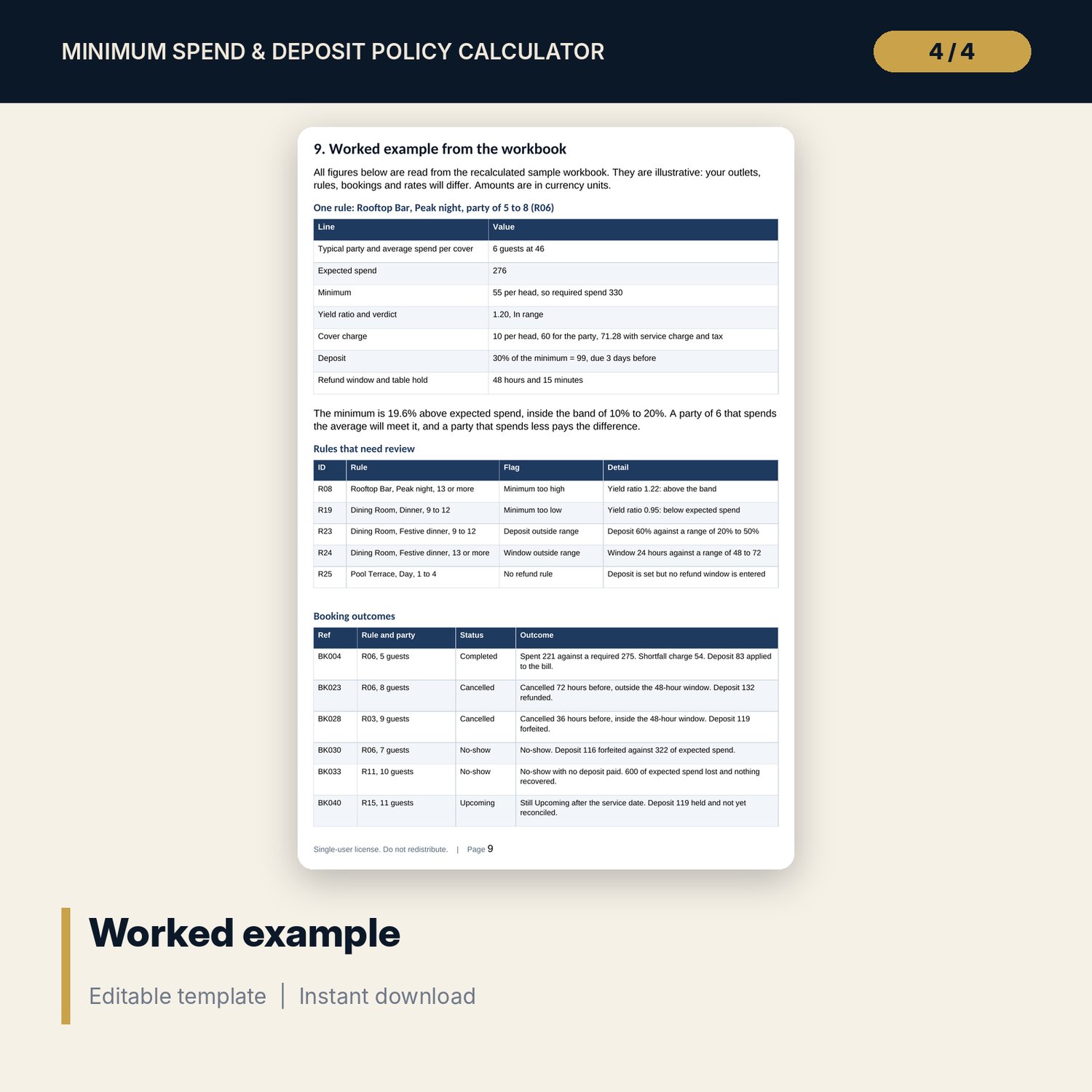
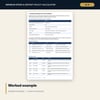
- Reservation_Policy_Wording.docx and PDF: 10 pages with a policy summary, 4 guest texts, a 10-answer staff script, a group booking contract, an exception form, a deposit ledger, a 20-line review checklist and a worked example
- README.txt and LICENSE-and-Terms.txt
How it works
- Set service charge, tax, the standard deposit, the allowed ranges and your party-size bands on Settings.
- Enter one rule for each outlet, daypart and party band, with the average spend per cover.
- Read the yield verdict and flag on each rule and fix any minimum that is too low or too high.
- Enter bookings and deposits, close each booking and read the ledger.
- Enter your no-show rates and deposit effects on Impact, then copy the final values into the Word wording.
Details
- Formats: 1 Excel workbook (.xlsx), 1 policy wording and forms pack in Word (.docx) and PDF, English
- Software: Excel 2016 or later, or LibreOffice Calc 7 or later
- No macros, no external links, no data tables, no array formulas
- 3 files plus README and license; instant digital download
Good to know
- Sample data is illustrative. Replace it with your own figures.
- Deposits, refunds, tax, service charge and consumer rules differ by location. Verify local requirements and have the final wording checked.
- These files are planning tools, not financial, tax or legal advice.
- Single-user license. Do not redistribute.
FAQ
How does it test a minimum spend?
It divides the required spend by expected spend (average spend per cover x typical party) and compares the ratio with a band you set, 10 to 20 percent above expected by default. The verdict is Below expected, Near expected, In range or Too high.
How is the deposit handled?
Each booking splits the deposit into applied to the bill, refunded if cancelled outside the refund window, forfeited for a no-show or late cancel, or held for an upcoming booking. The ledger must reconcile to the amount received.
Does the minimum include the service charge?
No. Qualifying spend excludes service charge, tax and cover charge. Settings show the service charge and tax so the cover charge can be shown to the guest in full.
Can I use my own outlets, dayparts and party bands?
Yes. Outlets, dayparts, party-size bands, rules and all rates are inputs, with spare rows on Policy and Bookings.
Do I need macros?
No. Every result is a standard worksheet formula.