
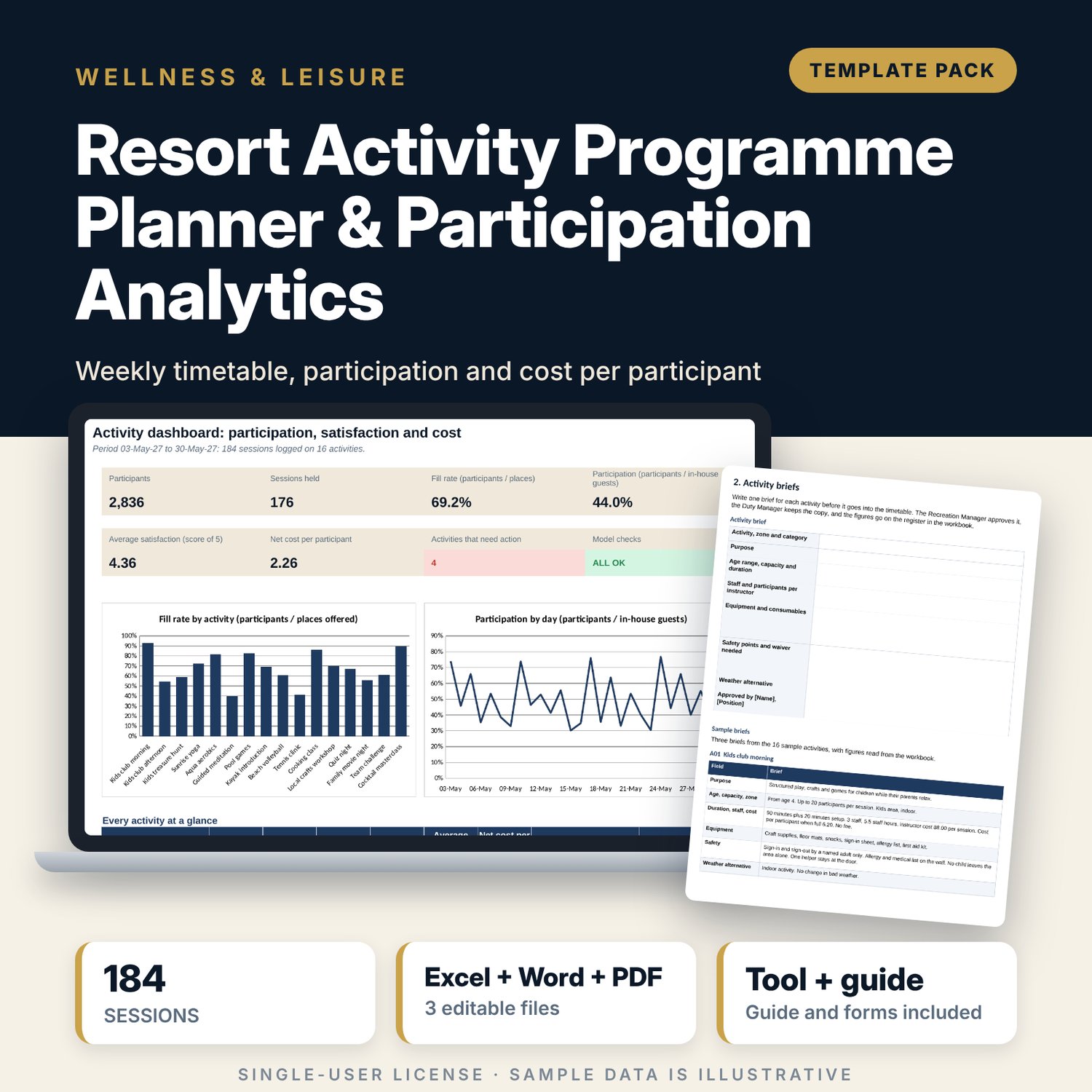
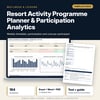
Resort Activity Programme Planner & Participation Analytics: Weekly Timetable, Attendance Log and Cost per Participant Template
Full description
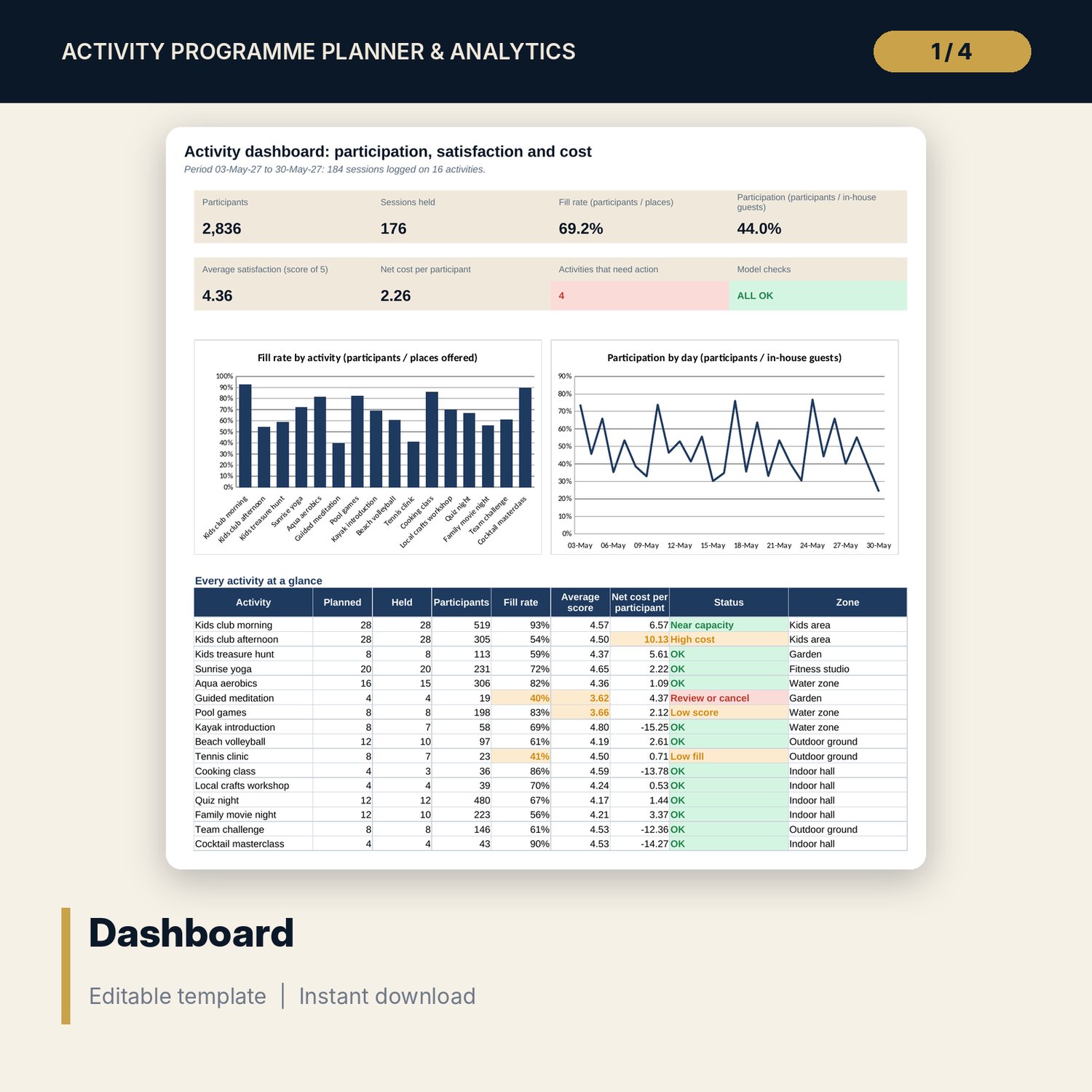
For recreation managers, activity leaders and resort general managers who run a weekly programme for in-house guests and need to know which activities earn their place. The workbook holds a register of 16 sample activities with capacity, duration, staffing ratio, materials, equipment and fee, a weekly timetable grid, and a calendar of in-house guests built from annual guest nights and a day-type multiplier. Each session goes on the attendance log with its status, participants and survey score. Analysis then gives fill rate, participation against in-house guests, satisfaction weighted by responses, cost per participant and net cost after fees, and a status for each activity: Review or cancel, Low score, High cost, Low fill, Near capacity or OK. The Planner compares places and staff hours with the guests expected each weekday. The Word pack supplies the planning cycle, activity briefs, safety and welfare forms, a survey, a daily attendance sheet and a monthly review agenda.
What is inside
- Activity_Programme_Planner.xlsx: 7 tabs, 4,150 formulas, 2 native charts, 17 drop-down and input rules
- Settings: period, guest numbers, thresholds, 3 day types, weekday map and an activity register of 16 sample activities plus 4 spare rows
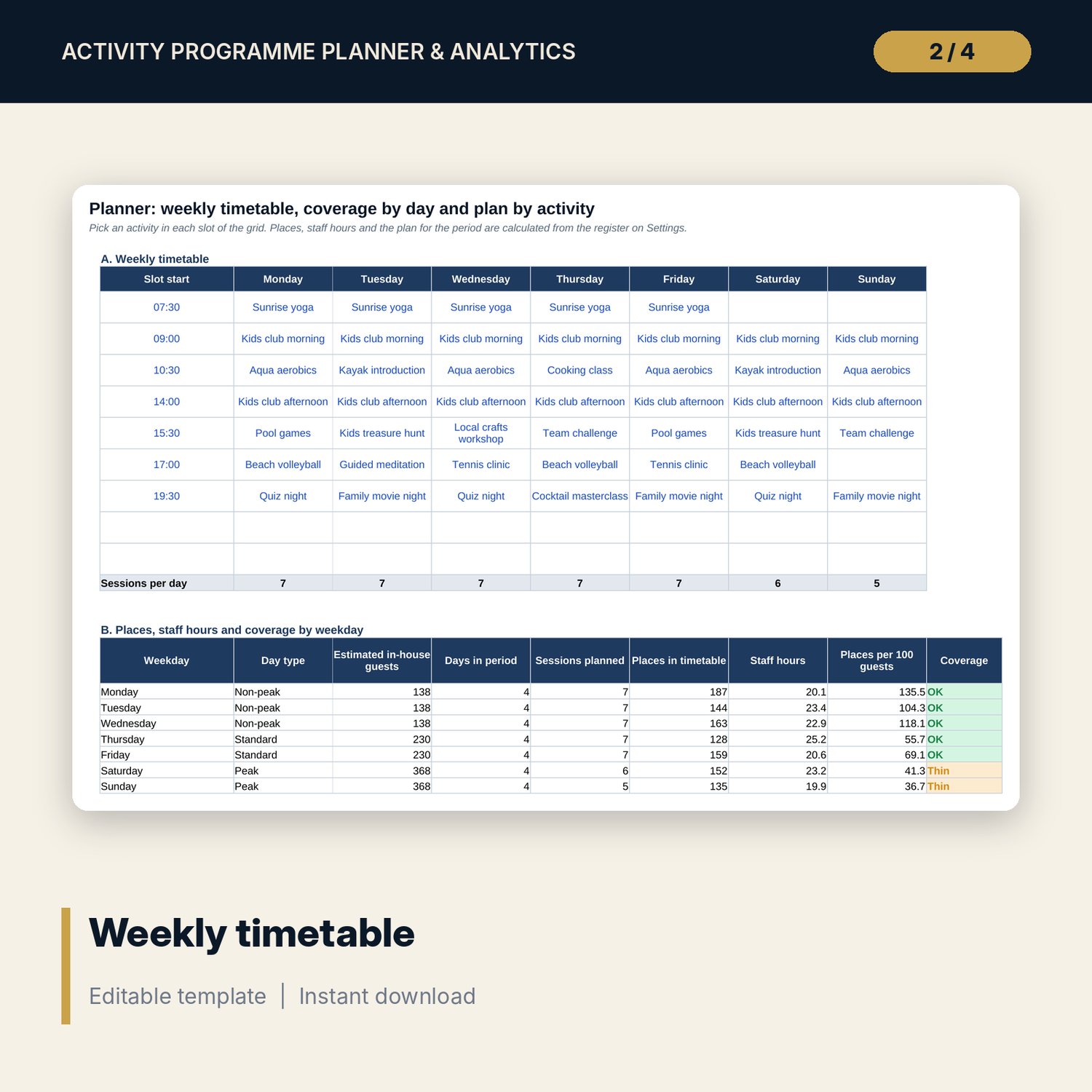
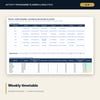
- Planner: weekly grid of 9 slot rows by 7 days, coverage by weekday, plan by activity and a 31-day calendar of in-house guests
- Attendance Log: 184 sample sessions for a 28-day period plus 60 spare rows, with fill, guests, cost, fees and a flag
- Analysis: results by activity, zone, day type and day
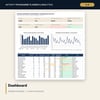
- Dashboard: 8 tiles including the check status, 2 charts and a table of every activity; 8 integrity checks
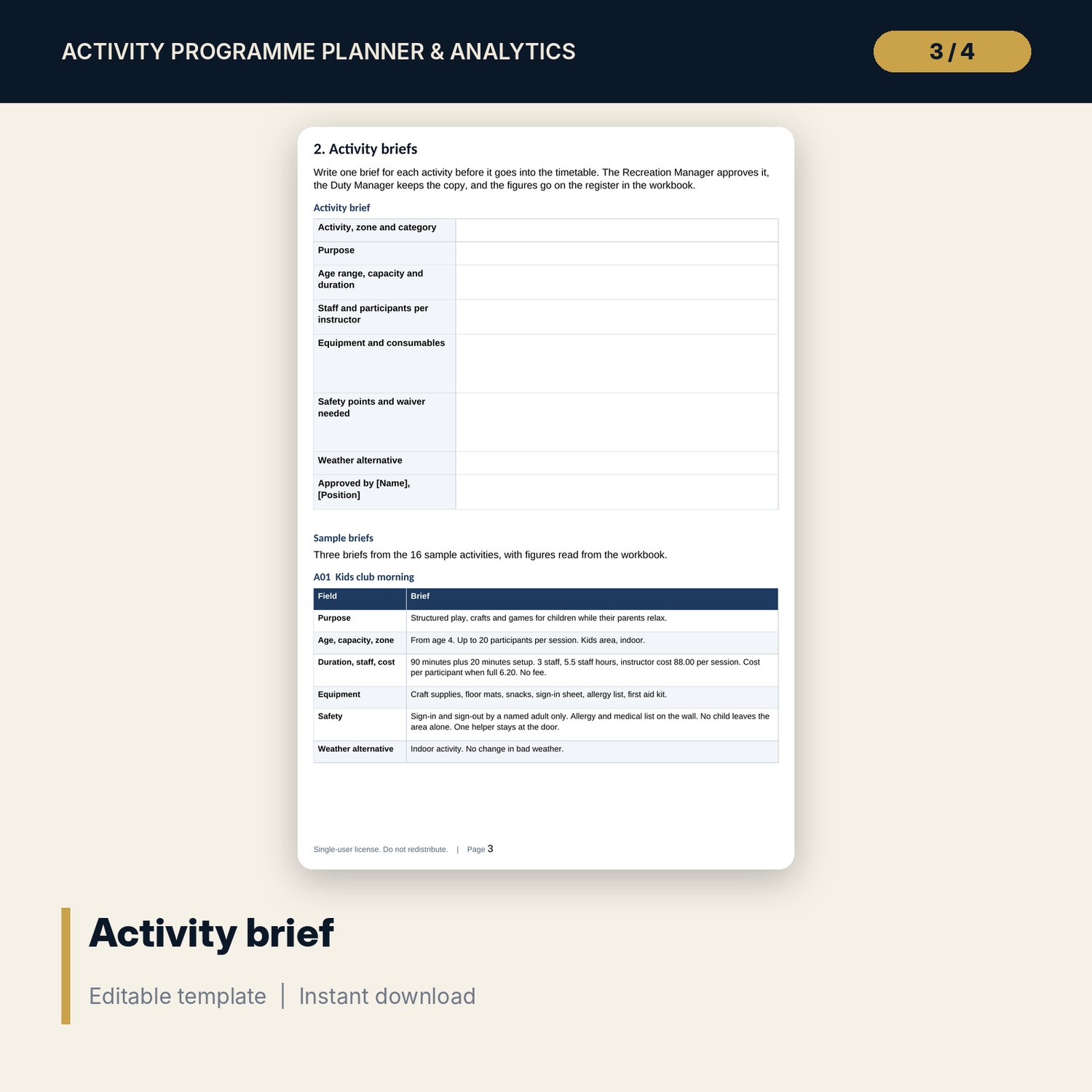
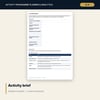
- Activity_Briefs_and_Forms.docx and PDF: 9 pages with planning cycle, briefs, safety and welfare, forms, review agenda and a worked example
- README.txt and LICENSE-and-Terms.txt
How it works
- Enter the period, annual guest nights, instructor cost and thresholds on Settings, and list your activities on the register.
- Fill the weekly grid on Planner and read places and staff hours against the guests expected each weekday.
- Log each session with its status, participants, survey responses and average score.
- Read Analysis and the Dashboard, then act on every status other than OK and Near capacity.
Details
- Formats: 1 Excel workbook (.xlsx), 1 Word pack (.docx) and PDF, English
- Software: Excel 2016 or later, or LibreOffice Calc 7 or later
- No macros, no external links, no data tables, no array formulas
- 3 files plus README and license; instant digital download
Good to know
- Sample data is illustrative. Replace it with your own figures.
- Participation counts the in-house guests once for each day an activity ran. A cancelled session carries no cost on the log.
- Ratios, age limits, weather limits and costs are examples. Verify local requirements before you publish an activity.
- Single-user license. Do not redistribute.
FAQ
How are in-house guests estimated?
Annual guest nights divided by 365, times a multiplier for the day type. You can type the real number for any day on the Planner calendar.
How is cost per participant worked out?
Instructor hours times the hourly cost, plus the equipment share for the session, plus materials per participant. Net cost per participant subtracts fees.
Can I change the thresholds?
Yes. Low fill, near capacity, satisfaction alert, net cost ceiling and the minimum places per 100 guests are inputs on Settings.
How many sessions can I log?
The sample holds 184 sessions plus 60 spare rows. Extend the table by copying the last row down.
Do I need macros?
No. Every result is a standard worksheet formula.