

Rules-Based Dynamic Pricing Builder: Rate Ladder by Occupancy, Lead Time and Day of Week
Full description
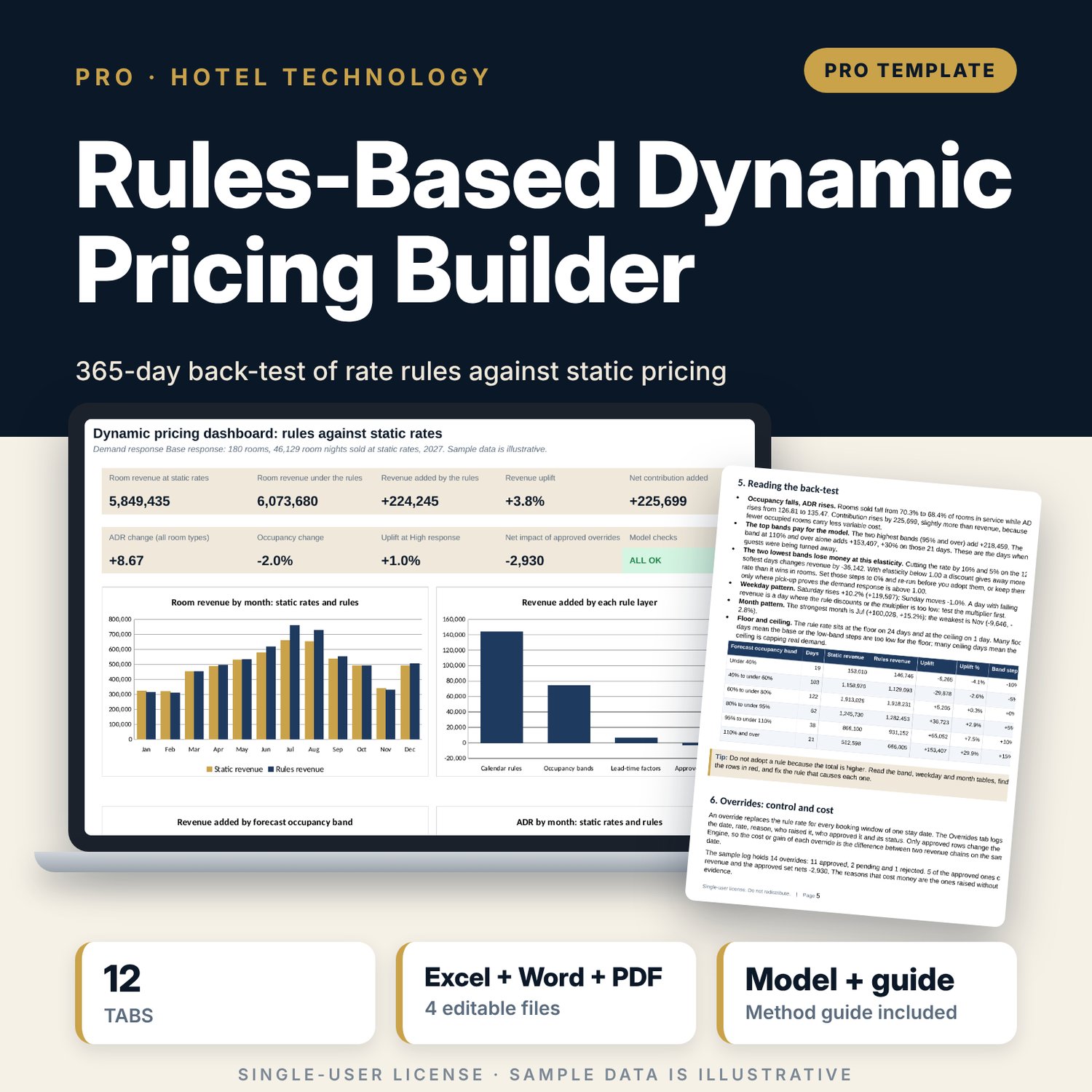
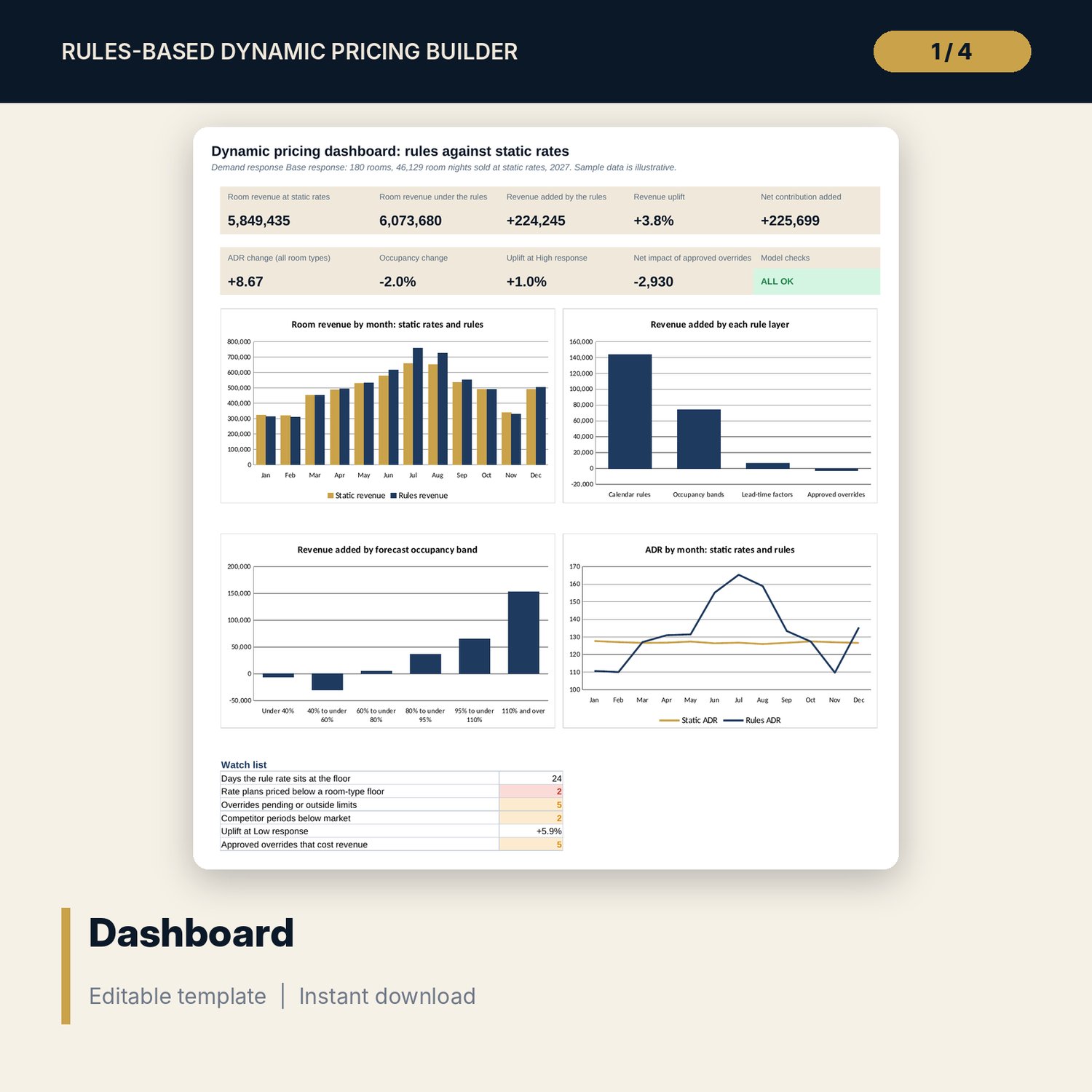
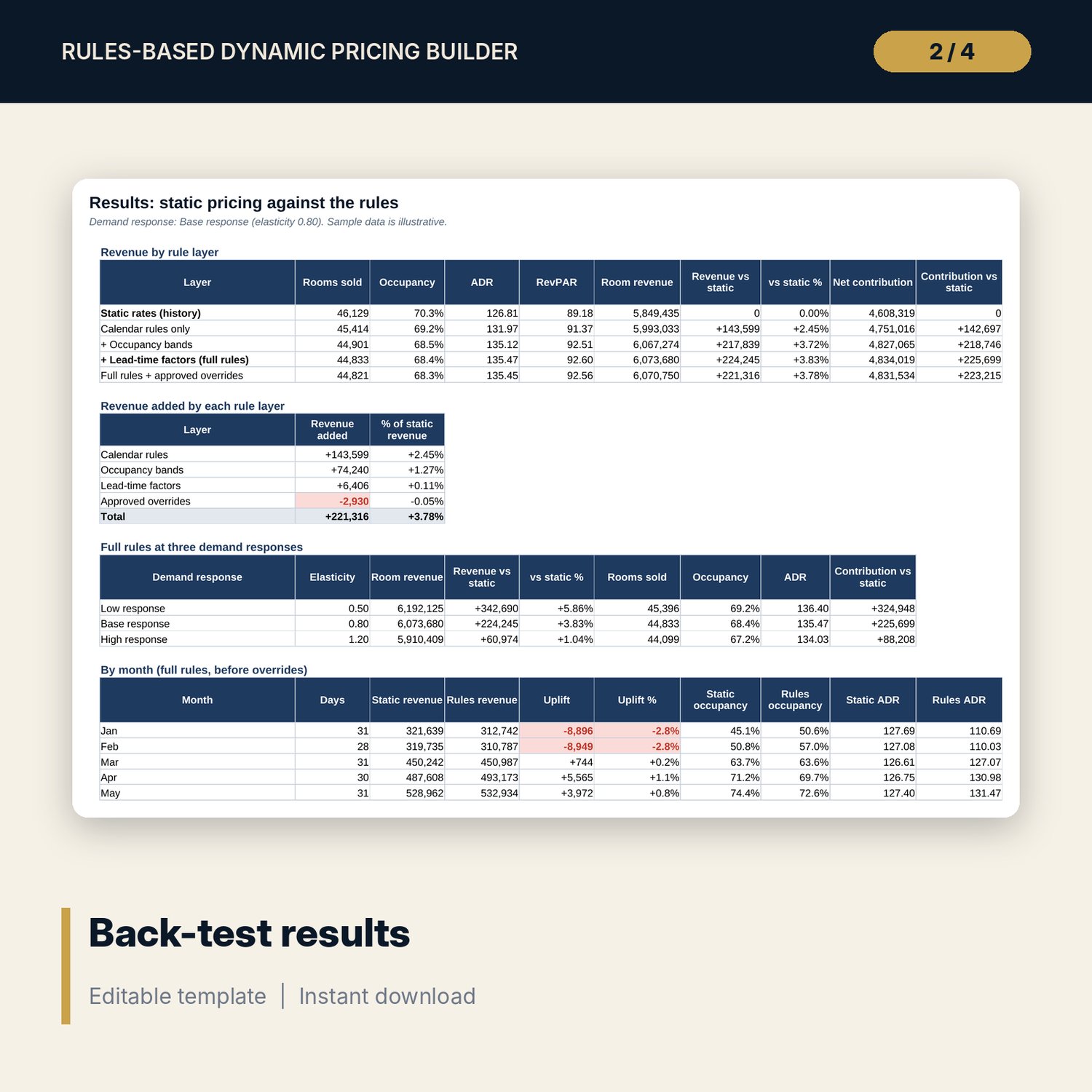
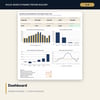
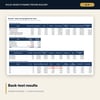
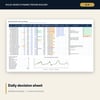
For revenue managers, general managers and reservations teams who want rates set by written rules instead of habit. The workbook builds a rate for every date from a base rate, day-of-week and season multipliers, an event calendar, six forecast-occupancy bands and four booking-lead-time windows, held between a floor and a ceiling. It back-tests those rules on 365 days of history against your static rates at Low, Base and High demand response, and splits the revenue gain by rule layer, month, weekday and band. An override log prices every exception, a competitor sheet drives a match, undercut or hold trigger, and derived rate plans, channel commissions and close-out levels sit on one ladder. A companion daily decision sheet and a 11-page guide put the rules to work.
What is inside
- Dynamic_Pricing_Builder.xlsx: 12 tabs, 25,804 formulas, 4 native charts, 37 drop-down and input rules
- Rate Rules: 7 day multipliers, 3 seasons with a month map, 6 occupancy bands, 4 lead-time windows, an event calendar with 12 rows
- Rate Ladder: 5 room types, 6 channels, 8 rate plans with derived rates for weekdays and Saturday
- Competitors: 8 sample hotels, six period rates each, market median and position
- History and Engine: 365 days, seven side-by-side calculation chains, one column per step
- Results: layers, three demand responses, 12 months, 7 weekdays, 6 occupancy bands
- Overrides: 14 sample entries with limit check and revenue impact; 14 integrity checks; Method tab with 16 documented calculations
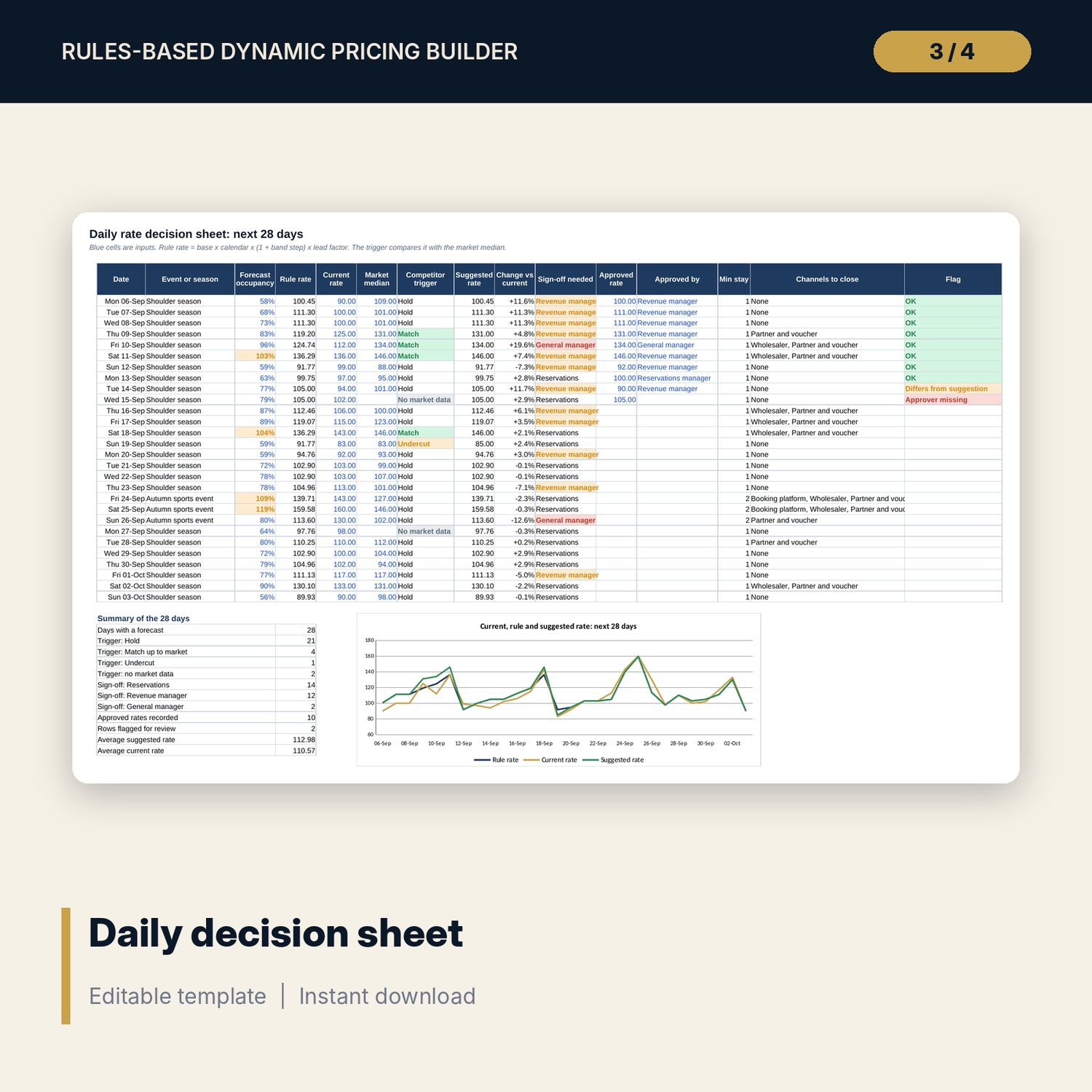
- Dynamic_Pricing_Builder_Daily_Decision_Sheet.xlsx: 4 tabs, 692 formulas, 2 charts, 28-day decision sheet, rate card, weekly review, 7 checks
- Dynamic_Pricing_Builder_Guide.docx and PDF: 11 pages with equations, a worked back-test, override control, daily routine, checklist and form
- README.txt and LICENSE-and-Terms.txt
How it works
- Enter rooms, cost per occupied room, approval limits and the competitor trigger on Assumptions.
- Set the multipliers, bands, lead-time factors, events, room types, channels and rate plans.
- Paste a year of your own history and read the back-test against static pricing at three demand responses.
- Log overrides with a reason and an approver and read what each one added or cost.
- Copy the rules into the daily decision sheet and run the 10-minute review each morning.
Details
- Formats: 2 workbooks (.xlsx), 1 guide in .docx and PDF, English
- Software: Excel 2016 or later, or LibreOffice Calc 7 or later
- No macros, no external links, no data tables, no array formulas
- 4 files plus README and license; instant digital download
Good to know
- Sample data is illustrative. Replace it with your own figures.
- The back-test uses an assumed demand response. Treat the gain as a range, not a forecast.
- The files are planning tools, not financial or legal advice. Verify your own rates, commission terms and local requirements.
- Single-user license. Do not redistribute.
FAQ
Does it set rates automatically in my booking system?
No. It calculates the rule rate and a suggestion. You approve and load the rate in your own system.
What history do I need?
One year of daily rooms sold, rooms out of order, turned-away requests and the rate charged. Turn-aways are optional but improve the top bands.
Can I change the bands, steps and multipliers?
Yes. Every multiplier, band, step, lead-time factor, event, limit and room-type rate is an input.
What is the demand response?
An elasticity you set in three scenarios. It controls how many rooms are lost or won when the rate differs from your static rate.
Do I need macros or add-ins?
No. Every result is a standard worksheet formula.