
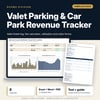
Valet Parking & Car Park Revenue Tracker: Valet Ticket Log, Fee Calculator and Claim Forms
Full description
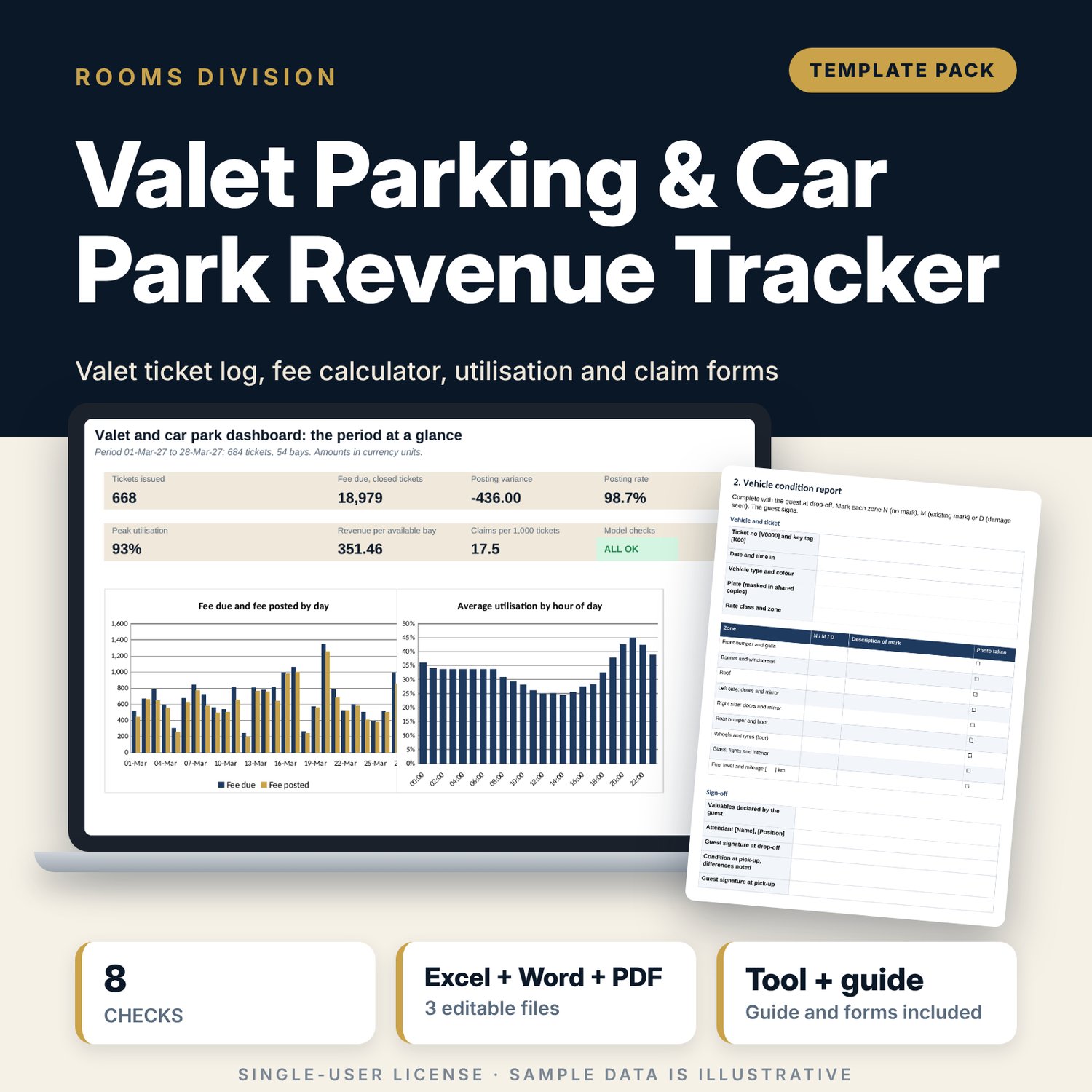
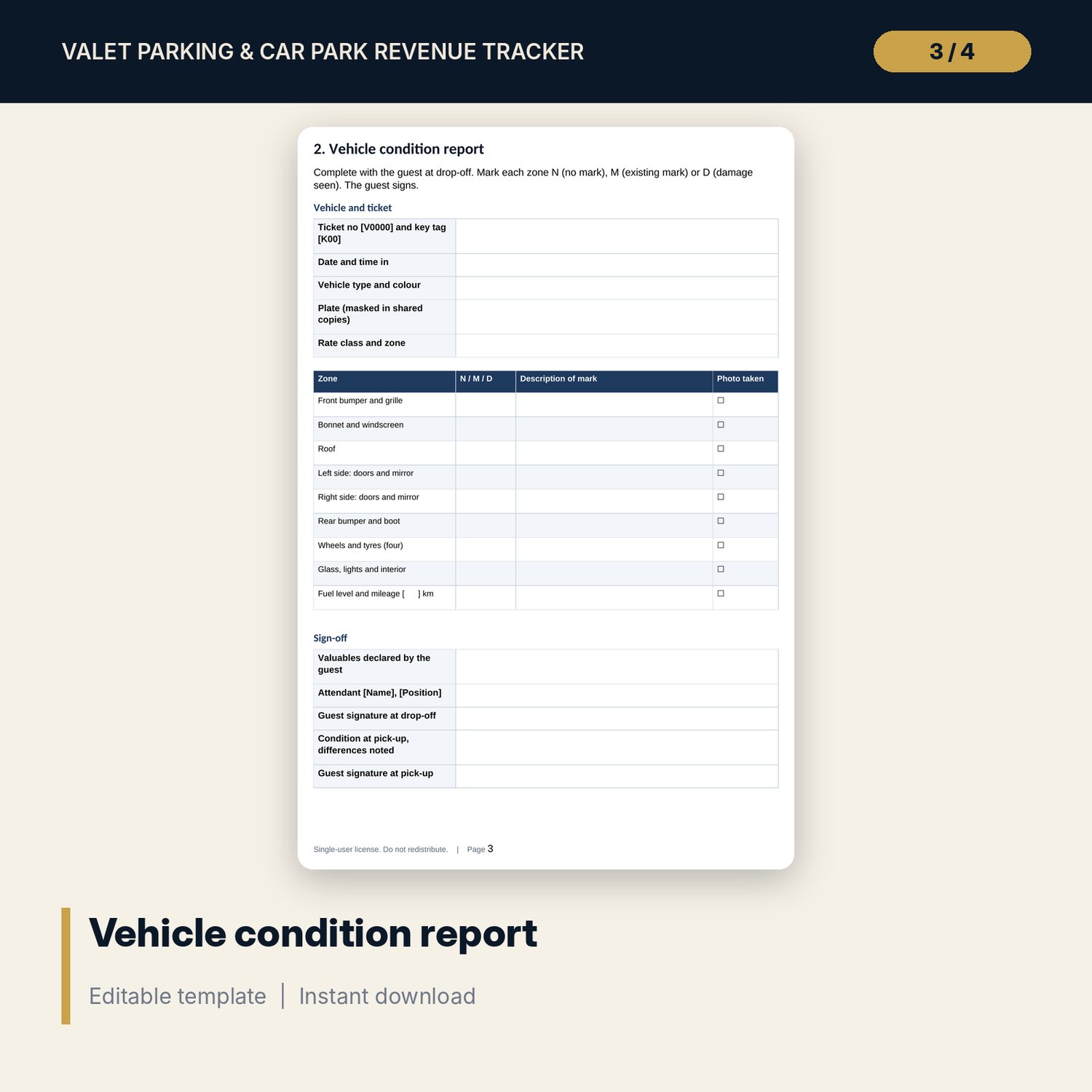
For front office managers, bell captains and general managers who run a valet or hotel car park and need to see where revenue and control leak. Each ticket records time in and out, vehicle, zone, rate class and payment route. The workbook turns minutes parked into billable hours and fee due with a grace period and a daily maximum, compares fee due with fee posted, counts vehicles on site at the start of every hour for peak and average utilisation, and links damage claims to ticket numbers. The Word pack gives a 16-standard valet procedure, a vehicle condition report, a lost ticket form, a claim form, a claim timetable, handover sheets and a worked example read from the workbook.
What is inside
- Valet_Car_Park_Tracker.xlsx: 7 tabs, 6,247 formulas, 2 native charts, 19 drop-down and input rules
- Ticket Log: 684 sample tickets over 28 days, 17 columns, 100 spare rows, Status and Flag columns (Under-posted, No close-out, Lost ticket)
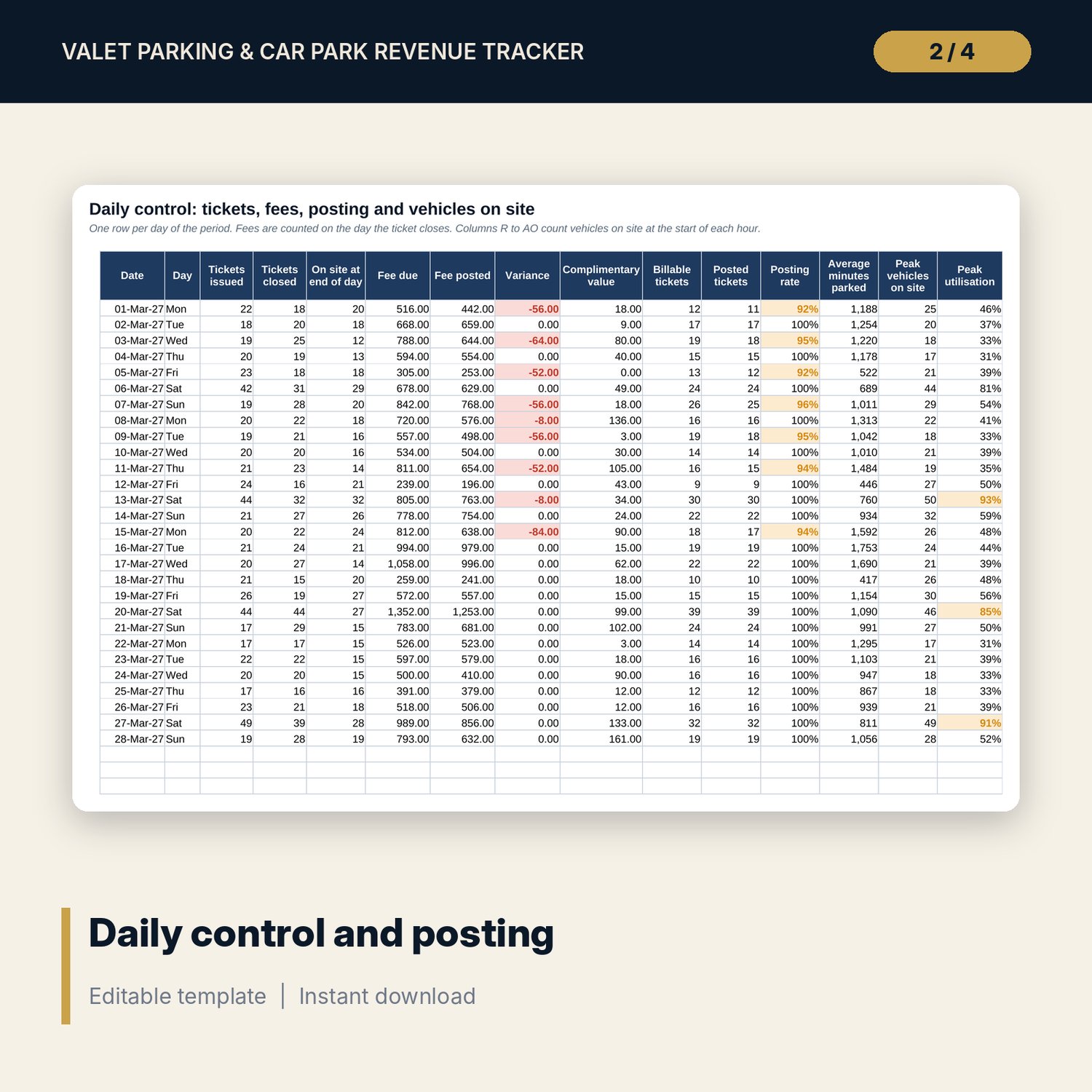
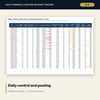
- Daily Control: 31 day rows with issued, closed, on site, fee due, fee posted, posting rate and peak, plus 24 hourly counts per day
- Damage Log: 12 sample claims linked to tickets, 12 spare rows, photo, same-shift and ageing flags
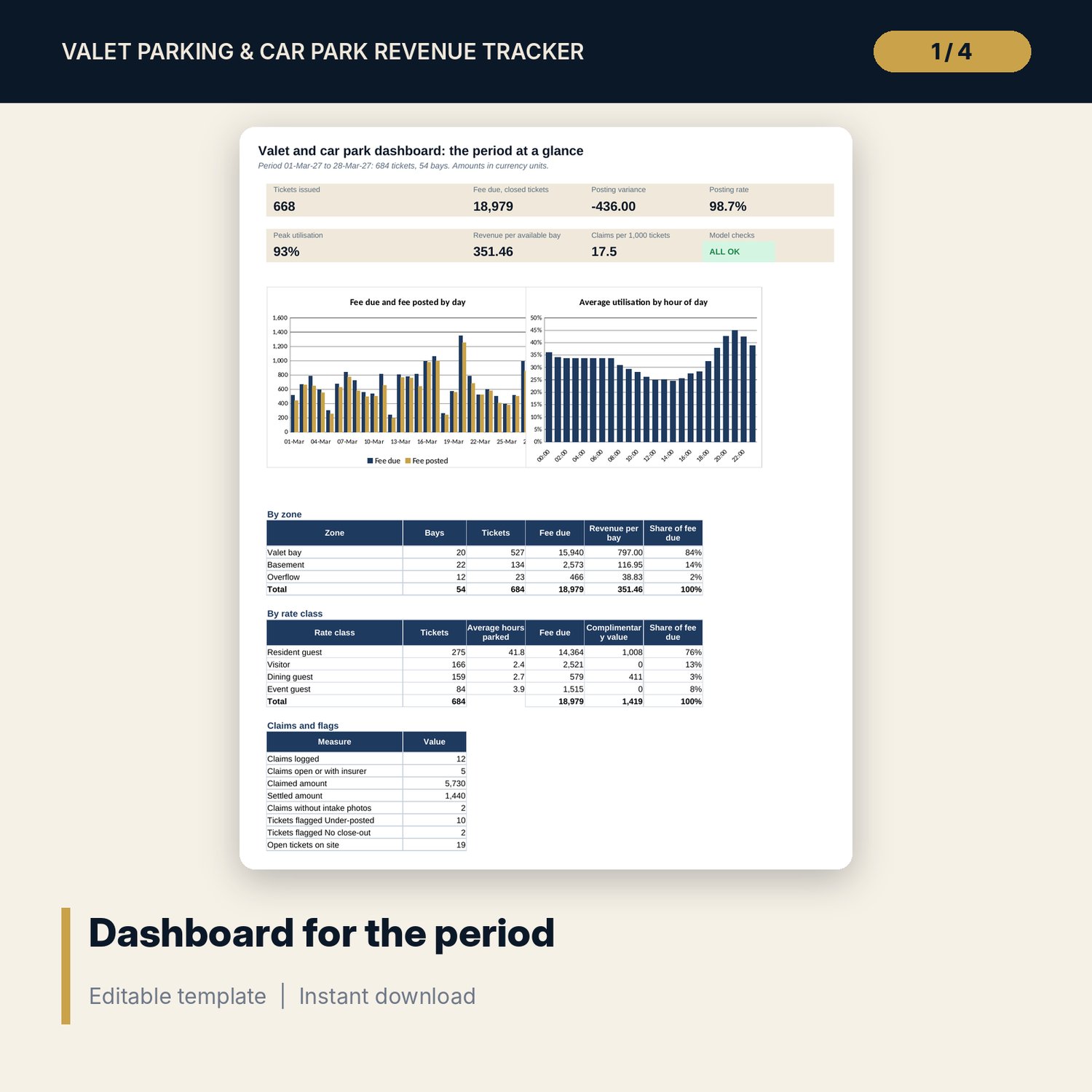
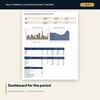
- Dashboard: 7 KPI tiles, a check tile, 2 charts, zone, rate class and claim summaries; 8 integrity checks on the Checks tab
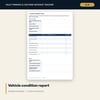
- Valet_Procedure_and_Claim_Forms.docx and PDF: 9 pages with the procedure, condition report, lost ticket form, claim form, claim timetable, handover sheets, training record and a worked example
- README.txt and LICENSE-and-Terms.txt
How it works
- Enter the period, rate classes, bays by zone and tolerances on Settings.
- Log each ticket on Ticket Log. The workbook calculates minutes, billable hours, fee due, variance, status and flag.
- Read Daily Control and Dashboard for posting rate, peak utilisation and revenue per bay.
- Log damage on Damage Log and use the forms at the door and for every claim.
Details
- Formats: 1 Excel workbook (.xlsx), 1 Word forms pack (.docx) and PDF, English
- Software: Excel 2016 or later, or LibreOffice Calc 7 or later
- No macros, no external links, no data tables, no array formulas
- 3 files plus README and license; instant digital download
Good to know
- Sample data is illustrative. Replace it with your own figures.
- Rates, grace periods, lost ticket fees and claim wording are examples. Verify local requirements and your insurer's instructions.
- These files are management tools, not legal or insurance advice.
- Single-user license. Do not redistribute.
FAQ
How is the parking fee calculated?
Minutes parked less the grace period, rounded up to whole hours, times the hourly rate for the rate class, capped at the daily maximum for each 24-hour block. A lost ticket fee is added when you mark the ticket lost.
Can it show how full the car park is?
Yes. Daily Control counts vehicles on site at the start of each hour for every day, then shows peak and average utilisation against the bays you set by zone.
What does the Under-posted flag mean?
The fee posted to the room, cash or card is lower than the fee due by more than your tolerance. The ticket was closed but the revenue did not reach the folio.
How many tickets can it hold?
684 sample tickets plus 100 spare rows. Formulas also return blank on empty rows, so you can extend the table by copying the last row down.
Do I need macros?
No. Every result is a standard worksheet formula.