
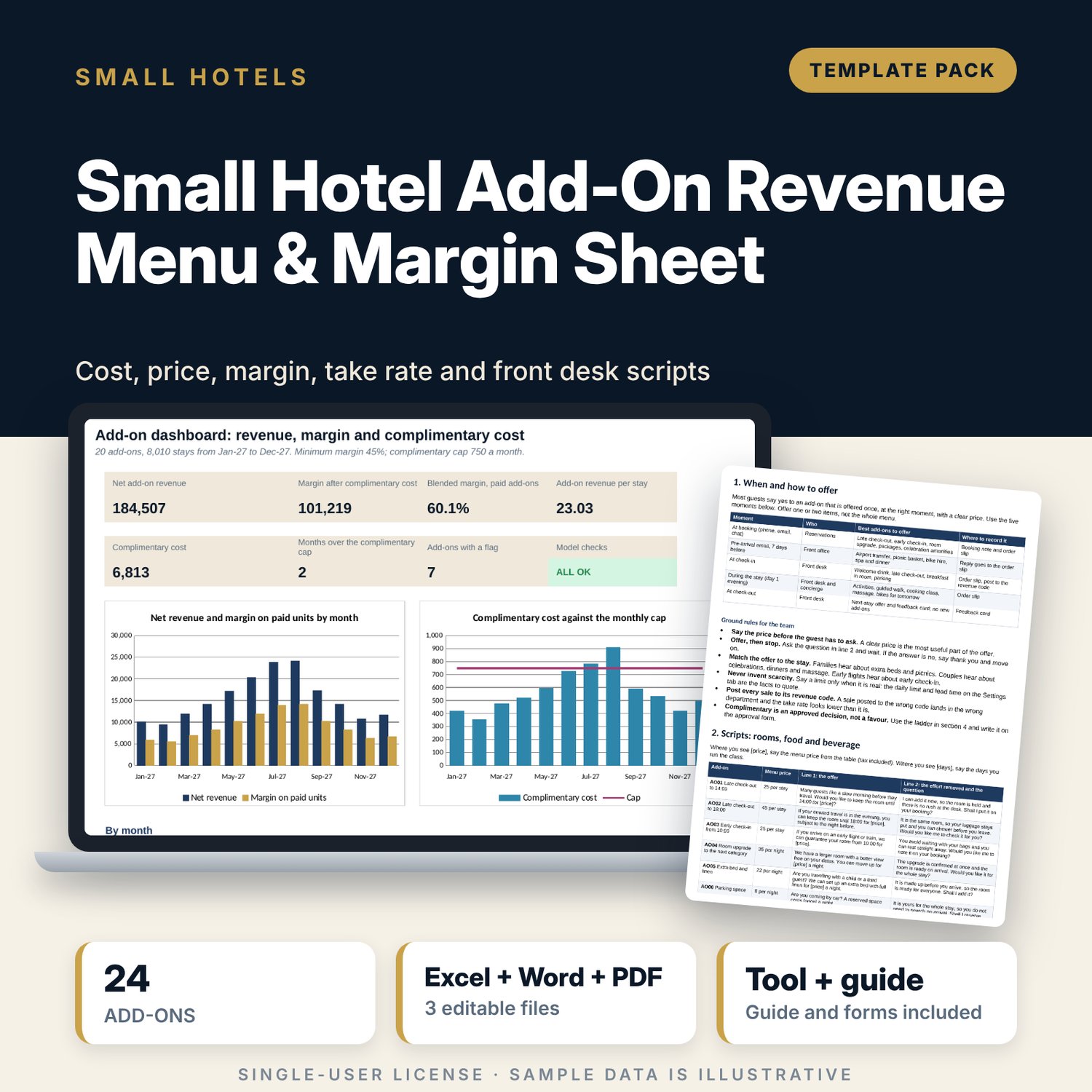
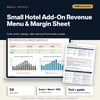
Small Hotel Add-On Revenue Menu & Margin Sheet: Hotel Add-On Pricing, Margin Sheet and Sales Scripts
Full description
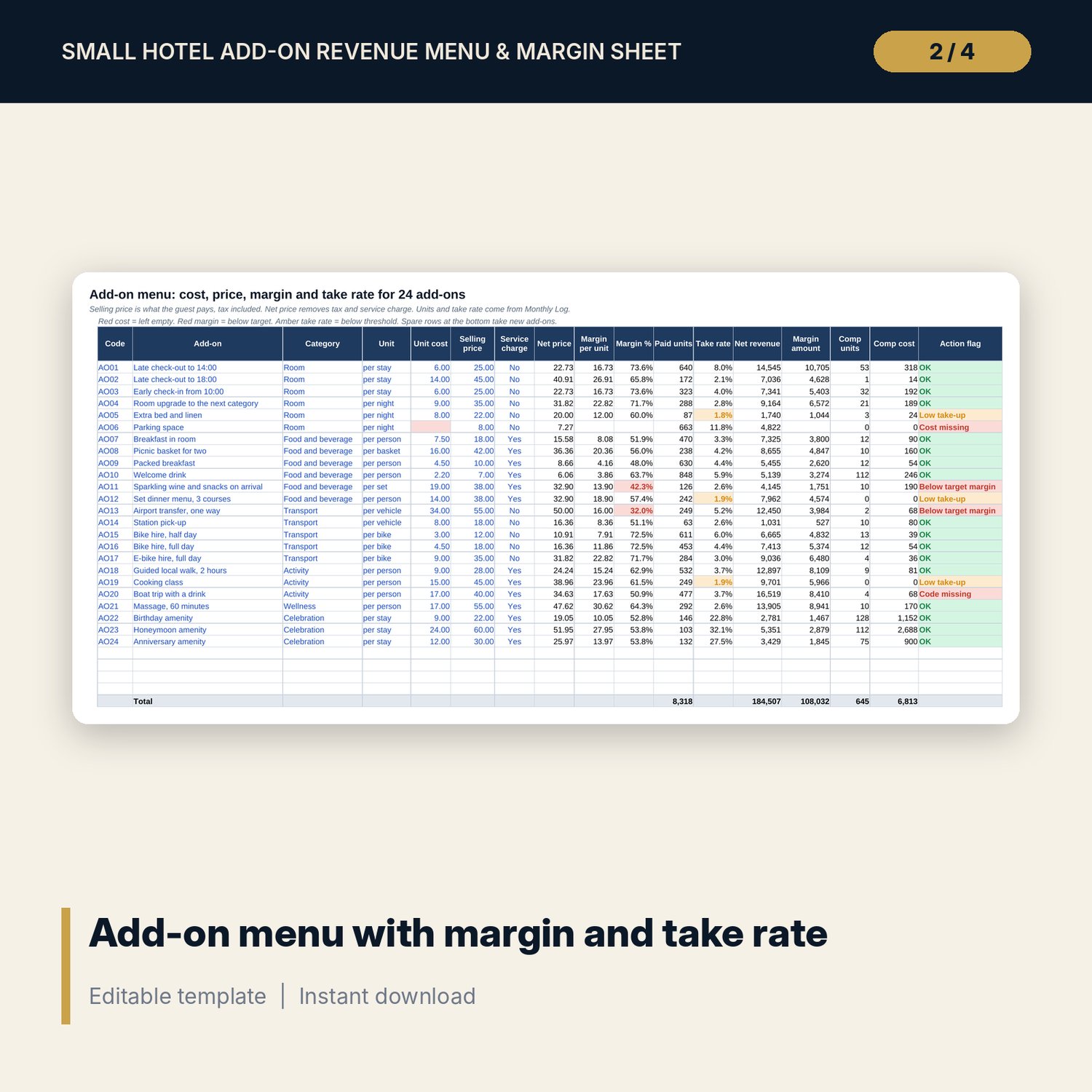
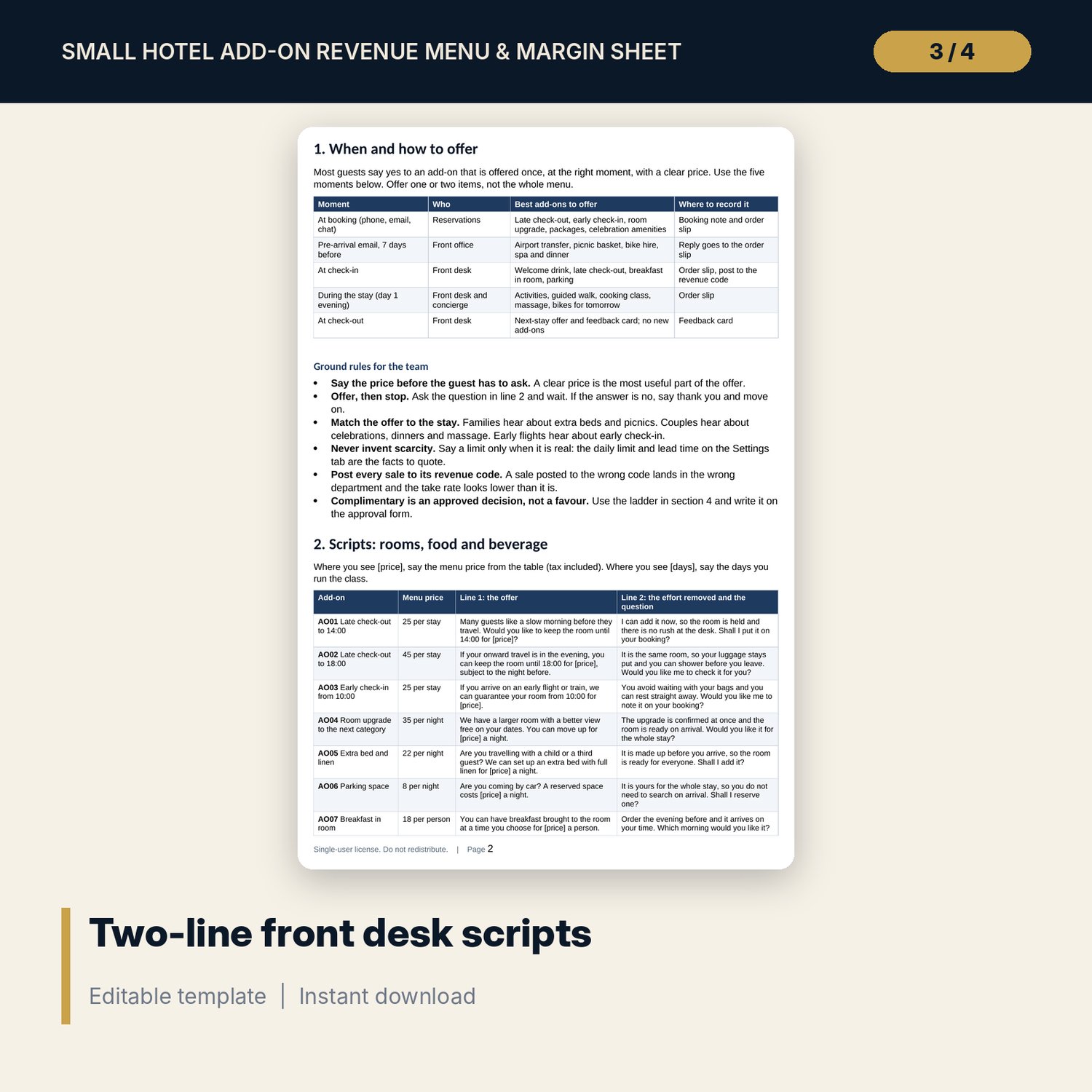
For owners and managers of small hotels, guest houses and lodges who sell late check-out, picnics, bikes, transfers, activities and celebration amenities and want to know which ones earn money. The workbook takes each add-on from unit cost and selling price to net price after tax and service charge, margin, take rate against eligible stays, net revenue and complimentary cost. A monthly log tracks paid and complimentary units against a cap you set, and a package tab tests bundles against the room-only rate plus the same add-ons bought separately. Action flags show missing costs, missing revenue codes, margins below target and low take-up. The Word pack gives a two-line sales script for each add-on, three emails, a guest ladder, late check-out rules, order and approval forms and a worked example.
What is inside
- Add_On_Menu_and_Margin_Sheet.xlsx: 7 tabs, 1,087 formulas, 2 native charts, 18 drop-down and input rules
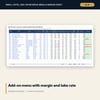
- Add-On Menu: 24 sample add-ons with cost, price, net price, margin, take rate, revenue and an action flag, plus 4 spare rows
- Settings: tax, service charge, margin target, take-rate threshold and complimentary cap, plus booking code, revenue code, lead time, daily limit and approver for each add-on
- Packages: 4 sample bundles for one and two guests with guest saving and margin on the add-ons
- Monthly Log: 12 months of stays, paid units and complimentary units with revenue, margin and cap status
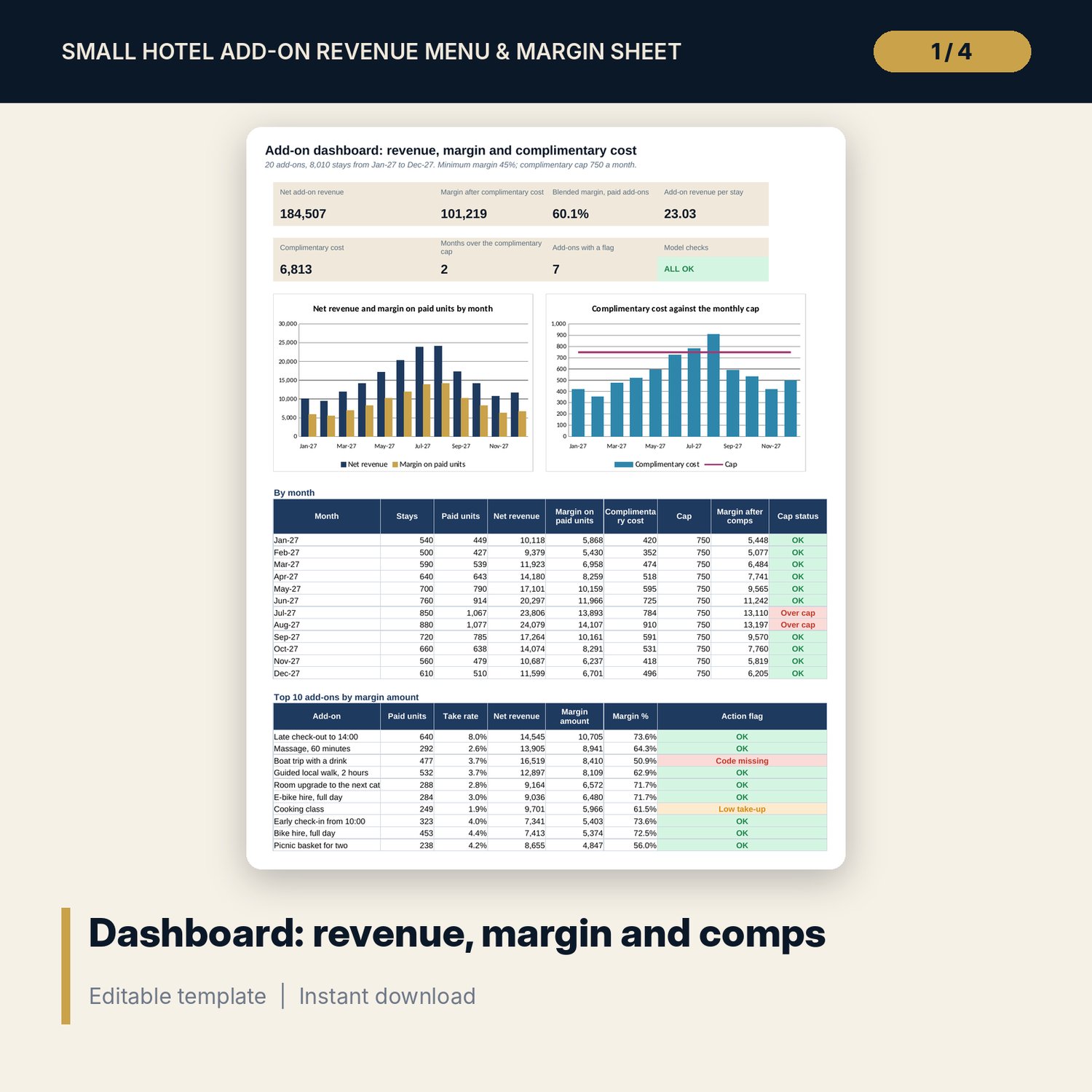
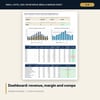
- Dashboard: 7 KPI tiles, a check tile, 2 charts, a monthly table and the top ten add-ons by margin; 8 integrity checks on the Checks tab
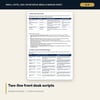
- Add_On_Sales_Scripts.docx and PDF: 7 pages with 24 two-line scripts, 3 emails, a guest ladder, late check-out rules, an order slip, an approval form, a feedback card and a worked example
- README.txt and LICENSE-and-Terms.txt
How it works
- Enter tax and service rates, the minimum margin and the monthly complimentary cap on Settings.
- Replace the sample add-ons on Add-On Menu with your unit costs and selling prices and add each code on Settings.
- Enter stays, paid units and complimentary units each month on Monthly Log.
- Read the action flags and the Dashboard, test bundles on Packages, and use the Word scripts to retrain the front desk.
Details
- Formats: 1 Excel workbook (.xlsx), 1 scripts pack in Word (.docx) and PDF, English
- Software: Excel 2016 or later, or LibreOffice Calc 7 or later
- No macros, no external links, no data tables, no array formulas
- 3 files plus README and license; instant digital download
Good to know
- Sample data is illustrative. Replace it with your own figures.
- Tax and service charge depend on local rules. These files are management tools, not tax or legal advice. Verify local requirements for alcohol, transport and activity add-ons.
- All amounts use one currency label that you can change on Settings.
- Single-user license. Do not redistribute.
FAQ
How is the net price worked out?
Selling price divided by one plus the service rate (where the add-on carries it) and by one plus the tax rate. Margin is net price less unit cost.
How is the take rate measured?
Paid units divided by units per order, divided by the eligible share of stays times total stays. You set the eligible share and units per order for each add-on.
What happens if I leave a cost blank?
The add-on is flagged Cost missing and its revenue is left out of the margin figures until you enter a cost. A missing revenue code is flagged too.
Can I add my own add-ons and packages?
Yes. Add-On Menu, Settings and Monthly Log have 4 spare rows, and Packages has 7 spare line rows.
Do I need macros?
No. Every result is a standard worksheet formula.