
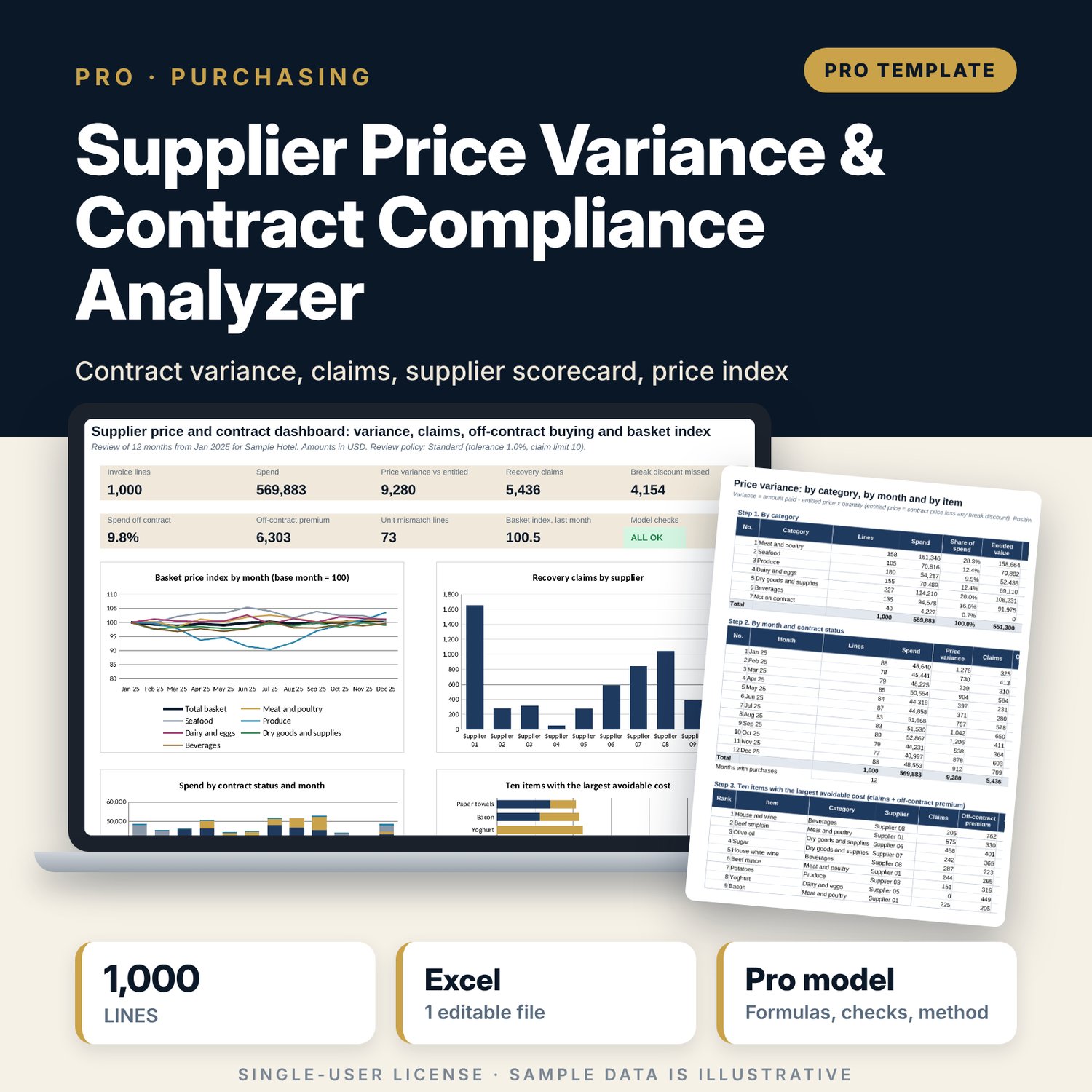
Supplier Price Variance & Contract Compliance Analyzer: Supplier Price Variance and Contract Compliance Spreadsheet
Full description
For purchasing managers, financial controllers, food and beverage controllers and cost controllers who want to know whether suppliers bill what the contract says. The workbook matches each invoice line to a contract line, converts invoice units to contract units, applies quantity breaks, and measures price variance against the entitled price. It builds a recovery claim list and a printable claim statement, flags buying from the wrong supplier or outside contract dates, lists lines whose unit cannot be converted, scores each supplier, and tracks a fixed-basket price index by month with a Laspeyres-style calculation. A review policy (standard, strict, lenient) sets the tolerance and the claim limit.
Save with a bundle: this workbook is also in the F&B Control & Audit Pro Bundle, 25 workbooks for $59 instead of $310. All 100 Pro workbooks are in the Pro Library for $119, and all 241 templates and workbooks are in the Ultimate Hospitality Library for $149.
What is inside
- Supplier_Price_Variance_Contract_Compliance.xlsx: 12 tabs, 36,009 formulas, 4 native charts, 16 drop-down and input rules
- Invoices: 1,000 sample invoice lines from 10 suppliers over 12 months, room for 1,100; 28 calculation columns from unit conversion to claim rank
- Contracts: 48 contracted items with 70 slots, valid dates, quantity breaks and basket quantities; Assumptions: 21 unit conversions with 30 slots
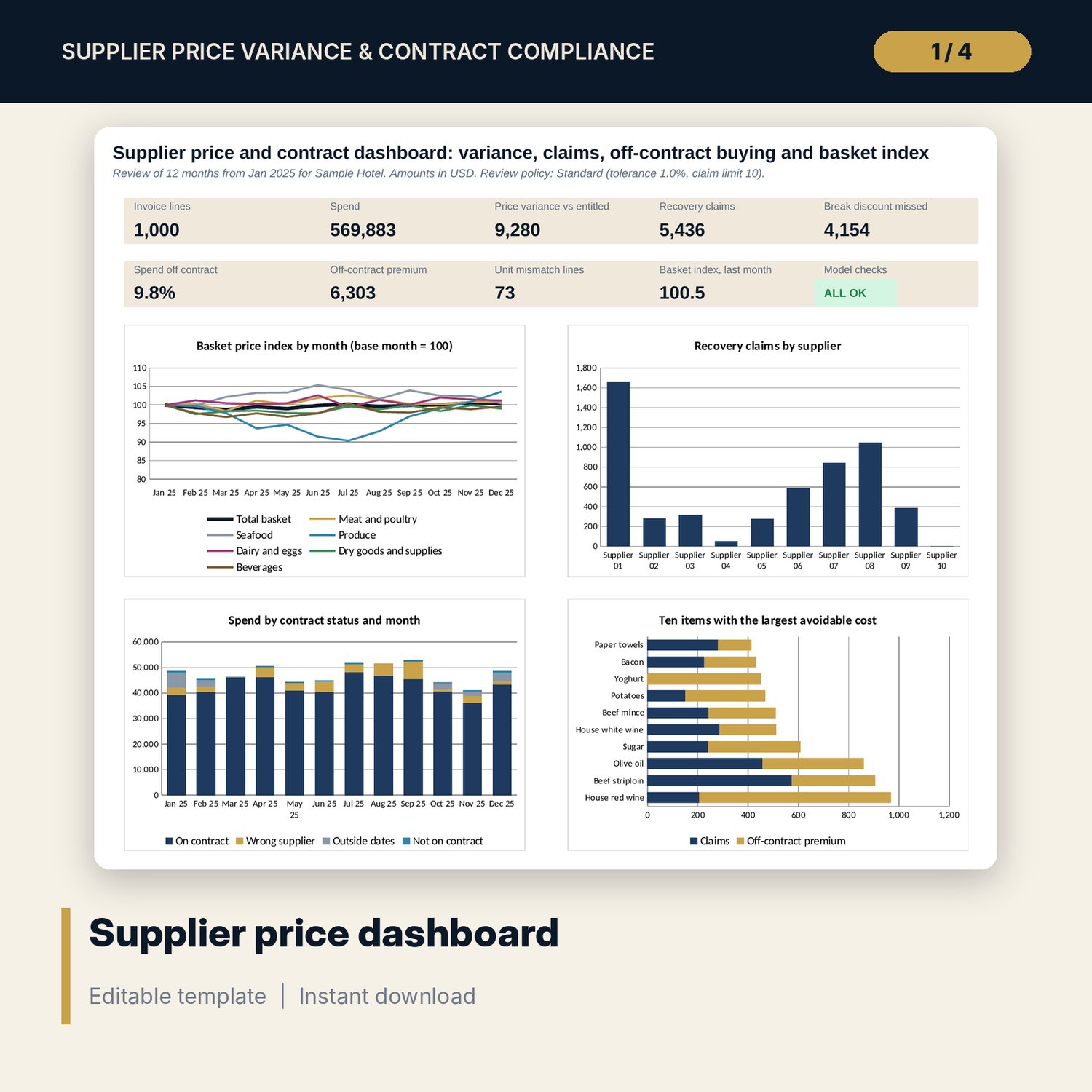
- Price_Index: basket index by month for the total and 6 categories, quantity and price matrices by item and month
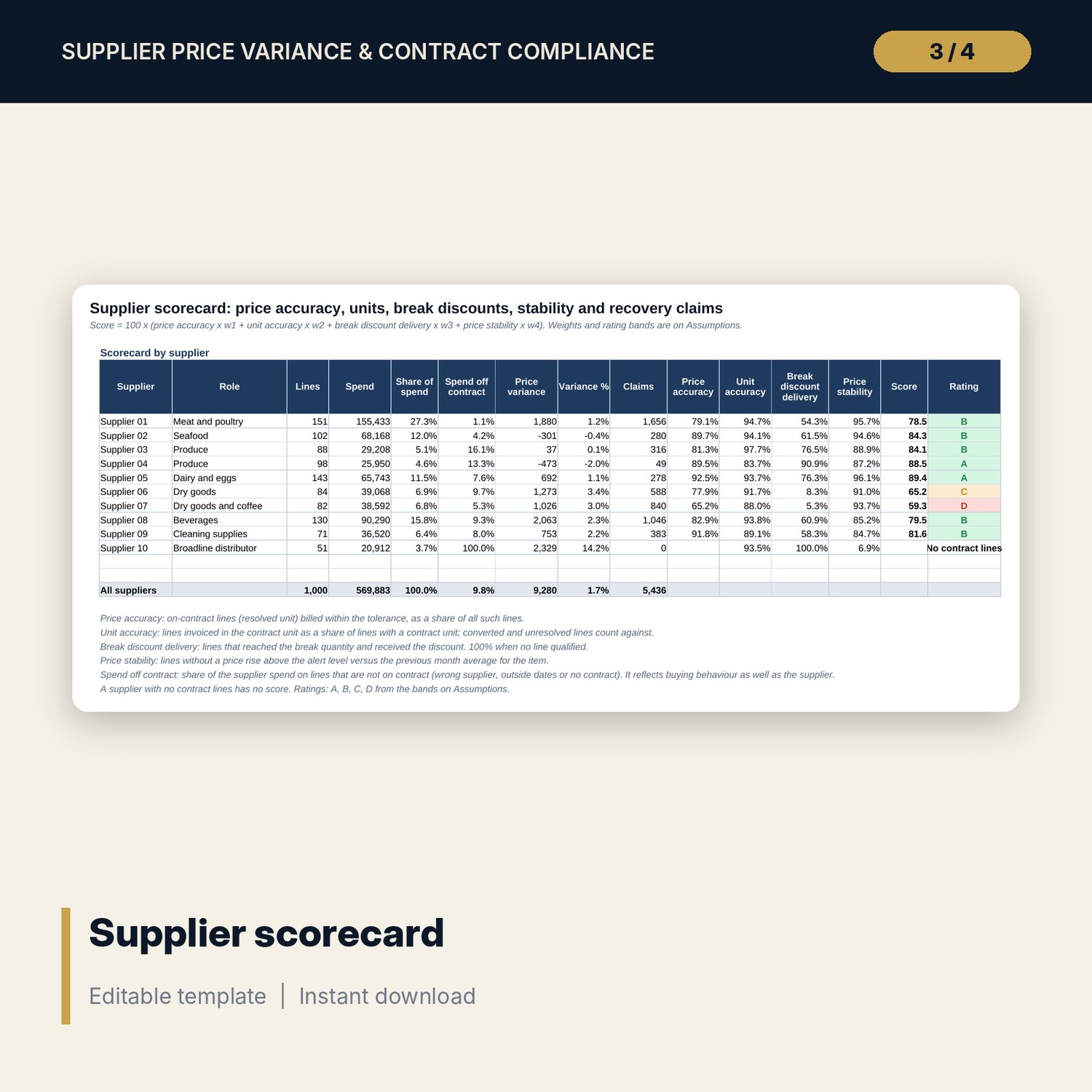
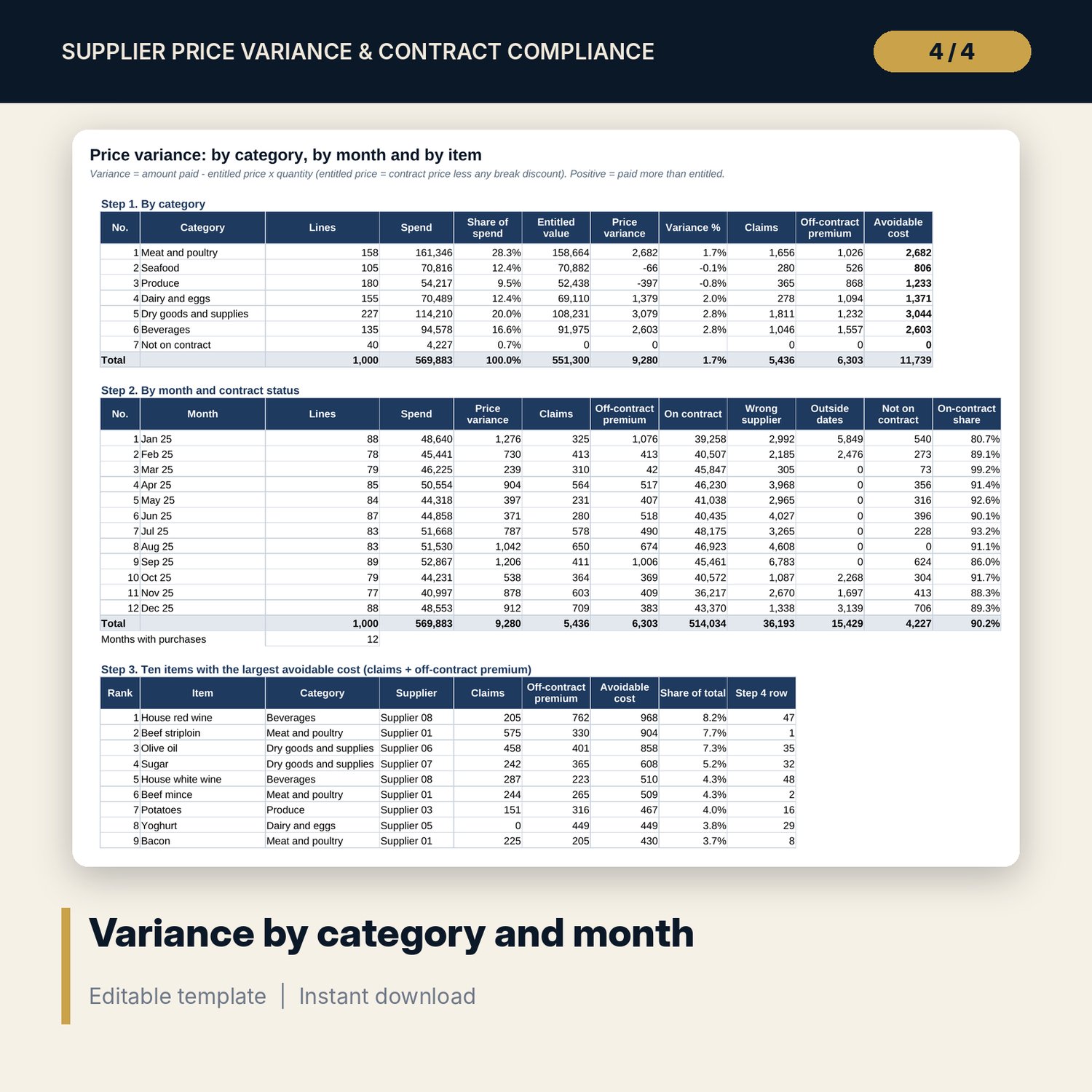
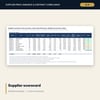
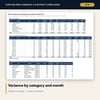
- Variance: by category, by month and contract status, ten largest items, and all 48 items; Suppliers: scorecard with score and rating
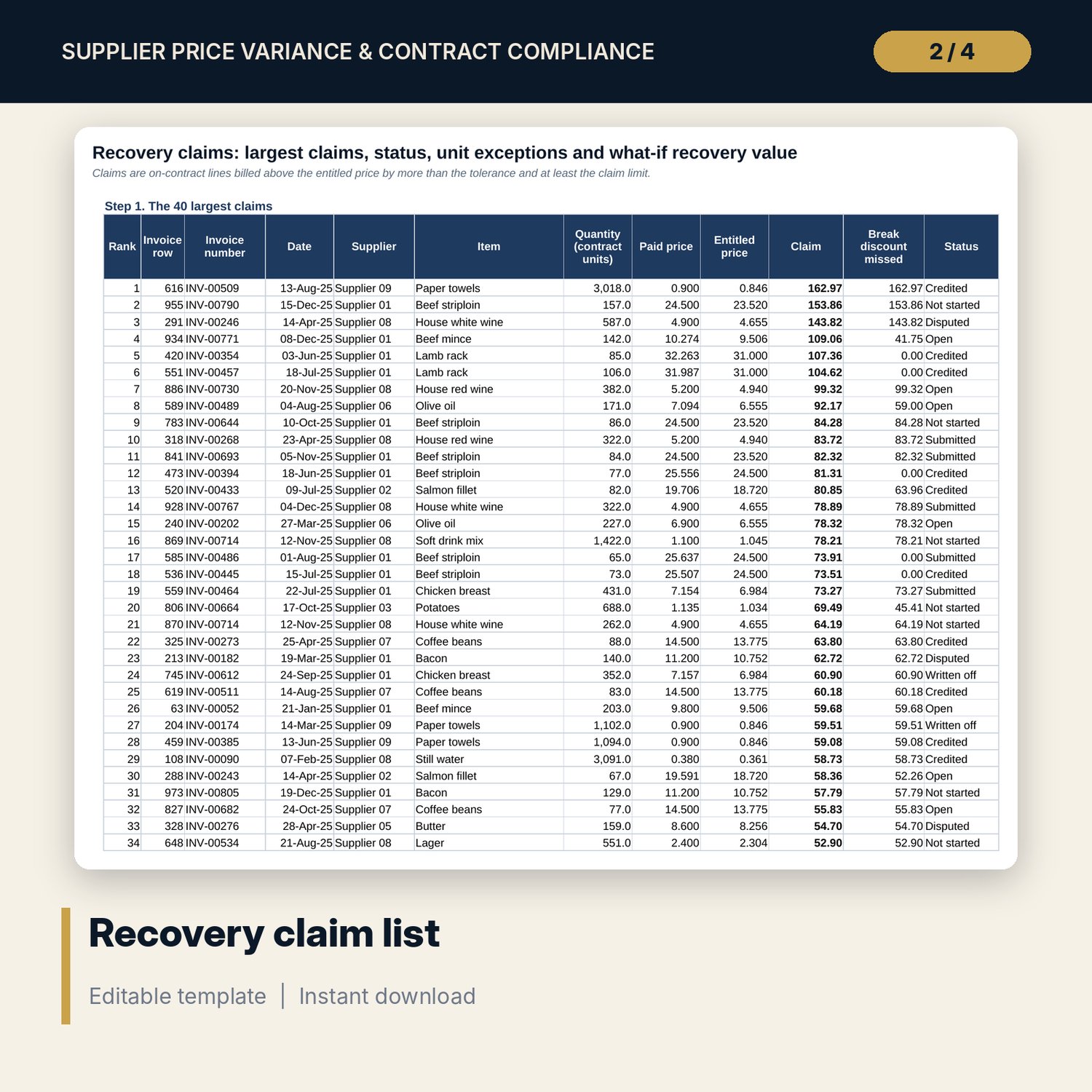
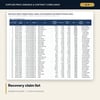
- Claims: the 40 largest claims, claim status summary, 15 unit exceptions and two what-if grids; Statement: printable claim statement for one supplier
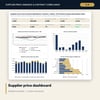
- Dashboard (one printed page), 15 integrity checks and a Method tab with 17 documented calculations
- README.txt and LICENSE-and-Terms.txt
How it works
- Set the review policy, the first month, the suppliers and the unit conversions on Assumptions.
- List contracted items with price, valid dates, break quantity and basket quantity on Contracts.
- Paste invoice lines into the blue columns on Invoices.
- Read Variance, Suppliers and Price_Index; use Claims and Statement to prepare supplier claims.
- Update the claim status as claims are submitted and credited.
Details
- Format: one .xlsx workbook, English
- Software: Excel 2016 or later, or LibreOffice Calc 7 or later
- No macros, no external links, no data tables, no array formulas
- Instant digital download
Good to know
- Sample data is illustrative. Replace it with your own figures.
- A claim is a calculated difference. Confirm each one against the signed contract, the price list and the delivery before you send it.
- Break rules here apply per invoice line. Verify your own contract wording, credit note rules and tax treatment with your supplier and finance team.
- Single-user license. Do not redistribute.
FAQ
How is the entitled price set?
It is the contract price, less the break discount when the quantity on the invoice line reaches the break quantity.
What happens when the invoice unit differs from the contract unit?
The conversion table turns case, bag or tray quantities into contract units. A unit with no conversion is flagged Unresolved and left out of variance until you add a row.
What is the difference between a claim and an off-contract premium?
A claim is an overcharge on a contract line and can go back to the supplier. An off-contract premium is the extra paid when buying from another supplier or after the contract dates.
How is the price index calculated?
Fixed basket quantities are priced at the average paid price of each month and divided by the same basket at the base month price. A month without purchases keeps the previous price.
Can I change how strict the review is?
Yes. Pick Standard, Strict or Lenient, or edit the tolerance, claim limit and price rise alert. All tabs recalculate.