

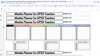

The Comprehensive Special Education Caseload Management System | 2026–2027
The Comprehensive Special Education Caseload Management System | 2026–2027 | Google Sheets
This is the last caseload spreadsheet you will ever need.
Built by a special education teacher and inclusion specialist with over a decade in the field, this all-in-one Google Sheets system connects every part of your job into one smart, color-coded, automated file. Enter a student's name once — and it populates across all 10 tabs automatically.
📋 What's Inside — 10 Tabs, Fully Connected:
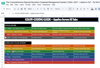
👋 Welcome Page — Start here. A full how-to guide walks you through every tab, step-by-step setup instructions, the color-coding system explained, and tips for customizing to your caseload. Perfect for new users and for sharing with co-case managers.
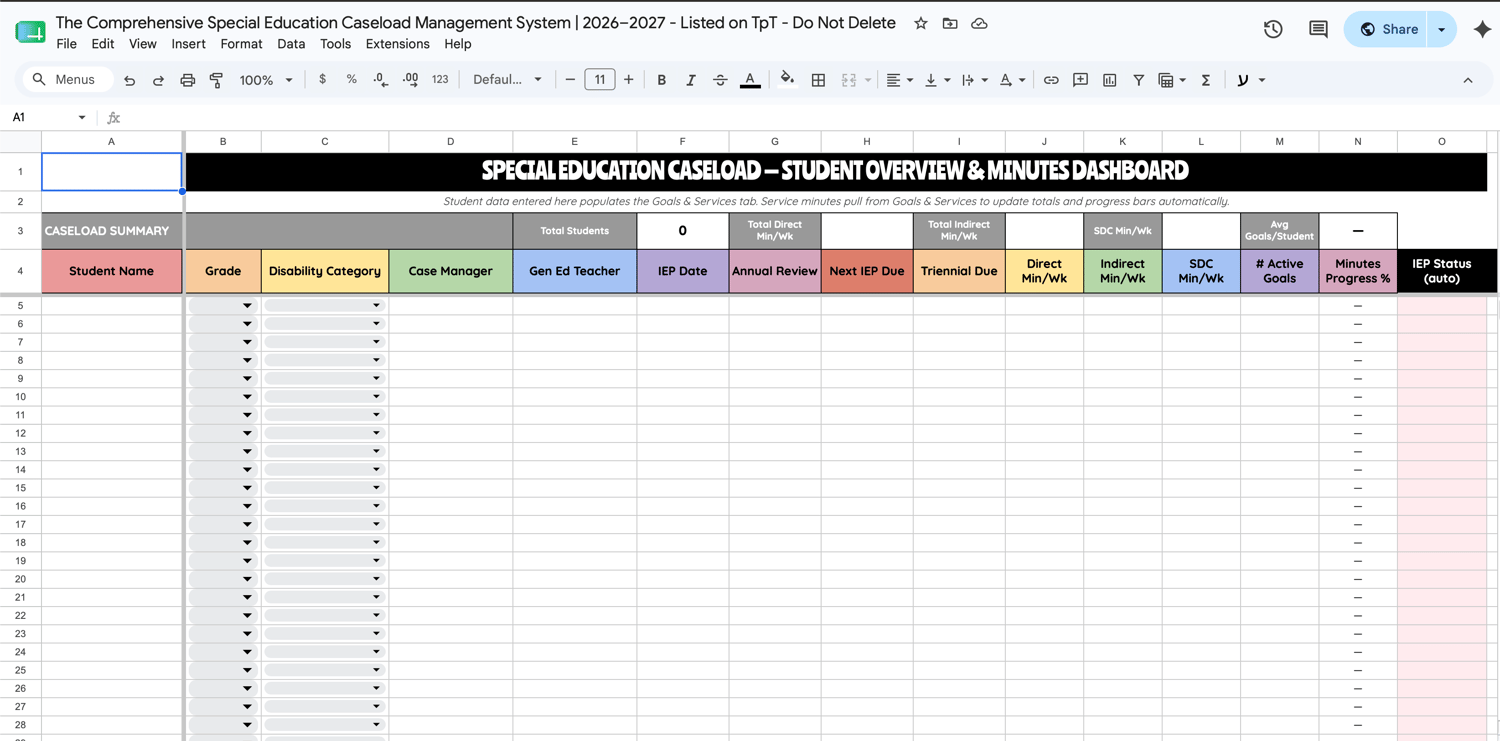
📋 Caseload Information — Your master student hub. Enter each student's name, grade, disability category, IEP dates, annual review date, triennial date, case manager, and gen ed teacher once. Every single other tab reads from this one automatically.
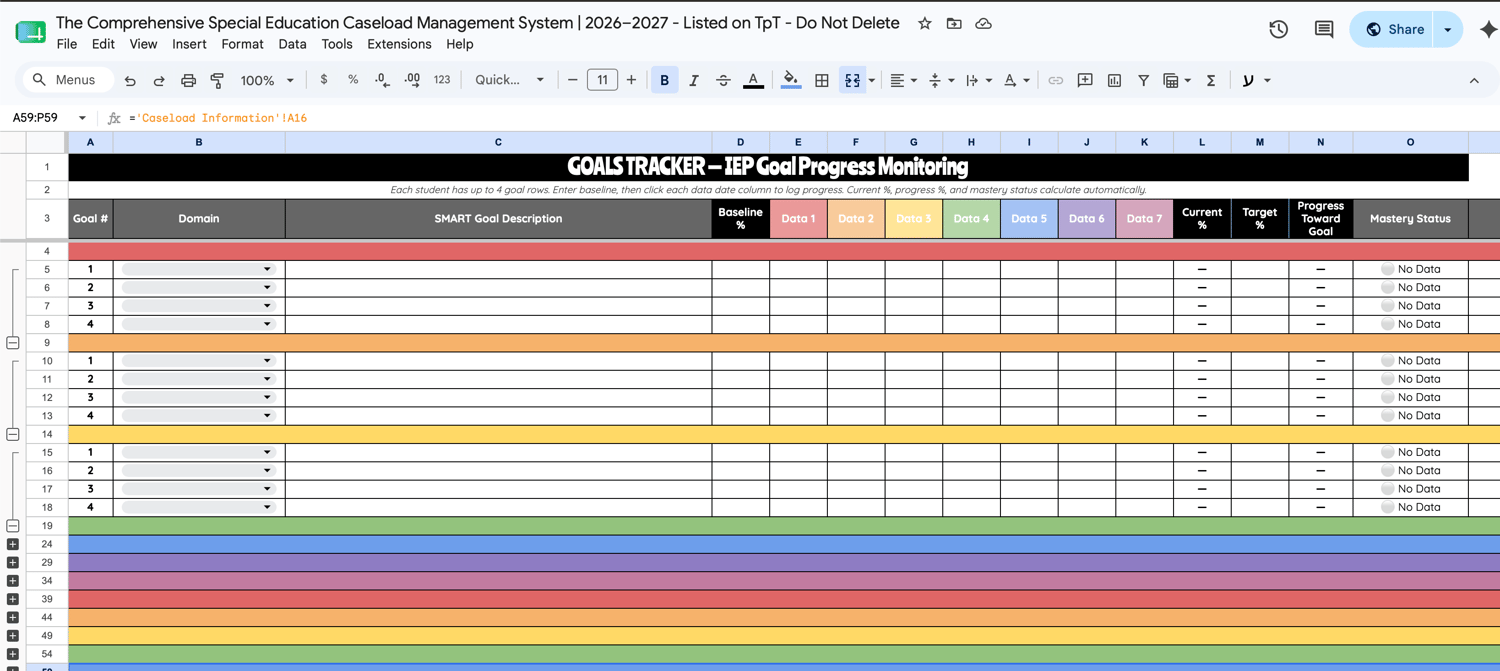
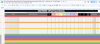
🎯 Goals & Services — Track IEP goal progress for up to 30 students, with up to 4 individual goal rows per student. Enter your SMART goal text, baseline %, and target %. Log progress across 7 dated data points and watch current %, progress toward goal %, and mastery status calculate automatically — and color-code themselves.
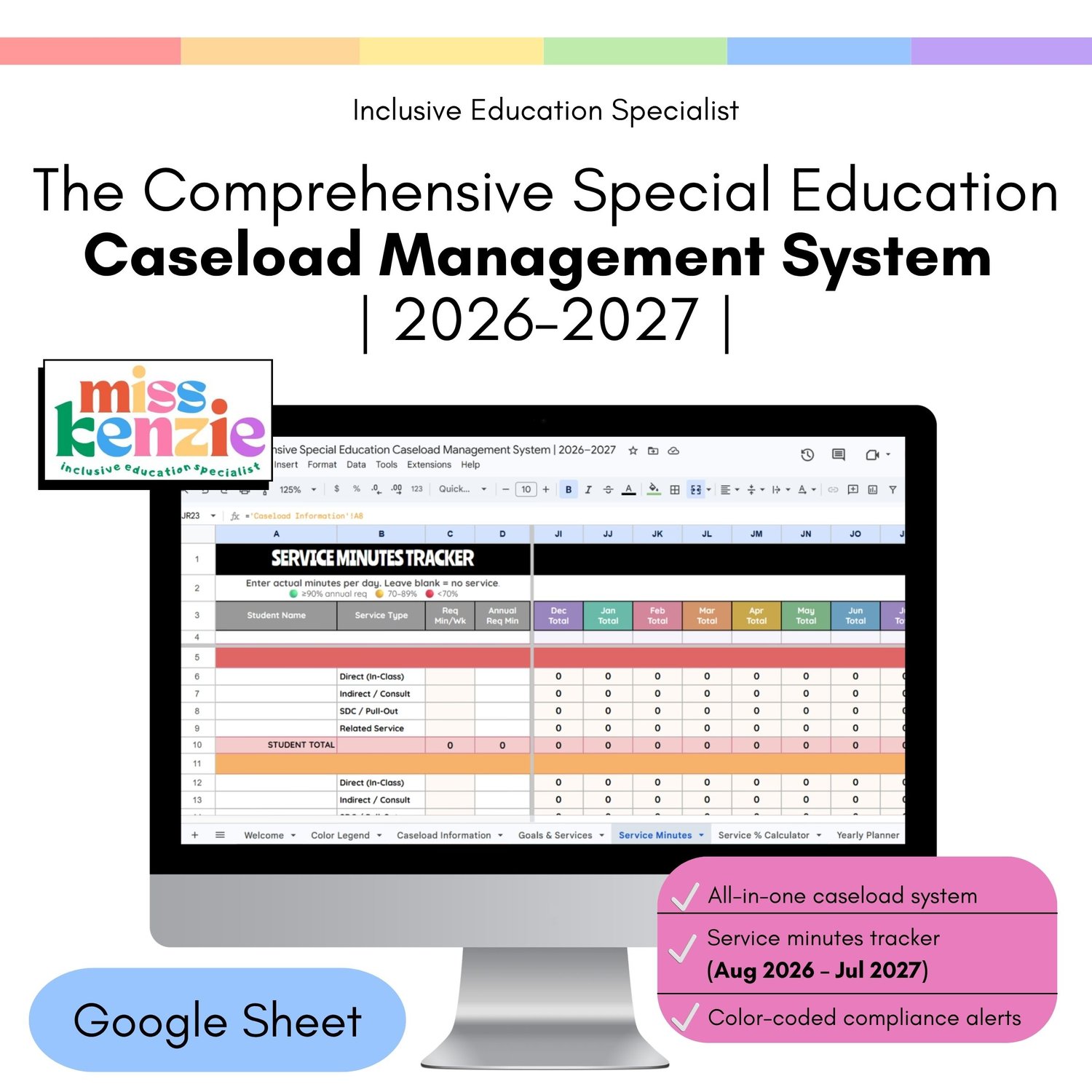
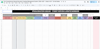
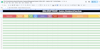
📅 Service Minutes Tracker — This is the one you've been looking for. Every single school day from August 2026 through July 2027 has its own column. Enter actual minutes served each day per service type (Direct, Indirect, SDC, Related Services). The spreadsheet auto-calculates weekly totals, monthly totals, and a running year-to-date total — then shows you exactly what percentage of each student's annual requirement has been met. Color-coded so you can see who's on track and who's falling behind before it becomes a compliance issue.
📐 Service % Calculator — Auto-pulls minutes to calculate each student's LRE percentage. See in-class vs. out-of-class ratios and get IDEA-aligned placement category flags instantly.
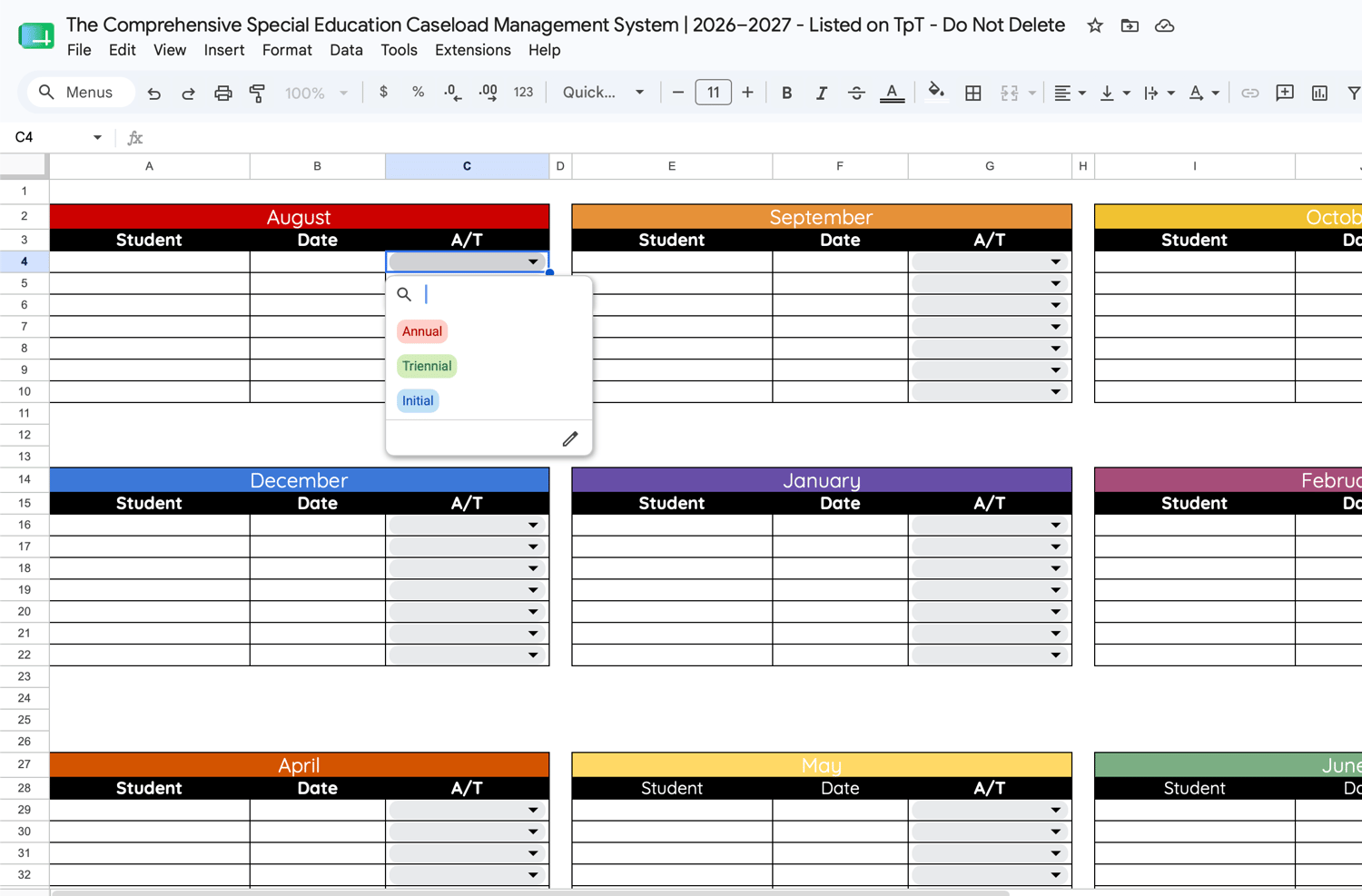
📅 Yearly Planner — All 30 students' IEP and triennial due dates in one view. Dates pull automatically from Caseload Information. Overdue turns red. Due within 30 days turns yellow. You'll never be caught off guard at an admin meeting again.
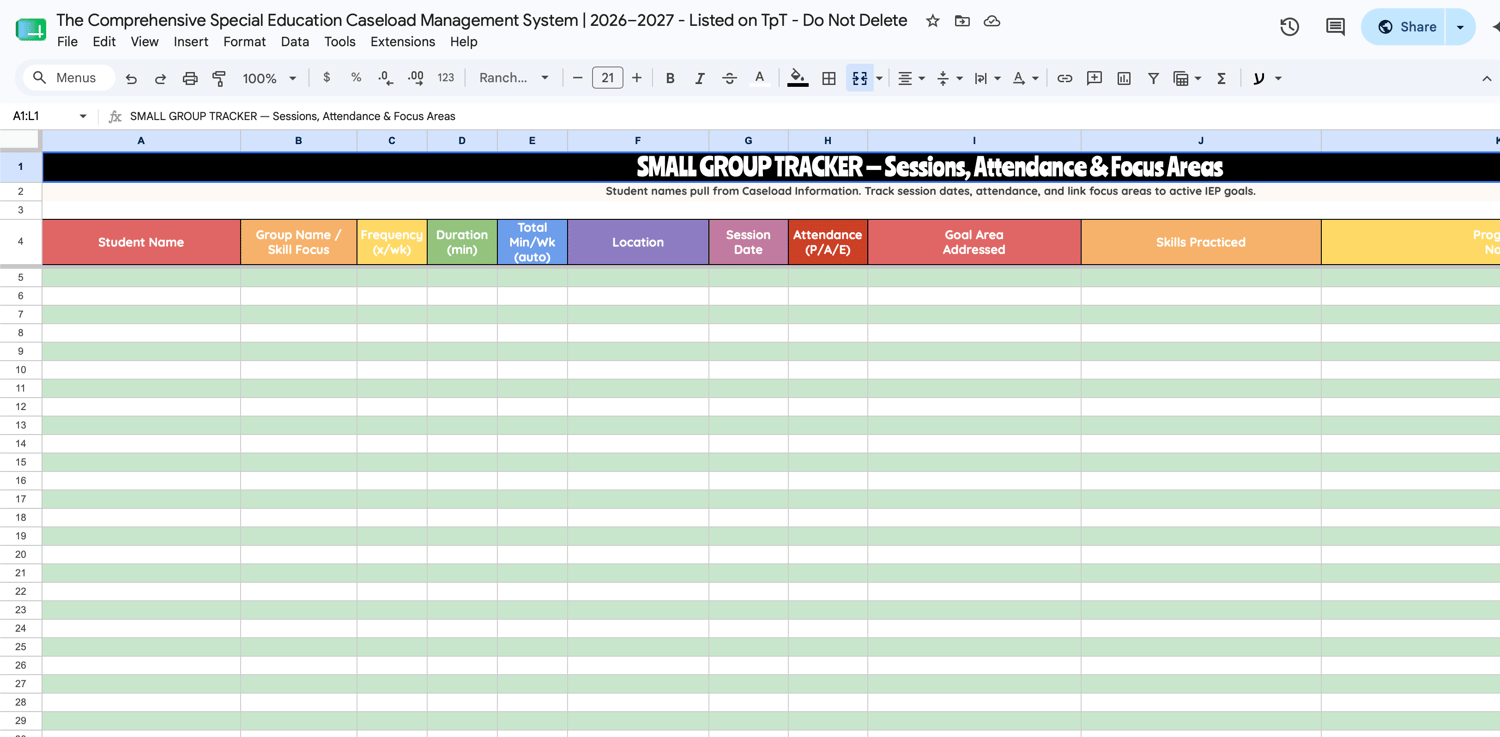
👥 Small Group Tracker — Log session dates, attendance, focus areas, minutes, and next steps. Color-coded rows flag absences and excused sessions.
🗓️ Classroom Teacher Schedules — Document availability windows and do-not-pull times for every student. Student names and teachers auto-populate.
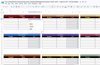
📚 MTSS Support Bank — A built-in reference of Tier 1, Tier 2, and Tier 3 strategies across Reading, Writing, Math, Behavior, and Social-Emotional learning. Ready to use for pre-referral documentation and RTI conversations.
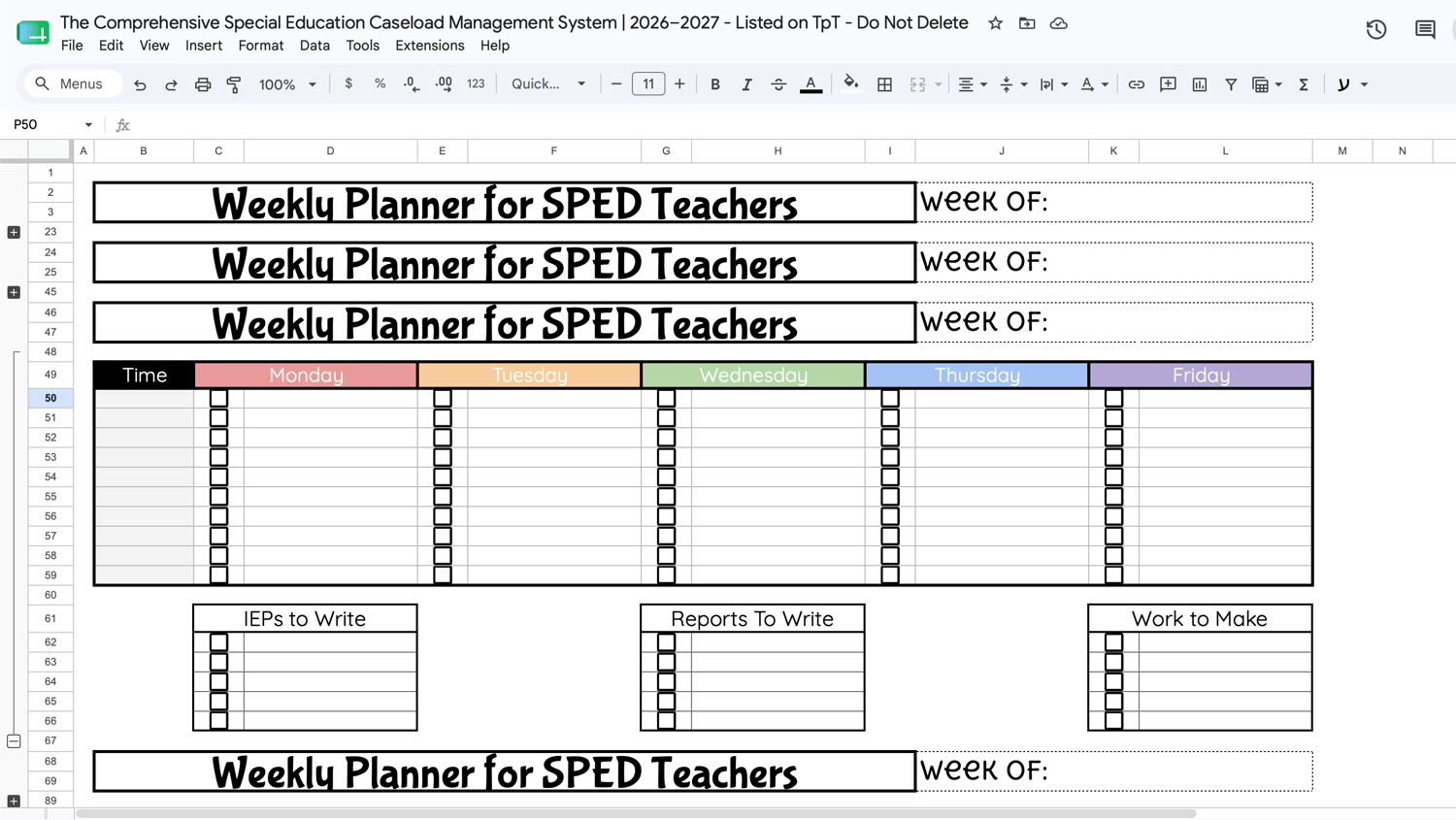
📆 Weekly Planner — Plan your week with a full time-block schedule plus a live caseload snapshot at the bottom that always shows your current totals.
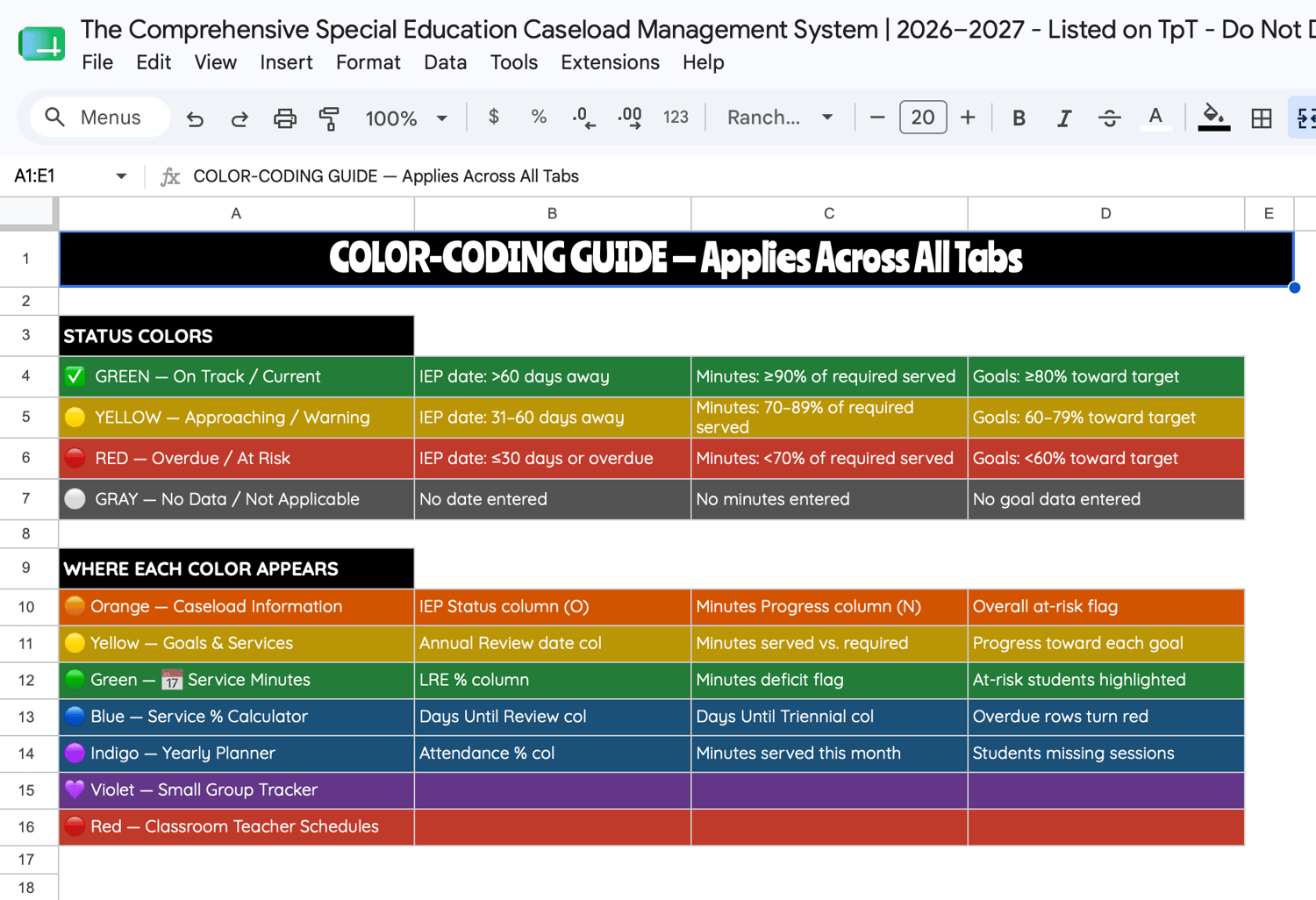
🚦 The Color-Coding System — Built Into Every Tab
Every status indicator across every tab uses the same three-color system so there's zero learning curve:
🟢 Green = On track (IEP >60 days · minutes ≥90% of annual req · goals ≥80% toward target · LRE ≥80%) 🟡 Yellow = Approaching (IEP 31–60 days · minutes 70–89% · goals 60–79% · LRE 40–79%) 🔴 Red = At risk / overdue (IEP ≤30 days or past due · minutes <70% · goals <60% · LRE <40%)
✅ Why This One Is Different:
✔️ Truly connected — student data entered once flows to every tab automatically
✔️ Full school-year minutes tracking — not a weekly snapshot, a complete Aug–Jul daily calendar
✔️ Built for compliance — LRE %, annual review flags, and YTD minute deficits always visible
✔️ Includes a full how-to guide — your team can open it and get started without a tutorial
✔️ Works in Google Sheets — access from any device, share with your team, no software needed
✔️ Fully editable — customize service types, goal domains, school day minutes, and more
✔️ Designed by a SPED teacher who does this work — not a generic planner with a SPED label on it.
Follow @inclusiveeducationspecialist on Instagram & TikTok for more inclusive education resources 🌈