
Morphflow
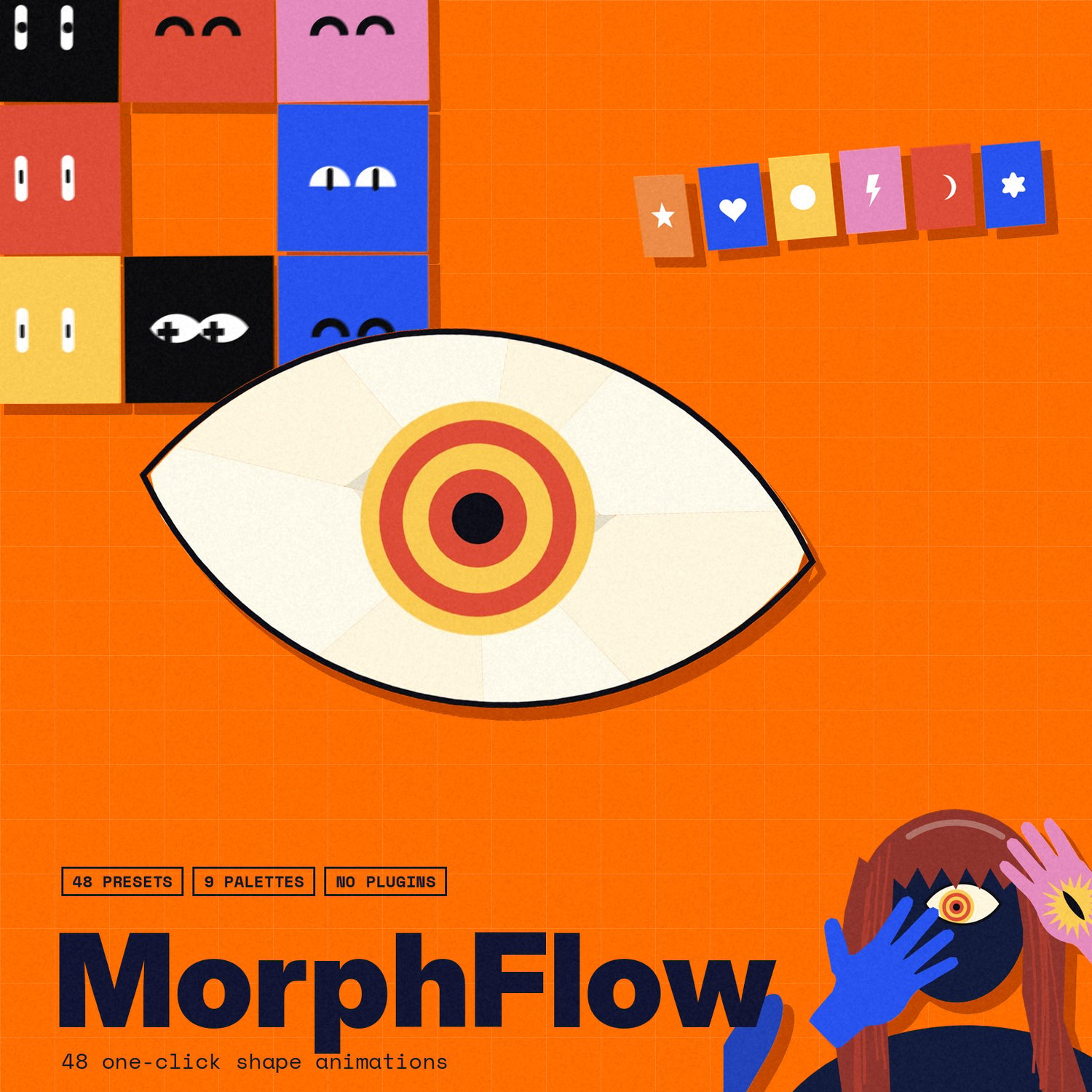
MORPHFLOW — one-click shape choreographies for After Effects
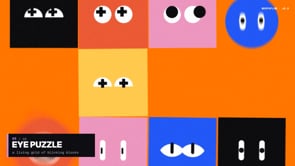
48 animated shape presets, built for edits. Press a button and MorphFlow builds a complete, fully editable shape animation right at your playhead — impact frames, machine arms, shards, morphs, glitches and more. No plugins, no pre-rendered footage: everything is native After Effects shape layers you can tweak, recolor and time-remap.
WHAT'S INSIDE
• 48 one-click presets — from short quick hits (Line Open, Ring Pop, Bar Wipe, Letterbox, Scan Line) to full scenes (Shards, Control, Mind Blown, Heart Shards, Impact Frame, Arm Grab, Crane Hook, Piston Press, Clone Trail…)
• Anime impact frames with speed lines and manga-style sound words
• Industrial, dirty looks with optional grime / grain finish
• 9 color palettes: Poster, Flat Pop, Duotone, Neon, Midnight, Forest, Sunset, Machine, Mono
• Size (Small / Medium / Large) and Speed (Slow / Normal / Fast)
• Frame look: Smooth, 12 fps or 8 fps (stepped, anime-style)
• Extras you can toggle: Trails, Hard Shadow, Eyes, Hair, Camera Shake, Grain
• Custom text field for presets that use type
• Dockable panel — lives in your workspace like any AE panel
• 100% native After Effects — no third-party plugins required
PERFECT FOR
AMVs, IRL edits, music videos, intros, transitions and one-framers.
HOW IT WORKS
1. Copy YUHHTA_MorphFlow.jsx(bin) into:
Windows: C:\Program Files\Adobe\Adobe After Effects <version>\Support Files\Scripts\ScriptUI Panels
Mac: /Applications/Adobe After Effects <version>/Scripts/ScriptUI Panels
2. Restart After Effects and open it via Window › YUHHTA_MorphFlow
3. Enter your license key (sent automatically with your purchase)
4. Place your playhead, pick a preset — done
LICENSE
• You receive one personal license key with your purchase
• One key per device
REQUIREMENTS
After Effects [2020 or newer · Windows & Mac
Questions or problems? Message me on Instagram @gyuhhta or discord @yuhhta
© yuhhta — all rights reserved.