
Edit Faster. Create Better.
Premium editing packs, project files, and scripts built from real editing experience since 2021

Premium editing packs, project files, and scripts built from real editing experience since 2021
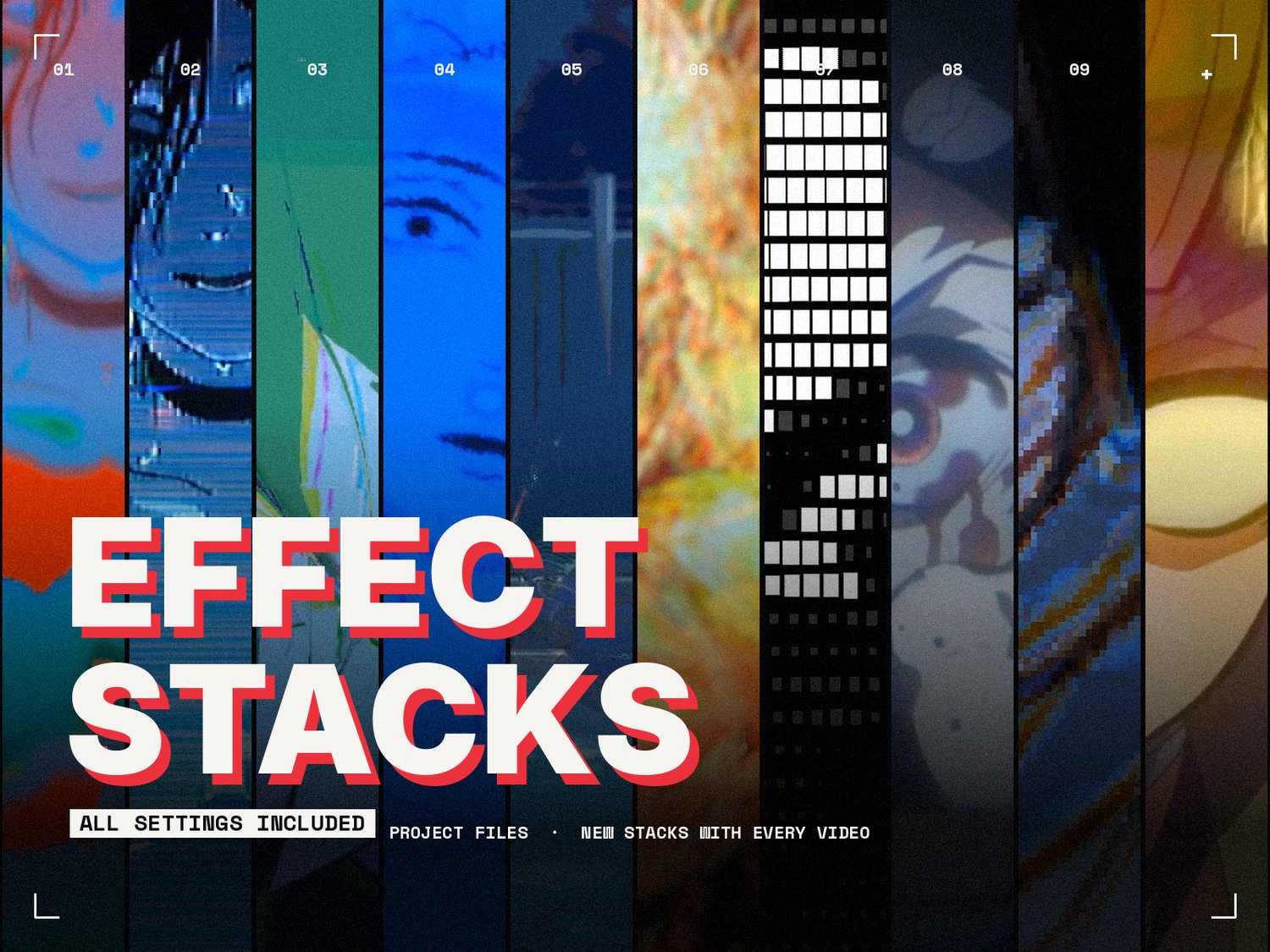
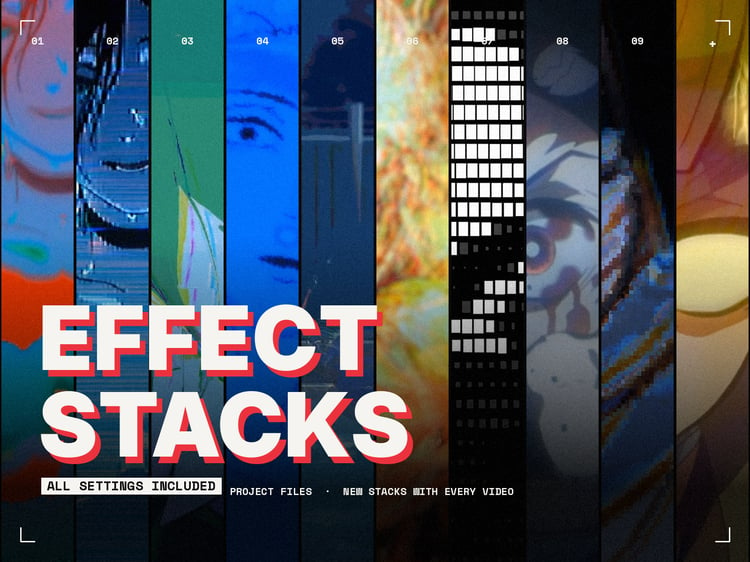
EFFECT STACKS
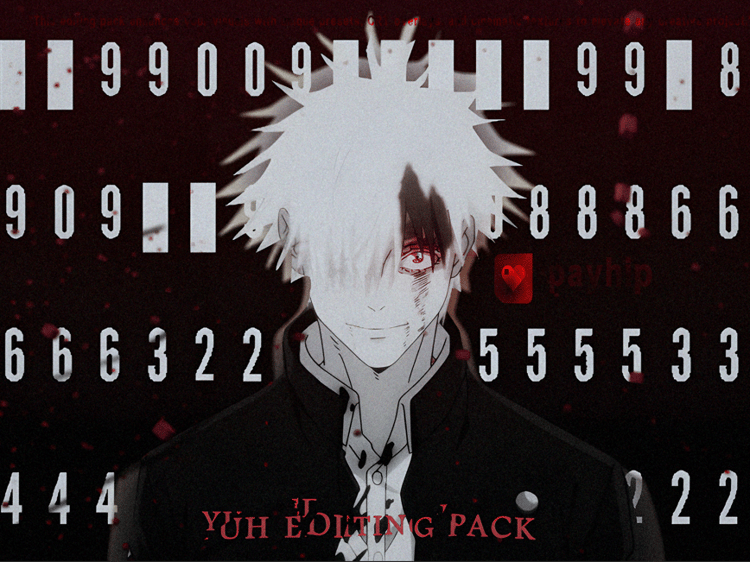
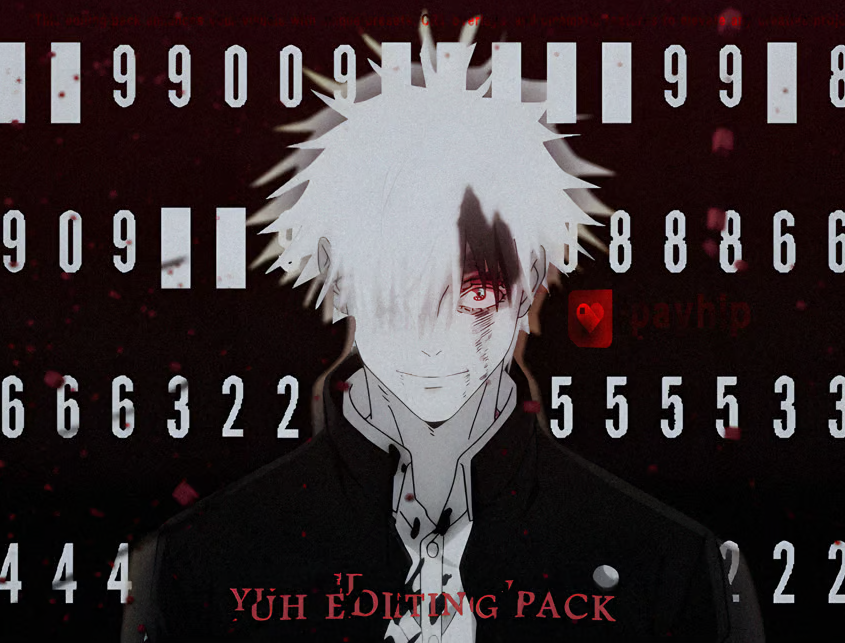
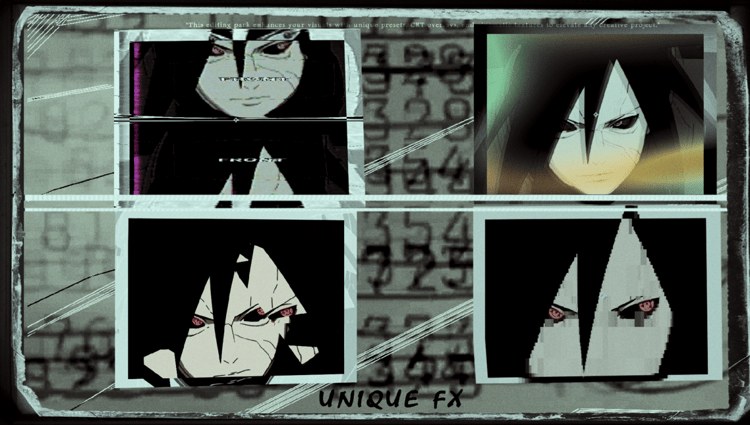
The exact effect stacks from my edits – every effect, every setting, ready to drop onto your own clips.
You've seen these looks in my Effect Stack videos. The videos show which effects are used, but not the settings. This pack gives you the project files with every stack set up exactly as I use it, so you can copy them straight into your edits or take them apart and learn how they're built.
The pack keeps growing: new stacks get added with every new Effect Stack video.
WHAT'S INSIDE
- Project files from my Effect Stack videos
- All effect stacks I used in my edits, with every setting included
- Every stack on its own adjustment layer, named and in order
FEATURES
- Exact settings from my own edits, nothing simplified
- Works on any footage: anime, IRL, stills
- Great for one-framers, transitions and full scenes
- Easy to tweak: change one value and make the look your own
REQUIREMENTS
- After Effects 2020 or newer
- Windows or Mac
- Some stacks use third-party plugins
LICENSE
For personal and commercial use in your own edits. Do not resell, share or redistribute the project files.
SUPPORT
Questions or problems? Hit me up:
Instagram: @gyuhhta
TikTok: @yuhhta
Discord: yuhhta
Editor since 2021. Sharing editing packs, project files, and scripts built from years of experience to help creators work faster and create better content.
Edit Packs & Assets are ready-made content you drop straight into your project — presets, project files, overlays and effects you can use as-is or take apart to learn from. Scripts are tools: dockable After Effects panels that do the work for you. You select a layer, click a button, and they build or automate an effect inside AE (one-framers, animated shapes, time-remap optimizing, circuit traces, and so on). Short version: packs give you material to edit with; scripts give you tools that speed up the editing itself.
Every script is a .jsx file. Drop it into your After Effects "ScriptUI Panels" folder, fully restart AE, then open it from the Window menu — it docks like any other panel.
On first launch the panel asks for the license key from your order (format YH-XXXX-XXXX-XXXX). Enter it once — it's saved on your machine, so you won't be asked again. Make sure Preferences → Scripting & Expressions → "Allow Scripts to Write Files and Access Network" is enabled.
Everything in the shop is made for Adobe After Effects and runs on both Windows and macOS, on current AE versions (CC and newer). The scripts are standalone dockable panels — no extra plugins required. The edit packs, presets and project files open straight in AE; a few advanced presets or project files may use common plugins (e.g. Sapphire, Trapcode), but that's always noted on the product page, and anything that needs a missing plugin is simply skipped — it won't break your project.
David Eichwald
Bäumelweg 4
68782 Brühl
gyuhhta@gmail.com