How To Setup TAILS Operating System In 8 Easy Steps
TAILS is THE preferred operating system of the security minded.
This guide will walk you through step by step how to download, install and configure tails with a persistent state.
Install TAILS onto a USB stick and use on ANY COMPUTER THROUGHOUT THE WORLD!
Includes additional information of how to import your current PGP key onto the TAILS OS.
Tails is a live system that aims to preserve your privacy and anonymity. It helps you to use the Internet anonymously and circumvent censorship almost anywhere you go and on any computer but leaving no trace unless you ask it to explicitly.
It is a complete operating system designed to be used from a DVD, USB stick, or SD card independently of the computer’s original operating system. It is Free Software and based on Debian GNU/Linux.
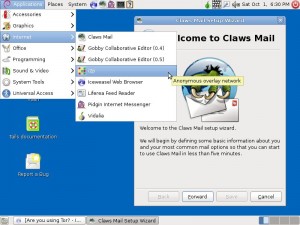
Tails comes with several built-in applications pre-configured with security in mind: web browser, instant messaging client, email client, office suite, image and sound editor, etc.
For additional information, visit:
https://tails.boum.org/about/index.en.html
 Save
Save
 Share
Share
 Tweet
Tweet
 Cart
Cart  Checkout