
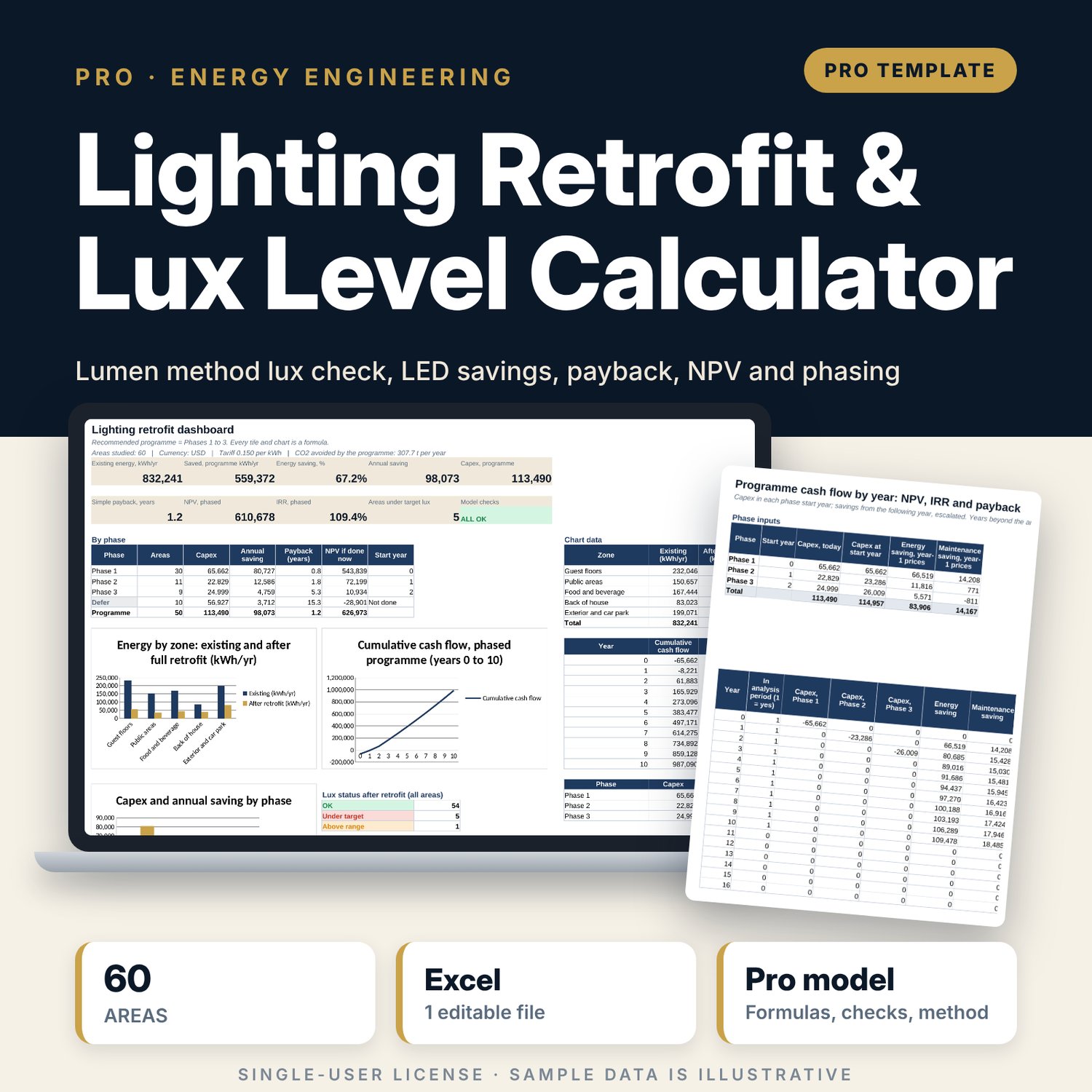
Lighting Retrofit & Lux Level Calculator: LED Lighting Retrofit Payback and Lumen Method Excel Calculator
Full description
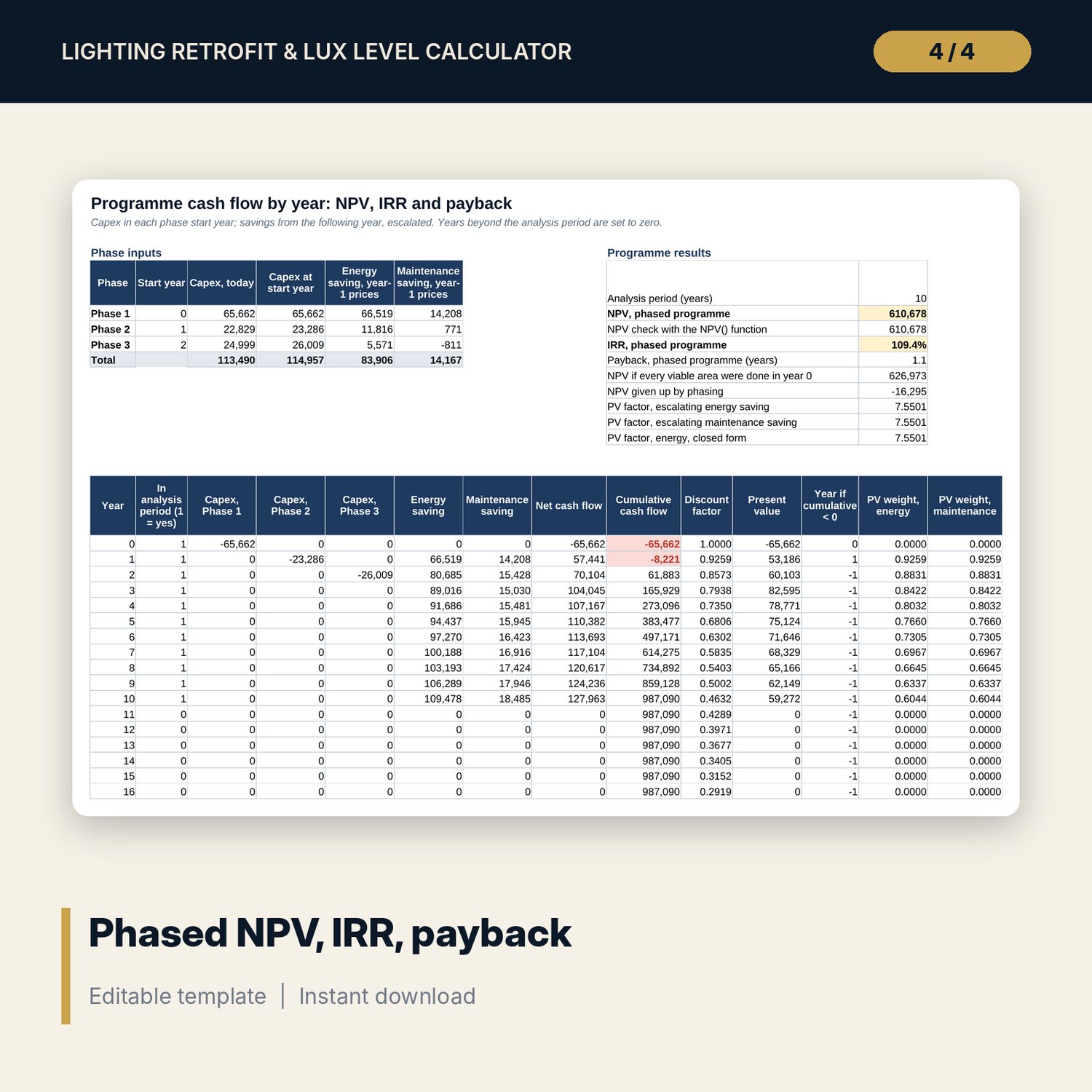
For chief engineers, energy managers and general managers who need to justify an LED retrofit with numbers an owner will accept. You survey each area once: size, mounting height, existing lamps, hours and the LED fitting you plan to use. The workbook applies the lumen method (N = E x A / (F x UF x MF)) with a room-index UF table and maintenance factors by area type, so you see how many fittings each area needs and whether the result meets its target lux, before you order. It then values energy and lamp-change savings, capex with contingency, simple payback and NPV per area, ranks every area into Phase 1, 2, 3 or Defer, and builds a phased programme cash flow with NPV, IRR and payback. Every step sits in its own column with units in the header.
Save with a bundle: this workbook is also in the Hotel Engineering & MEP Pro Bundle, 25 workbooks for $59 instead of $319. All 100 Pro workbooks are in the Pro Library for $119, and all 241 templates and workbooks are in the Ultimate Hospitality Library for $149.
What is inside
- Lighting_Retrofit_Lux_Level_Calculator.xlsx: 11 tabs, 5,602 formulas, 3 native charts, 13 drop-down and input rules
- Areas tab with 60 sample areas across 5 zones and room for 100 areas, including groups of identical spaces such as guest rooms
- Catalogue with 11 existing lamp types, 15 LED fittings, 24 area types with target lux and maintenance factors, and a room-index UF table
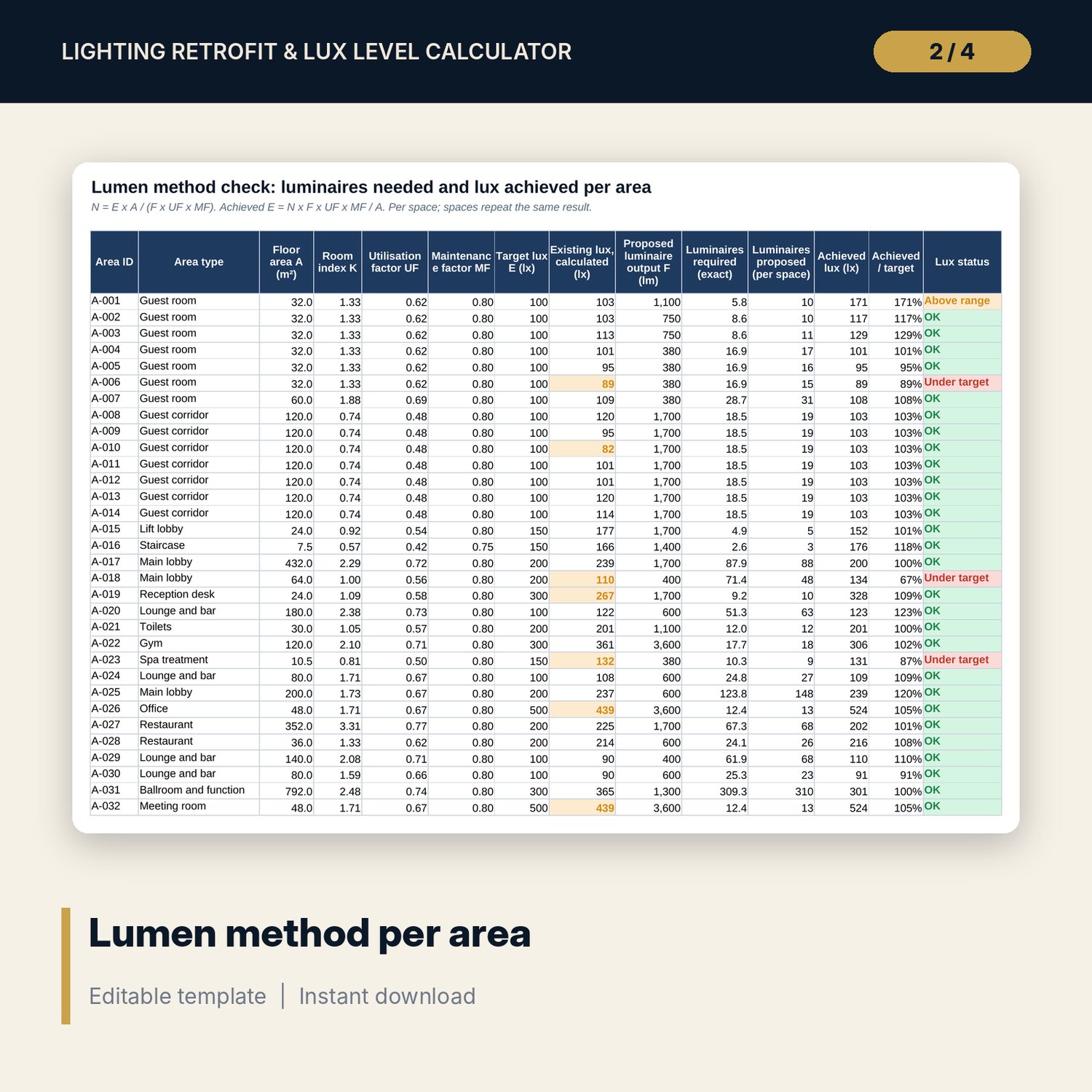
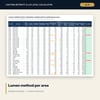
- Lux_Calc: room index, UF, MF, existing lux, luminaires required, achieved lux and a status flag for every area
- Savings: kWh, maintenance, capex, payback, NPV, W/m² and CO2 per area
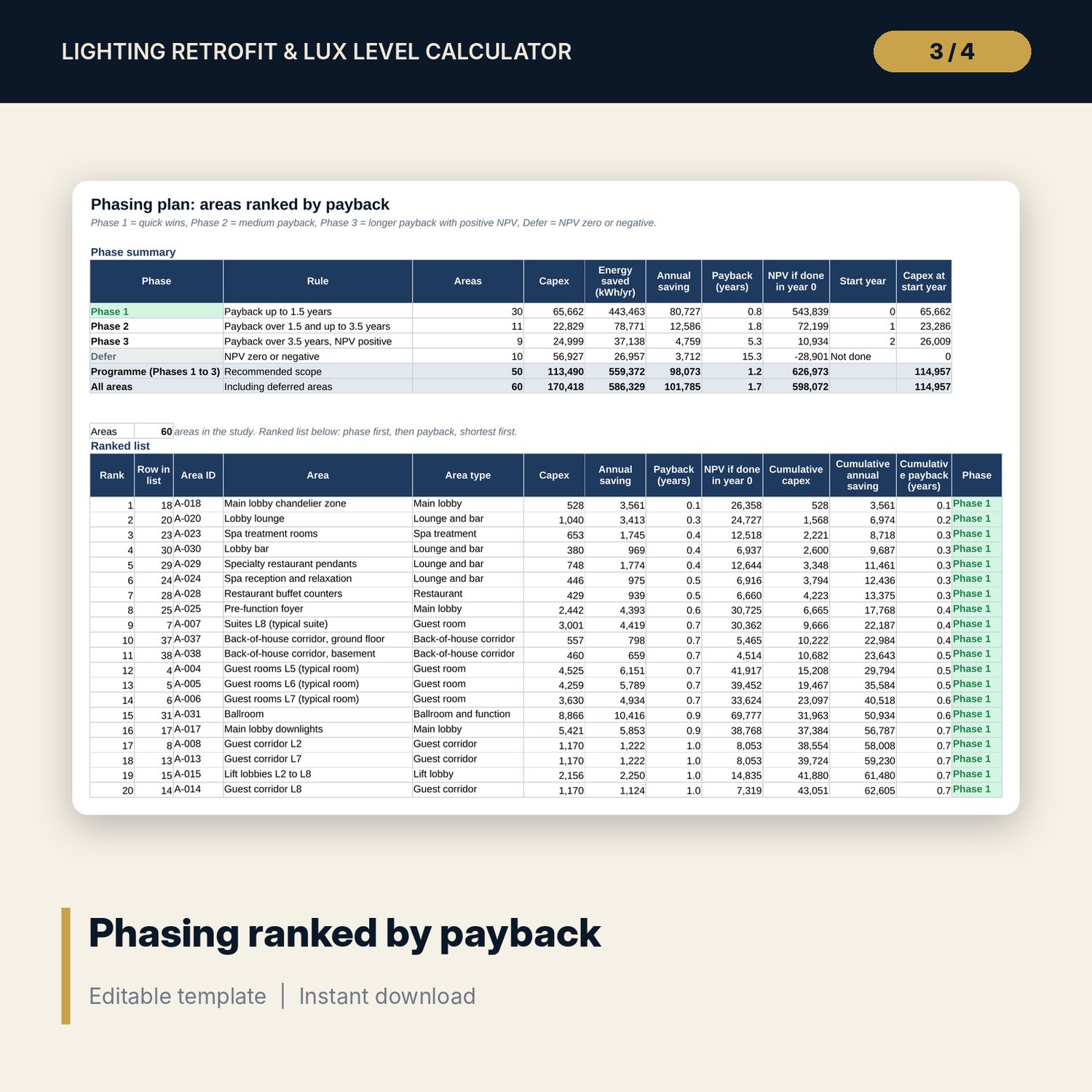
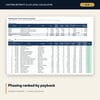
- Phasing: phase summary and all areas ranked by payback with cumulative capex and saving
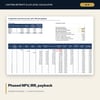
- Cash_Flow: 26-year table, NPV checked two ways, IRR, payback and PV factors
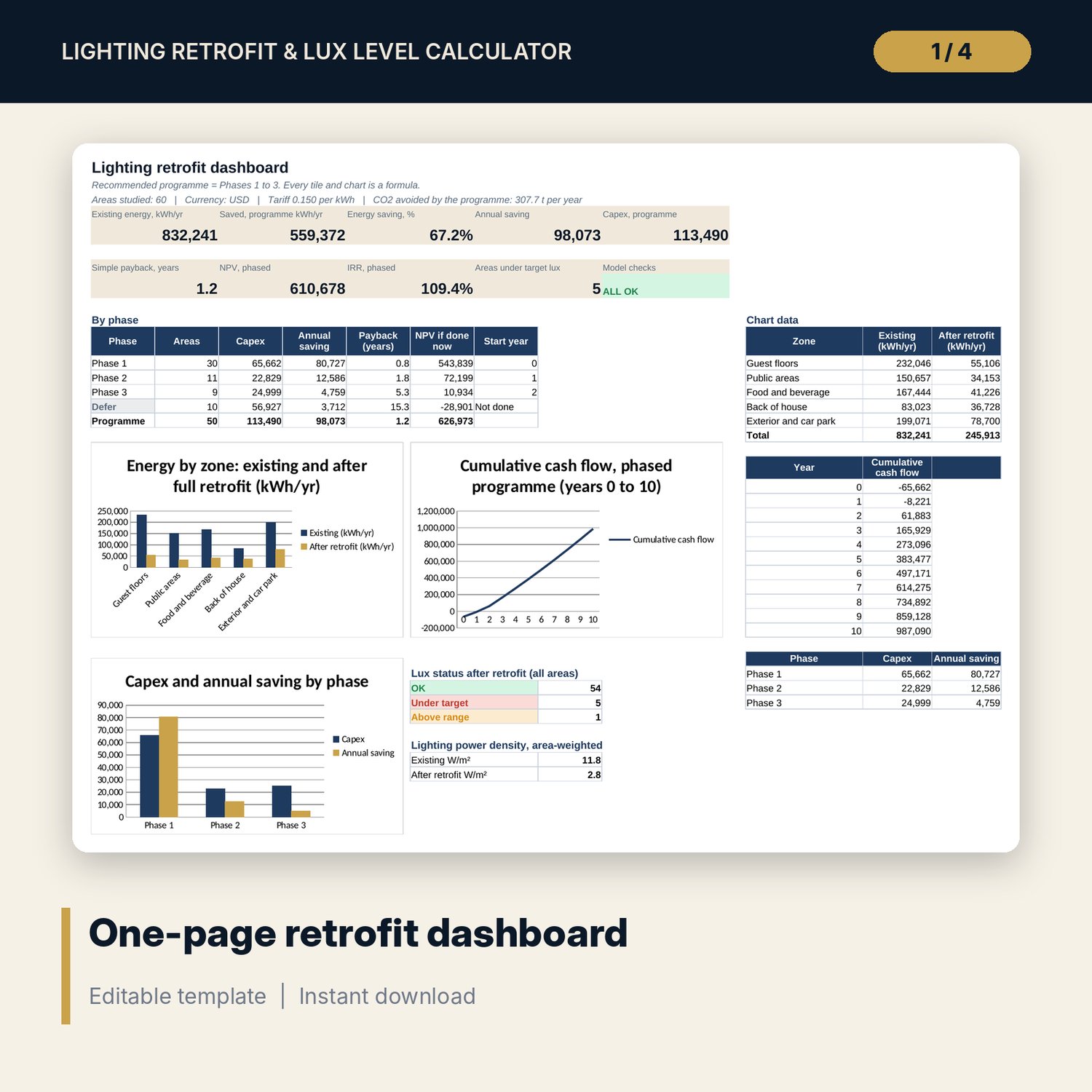
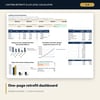
- Dashboard (one printed page), 15 integrity checks and a Method tab with 18 documented calculations
- README.txt and LICENSE-and-Terms.txt
How it works
- Enter tariff, escalation, discount rate, labour rates and your phasing rules on Assumptions.
- Load your existing lamp types and the LED fittings you are pricing on Catalogue, and confirm the target lux for each area type.
- Survey each area on Areas: dimensions, mounting height, existing fittings, hours and the proposed fitting. Leave the override blank to size by the lumen method.
- Fix any area flagged under target or over-lit on Lux_Calc, then read payback, NPV and the phase for each area.
- Present the phased programme from Phasing, Cash_Flow and the Dashboard. Checks must show ALL OK.
Details
- Format: one .xlsx workbook, English
- Software: Excel 2016 or later, or LibreOffice Calc 7 or later
- No macros, no external links, no data tables, no array formulas
- Units: metres, lux, W, kWh; conversion notes for feet and foot-candles
- Instant digital download
Good to know
- Sample data is illustrative. Replace it with your own survey and supplier data.
- Target lux levels, tariffs and emission factors are editable inputs. Verify local requirements.
- The lumen method gives average maintained illuminance. Uniformity, glare and emergency lighting need a separate lighting design check. This is not engineering advice.
- Single-user license. Do not redistribute.
FAQ
Does it size the number of new fittings or only swap one for one?
Both. Leave the override blank and the lumen method sizes the count from area, target lux, luminaire lumens, UF and MF. Enter a count for a straight lamp swap.
Where do the UF and maintenance factor come from?
UF is interpolated from a room-index table on the Catalogue tab and adjusted by area type; MF is set per area type. Replace both with your supplier's photometric data where you have it.
How are guest rooms handled?
Enter one typical room with the number of identical rooms. Lux is checked per room; energy, capex and savings are multiplied by the room count.
What decides the phase of an area?
Payback against your two limits. Areas with zero or negative NPV go to Defer. The phased cash flow then shows the NPV given up by delaying later phases.
Can I change the analysis period and discount rate?
Yes. Set 1 to 25 years and any discount rate; NPV, IRR and the PV factors update and are checked against a closed-form formula.