
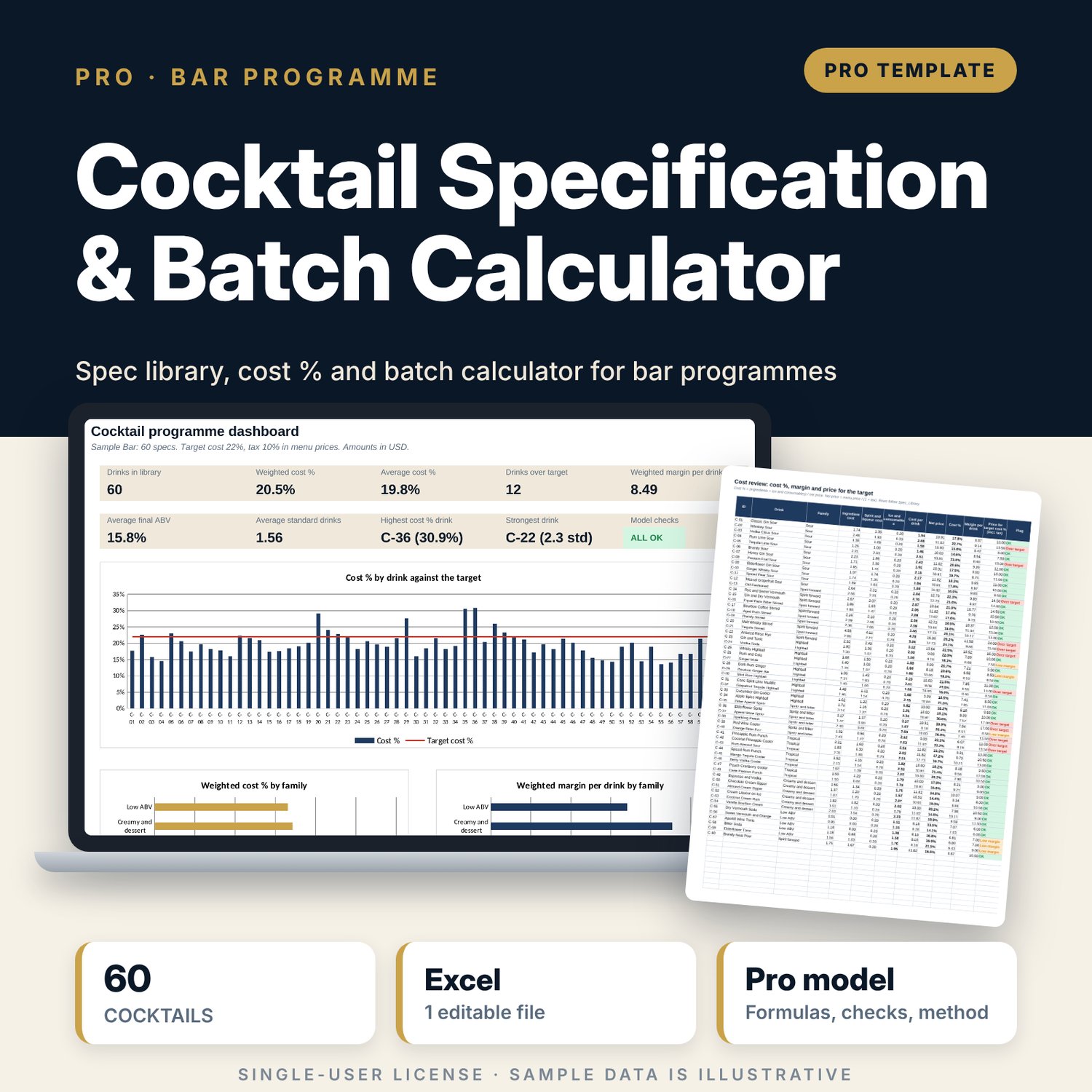
Cocktail Specification & Batch Calculator: Cocktail Spec Library, Cost % and Batch Calculator for Bars
Full description
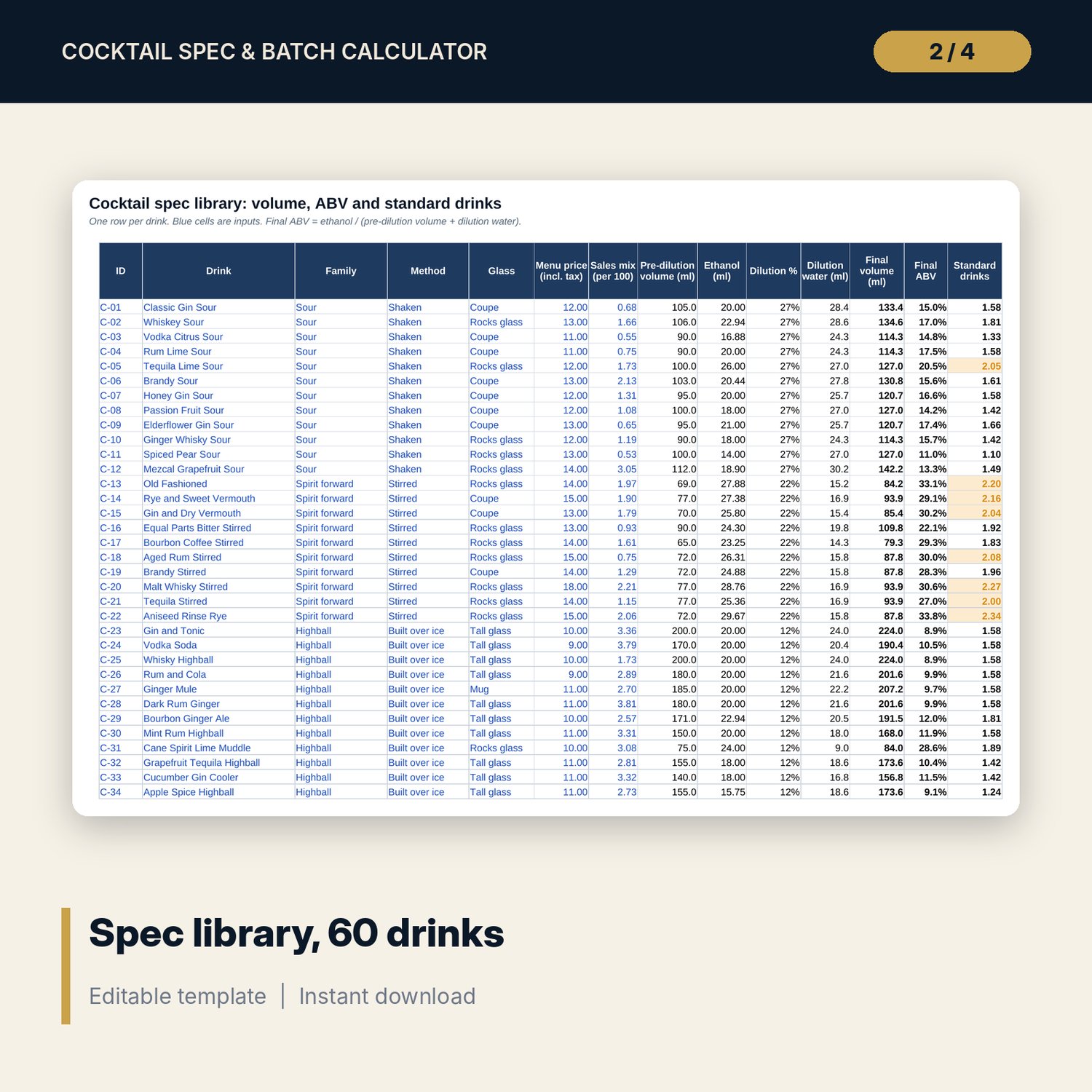
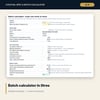
For bar managers, head bartenders, food and beverage managers and beverage controllers who need one source for every drink spec. Each recipe line carries a measure and an ingredient with ABV and pack cost. The workbook adds dilution by method (shaken, stirred, built, neat), then returns final volume, final ABV, standard drinks, cost per drink, cost % against a target, margin and the menu price that reaches the target. The batch calculator scales the batchable lines of any drink to a volume in litres, adds pre-dilution water, and reports serves, bottles, cost, batch ABV and shelf life, with a printable label. Sales-weighted cost % and two sensitivity grids show what a spirit price rise does to the menu.
Save with a bundle: this workbook is also in the F&B Control & Audit Pro Bundle, 25 workbooks for $59 instead of $310. All 100 Pro workbooks are in the Pro Library for $119, and all 241 templates and workbooks are in the Ultimate Hospitality Library for $149.
What is inside
- Cocktail_Spec_Batch_Calculator.xlsx: 12 tabs, 6,641 formulas, 4 native charts, 22 drop-down and input rules
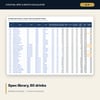
- Spec_Library: 60 sample drinks in 7 families, with room for 80 drinks
- Recipe_Lines: 259 sample recipe lines, with room for 340
- Ingredients: 83 sample ingredients, with room for 100
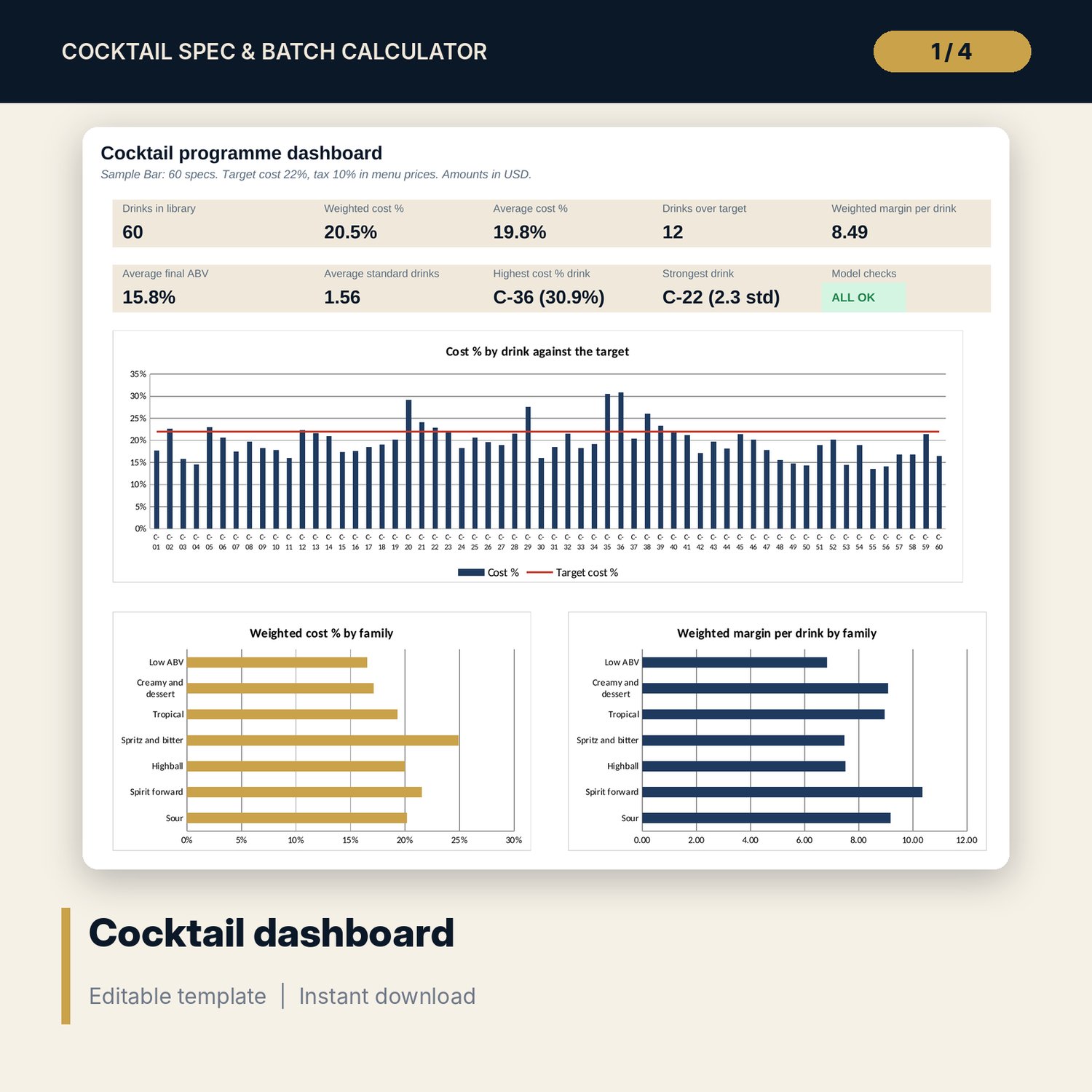
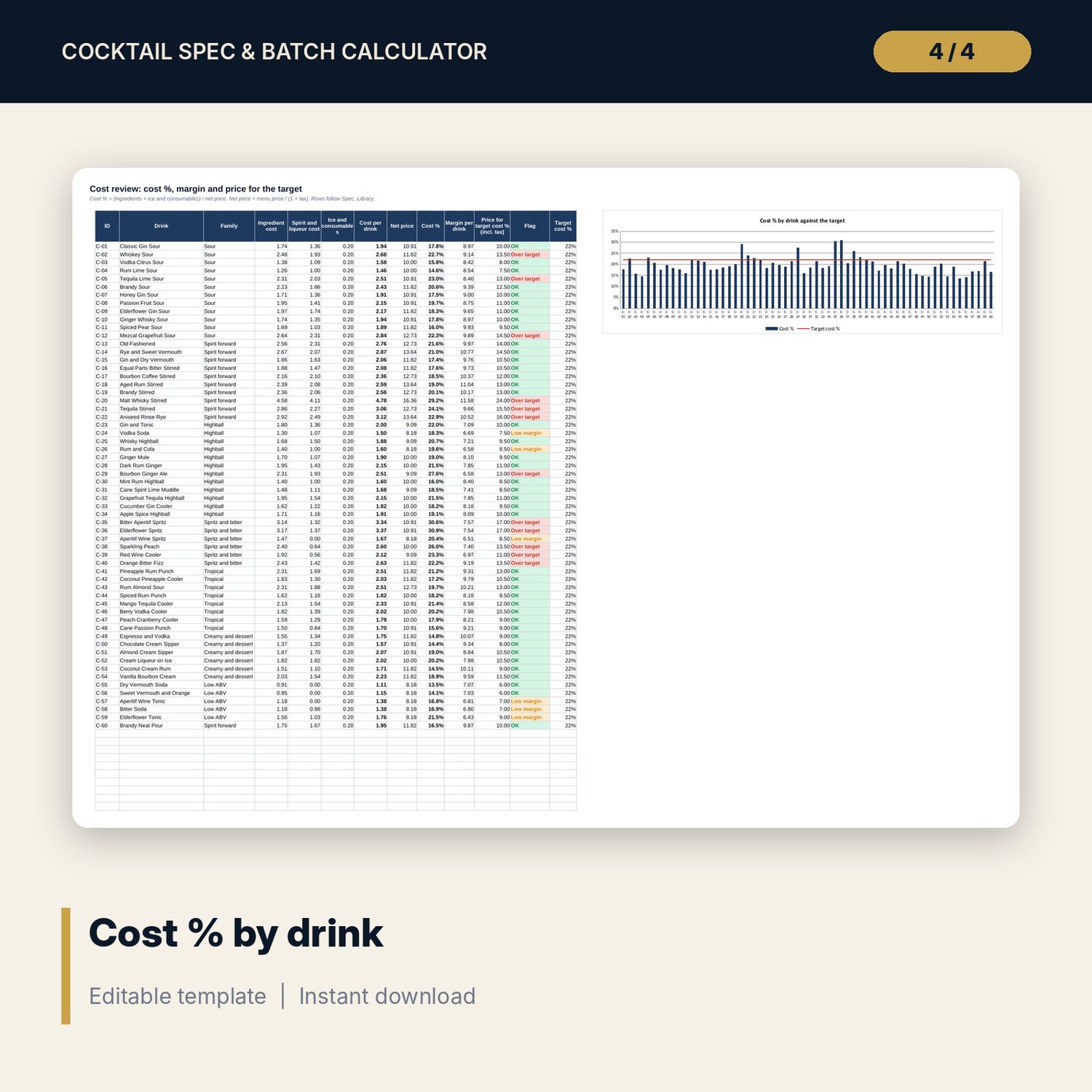
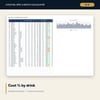
- Cost_Review: cost %, margin, price for the target cost % and flags for every drink, with a chart of cost % by drink
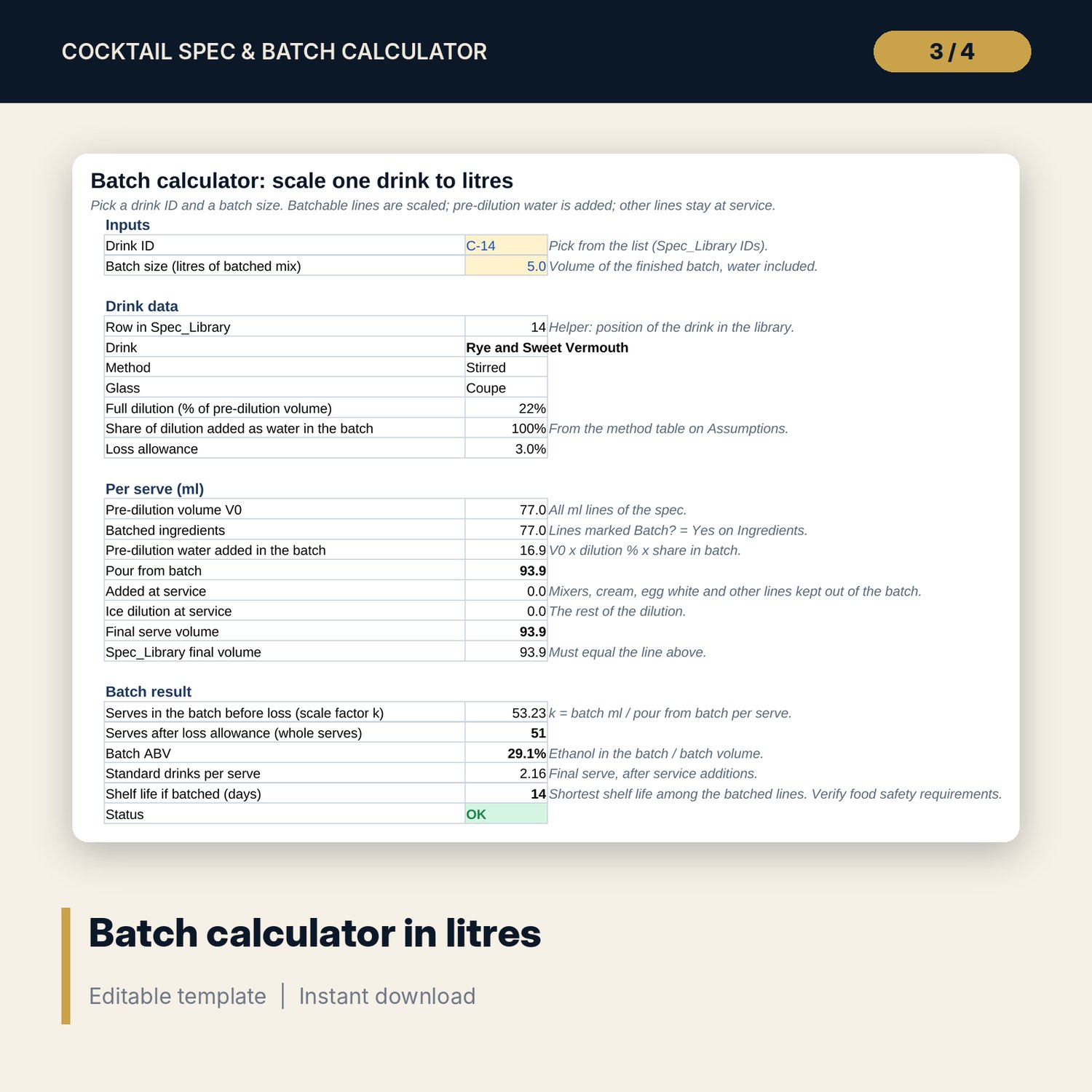
- Batch: batch scaling in litres for any drink, up to 8 lines, plus a one-page Batch_Label
- Menu_Analysis: 7 family summaries, sales-weighted cost % and 2 sensitivity grids
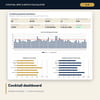
- Dashboard (one printed page), 15 integrity checks and a Method tab with 18 documented calculations
- README.txt and LICENSE-and-Terms.txt
How it works
- Set tax, target cost %, standard drink size and dilution by method on Assumptions.
- Enter ingredients with ABV, pack size and pack cost, then your drinks and recipe lines.
- Read cost %, margin and flags on Cost_Review. Drinks above target show the price that would reach it.
- Pick a drink and a batch size in litres on Batch to get quantities, serves, cost and shelf life.
- Print Batch_Label with the batch number and date made.
Details
- Format: one .xlsx workbook, English
- Software: Excel 2016 or later, or LibreOffice Calc 7 or later
- No macros, no external links, no data tables, no array formulas
- Instant digital download
Good to know
- Sample data is illustrative. Replace it with your own figures.
- Dilution, shelf life, standard drink size and allergen notes are planning inputs. Verify them with your own tests and local requirements; this is not food-safety or legal advice.
- Volumes are treated as additive. Real mixtures contract slightly, so final ABV is an estimate.
- Single-user license. Do not redistribute.
FAQ
How is dilution calculated?
Water = pre-dilution volume x a dilution % set for each method on Assumptions. The sample percentages are starting points; replace them with your own measurements.
What is a standard drink here?
Ethanol in grams divided by the grams you set for one standard drink. Definitions differ by country, so the size is an input.
How does the batch calculator treat mixers and cream?
Each ingredient is marked Batch? Yes or No. Lines marked No stay at service and are listed on the label. The share of dilution added as batch water is set per method.
Can I add my own drinks and ingredients?
Yes. There is room for 80 drinks, 340 recipe lines and 100 ingredients. Add a drink on Spec_Library, then its lines on Recipe_Lines.
Does it need macros or add-ins?
No. Every result is a standard worksheet formula.