
Sample Management SOP for Notion — Markdown Setup Kit
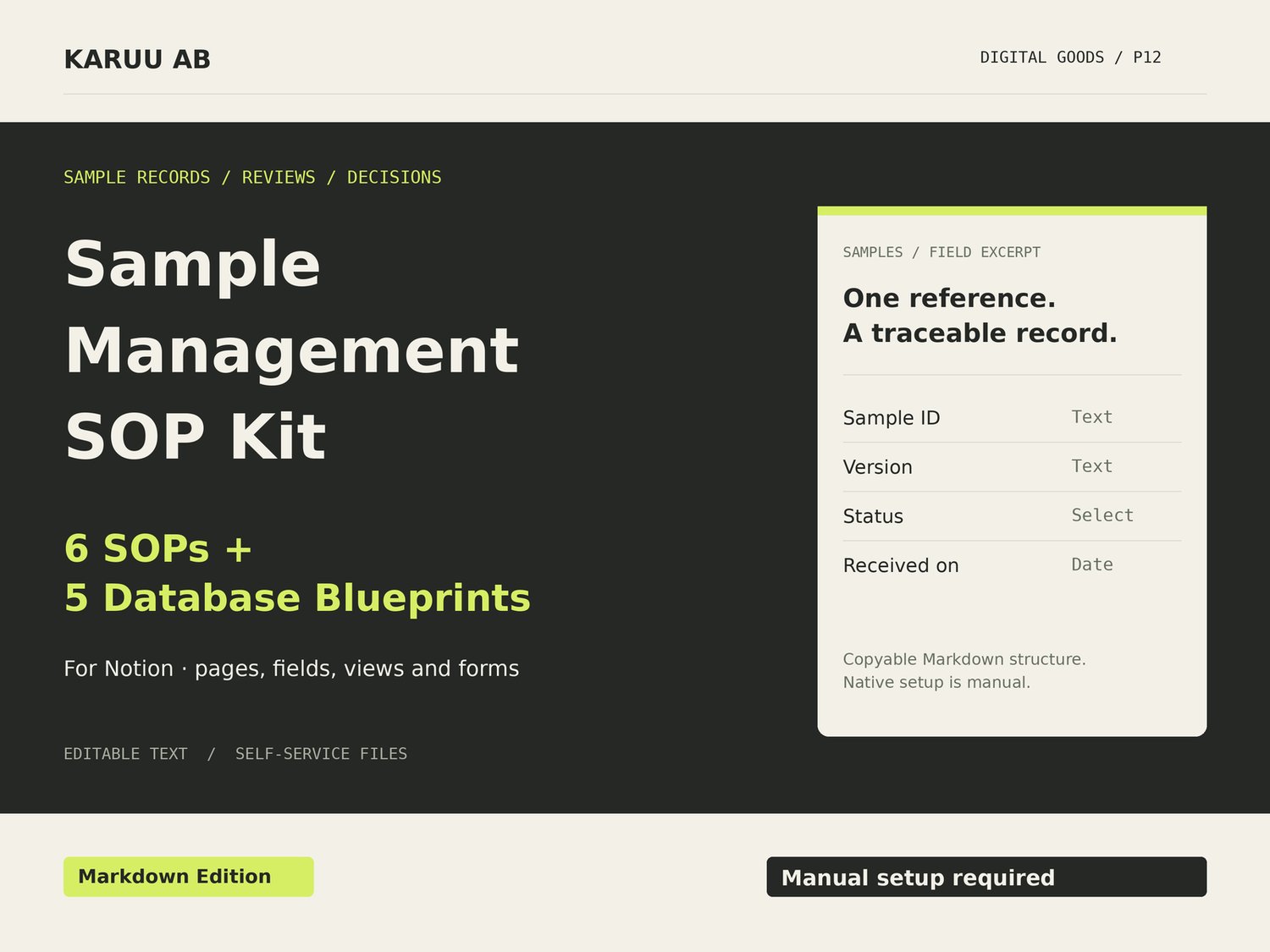
Create a consistent record of apparel samples, feedback and scoped decisions. Includes six SOPs, five database blueprints and 12 view recipes in Markdown. Manual Notion database setup is required.
Connect each sample version to the feedback and decision that belong to it
When a new sample arrives, your team should be able to see which brief it follows, what changed and what still needs checking. This kit provides the operating procedures and page content to build that record in your own Notion workspace.
What you receive
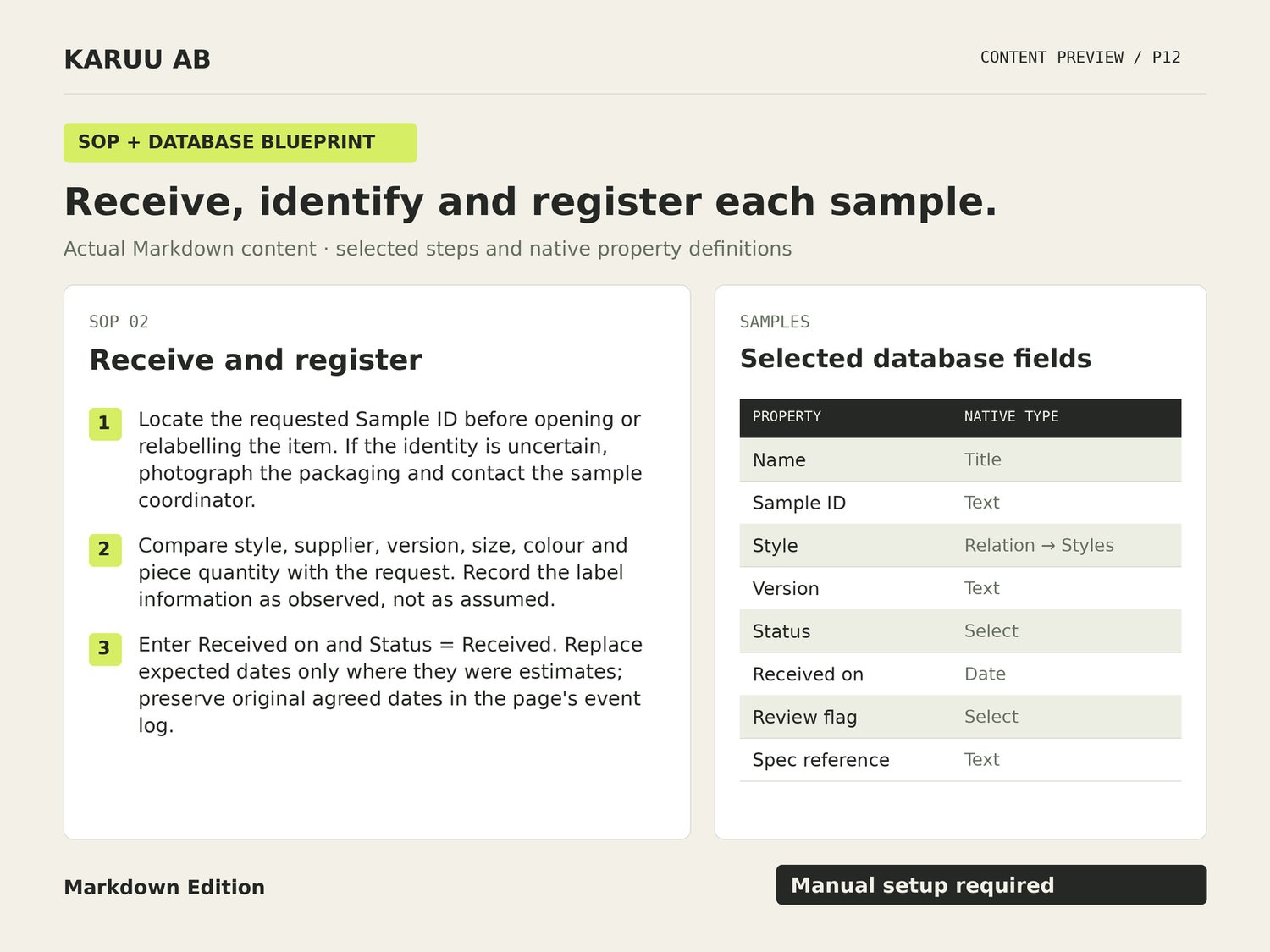
- Six complete SOPs for requesting samples, receiving and registering them, preparing reviews, consolidating feedback, verifying revisions and recording decisions through handover and archive.
- A complete home-page structure and quick-start instructions.
- Five database blueprints: Styles, Suppliers, Samples, Feedback Items and Decisions.
- Field definitions, allowed status values and named relationship mappings.
- 12 view recipes specifying filters, grouping, sorting and visible fields.
- Five copyable database-page templates and four operational forms.
- Blank record tables and a worked fictional sequence involving two styles, two suppliers and four samples.
- A consolidated Markdown edition alongside the separate source pages.
Why it is useful
- Keep sample versions distinct instead of overwriting the previous record.
- Record what was requested, what was checked and which revision was checked.
- Separate a scoped sample decision from a production-order commitment.
- Surface records needing an owner, review or missing information.
How to use it
1. Unzip the files and read 00_START_HERE.md.
2. Import the Markdown pages into Notion, or copy their content into your workspace.
3. Create the five databases and configure the fields, relationships and views using the supplied instructions. Run the fictional case before entering live projects.
Before you buy
This is a Markdown setup kit, not a prebuilt Notion workspace with a one-click duplication link. Importing Markdown does not automatically create the database relationships, view filters, select options or page templates. Those configurations are part of the documented manual setup.
A Notion account and permission to create pages and databases are required for the Notion workflow. You can read and adapt the SOPs in a text editor without Notion. No paid AI service or automation integration is included. Workspace permissions and any third-party subscription charges remain your responsibility.
The kit covers administration and communication. It does not provide garment patterns, technical fit standards, laboratory tests, electronic signatures or product certification. Its checklists guide decisions; they do not technically enforce an approval or prevent a user from editing a record. Notion is a third-party product, and this kit is not endorsed by Notion.
Purchase, version and support
One-time payment for version 1.0.0 — English Markdown Setup Edition. Payhip delivers the files after confirmed payment. The licence covers one business and up to three internal users. Developed with AI assistance for KARUU AB.
Custom workspace building, data migration and consulting are not included. Contact the seller shown on your receipt for missing files or material defects. Mandatory consumer rights remain unaffected; the store's Terms and Refund Policy explain the applicable process.
Give your next sampling round a clearer record of what changed and what needs a decision.