
Hotel Purchasing & Procurement Toolkit: Procurement Templates for Hotels
Full description
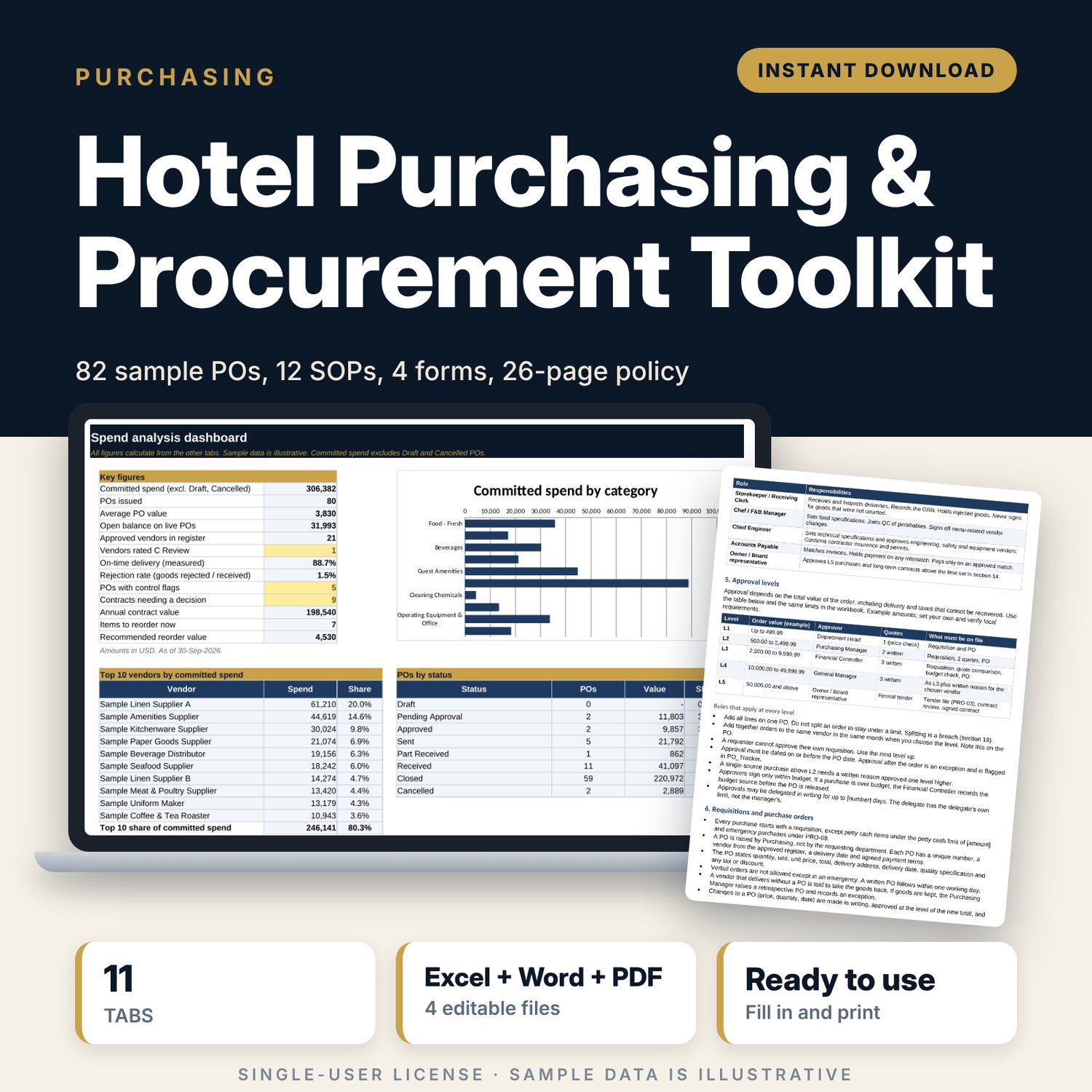
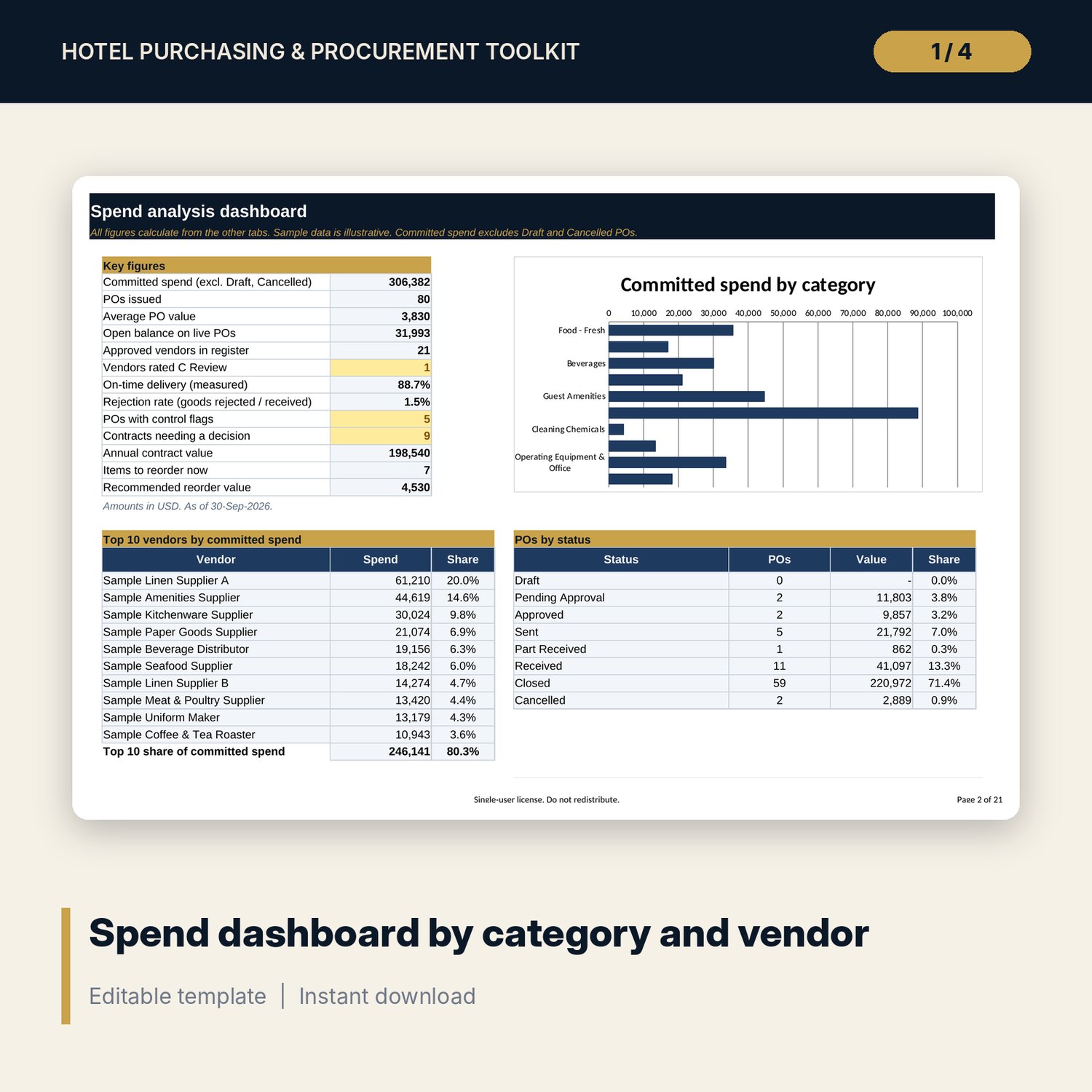
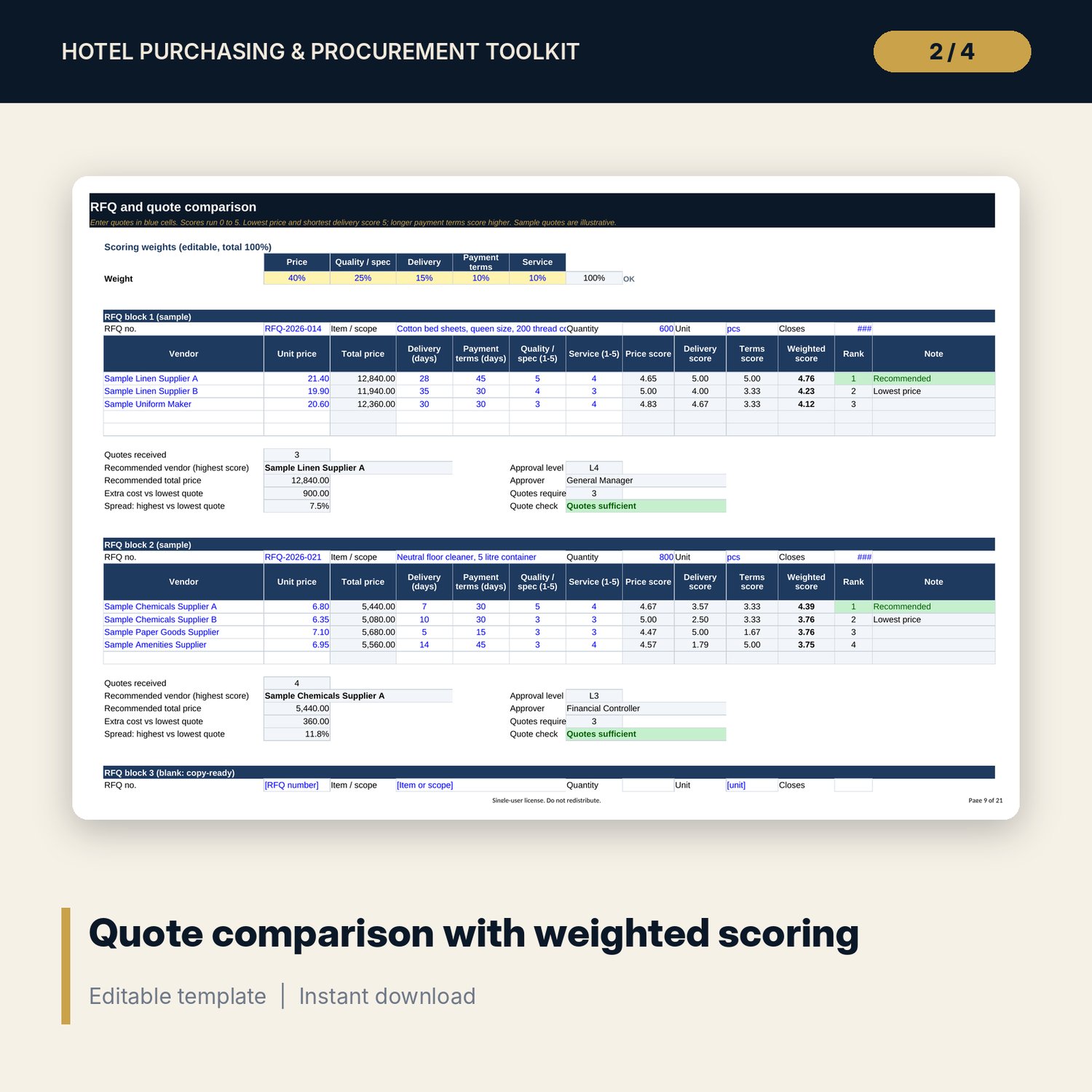
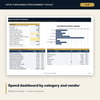
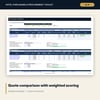
This toolkit is for hotel purchasing managers, general managers, finance controllers and owners who want one clear system for buying. It replaces scattered price lists, e-mail approvals and paper delivery notes with a workbook, a written policy and four forms that work together. The workbook checks each purchase order against your approval limits, compares quotes with weighted scoring, logs deliveries, tracks price changes and contract deadlines, and shows spend by category, vendor and month on a dashboard.
Save with a bundle: this template is also in the Hotel Engineering, Safety & Compliance Bundle, 11 templates for $35 instead of $83. All 141 templates are in the All-Access Hospitality Template Library for $79.
What is inside
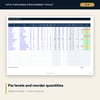
- Procurement_Workbook.xlsx: 11 tabs, 5,195 formulas, 24 drop-down lists, 4 native charts.
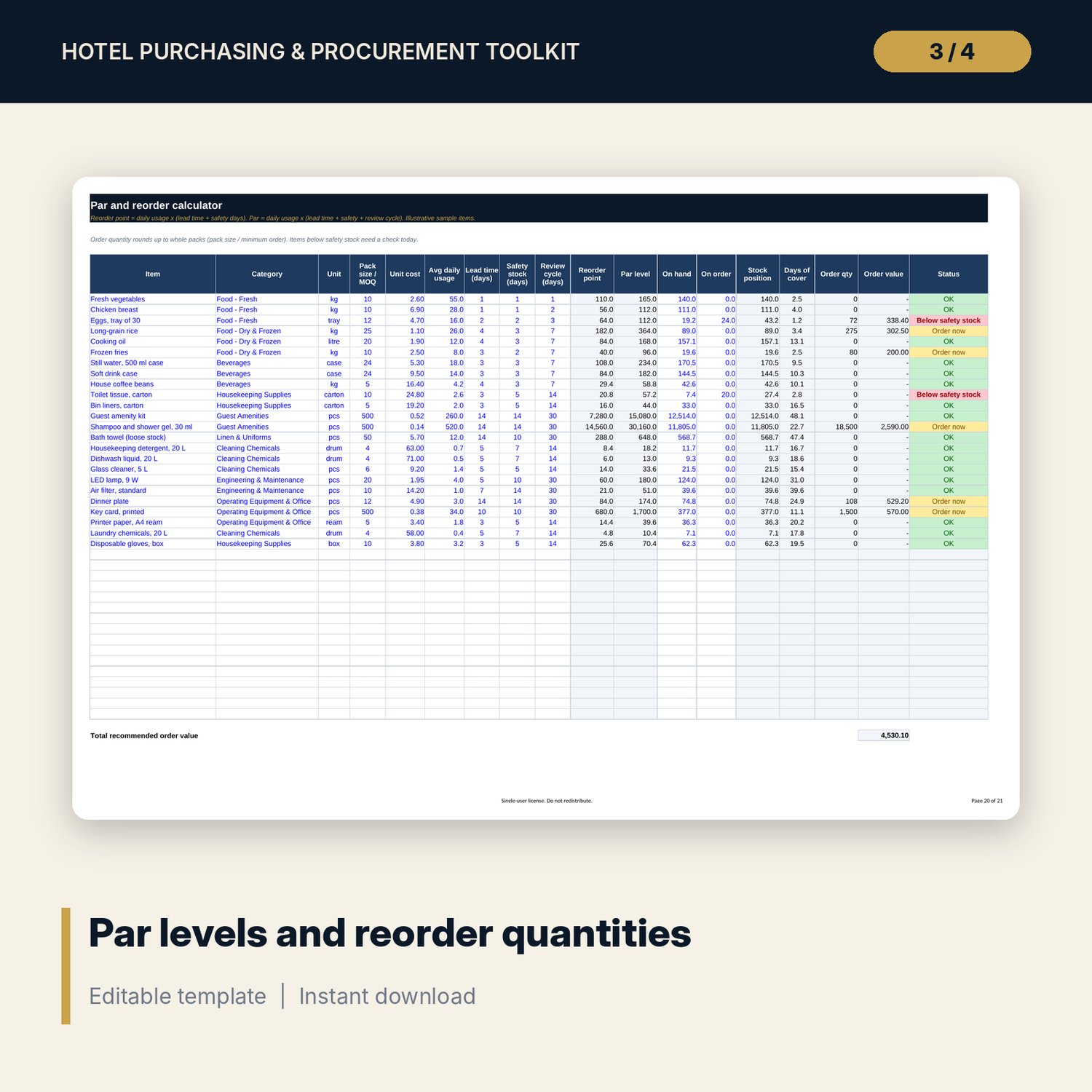
- Start Here, Dashboard, Settings, Approval_Matrix, Vendors, RFQ_Compare, PO_Tracker, Receiving_Log, Price_Monitor, Par_Reorder, Contracts.
- Sample data: 23 vendors, 82 purchase orders, 71 deliveries, 30 priced items, 24 stocked items, 12 contracts.
- Room for 60 vendors, 300 POs, 200 deliveries, 40 priced items, 40 stocked items and 40 contracts before you add rows.
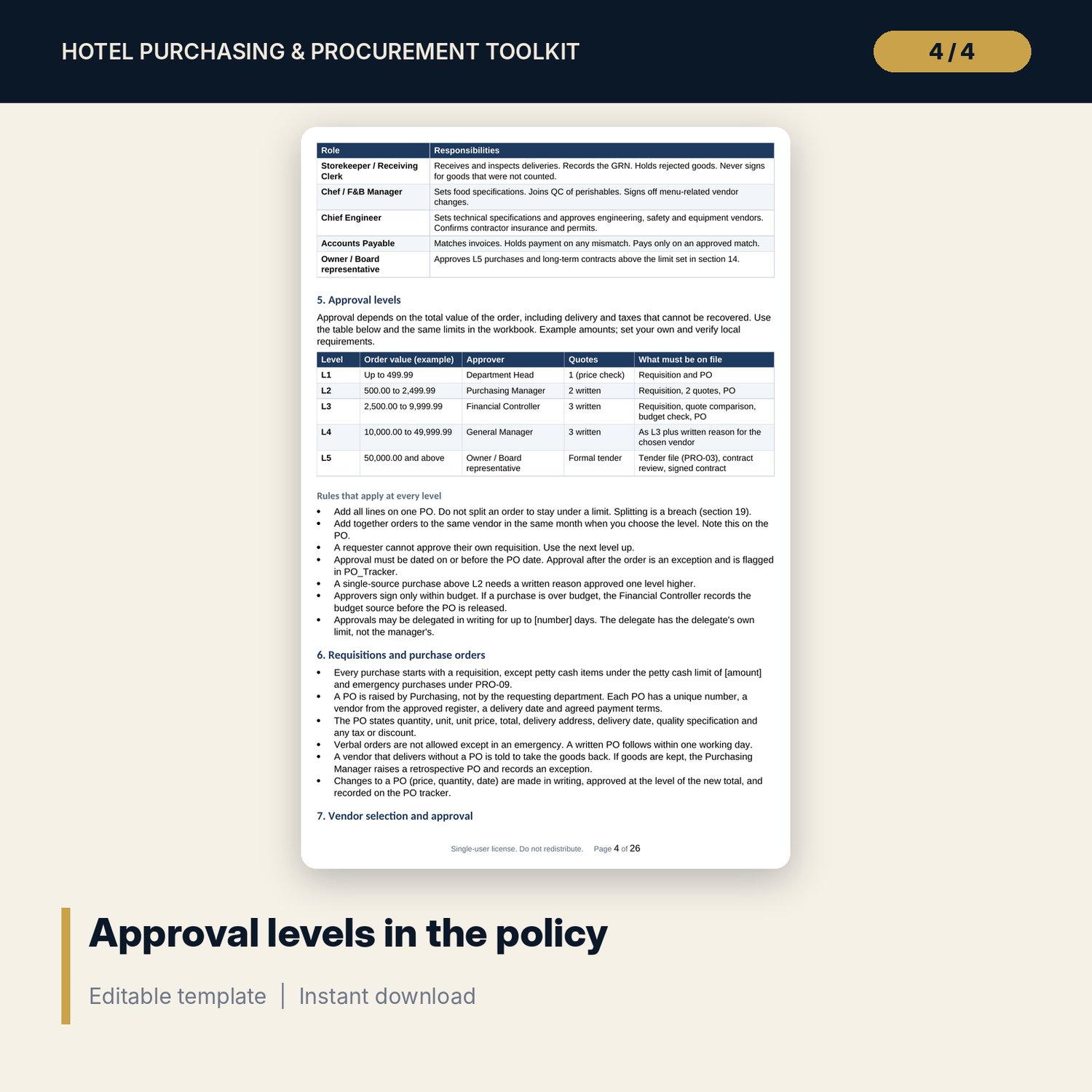
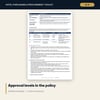
- Procurement_Policy_and_SOPs.docx: 26 pages. A 20-section policy, 12 standard operating procedures in one format, a conflict-of-interest declaration, a receiving QC checklist, a tender evaluation record and an annual procurement calendar.
- Procurement_Forms.pdf (5 pages, print-ready) and Procurement_Forms.docx (editable): purchase requisition, request for quotation, vendor evaluation and goods received note.
- README.txt and LICENSE-and-Terms.txt.
How it works
- Set your currency, thresholds and approval limits on the Settings and Approval_Matrix tabs.
- Replace the sample rows in the blue input cells with your vendors, orders and deliveries. Drop-downs keep names consistent.
- Raise orders with the policy and forms. PO_Tracker shows the approval level and flags missing or late approval.
- Log each delivery in Receiving_Log. Late, short and rejected goods feed the vendor scorecard.
- Read the Dashboard each week and work through the red and amber flags.
Details
- Formats: Excel (.xlsx), Word (.docx), PDF.
- Language: English. A4 layout. Currency is an editable input with no symbol.
- Software: Excel 2010 or later for the workbook. Word or a compatible editor for the .docx files. Any PDF reader for the PDF.
- Delivery: digital download. No physical item is shipped.
Good to know
- All names, prices, dates and figures are illustrative samples. They are not benchmarks or official rates.
- Approval limits, tolerances, temperature limits and retention periods are editable examples. Verify local requirements.
- The files are working tools, not legal, tax or accounting advice.
- Single-user license: you may use and edit the files for your own property or team, and you may not resell or share them.
FAQ
Do I need special software? No. The workbook uses standard Excel functions. The documents open in Word and the forms open in any PDF reader.
Does it work in Google Sheets? You can upload the .xlsx to Google Sheets. Formulas, drop-downs and conditional formatting should carry over. Charts and print layout may look different. Excel is the tested version.
Can I edit it? Yes. Blue cells are inputs. Formula cells are black. The Word files and the forms are fully editable.
Is this a physical product or can I get a refund? It is a digital download, so nothing is shipped. Refund terms follow the store's policy at the time of purchase.
Who is it for? Purchasing managers, general managers, controllers and owners of hotels, serviced apartments and resorts. It also suits restaurant groups that buy for several outlets.
Does it include my own approval rules? It includes example limits in five levels. You change them in one table and the workbook follows.