
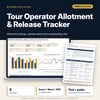
Tour Operator Allotment & Release Tracker: Allotment Management Spreadsheet with Pickup and Cut-off Alerts
Full description
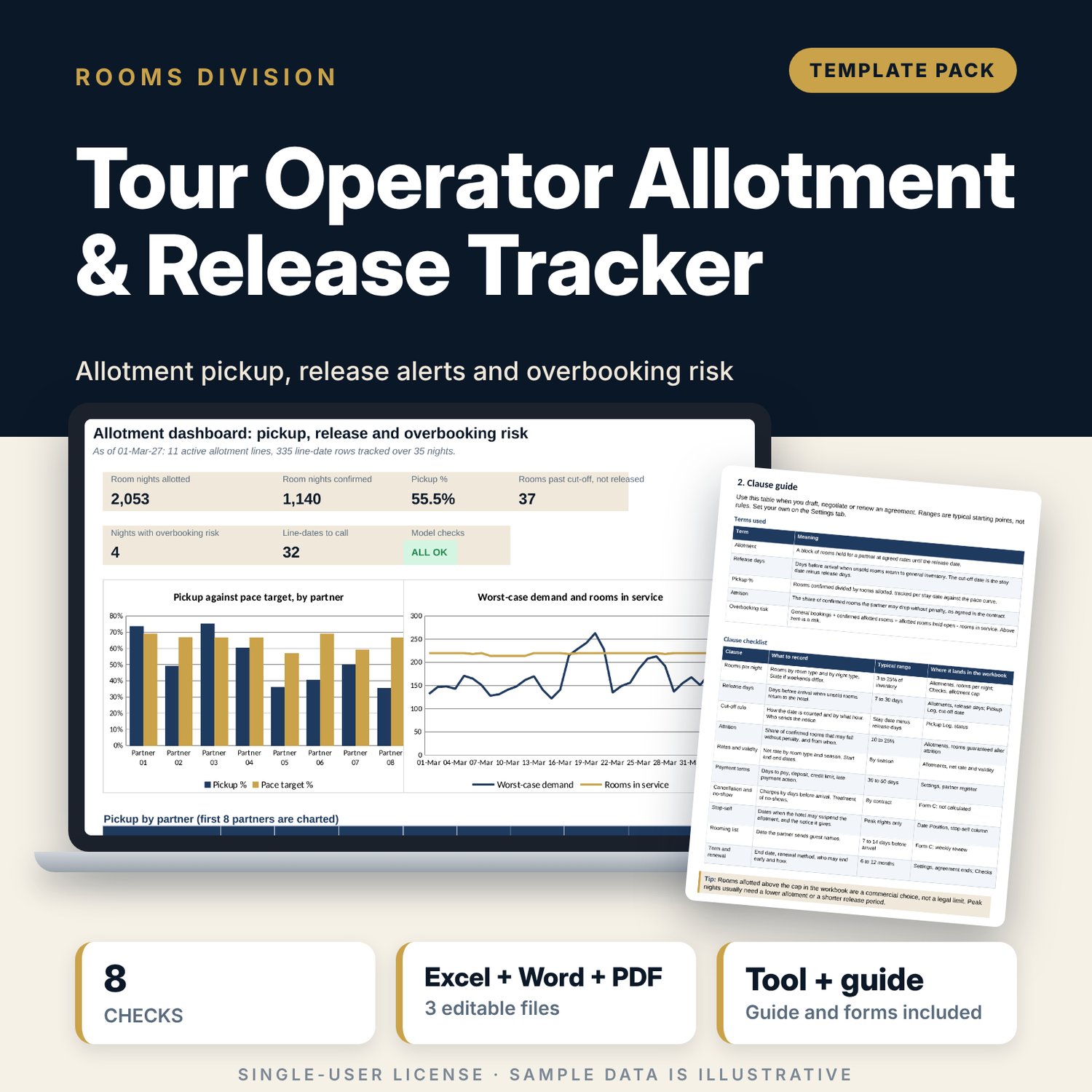
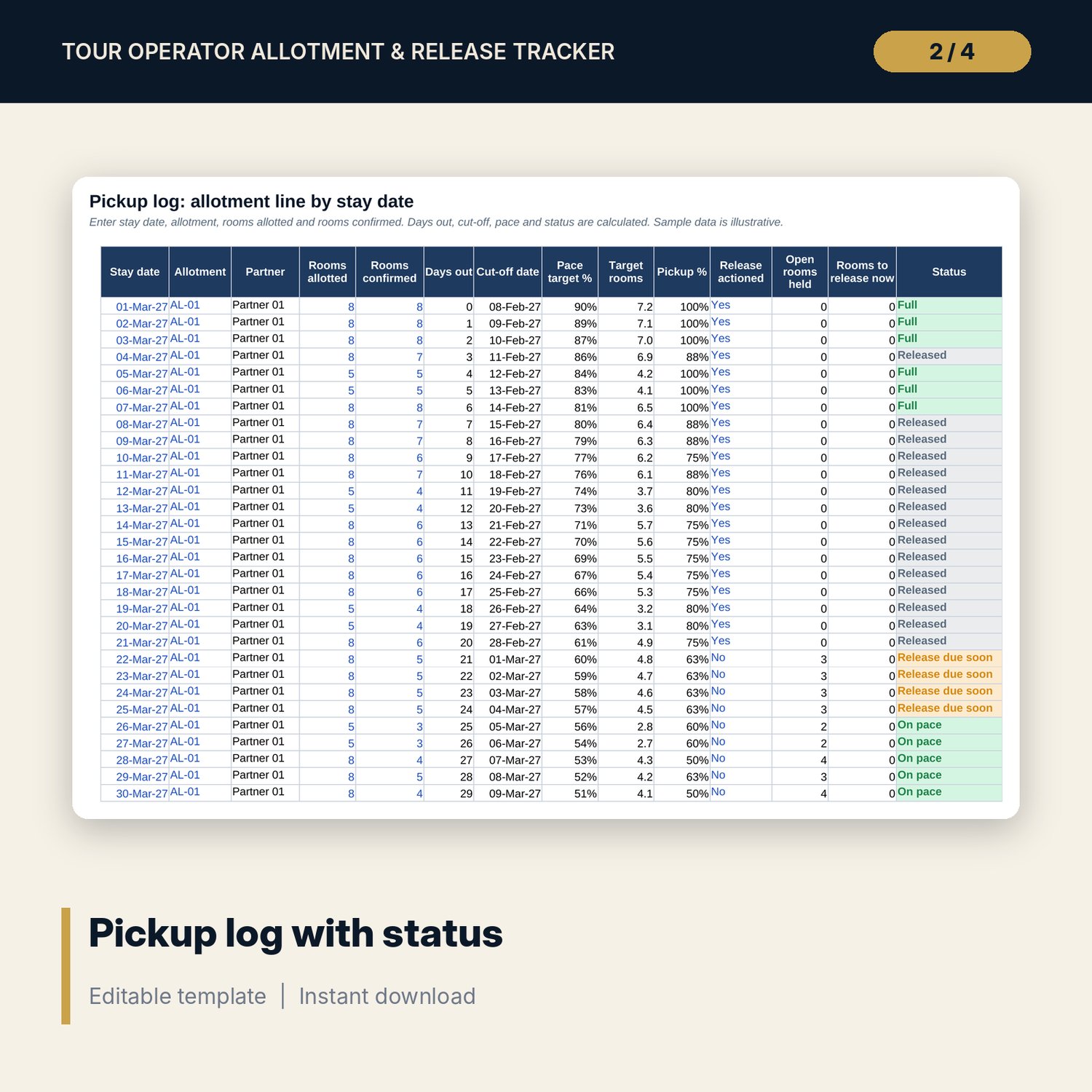
For revenue managers, reservations managers and sales teams who hold room blocks for tour operators and wholesalers. The workbook keeps 12 sample allotment lines and a pickup log of 335 line-date rows over 35 stay dates. For each row it finds days out, the cut-off date (stay date minus release days), a pace target from an editable curve and a status: Call partner, Behind pace, Release due soon, Release overdue, Stop-sell, Released, Full or On pace. Date Position adds general bookings and rooms out of order to show overbooking risk night by night. The Word pack gives you an allotment agreement summary, a clause guide, a weekly review agenda with a call script, a written release notice and the stop-sell rules.
What is inside
- Allotment_Release_Tracker.xlsx: 7 tabs, 4,150 formulas, 2 native charts, 20 drop-down and input rules
- Allotments: 12 sample lines with partner, room type, rooms per night, rate code, validity, release days and attrition, plus 8 spare rows
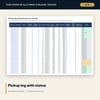
- Pickup Log: 335 sample line-date rows plus 60 spare rows, with 8 status values and pace target by days out
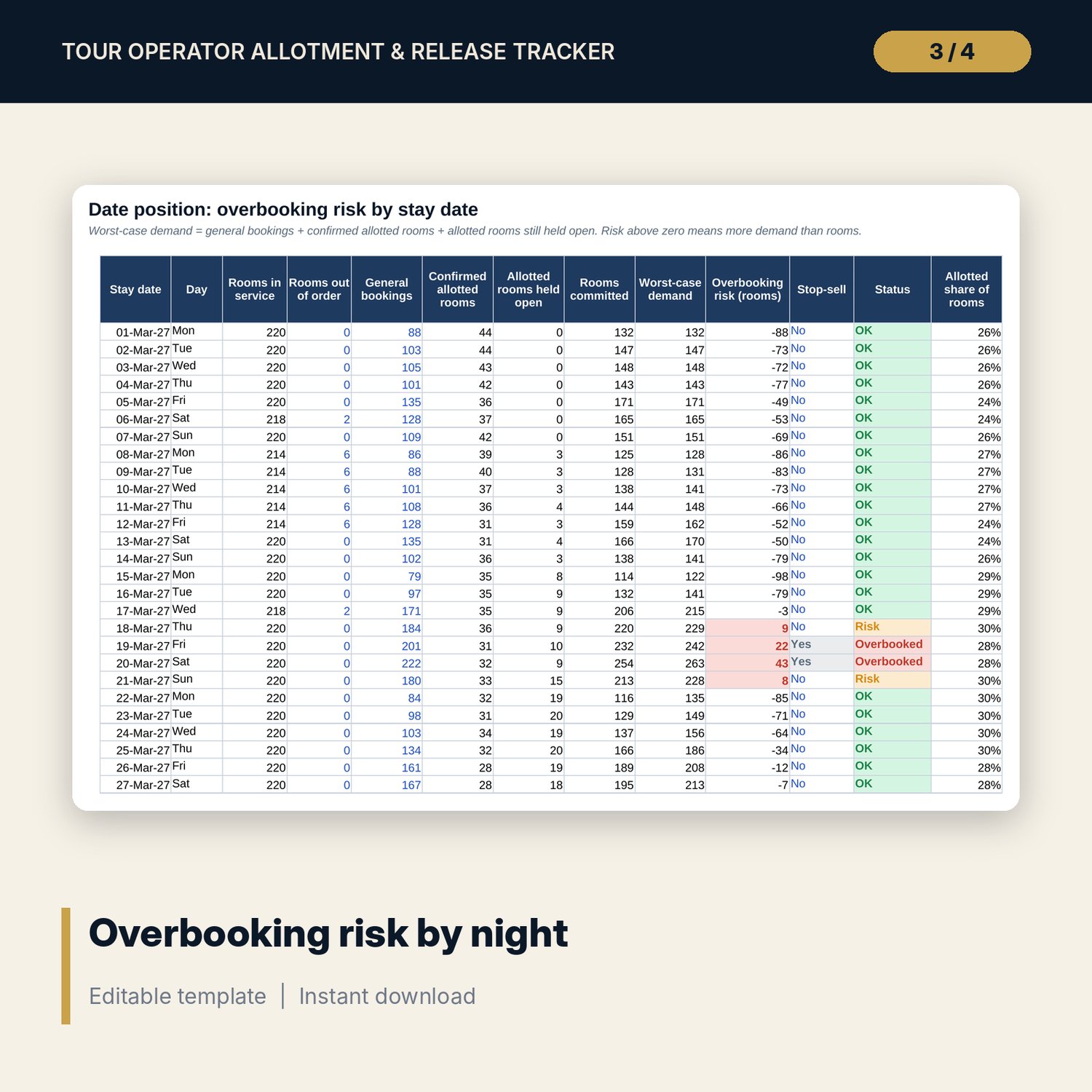
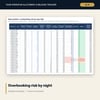
- Date Position: 35 nights with rooms in service, general bookings, held allotted rooms and overbooking risk
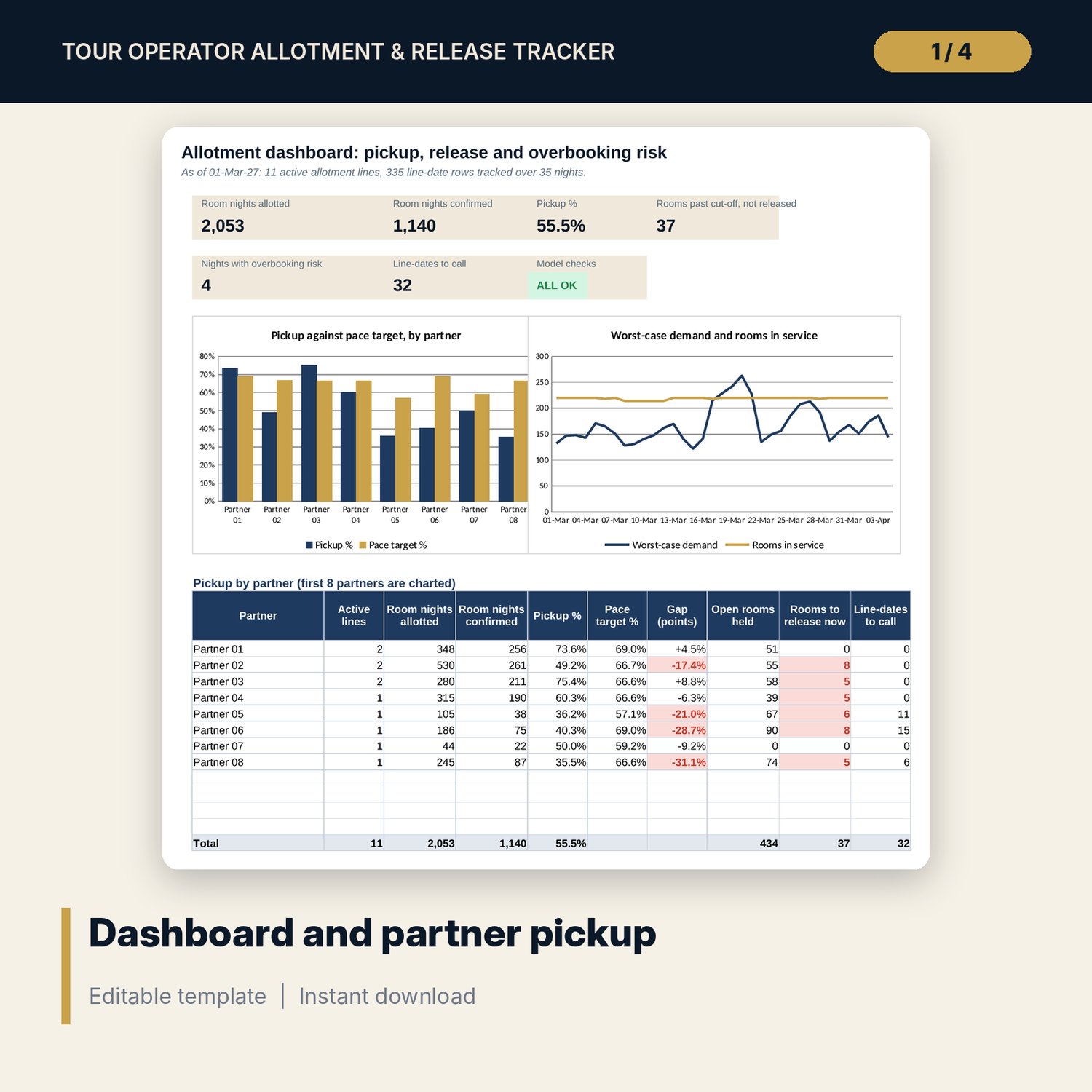
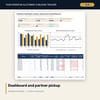
- Dashboard: 6 KPI tiles, a check tile, a pickup table for 12 partner rows and 2 charts; 8 integrity checks on the Checks tab
- Allotment_Agreement_Summary_and_Procedure.docx and PDF: 9 pages with a 3-part agreement summary form, a 10-clause guide, a weekly review, a release notice template, stop-sell rules and a worked example
- README.txt and LICENSE-and-Terms.txt
How it works
- Set the as-of date, inventory, release and call rules and the pace curve on Settings.
- Enter allotment lines from your agreements and one pickup row per line and stay date.
- Enter general bookings and rooms out of order on Date Position and mark stop-sell nights.
- Read the Dashboard weekly, call the partners flagged and release rooms at each cut-off, then confirm the notice in writing.
Details
- Formats: 1 Excel workbook (.xlsx), 1 agreement summary and procedure pack in Word (.docx) and PDF, English
- Software: Excel 2016 or later, or LibreOffice Calc 7 or later
- No macros, no external links, no data tables, no array formulas
- 3 files plus README and license; instant digital download
Good to know
- Sample data is illustrative. Replace it with your own figures.
- Release days, attrition and payment terms come from your own agreements. Verify local requirements and have your legal adviser check agreement wording.
- The files are management tools, not legal advice.
- Single-user license. Do not redistribute.
FAQ
What does the status column show?
Eight values: Full, Released, Stop-sell, Release overdue, Release due soon, Call partner, Behind pace and On pace. Rules for each are inputs on Settings.
How is the pace target set?
From an editable curve of days out against target pickup % (8 points in the sample). Targets between points are interpolated.
How is overbooking risk calculated?
General bookings plus confirmed allotted rooms plus allotted rooms still held open, minus rooms in service. A positive figure is flagged.
Can I add partners and lines?
Yes. The sample has 12 partner rows and 8 spare allotment rows, and Pickup Log has 60 spare rows.
Do I need macros?
No. Every result is a standard worksheet formula.