
About Me
Hey! I’m Bridjette — the creator behind CleanOps Systems and Bridjette Bookkeeping.
After years working in hospitality, cleaning, management, and organizing behind the scenes, I realized something:
Most small business owners aren’t lazy… they’re overwhelmed.
A lot of service businesses are running completely out of their heads:
• receipts everywhere
• jobs scattered in messages
• client info hard to track
• no simple workflow
So I started building simple systems designed to make daily business life easier.
Nothing complicated.
Nothing overwhelming.
Just clean, functional organization that actually works in real life.
I currently build:
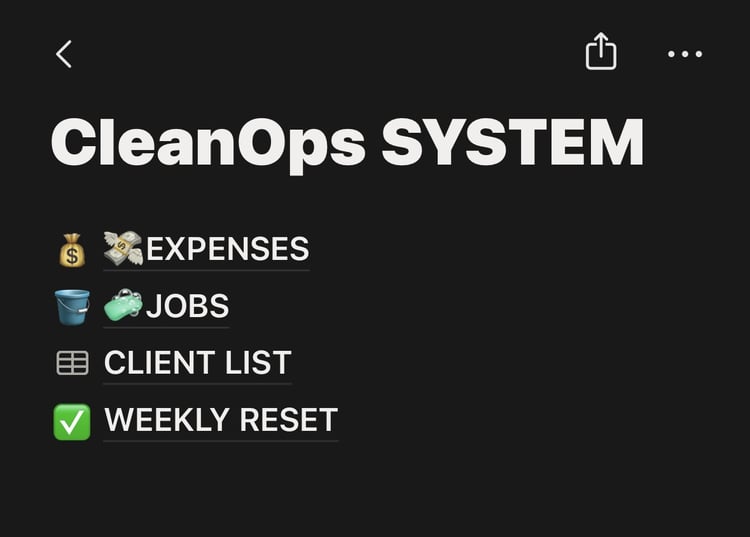
✔ Simple Notion systems
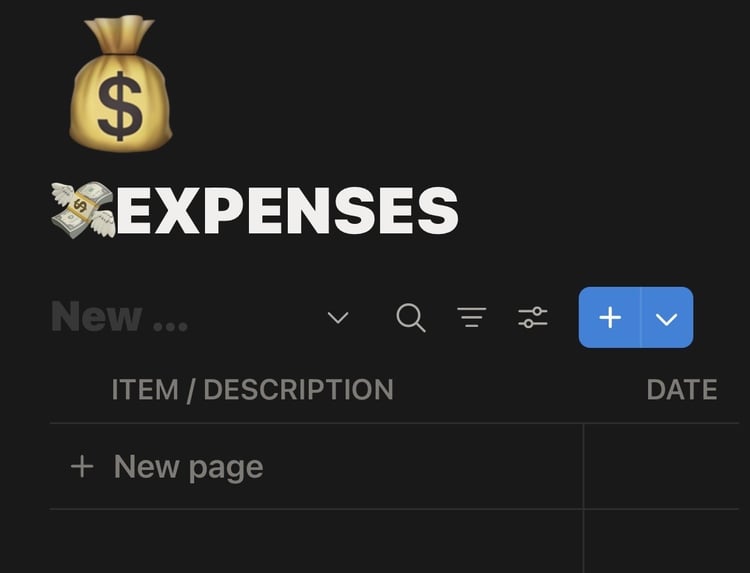
✔ Expense trackers
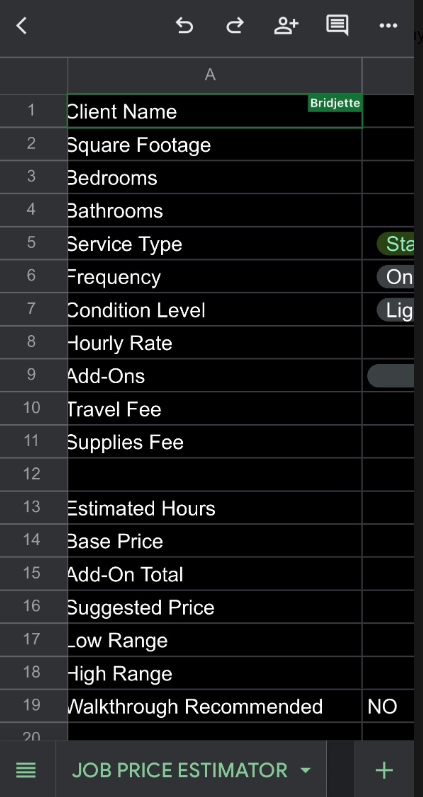
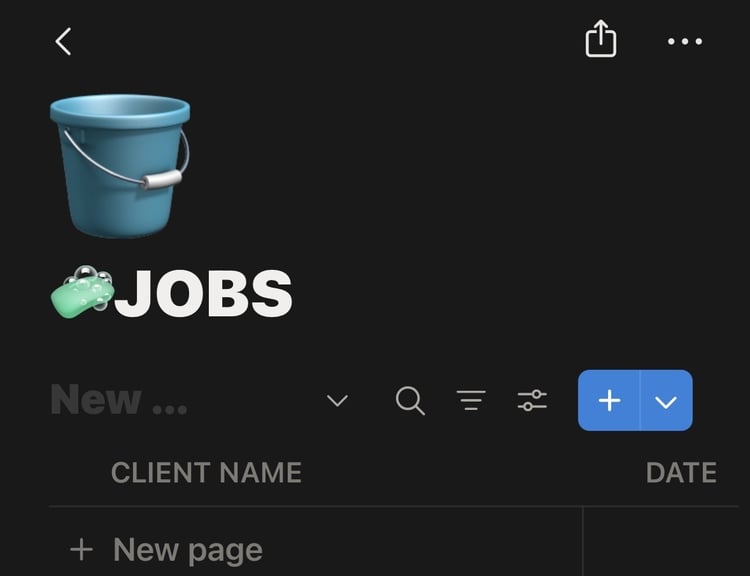
✔ Job tracking templates
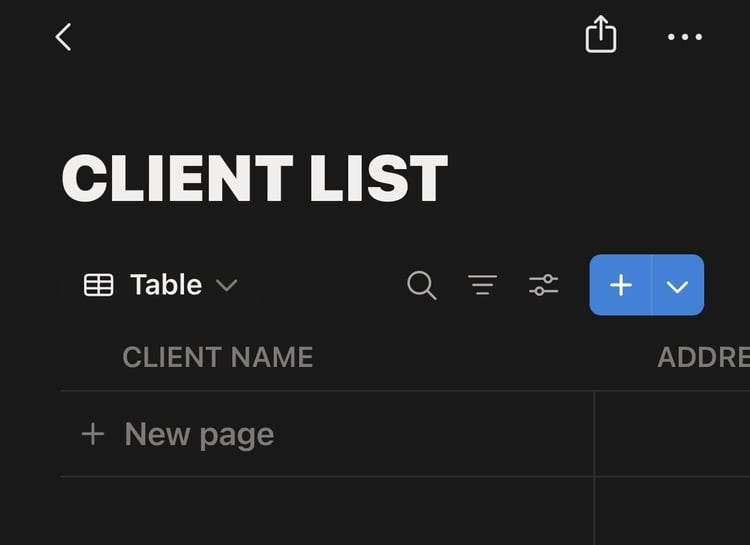
✔ Client organization systems
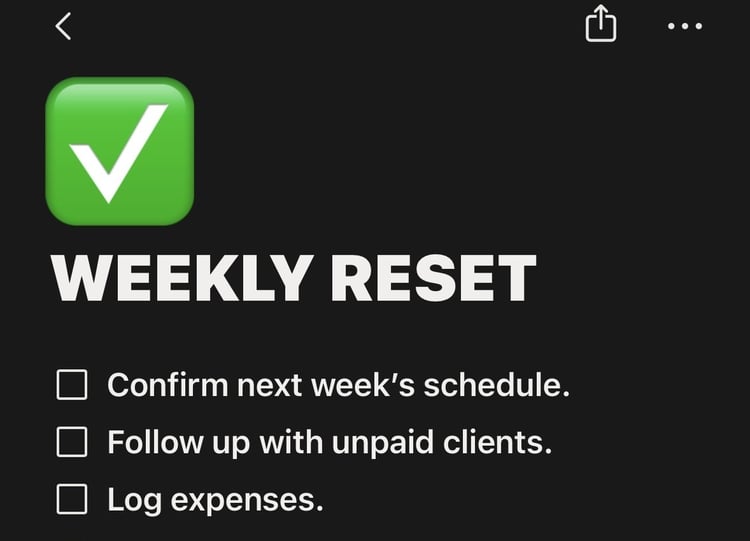
✔ Weekly reset workflows
Designed especially for:
• cleaners
• solo service providers
• small business owners
• beginners wanting more structure without the stress
I’m still building, learning, testing, and improving every day — but I’m excited to finally start sharing these systems with others.
Thanks for being here 💛
Check out my FB page for more!💛
https://www.facebook.com/profile.php?id=61578408564192&mibextid=wwXIfr&mibextid=wwXIfr
FAQs
-
DIGITAL PRODUCT POLICY
Due to the nature of digital products and instant access downloads, all sales are final.
No refunds, returns, or exchanges will be provided after purchase.
Please review all product details carefully before purchasing. If you have questions before buying, feel free to contact us.
By purchasing this product, you acknowledge that this is a digital template/system intended for organizational and workflow purposes only.
-
After purchase, you will receive a downloadable PDF file containing your private Notion template link.
To use the template:
- Open the Notion link
- Click “Duplicate” in the top right corner
- Save it into your own Notion workspace
- Begin customizing and using immediately
-
Please make sure:
• You are logged into your own Notion account
• You clicked “Duplicate” before attempting to edit
• The template was fully copied into your workspace
If you still experience issues, please contact me with screenshots and a brief description of the problem so I can assist you.
-
- Open the template link or copy and paste link address.
- Click “Duplicate” in the top right corner
- Sign into Notion if prompted
- Choose your workspace
- Start customizing your system
-
Need help setting up your template?
If you experience any issues duplicating or accessing your Notion system, please email me directly at:
Bridjettebookkeeping@gmail.com
Include:
• your order email
• screenshots of the issue
• which template you purchased
I’ll do my best to help you get everything working smoothly.