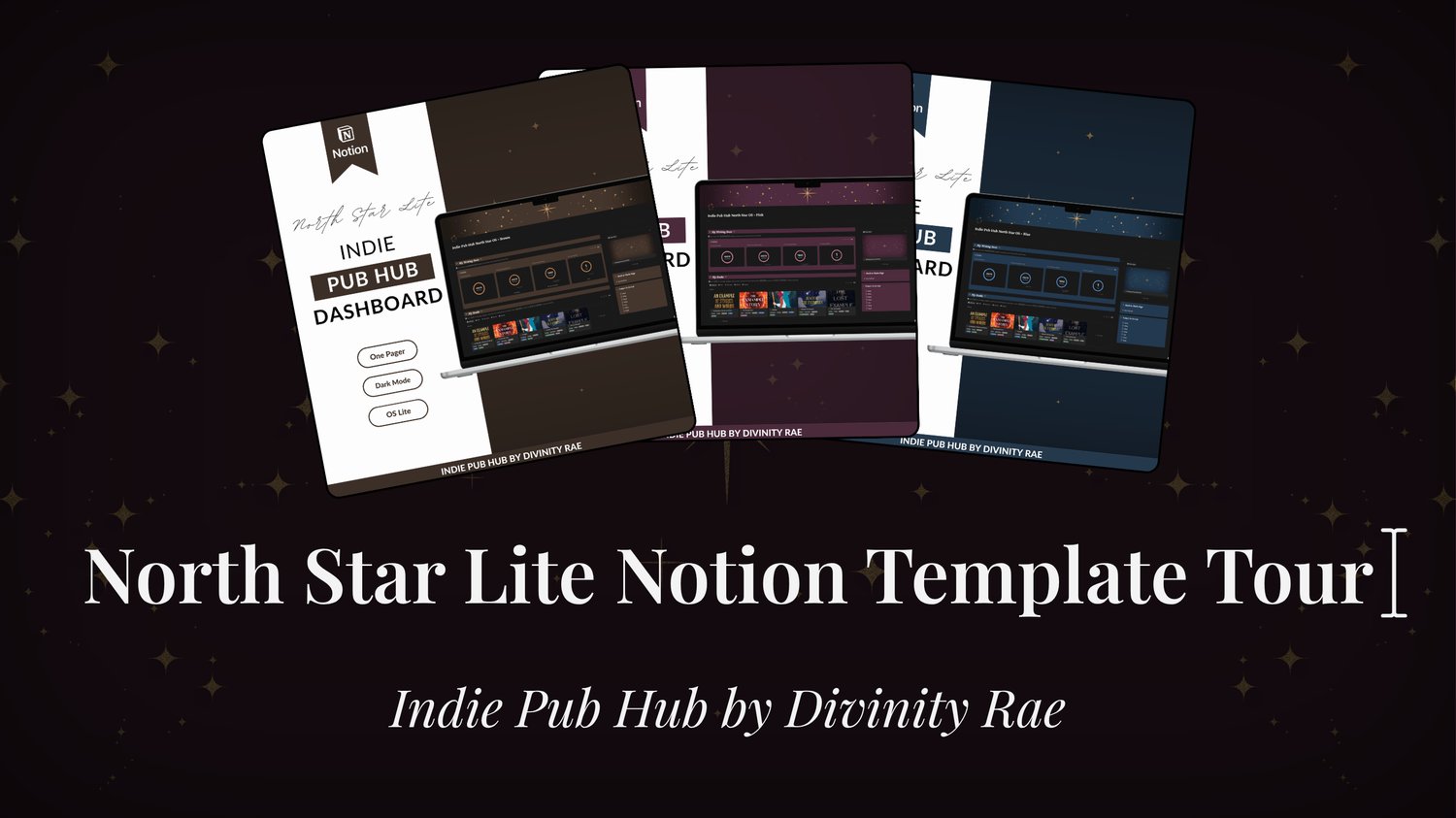
North Star Lite Notion Tour

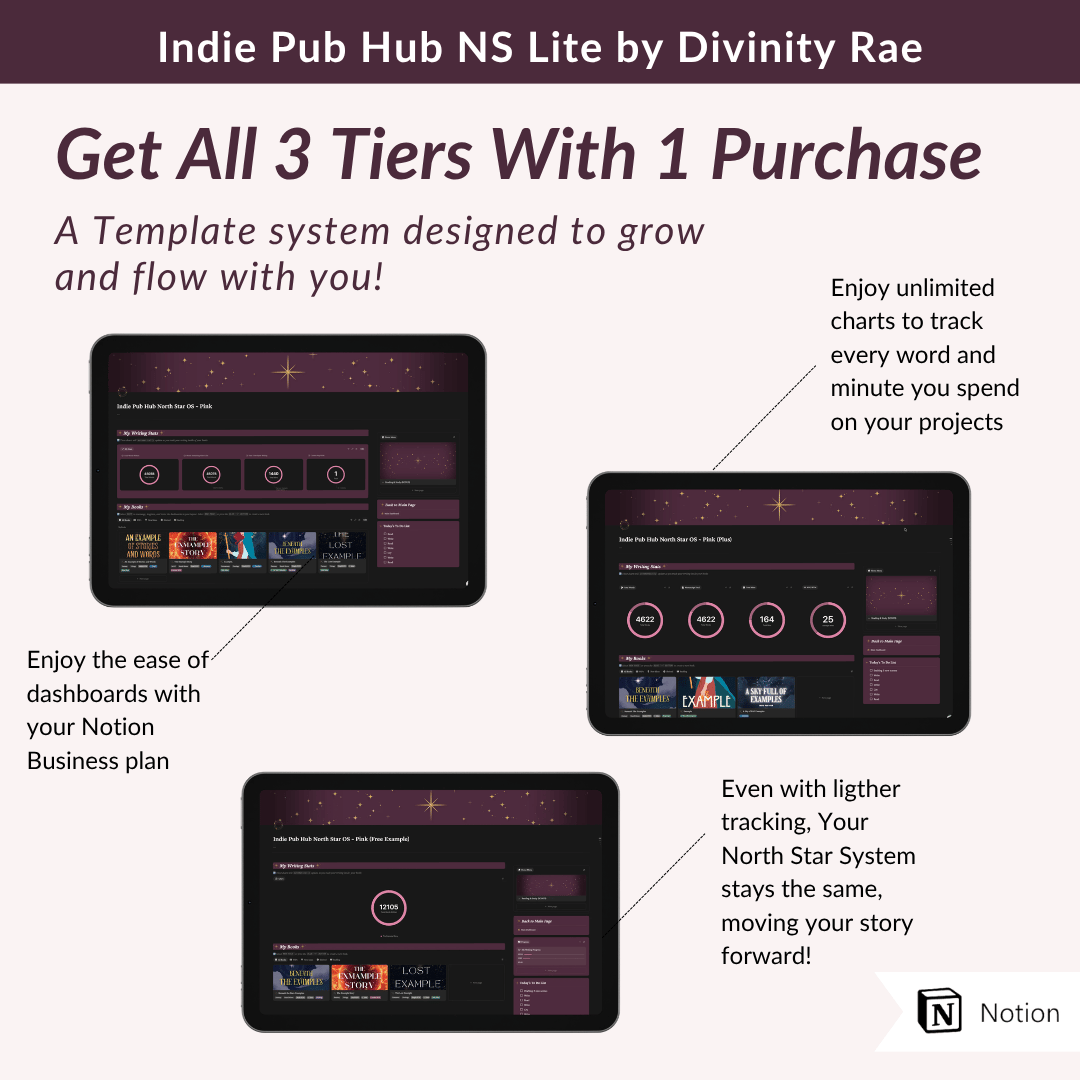
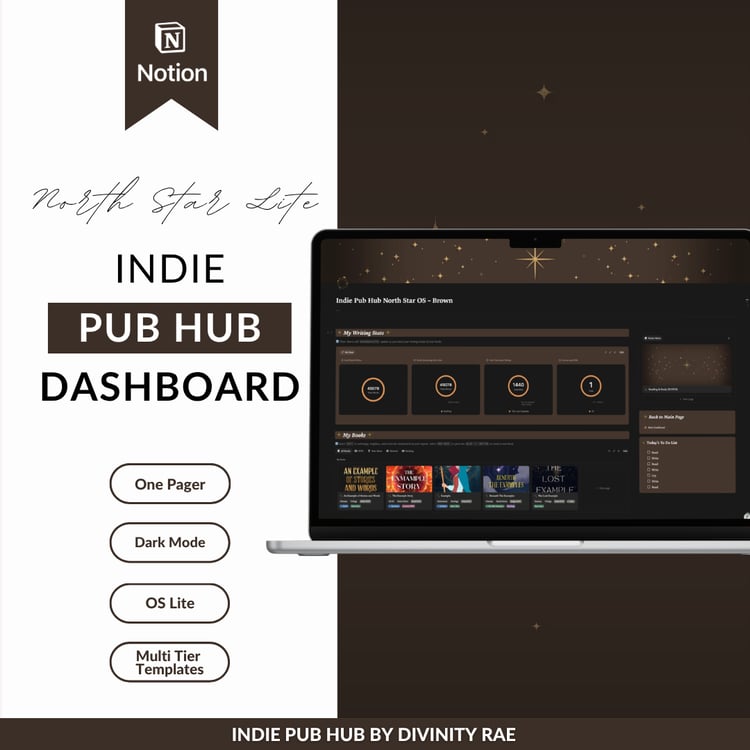
The tour linked to this page is on the Business Tier Notion plan, but your purchase comes with 3 Templates which are yours to keep with your purchase to accommodate Plus and Free Notion account users! Learn more in the FAQs.
Upon purchase, you will receive an email with a link to download a PDF. Follow the link and instructions to duplicate the template into your Notion.
Yes, you will need a free Notion account to access this template. If you don't already have an account you can sign up here
This notion template comes in three different Notion account pricing tiers to accommodate users on notions, free, plan, plus plan, or business plan. The notion to our currently linked on this page is a tour of the business plan layout. A brief explanation of the relevant differences between the tiered templates can be found below:
Free accounts are only allowed to have one chart per free notion account. So please note that the chart tracking all of your words written will not be functional or visible if you already have a chart in use on your free account.
You will have to delete your previous charts in order to access the single chart connected across the pages of your indie pub hub OS lite dashboard.
For more information on what's available to free accounts please check out the link here
With a plus account, you will be able to access unlimited charts with your notion plus account. The Indie pub hub OS lite plus has already been formatted to accommodate your notion plus account with word count and reading tracking formatted and automated for you. The only thing you will not have available to you on this tier is the use of dashboards.
Notion users with a business plan will be able to access all of the above in addition to dashboards. This feature primarily affects the layout and ease of viewing and accessing all of your databases in a seamless way, but it does not change the databases content themselves. All templates have the same exact databases.
Whether you are downgrading or upgrading, you should be able to grow and flow with your templates without losing access to the system that you purchased. So keep your PDF tucked away somewhere safe so you always have access to the links to lead you back to your IPH notion templates.
You can read more information on Notions tiers and feature access here or visit https://www.notion.com/pricing
The North Star Lite template is specifically made for Dark mode, but it can be customized however you would like to style it after purchasing.
All Sales Are Final
Due to the immediate and intangible nature of our products and services, all sales are final. We do not offer returns, exchanges, or refunds once a purchase has been completed.
No, you may not resell this template full or in part.
Personal Use License
When you purchase a digital product from Divinity Rae, you are purchasing a single-user, non-transferable license for personal use only. This license does not grant you ownership of the product. You may not share your download with others, gift it, or make it available in any form to any third party.
By default, Notion and its AI Subprocessors do not use Customer Data to train any models. We specifically have contractual agreements in place with our AI Subprocessors that prohibit the use of Customer Data to train their models.
Your use of Notion AI does not grant Notion any right or license to your Customer Data to train our machine learning models.
via: Notion.com (you can find their in depth policy here)