

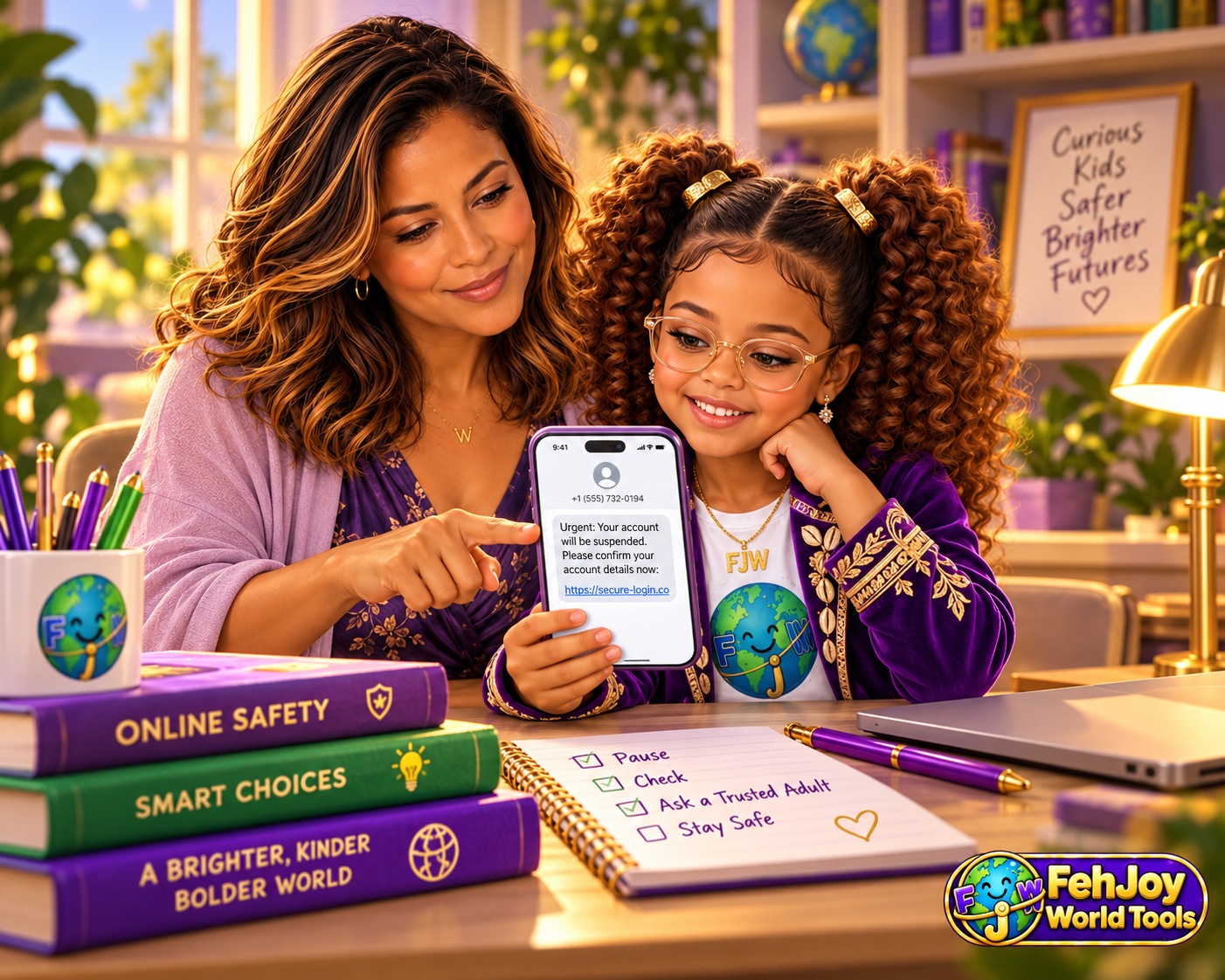
What should a parent do when a child gets a strange message in a game, app or text?
Imagine this.
Your child shows you a message on their phone.
“Mom, someone says I won a free prize. They want me to reply right now.”
Would you know what to do?
It may be a text, game chat or social media message. It could even look like it came from someone your child knows.
The best first step is simple: Stop, stay calm and check together.
Here are five steps you can practise as a family.
1. STOP — Do not rush to reply:
Scam messages often try to make people act quickly.
They may promise a prize, claim there is a problem or tell you something bad will happen if you wait.
Teach your child this rule:
Do not reply, tap strange links or share private information. Show a trusted adult first.
The Federal Trade Commission (FTC) warns that people online are not always who they claim to be.
2. TALK — Thank your child for telling you:
How a parent reacts matters.
If your child is worried about getting into trouble, they may be afraid to ask for help.
Try saying:
“Thank you for showing me. Let's check this together.”
Then ask:
- Who sent this message?
- Do you know this person?
- Did they ask you to click something, share information or keep a secret?
Listen before making a decision.
A helpful family rule: You can always tell me when something online feels wrong.
3. CHECK — Is the message real?
A familiar name, logo, picture or voice does not prove that a message is genuine.
Someone may pretend to be a friend, school, business or family member.
If a message seems suspicious, check with the real person or organization using contact information you already trust.
Do not use a link or phone number given in the suspicious message.
4. PROTECT — Know what to do next
If it is an ordinary scam message, help your child report it through the app or phone's reporting tools.
Do not reply or forward it to friends.
If the message involves bullying or threats, a trusted adult can help keep a record and report it to the platform or other appropriate service.
If your child already shared a password or private details, act promptly to protect the affected account. Use the official app or website to get help.
If anyone is in immediate danger, contact local emergency services.
5. PRACTISE — Make a simple family safety plan
You do not need to learn every phone setting today.
Start with three small actions:
- First: Choose two trusted adults your child can talk to.
- Second: Check who can send messages to your child in one app or game.
- Third: Agree on what your child should do when something online feels wrong.
You can also make a short family agreement about privacy, messages and asking for help.
The American Academy of Pediatrics recommends making family media rules together and reviewing them as children grow.
Try this 2-minute family activity
Pretend this message appears:
“Congratulations! You won a free game prize. Reply now to claim it!”
Ask your child:
What should you do first?
- A. Reply before the prize disappears.
- B. Tap the link to find out more.
- C. Stop and tell a trusted adult.
Best answer: C — Stop and tell a trusted adult.
Now ask:
“What made the message suspicious?”
Listen to your child's answer.
This is a good way to practise noticing warning signs without waiting for a real problem.
The right conversation changes with age
- Ages 5–8: Practise one rule: Stop and show a trusted grown-up.
- Ages 9–12: Talk about game chats, links, privacy settings and unfamiliar contacts.
- Ages 13–17: Discuss suspicious accounts, fake messages, privacy, pressure and how to get help without fear of blame.
Every child is different. Adjust the conversation to their age, needs and online experience.
Make online safety part of everyday family life
Online safety is more than a set of passwords or restrictions.
It means helping children know when to stop, what questions to ask and which trusted adult can help.
Start with one useful action today.
Get our FREE 10-Minute Family Online Safety Check
Our free guide helps you:
- Build an open-door family rule.
- Check an important account setting.
- Review who can message your child in one app.
- Practise spotting a suspicious message.
- Create a simple family safety plan.
Download the FREE Online Safety Quick Start here:
Want more complete family safety tools?
The Family Online Safety Toolkit from FehJoy World Tools is a 64-page, phone-friendly PDF for parents and caregivers supporting children ages 5–17.
It includes six step-by-step response plans, age-based practice cards, guidance for phones and apps, family agreements, conversation examples and monthly checklists.
It is designed to help families practise safer habits and know what steps to consider when a problem arises.
Explore the complete Family Online Safety Toolkit — $7.99:
You can start free and decide later whether the complete toolkit is right for your family.
Trusted sources and further reading
Federal Trade Commission: Parents — Talking to Your Kids About Text Scams
https://consumer.ftc.gov/consumer-alerts/2025/03/parents-talking-your-kids-about-text-scams
American Academy of Pediatrics: How to Make a Family Media Plan
StopBullying.gov: Report Cyberbullying
https://www.stopbullying.gov/cyberbullying/how-to-report
About this article: Prepared by FehJoy World Tools using public guidance from the sources above. This article gives general family-safety education, not legal or professional advice. No checklist, app setting or toolkit can prevent every online risk.
FehJoy World Tools: Part of the FehJoy World Family video page followed by more than 550,000 people.
PRACTICAL TOOLS • SMARTER FAMILIES • REAL-LIFE PROGRESS
Comments ()