

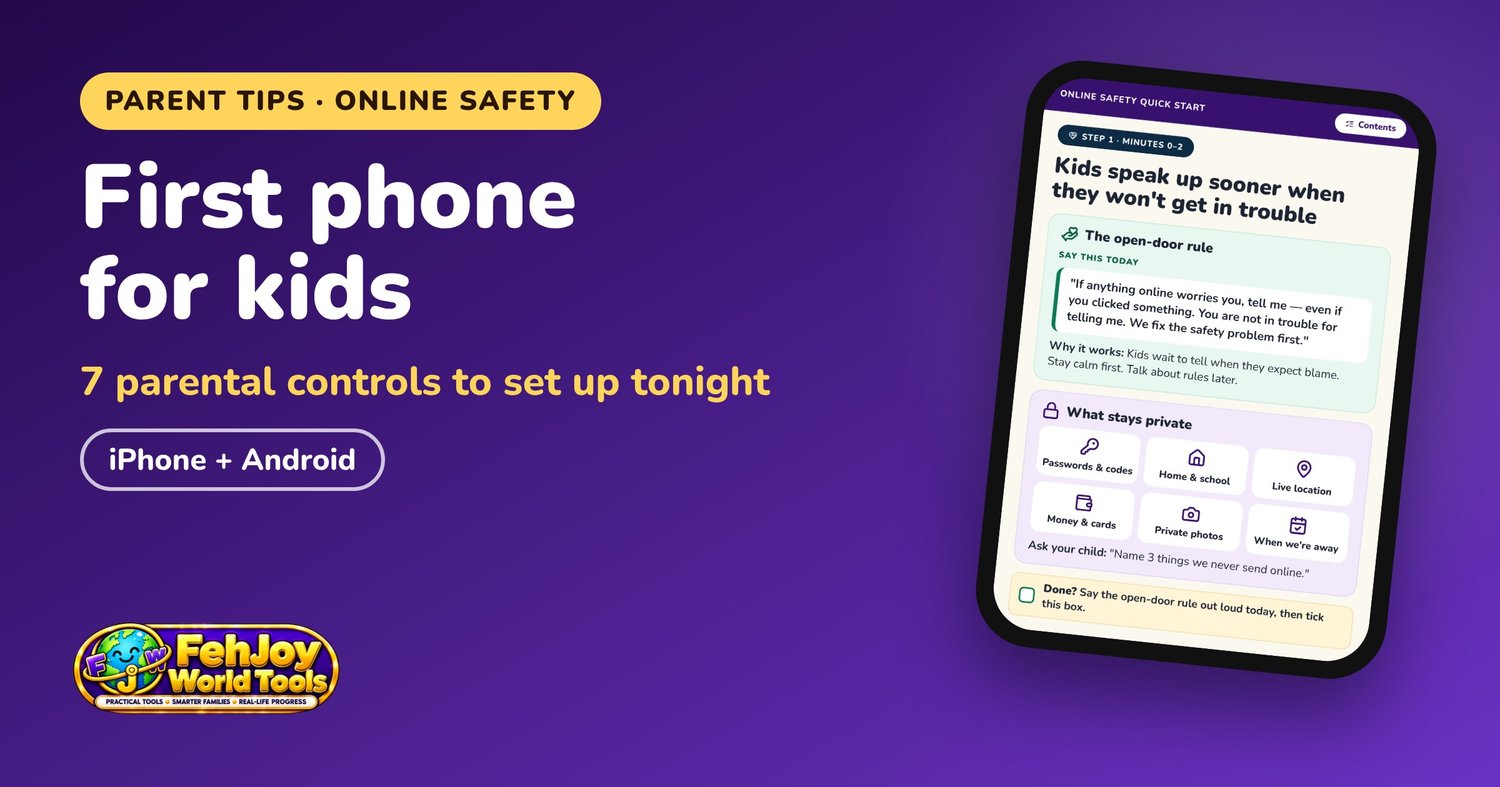
Getting your child their first phone? These 7 checks take about an hour on iPhone or Android. They cover the 3 things that matter most: who can reach your child, what they can download, and what to do when something goes wrong. You don't need t...
Read More

New to AI & ChatGPT, or tried it and got a long, vague answer you couldn't use? The problem usually isn't the app. It's the question or the way you ask(prompt) it. Add 4 simple parts, and the same free app gives you something you ...
Read More
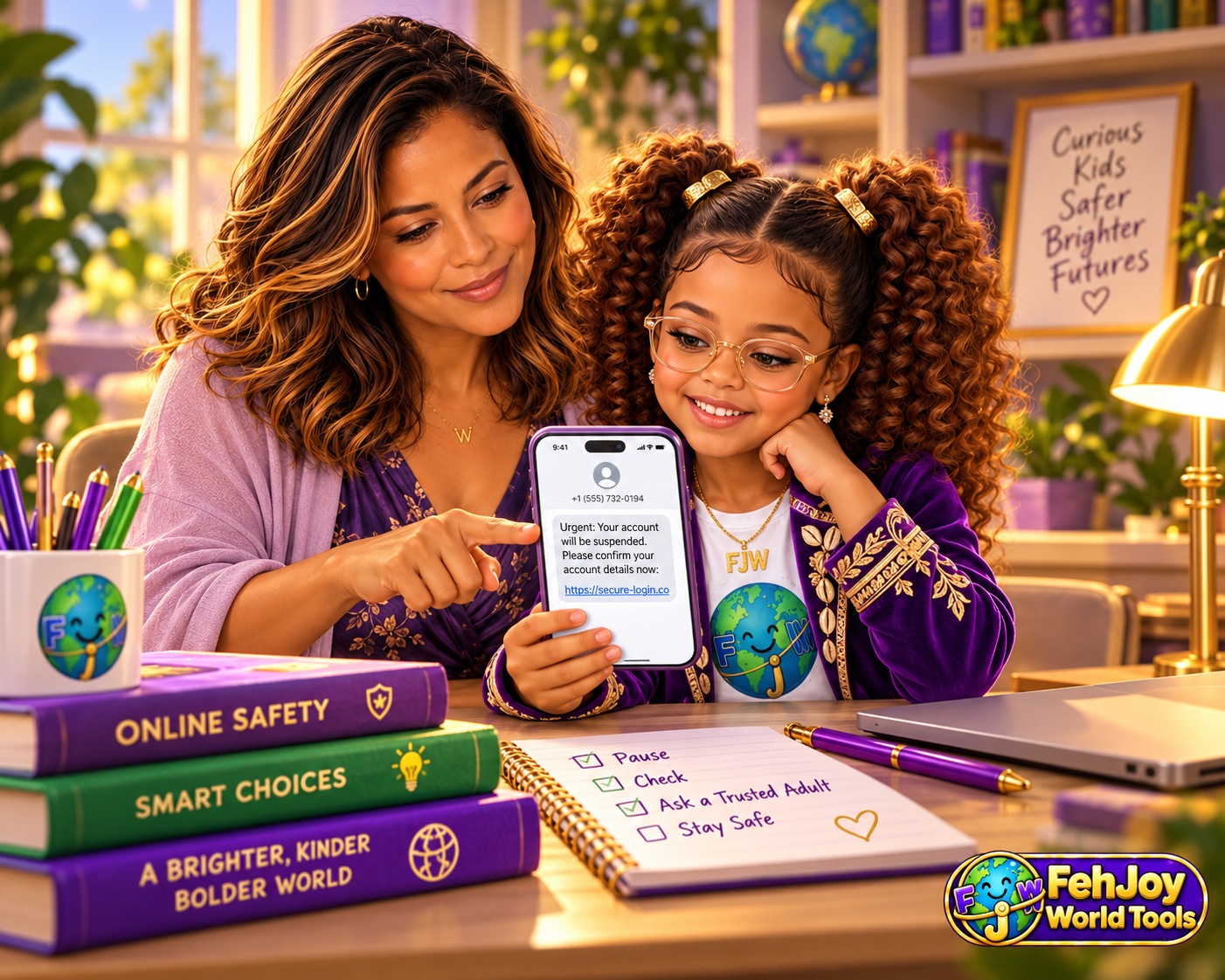
What should a parent do when a child gets a strange message in a game, app or text? Imagine this. Your child shows you a message on their phone. “Mom, someone says I won a free prize. They want me to reply right now.” Would you know what to do? It m...
Read More
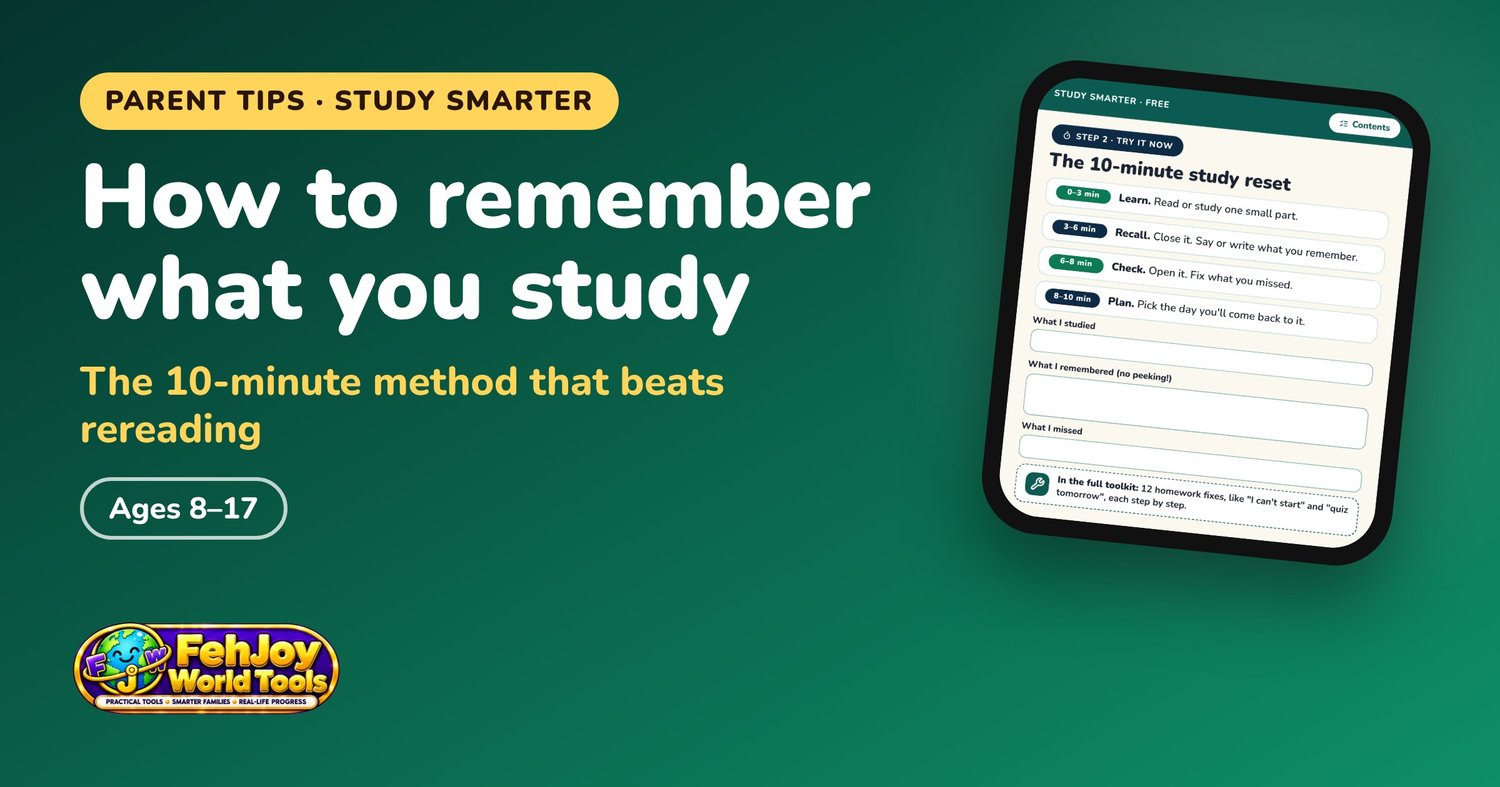
Studied hard for hours or re-read your notes three times and still blanked on the test? That isn't laziness, and it isn't a bad memory. Re-reading makes a page feel familiar, and familiar feels like knowing. But on test day, the page is cl...
Read More