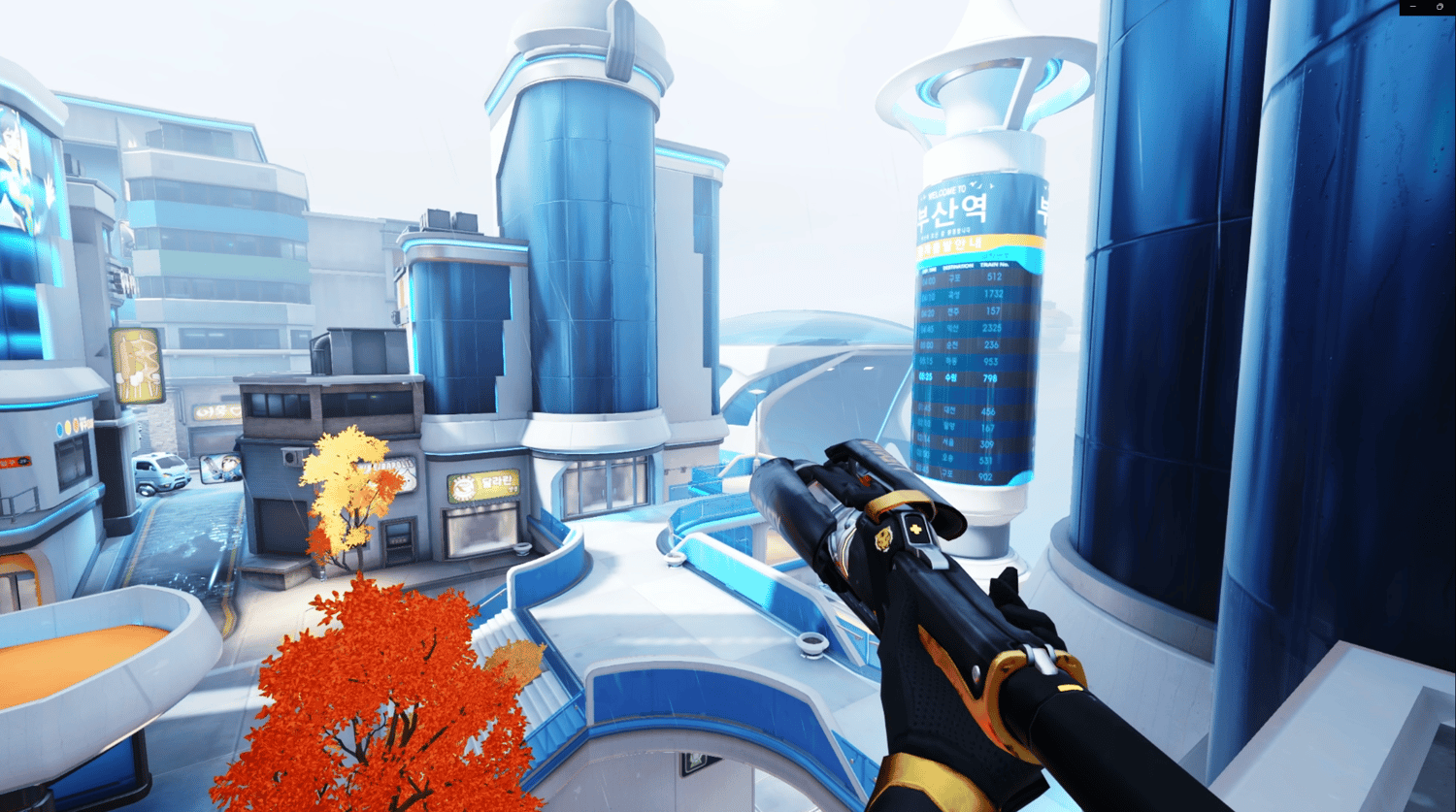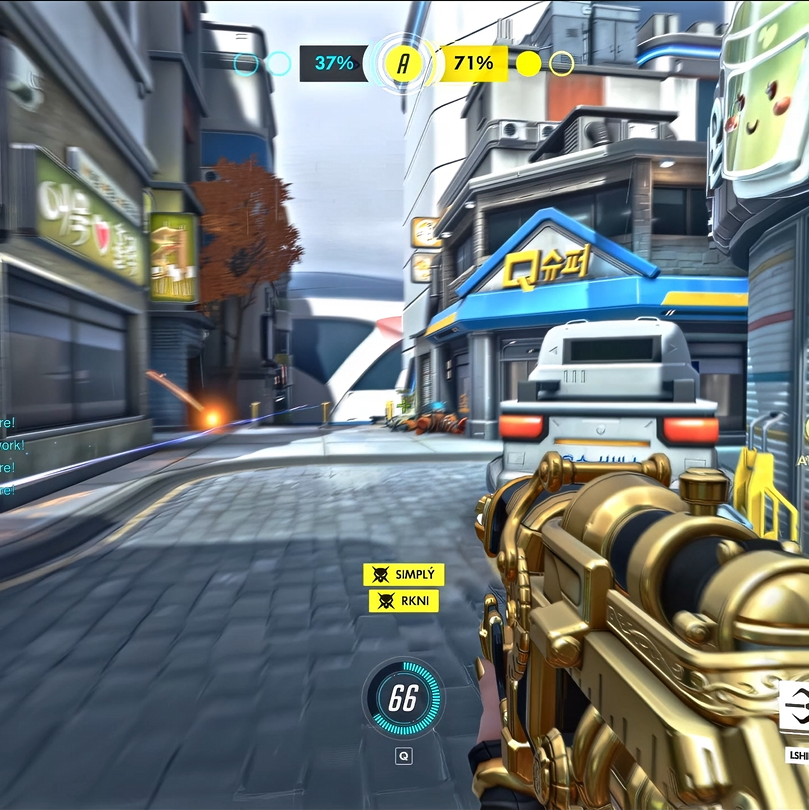
120 FPS & QUALITY METHOD (DAVINCI)
On Sale
$12.00
$12.00
ارفع مقاطعك بأعلى فريمات وأقصى جودة
خلّ مقاطعك سلسة وواضحة، وحافظ على معدل فريمات يصل إلى 120 فريم على تيك توك بأفضل شكل ممكن
وش راح تحصل؟
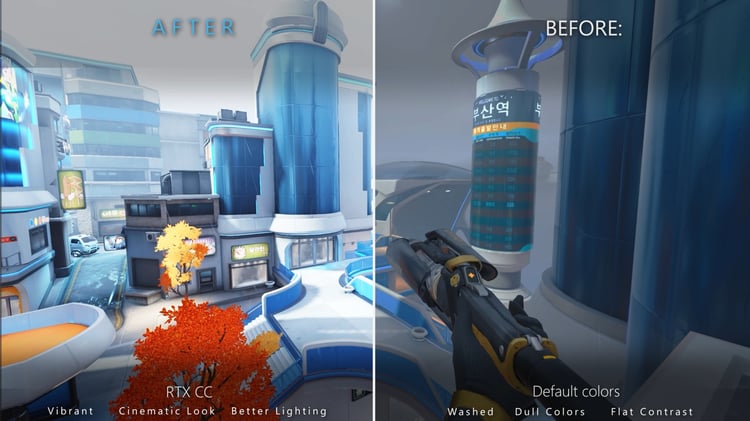
• طريقة مخصصة تساعدك في الحفاظ على معدل فريمات مرتفع في مقاطعك على تيك توك، مع الحفاظ على سلاسة الحركة وجودة الفيديو قدر الإمكان
• شرح بالفيديو خطوة بخطوة، سهل للمبتدئين وواضح في التطبيق، يعلّمك كيفية تعديل مقاطعك ورفعها بأعلى جودة ممكنة
• إعدادات برنامج التصوير اللي أستخدمها شخصيًا، بالإضافة إلى إعدادات الـ بلر اللي أعتمد عليها في مقاطعي
• حسابي الخاص على ديسكورد، عشان تقدر تراسلني على الخاص وتسألني إذا احتجت أي مساعدة أو واجهتك أي مشكلة
Upload in high FPS and max quality!
This way, your clips stay smooth and keep their original 120fps frame rate on TikTok.
You'll Receive:
• A custom method made to help your videos keep a high frame rate on TikTok without losing smoothness and quality
• A simple step by step video tutorial that’s beginner-friendly and easy to follow explaining how to edit and upload your clips at the highest quality possible
• The exact recording software settings I personally use and blur settings
+ my private discord account so you can DM/ask me if u need help with anything.