
Fire Alarm Symbols for Bluebeam Revu: A Practical Tool Chest Workflow
Fire alarm contractors often review the same types of devices across many PDF drawings: detectors, manual call points, notification devices, panels and interfaces. A consistent symbol library in Bluebeam Revu can make markups faster to place and easier for another person to interpret.
The key is not the number of icons in your Tool Chest. It is whether the symbols are organized, named clearly, and used consistently across drawings, schedules and revisions.
What fire alarm symbols belong in a markup library?
The exact list depends on the project, but common markup groups include:
- Detection: smoke, heat and multisensor detectors.
- Manual activation: manual call points or pull stations, using terminology appropriate to your region.
- Notification: sounders, strobes and other visual or audible devices.
- Control equipment: fire alarm control panels, power supplies and interfaces.
- Identification: zones, circuits, locations and equipment references.
These categories help contractors annotate drawings and review quantities. They do not replace an approved engineering legend or applicable fire alarm design documentation.
Step 1: Import a BTX tool set
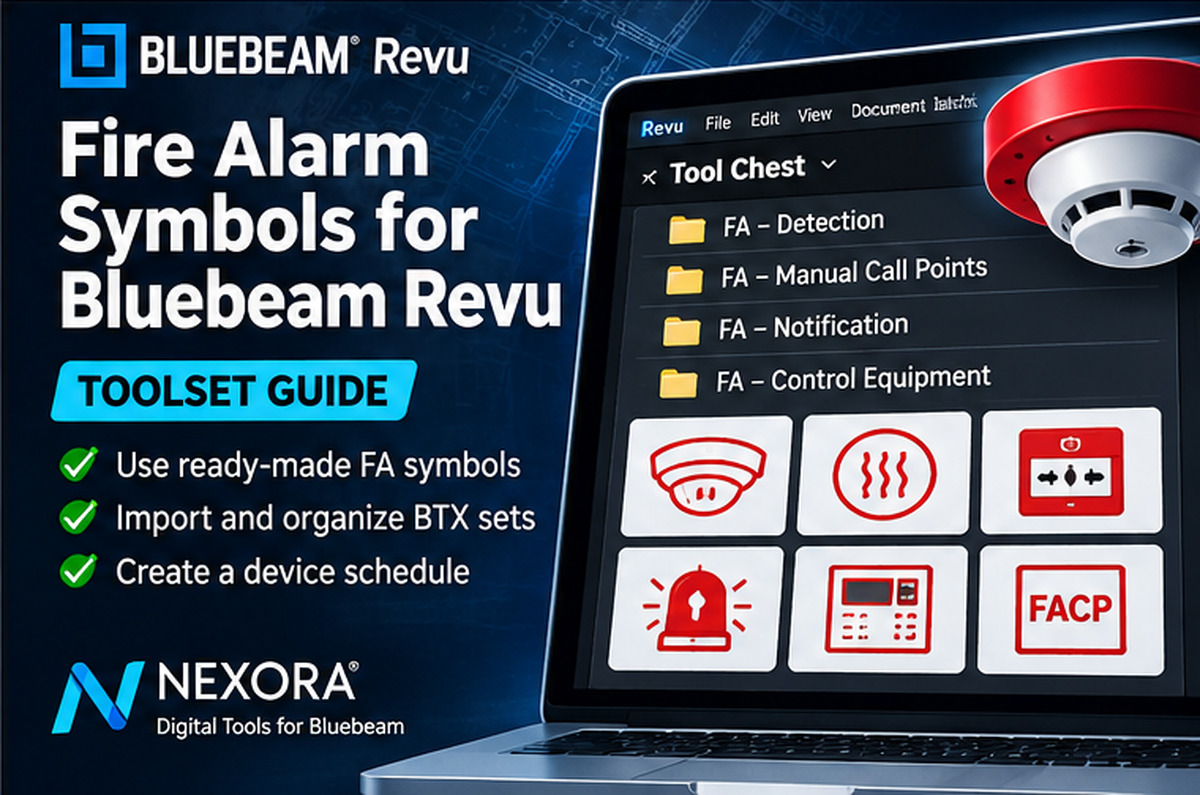
If your fire alarm symbol package includes .btx files, extract the ZIP and open Tool Chest > Manage Tool Sets > Import in Revu. Select the BTX file and confirm that it appears in your Tool Chest.
Keep trade-specific collections separate if that makes the panel easier to scan. For example, you might maintain “FA — Detection”, “FA — Notification” and “FA — Panels” collections. Choose names that match your team's documentation standards.
Step 2: Check the appearance on the actual drawing
Test several symbols on a sample PDF before working on a submission. Check line visibility, printable size and how the symbol looks over a busy architectural background. A clean schematic symbol on a white preview may be harder to read on a scanned or shaded drawing.
Choose appearance settings deliberately and make sure any changes preserve readability in both color and black-and-white prints. If a library is sold with preview images, verify the actual included symbol style and file contents rather than assuming every preview color is part of the downloaded BTX markup.
Step 3: Apply consistent labels
A mark that says only “Detector” may not tell the next person enough. Where your drawing standard permits, use a consistent Subject and description for the intended component. For example:
- FA — Smoke Detector
- FA — Heat Detector
- FA — Manual Call Point
- FA — Sounder
- FA — Control Panel
A consistent naming convention improves review, filtering and handover. It also reduces confusion when one drawing contains both fire alarm and security system symbols.
Step 4: Separate markup review from compliance design
A markup symbol cannot establish detector spacing, circuit supervision, evacuation requirements or conformity with a local code. Compliance depends on the approved design and applicable standards, which may include NFPA requirements in some jurisdictions and different standards elsewhere.
Use symbols to communicate the design and track drawing changes. Have qualified professionals verify device selection, location, design intent and regulatory requirements.
Step 5: Compare the drawing with the device schedule
Before issuing a markup package, reconcile the drawing against the project record:
- Does each device have a recognizable type and location?
- Are the symbol names consistent across the sheets?
- Are newly added and removed devices clearly distinguished?
- Does the device schedule agree with the current drawing revision?
- Have any reused markups brought along incorrect comments or labels?
For closeout, retain the final drawing revision and a separate device or project register so future technicians can identify what was installed and where.
An organized fire alarm tool library
The NEXORA Fire Alarm Bluebeam Toolkit includes 240 reusable symbols in eight BTX toolsets, together with editable SVG resources and an Excel project tracker. It is intended for annotations and technical documentation, not as an automatic compliance or design-certification system.
If you frequently recreate symbols from scratch, a ready-organized library may reduce repetitive setup. Review the actual file contents, previews and compatibility requirements to ensure they suit your company standards.
Explore the 240-symbol fire alarm toolkit: https://payhip.com/b/bGC3L
Official Bluebeam Tool Chest guide: https://support.bluebeam.com/revu/features/tool-chest-guide.html
This independent guide is not affiliated with or endorsed by Bluebeam.