
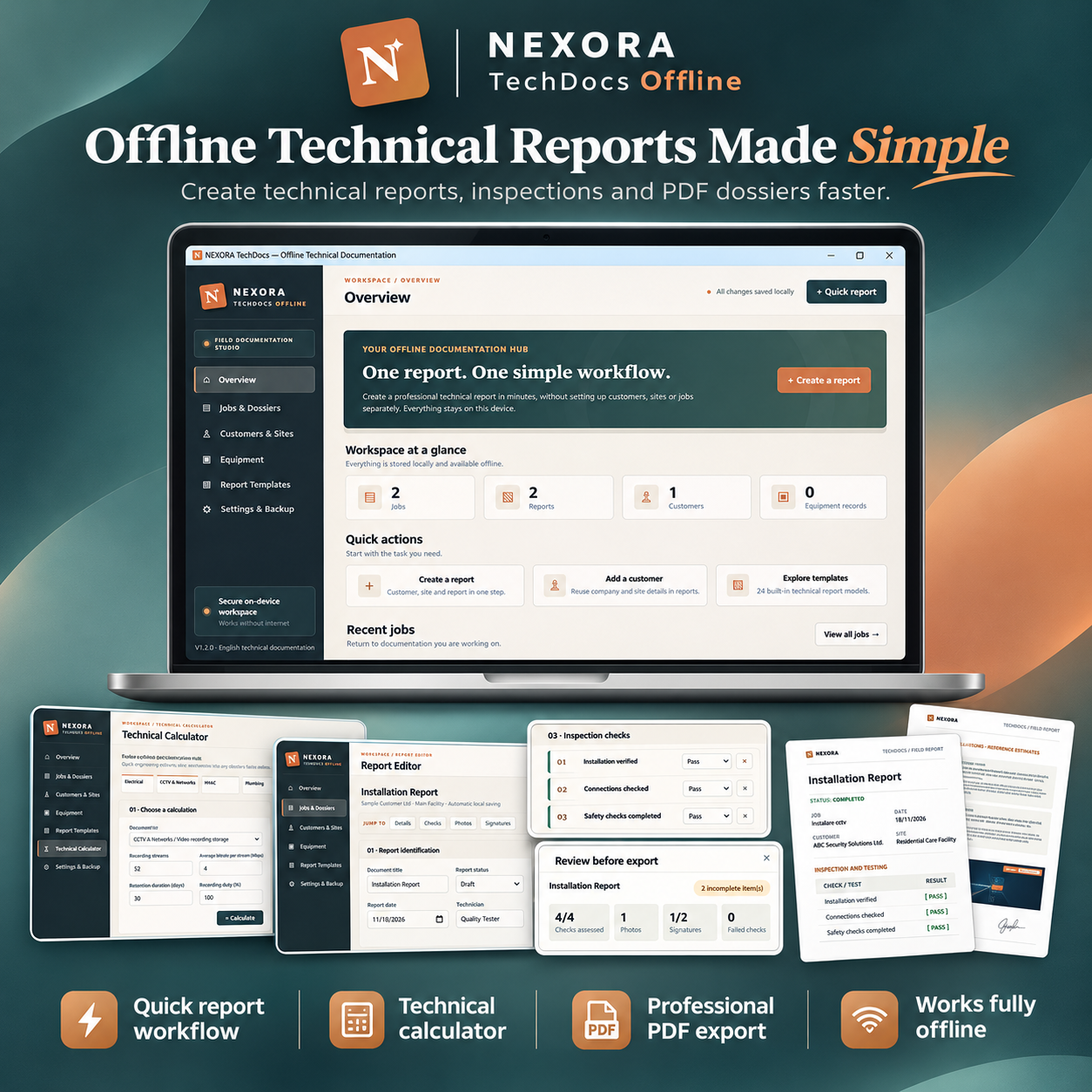
Stop Wasting Hours on Technical Reports: A Faster Way to Work Your technical work is finished. Why is the paperwork taking so long? If you're an electrician, CCTV installer, HVAC technician, maintenance professional or independent contractor, you pr...
Read More

Make it happen
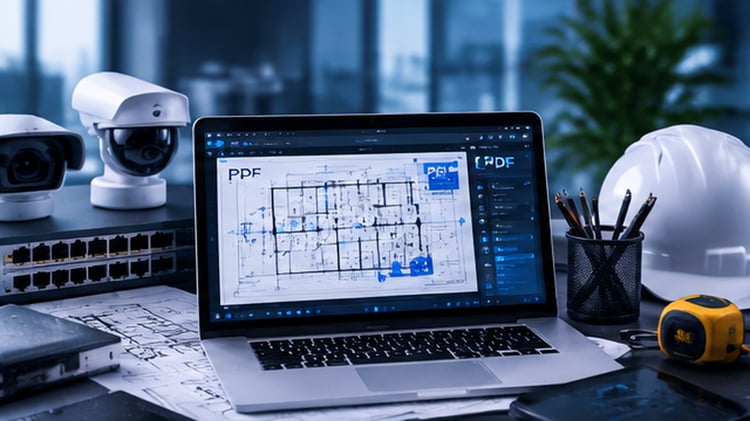
Professional Tools & Templates
Digital tools, templates, trackers and resources for professionals, contractors and businesses.
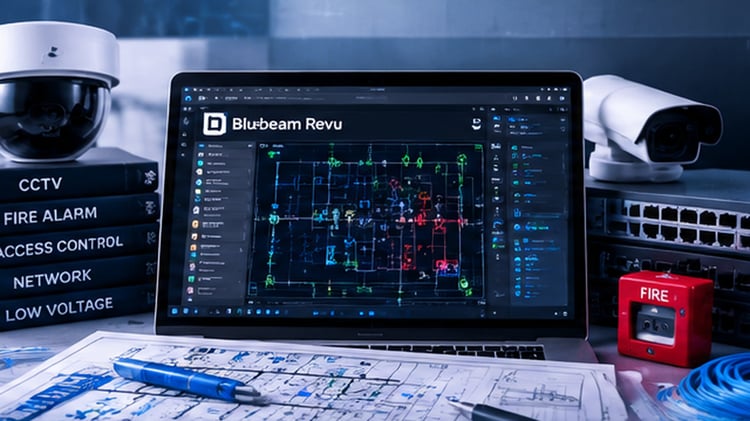
Low Voltage & Bluebeam Tools
Bluebeam Revu toolsets, low voltage symbols and practical resources for CCTV, fire alarm and technical projects.

Kids, Family & Lifestyle
Printable games, family activities, party kits, seasonal products and creative digital downloads.
Blog Posts
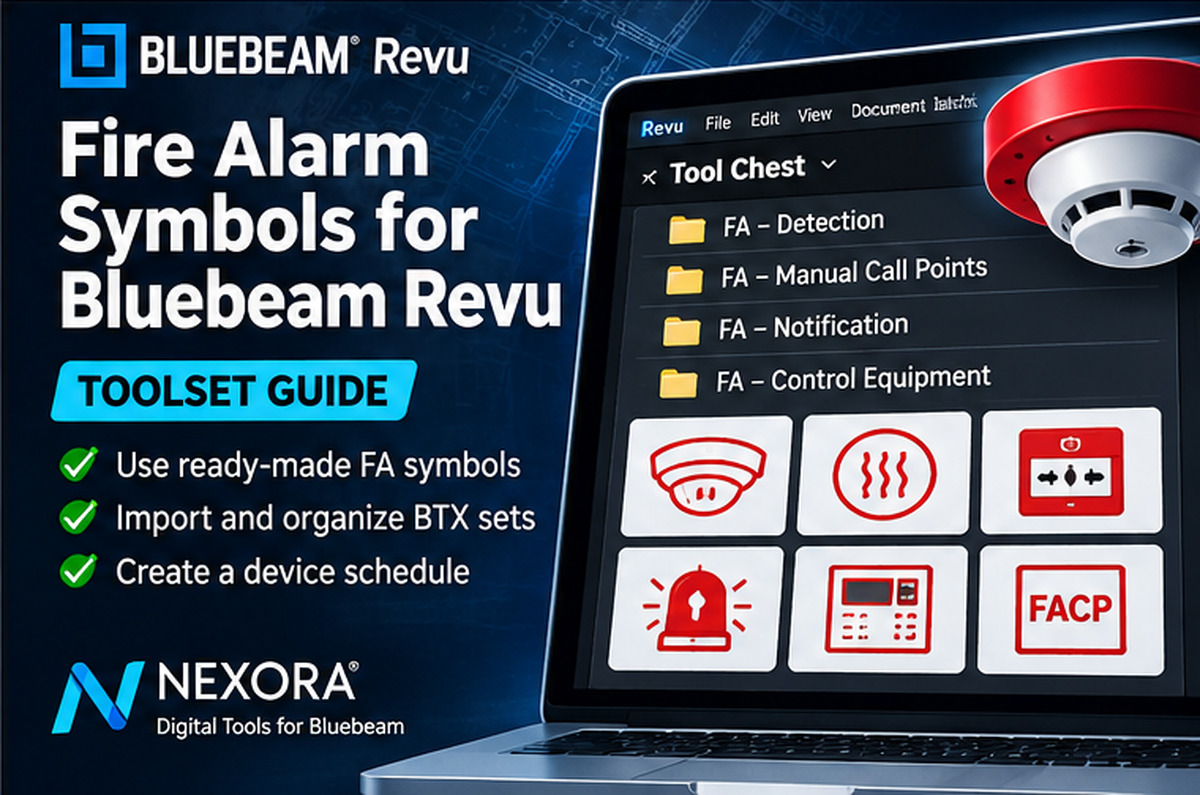
Fire Alarm Symbols for Bluebeam Revu: A Practical Tool Chest Workflow Fire alarm contractors often review the same types of devices across many PDF drawings: detectors, manual call points, notification devices, panels and interfaces. A consistent sy...
Read More
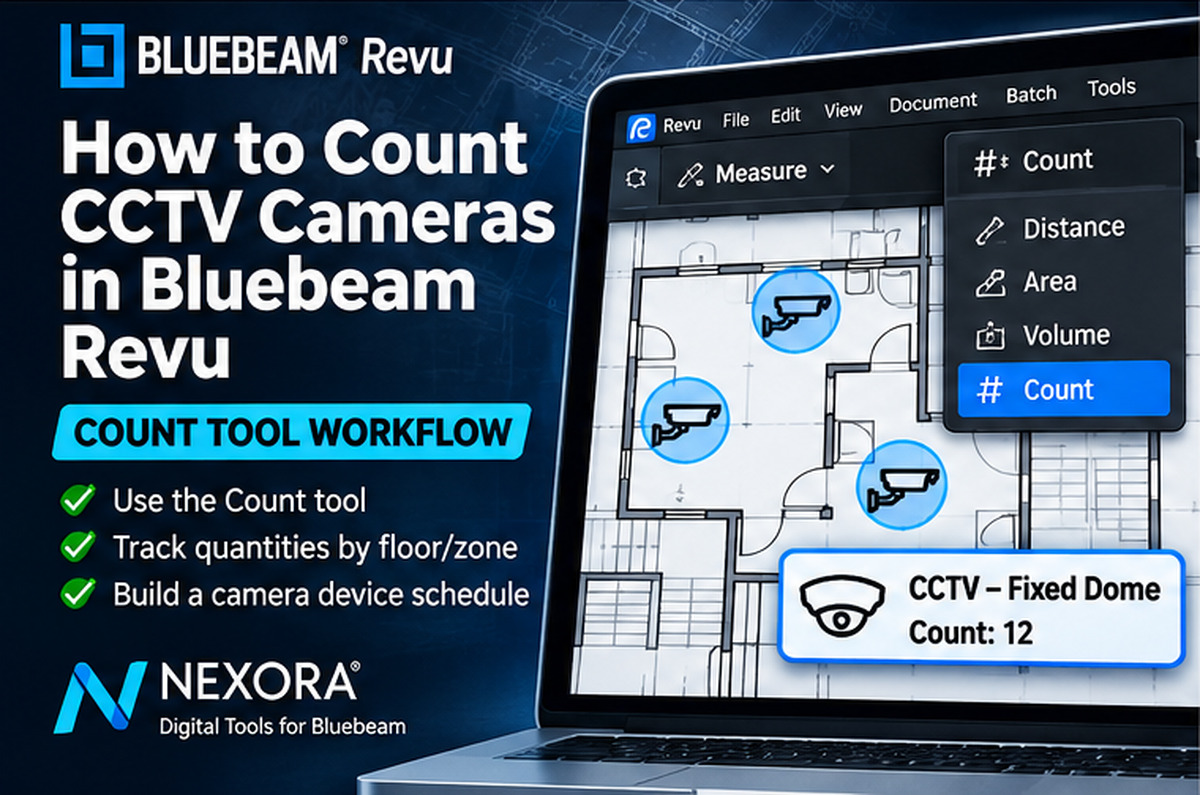
How to Count CCTV Cameras in Bluebeam Revu and Build a Device Schedule Counting cameras on a drawing is easy until the project includes multiple floors, several camera types, revised plans, and a separate installation schedule. At that point, a coll...
Read More
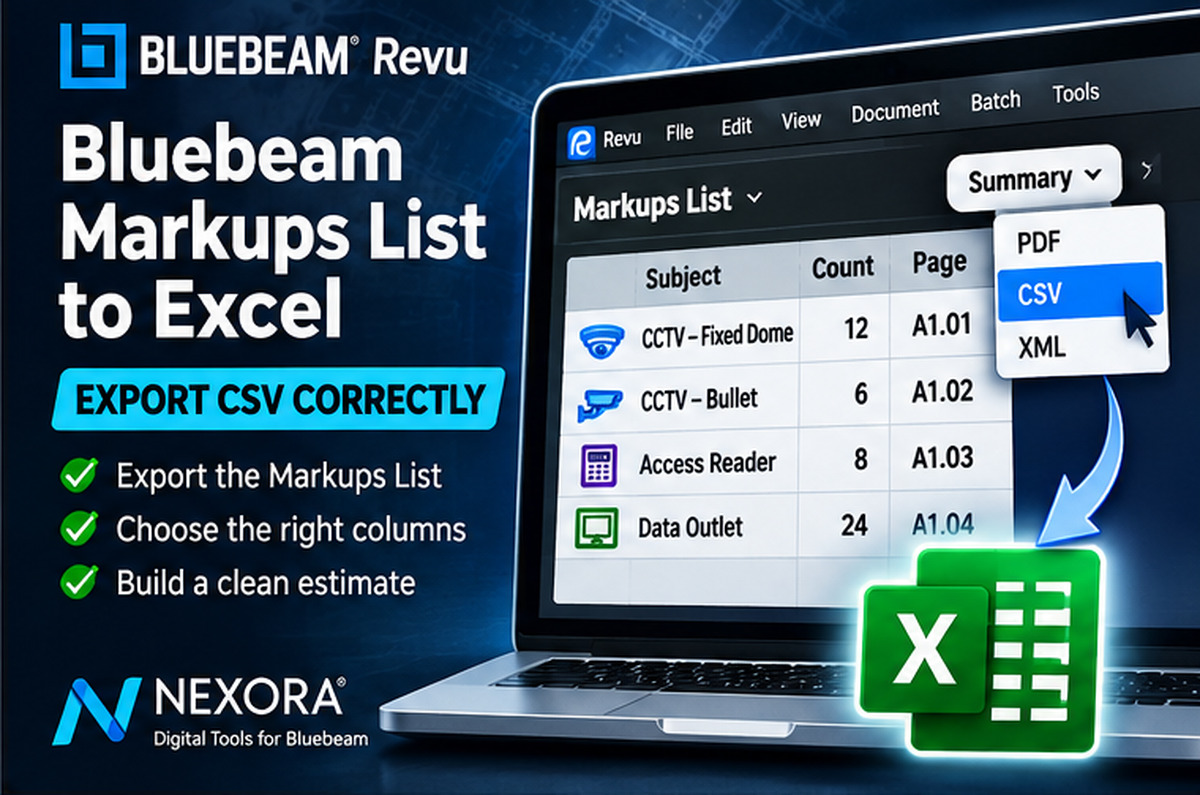
Bluebeam Markups List to Excel: How to Export a Clean CSV for Estimating The Markups List in Bluebeam Revu can contain the quantities and device information you need for a takeoff. But getting those details into Excel requires more than copying a nu...
Read More
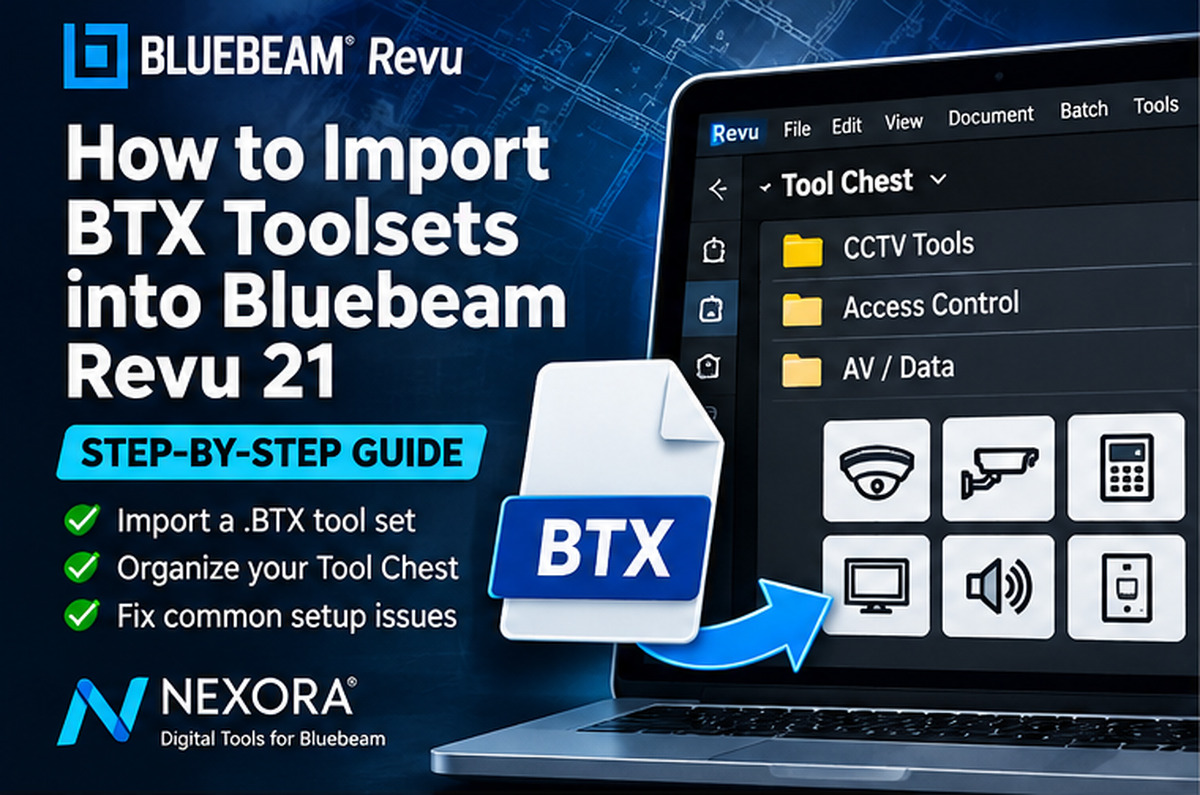
How to Import BTX Toolsets into Bluebeam Revu 21 (Step-by-Step) If you work with CCTV, access control, fire alarm or other low-voltage drawings, recreating the same PDF markup symbols on every project wastes time. Bluebeam Revu's Tool Chest sol...
Read More
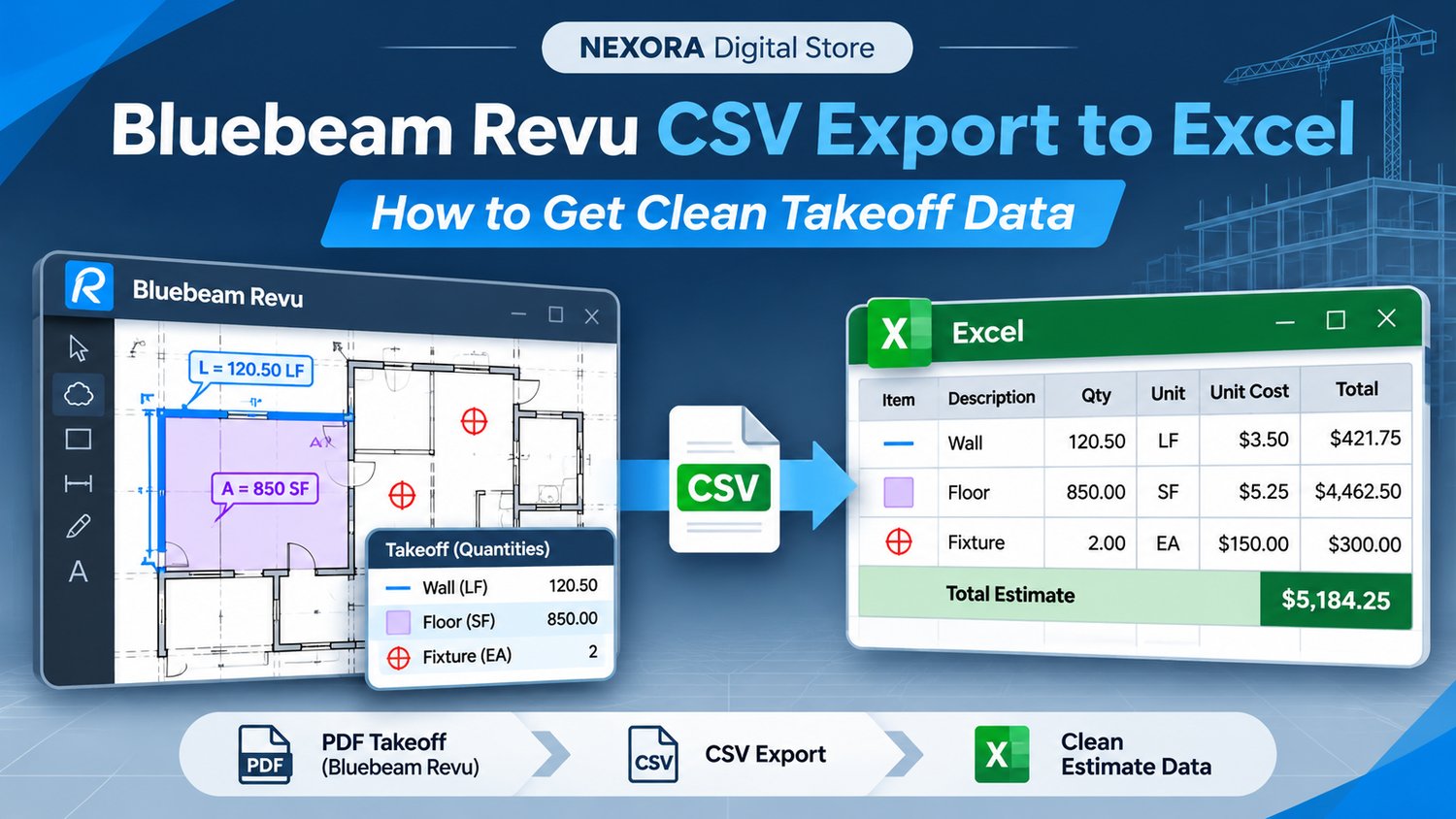
Bluebeam Revu CSV Export to Excel: How to Get Clean Takeoff Data Bluebeam Revu is a powerful tool for measuring quantities, marking up PDF drawings, and organizing project information. But for many contractors and estimators, the real work begins af...
Read More
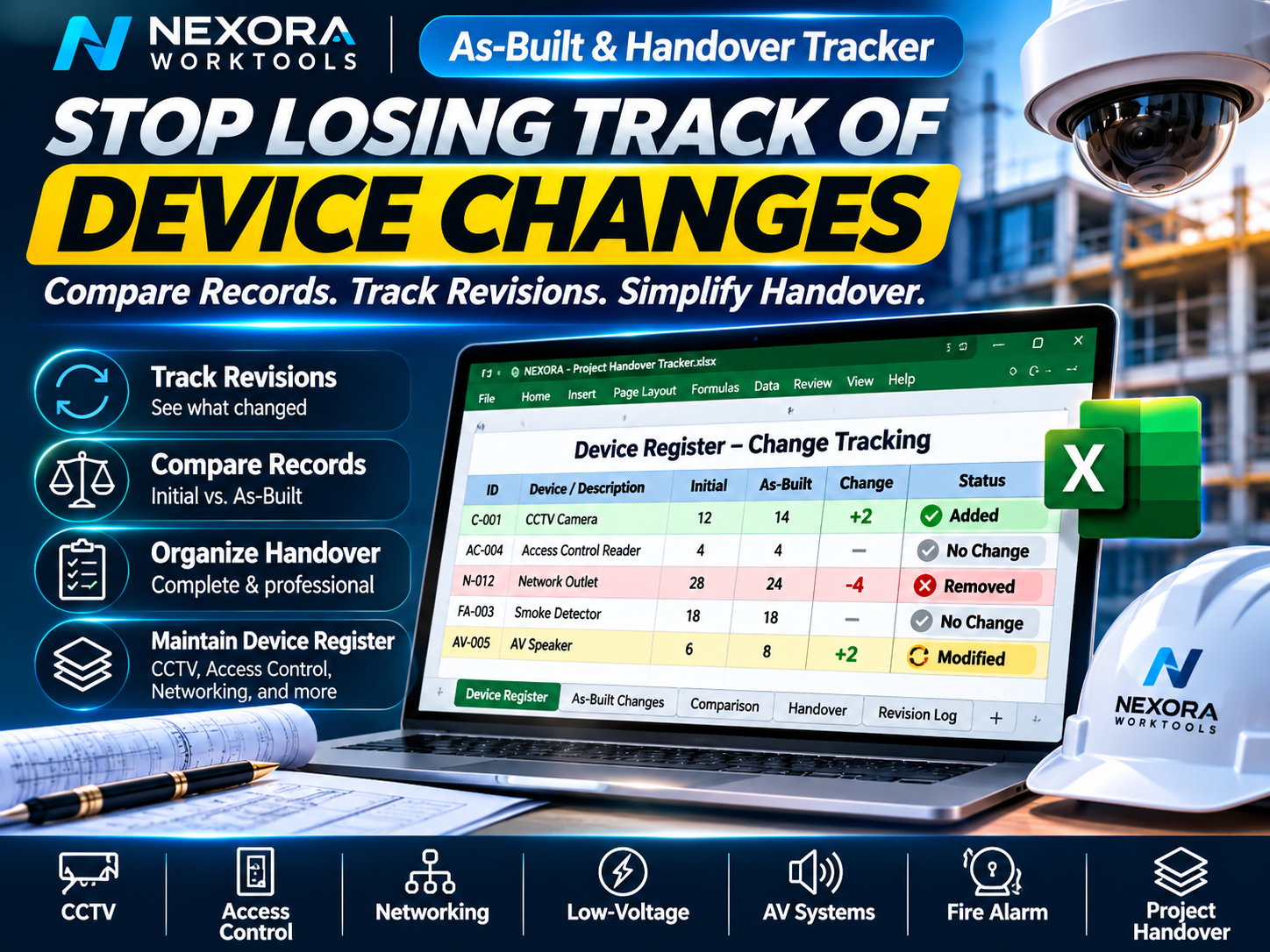
How to manage long RFI questions, answers, and status updates without losing track of your drawing markups. If you use Bluebeam Revu to manage project questions directly on PDF drawings, you've probably discovered how useful custom callouts and Lege...
Read More

Join the NEXORA Digital Affiliate Program Help professionals work smarter. Earn up to 30% commission on every eligible sale. Are you a contractor, technician, engineer, construction consultant, content creator, or someone with an audience interested...
Read More
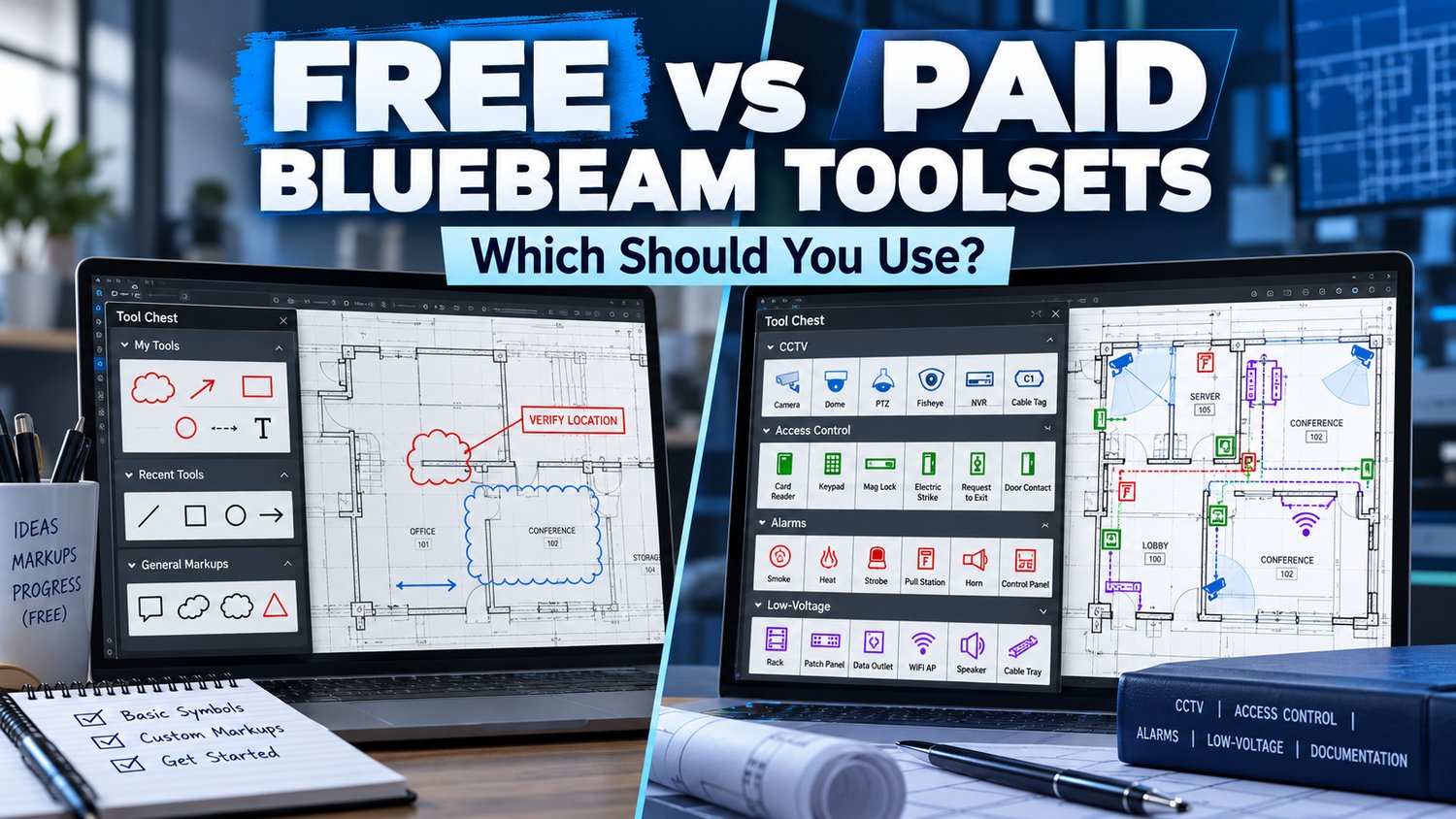
Free vs Paid Bluebeam Toolsets: Which Should You Use? If you use Bluebeam Revu for construction, CCTV, access control or low-voltage projects, you've probably spent time searching for symbols or creating your own markups. One common question is: Sho...
Read More
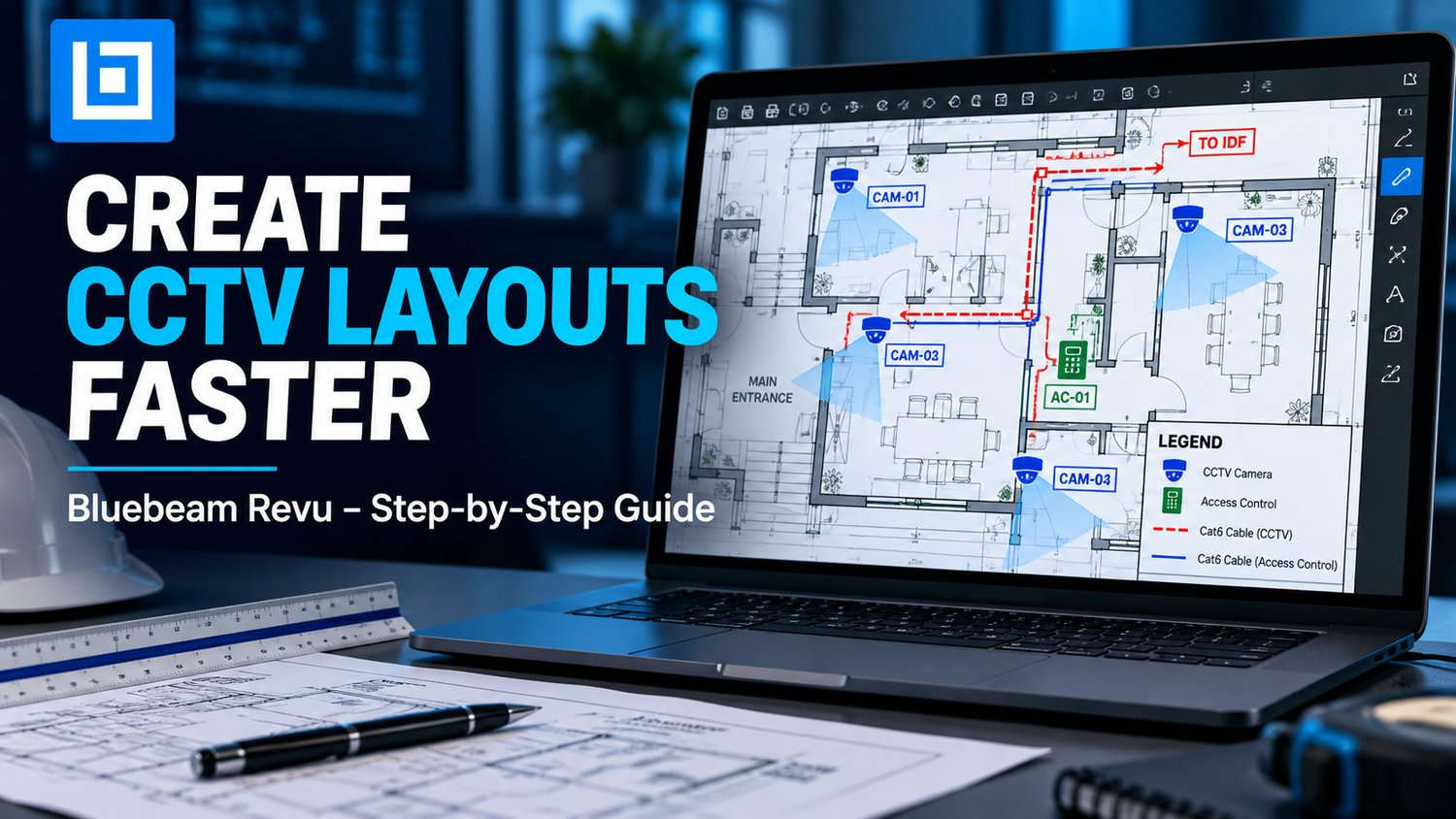
How to Create a CCTV Security Camera Layout in Bluebeam Revu Creating a CCTV layout doesn't have to mean drawing every camera, cable route and device symbol from scratch. If you're a security contractor, low-voltage technician or system designer, Bl...
Read More
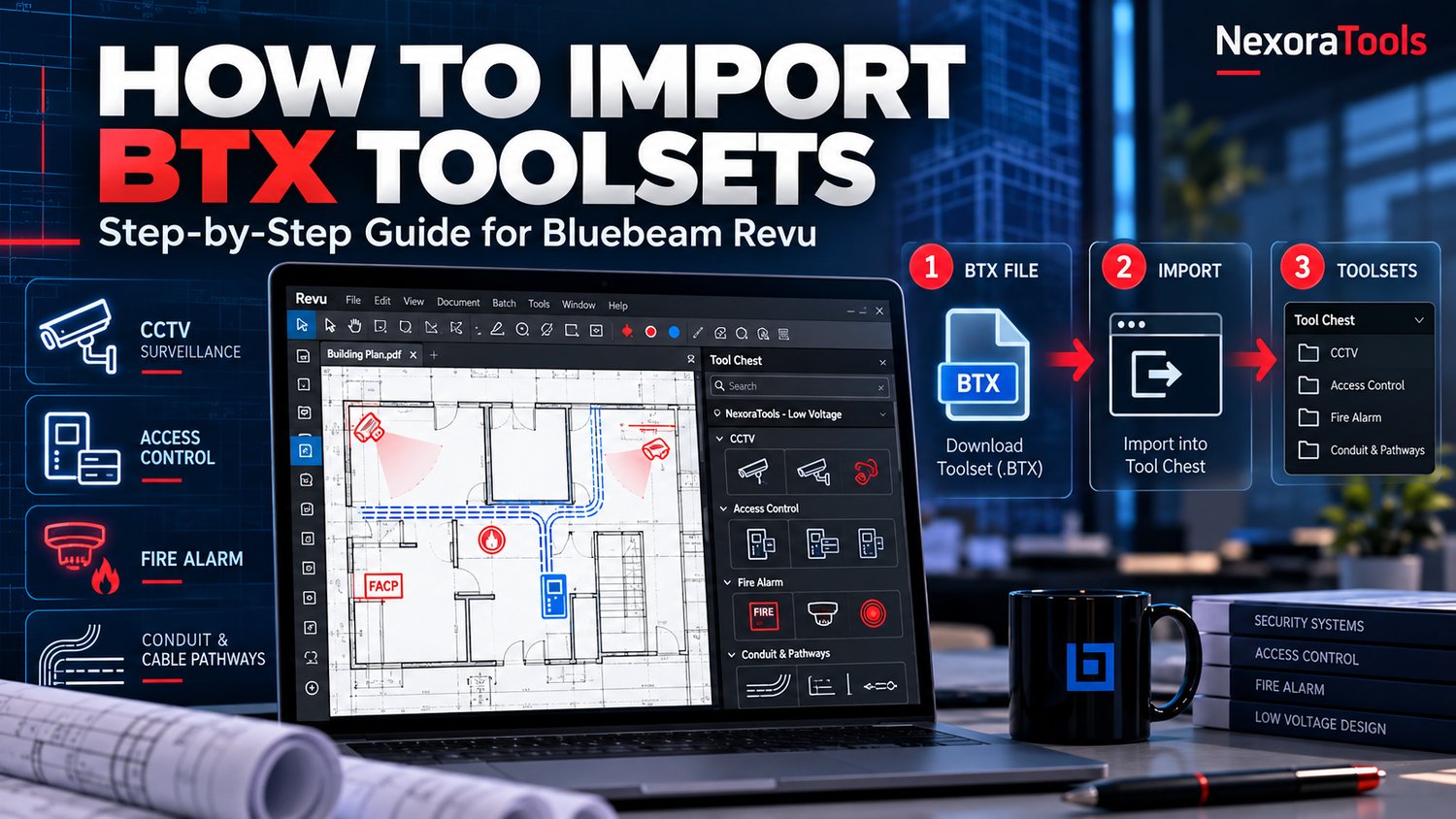
How to Import Bluebeam Revu Toolsets (.BTX): Step-by-Step Guide Bluebeam Revu is widely used by construction professionals, estimators, designers, and contractors to review PDF drawings, create markups, and organize project documentation. One of its...
Read More
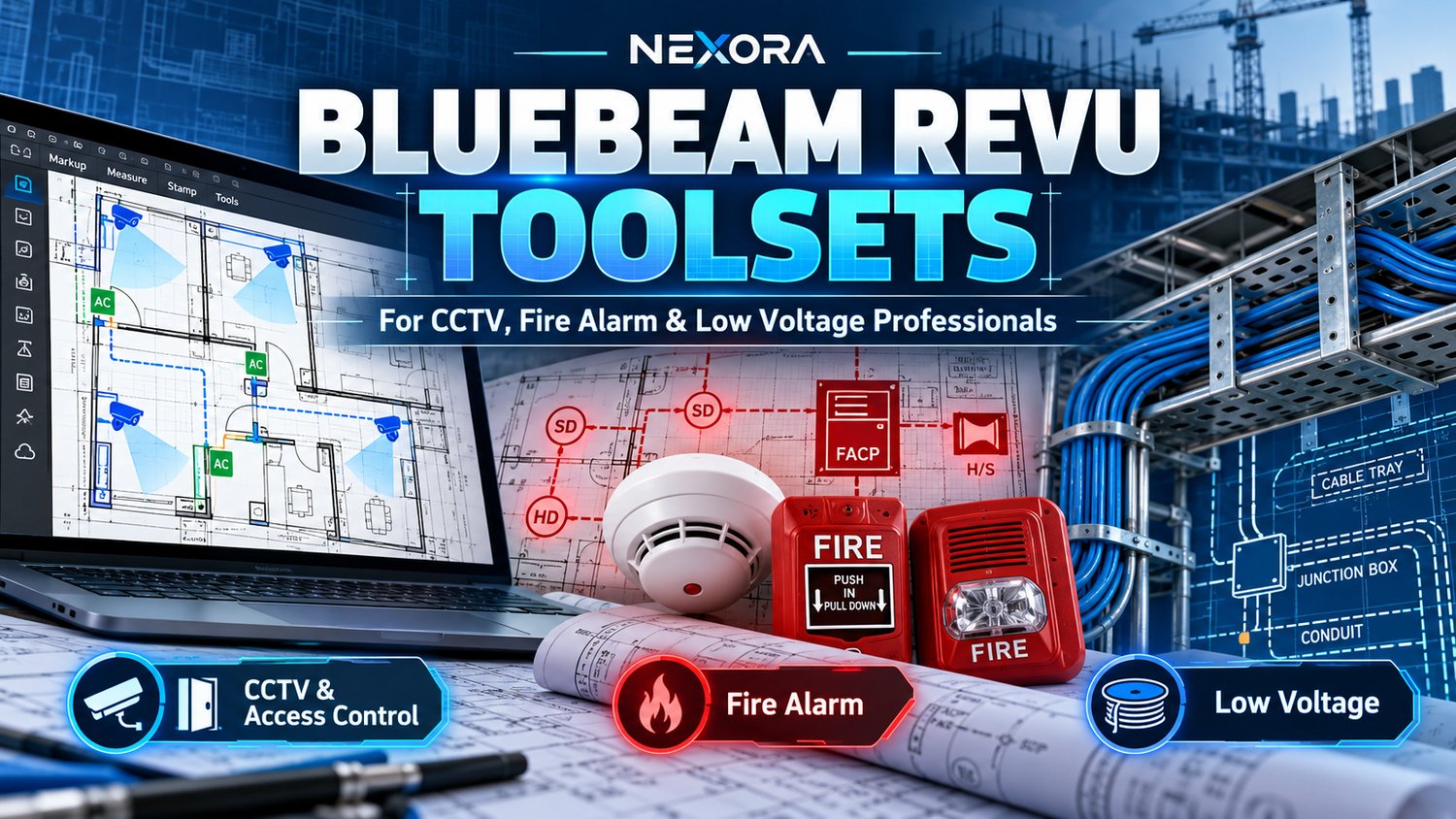
Best Bluebeam Revu Toolsets for CCTV, Fire Alarm & Low Voltage Projects Working on CCTV, access control, fire alarm, or low voltage installations often involves reviewing complex construction drawings, marking device locations, organizing equipm...
Read More