
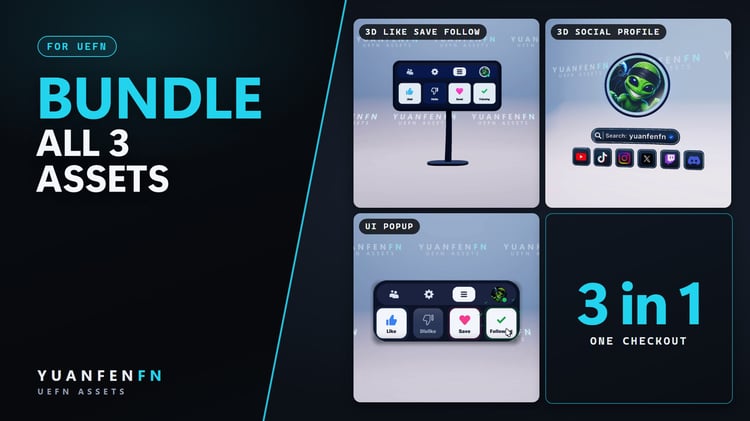




UI Popup – Like Save Follow
On Sale
€39.00
€39.00
UEFN · VERSE DEVICE · 2D UI
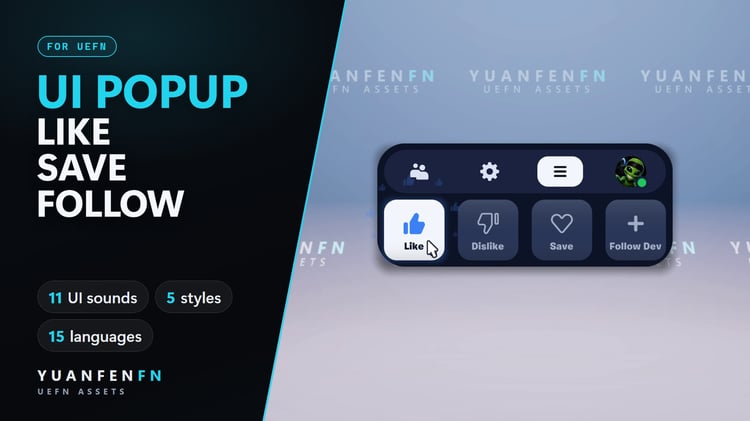
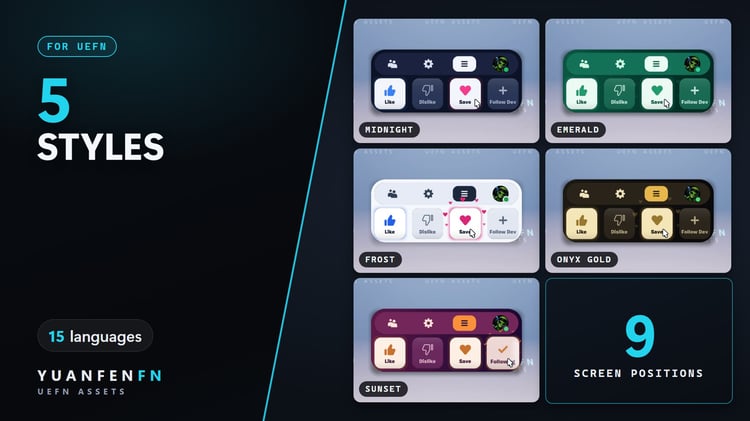
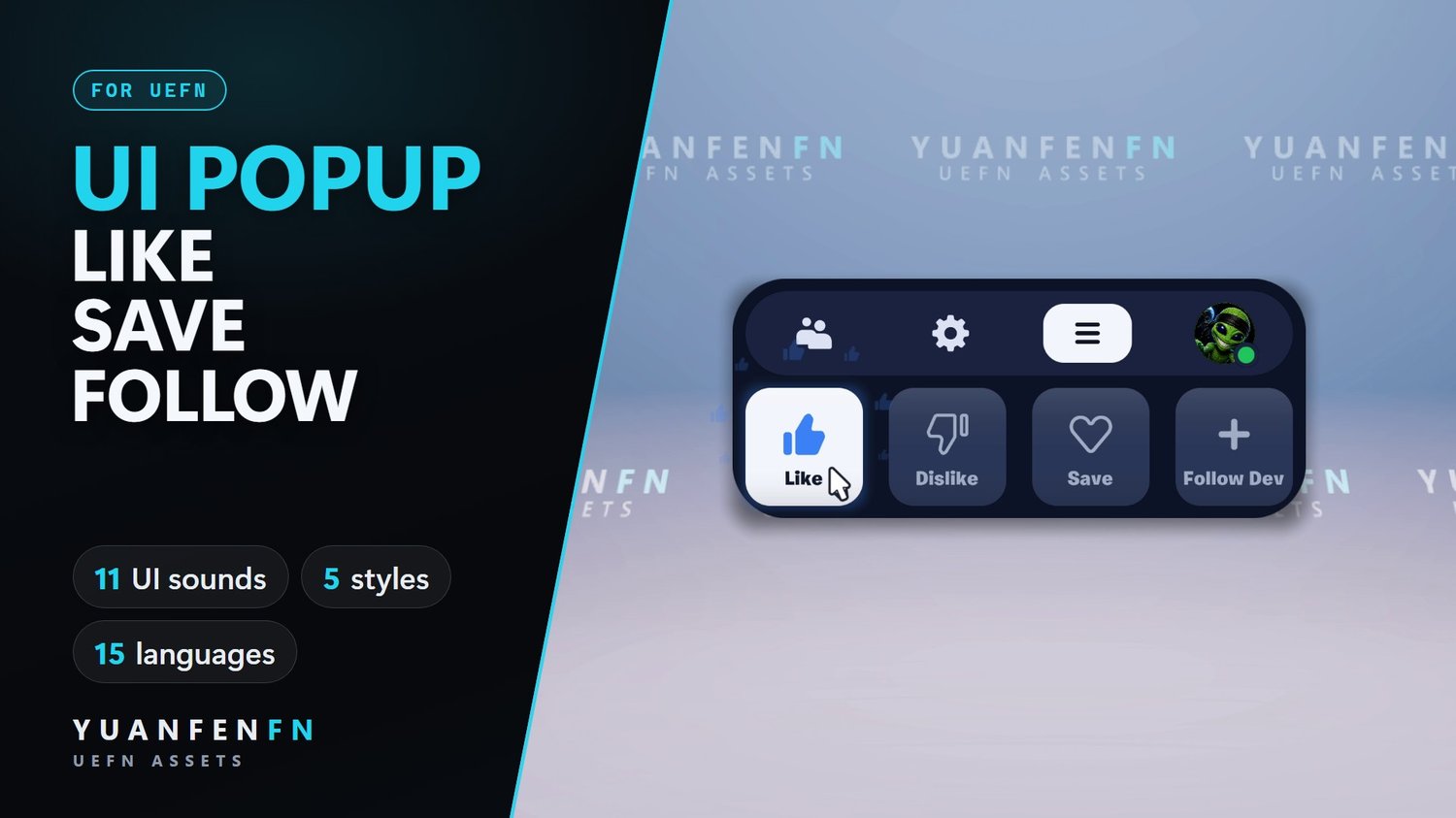
An animated popup with sounds that reminds your players to Like, Save and Follow your island. One Verse device, no code.
Key features
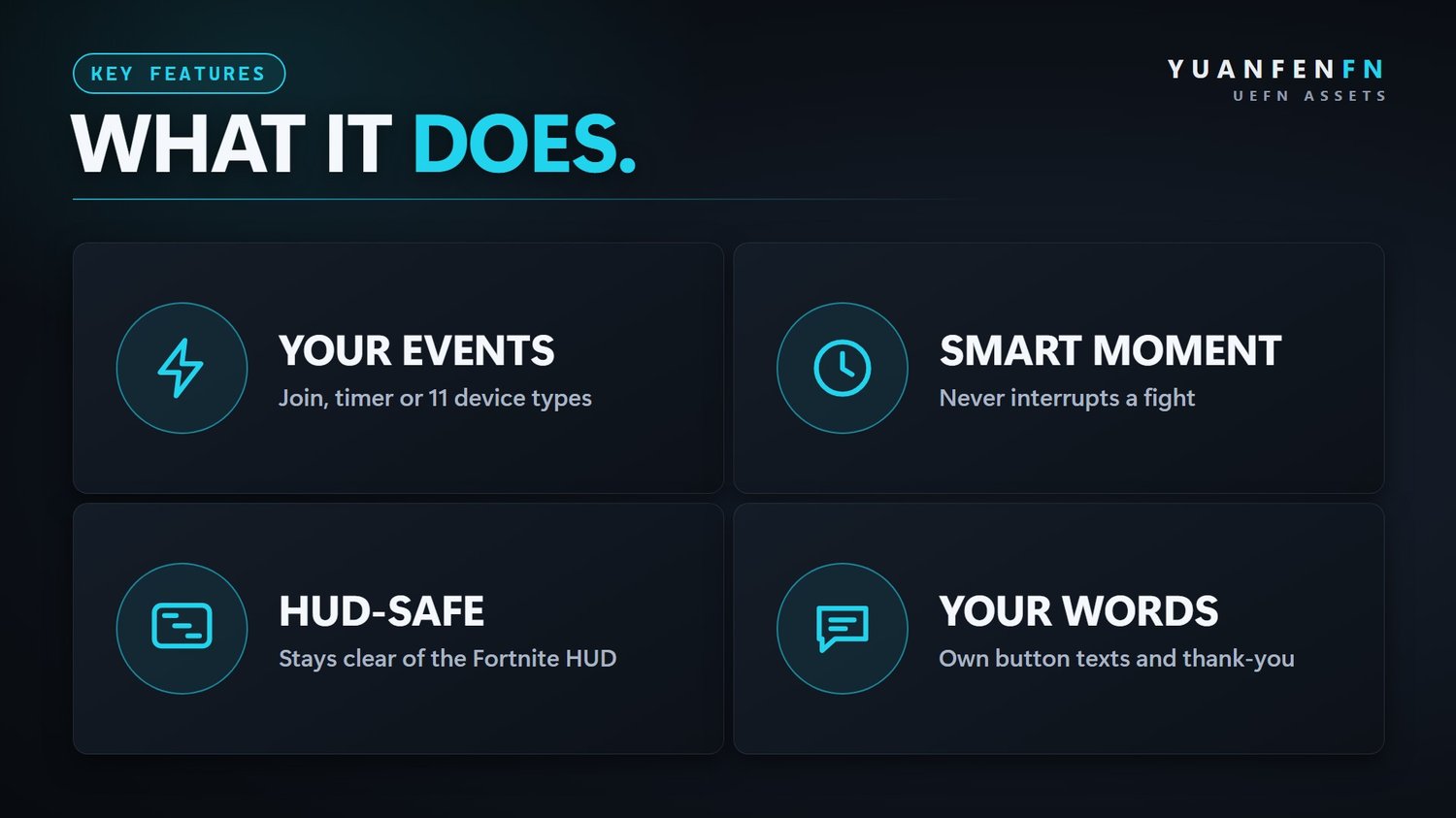
- Your events: on join, on a timer or from 11 device types (Trigger, Button, Timer, Score Manager and more).
- Smart moment: waits until the player is calm, never interrupts a fight. Cooldown and max shows per player.
- 11 UI sounds included: soft sounds for fly-in, menu, hover, click, Like, Save, Follow and thank you.
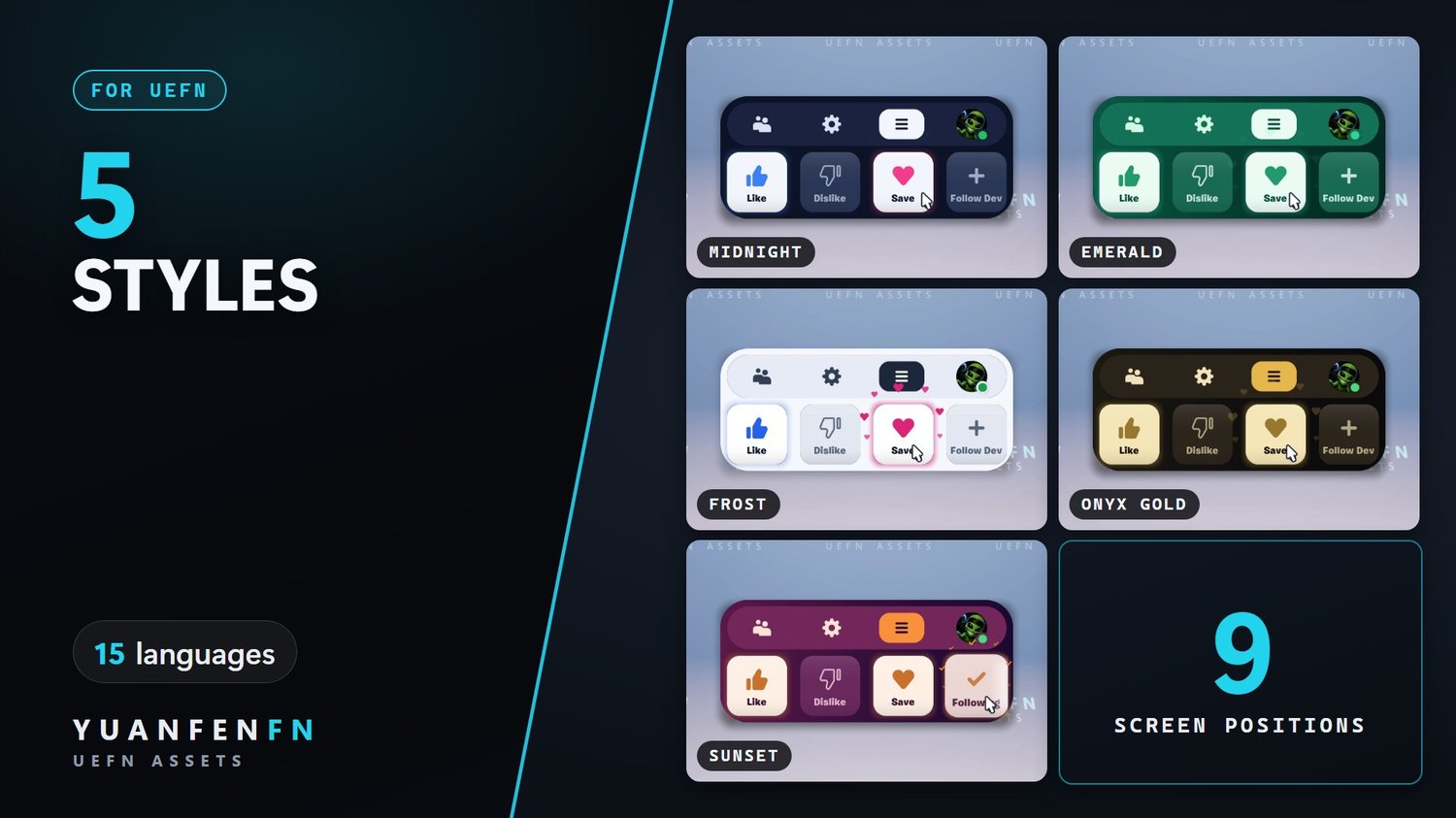
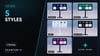
- 5 styles or your own colors, your logo or avatar.
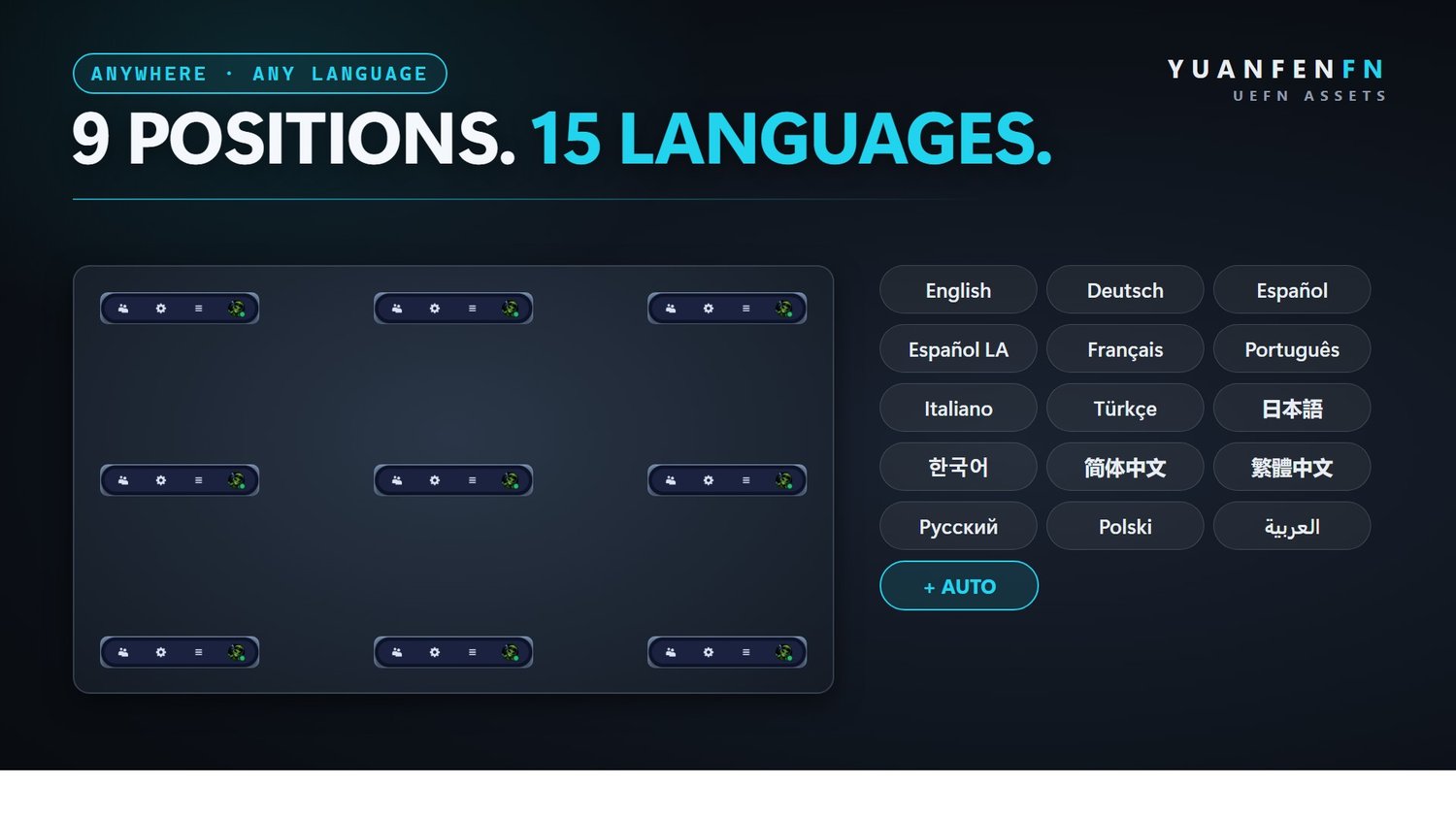
- 9 screen positions, kept clear of the Fortnite HUD.
- 15 languages + Auto, your own button texts and thank-you message.
- Works everywhere: never takes input, so mouse, controller and touch all work. A Verse API is included.
Included
Verse device · full source · widget · textures · 11 sounds · README, LICENSE
Setup
- Close UEFN and copy the SupportCreator folder into your project's Content folder.
- Open UEFN, right-click the folder and choose Resave All.
- Verse → Build Verse Code.
- Drag creator_engagement_popup into your island and pick a style, your logo and when it shows.
Already own 3D Like Save Follow? Both share the SupportCreator folder, just merge them.
Good to know
- Fortnite gives Verse no events for real likes or follows. The popup shows players where to find Like, Save and Follow; it cannot press anything for them.
- Do not offer rewards for liking or following. Epic's island rules do not allow that.
Updates
Updates are free. New versions come through your download link.
License
Commercial license for one creator.
- ✅ Use it in all of your own UEFN islands, as-is or modified
- ✅ Publish and monetize those islands
- ✅ Use it in team projects you are part of, with the files kept inside that project
- ❌ Resell, share, give away or upload the files
- ❌ Put them in templates, map kits or other asset packs
- ❌ Transfer or sub-license the license
Full terms are in the included LICENSE.md. By purchasing you agree to them.
Support
Questions? Ask on Discord or use the contact page.




3D Social Profile
On Sale
€49.00
€49.00
UEFN · PREFABS · VERSION 1.0
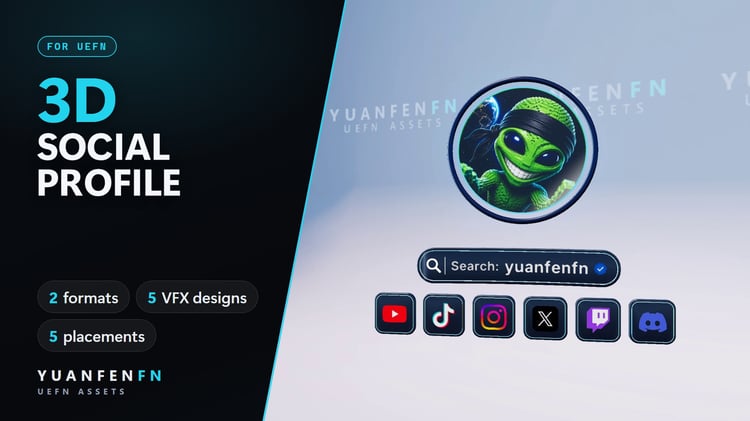
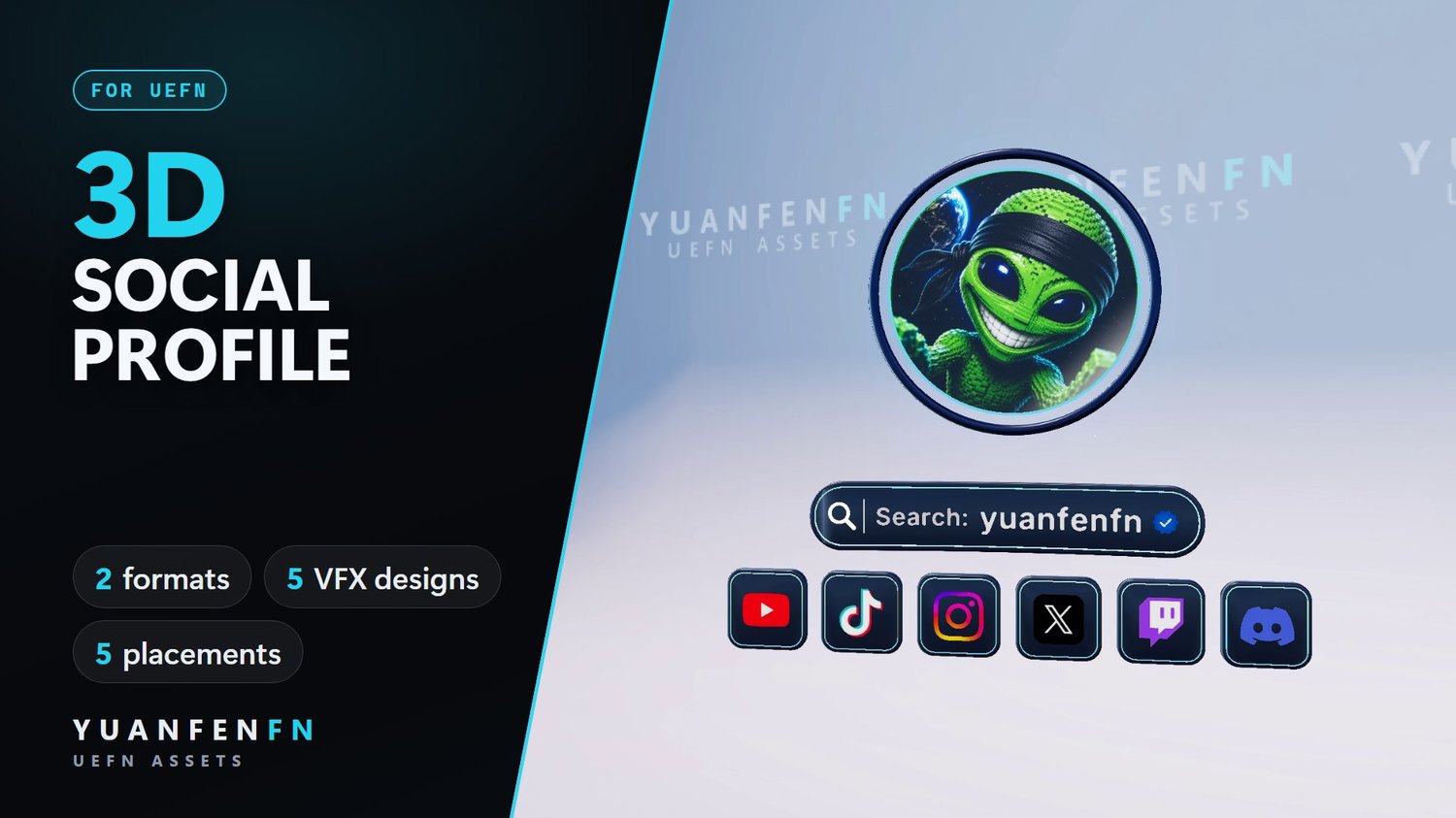
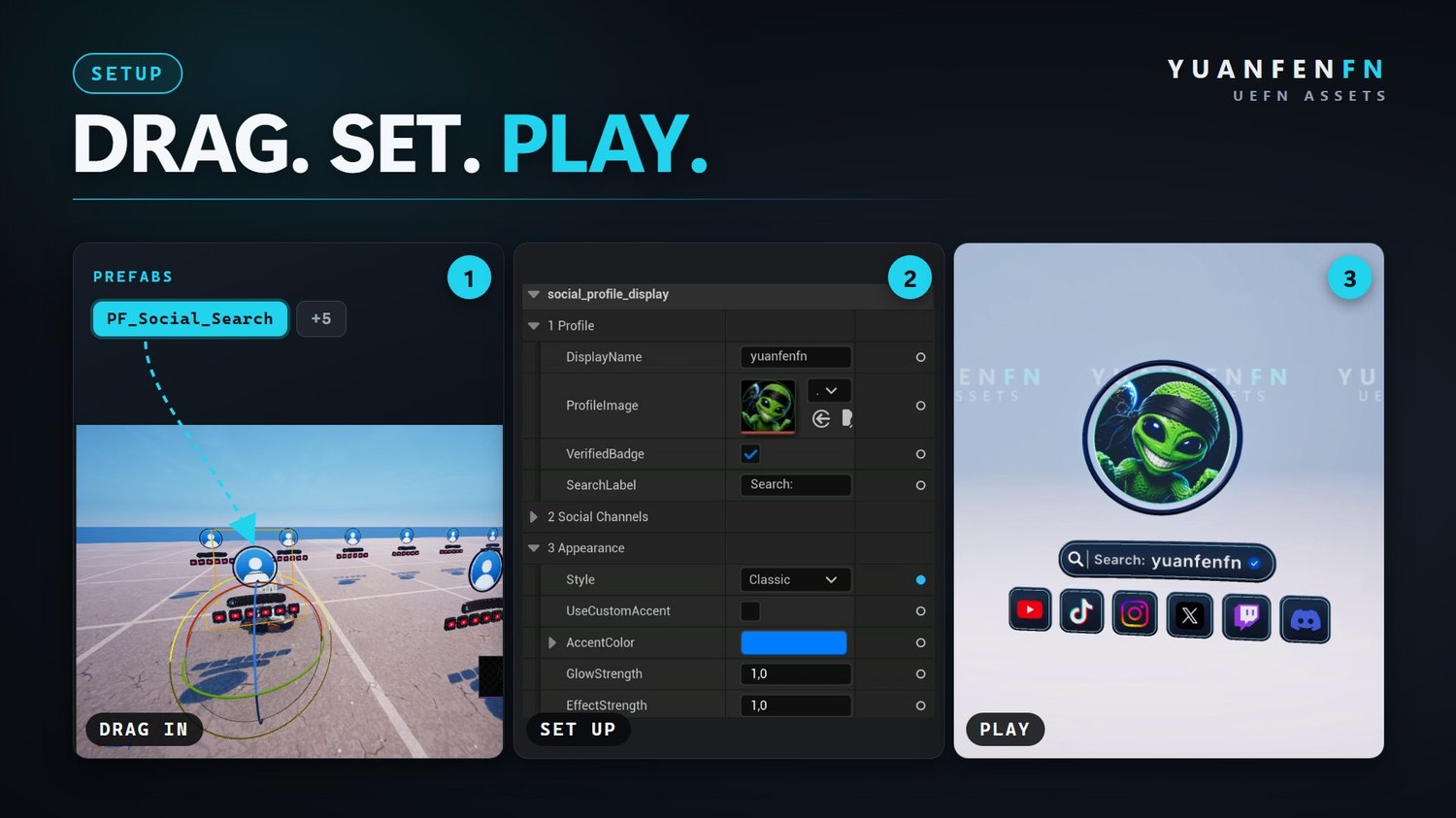
Your name, profile picture and socials as an animated 3D display. Drag a prefab in, fill in the Details panel, play. No code.
Key features
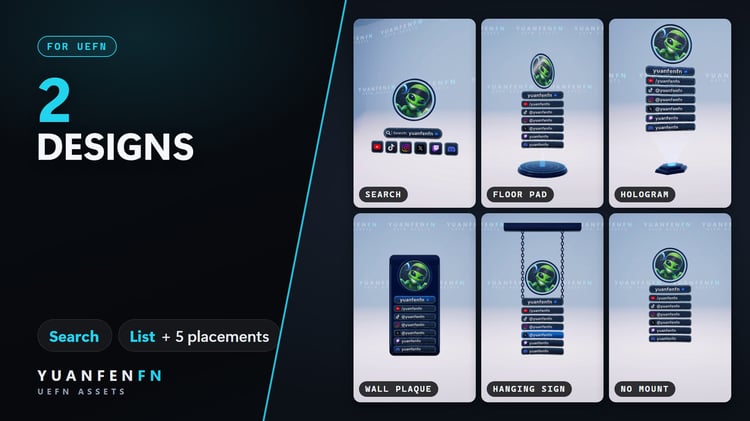
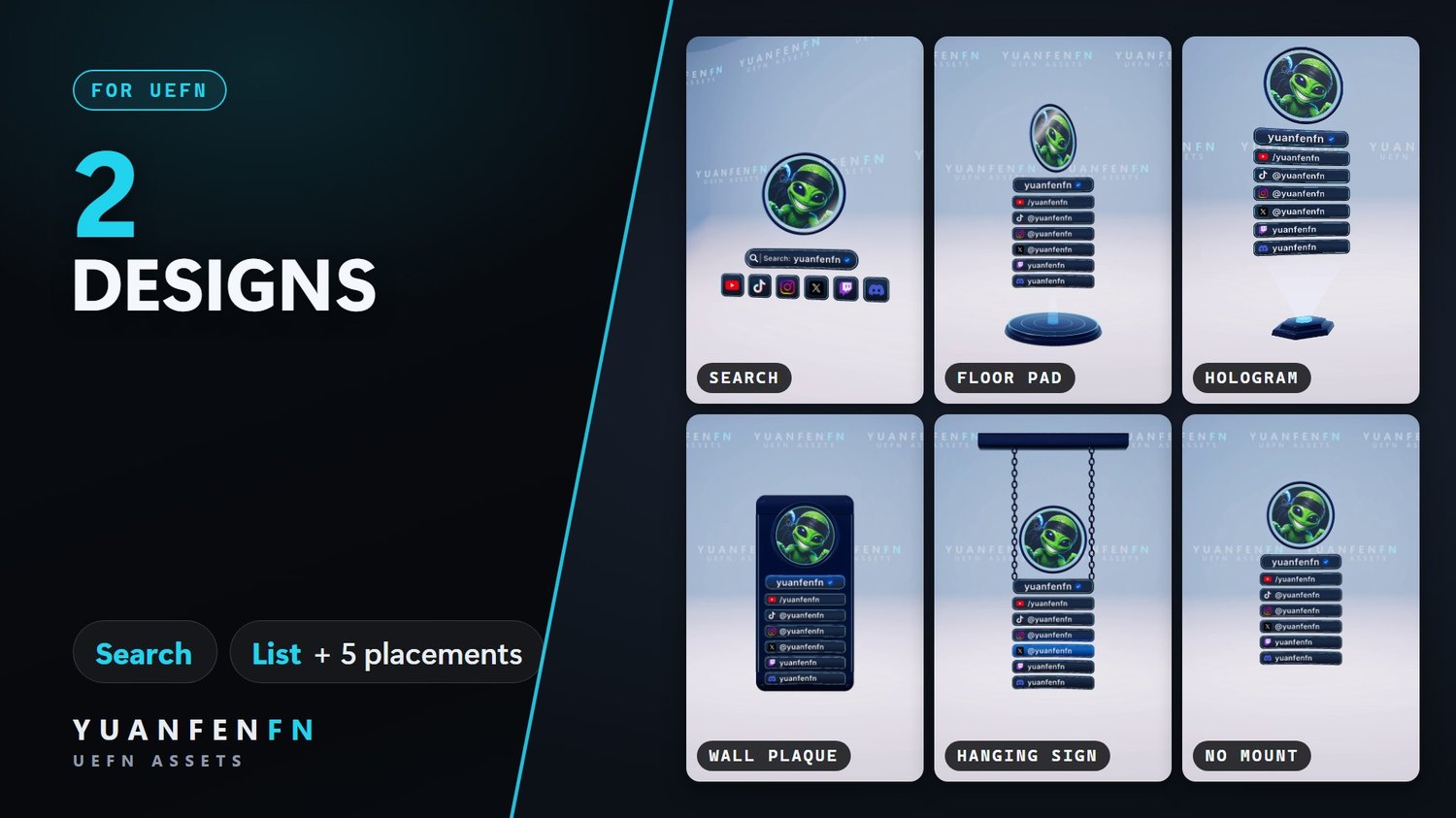
- 2 designs: Search (one name, icons only) or List (a handle per platform).
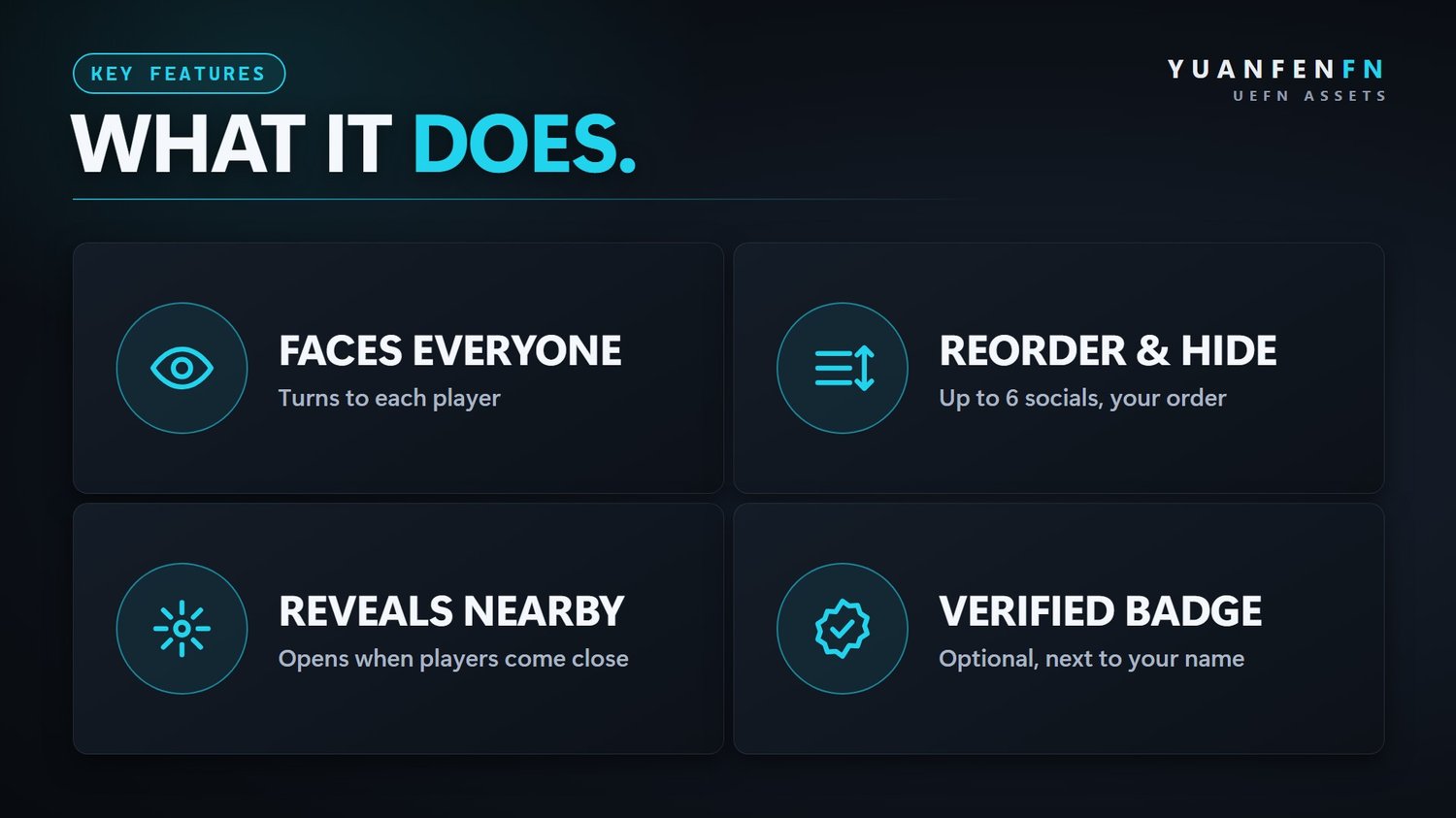
- Faces everyone: each player sees it turned toward them.
- Reveals nearby: opens when players come close, hides when they leave.
- Up to 6 socials: YouTube, TikTok, Instagram, X, Twitch, Discord. Your order, each one on or off.
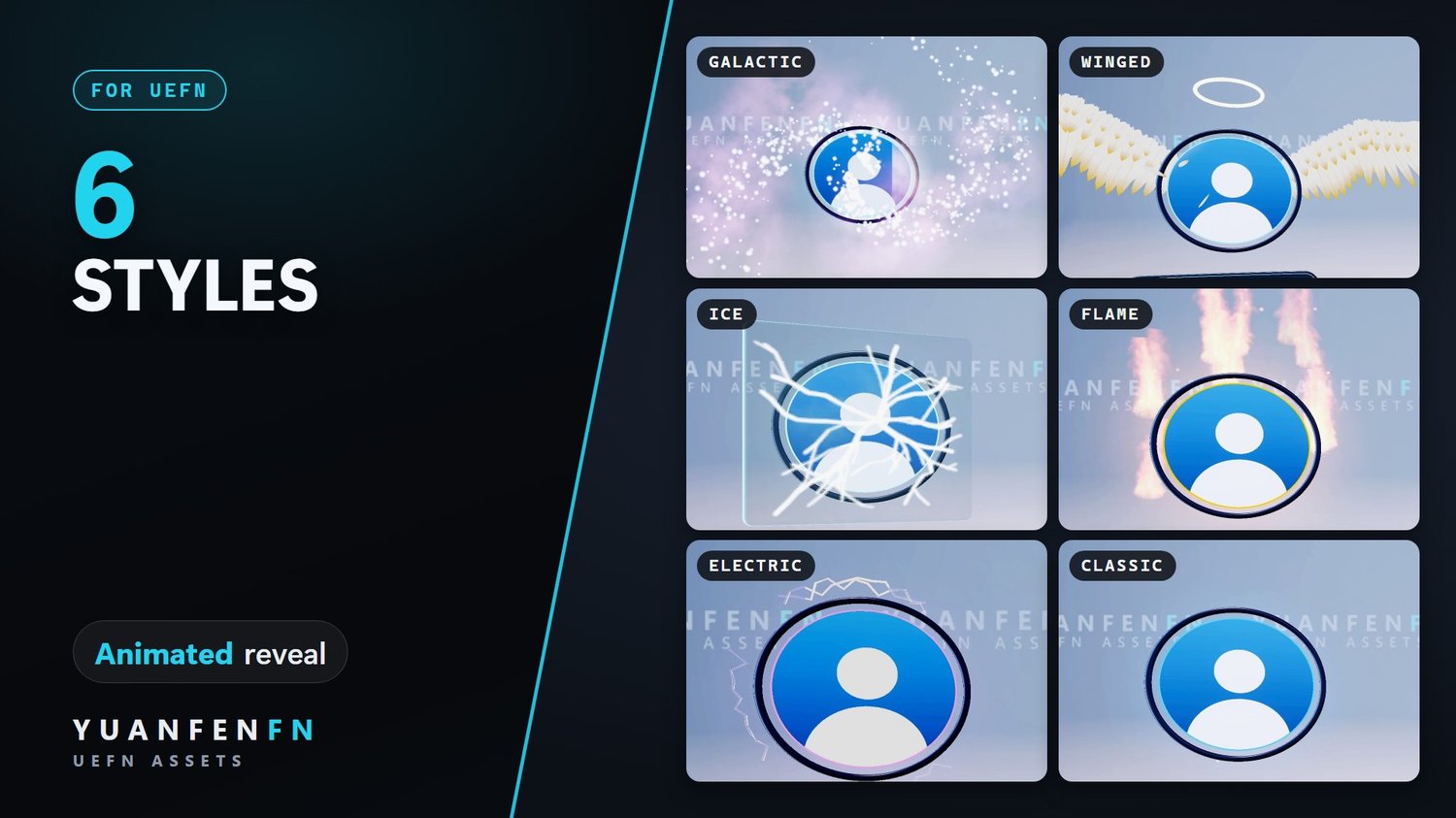
- 6 styles with your own accent color, optional verified-style badge.
- Live Edit ready, optional Verse API.
6 prefabs
Search · Floor Pad · Hologram · Wall Plaque · Hanging Sign · No Mount
Included
6 prefabs · full Verse source · meshes, materials, textures, VFX · README, LICENSE, CHANGELOG
ZIP · 7.2 MB · version 1.0
Setup
- Close UEFN and copy the SupportCreator folder into your project's Content folder.
- Open UEFN, right-click the folder and choose Resave All.
- Verse → Build Verse Code.
- Drag a prefab from SupportCreator/SocialProfileDisplay/Prefabs into your island and set your name, picture and socials.
Already own 3D Like Save Follow? Both share the SupportCreator folder, just merge them.
Good to know
- Settings not showing after a drop? Click the prefab's top entry (PF_…) in the Outliner once.
- Shows handles only, no links or QR codes, in line with Epic's island rules.
- Use an avatar, logo or illustration as profile picture, not a photo of a real person.
- The badge is a decoration; it does not mean a platform has verified the account.
Updates
Updates are free. New versions come through your download link.
License
Commercial license for one creator.
- ✅ Use it in all of your own UEFN islands, as-is or modified
- ✅ Publish and monetize those islands
- ✅ Use it in team projects you are part of, with the files kept inside that project
- ❌ Resell, share, give away or upload the files
- ❌ Put them in templates, map kits or other asset packs
- ❌ Transfer or sub-license the license
Full terms are in the included LICENSE.md. By purchasing you agree to them.
Support
Questions? Ask on Discord or use the contact page.




3D Like Save Follow
On Sale
€49.00
€49.00
UEFN · PREFABS · VERSION 2.0
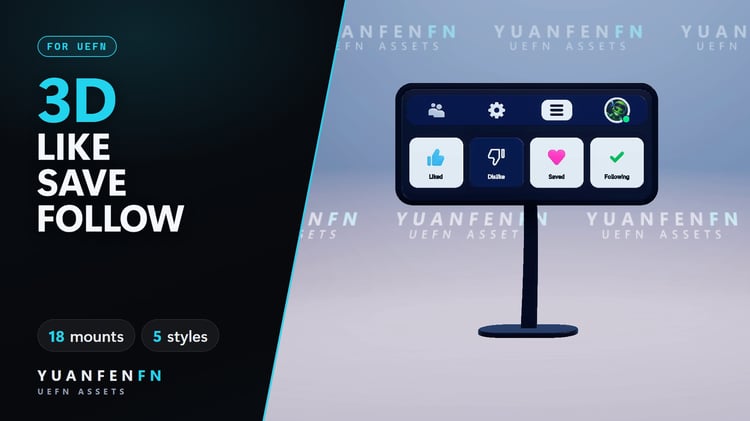
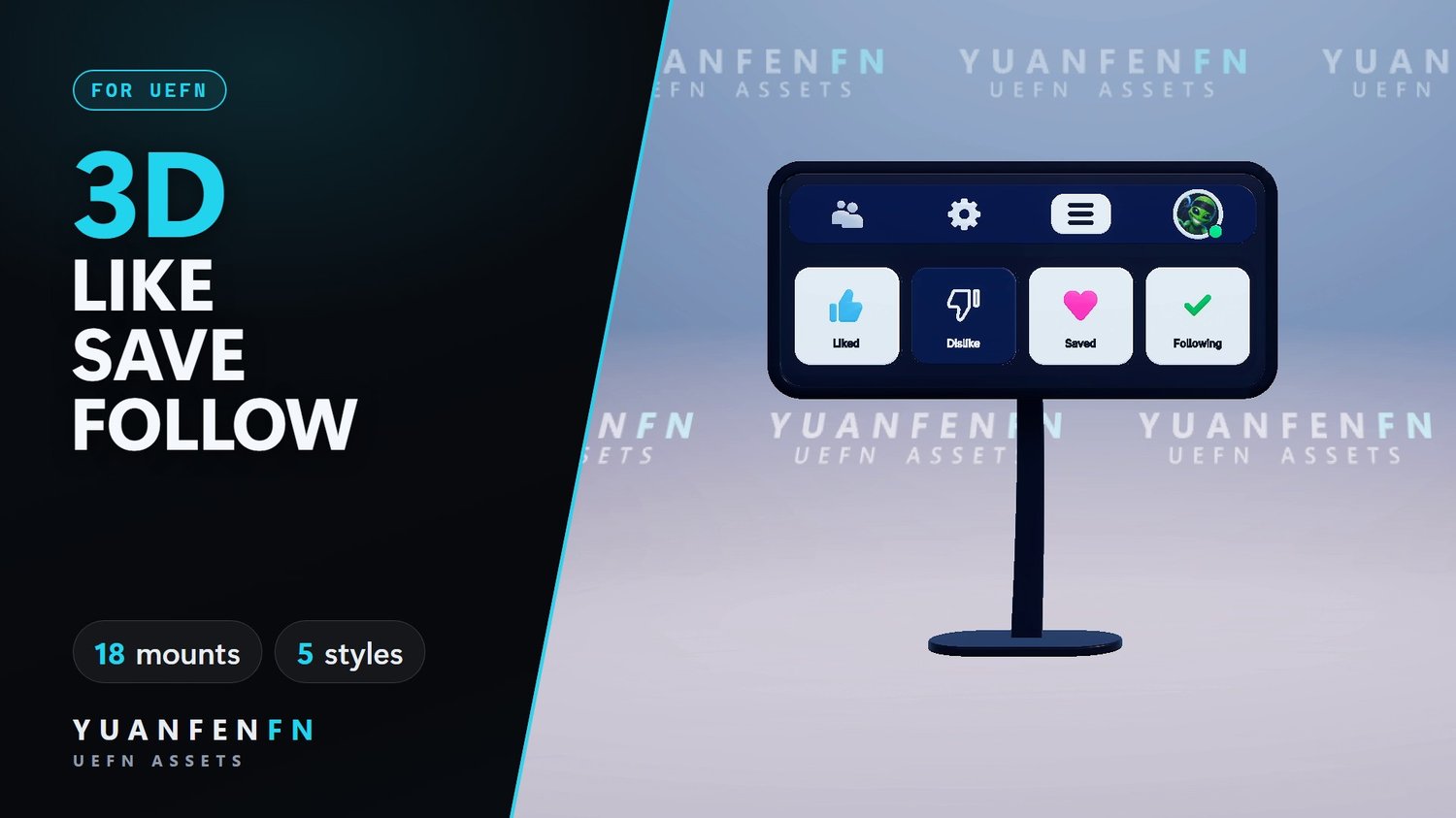
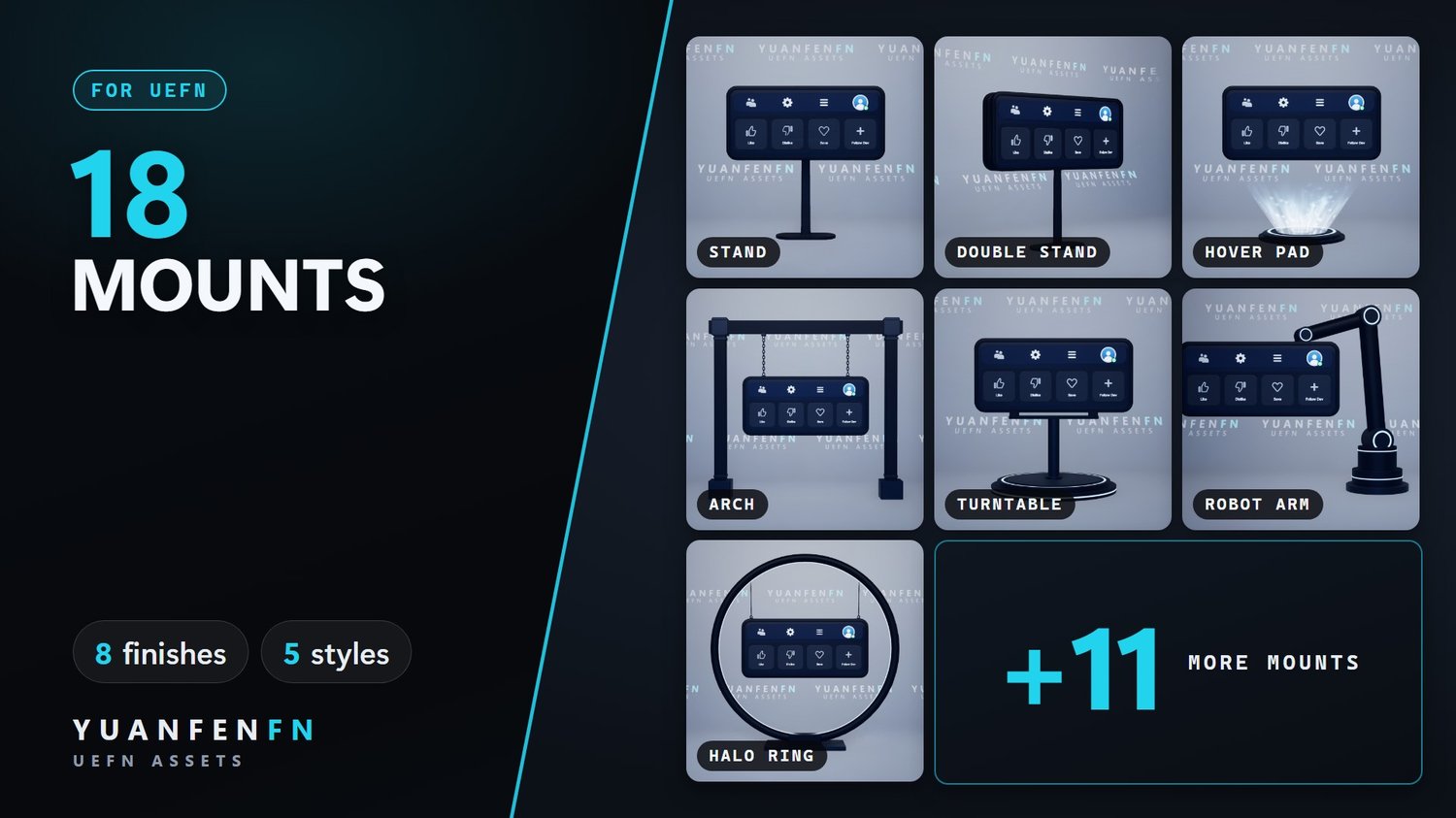
A 3D display that reminds players to Like, Save and Follow your island. Drag a prefab in, pick a style, play. No code.
Key features
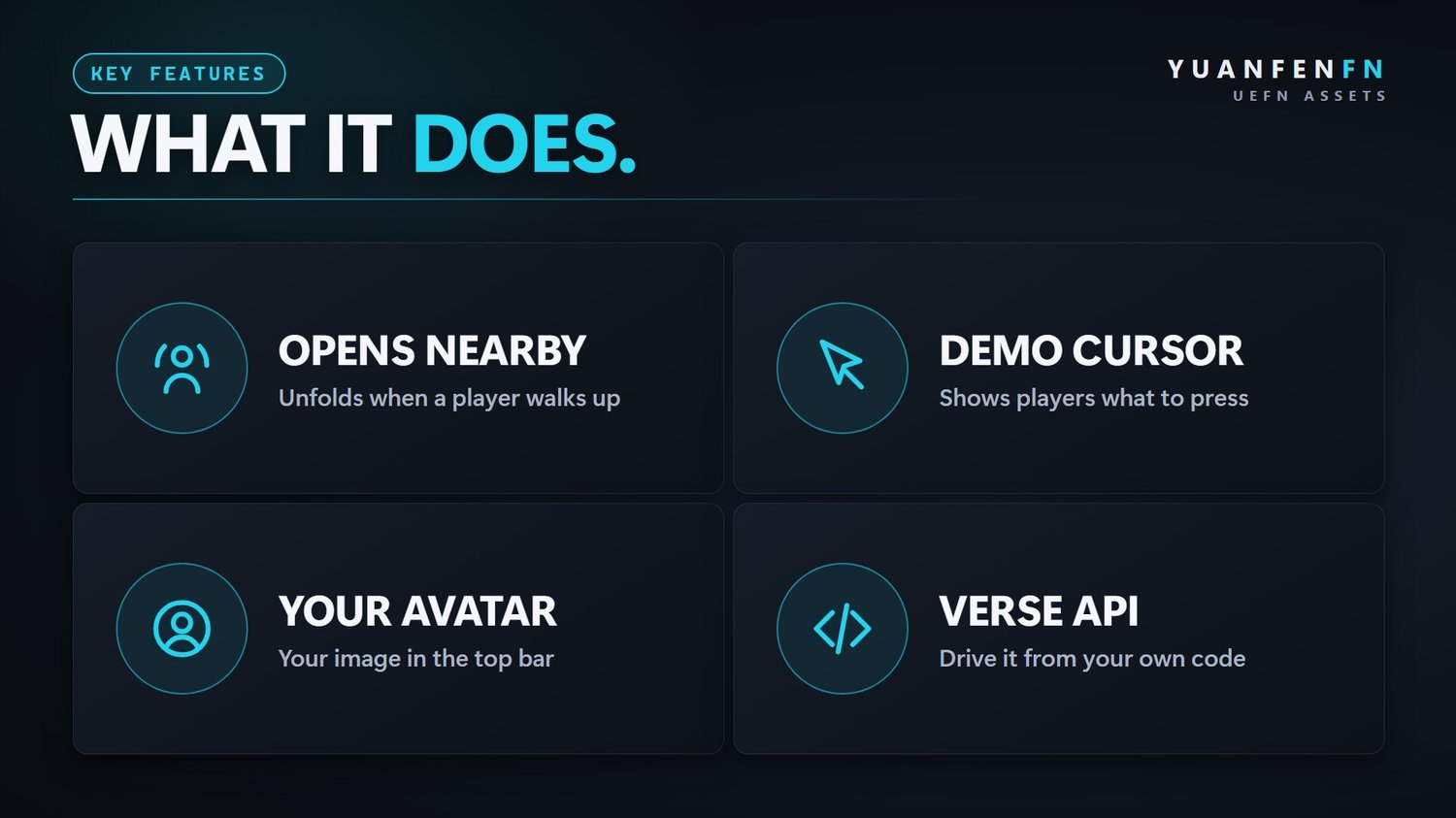
- Opens nearby: unfolds when a player walks up, folds away when they leave.
- Demo cursor: shows players what to press.
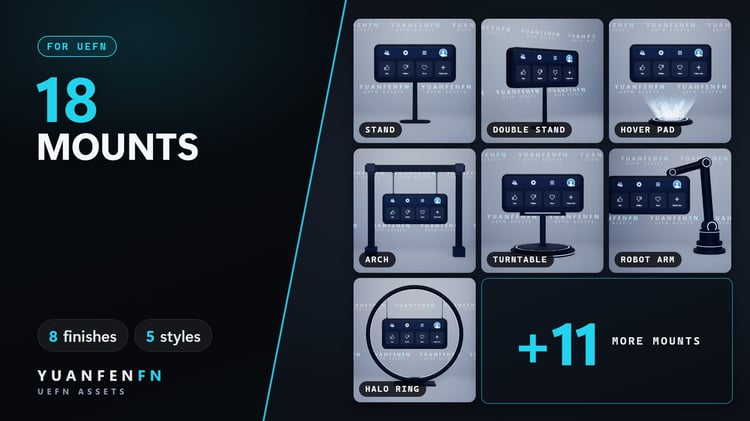
- 18 mounts: stands, arches, ceiling hangers, a drone, balloons and more.
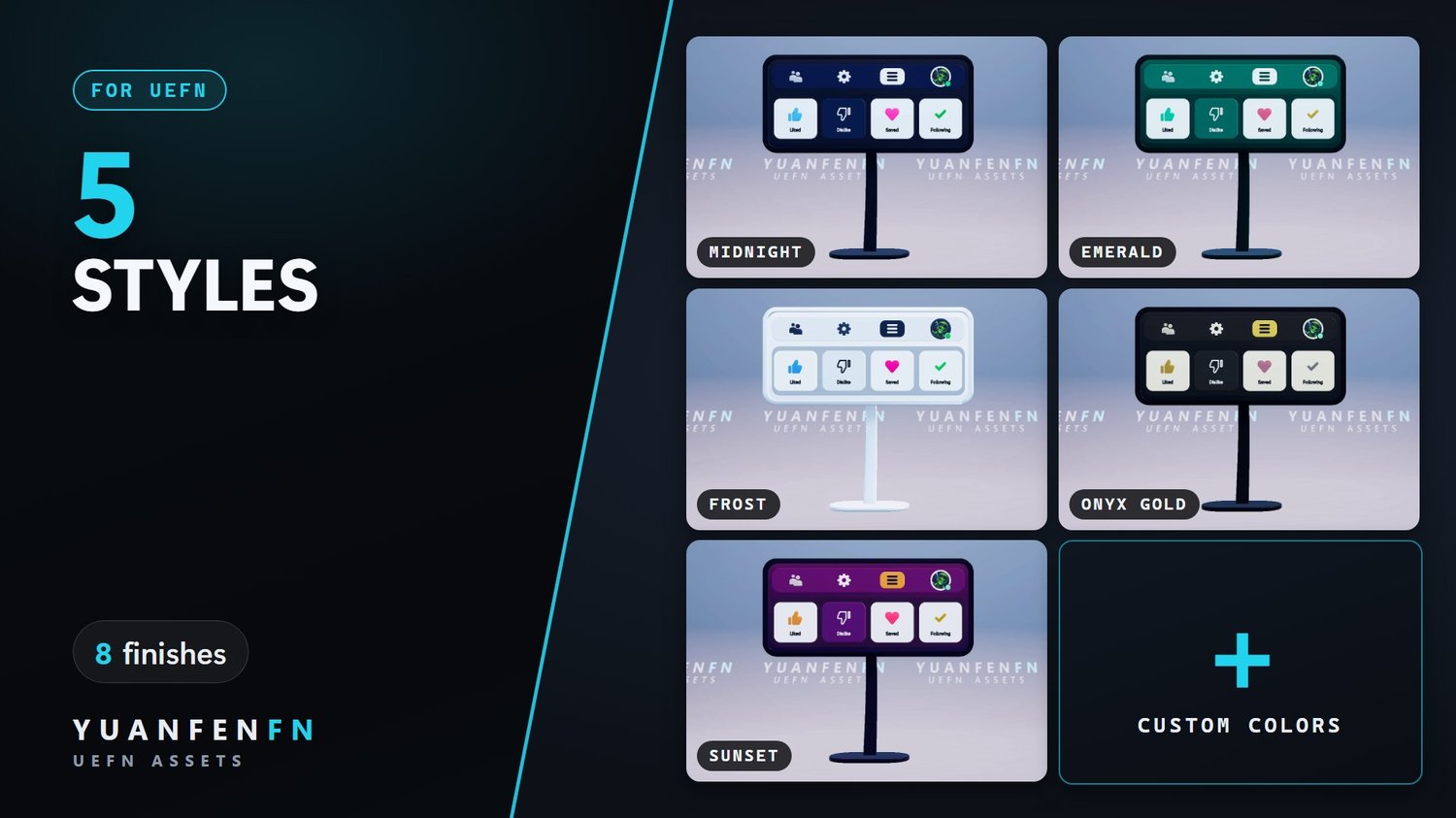
- 5 styles or your own colors, 8 mount finishes.
- Your avatar, wall headline and hang length.
- Verse API to switch styles and states from your own code. Animates only while a player is nearby.
Included
19 prefabs (18 mounts + display) · full Verse source · meshes, materials, textures · README, LICENSE, CHANGELOG
ZIP · 6.7 MB · version 2.0
Setup
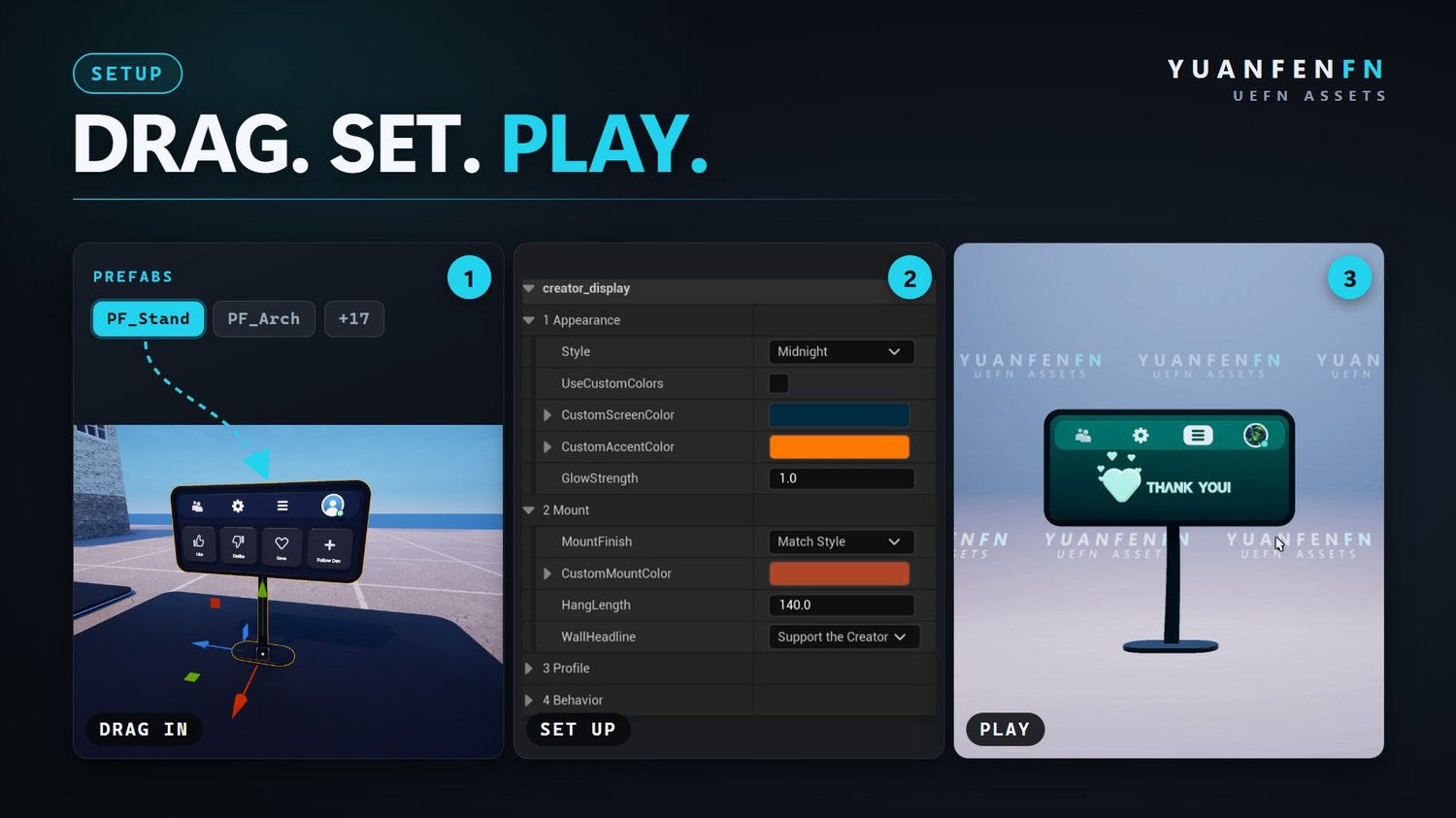
- Close UEFN and copy the SupportCreator folder into your project's Content folder.
- Open UEFN, right-click the folder and choose Resave All.
- Verse → Build Verse Code.
- Drag a prefab from SupportCreator/CreatorEngagementDisplay/Prefabs into your island.
Upgrading from version 1? The README walks you through it.
Good to know
- Settings not showing after a drop? Click the prefab's top entry (PF_…) in the Outliner once.
- Fortnite gives Verse no events for real likes or follows. The display plays its demo or the states you set from Verse.
Updates
Updates are free. New versions come through your download link.
License
Commercial license for one creator.
- ✅ Use it in all of your own UEFN islands, as-is or modified
- ✅ Publish and monetize those islands
- ✅ Use it in team projects you are part of, with the files kept inside that project
- ❌ Resell, share, give away or upload the files
- ❌ Put them in templates, map kits or other asset packs
- ❌ Transfer or sub-license the license
Full terms are in the included LICENSE.md. By purchasing you agree to them.
Watch the demo video on YouTube.
Support
Questions? Ask on Discord or use the contact page.
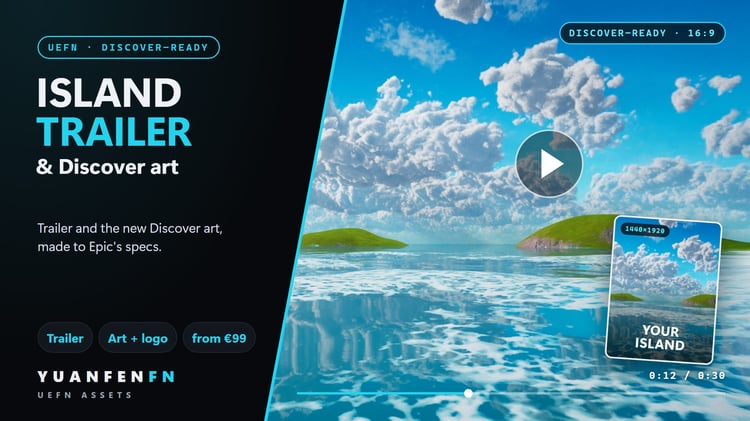
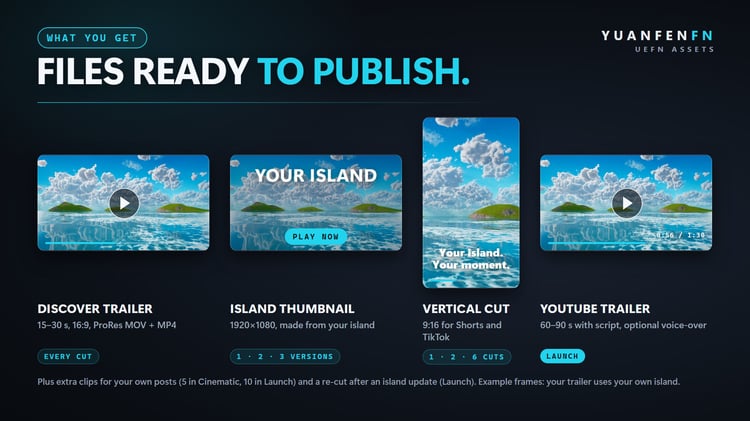
Need it done for you?
Trailers and Discover art, custom creatures or a whole island. Clear prices, one contact.