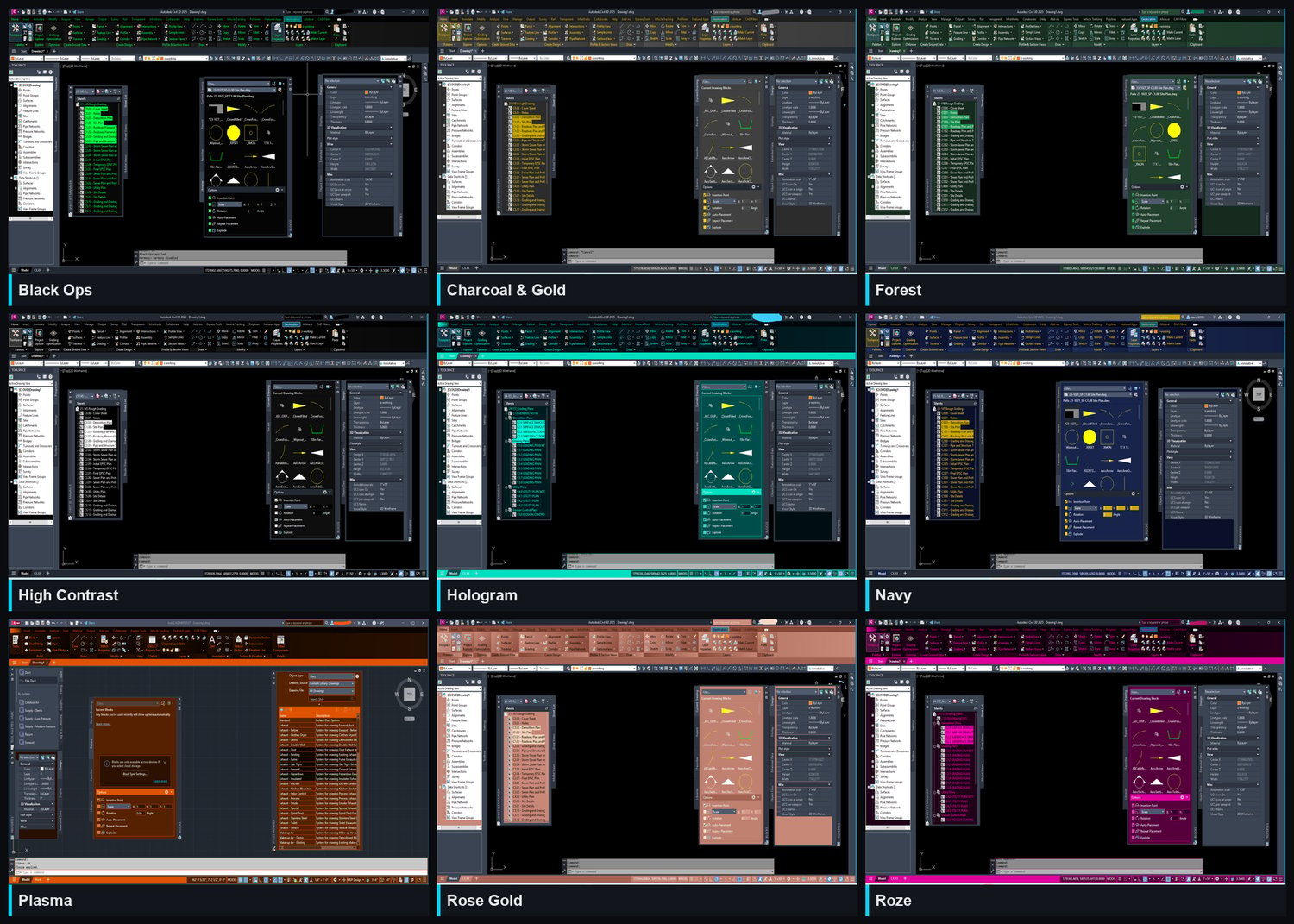
The Collection
Entire Collection Only $15.99
All 9 filters in one purchase — save versus buying individually!
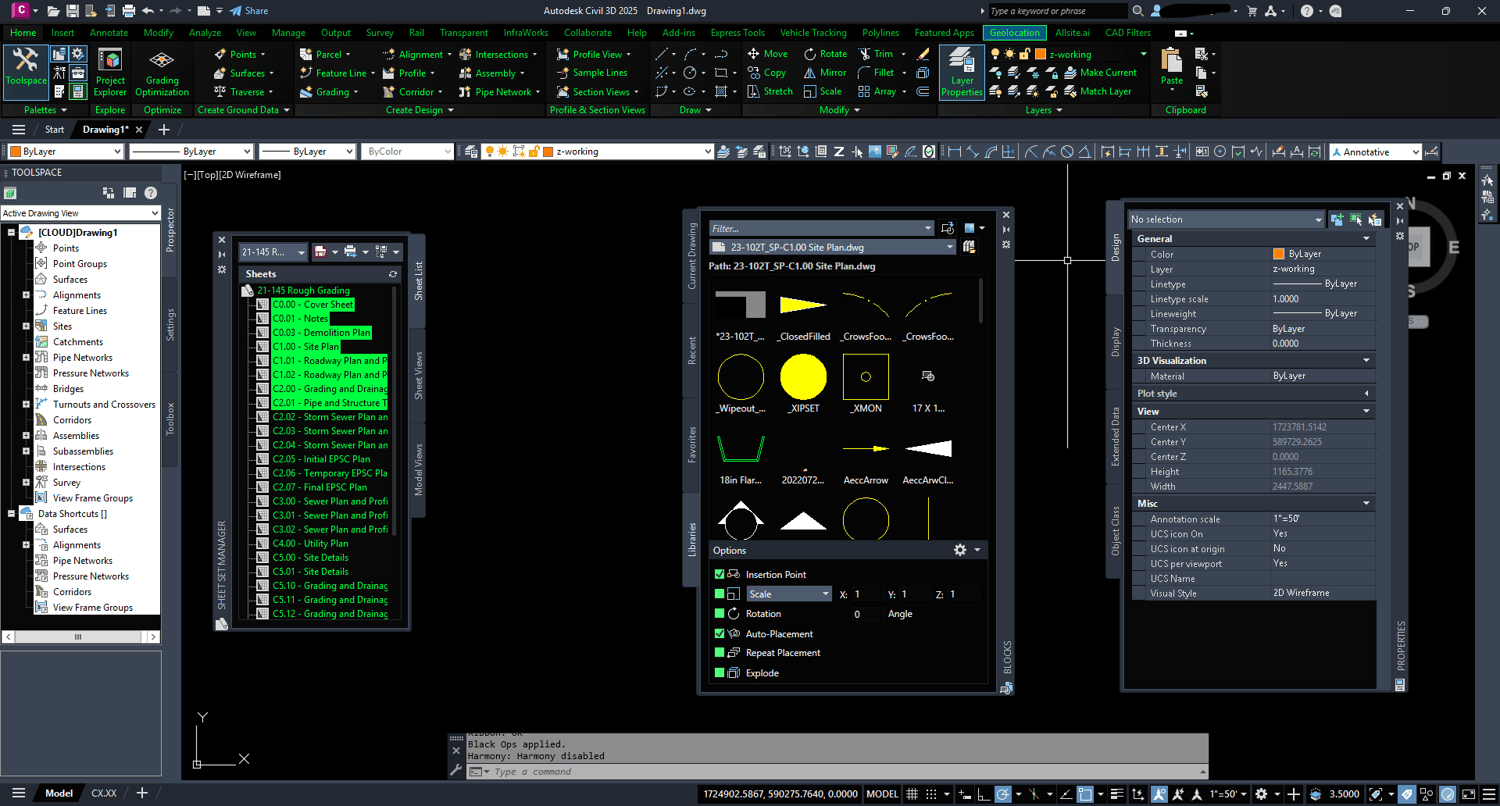
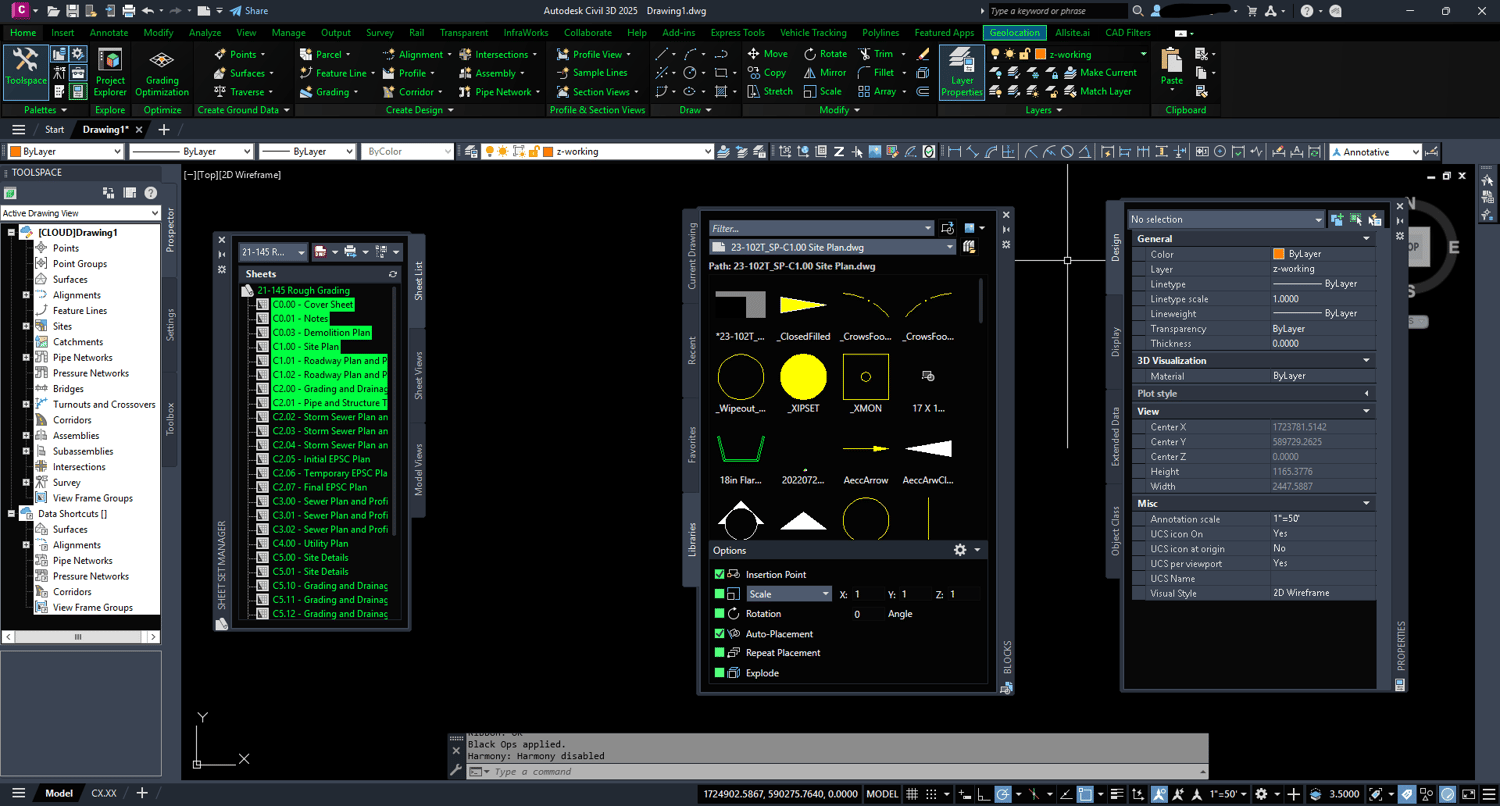
Black Ops - $2.99
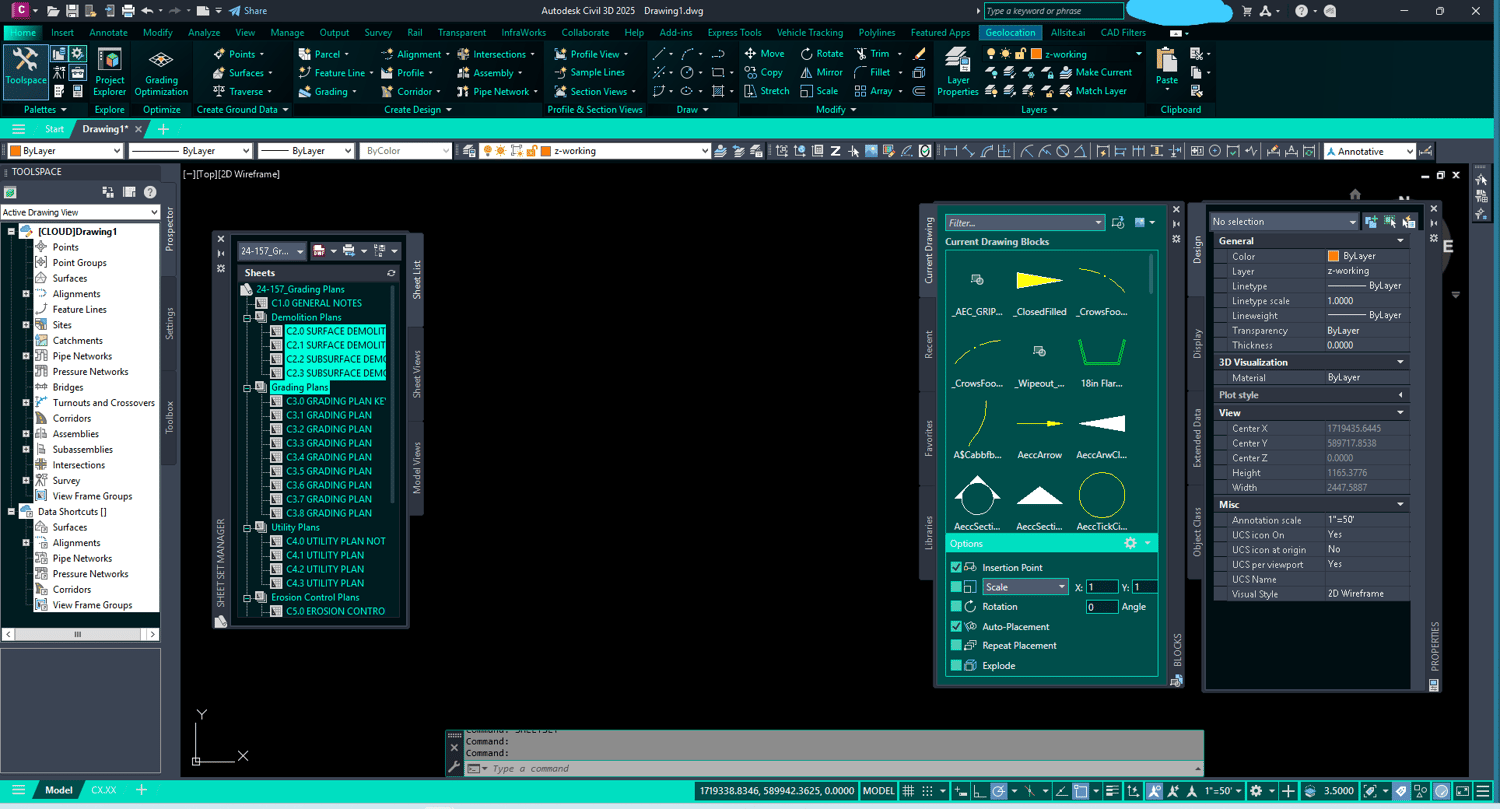
Transform your AutoCAD and Civil 3D workspace with the Black Ops filter — a high-contrast dark theme with bold green accents.
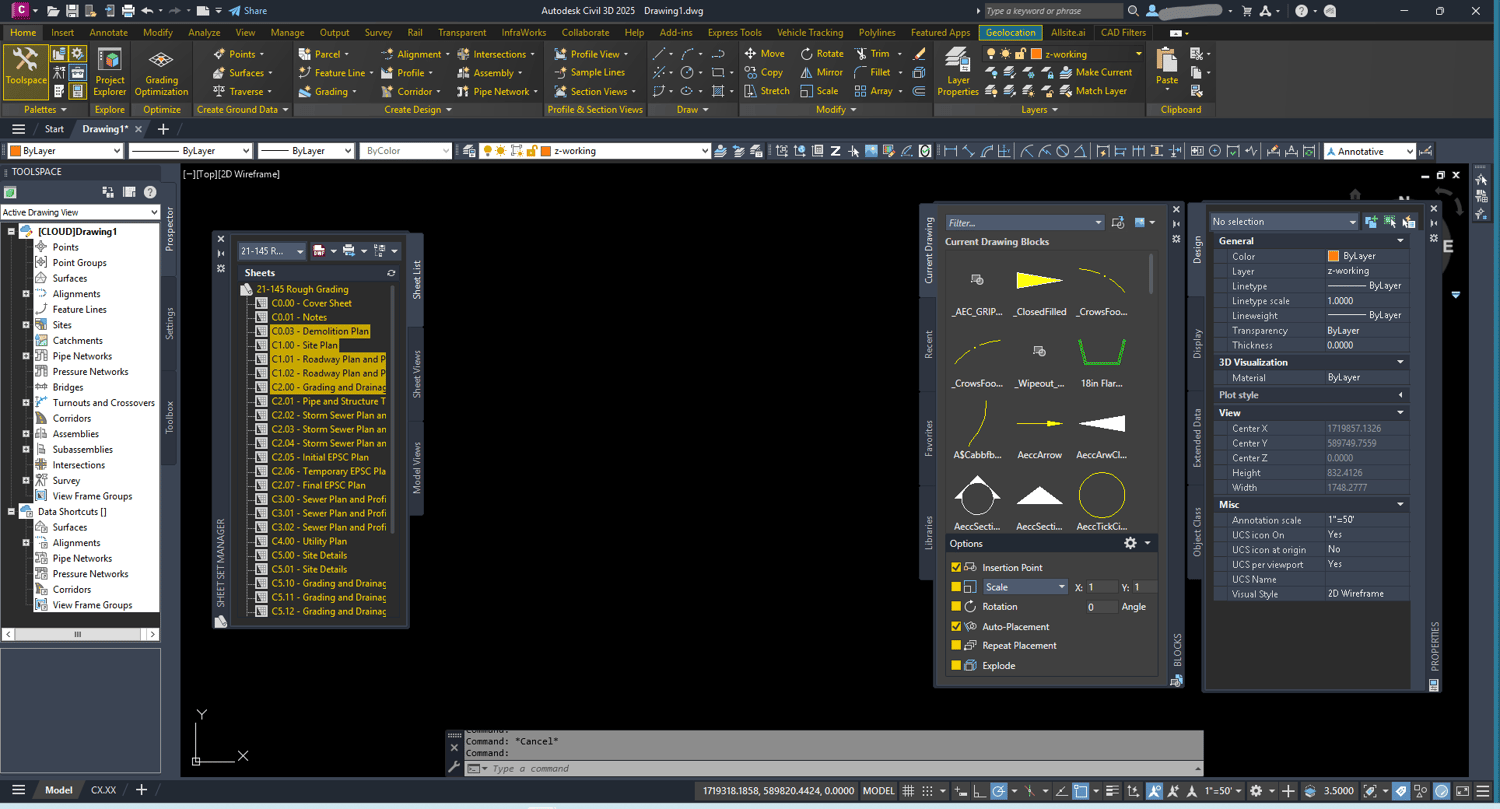
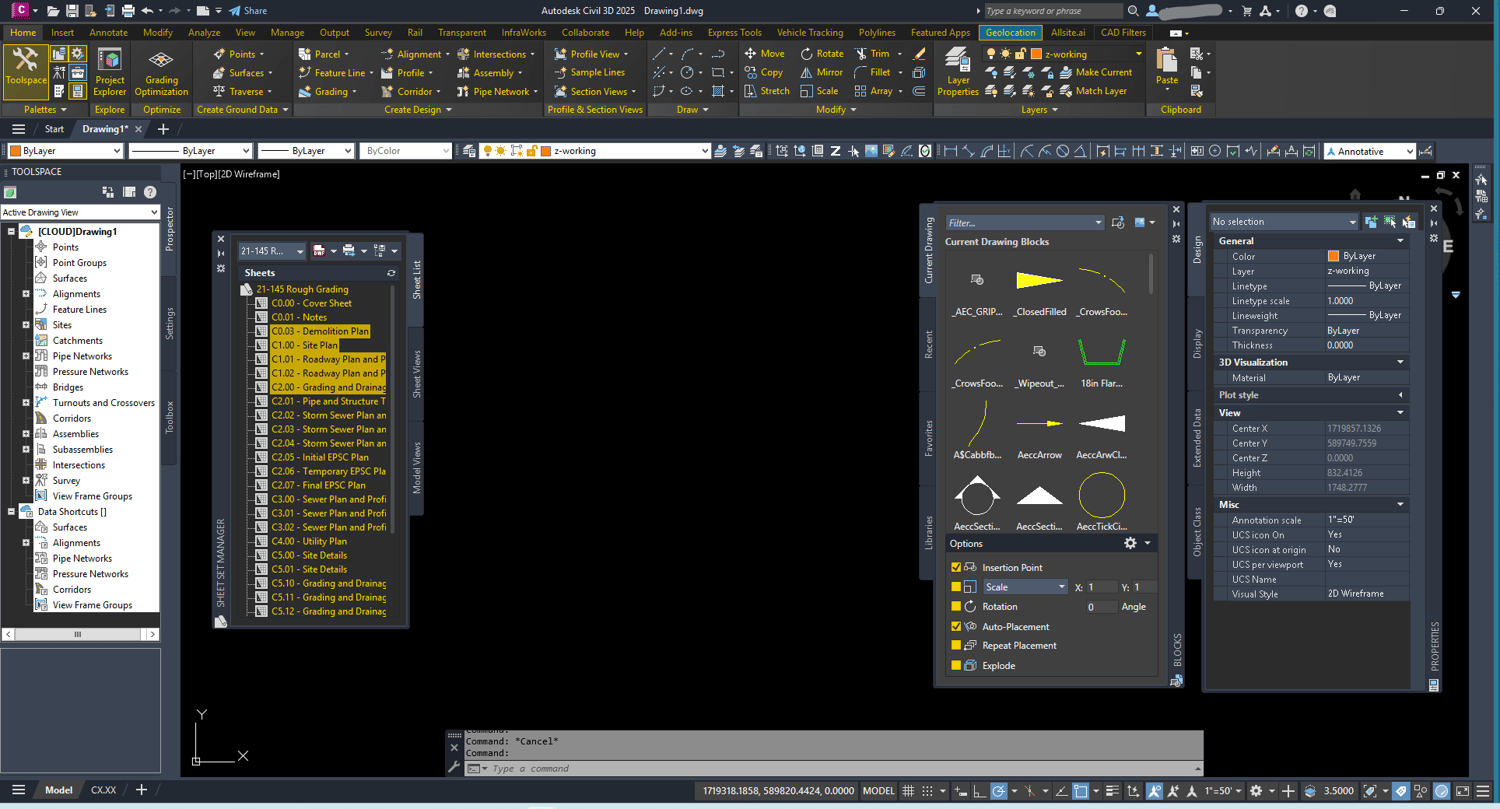
Charcoal and Gold - FREE DOWNLOAD
Give your workspace a refined, professional look with the Charcoal Gold filter — deep charcoal backgrounds paired with warm gold accents.
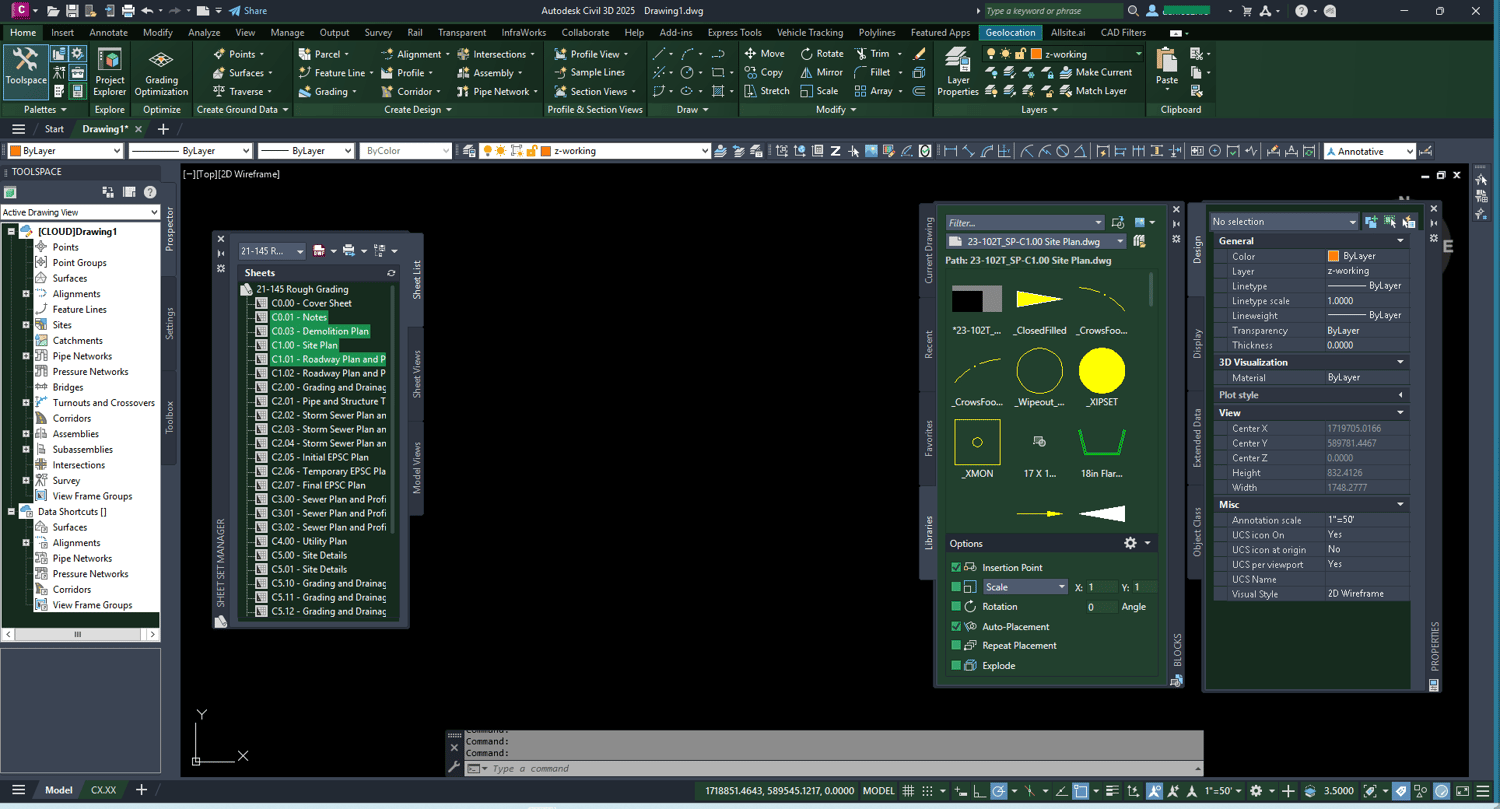
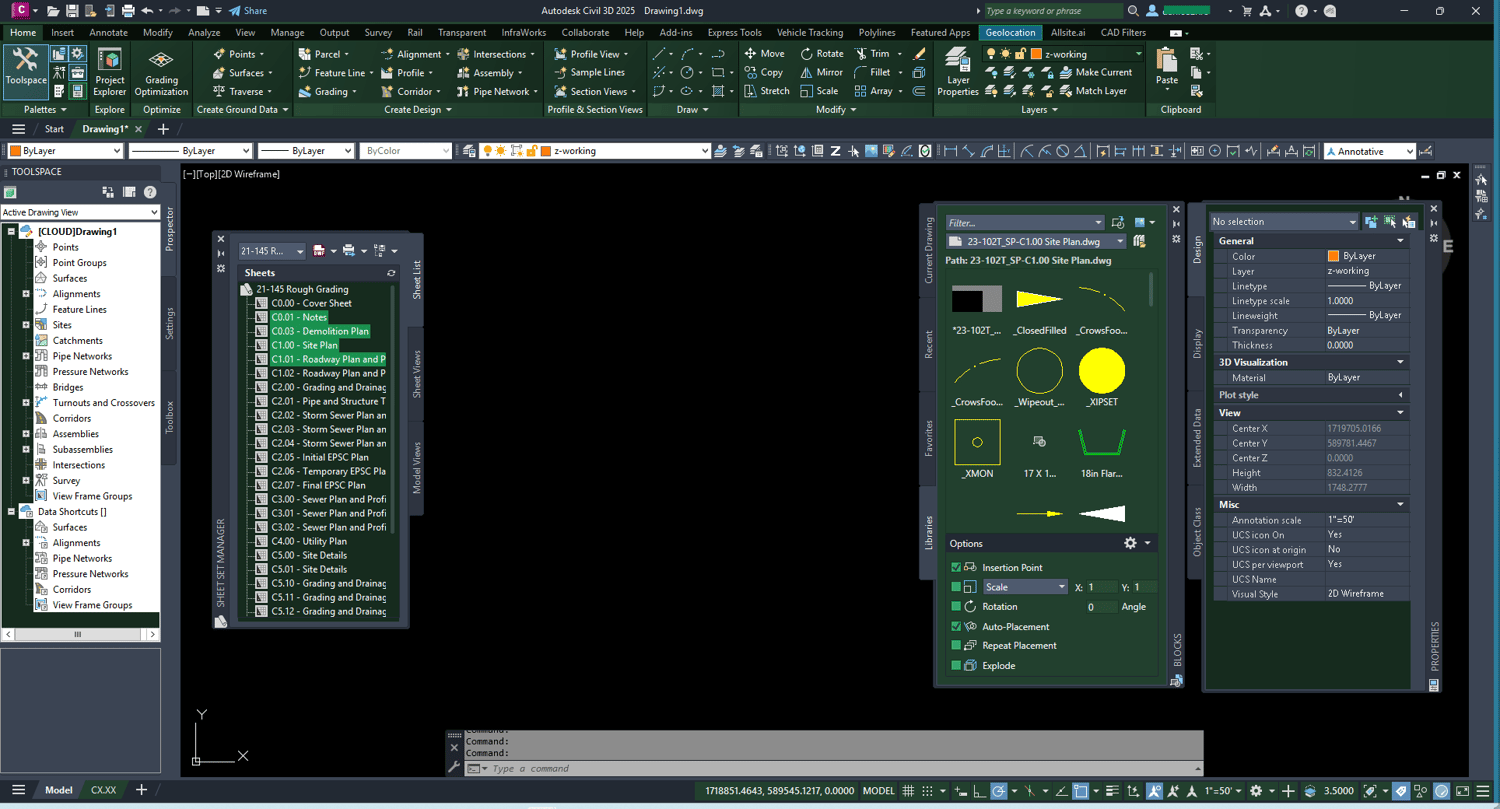
Forest - $2.99
Bring a natural, earthy feel to your workspace with the Forest Green filter — deep greens with clean neutral tones.
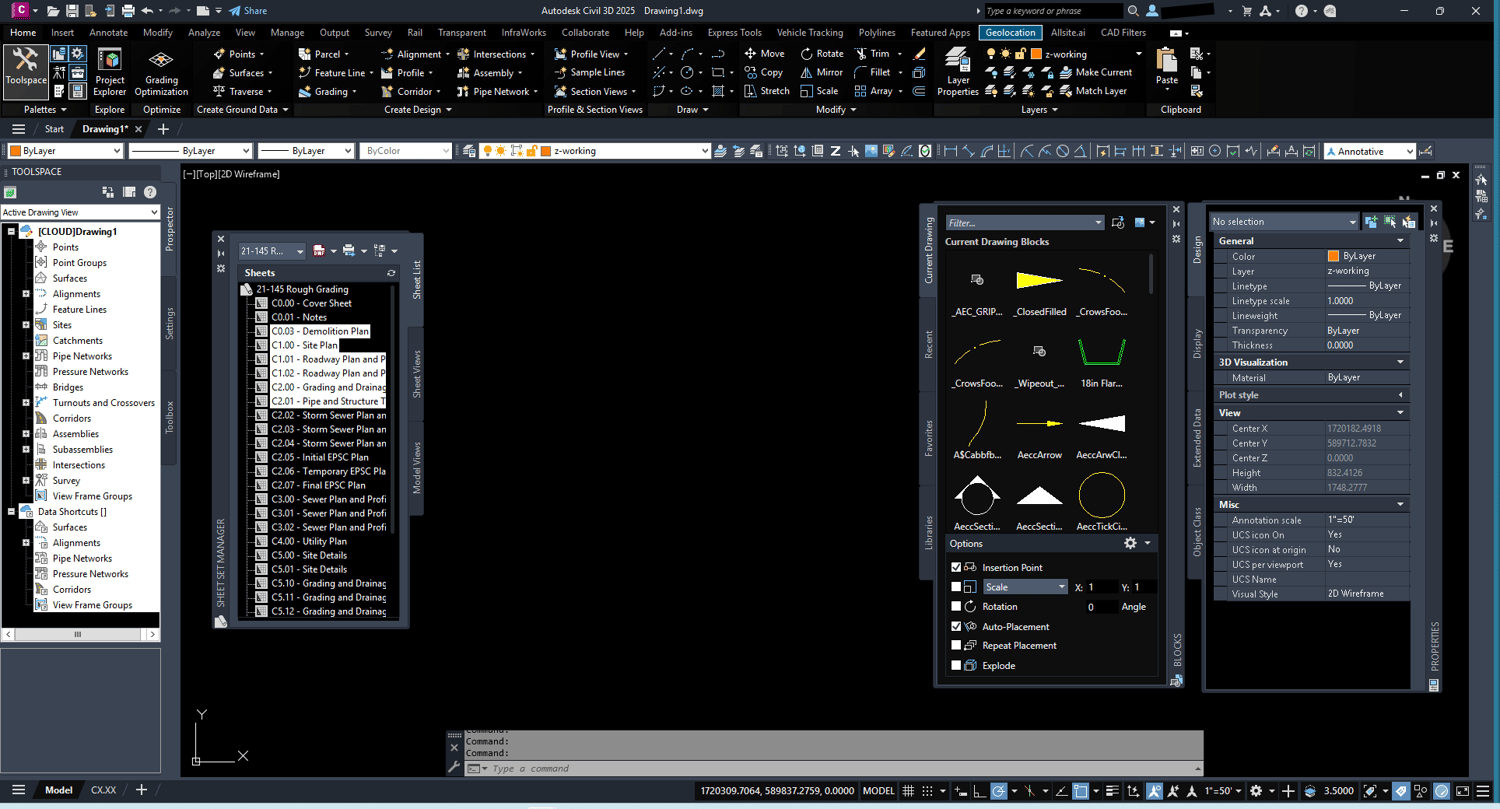
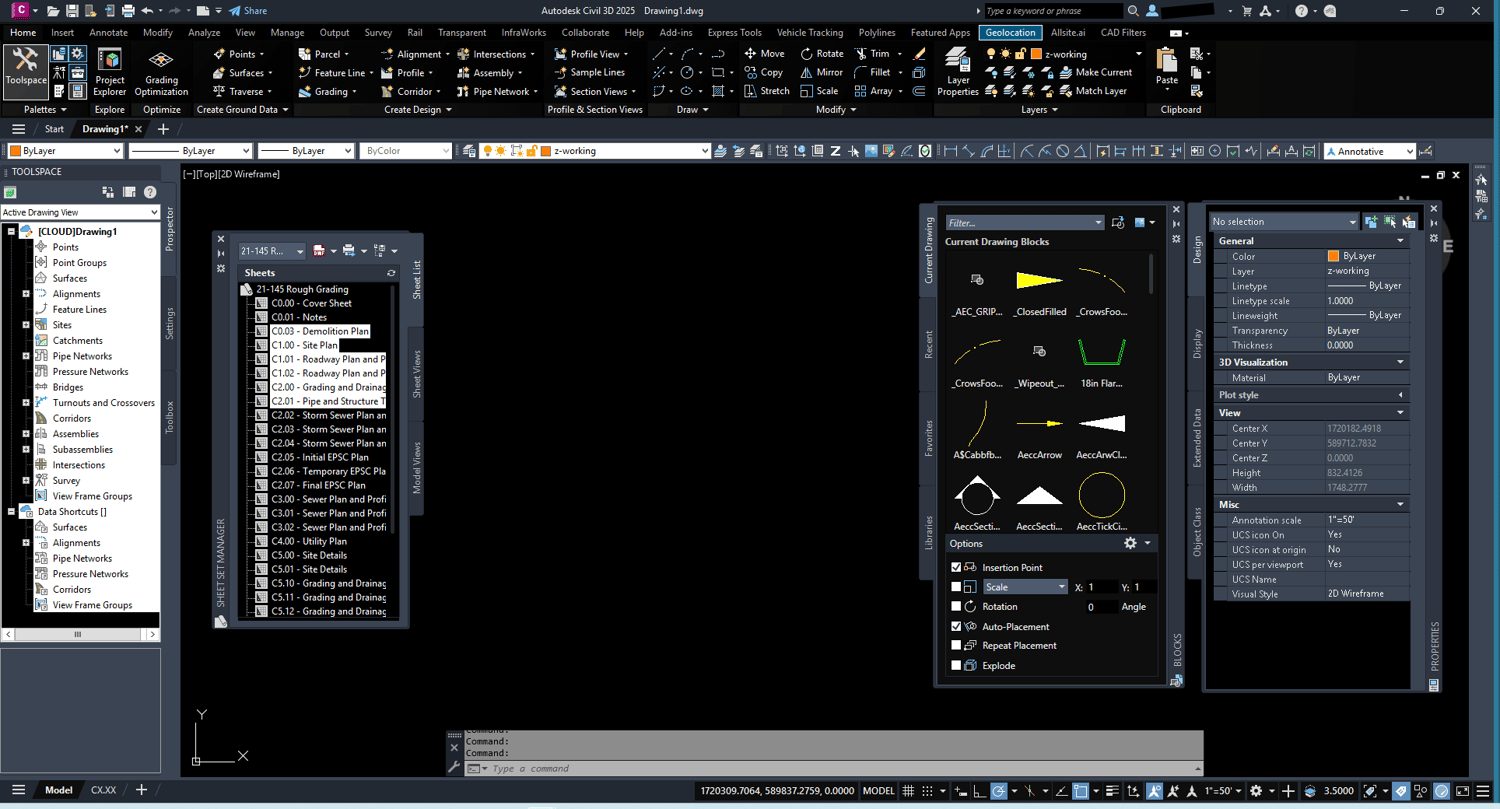
High Contrast - $2.99
Built for clarity and reduced eye strain, the High Contrast filter uses stark contrast ratios to make every element easy to read. Ideal for long drafting sessions or bright monitors.
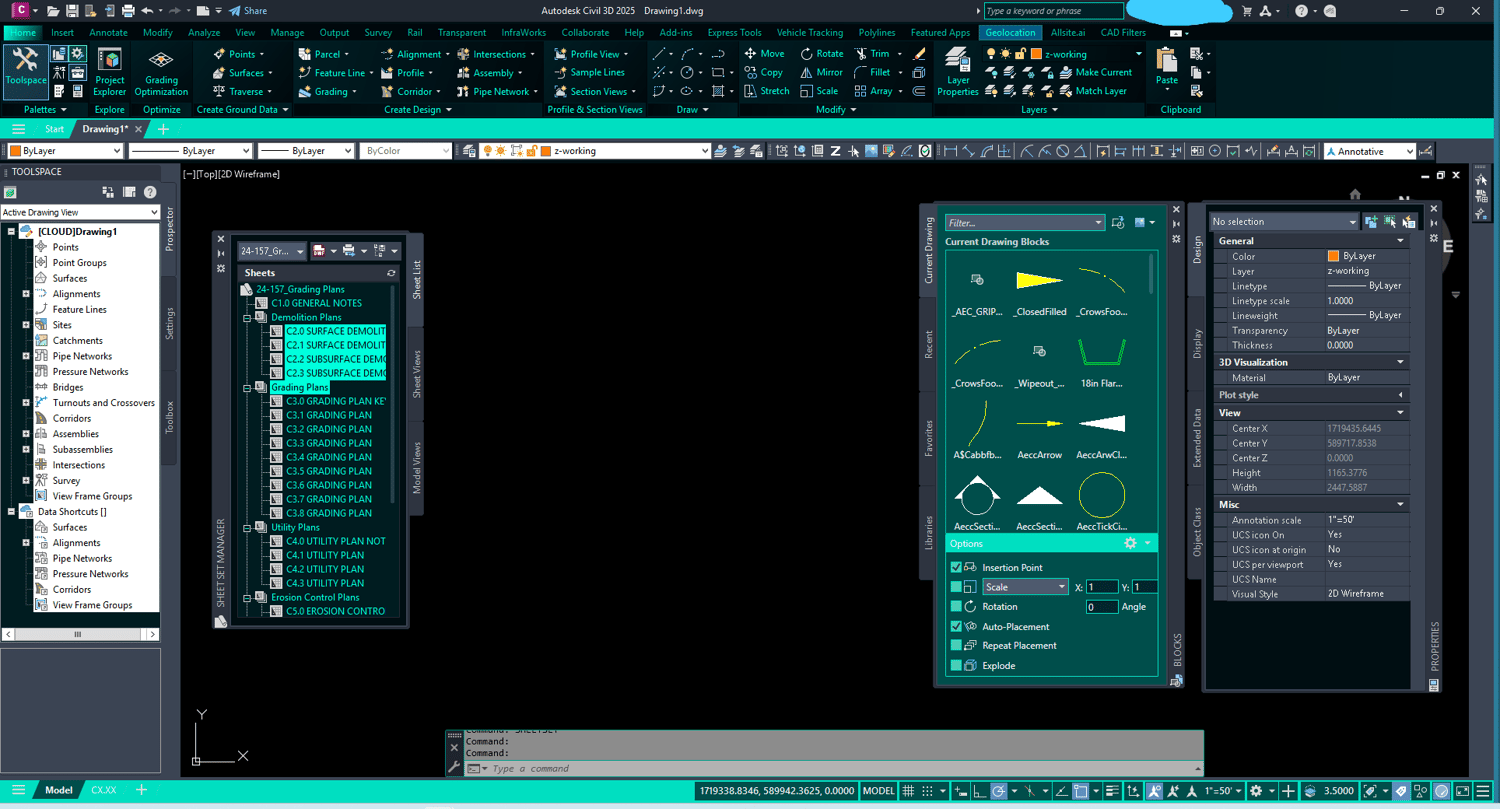
Hologram - $2.99
Inspired by sci-fi interfaces, the Hologram filter brings electric cyan and deep blacks to your workspace for a futuristic look.
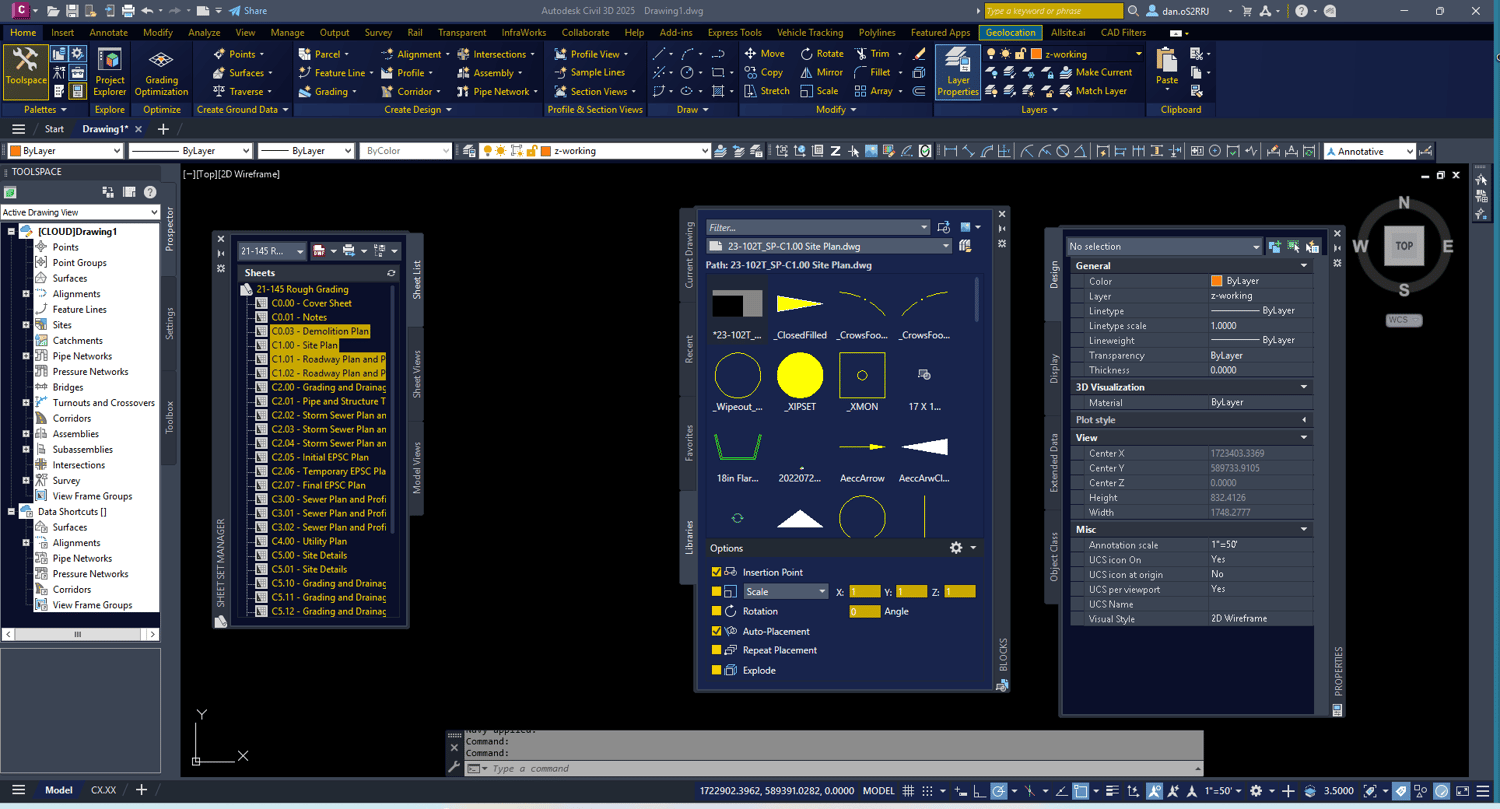
Navy - $2.99
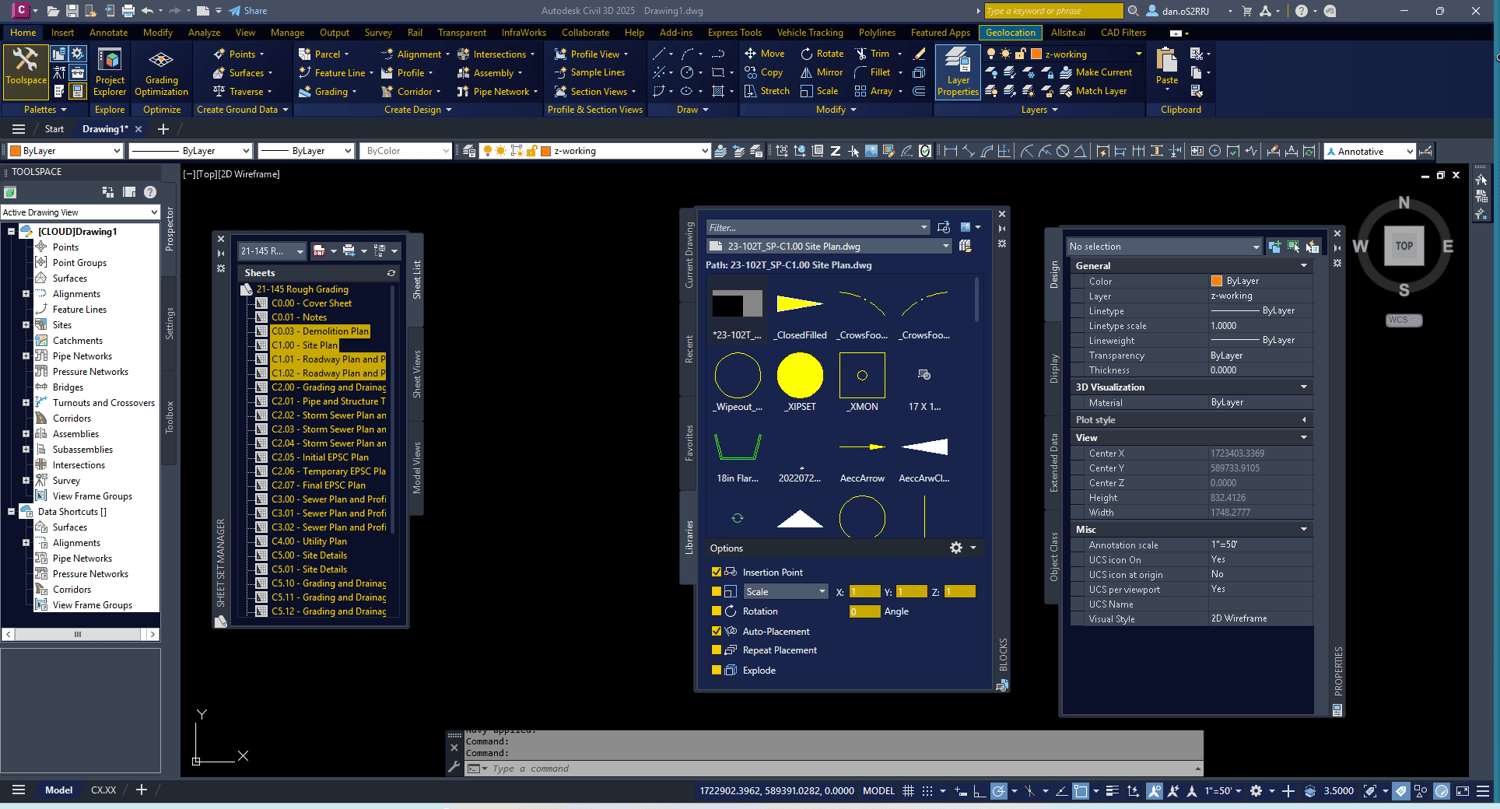
A clean, professional dark navy theme with crisp accent colors. The Navy filter keeps your workspace calm and focused during long drafting sessions.
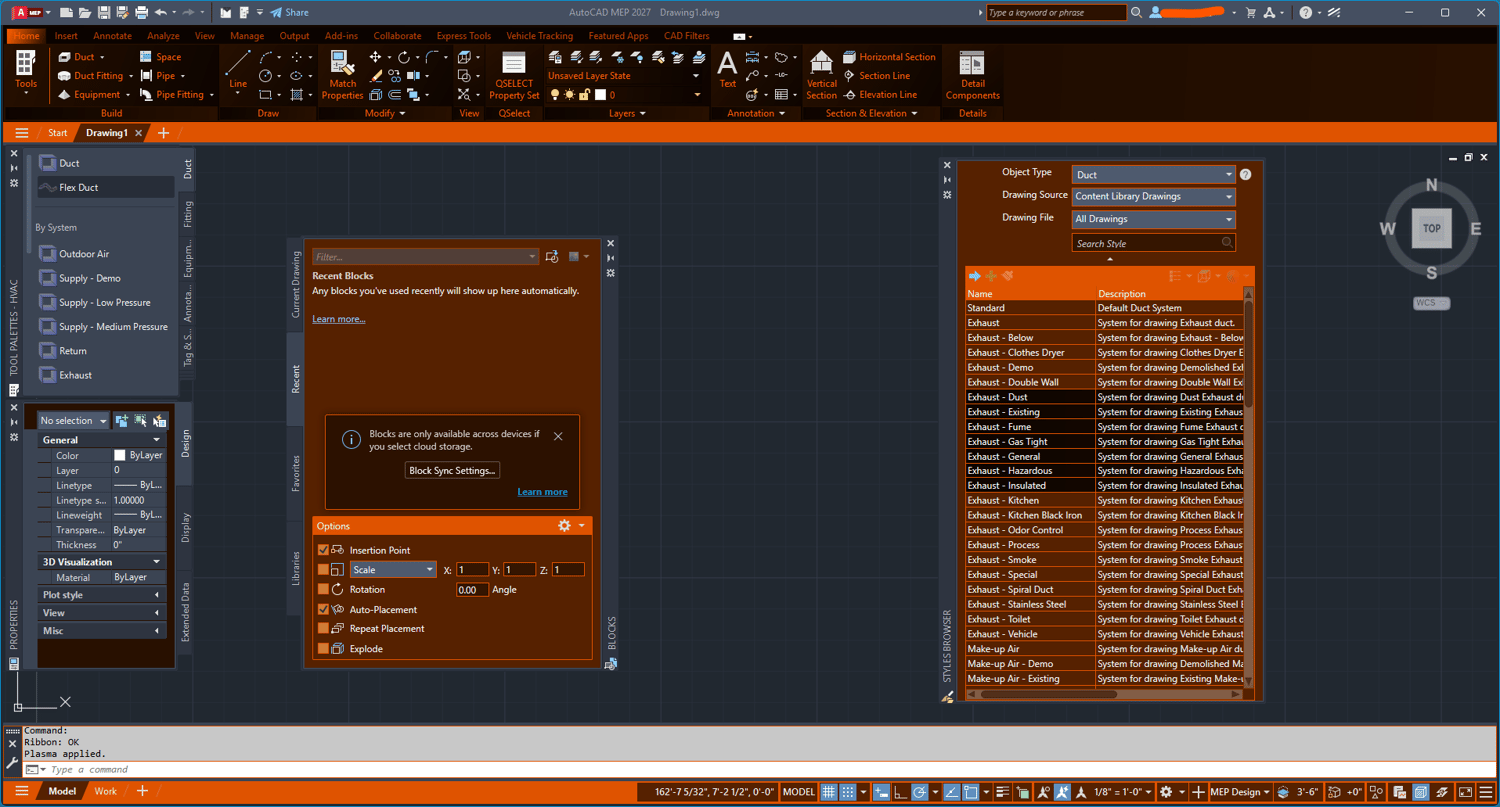
Plasma - $2.99
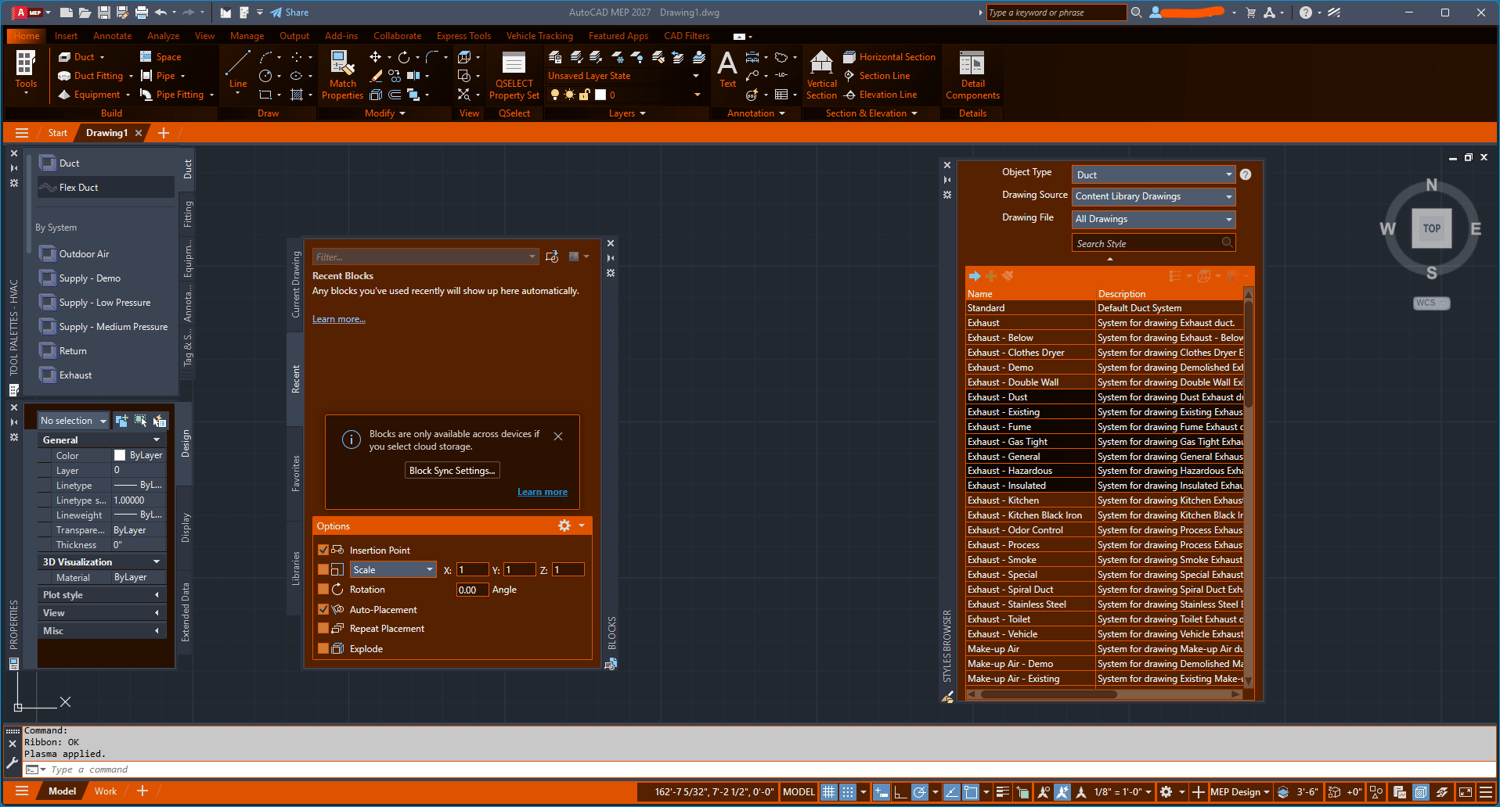
Intense and electric, the Plasma filter brings a bold orange and dark workspace to your AutoCAD environment. High energy and high visibility — built for drafters who want something that stands out.
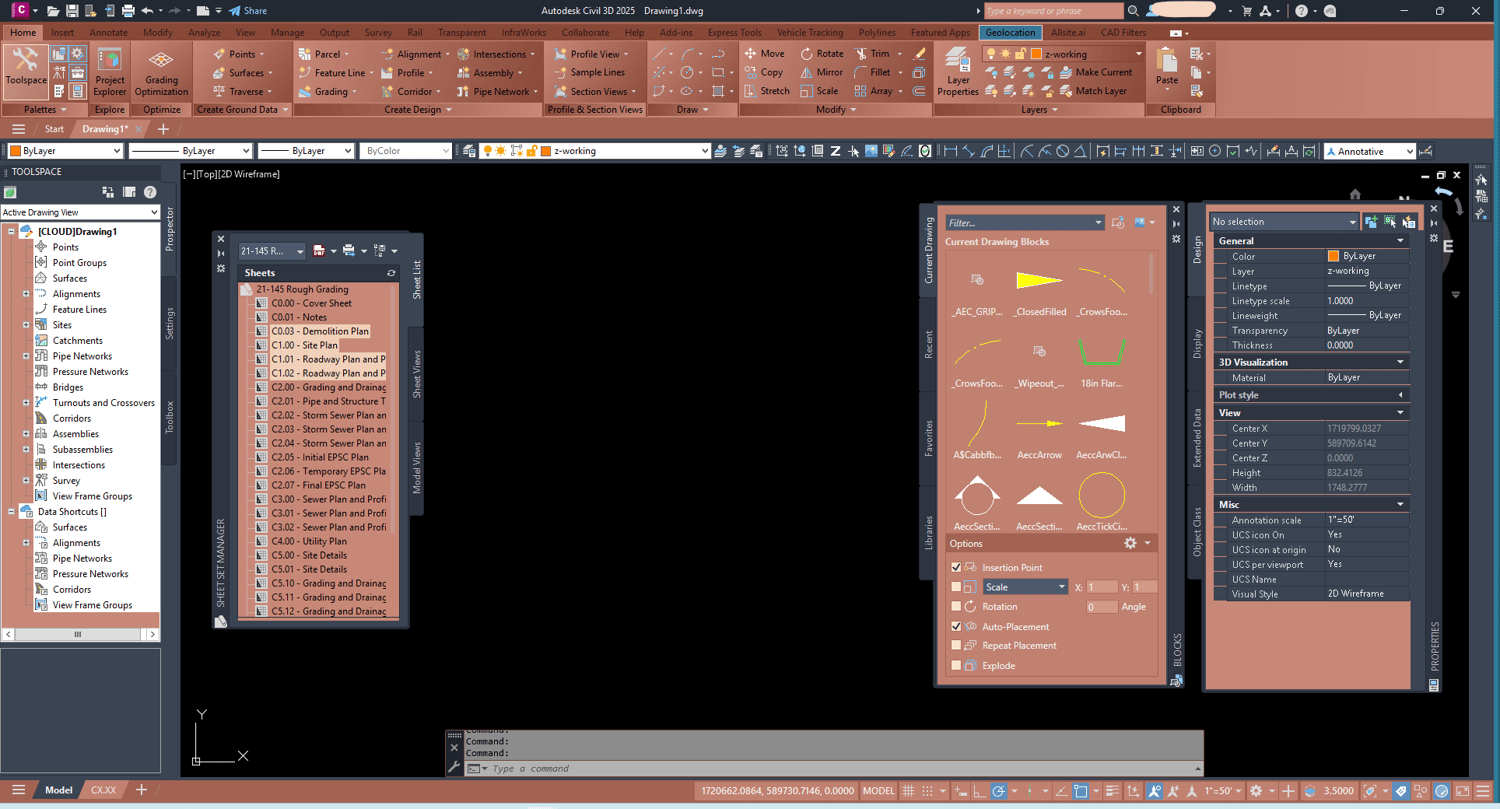
Rose Gold - $2.99
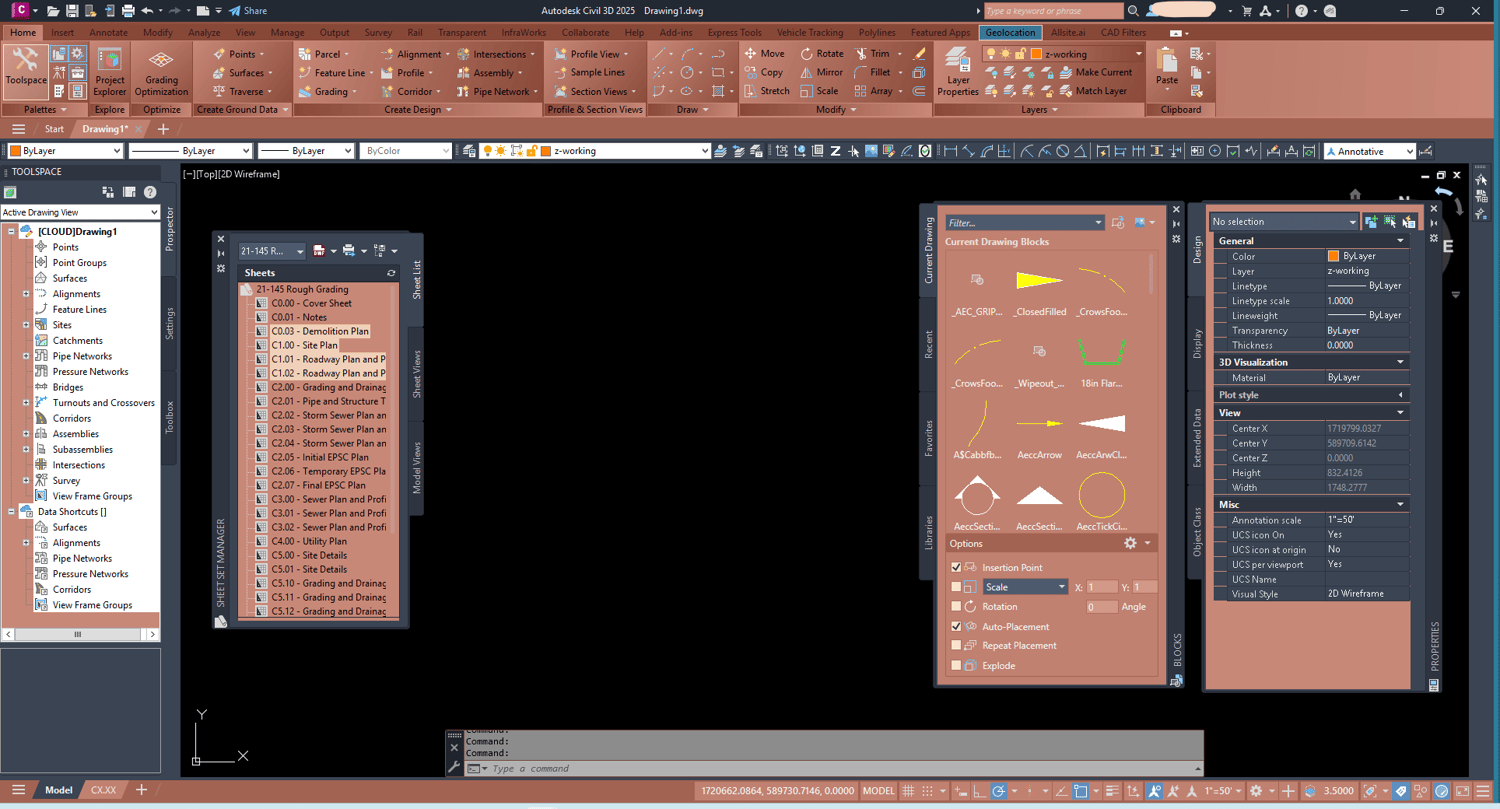
Warm and refined, the Rose Gold filter brings a soft pink and gold palette to your AutoCAD workspace. A clean, elegant alternative to the standard dark interface.
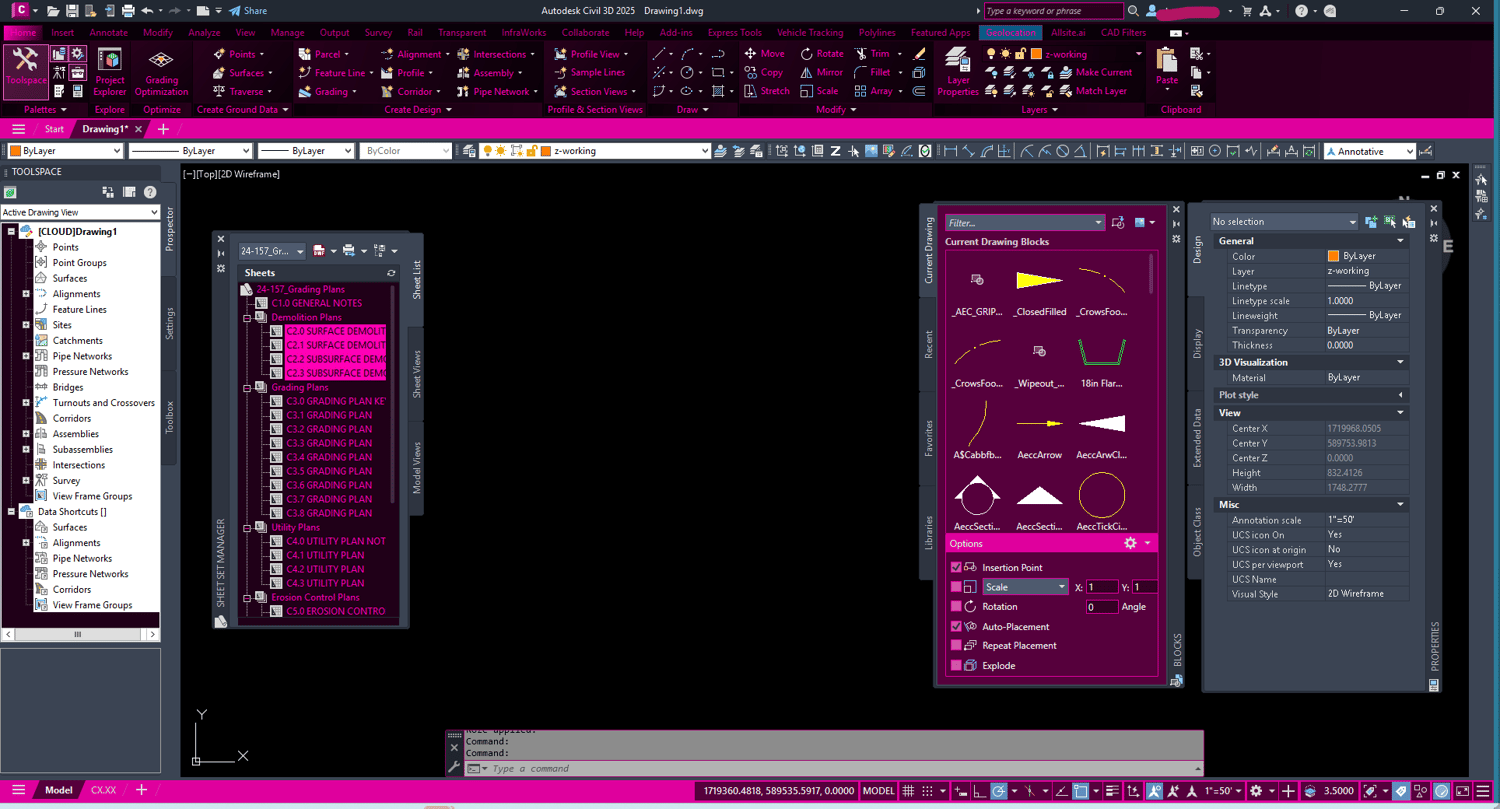
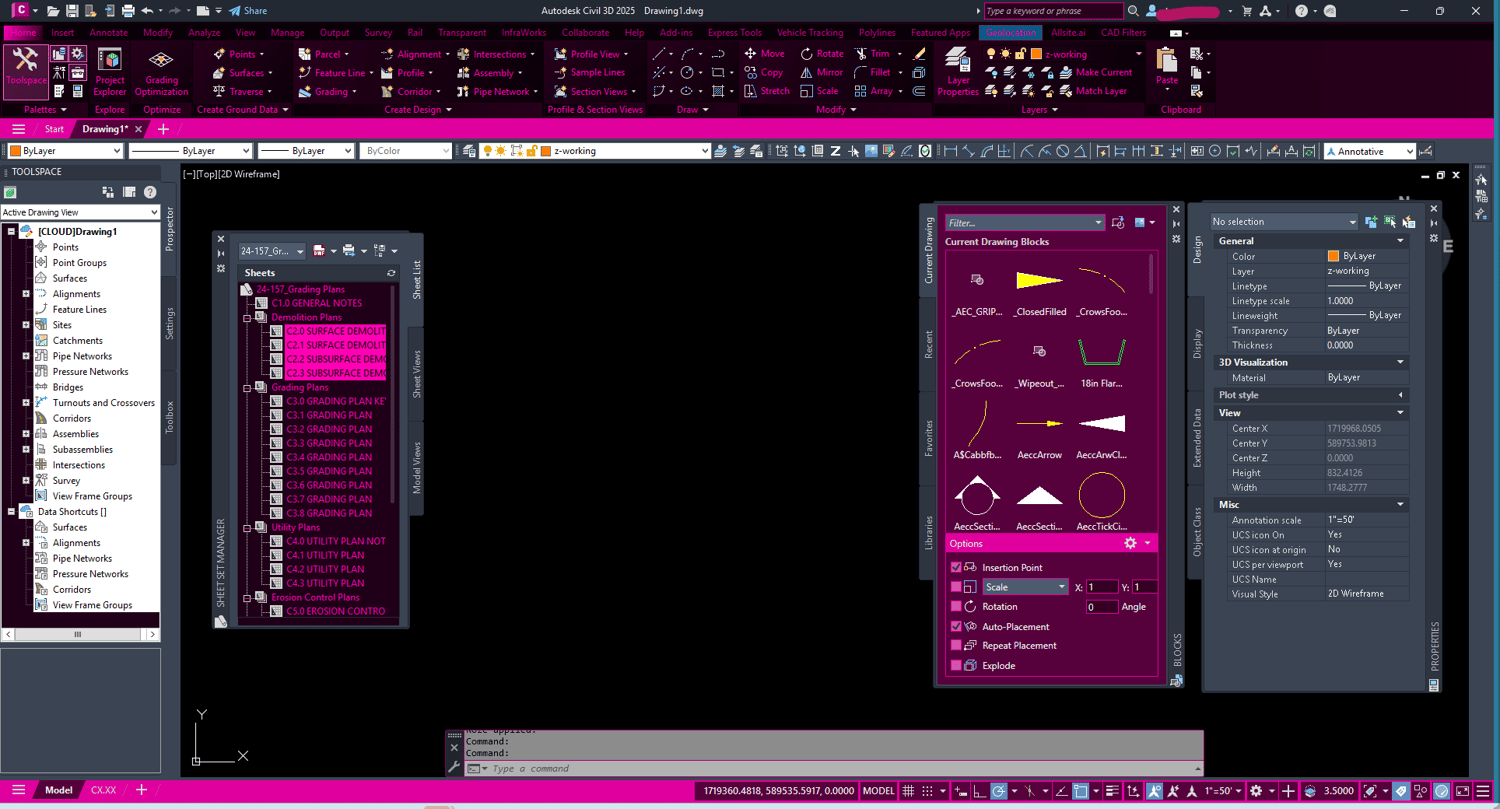
Roze - $2.99
Bold and vibrant, the Roze filter brings a striking pink and magenta palette to your AutoCAD workspace. Stands out from the crowd.