
If you edit podcasts, manage social media, design, or consult, you probably know this week: a price you picked because it "felt right," a lead you meant to follow up with last Tuesday, a "quick extra revision" that ate an afternoon, and an invoice that's now three weeks late because nobody chased it.
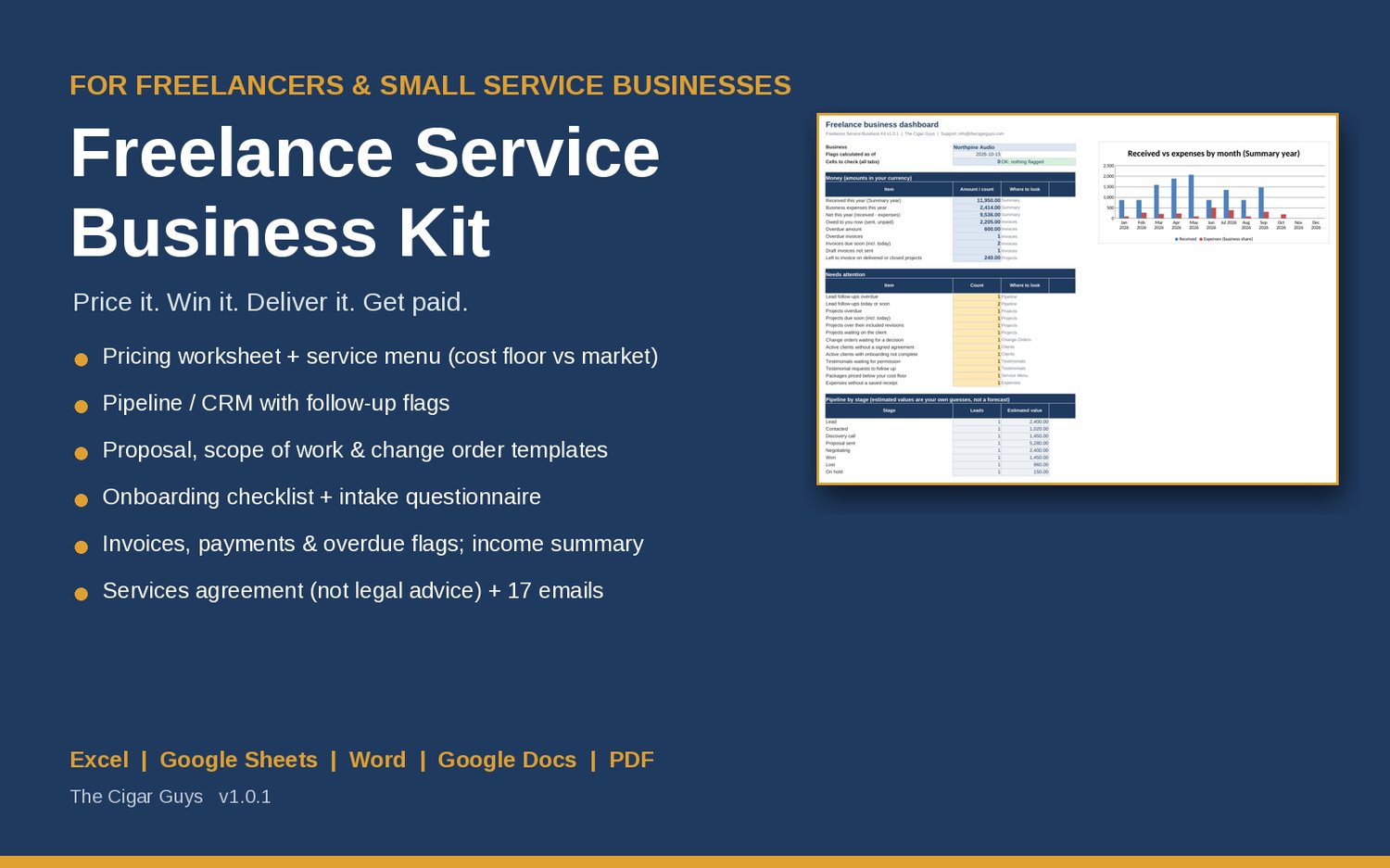
None of those problems need more hustle. They need a simple system that covers the whole client cycle, from pricing to the final payment. This post walks through that cycle one step at a time, and shows how the Freelance Service Business Kit from The Cigar Guys Podcast team gives you the workbook, documents and emails to run it.
Step 1: Work out your cost-based floor rate
Most freelancers price by looking at what other people charge. That's useful information, but it skips the most important question: what does your business need to cover its costs?
Your floor rate is the lowest hourly rate your own numbers can survive on. You need five inputs:
- Pay you want per year, before income tax. What you need to live on, not a dream number.
- Business expenses per year: software, equipment, insurance, accounting, the business share of your phone and internet, training and fees.
- A buffer for slow months, late payers, unpaid admin and saving for equipment. Many people use somewhere between 10% and 30%.
- Billable hours per week. Only the hours you can actually charge for. Sales calls, admin and learning don't count.
- Working weeks per year, after holidays, sick days and quiet weeks.
The formula is:
Floor rate = (pay + expenses) x (1 + buffer) / (billable hours per week x working weeks)
The honest part is the billable hours. If you put 40 there, the floor will look comfortably low and quietly lose you money. Count only the hours a client will pay for.
The kit's Pricing worksheet does this math for you in Excel or Google Sheets, and its Pricing and Service Menu Guide explains each input.
Step 2: Research the market, but keep it separate
Once you know your floor, look outward. Good sources include rates other freelancers in your niche publish on their sites, what peers tell you they charge (ask what's included), quotes you lost on price, quotes accepted without pushback, and budgets clients mention on discovery calls.
Here's the key rule: don't average your floor and the market together. Your floor says what you need. The market range says what some clients pay some freelancers. A price inside the market range but below your floor loses money on every job. A price above the range might still be right if you're specialized or in demand.
In the kit, market research lives in its own section of the Pricing tab, with a source and date for each entry, and it's never averaged into your floor. Research goes stale, so re-check it at least once a year.
Step 3: Package your services around outcomes
Clients buy results, not hours. "Podcast edit: full production" is easier to say yes to than "3 hours of editing." A few packaging habits help:
- Name the outcome, not the time.
- List exactly what's included, how many revision rounds, and the turnaround.
- Offer two or three levels (essentials, standard, full), plus a monthly option for repeat work.
- Price add-ons like rush delivery or extra formats separately.
- Write down what's not included.
The kit's Service Menu holds up to 30 packages with hours and direct costs. Each price gets checked against your floor and your research separately, and flagged as below cost floor, above or below your researched range, or OK. If you charge hourly, add one row per hourly service with 1 estimated hour.
Step 4: Track leads so follow-ups don't slip
A lot of lost work isn't lost on price. It's lost because nobody followed up. Keep every lead in one place with its stage, where it came from, an estimated value and a next follow-up date.
The kit's Pipeline tab tracks up to 200 leads and flags follow-ups that are overdue. It comes with 17 client emails, including outreach, follow-ups, a discovery call email, a proposal and proposal follow-up, and a welcome email for new clients.
Step 5: Put scope in writing before you start
Scope creep usually starts with good intentions. The client asks for "one small change," you say yes to be helpful, and three small changes later you're working for free.
A short scope of work prevents most of it. It should cover the goal of the project, each deliverable with its format and quantity, how many revision rounds are included (and that a round means one consolidated list of changes), what's not included, a timeline with who does what, and the fee and payment schedule.
When the client wants something outside that scope, don't argue and don't absorb it. Send a change order with the extra fee and the extra days, and start once it's approved.
The kit includes a proposal template, scope of work and change order templates, a client onboarding checklist and intake questionnaire, and a plain-language services agreement template. That agreement is a starting point, not legal advice, so have it reviewed where you work. The Projects tab compares revisions used with revisions included, and the Change Orders tab reminds you to follow up while you wait for an approval.
Step 6: Invoice on time and chase what's late
Getting paid is part of the job, not an awkward extra. Set payment terms per client, send the invoice when the work or milestone is done, and check what's due every week.
The kit's Invoices tab works out due dates from each client's terms, handles part payments, and flags invoices that are due soon, due today or overdue. The Dashboard pulls it together: what you've received, your expenses and net this year, what's owed, what's overdue, and everything that needs attention. Polite payment reminder emails are included, so chasing an invoice takes a minute instead of a mood.
The workbook doesn't send invoices or take payments. You send them with the invoice template or your payment app, then log them to keep track.
Step 7: Close the loop with testimonials you can actually use
When a project wraps, ask for feedback while it's fresh. Then ask, separately, for permission to publish the client's exact words. The kit includes a project wrap-up email, a testimonial request and a permission email, plus a tracker for who you asked and whether you can publish. It doesn't include sample testimonials, on purpose: only use real words from real clients, with their OK.
What's in the kit
The Freelance Service Business Kit includes:
- The Freelance Business Planner workbook (Excel or Google Sheets) with tabs for the Dashboard, Pricing, Service Menu, Pipeline, Clients, Projects, Change Orders, Invoices and Payments, Expenses (with business use % for mixed-use costs), a cash-basis monthly income and expense summary, and Testimonials
- A Pricing and Service Menu Guide, proposal, scope of work, change order and invoice templates (Word and PDF)
- A client onboarding checklist and intake questionnaire, and a services agreement template
- 17 client emails, a Start Here guide and a User Guide
- A completed fictional example for a made-up podcast editing business, so you can see every file filled in
It works in Microsoft Excel and Word, Google Sheets and Docs, and LibreOffice, with no macros or add-ons. It's not accounting or tax software, and the floor rate shows what your numbers need, not what clients will pay.
Price: $49, one-time payment.
Related kits
If you also earn from content, the Creator Business Dashboard tracks income streams, goals and monthly reviews. And if brand sponsorships are part of your work, the Brand Deal Tracker keeps deliverables, usage rights, exclusivity and invoices in one place.
Where to start
Before your next quote, fill in the five floor-rate inputs and see where your current prices land. If any package comes in below your floor, fix that first.
Get the full system here: Freelance Service Business Kit.
Questions or a file that won't open? Email info@thecigarguys.com. These are instant digital downloads, so all sales are final, but if a file is broken or missing we'll fix it.