Creator Business Dashboard: Income, P&L & Audience
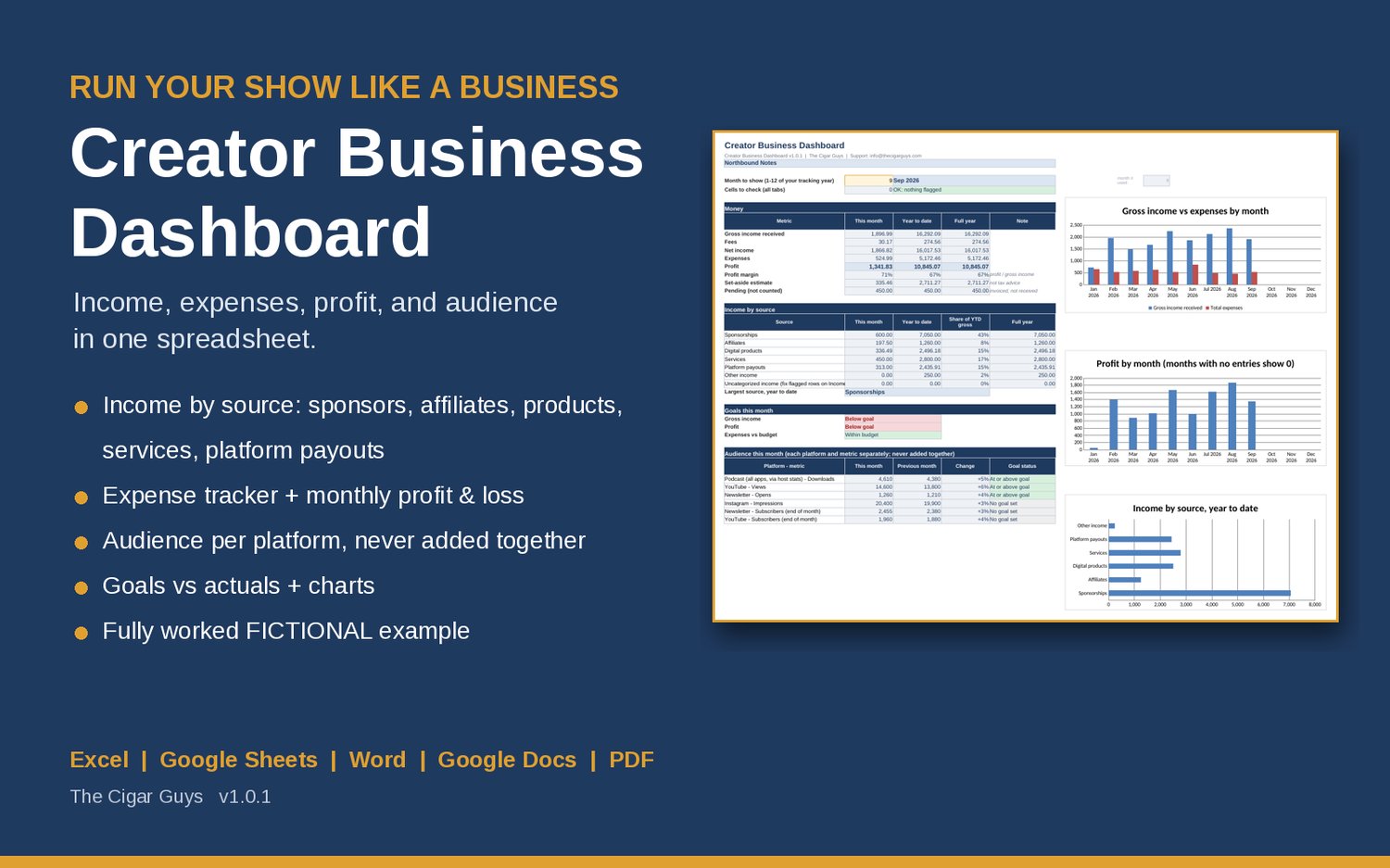
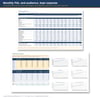
Creator Business Dashboard is a spreadsheet for podcasters and creators who run their show or channel as a business. Log sponsor, affiliate, product, service, and platform payout income plus expenses, and see monthly profit and loss, goals vs actuals, and audience numbers for each platform on one dashboard. It works in Excel, Google Sheets, and LibreOffice.
Income usually arrives from five directions: a sponsor invoice, an affiliate payout, a product sale, a client project, a platform payout. This workbook puts it all in one place, so at the end of each month you know what came in, what went out, and what was left, without building the spreadsheet yourself.
What's inside
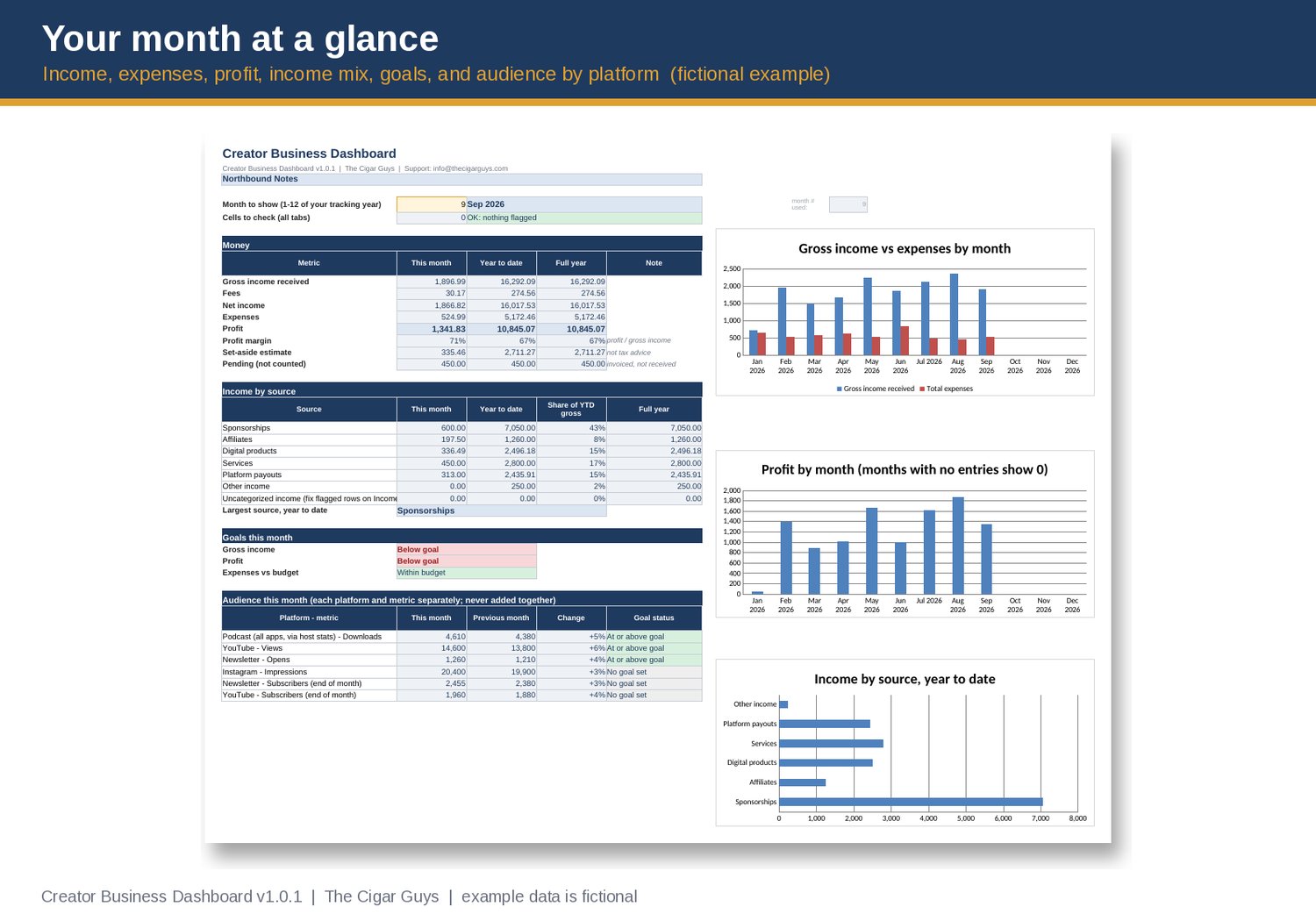
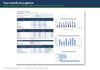
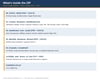
• Creator Business Dashboard workbook (Excel / Google Sheets): pick a month and see income, fees, expenses, profit, margin, year-to-date and full-year totals, income by source with share of total, goals vs actuals, and this month's audience numbers next to last month's. Includes 3 dashboard charts.
• Income log (500 rows): date, source, payer, description, amount, fees, status. Only income marked Received counts toward totals. Pending invoices are tracked separately, so the dashboard shows what has actually been paid.
• Expense log (500 rows) with 12 editable categories (equipment, software, hosting, editing, contractors, guests and travel, and more).
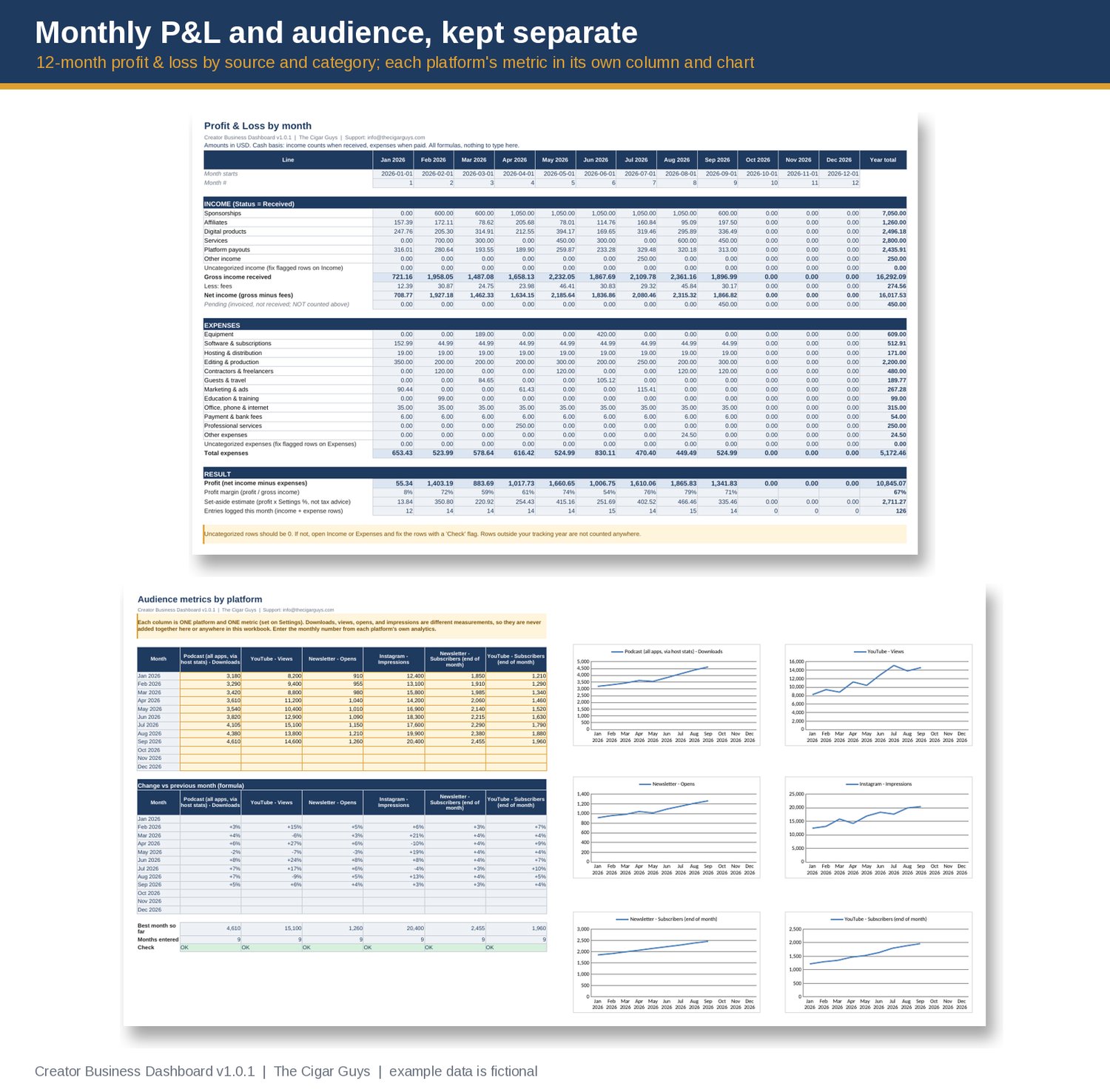
• Monthly profit & loss: 12 months by income source and expense category, with year totals, profit margin, and an optional tax set-aside estimate at a percentage you choose.
• Audience tracker: up to 6 platform-and-metric pairs you name yourself (for example podcast downloads, YouTube views, newsletter opens). Each metric has its own column, month-over-month change, and chart. Downloads, views, and impressions are different measurements, so the workbook never adds them together.
• Goals vs actuals: monthly income, profit, and expense-budget goals, plus audience goals per platform, with clear status labels.
• Built-in Check flags: rows with a missing date, unknown source, text instead of a number, or a date outside your tracking year are flagged on the row and counted on the dashboard, so mistakes don't slip quietly into your totals.
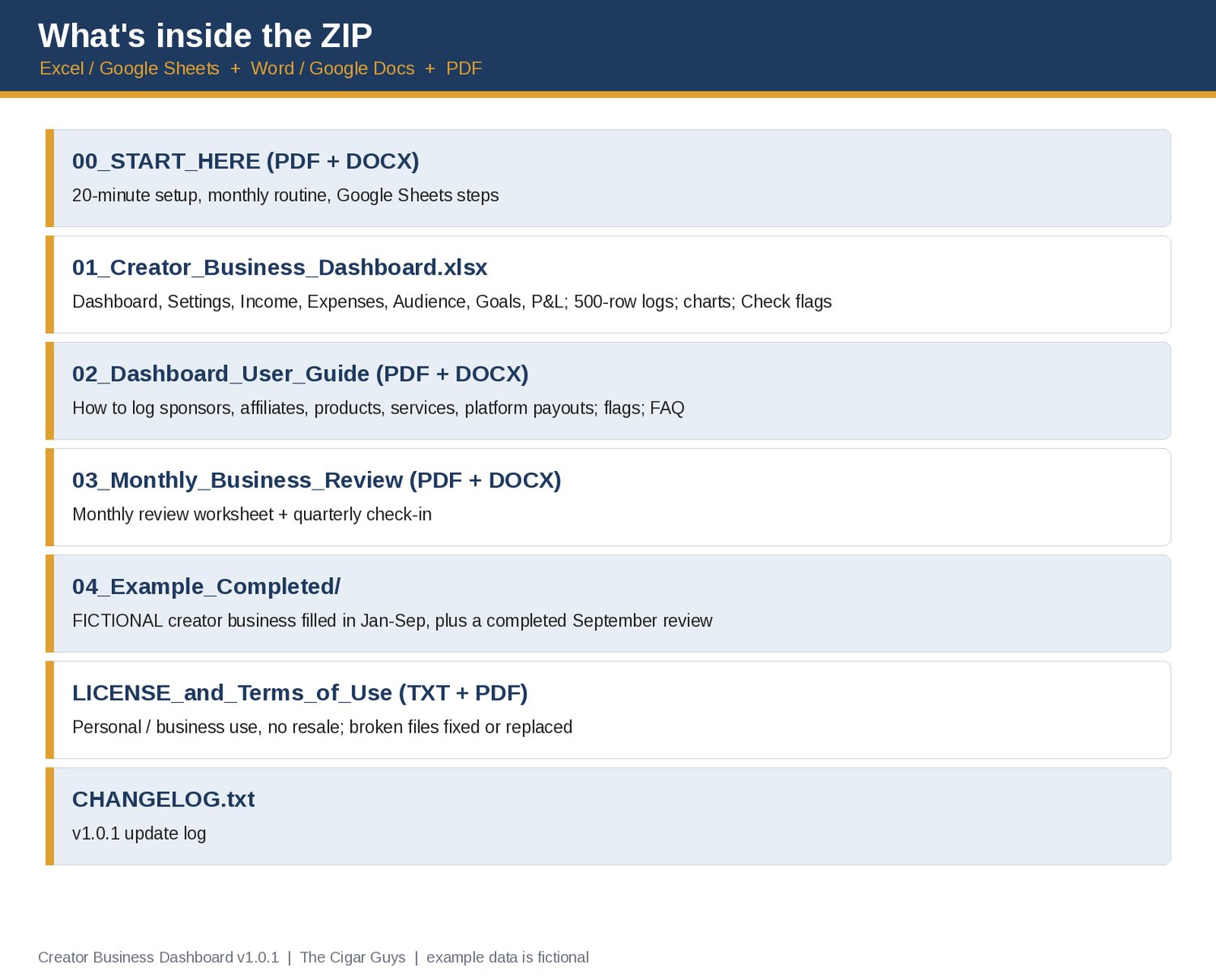
• Start Here guide and Dashboard User Guide (PDF + Word): set up in about 20 minutes, then a 20-30 minute monthly routine.
• Monthly Business Review worksheet (PDF + Word) with a quarterly check-in.
• A completed FICTIONAL example: a made-up podcast business filled in from January to September, plus a completed September review, so you can see how a finished month looks before you start.
• License and changelog (v1.0).
Who it's for: podcasters, YouTubers, newsletter writers, and other creators who earn from more than one source and want a simple monthly view of the business side.
What it isn't: it's not accounting software, bookkeeping, or tax advice, and it doesn't connect to your bank or platforms. You enter the numbers. The example figures are fictional, not typical results or a forecast of what you will earn. The tax set-aside is a rough estimate at the rate you choose; ask a tax professional what applies to you.
Pairs well with:
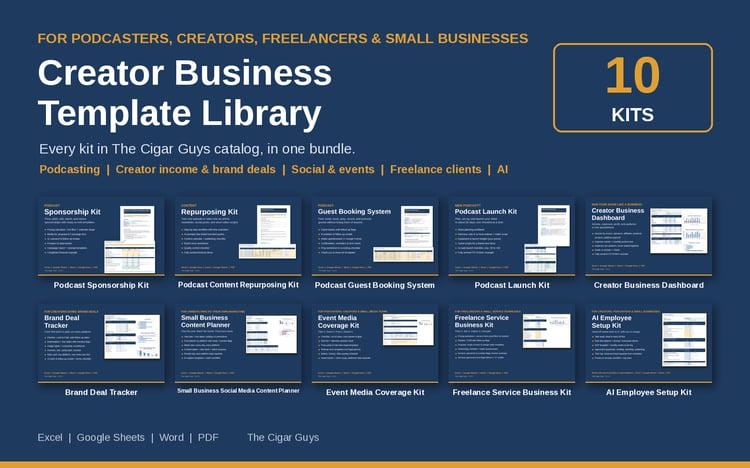
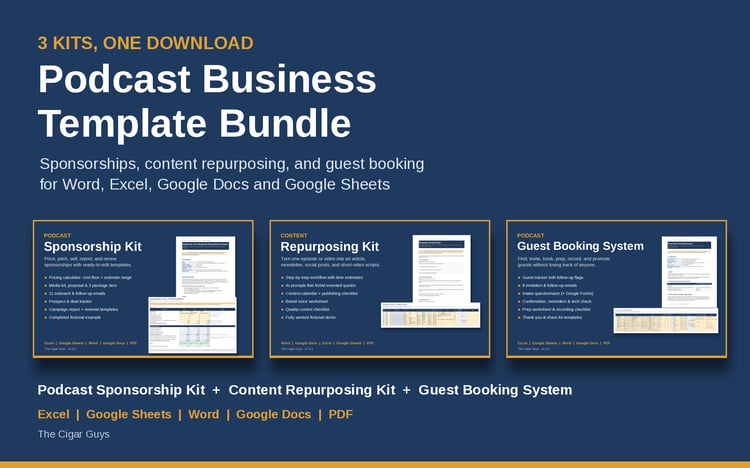
• Podcast Sponsorship Kit (media kit, proposal, pricing calculator, and sponsor outreach templates): https://payhip.com/b/UFhm2
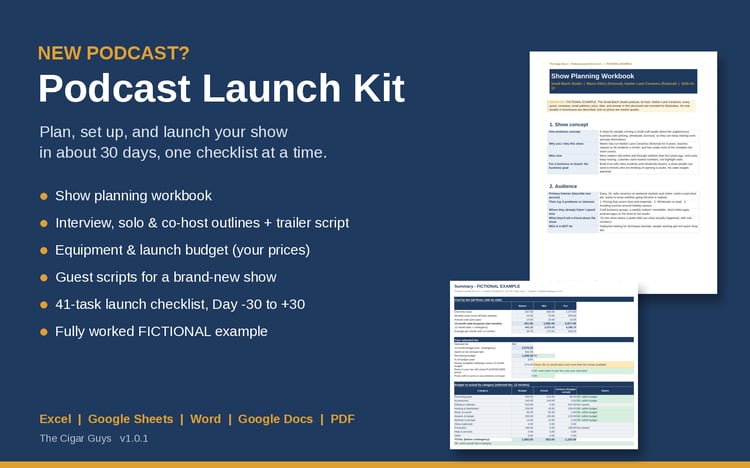
• Podcast Launch Kit (planning workbook, launch budget, and 30-day checklist): https://payhip.com/b/h7c6A
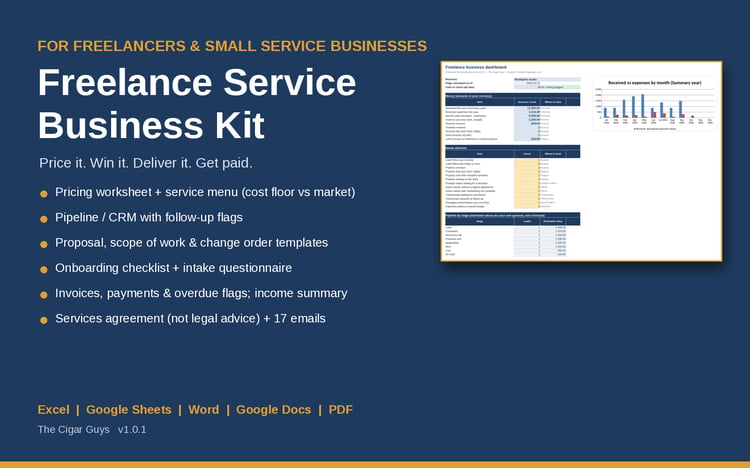
• Freelance Service Business Kit
Formats: .xlsx, .docx, .pdf. Works in Microsoft Excel and Word, Google Sheets and Docs, and LibreOffice. No macros or add-ons.
Refunds: these are instant digital downloads, so all sales are final and we don't offer refunds. If a file is broken, missing, or won't open, email info@thecigarguys.com and we'll fix or replace it.
License: for your own personal or business use. No resale or redistribution. Questions: info@thecigarguys.com
FAQ
Q: Does it work in Google Sheets?
A: Yes. Unzip on a computer, upload the .xlsx to Google Drive, open it, then choose File > Save as Google Sheets. The formulas use only functions that Excel, Google Sheets, and LibreOffice all support. Charts may look slightly different after conversion.
Q: Does it connect to YouTube, Spotify, my podcast host, or my bank?
A: No. You type in (or paste) your monthly numbers. That keeps it simple, private, and working with any platform.
Q: Why aren't my downloads and views added together?
A: They measure different things, and each platform counts them its own way. Adding them would give a number that doesn't mean anything, so each platform and metric gets its own column, chart, and goal.
Q: Is this accounting or tax software?
A: No. It's a business dashboard for creators. It isn't a replacement for bookkeeping software, an accountant, or tax advice. The tax set-aside line is only an estimate at the percentage you choose.
Q: Can I rename the income sources and expense categories?
A: Yes. Edit them on the Settings tab. The drop-downs, profit & loss, and dashboard update automatically.
Q: What currency does it use?
A: Any. Enter your currency code on the Settings tab and use one currency throughout.
Q: Will the example numbers tell me what I should earn?
A: No. The example business is fictional and its numbers are made up to show how the workbook works. They are not typical results, benchmarks, or a forecast.
Q: Can I get a refund?
A: No refunds on digital downloads. These are instant digital downloads, so all sales are final. If a file is broken, missing, or won't open, email info@thecigarguys.com and we'll fix or replace it.
Q: What can I do with the templates? (license)
A: Use and edit them for your own personal or business use. You can't resell, share, or redistribute the files (edited or not). Full terms are in the ZIP (LICENSE_and_Terms_of_Use).
Q: Will I get updates?
A: Yes. When the dashboard is updated, the new file replaces the old one in Payhip. You can download it again from your purchase link or customer account, and CHANGELOG.txt lists what changed.
Q: How do I get support?
A: Email info@thecigarguys.com with your order email and the file you're asking about.