Small Business Social Media Content Planner
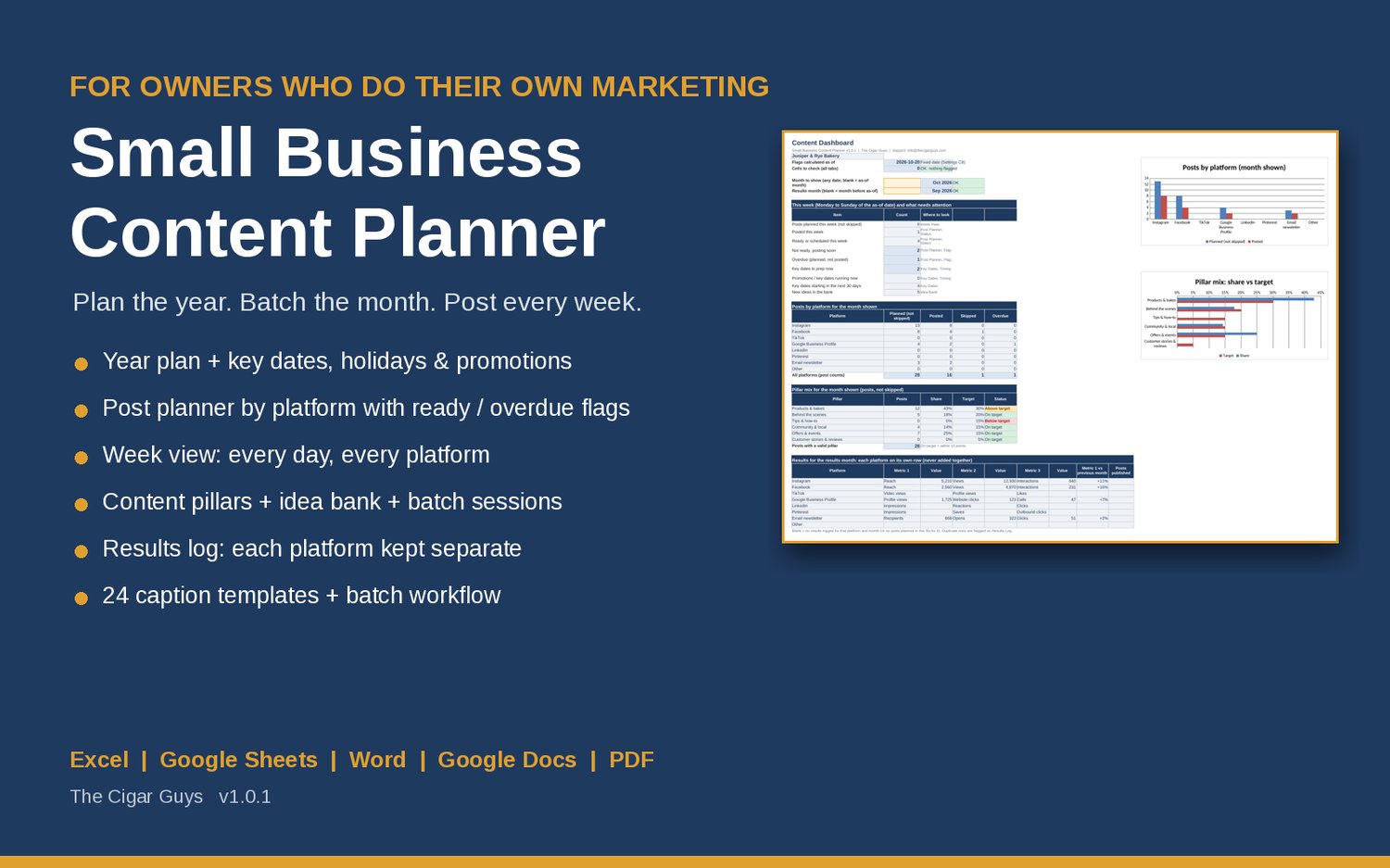
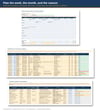
Small Business Social Media Content Planner: a spreadsheet for shops, restaurants, and service businesses doing their own marketing. Plan the year, holidays, and promotions, then each week by platform, with flags for posts not ready or overdue. Excel/Google Sheets.
You know you should post regularly, but the week fills up with customers, orders, and staff, and suddenly it's Thursday and nothing has gone out. Or a holiday sneaks up and the promotion gets announced the day before. This planner lets you decide the big things once a year, batch a month of posts in one sitting, and spend 10-15 minutes a week checking what's going out.
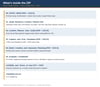
What's inside
• Year Plan: 12 months with a theme, main promotion, key-date notes, and your goal for each, plus planned vs posted counts and how many key dates start that month.
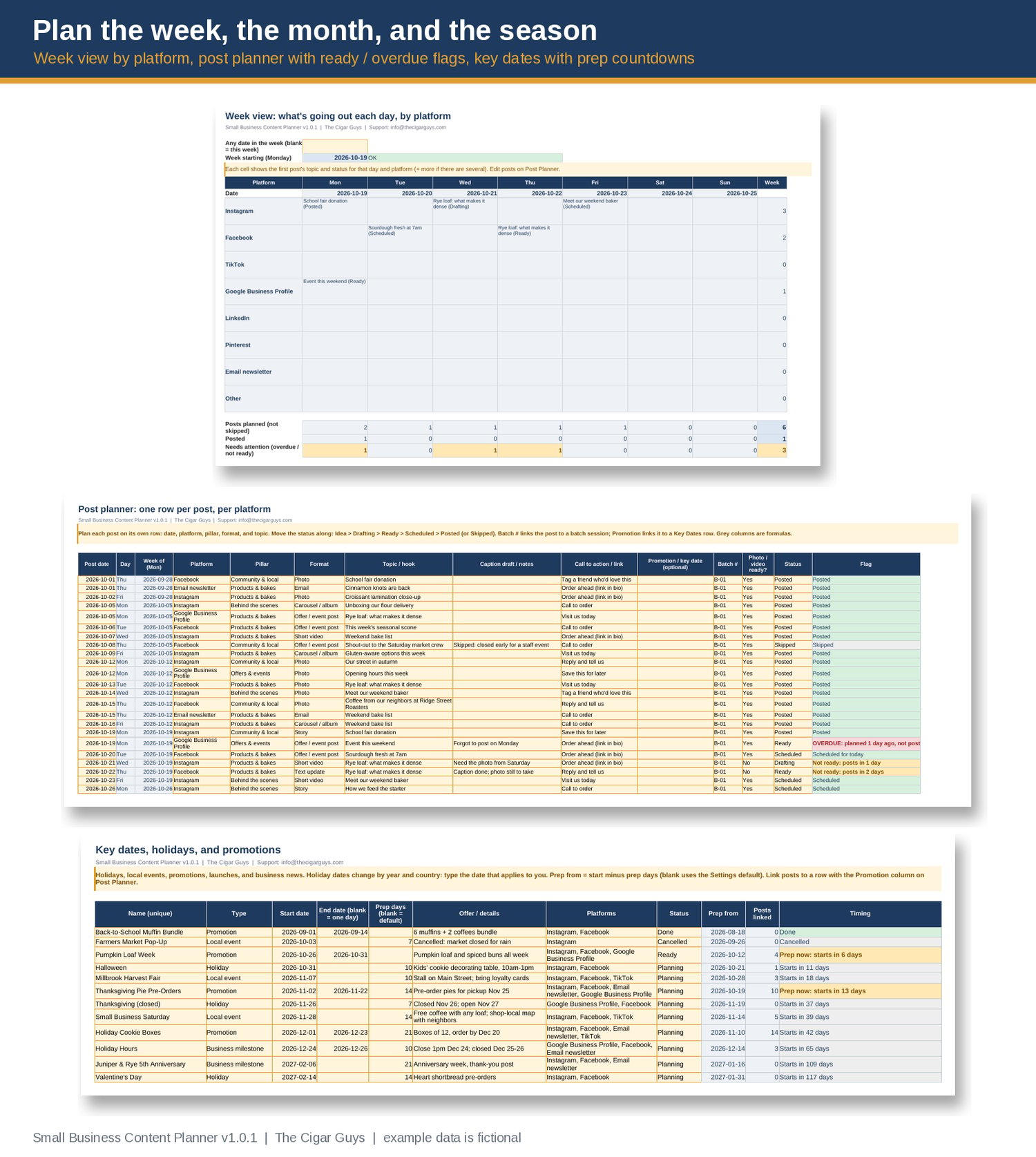
• Key Dates, holidays, and promotions (100 rows): local events, product launches, sales, seasonal dates, and business milestones. Each one gets prep days, a "prep from" date, a countdown (Prep now, Starts in, Running now, Ended: mark Done), and a count of the posts linked to it. You type the dates that apply to you, so it works in any country.
• Post Planner (600 rows): one row per post per platform, with date, pillar, format, topic, caption draft, call to action, linked promotion, batch number, and photo/video ready. Status runs Idea, Drafting, Ready, Scheduled, Posted, or Skipped, and every row is flagged: Post today, Not ready: posts in 2 days, OVERDUE, and so on.
• Week View: pick any date and see Monday to Sunday by platform (Instagram, Facebook, TikTok, Google Business Profile, LinkedIn, Pinterest, email newsletter, plus one of your own), with counts of what's planned, posted, and needs attention.
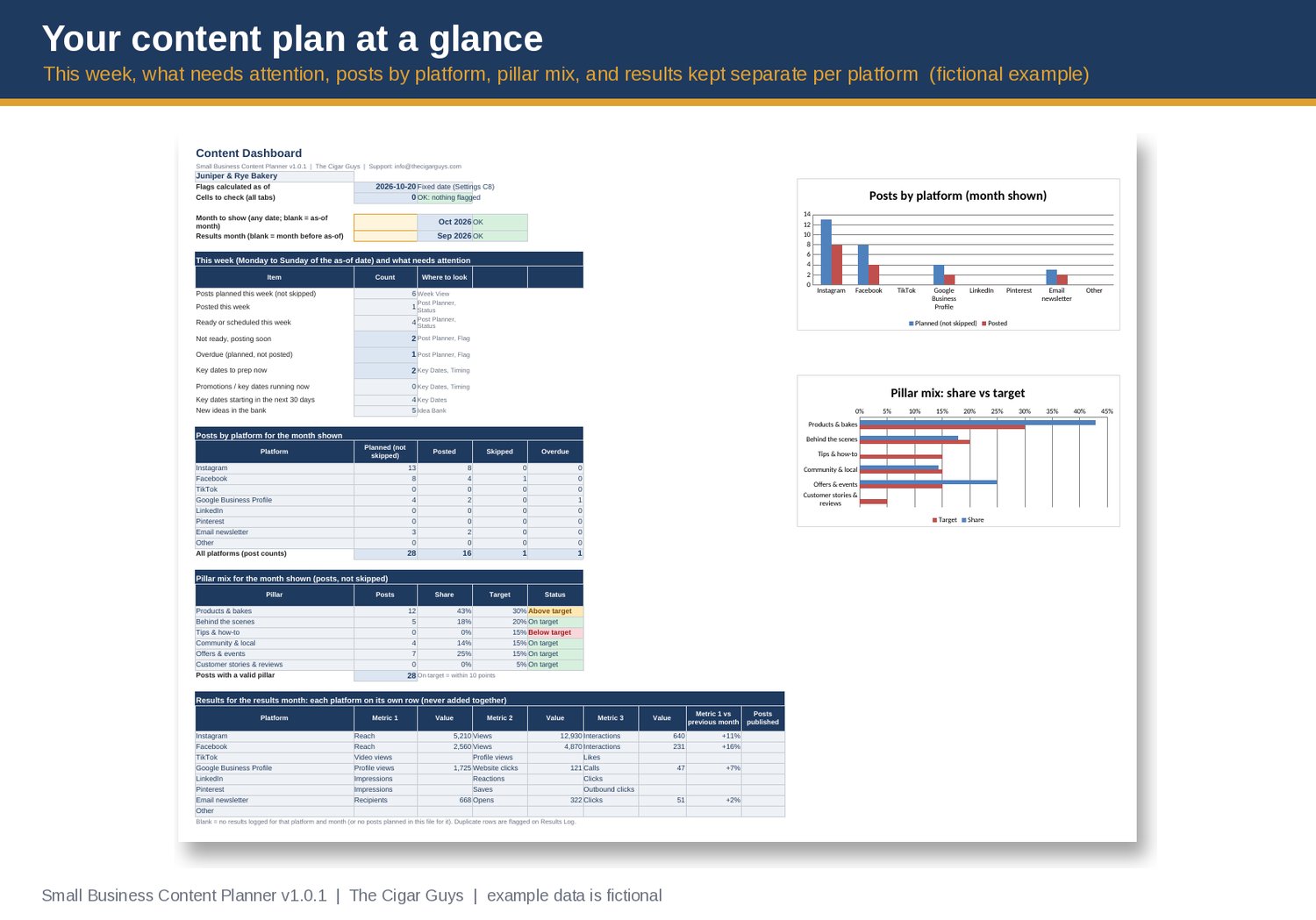
• Content pillars and Idea Bank (300 rows): set up to 6 pillars with a target share of posts, and the dashboard shows whether each pillar is below, on, or above target. Save ideas with pillar, format, best platform, source, and whether they're evergreen, then move them into the planner.
• Batch sessions: plan a month of posts in one sitting, link posts to the batch, and see progress against a target.
• Results Log: one row per platform per month, using the metric names you choose for that platform (for example Reach on Instagram, Profile views on Google Business Profile, Opens on email). Platforms and metrics are never added together, because reach, views, and impressions are counted differently on each one. Metric 1 is compared with the previous month for the same platform only.
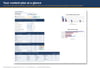
• Dashboard: this week at a glance, posts by platform for any month, pillar mix vs target, and last month's results with one row per platform. 2 charts.
• Check flags on every tab: a post on a platform that isn't on your list, a promotion that doesn't exist, an end date before a start date, a duplicate results row, text where a number should be, and more. They're counted on the dashboard.
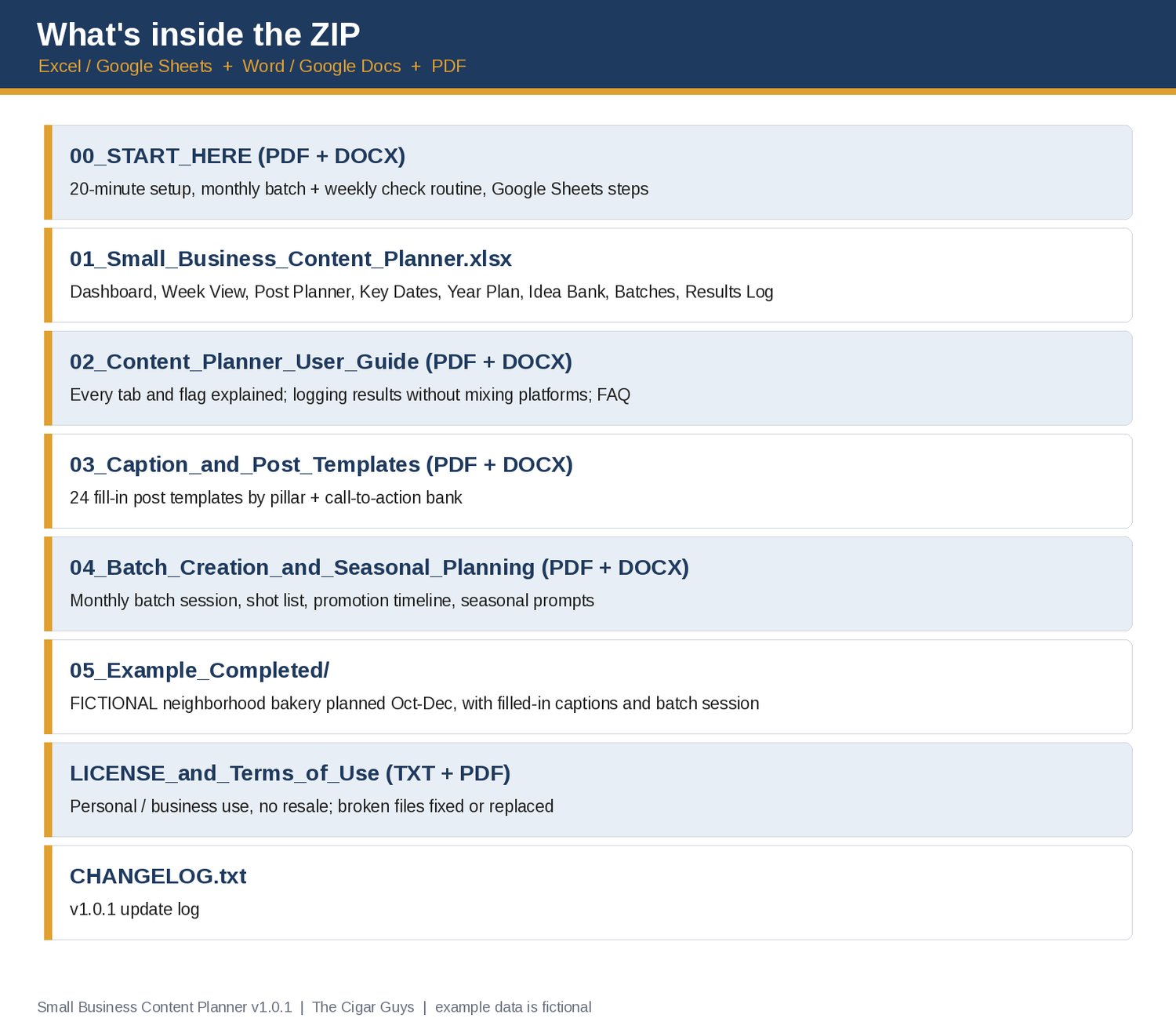
• 24 caption and post templates (PDF + Word), sorted by pillar, plus a call-to-action bank. Fill in the brackets, then edit to sound like you.
• Batch Creation and Seasonal Planning guide (PDF + Word): a 7-step monthly batch session (about 2-3 hours), shot list, promotion timeline, month-by-month seasonal prompts, and a 10-15 minute weekly check.
• Start Here guide and User Guide (PDF + Word), including the steps for Google Sheets.
• A completed FICTIONAL example: a made-up neighborhood bakery planning October to December, with a filled-in planner, captions, and a batch session.
• License and changelog (v1.0).
Who it's for: owners and small teams at local shops, cafes, restaurants, salons, trades, studios, and other service businesses who post on 1-4 platforms and don't have a marketing department.
What it isn't: it doesn't post or schedule for you, and it doesn't connect to Instagram, Facebook, Google, or any other platform. You type in your plan and copy your numbers in once a month. It doesn't promise more followers, reach, or sales. The example bakery, its posts, and its results are fictional and aren't typical results.
Pairs well with:
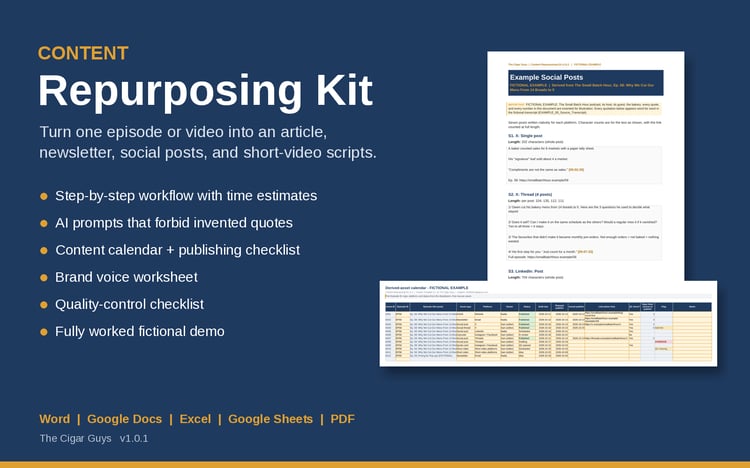
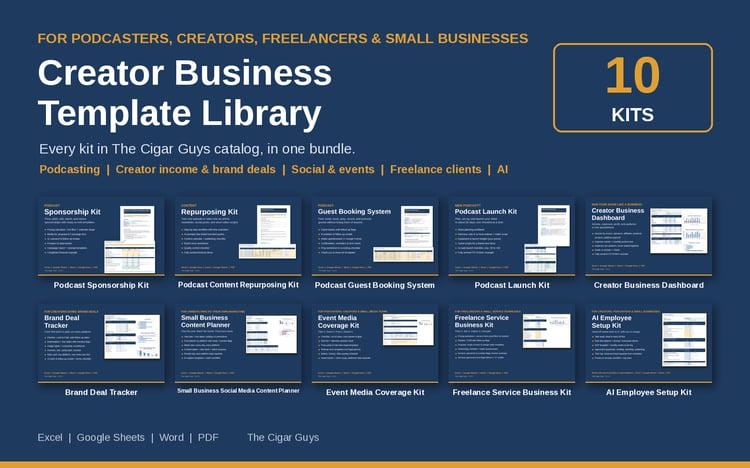
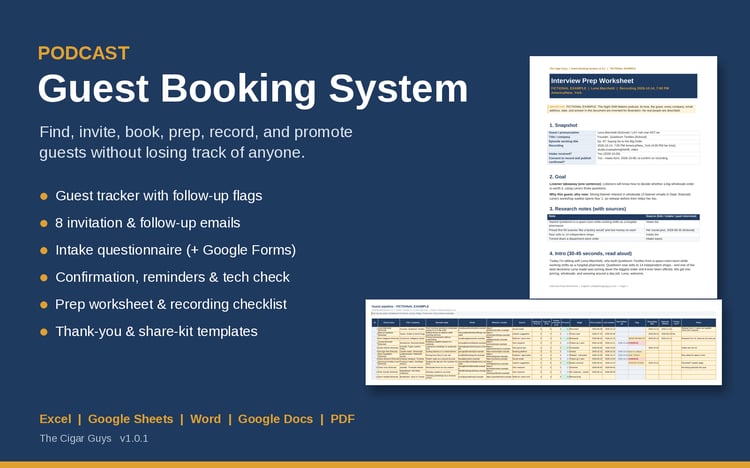
• Content Repurposing Kit (turn one long piece into an article, newsletter, social posts, and short-video scripts, with AI prompts, a brand voice worksheet, and a QC checklist): https://payhip.com/b/vPEeT
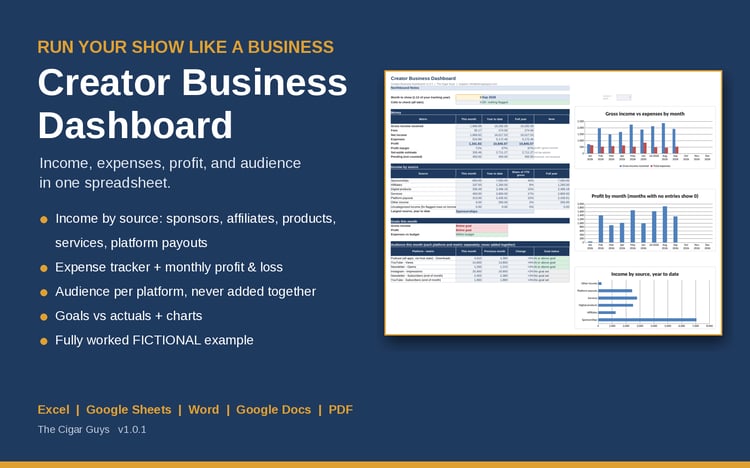
• Creator Business Dashboard (track income from products, services, affiliates, and platform payouts, with expenses and a monthly P&L): https://payhip.com/b/CH2MR
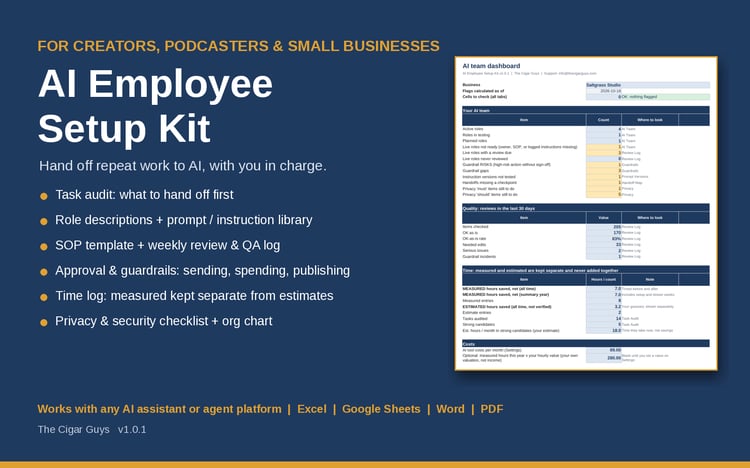
• AI Employee Setup Kit (for handing repeat work to AI assistants with clear guardrails): https://payhip.com/b/3qkGf
Formats: .xlsx, .docx, .pdf. Works in Microsoft Excel and Word, Google Sheets and Docs, and LibreOffice. No macros or add-ons.
Refunds: these are instant digital downloads, so all sales are final and we don't offer refunds. If a file is broken, missing, or won't open, email info@thecigarguys.com and we'll fix or replace it.
License: for your own personal or business use. No resale or redistribution. Questions: info@thecigarguys.com
FAQ
Q: Does it work in Google Sheets?
A: Yes. Unzip on a computer, upload the .xlsx to Google Drive, open it, then choose File > Save as Google Sheets. The formulas use only functions that Excel, Google Sheets, and LibreOffice all support. Charts may look slightly different after conversion.
Q: Does it post or schedule for me?
A: No. It's your plan and checklist. Use whatever you already post with (the apps themselves, Meta Business Suite, or a scheduler), then mark the post Scheduled or Posted.
Q: Which platforms does it cover?
A: Instagram, Facebook, TikTok, Google Business Profile, LinkedIn, Pinterest, and email newsletter are set up, plus one spare. You can rename any of them on the Settings tab, and you choose which metrics to log for each.
Q: Why can't I see total reach across all platforms?
A: Each platform counts reach, views, and impressions differently, so adding them together gives a number that doesn't mean anything. The planner keeps each platform on its own row and compares each one only with its own previous month.
Q: Are holiday dates built in?
A: No, on purpose. Holidays move every year and differ by country and community, so you add the ones you care about on the Key Dates tab. The example shows how, using 2026 US dates.
Q: I'm not a bakery. Will it fit my business?
A: Yes. The bakery is only the example. Pillars, platforms, formats, and post types are all editable, and the templates are written for shops, restaurants, and service businesses.
Q: How is this different from the Content Repurposing Kit?
A: The Repurposing Kit helps you turn one long piece (a blog post, video, or episode) into lots of shorter content. This planner decides what goes out when, on which platform, and around which promotions, and tracks whether it actually went out. They work well together.
Q: Will the flags update by themselves?
A: Yes. They use today's date unless you type a fixed as-of date on the Settings tab.
Q: Can I get a refund?
A: No refunds on digital downloads. These are instant digital downloads, so all sales are final. If a file is broken, missing, or won't open, email info@thecigarguys.com and we'll fix or replace it.
Q: What can I do with the templates? (license)
A: Use and edit them for your own personal or business use, including posts you publish for your business. You can't resell, share, or redistribute the files (edited or not). Full terms are in the ZIP (LICENSE_and_Terms_of_Use).
Q: Will I get updates?
A: Yes. When the planner is updated, the new file replaces the old one in Payhip. You can download it again from your purchase link or customer account, and CHANGELOG.txt lists what changed.
Q: How do I get support?
A: Email info@thecigarguys.com with your order email and the file you're asking about.